Can You Connect Wireless Headphones to Switch Easily

Yes, you can connect wireless headphones to Switch through Bluetooth audio. For the best experience, choose the connection method that matches your play style and headset features.
If you’re asking can you connect wireless headphones to Switch, the short answer is yes. The Nintendo Switch supports Bluetooth audio, so most wireless headphones and earbuds can pair directly without a separate adapter.
That said, the experience is not identical to using them on a phone or laptop. Connection quality, latency, and microphone support can vary by headset, by Switch mode, and by how many controllers or accessories are active at the same time.
- Bluetooth works: The Switch supports wireless headphone pairing directly.
- Latency matters: Casual play is fine, but competitive games may need lower delay.
- Adapters help: Some headsets work better with a USB dongle or docked setup.
- Check mic support: Voice chat and headset features can be limited on Switch.
Can You Connect Wireless Headphones to Switch? What Nintendo Switch Supports in 2026
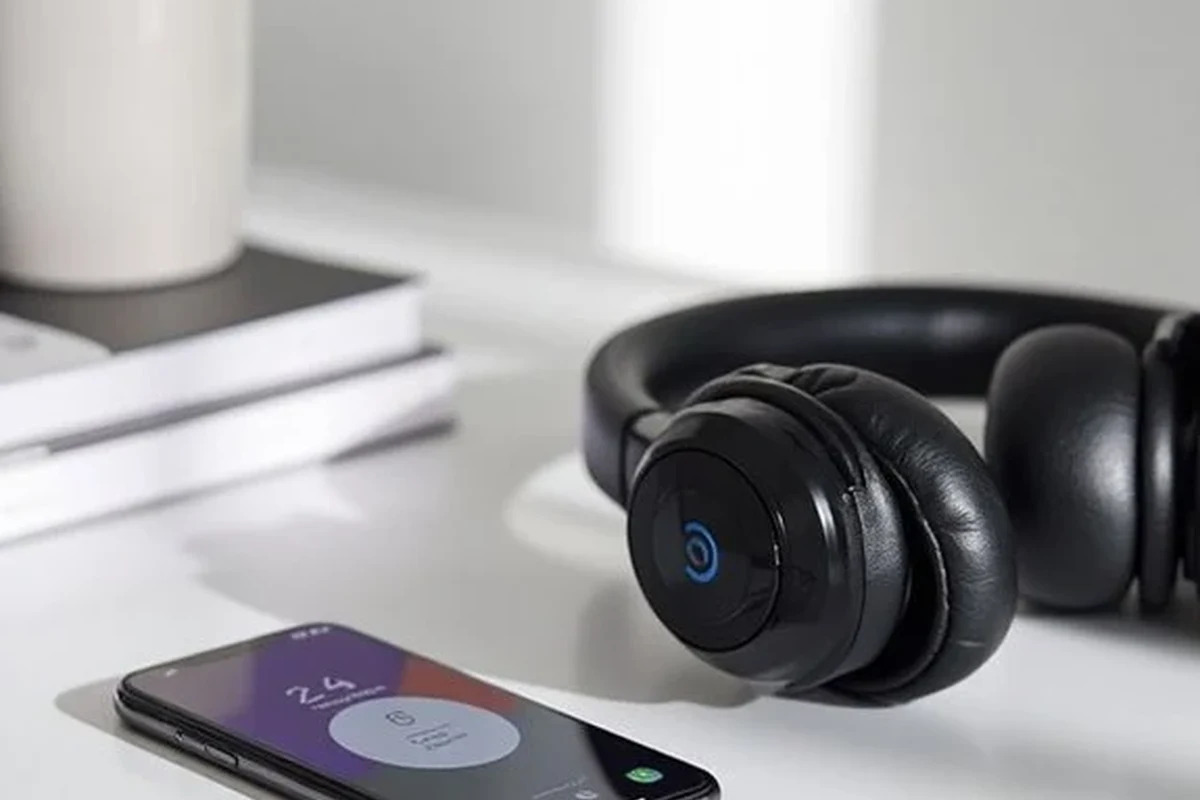
Nintendo added native Bluetooth audio support for the Switch family, which means the console can work with many wireless headphones out of the box. That includes the original Switch, Switch OLED, and Switch Lite, as long as the system software is up to date.
In practical terms, this is good news for players who want fewer cables while gaming in handheld or tabletop mode. It also makes the Switch easier to use with everyday Bluetooth earbuds, which is helpful if you already own a pair for travel or commuting.
Bluetooth audio on Switch is convenient, but it may not feel as instant as a wired connection. Small delays can be noticeable in rhythm games, fast shooters, and competitive play.
If you want a broader look at how wireless audio behaves across devices, our guide on Bluetooth headphones explained simply can help make the basics easier to understand. For readers comparing cable-free listening with old-school wired setups, our wired vs wireless headphones breakdown is also useful.
How to Connect Wireless Headphones to Switch Using Built-In Bluetooth Audio
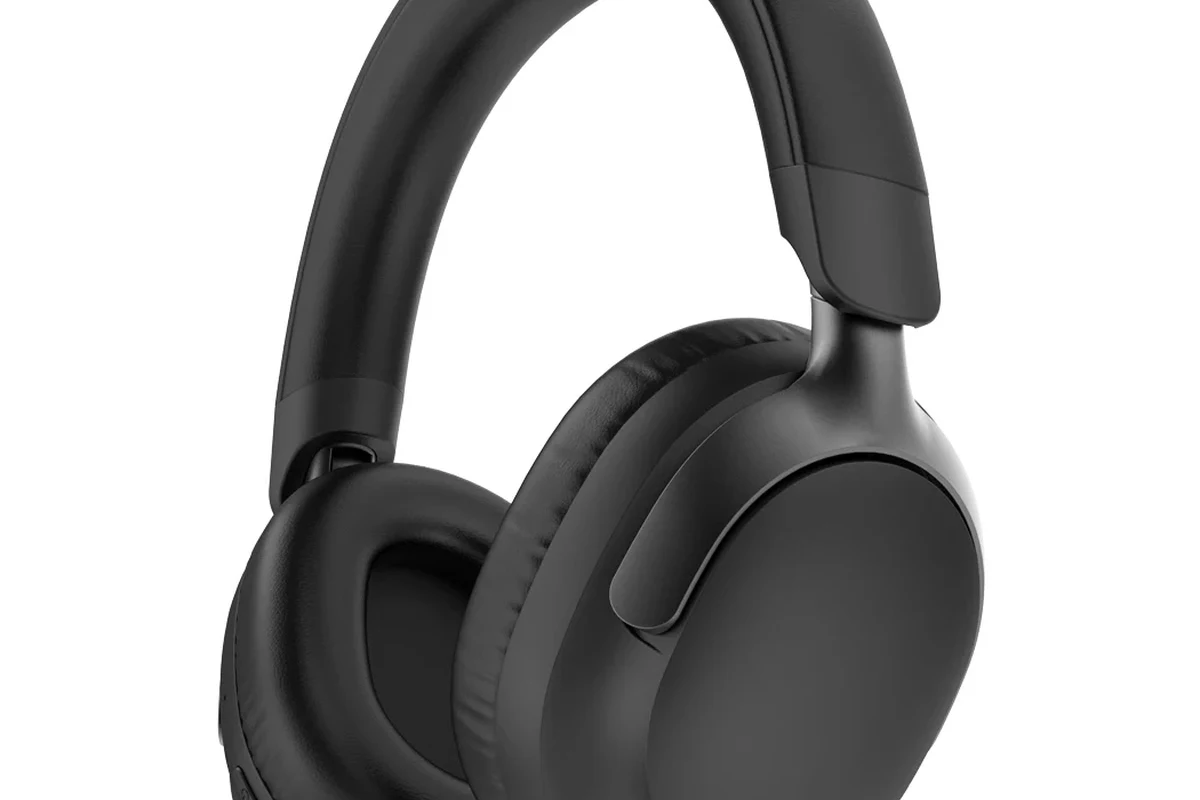
Pairing wireless headphones to the Switch is straightforward once you know where the setting lives. The process is similar across the Switch, Switch OLED, and Switch Lite, but the menu path is the same.
Step-by-Step Pairing Process for Nintendo Switch, Switch OLED, and Switch Lite
From the Home screen, go to System Settings and look for the Bluetooth Audio option.
Use your headset or earbud pairing button until the device enters Bluetooth discovery mode.
Choose your headphones from the list and confirm the pairing request if prompted.
Play a short sound or open a game to make sure the connection is stable and the volume is comfortable.
Listening at high volumes for long periods can cause hearing damage. Keep volume at 60% or below for extended sessions.
When Bluetooth Pairing Works Best: Music, Menus, and Casual Gaming
Bluetooth pairing works best when you want simple, everyday listening. Menus, story games, platformers, and slower-paced titles are usually the easiest fit because tiny audio delays are less distracting.
For casual play, most people care more about comfort and convenience than absolute latency. That is why a good pair of wireless headphones can be a strong choice for handheld gaming, especially if you value portability and less cable clutter.
If your headphones have a low-latency or gaming mode, turn it on before pairing. It may help reduce delay, though results vary by model and game.
Best Wireless Headphone Connection Methods for Switch: Bluetooth, USB-C, and Docked Workarounds
There is more than one way to use wireless headphones with the Switch, and the best option depends on how you play. Bluetooth is the easiest, but USB dongles and docked-TV audio setups can be better for certain headsets and play styles.
Direct Bluetooth vs USB Dongle vs TV Audio Setup
Direct Bluetooth is the simplest option because it needs no extra gear. It works well for most everyday listening, but it can be limited by latency, controller behavior, and the number of wireless devices connected at once.
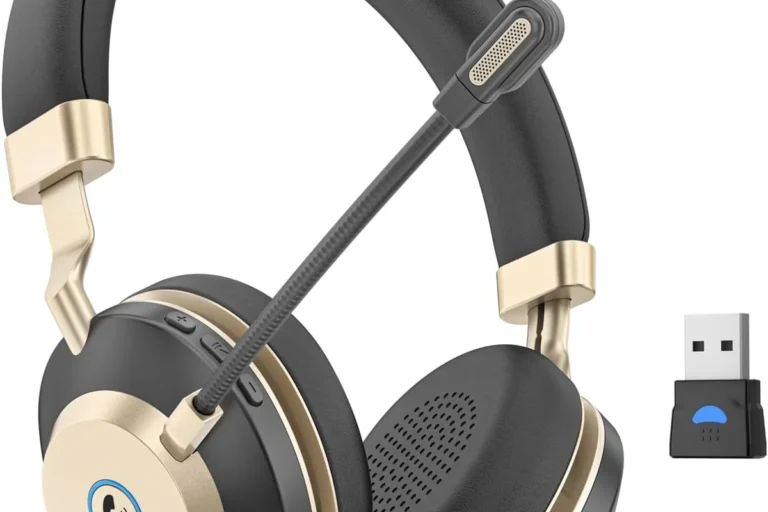
USB dongles are common on gaming headsets and some wireless earbuds. They can offer a more stable connection or lower delay, but they usually require a compatible adapter and may not work the same way in every Switch mode.
TV audio setups are useful when the Switch is docked. In that case, you may connect headphones to the TV, soundbar, or a separate transmitter, which can be more flexible if you already use a home entertainment setup.
Which Method Fits Handheld, Tabletop, and Docked Play
For handheld play, direct Bluetooth is usually the most convenient. You can keep the setup light and portable, which is ideal for travel or couch gaming.
For tabletop play, Bluetooth still makes sense, but you may want to keep the console close to your headphones to avoid dropouts. This is especially true in busy wireless environments.
For docked play, the TV route is often the cleanest solution. It can also be a better fit if you want to use a headset that was designed for a console or PC and depends on a USB adapter.
The Switch can support Bluetooth audio, but some wireless features people expect on phones, like easy mic support, may not behave the same way in games.
Common Problems When Connecting Wireless Headphones to Switch
Most connection issues are not caused by a broken headset. They usually come from Bluetooth limits, interference, or feature mismatches between the headphones and the console.
Audio Lag, Dropouts, and Microphone Limitations
Audio lag is the most common complaint. Even if the delay is small, it can be enough to make timing feel off in action games or rhythm titles.
Dropouts can happen if the headset is too far away, if the Switch is under heavy wireless load, or if the room has a lot of Bluetooth traffic. Mic support is another common limitation, since many wireless headsets do not offer full voice-chat behavior through the Switch’s Bluetooth audio path.
If you need reliable voice chat, check the headset’s actual Switch compatibility before buying. Some models sound fine for game audio but do not handle microphone use the way players expect.
Controller Disconnects and Device Pairing Conflicts
Because the Switch also relies on wireless controllers, pairing conflicts can sometimes appear when multiple Bluetooth devices are active. This is one reason some players notice controller instability after adding headphones.
If that happens, disconnect unused wireless accessories, re-pair the headphones, or restart the console. If you need help resetting a headset that is acting strangely, our guide on how to reset Bluetooth headphones may be useful.
Expert Advice: What to Avoid Before Buying Wireless Headphones for Switch
Before you buy, focus less on marketing labels and more on real-world compatibility. The best headset for Switch is not always the one with the biggest feature list.
Why Some Gaming Headsets Still Need a USB Adapter
Many gaming headsets still depend on a USB wireless adapter because that is how they deliver stable low-latency audio. That can be a good thing for performance, but it means the headset may not behave like a simple Bluetooth pair-and-play device.
If you want the most flexible setup, check whether the headset supports both Bluetooth and USB wireless modes. That gives you more options for handheld, docked, and multi-device use.
If you experience ongoing hearing discomfort, ringing, or pressure after long gaming sessions, speak with an audiologist. They can help you choose safer volume habits and check whether your listening setup is contributing to the issue.
Warning Signs of Poor Latency and Incompatible Features
Be cautious if a product description is vague about Switch support, latency, or microphone behavior. “Works with Bluetooth” does not always mean “works well for gaming.”
Also watch for headsets that only advertise phone-friendly features. Some are great for music and calls but less suitable for games where timing matters. If you want to compare connection behavior more broadly, our article on how to connect Bluetooth headphones covers the basics of pairing and device setup.
- Switch compatibility notes
- Latency or gaming mode support
- Mic support on console
- Battery life in wireless mode
Wireless Headphone Options for Switch: Budget Picks vs Premium Picks in 2026
Wireless headphone pricing can vary widely by brand, build quality, and feature set. In general, budget models are best for simple listening, while premium models are more likely to offer stronger comfort, better tuning, and more flexible connectivity.
Price Comparison by Connection Type and Feature Set
Budget Bluetooth earbuds can be a smart way to start if you mainly play portable games and want something compact. Premium gaming headsets may cost more, but they often include better cushions, stronger battery life, and more reliable multi-device support.
Best Value Choices for Kids, Travelers, and Competitive Players
Kids often benefit from lightweight, simple headphones with easy controls and a comfortable fit. Durability and volume management matter more here than fancy audio extras.
Travelers usually want compact earbuds or foldable over-ear headphones that are easy to pack. If you also use headphones on planes, our guide on wireless headphones airplane explains what to expect when flying.
Competitive players should prioritize low latency, stable connectivity, and comfort over long sessions. A wired connection is still the safest choice for absolute responsiveness, but a quality wireless headset with a dongle may be a workable middle ground.
- No cable clutter
- Easy handheld setup
- Good for travel and casual play
- Possible audio delay
- Mic support can be limited
- Some models need adapters
Practical Use Cases: How Different Players Use Wireless Headphones on Switch
The best connection method depends on how you actually play. A setup that feels perfect for one person may be frustrating for another, especially if gaming habits are very different.
Portable Gaming on the Go
Portable players usually want fast setup and minimal gear. Direct Bluetooth is often the simplest choice because it keeps the Switch setup compact and easy to carry.
This is also the use case where comfort matters most. Lightweight earbuds or soft over-ear headphones can make long sessions easier, especially if you play on commutes, trips, or short breaks throughout the day.
Split-Screen and Couch Co-Op Without Cable Clutter
For couch co-op, wireless headphones can help reduce clutter around the TV area. That makes it easier to move around, hand controllers between players, or keep the living room tidy.
Just remember that multiple wireless devices in one room can create interference. If a headset cuts out or sounds unstable, the issue may be the environment rather than the headphones themselves.
- Yes, the Switch supports Bluetooth audio for many wireless headphones.
- Bluetooth is easiest, but USB dongles and TV audio can be better for some setups.
- Latency, mic support, and wireless interference are the main limits to watch.
- Casual and portable gaming benefit most from wireless convenience.
Final Recap: The Easiest Way to Connect Wireless Headphones to Switch
If you want the simplest answer to can you connect wireless headphones to Switch, yes—you usually can through built-in Bluetooth audio. For most players, that is the easiest and most convenient way to go.
Still, the best setup depends on how sensitive you are to delay, whether you need microphone support, and whether you play handheld, tabletop, or docked. If you want the least hassle, start with Bluetooth; if you want more stability or lower latency, look at a compatible USB adapter or a TV-based audio solution.
Important
Always check compatibility details before buying, and keep volume at a safe level for long sessions.
Frequently Asked Questions
Not always. Wired headphones usually offer lower latency, while wireless headphones are better for convenience and cable-free play.
They can be helpful in noisy rooms or while traveling. Just remember that noise cancelling affects outside sound more than game audio quality.
Closed-back headphones are usually better for Switch because they block more outside noise and keep game sound contained. Open-back models can sound spacious, but they leak sound and are less practical in shared spaces.
Over-ear headphones are often the most comfortable for long sessions, while in-ear earbuds are the most portable. On-ear models can be a middle ground, but fit and comfort vary a lot by head shape.
Focus on connection type, latency, comfort, battery life, and whether the headset supports microphone use on Switch. Sound tuning, bass, and clarity also matter, but they depend on personal preference.
Look for lightweight designs, soft ear cushions, and an adjustable headband. If you feel pressure or fatigue, take breaks and lower the volume to a safer level.