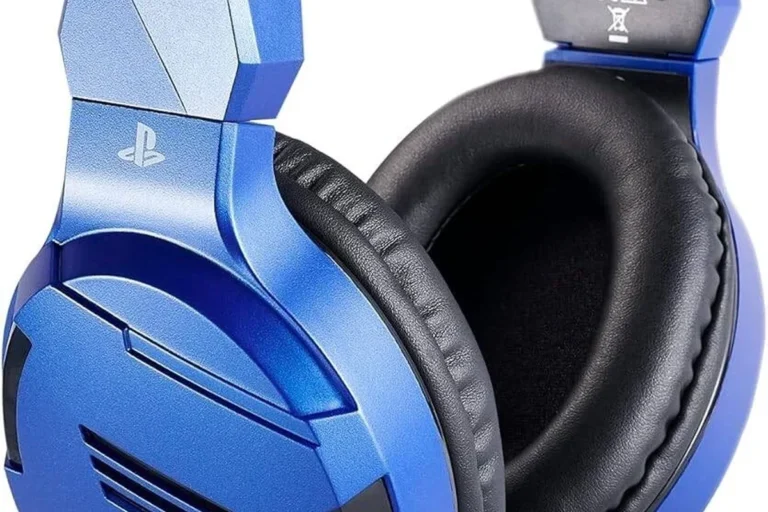
Can You Use Bluetooth Headphones on PS4 Easy Guide

Yes, but PS4 Bluetooth support is limited, so most standard Bluetooth headphones will not connect reliably on their own. The easiest solution is usually a USB Bluetooth adapter or a PS4-compatible wireless headset with a dongle.
If you’re wondering whether you can use Bluetooth headphones on PS4, the short answer is yes, but not always directly. The PS4 has limited Bluetooth audio support, so most standard wireless headphones will need a workaround such as a USB adapter, a compatible dongle, or your TV’s Bluetooth output.
- Direct pairing: Often fails with standard Bluetooth headphones.
- Best workaround: Use a USB transmitter or PS4-ready wireless dongle.
- Main issue: Latency and mic support can affect gameplay and chat.
- Best value: Wired headsets remain the most dependable choice.
Can You Use Bluetooth Headphones on PS4? Quick Answer for 2026
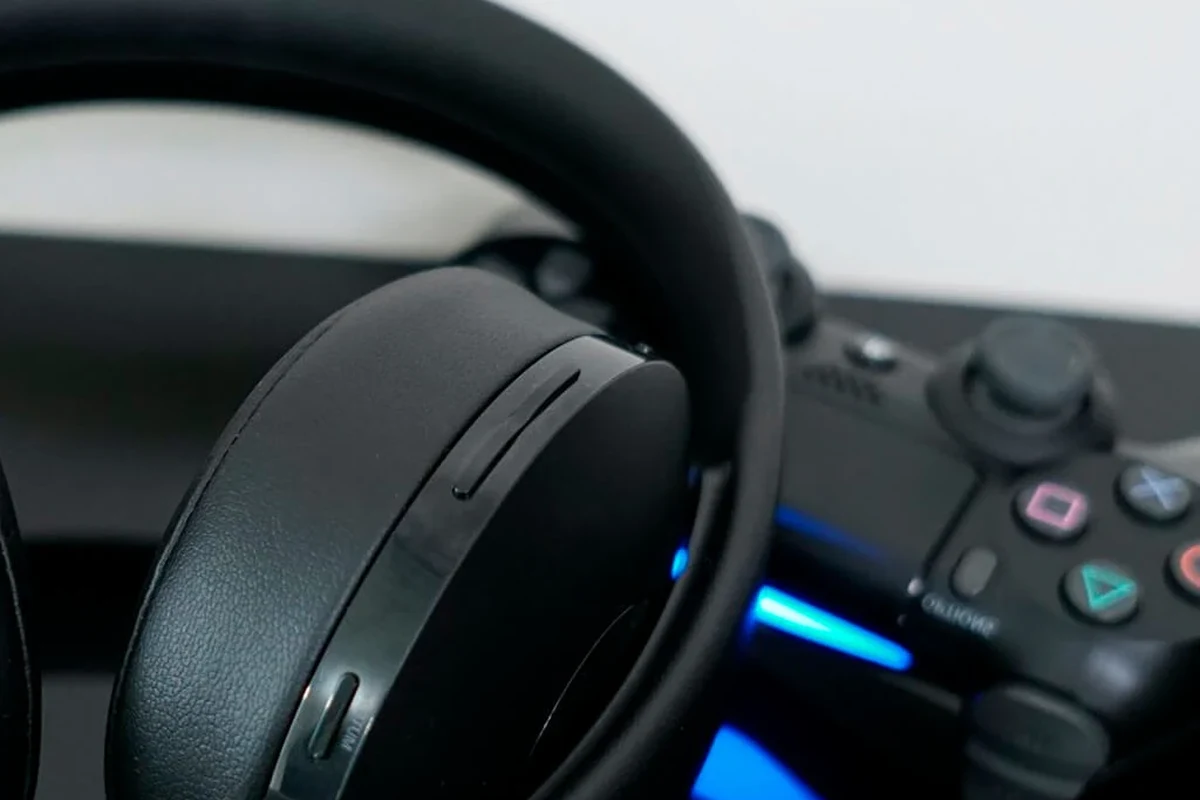
In 2026, the most practical answer is still the same: Bluetooth headphones can work with PS4, but the console does not support every headset the way a phone or laptop does. Many gamers are surprised when pairing fails, especially with popular consumer headphones that work perfectly elsewhere.
If you want the smoothest setup, a PS4-compatible wireless headset or a USB Bluetooth transmitter is usually the safest route. For readers comparing wireless options in general, our guide on Bluetooth vs wired headphones explains why latency and connection stability matter so much for gaming.
How PS4 Bluetooth Audio Works and Why Compatibility Is Limited
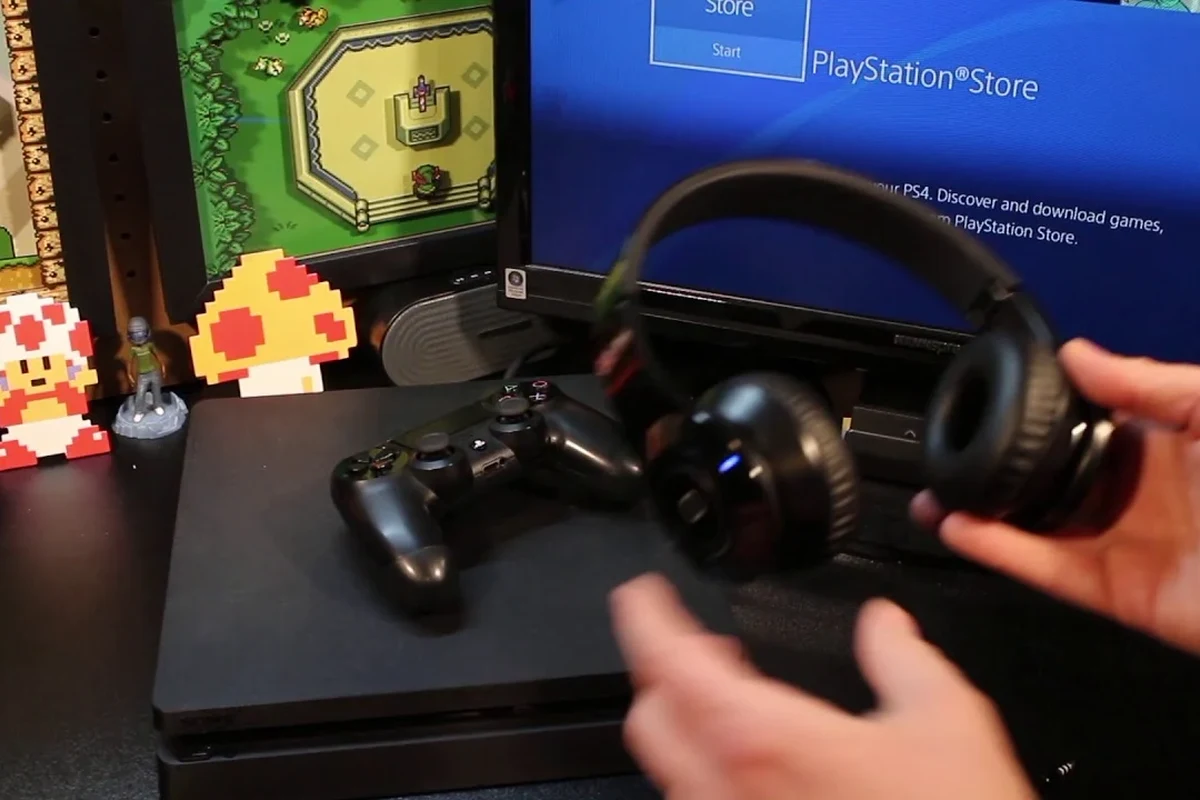
PS4 uses Bluetooth in a more restricted way than most people expect. The console can handle certain accessories, but it does not offer broad support for standard Bluetooth audio devices the same way a phone or PC might.
That means a headset may connect in theory, but still fail when it comes to game audio, chat audio, or both. The result is often confusion: the headset appears in pairing mode, yet the PS4 refuses to complete the connection.
Supported vs unsupported Bluetooth devices
Some Bluetooth accessories are designed specifically for PlayStation use, while many regular headphones are not. In general, PS4 is more likely to work with a headset that includes its own USB dongle or one that explicitly lists PS4 support.
Standard Bluetooth headphones, earbuds, and speakers may be unsupported or only partially supported. Even if they connect, the microphone may not work, or the audio may drop out during gameplay.
Why many standard Bluetooth headphones fail on PS4
The biggest reason is compatibility, not quality. A headset can sound great on your phone and still fail on PS4 because the console expects a specific type of Bluetooth profile or accessory behavior.
Latency is another issue. Bluetooth audio can arrive slightly late, which is especially noticeable in fast games, dialogue-heavy scenes, and online chat. If you want a deeper look at wireless delay, our article on Bluetooth headphone lag fix covers the basics in simple terms.
Best Ways to Connect Bluetooth Headphones to PS4
There are a few reliable ways to get wireless audio on PS4, and the best method depends on your headset and how you play. Some options are better for solo gaming, while others are more suitable for party chat and longer sessions.
Using a USB Bluetooth audio adapter
A USB Bluetooth adapter or transmitter is one of the most common workarounds. You plug it into the PS4, pair your headphones to the adapter, and let the adapter handle the wireless connection instead of the console.
This approach can be convenient, but performance varies by brand, codec support, and setup quality. A low-cost transmitter may work for casual play, but it may also introduce delay or weaker microphone support.
Using a PS4-compatible wireless headset dongle
Many gaming headsets use their own USB dongle rather than standard Bluetooth pairing. This is often the most dependable wireless method because the headset and dongle are designed to work together.
For most players, this method offers better stability than trying to force a regular Bluetooth headset to connect. It is also usually easier to set up, which makes it a good choice for beginners.
Connecting through your TV or monitor Bluetooth
Some TVs and monitors include Bluetooth audio output, and that can be another way to listen to PS4 sound wirelessly. In this case, the console sends audio to the display, and the display forwards it to your headphones.
This option can work well for casual gaming, but it depends heavily on your TV’s audio processing. Some displays add extra delay, which can make lip-sync and action timing feel off.
Step-by-Step Setup Guide for the Most Reliable Method
If you want the least frustrating setup, a USB Bluetooth transmitter is usually the easiest middle ground. It avoids the PS4’s built-in Bluetooth limitations while still letting you use your favorite wireless headphones.
Before buying any adapter, check whether it supports low-latency audio and whether it works with both game sound and voice chat. That small detail can make a big difference in daily use.
Pairing a Bluetooth transmitter with PS4
First, plug the transmitter into the PS4’s USB port or the appropriate audio output on your setup. Put the transmitter into pairing mode, then switch your Bluetooth headphones into pairing mode as well.
Once they connect, wait a few seconds to make sure the link is stable. If the adapter has indicator lights or a status app, use them to confirm the device is fully paired before starting a game.
Adjusting PS4 audio output settings
After pairing, go into PS4 audio settings and choose the correct output device. Depending on your setup, you may need to select USB audio or route the sound through the controller or TV.
It also helps to check volume balance and chat settings. Some setups send game audio correctly but leave voice chat too quiet, so a quick settings check can save time later.
Testing game audio and chat audio separately
Always test audio in two parts: game sound and party chat. Game audio tells you whether the connection is stable, while chat audio shows whether the microphone path is working properly.
If one works and the other does not, the problem is often the adapter or headset profile rather than the PS4 itself. That distinction matters because it tells you whether to adjust settings or replace the hardware.
Common Problems and Mistakes Gamers Make
Most Bluetooth-on-PS4 complaints come from the same few issues. The good news is that many of them can be avoided by choosing the right adapter and checking compatibility before you buy.
Not every Bluetooth transmitter supports voice chat, and not every headset microphone will work through every adapter. Always verify both audio and mic compatibility before purchase.
Audio lag and lip-sync delay
Lag is one of the most common frustrations with wireless gaming audio. Even a small delay can make dialogue look out of sync with the screen or make rhythm-based gameplay feel awkward.
Low-latency support can help, but it is not magic. Results vary by transmitter, headset, TV, and room interference, so there is no one-size-fits-all guarantee.
Mic not working in party chat
Another common mistake is assuming the headset microphone will work automatically. Some Bluetooth headphones are fine for listening but do not pass voice chat properly through the PS4 setup.
If mic support matters, look for a solution that explicitly mentions chat compatibility. Otherwise, you may end up with great game audio and no way to talk to friends.
Choosing a transmitter with poor codec support
Codec support can affect how clean and responsive the audio feels. A basic transmitter may connect, but it may not deliver the same experience as one built for gaming or low-latency playback.
This is why it helps to read the product details carefully instead of assuming all Bluetooth adapters behave the same. For more background on wireless connection basics, see our guide on how to connect Bluetooth headphones.
Expert Advice: What to Look for Before Buying a Bluetooth Solution
The best Bluetooth solution for PS4 is the one that matches your use case. A casual player, a competitive gamer, and a chat-heavy party gamer may all need different features.
If you have hearing concerns, ringing in the ears, or discomfort during long sessions, it is worth speaking with an audiologist or hearing professional. Safe volume habits matter just as much as headset quality.
Latency, codec support, and range
Latency should be at the top of your checklist if you play action games, shooters, or rhythm titles. Codec support and transmitter quality can influence how responsive the audio feels, but real-world performance still depends on your full setup.
Range matters too. Even a good headset can stutter if you move too far from the transmitter or if the signal has to pass through too many obstacles.
Battery life, comfort, and microphone quality
Wireless convenience is less useful if the battery dies in the middle of a session. Comfort also matters, especially if you wear headphones for long evening play sessions or weekend marathons.
Mic quality is another big factor for multiplayer users. If you mostly play solo, sound quality may matter more than voice pickup, but party chat players should prioritize clarity and reliable voice transmission.
When a wired headset is still the better choice
Sometimes the simplest answer is still the best one. A wired headset removes latency concerns, avoids pairing problems, and usually gives you the most predictable PS4 audio experience.
If you want a reliable backup or you play competitively, wired can be the smarter value. Wireless is great for convenience, but it is not always the best match for every gamer.
Listening at high volumes for long periods can cause hearing damage. Keep volume at 60% or below for extended sessions.
Cost Comparison: Bluetooth Adapter vs PS4 Wireless Headset
Cost is a major part of the decision. A Bluetooth adapter may be cheaper up front, but a PS4-compatible wireless headset can be easier to use and more consistent over time.
Budget-friendly options for casual players
Budget buyers often start with a simple USB Bluetooth transmitter or a basic headset that includes a dongle. This can be a sensible way to get wireless audio without replacing your current headphones.
That said, low-cost solutions may involve trade-offs in latency, mic quality, or durability. If you only play occasionally, those compromises may be acceptable.
Mid-range and premium picks for better gaming performance
Mid-range and premium wireless gaming headsets usually offer better plug-and-play convenience, stronger connection stability, and more consistent chat support. They may also be more comfortable for long sessions, depending on the design.
A more expensive solution does not automatically sound better, but it often reduces setup headaches. That can be worth paying for if you game often or share the console with family members.
Final Verdict: Is Bluetooth Worth It for PS4 in 2026?
Yes, you can use Bluetooth headphones on PS4, but the experience depends heavily on the method you choose. Direct pairing is often limited, so most players will get better results with a USB transmitter or a PS4-compatible wireless headset.
If you value convenience and already own good Bluetooth headphones, a compatible adapter can be a practical solution. If you want the most reliable gaming experience, especially for chat and low latency, a wired headset or a headset made for PS4 is usually the safer choice.
- PS4 Bluetooth support is limited, so direct pairing often fails.
- USB transmitters and PS4-ready dongles are the most reliable wireless options.
- Low latency and mic support matter most for gaming and party chat.
- Wired headsets still offer the simplest and most stable setup.
Compatibility can vary by headset model, adapter brand, TV settings, and even room interference. Always check the product’s PS4 support details before buying.
Frequently Asked Questions
Not always. Wired headphones usually offer more stable audio and lower delay, while wireless models win on convenience.
Look for low-latency support, PS4 compatibility, and microphone support if you want party chat. Build quality and range also matter.
They can be helpful if you play in a noisy room. Just make sure the headset still feels comfortable and does not add too much latency.
Closed-back headphones are usually better for gaming because they isolate outside noise and keep sound from leaking. Open-back models can sound wider, but they are less private.
Focus on comfort, latency, mic support, and tuning that keeps voices clear. Frequency response, driver type, and EQ options can also influence bass and clarity.
Pick a lightweight headset with soft ear cushions and a secure fit. Durable build quality and good battery life are also important for long sessions.