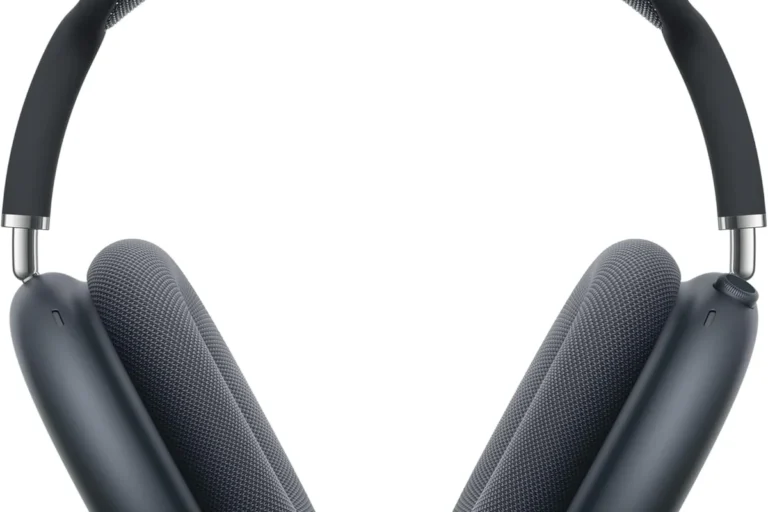
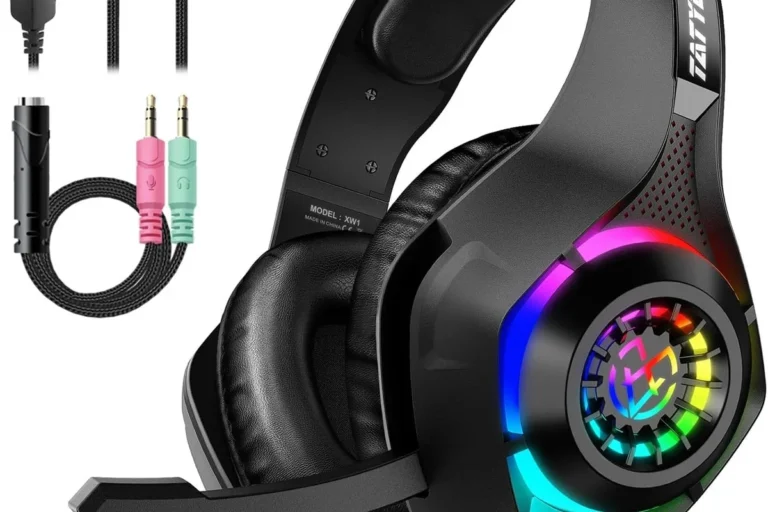
Can You Use USB Headphones on Xbox One for Gaming

Most standard USB headphones do not work properly on Xbox One for full game audio and chat. The best choice is usually an Xbox-compatible headset, a 3.5mm wired headset, or an Xbox Wireless model.
If you’re wondering can you use usb headphones on xbox one, the short answer is: sometimes, but not in the simple plug-and-play way most people expect. Xbox One is far more limited with USB audio than a PC, so many USB headphones work only in specific setups, while others won’t work for game sound or chat at all.
The safest approach is to check the headset type, the connection method, and whether the product is actually Xbox-compatible. If you want a broader overview of headset types before buying, our guide to types of headphones explained can help you understand the differences between wired, wireless, and USB models.
- USB is limited: Most generic USB headphones are not fully supported on Xbox One.
- Compatibility matters: Look for clear Xbox support, not just a USB plug.
- Wired is reliable: A 3.5mm controller headset is often the simplest option.
- Wireless can be easiest: Xbox Wireless headsets are usually the most plug-and-play.
Can You Use USB Headphones on Xbox One? What Actually Works in 2026
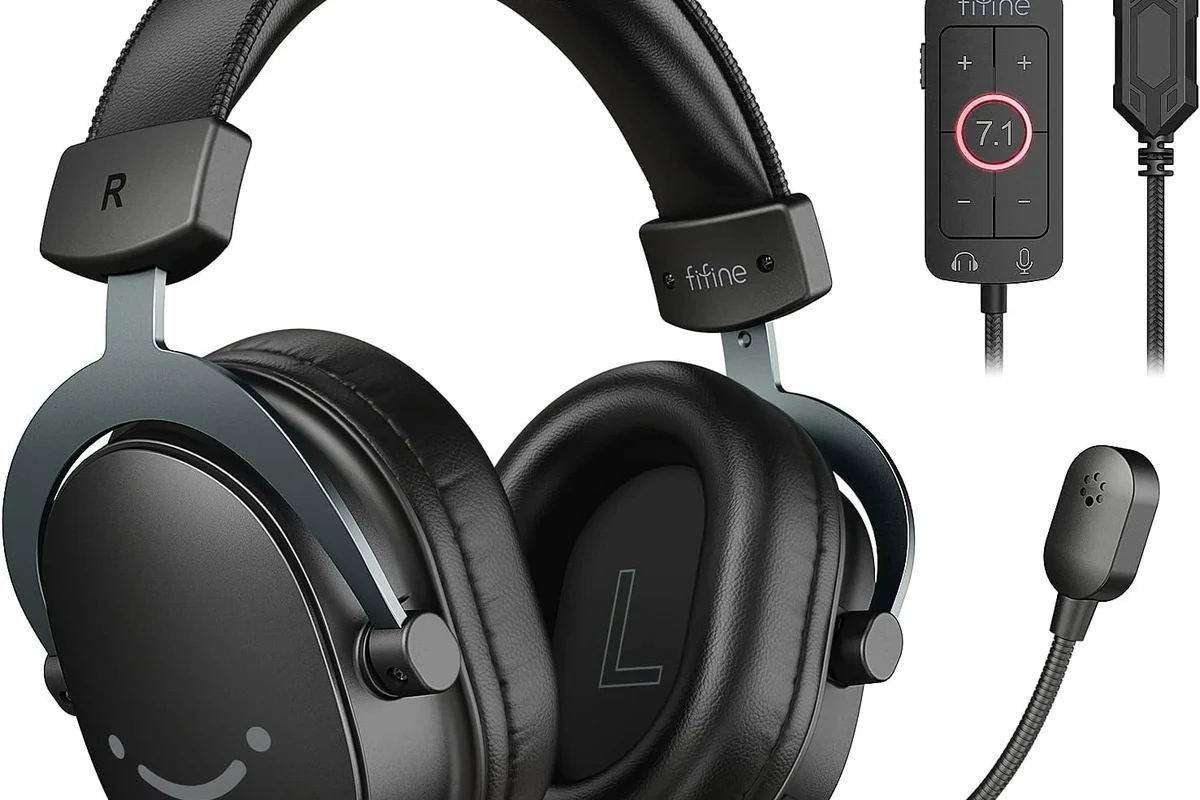
In 2026, the answer is still mostly the same: standard USB headphones are usually not supported directly by Xbox One for full gaming audio. Some models may power on or work for limited functions, but that does not mean they will deliver game sound, voice chat, and microphone support the way they do on a PC.
That’s why many gamers get confused. A headset can be “USB” and still be designed for Windows, Mac, or PlayStation-style use only. On Xbox One, the console decides what audio devices it recognizes, and that list is much narrower than what you may see on a computer.
How Xbox One Handles USB Audio: Why Most USB Headphones Don’t Just Plug In
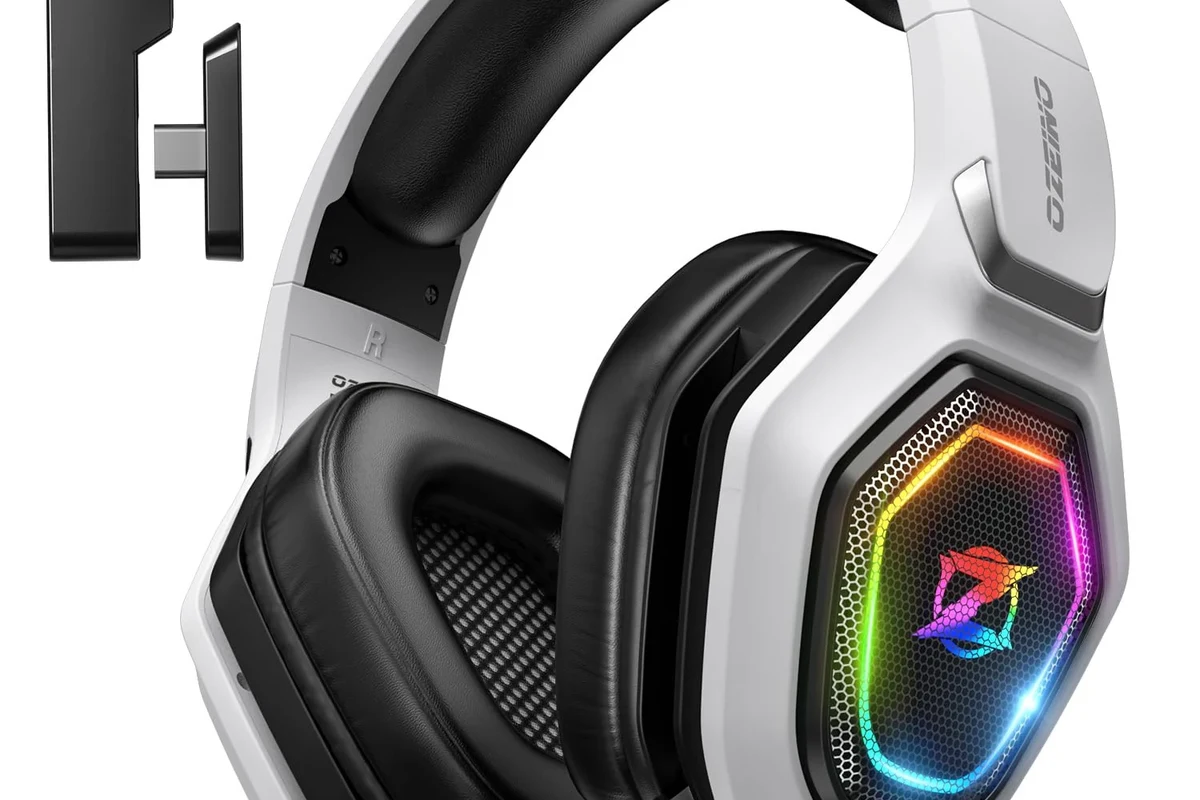
Xbox One was not built to accept every USB audio device as a universal headset input. In many cases, the console will ignore standard USB headphones because it does not treat them like a supported gaming accessory.
That can be frustrating, especially if the headset works perfectly on a laptop or desktop. The issue is not usually the headphones themselves. It is the Xbox One’s limited support for USB audio profiles and headset communication.
USB headset vs. USB DAC vs. wireless dongle: the key difference
A USB headset is a headphone-and-mic combo that connects by USB. A USB DAC is a digital-to-analog converter that changes the audio signal and may feed sound to headphones, but it still needs Xbox support or a separate audio source.
A wireless dongle is different again. Some headsets use a USB transmitter that talks to the headset wirelessly, and those are more likely to work if the brand specifically supports Xbox. The important detail is that “USB” can mean several different things, and not all of them behave the same on Xbox One.
Compatibility depends on the headset design, not just the connector shape. Always look for Xbox support in the product description, not only “USB” on the box.
What Xbox One supports for gaming audio and chat
For most players, Xbox One works best with headsets that connect through the controller’s 3.5mm jack, through an Xbox-compatible wireless system, or through the TV/monitor audio path. Those are the most reliable ways to get game sound and chat without troubleshooting every time you boot the console.
USB audio support is much more limited, so even if a headset powers on, you may still lose microphone chat or hear only partial audio. If you want a deeper look at wireless behavior across devices, our article on Bluetooth headphones explained simply is a useful background read.
When USB Headphones Do Work on Xbox One: Real-World Setup Scenarios
There are a few situations where USB headphones can work with Xbox One, but they usually involve extra hardware or a very specific headset. In other words, the headset may work indirectly rather than plugging straight into the console and instantly functioning as a full Xbox headset.
USB headsets with Xbox-compatible wireless adapters
Some gaming headsets use a USB wireless dongle that is designed specifically for Xbox compatibility. In those cases, the USB piece is not acting like a generic USB audio device; it is part of a proprietary wireless system approved for the console.
This is the closest thing to true plug-and-play USB headphone use on Xbox One. Still, the headset must explicitly mention Xbox support, because many similar-looking dongles are made only for PC or PlayStation.
Headphones used through the TV, monitor, or external DAC instead of the console
Another workaround is using headphones through your TV, monitor, or an external audio device rather than connecting them directly to the Xbox. If your display has a headphone output, optical audio path, or supported audio passthrough, you may be able to listen that way.
This can be a good option for stereo sound, but it does not always solve microphone chat. If you want to understand how audio routing affects comfort and long listening sessions, it can also help to review how noise cancelling headphones work so you know what features matter most in a gaming setup.
USB audio on party chat or media playback: limited but possible cases
In a few limited cases, USB audio may work for media playback or through a specific app setup, but this is not the same as full gaming support. Party chat can be even more inconsistent, because voice input and output need to be recognized separately.
If your goal is reliable voice chat with friends, assume that standard USB headphones are a gamble unless the headset is clearly labeled for Xbox use. For most users, that saves a lot of trial and error.
Do not assume a headset will support both game audio and microphone chat just because it connects by USB. Xbox One compatibility must be confirmed by the manufacturer.
Best Ways to Use Headphones on Xbox One Without Frustration
If you want the least stressful setup, choose a connection method that Xbox One already handles well. That usually means wired controller audio, Xbox Wireless headsets, or audio routed through your TV or monitor.
3.5mm controller connection for wired gaming headsets
This is one of the simplest and most reliable options. If your Xbox controller has the 3.5mm headset jack, many wired gaming headsets will work without special drivers or extra dongles.
It is also easy to replace if a cable wears out. For players who want dependable chat and game audio on a budget, this is often the best starting point.
Optical, TV, or monitor audio output for better stereo sound
Routing sound through your TV or monitor can be a smart move if you mainly care about stereo listening. This setup may also work well for players who already use a separate DAC or amplifier for headphone listening.
The tradeoff is convenience. You may get good sound, but microphone chat and game/chat balancing can be harder to manage than with a headset made specifically for Xbox.
Xbox Wireless headsets as the easiest plug-and-play option
If you want the smoothest experience, Xbox Wireless headsets are usually the easiest choice. They are designed to work with the console’s ecosystem, so you avoid most of the compatibility problems that come with generic USB headphones.
They can also be more convenient for couch gaming because you don’t have to keep a cable plugged into the controller. For readers comparing headset styles, our guide on headphones vs earphones complete guide can help you decide whether over-ear comfort or a lighter in-ear option makes more sense.
Common Mistakes Gamers Make With USB Headphones on Xbox One
Most USB headphone problems on Xbox One come from assumptions, not broken hardware. The headset may be fine, but the connection method or compatibility expectation is wrong.
Assuming every USB headset supports Xbox compatibility
This is the biggest mistake. Many USB headsets are designed primarily for PC use and may not function properly on Xbox One, even if they are high quality.
Always look for “Xbox One compatible,” “Xbox Series compatible,” or a clear statement about console support. If that information is missing, treat the headset as PC-only until proven otherwise.
Expecting microphone chat to work through standard USB audio
Some headsets may produce sound but fail to activate the microphone. Others may do the opposite, which is even more confusing when you are trying to join a party or game lobby.
That is because Xbox chat support depends on how the console recognizes the device, not just whether the headset can output audio. If voice chat matters to you, confirm that the mic is supported before buying.
Using USB hubs, adapters, or splitters that break recognition
Extra accessories can make things worse. USB hubs, cheap adapters, and random splitters may reduce power or interfere with device recognition, especially when the headset already has limited console support.
When possible, test the headset directly and keep the setup simple. The fewer middle pieces in the chain, the fewer chances there are for the console to ignore the device.
Many “USB headsets” are really just PC headsets with a built-in sound card, which is why they can fail on consoles even when the plug fits.
Expert Advice: What to Check Before Buying a Headset for Xbox One
Before you buy, focus on compatibility first and sound quality second. A great-sounding headset is not useful if the console cannot recognize it for chat or game audio.
Compatibility labels, console support, and chat functionality
Read the product page carefully and look for exact Xbox support language. If the listing only mentions PC, Mac, or “USB audio,” that is not enough for Xbox One.
Also check whether the microphone is supported. A headset that plays sound but does not handle chat well can be disappointing for multiplayer gaming.
If you have hearing concerns, tinnitus, or discomfort during long gaming sessions, consider speaking with an audiologist. They can help you find a safer listening level and a headset fit that reduces strain.
Latency, mic monitoring, and game/chat balance considerations
Latency matters a lot in gaming. A headset that adds delay can make footsteps, gunfire, and voice chat feel out of sync, especially in fast-paced titles.
Mic monitoring and game/chat balance are also worth checking. These features can make a headset feel much more natural during long sessions, but availability varies by brand and model.
Warning signs that a “USB headset” is really PC-only
Watch for vague language like “works with computers” or “USB plug-and-play” without any mention of consoles. That usually means the headset is not built with Xbox One in mind.
Another red flag is a product page that talks only about driver software or PC control apps. Xbox One generally does not rely on those tools, so they are not a good sign for console use.
Price, Value, and Better Alternatives for Xbox One Players
Value depends on what you need most: simple audio, clear chat, or the most convenient wireless setup. In many cases, a well-chosen wired headset gives better value than a USB model that may not work properly on Xbox One.
Budget wired options vs. mid-range wireless headsets
Budget wired headsets are often the easiest way to get reliable Xbox One audio without overthinking compatibility. Mid-range wireless headsets can be worth it if you want more freedom and a cleaner setup.
The best choice depends on your play style. If you mostly play at a desk or close to the controller, wired may be enough. If you sit farther back, wireless may be more comfortable.
When a USB DAC or adapter is worth the extra cost
A USB DAC or adapter can make sense if you already own good headphones and want to improve how they connect to your TV, monitor, or another audio source. It is less useful if you expect it to magically turn any USB headset into a fully supported Xbox One accessory.
Think of it as a routing tool, not a compatibility cure. If your headset is not Xbox-ready, an adapter may not solve the core problem.
Which option gives the best value for gaming and voice chat
For most Xbox One players, the best value is usually a headset with clear Xbox support, a 3.5mm controller connection, or an Xbox Wireless design. Those options reduce setup headaches and usually offer better day-to-day reliability than generic USB headphones.
If you want to compare your broader headphone budget, our guide to best headphones under 100 can help you spot practical options without overspending.
Listening at high volumes for long periods can cause hearing damage. Keep volume at 60% or below for extended sessions.
Final Verdict: Should You Buy USB Headphones for Xbox One Gaming?
So, can you use USB headphones on Xbox One? Yes, but only in limited cases, and usually not as easily as on a PC. Most standard USB headphones are not the smartest choice unless the manufacturer clearly says they are Xbox-compatible.
Quick recap of what works, what doesn’t, and the smartest choice in 2026
If you want the least frustrating setup in 2026, choose a headset made for Xbox One, a wired 3.5mm controller headset, or an Xbox Wireless headset. Standard USB headphones may work in some setups, but they are often the wrong tool for reliable gaming audio and chat.
In short, buy for compatibility first and features second. That approach will save you time, money, and a lot of setup headaches.
Frequently Asked Questions
Often yes, if the wireless headset is Xbox-compatible. Standard USB headphones are less reliable on Xbox One than headsets made for the console.
Wired headphones usually have the lowest latency and the simplest setup. Wireless can still work well, but quality and delay vary by model.
Closed-back headphones are usually better for gaming because they block more outside noise and keep sound from leaking. Open-back models can sound wider, but they are less private and less isolating.
Look for compatibility, comfort, mic support, and low-latency connection first. Sound quality details like bass, clarity, and soundstage matter too, but only after the headset works with the console.
Use a clean audio source, keep volume balanced, and adjust EQ if your device allows it. Comfort and fit also matter because poor positioning can make sound seem worse than it really is.
Check ear cushion material, headband padding, weight, and build quality. For long sessions, a lighter fit with soft cushions is usually more comfortable.