10 Best Wired Gaming Headphones 2026

A Best Wired Gaming Headphones 2026 skips the battery anxiety and pairing menus that come with wireless audio. Plug in a 3.5mm cable or USB connector and the signal stays locked in, with no dropout during a ranked match and no charging cable to hunt down before a weekend session. For competitive players, that consistency can matter as much as sound quality itself.
Wired designs also tend to cost less than their wireless counterparts while packing in the same driver hardware, memory foam cushioning, and microphone tech. Many models on this list use 3.5mm jacks for universal compatibility with PC, PlayStation, Xbox, and Nintendo Switch, while a few add USB-C or USB-A connections that unlock software-driven surround sound and onboard controls. Knowing which connection type a headset uses helps explain what it can and can’t do on each platform.
Before choosing a headset, pay attention to driver size, microphone quality, and how surround sound is delivered. Some “7.1 surround” and “spatial audio” features are virtual processing done through software or a USB sound card, not physical multi-speaker setups, and they often only work on PC. Weight, clamping force, and ear cushion material affect comfort during long sessions, while detachable cables and mics affect durability and portability. The right headset for a competitive shooter player chasing footstep audio may not be the right one for someone who just wants clear Discord chat and a comfortable fit for movie nights. The picks below cover a range of priorities, from USB versatility to simple 3.5mm reliability.
Best for cross-platform USB versatility: HyperX Cloud III
Best for proven long-term comfort: HyperX Cloud II
Best for competitive footstep tracking: Razer BlackShark V2 X
Best for esports-grade mic clarity: Logitech G PRO X
Best for budget-conscious PC surround sound: Logitech G432
Best for balanced bass and mids: HyperX Cloud Alpha
Best for simple plug-and-play multiplatform use: Turtle Beach Recon 50
Best for chat-game volume balancing: JBL Quantum 400
Best for USB-C consoles and RGB style: Razer Kraken V4 X
Best for entry-level gaming on a tight budget: JBL Quantum 100
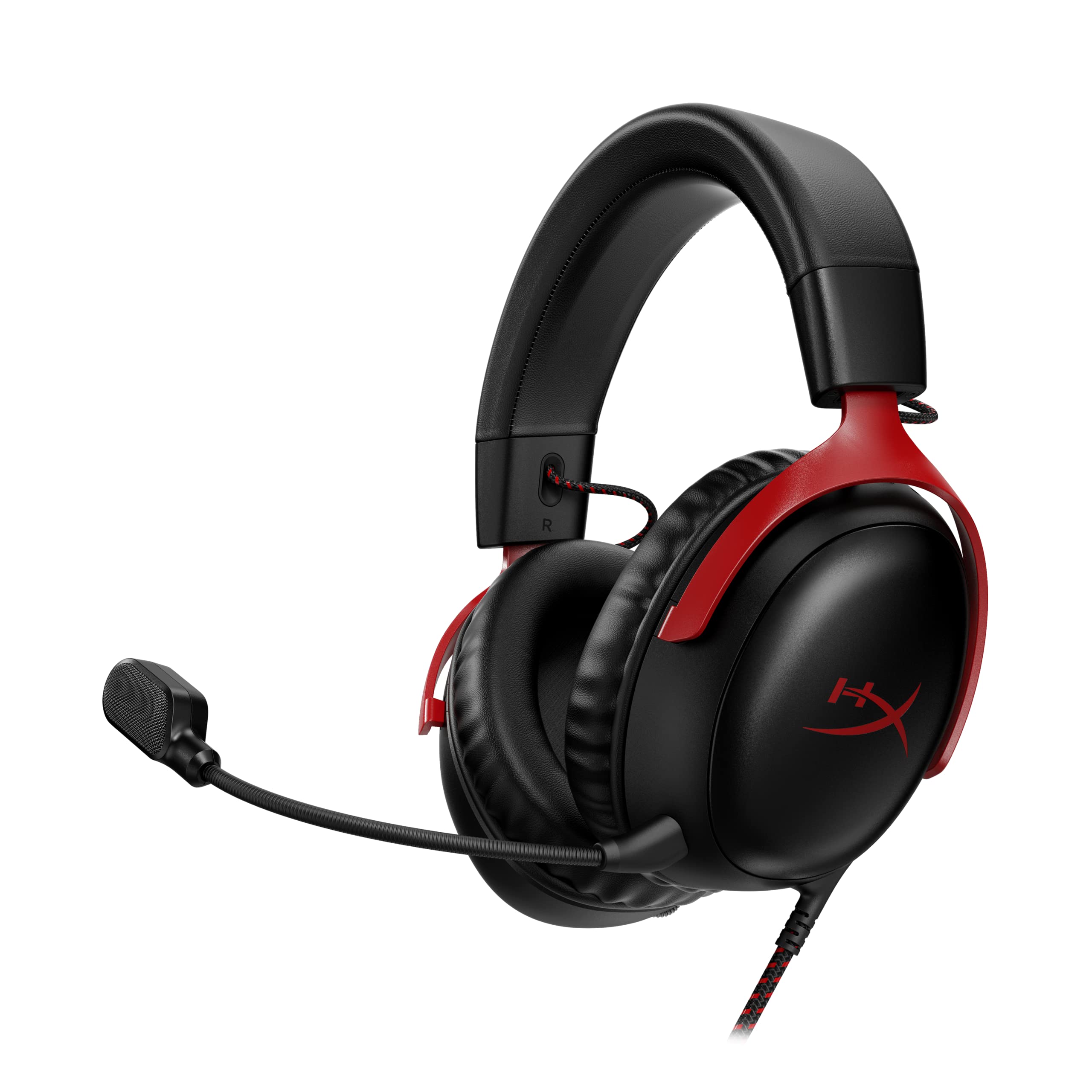
HyperX Cloud III

This headset suits gamers who want one pair of headphones to work cleanly across PC, PlayStation, and Xbox without fuss.
Pros
- USB-C, USB-A, and 3.5mm connections cover nearly every device
- Memory foam cushions stay comfortable through long sessions
- Aluminum frame adds durability without extra weight
Cons
- Spatial audio processing depends on connection type and software
- On-cup controls replace the inline control box some players prefer
The angled 53mm drivers give footsteps and gunfire a clear separation from music and dialogue. Voice chat comes through clean thanks to the upgraded 10mm mic with a built-in mesh filter. Comfort is the headline feature here, with plush ear cushions and a padded headband that hold up over multi-hour sessions. This is a dependable all-rounder for players who move between consoles and PC.
HyperX Cloud II

This headset works well for players who want a long-running, well-reviewed model with a comfortable fit that has held up for years.
Pros
- Memory foam and leatherette headband stay comfortable for hours
- 53mm drivers deliver clear, detailed audio
- Detachable mic is certified for Discord and TeamSpeak
Cons
- 7.1 virtual surround sound only works through the USB sound card on PC and Mac
- Console use drops to stereo sound through the 3.5mm cable
The USB sound card amplifies audio and mic input, but that surround processing is virtual and PC/Mac only. On PS4, Xbox One (with Microsoft’s adapter), and Switch, it runs as a standard stereo headset. The aluminum frame and passive noise-blocking ear cups have earned a reputation for surviving years of daily use, and the detachable mic keeps voice chat clear without cluttering the cord when it’s not needed.
Razer BlackShark V2 X
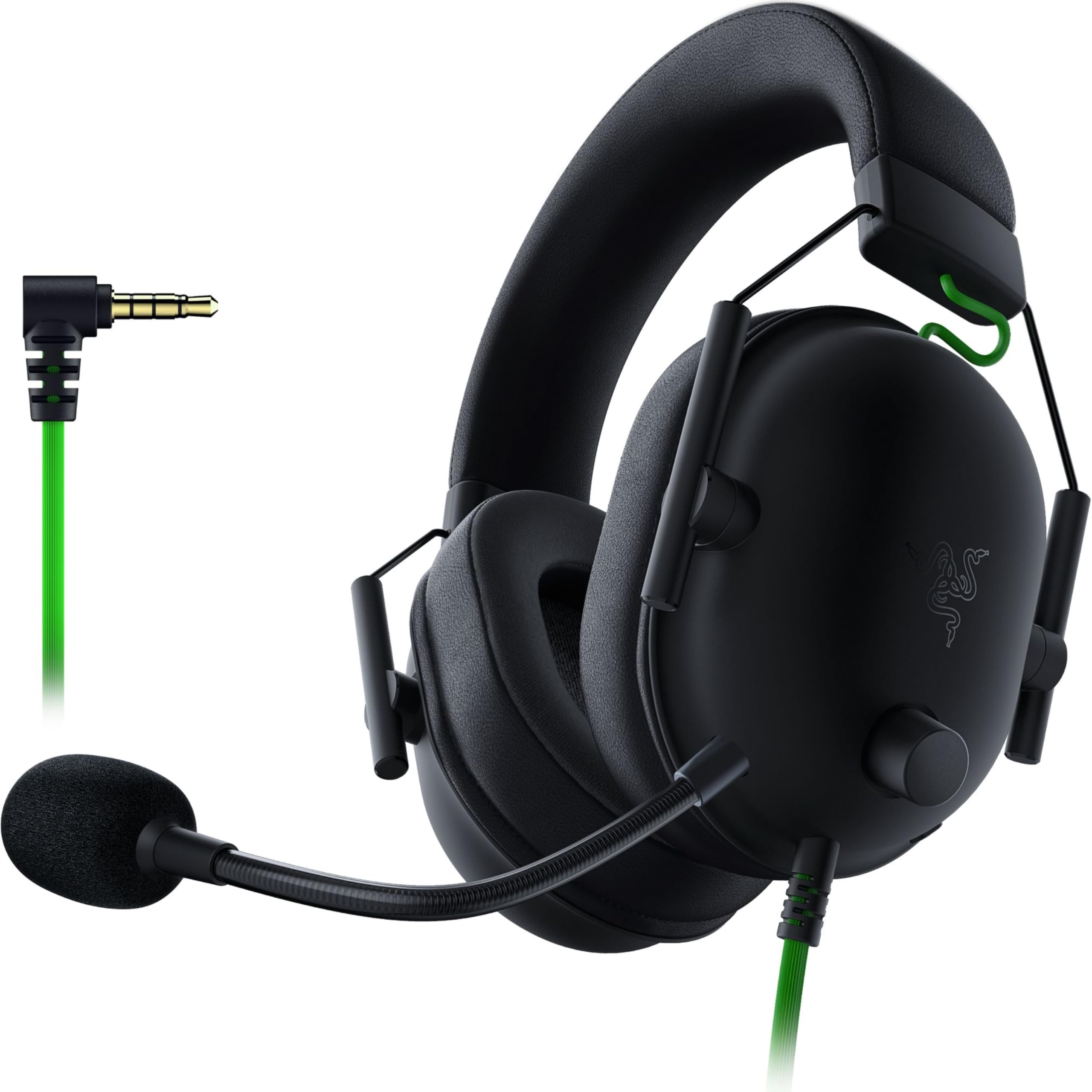
This headset is built for players who want lightweight comfort and directional audio clarity for competitive shooters.
Pros
- Lightweight 240g design reduces fatigue during marathon sessions
- Titanium-coated 50mm drivers separate highs, mids, and lows
- Cardioid mic reduces background noise pickup
Cons
- 7.1 surround sound only works on Windows 10 64-bit
- Xbox One may require a separate stereo adapter
The titanium-coated driver design gives this headset a brighter, more detailed sound signature that helps with pinpointing footsteps and gunfire. Its closed-back ear cups create a strong seal for passive noise blocking, which matters more consistently across platforms than the Windows-only surround processing. At under 240 grams, it’s one of the lighter options here, which shows during long ranked sessions.
Logitech G PRO X

This headset targets serious players who want tournament-level mic processing and are willing to use the included USB sound card to unlock it.
Pros
- Blue VO!CE software cleans up mic input with noise reduction and compression
- Swappable leatherette and velour ear pads suit different preferences
- Includes a carrying case and mobile cable
Cons
- Blue VO!CE and 7.1 surround require the USB dongle, Windows PC, and Logitech G HUB software
- Detachable boom mic adds a small learning curve for cable routing
The PRO-G 50mm drivers deliver clean, precise imaging, but the standout feature is voice processing. Blue VO!CE strips out background noise and shapes the mic signal for streaming-quality calls, though this only works through the bundled USB sound card on a Windows PC running G HUB. Plugged into a console via 3.5mm, it functions as a solid stereo headset without the software extras.
Logitech G432
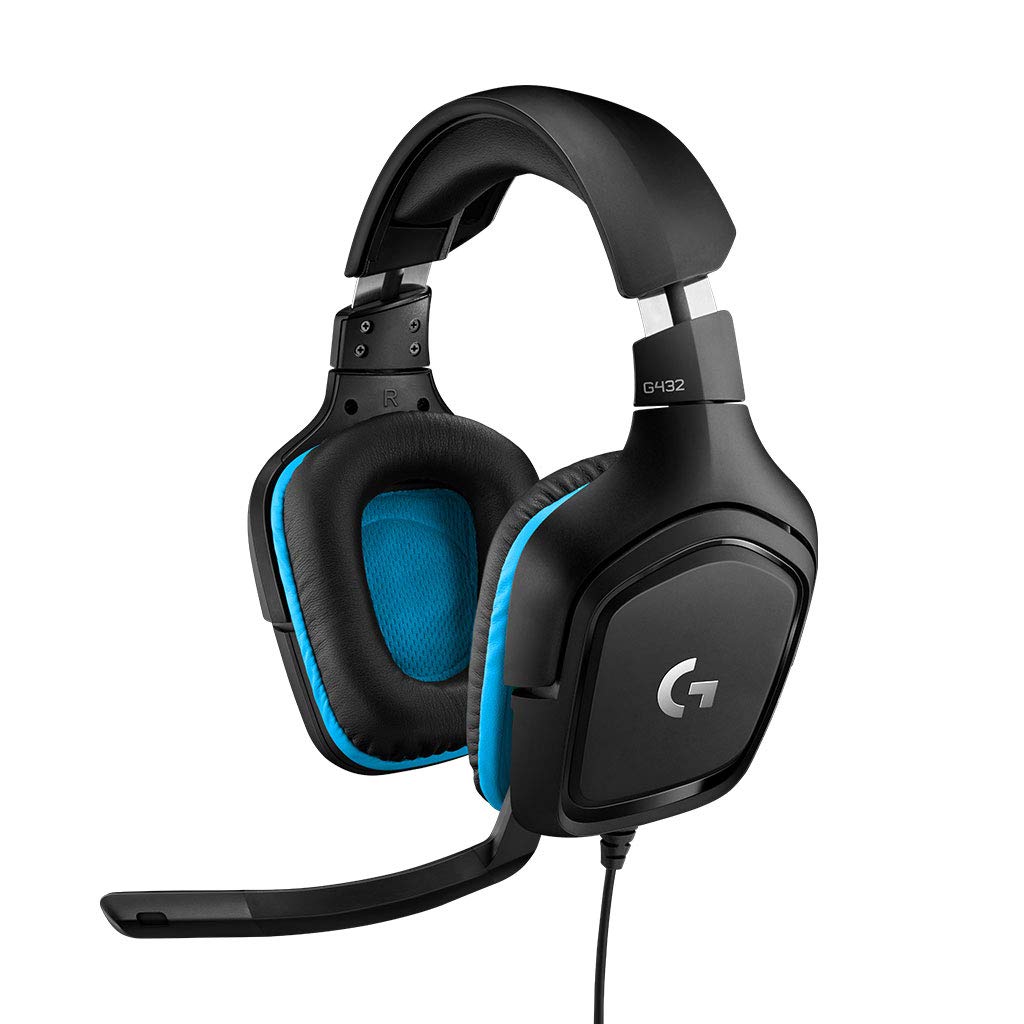
This headset fits budget-minded PC gamers who want DTS surround sound without paying for premium mic software.
Pros
- 50mm drivers produce full, room-filling sound
- Rotating ear cups add comfort and portability
- Flip-to-mute boom mic is simple to use
Cons
- DTS Headphone 2.0 surround requires Logitech G HUB software
- Some owners report the leatherette ear pads wear down after extended use
The big 50mm drivers give this headset surprising volume and bass for its price point. DTS Headphone 2.0 adds positional audio cues on PC through G HUB, though PlayStation and Switch users get standard stereo sound over USB or 3.5mm. The 6mm flip-to-mute mic is basic but functional, and the rotating cups make the headset easy to store or wear around the neck between matches.
HyperX Cloud Alpha

This headset appeals to players who want cleaner bass separation without stepping up to a USB-powered model.
Pros
- Dual Chamber Drivers separate bass from mids and highs for less distortion
- Detachable braided cable resists tangling and wear
- Simple 3.5mm connection works across nearly every platform
Cons
- No powered surround sound or USB connection option
- Some users report cable connection issues if not fully seated in the ear cup jack
The dual-chamber driver design is the reason to consider this headset over similarly priced options. Splitting bass into its own chamber keeps low end from muddying dialogue and footsteps, a real hardware difference rather than a software trick. The aluminum frame and expanded headband add comfort, and since everything runs through a standard 3.5mm connection, it works the same way on every platform.
Turtle Beach Recon 50
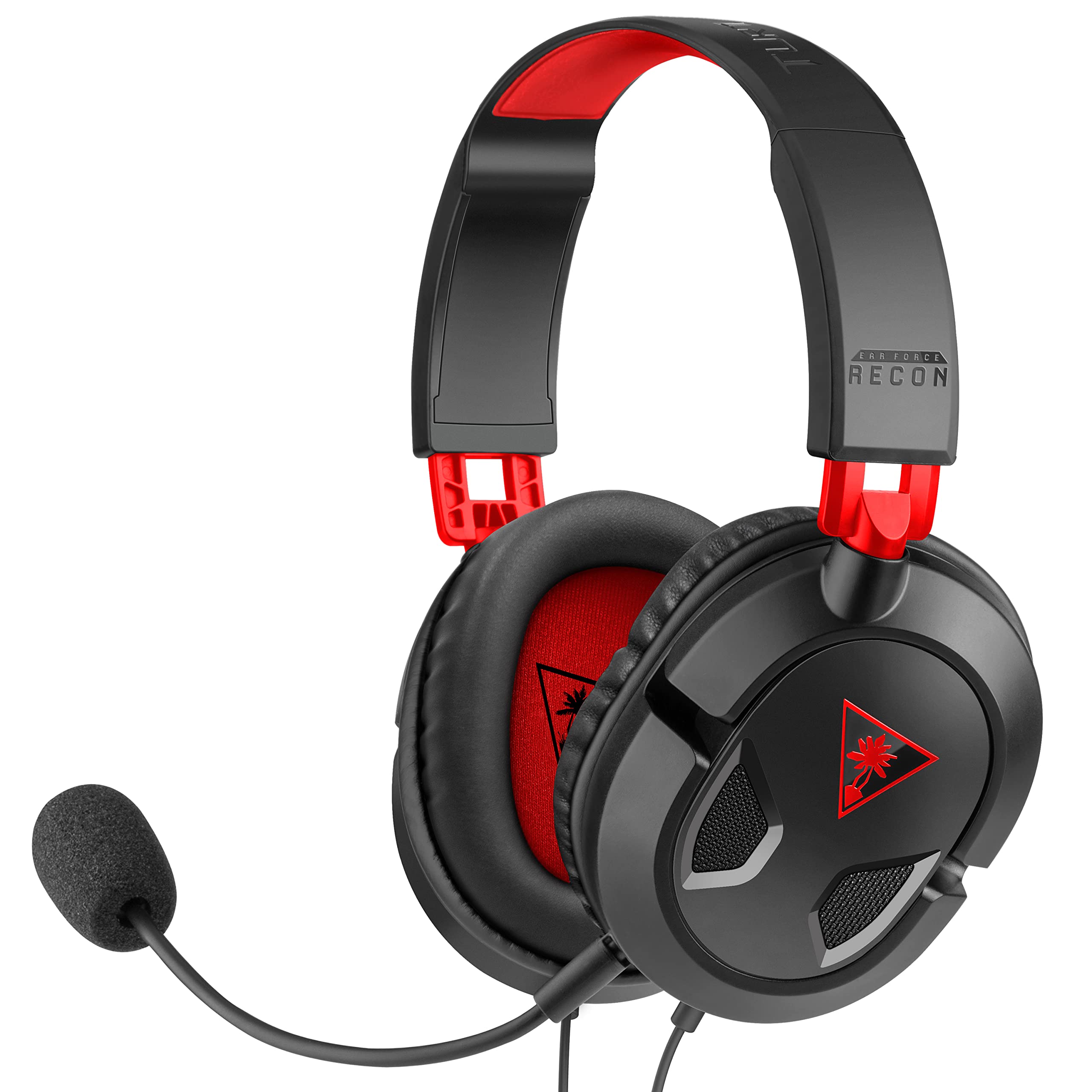
This headset works for gamers who want a no-frills option that plugs into anything with a headphone jack and just works.
Pros
- Lightweight design stays comfortable over long sessions
- In-line volume and mic mute controls are easy to reach
- Removable mic lets it double as a music headset
Cons
- No surround sound processing of any kind
- Plastic build feels less rugged than aluminum-framed alternatives
There’s no software layer or USB dongle here, just a straightforward 3.5mm headset with 40mm speakers and a high-sensitivity mic. That simplicity is the appeal: it works the same way on PC, Xbox, PlayStation, and mobile devices without adapters or drivers. Build quality is lighter-duty than some competitors, but the fold-flat ear cushions and in-line controls make it easy to live with day to day.
JBL Quantum 400
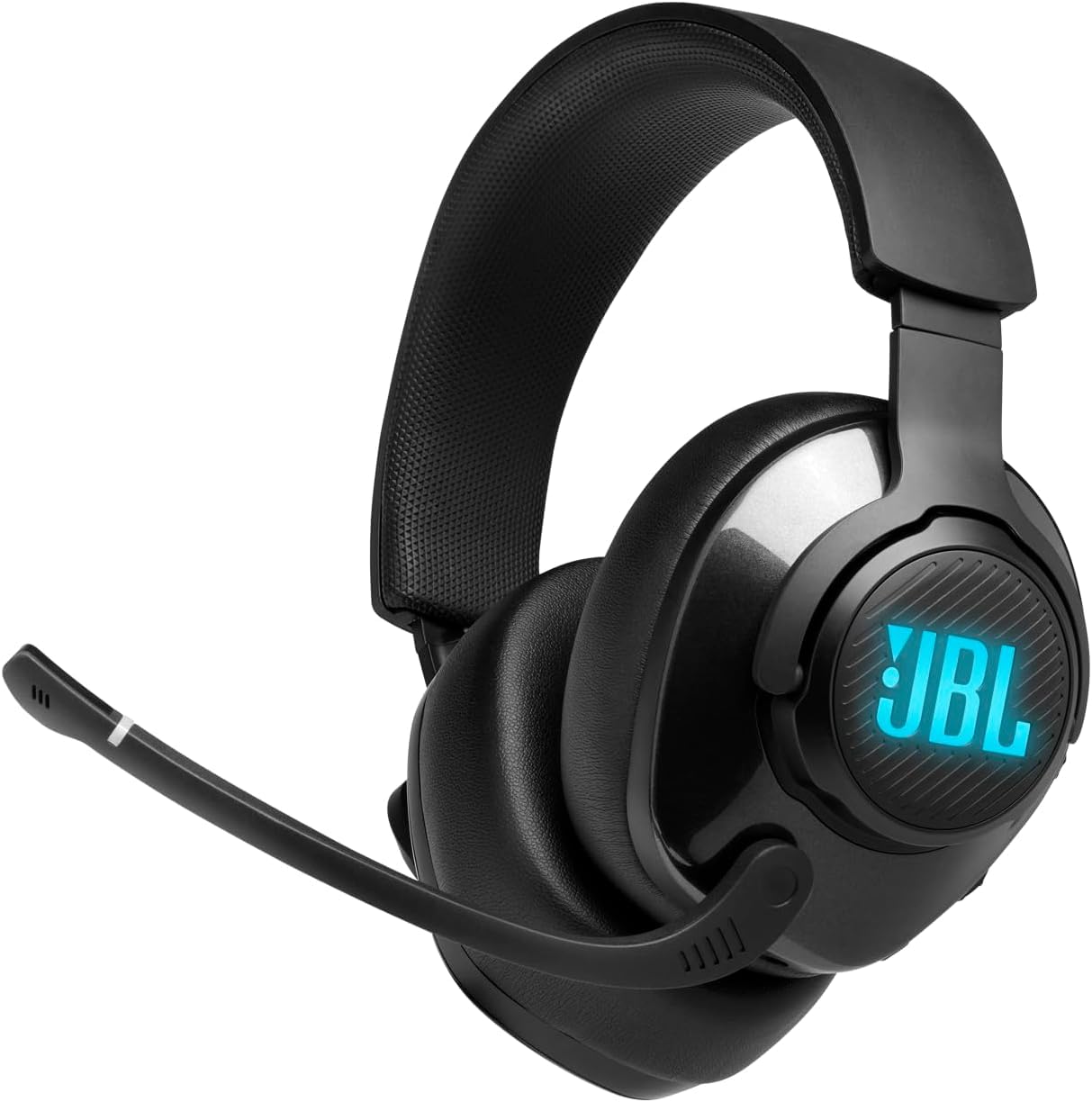
This headset is a strong fit for players who juggle voice chat and game audio and want a physical dial to balance the two.
Pros
- Game-chat balance dial adjusts volume mix without touching software
- QuantumSURROUND and DTS Headphone add positional cues on PC
- Flip-up boom mic mutes automatically when raised
Cons
- Surround sound features require the JBL QuantumENGINE PC app
- Console users get stereo sound only through the 3.5mm connection
The game-chat dial is a genuinely useful hardware feature, letting players shift emphasis toward teammates’ voices or game audio mid-match without alt-tabbing. QuantumSURROUND adds a virtual sense of space on PC, but that processing doesn’t carry over to consoles. Memory foam cushions and a lightweight headband keep the fit comfortable, and Discord certification confirms reliable chat performance.
Razer Kraken V4 X

This headset suits gamers who want USB-C compatibility with newer consoles and handhelds along with customizable RGB lighting.
Pros
- USB-C and USB-A adapter covers PC, PS5, Switch, and Steam Deck
- Retractable cardioid mic tucks away when not needed
- Chroma RGB lighting syncs with hundreds of supported games
Cons
- 7.1 surround sound processing runs through software, not physical channels
- RGB lighting adds a style feature some players won’t need
The convertible USB-C to USB-A cable makes this one of the more flexible options for anyone gaming across a PC, a Steam Deck, and a PS5 in the same week. TriForce 40mm drivers offer clear separation between highs and lows, and the retractable mic is a smart touch for players who switch between chat and music. Chroma RGB is a nice extra but doesn’t affect audio performance.
JBL Quantum 100

This headset is a sensible pick for new gamers or a spare pair who need reliable audio without paying for extra features.
Pros
- Detachable boom mic with echo cancellation handles voice chat clearly
- Memory foam cushions with PU leather add comfort for the price
- Simple 3.5mm connection works across consoles, PC, and mobile
Cons
- No surround sound processing or USB connectivity
- Build materials feel basic compared to pricier models
There’s nothing complicated about this headset, and that’s the point. The JBL Quantum Sound Signature aims for a balanced, accurate mix rather than a bass-heavy or scooped sound, which works well for picking out footsteps and dialogue alike. It won’t impress anyone with extra features, but as a backup headset or a first gaming headset for a younger player, it covers the basics well.
Best Wired Gaming Headphones 2026 Buying Guide
Connection Type and Platform Compatibility
Wired headsets connect through 3.5mm jacks, USB-A, or USB-C, and each option changes what the headset can do. A 3.5mm connection works with nearly any device that has a headphone port, including PC, PlayStation, Xbox, Switch, and phones, but it limits audio to stereo sound with no software processing.
USB connections route audio through a sound card, either built into the headset or via a small dongle. This is what powers software-driven surround sound, EQ adjustments, and RGB lighting, but those features are usually restricted to Windows PCs running the manufacturer’s software. Check whether a headset’s advertised surround sound needs a PC and specific software before assuming it will work on a console.
| Connection | Best For | Limitations |
|---|---|---|
| 3.5mm | Universal compatibility, simplicity | No virtual surround, no software EQ |
| USB-A | PC surround sound, onboard controls | Rarely works on consoles for extra features |
| USB-C | Newer consoles, handhelds, PC | Fewer legacy device options |
Microphone Quality
A gaming headset’s microphone matters as much as its speakers for team-based games. Look for a noise-canceling or cardioid mic design, which picks up voice while reducing keyboard clatter and background noise. Detachable and retractable mics add flexibility for switching between gaming and music listening.
Comfort and Build Materials
Memory foam ear cushions and padded headbands reduce pressure during long sessions. Aluminum frames tend to hold up better over years of use than plastic-heavy builds, though they add a small amount of weight. Lighter headsets under 300 grams cause less fatigue during marathon sessions, while heavier designs sometimes offer sturdier construction in exchange.
Surround Sound and Spatial Audio Claims
Most “7.1 surround sound” and “spatial audio” features in wired headsets come from software processing applied to two physical drivers, not from seven independent speakers. This virtual surround sound can still help with locating in-game sounds, but it depends on a PC connection, a USB dongle, or a companion app in nearly every case. Confirm whether a headset’s surround features work on the specific console before relying on that claim as a purchase reason.
Controls and Extra Features
In-line controls, on-ear buttons, and USB dongles offer different levels of convenience. In-line volume and mute controls are simple and work on every platform, while USB sound cards add EQ presets and mic processing at the cost of PC-only functionality. Flip-to-mute mics and physical mute switches offer a quick, reliable way to mute without checking software.