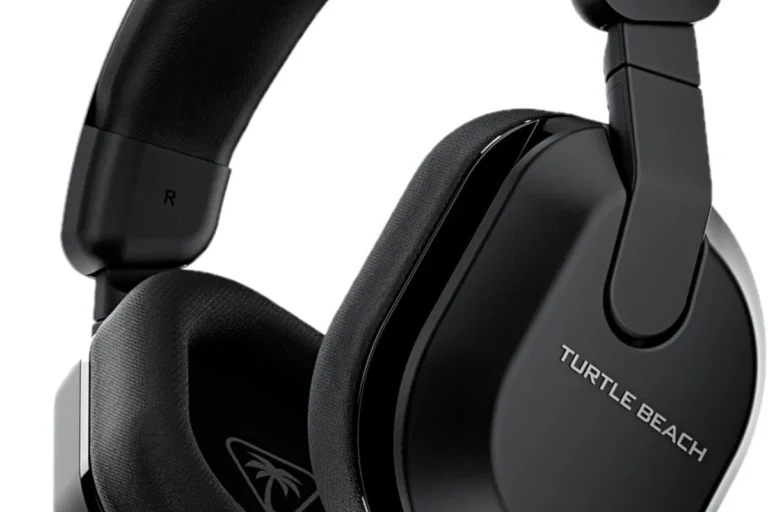
Can You Connect Headphones to PS5 Easily and Fast

Yes, you can connect headphones to PS5, and the easiest method is a wired 3.5mm headset through the DualSense controller. Wireless headphones can also work, but USB dongles are usually more reliable than standard Bluetooth.
If you’re asking can you connect headphones to PS5, the short answer is yes. The PS5 supports wired headphones directly, and it can also work with many USB headsets and some Bluetooth setups through adapters.
- Fastest method: Use the DualSense controller’s 3.5mm jack.
- Best wireless option: Choose a PS5-compatible USB dongle headset.
- Bluetooth caution: Native Bluetooth support is limited on PS5.
- Best for low lag: Wired or USB wireless beats budget Bluetooth adapters.
Can You Connect Headphones to PS5? Quick Answer for 2025 Gamers
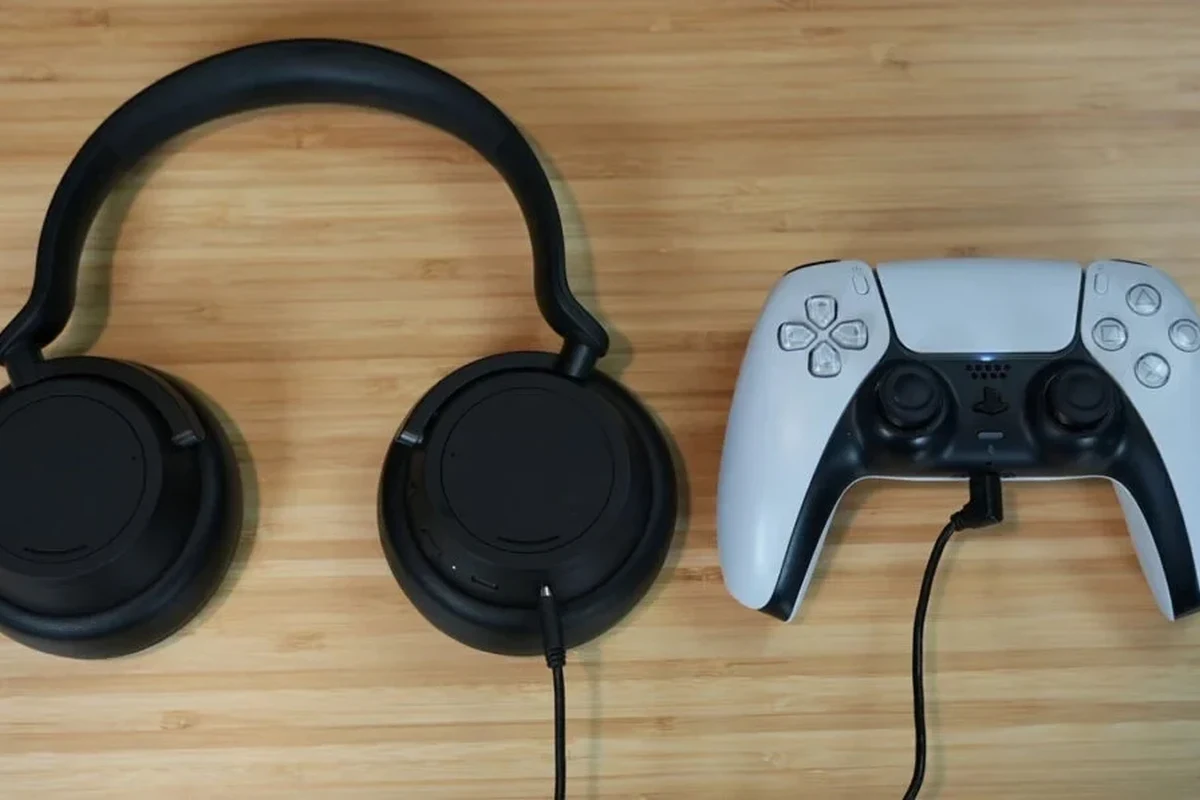
Yes, you can connect headphones to PS5 in several ways, but not every method works equally well. The easiest option is a wired headset through the DualSense controller, while wireless users usually need a USB dongle or compatible adapter.
For most players, the best choice depends on whether you care more about convenience, mic support, or low-latency audio. If you want a broader look at headset basics, our guide to types of headphones explained can help you compare the main styles before you buy.
PS5 Headphone Connection Options: Wired, Wireless, USB, and Bluetooth Workarounds
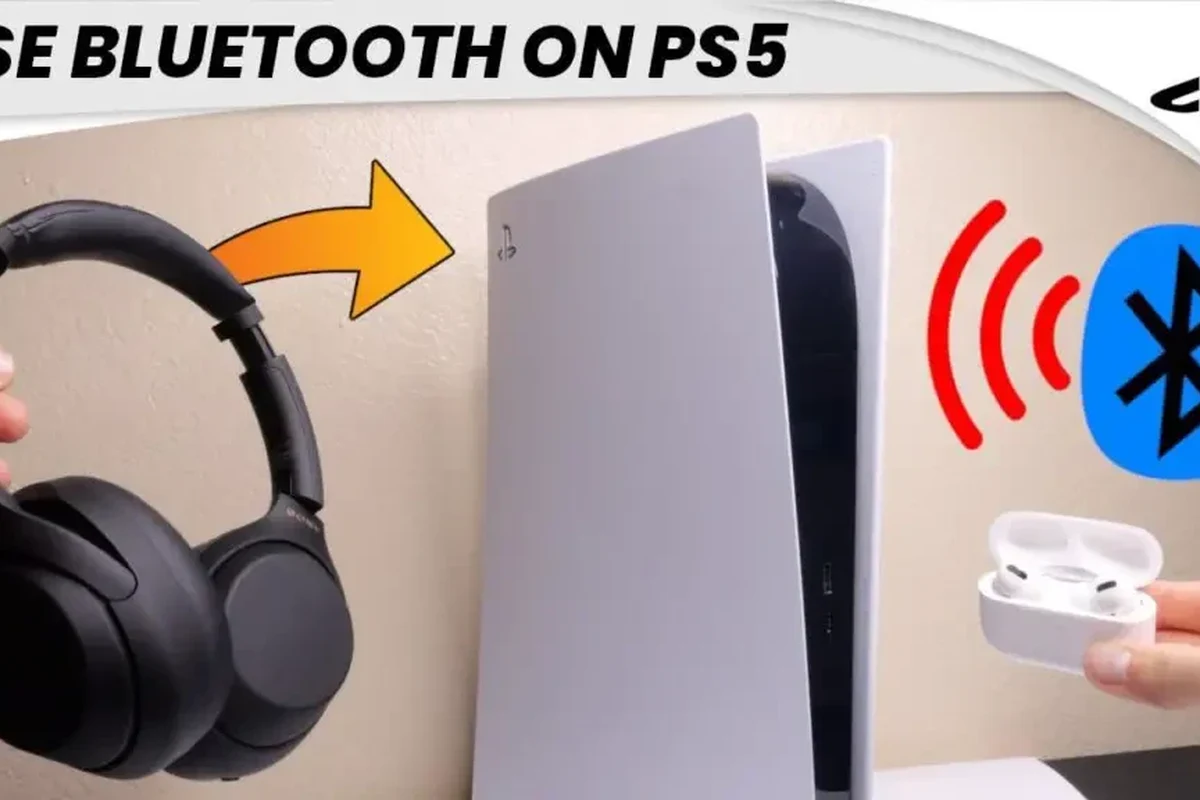
The PS5 gives you a few practical connection paths, but they are not all equal in performance. Some are plug-and-play, while others depend on the headphone brand, adapter quality, or whether your headset includes a mic.
Using the DualSense controller 3.5mm headphone jack
This is the simplest and most reliable method for most people. If your headphones have a 3.5mm cable, plug them into the jack on the bottom of the DualSense controller and the PS5 should detect them automatically.
This method is great for casual gaming, party chat, and fast setup. It also avoids wireless delay, which makes it a strong choice if you want responsive audio in shooters or rhythm games.
Wired headphones connected to the controller may also carry microphone input, but compatibility can vary by headset model and cable type.
Connecting via USB headset or USB dongle
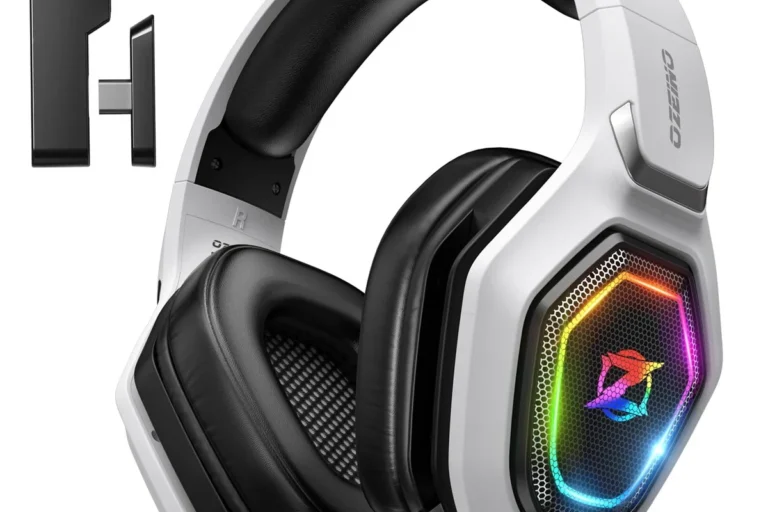
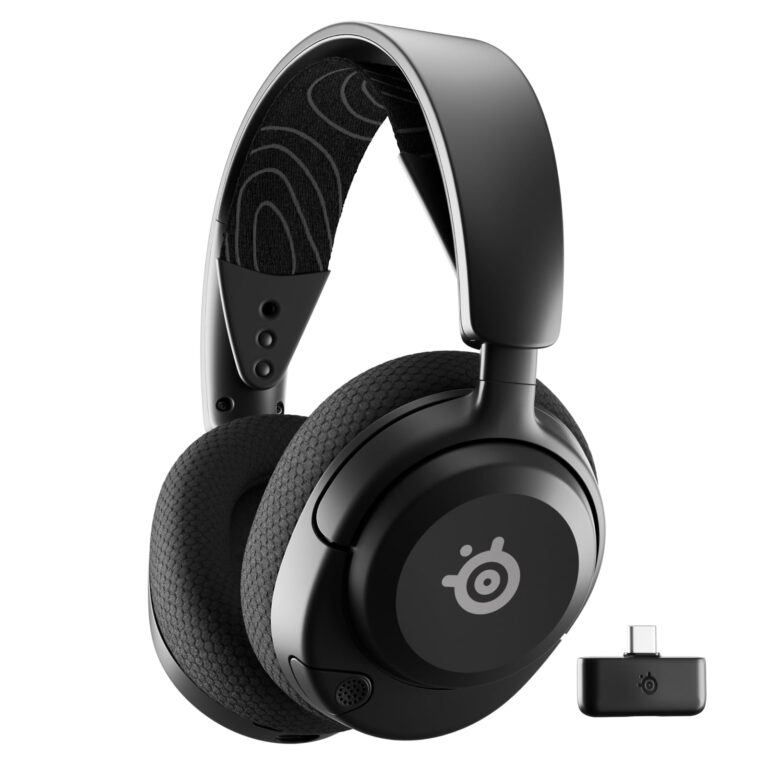
Many gaming headsets connect through USB, either with a direct cable or a wireless transmitter dongle. In many cases, the PS5 recognizes these devices as audio output without extra setup.
This can be a good option if you want wireless freedom without relying on Bluetooth. USB transmitters often provide a more stable connection than generic Bluetooth adapters, though sound quality and mic support still vary by brand and model.
If your headset came with its own USB dongle, use that first instead of a random third-party adapter. Manufacturer dongles are usually the safest route for compatibility.
Bluetooth headphones on PS5: what works and what does not
This is where many buyers get tripped up. The PS5 does not offer broad native support for standard Bluetooth headphones the way a phone or laptop does.
Some Bluetooth headphones may work through a USB Bluetooth adapter, but results can be inconsistent. You may get audio only, delayed sound, or no mic support at all depending on the adapter and headset combination. If you want a deeper Bluetooth setup refresher, see our guide on how to connect Bluetooth headphones.
Do not assume every Bluetooth headset will pair directly with PS5. Always check whether the headset needs a USB transmitter, and confirm whether mic chat is supported before buying.
Best Ways to Pair Headphones with PS5 Based on Your Setup
The best PS5 headphone setup depends on how you play. A headset that is perfect for story games may not be the best pick for competitive online play or living-room TV audio.
For casual gaming and chat
If you mainly play single-player games, chat with friends, or jump between different titles, a wired 3.5mm headset is usually the easiest solution. It is simple, affordable, and does not require charging.
For many players, this is also the least frustrating setup because it avoids pairing problems and battery management. If you are upgrading from basic wired gear, our article on wired headphones work on MacBook also explains why wired audio remains a dependable option across devices.
For low-latency competitive play
If you care about quick reaction time, wired headphones or a high-quality wireless gaming headset with a USB dongle are usually the best choices. They tend to deliver more stable audio than Bluetooth, especially in fast-paced games.
Competitive players should pay attention to delay, imaging, and mic clarity. Even small lag can be distracting when footsteps, reload sounds, or voice chat need to line up precisely with the action.
Bluetooth audio can sound fine for music, but gaming is more sensitive to delay because sound cues must match what happens on screen.
For TV audio and couch gaming
If you usually play from the sofa, comfort and connection stability matter more than anything else. Over-ear headphones or a wireless headset with a dongle can be easier to live with than a short controller cable.
For TV setups, think about how far you sit from the console and whether you want to move around without unplugging anything. If you use noise cancelling often, our guide to how noise cancelling headphones work can help you understand whether that feature is worth it for gaming.
Step-by-Step Guide to Connecting Headphones to PS5 Fast
Once you know the connection type, setup is usually quick. The main goal is to choose the right output device in the PS5 menu and make sure your headset is seated, charged, or paired correctly.
How to connect wired headphones
First, plug the 3.5mm cable into the DualSense controller. Then press the PS button, go to sound settings, and confirm that output is set to the controller or headset device.
If your headset has a microphone, test voice chat in a party or game lobby. Some cables support audio only, while others support both listening and mic input.
Insert the headphone jack firmly into the controller until it clicks into place.
Open PS5 sound settings and make sure the headset is selected as the output device.
Speak into the mic and adjust volume so game audio stays clear without sounding harsh.
How to connect wireless headphones with a USB transmitter
Insert the USB dongle into the PS5 console, then turn on the headset and wait for pairing. Many wireless gaming headsets connect automatically once the dongle is detected.
If your headset has a companion app or a switch for console mode, use it before testing sound. Some models also allow EQ adjustments, which can help with bass, dialogue clarity, or footstep detail.
How to use a Bluetooth adapter safely
If you choose a Bluetooth adapter, plug it into the PS5 and pair it according to the adapter instructions. Be sure to buy one that supports game audio and, if needed, microphone input.
Keep expectations realistic. Bluetooth adapters can introduce lag, and cheaper models may create dropouts or weak mic performance. A better adapter may improve reliability, but it still may not feel as clean as wired or dedicated USB wireless audio.
Listening at high volumes for long periods can cause hearing damage. Keep volume at 60% or below for extended sessions.
Audio Quality, Latency, and Mic Performance: What PS5 Players Should Expect
Sound quality on PS5 is not just about loudness. It is also about how stable the connection is, how much delay you notice, and whether the microphone works the way you expect in chat.
Why wired usually sounds more reliable
Wired headphones avoid wireless compression and pairing issues, so they often feel more predictable. For many players, that means cleaner setup, fewer dropouts, and less chance of audio lag.
That does not mean wired is always “better” in every situation, but it is usually the safest recommendation if you want simple, dependable PS5 audio. It is also a good choice if you are comparing headphones for mixed use, such as gaming and TV watching.
Latency issues with Bluetooth and budget adapters
Bluetooth can work, but latency is the main tradeoff. Even a small delay can make dialogue, gunfire, and on-screen action feel slightly off, especially in fast games.
Budget adapters may also reduce sound quality or create connection instability. If you notice lag, crackling, or random disconnects, the adapter is often the first thing to blame rather than the PS5 itself.
Is Bluetooth good enough for PS5 gaming?
Sometimes, but it is usually best for casual play rather than competitive gaming. If you want the lowest delay, wired or USB dongle-based wireless is the safer pick.
Mic compatibility and voice chat limitations
Mic support is one of the biggest reasons people get confused about PS5 headphone compatibility. Some headphones can play audio but cannot send voice chat properly through certain adapters.
If microphone performance matters, check the headset’s console support carefully before buying. This is especially important for wireless earbuds and generic Bluetooth models, which may not deliver the same chat experience as a gaming headset.
Common Mistakes When Trying to Connect Headphones to PS5
Most PS5 headphone problems come from small setup mistakes, not from the console being difficult. A quick compatibility check usually saves time and frustration.
Assuming all Bluetooth headphones are natively supported
This is the most common mistake. Many people expect the PS5 to behave like a phone or laptop, but standard Bluetooth headphone support is limited.
Before buying, verify whether your headset needs a USB transmitter or a special adapter. If you already own Bluetooth headphones, check the manufacturer’s console guidance instead of assuming they will pair on their own.
Forgetting to check headset mode and output settings
Sometimes the headphones are working, but the PS5 is sending audio to the wrong output. That can happen after a system update, controller swap, or a change in sound settings.
Always confirm the output device, volume level, and chat settings before troubleshooting more deeply. A simple menu change can fix what looks like a hardware problem.
Using incompatible USB devices or weak adapters
Not every USB accessory is designed for console audio. Some cheap adapters may power on but fail to pass sound correctly, or they may work only part of the time.
If a headset is advertised vaguely, read the console compatibility notes carefully. A trusted gaming dongle is usually a better bet than a generic no-name accessory with unclear support.
- Does the headset support PS5 or USB console audio?
- Does it need a dongle, cable, or adapter?
- Does the mic work in chat, not just in playback?
- Is the connection stable enough for your play style?
Expert Advice: Best Headphone Types for PS5 in 2025
There is no single best headphone type for every PS5 owner. The right choice depends on your budget, your room setup, and how much you care about latency, mic quality, and comfort.
Best budget option vs premium wireless option
For budget shoppers, a good wired 3.5mm headset is usually the smartest value. It keeps setup simple and avoids the extra cost of a transmitter or premium wireless feature set.
Premium wireless headsets can be worth it if you want freedom from cables, long battery life, and better console integration. Just remember that features vary by brand, and “wireless” does not automatically mean better sound or better chat.
When to choose gaming headsets over regular headphones
Choose a gaming headset if you want an easy mic, console-friendly controls, and simple plug-and-play setup. That is often the best path for party chat, co-op play, and all-day convenience.
Choose regular headphones if sound quality matters more than gaming extras and you are happy to add a separate mic later. Some music-focused headphones can sound excellent on PS5, but they may need more setup to handle voice chat.
Warning signs of poor-value accessories and adapters
Be cautious if an adapter promises every feature with no clear console details. Weak build quality, vague compatibility claims, and no mention of mic support are all red flags.
Also watch for oversized promises about “zero lag” or “studio quality” from very cheap wireless accessories. In audio gear, those claims often hide compromises that matter once you start gaming for real.
If you have ongoing hearing discomfort, ringing in the ears, or trouble understanding game audio even at normal volume, consider speaking with an audiologist. A professional can help rule out hearing issues and suggest safer listening habits.
Final Verdict: The Fastest and Most Reliable Way to Connect Headphones to PS5
So, can you connect headphones to PS5 easily? Yes, and the fastest method is usually a wired 3.5mm headset plugged into the DualSense controller.
If you want wireless, a PS5-compatible USB dongle headset is usually the next best option. Bluetooth can work through adapters, but it is the least dependable path for latency, mic support, and overall consistency.
- Wired headphones are the easiest and most reliable PS5 option.
- USB dongle headsets usually work better than standard Bluetooth.
- Mic support and latency should be checked before buying.
- Cheap adapters often cause more problems than they solve.
Frequently Asked Questions
Wired headphones are usually the most reliable and lowest-latency option. Wireless can work well too, but USB dongles are often better than standard Bluetooth.
Yes, especially for couch gaming or noisy rooms. Just remember that active noise cancelling can slightly change how you perceive game audio, so comfort and sound balance still matter.
Closed-back headphones usually block more outside noise and are better for shared spaces. Open-back headphones can feel more spacious, but they leak sound and are less private.
Look at comfort, connection type, mic support, and how the headphones handle clarity and bass. Driver type and frequency response can matter, but real-world tuning and fit often matter more.
Pick a comfortable over-ear model with a stable connection and good long-session fit. If you switch between gaming and TV, prioritize easy pairing, clear dialogue, and dependable volume control.
Check console compatibility, whether you need a dongle or cable, and if the mic works for chat. Also review comfort, ear cushion materials, weight, and build quality for long sessions.