Do Bluetooth Headphones Work on Xbox A Complete Guide

No, Bluetooth headphones usually do not connect directly to Xbox consoles. You can still use them with workarounds like a TV, transmitter, or the Xbox app, but an Xbox-compatible headset is usually the easiest choice.
If you’re asking whether Bluetooth headphones work on Xbox, the short answer is usually no, not directly. Xbox consoles use their own wireless audio system, so most standard Bluetooth headphones need a workaround to connect.
- Direct pairing: Most Bluetooth headphones do not connect straight to Xbox.
- Workarounds: TV output, transmitters, and the Xbox app can help.
- Performance: Bluetooth may add latency and complicate voice chat.
- Best value: Xbox-compatible headsets are usually simpler for regular gaming.
Do Bluetooth Headphones Work on Xbox? The Short Answer and Why It Matters
This matters because many buyers assume “wireless” means universal. In reality, Bluetooth on headphones does not automatically match the wireless audio system built into Xbox consoles.
That difference affects everything from latency to voice chat. If you want smooth gaming sound, clear party chat, and low delay, it helps to know what Xbox supports before you buy a headset.
How Xbox Wireless Audio Actually Works in 2026
Xbox consoles are designed around Xbox Wireless, a separate connection method from Bluetooth. It is built for gaming headsets, controllers, and low-latency audio accessories made for the platform.
For many players, that means the easiest setup is still a headset that supports Xbox directly. If you’re comparing wireless options, it can help to read a broader guide like our Bluetooth headphones explained article before deciding.
Xbox Wireless vs. Bluetooth: What’s the Difference?
Bluetooth is a general-purpose wireless standard used by phones, tablets, laptops, and many headphones. Xbox Wireless is a console-specific connection system built for gaming performance and tighter integration.
The biggest practical difference is reliability. Bluetooth can be convenient, but it may add delay and usually does not support Xbox audio the same way a compatible wireless headset does.
Which Xbox Models Support Headphones Directly?
Xbox One, Xbox Series X, and Xbox Series S can all output audio to compatible headsets, but the connection method matters. Some headsets connect through the controller’s 3.5mm jack, some use USB or Xbox Wireless, and some rely on TV or adapter workarounds.
So yes, Xbox supports headphones directly in several ways, but not usually through standard Bluetooth pairing. That is the key detail most shoppers miss.
Why Most Bluetooth Headphones Don’t Connect to Xbox Consoles
Most Bluetooth headphones don’t pair directly with Xbox because Microsoft does not include standard Bluetooth audio support for headset connections on the console. This is why a pair that works perfectly on your phone may seem invisible on Xbox.
The result is simple: you may need another device in the chain, such as your TV, a transmitter, or the Xbox app. For readers comparing wireless audio options, our Bluetooth vs wired headphones sound quality guide can also help set expectations.
Bluetooth Limitations on Xbox Series X|S and Xbox One
On Xbox Series X|S and Xbox One, Bluetooth is not the normal path for headset audio. That means you cannot usually open the console settings, tap pair, and expect Bluetooth headphones to connect like they would on a phone.
Even when a connection is possible through a workaround, the experience may vary by headphone model, TV, adapter, and game. That variability is why “wireless” does not always mean “Xbox-ready.”
Common Misconceptions About “Wireless” Gaming Headsets
Many shoppers assume any wireless headset must be Bluetooth. In gaming, that is not always true. A headset can be wireless through a USB dongle, proprietary Xbox Wireless, or another radio system that is not Bluetooth at all.
Some “wireless” gaming headsets skip Bluetooth entirely because dedicated gaming connections can offer lower latency and more stable voice chat.
Ways to Use Bluetooth Headphones with Xbox Anyway
Even though direct pairing is limited, there are still practical ways to use Bluetooth headphones with Xbox. The best option depends on whether you care most about convenience, sound quality, or chat support.
Using a TV or Monitor Bluetooth Output
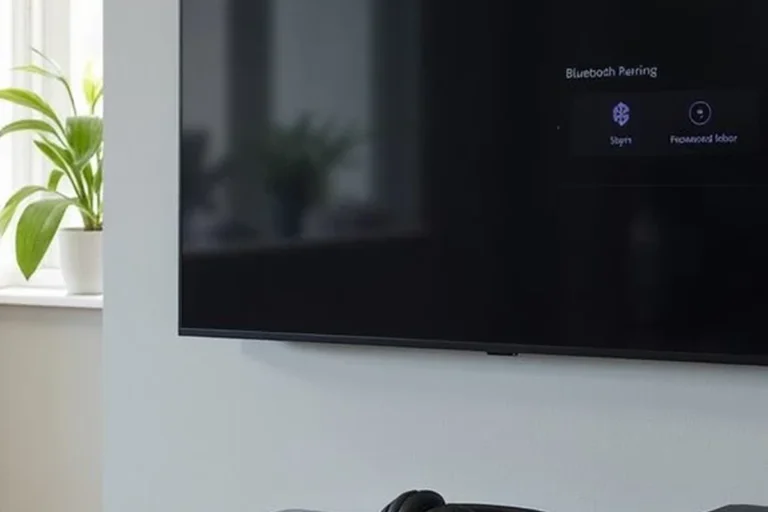
If your TV or monitor has Bluetooth audio output, you may be able to route Xbox sound through the display instead of the console. In that case, the headphones connect to the TV, while the Xbox sends audio to the screen as usual.
This can be a simple solution for casual play, especially for single-player games. The downside is that audio delay may be noticeable, and voice chat support can be limited or awkward.
Pairing Through the Xbox App on Mobile Devices
Another workaround is using the Xbox app on a phone or tablet for party chat and communication. Your Bluetooth headphones connect to the mobile device, while the game audio still comes from the console or TV.
This setup can work for chat, but it is not the cleanest full-audio solution. It is better suited to players who mainly need a quick way to talk with friends.
Using Bluetooth Transmitters and Adapter Dongles
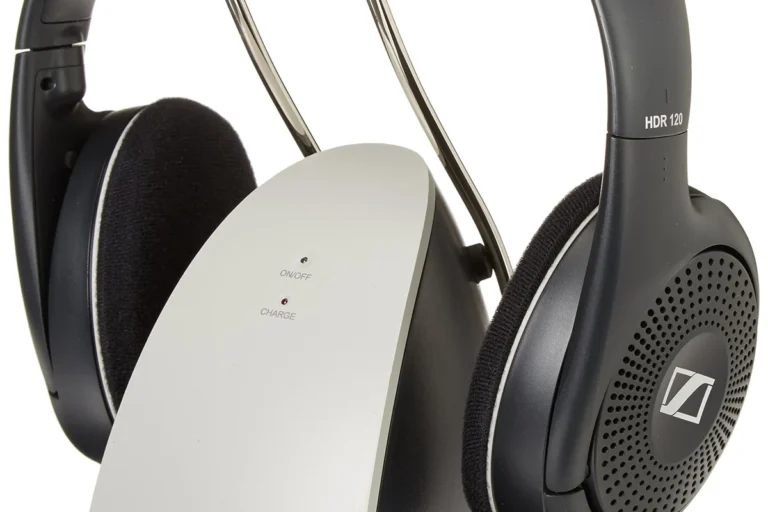
Bluetooth transmitters can plug into a TV, monitor, or sometimes the controller or console audio output, then send sound to your headphones. This is one of the most common ways to make Bluetooth headphones work with Xbox.
Still, results vary by transmitter quality and headphone support. If you are trying to keep setup simple, our how to connect Bluetooth headphones guide may help you troubleshoot the basics before buying extra gear.
If you use a Bluetooth transmitter, look for one with low-latency support and test it with your favorite game before relying on it for competitive play.
Best Workarounds for Gaming Performance: Latency, Chat, and Sound Quality
For gaming, the biggest issue with Bluetooth is not just whether it connects. It is how fast the sound reaches your ears, how clear the voice chat sounds, and whether the connection stays stable during longer sessions.
When Audio Delay Becomes a Problem in Competitive Games
Latency matters most in fast games like shooters, rhythm games, and competitive multiplayer titles. If audio arrives late, footsteps, reloads, and hit cues can feel slightly off.
For story games or casual play, many people can tolerate a little delay. But if you play competitively, a wired headset or Xbox-compatible wireless headset is usually the safer choice.
How to Keep Voice Chat Working with Bluetooth Setups
Voice chat is where many Bluetooth workarounds become messy. Some setups handle game audio but not microphone input, while others require a separate chat path through the Xbox app or controller mic.
Before buying an adapter or transmitter, check whether it supports both audio playback and microphone input. Many Bluetooth solutions only handle one side well.
Cost Comparison: Bluetooth Headphones vs. Xbox-Compatible Headsets
Cost is not just the price of the headphones. It also includes adapters, transmitters, charging cables, and the time you spend troubleshooting if the setup is not ideal.
Budget Adapter Setup vs. Dedicated Wireless Gaming Headset
A budget Bluetooth workaround can look cheaper at first, especially if you already own the headphones. But once you add a transmitter or extra cable solution, the savings may shrink.
A dedicated Xbox-compatible headset may cost more upfront, but it usually gives you a simpler experience. That can be worth it if you play often and want fewer connection problems.
What You Pay for Convenience, Mic Quality, and Low Latency
Dedicated gaming headsets often justify their price with easier pairing, better chat support, and lower delay. Bluetooth headphones may still sound excellent for music and movies, but they are not always optimized for console gaming.
Expert Advice: Mistakes to Avoid Before Buying or Connecting
The most common mistake is assuming any good Bluetooth headphone will work well on Xbox with no extra steps. Another common issue is buying an adapter without checking latency or mic support.
Warning Signs That Your Headphones Will Not Work as Expected
If the product box only mentions Bluetooth and does not mention Xbox, controller connection, USB dongle support, or TV audio compatibility, be cautious. That usually means you will need a workaround.
Also watch for weak battery life, poor mic pickup, or unclear support documentation. Those problems can make a “simple” setup frustrating fast.
What Top Headphone Reviews Recommends for a Better Xbox Audio Setup
At Top Headphone Reviews, we recommend choosing the simplest path that fits your gaming habits. If you want the least hassle, an Xbox-compatible headset is usually the cleanest option.
If you already own Bluetooth headphones, test a TV output or transmitter first before spending more. That helps you avoid paying for gear you may not need.
Listening at high volumes for long periods can cause hearing damage. Keep volume at 60% or below for extended sessions.
If you notice ringing, muffled hearing, or discomfort after gaming sessions, consider speaking with an audiologist or hearing professional. Safe listening matters even when the headset sounds great.
Final Verdict: Should You Use Bluetooth Headphones on Xbox in 2026?
Yes, you can use Bluetooth headphones with Xbox in some cases, but usually not by pairing them directly to the console. The best results come from workarounds like a TV Bluetooth output, a transmitter, or the Xbox app.
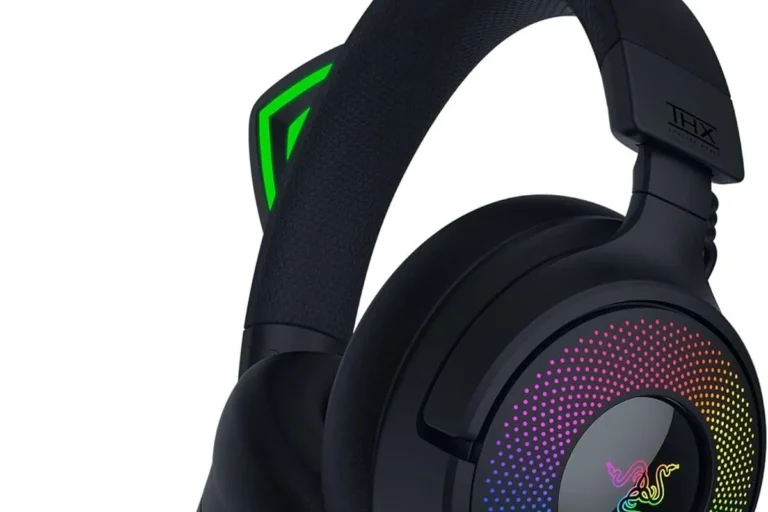
For most players, the simplest choice is still an Xbox-compatible wireless headset or a wired headset through the controller. That gives you fewer delays, fewer setup issues, and better voice chat consistency.
Best Use Cases, Best Workarounds, and the Simplest Choice for Most Players
If you mainly play single-player games and already own Bluetooth headphones, a TV or monitor workaround may be good enough. If you play competitive games or use party chat often, a dedicated gaming headset is usually the better long-term buy.
In short, Bluetooth headphones can work on Xbox, but they are rarely the easiest or best-performing option. Choose the setup that matches how seriously you game, how important chat is, and how much latency you can tolerate.
Frequently Asked Questions
Yes, if the headset uses Xbox Wireless, a USB dongle, or a wired controller connection. Those options are often better for gaming than standard Bluetooth.
Over-ear headphones often feel more comfortable for long sessions and can offer a fuller sound. Earbuds can be more compact, but fit and mic quality vary by model.
They can reduce outside noise and make quiet game details easier to hear. Just remember that active noise cancelling and sound tuning vary by brand and model.
Closed-back headphones usually block more outside noise and are better for shared spaces. Open-back models can sound wider, but they leak sound and are less private.
Look at comfort, latency, mic support, and whether the headset is tuned for clear voices and directional cues. Driver type, frequency response, and EQ options can also affect the sound you hear.
Check weight, clamping force, ear cushion material, and headband padding. A lighter headset with soft pads is usually easier to wear for hours.