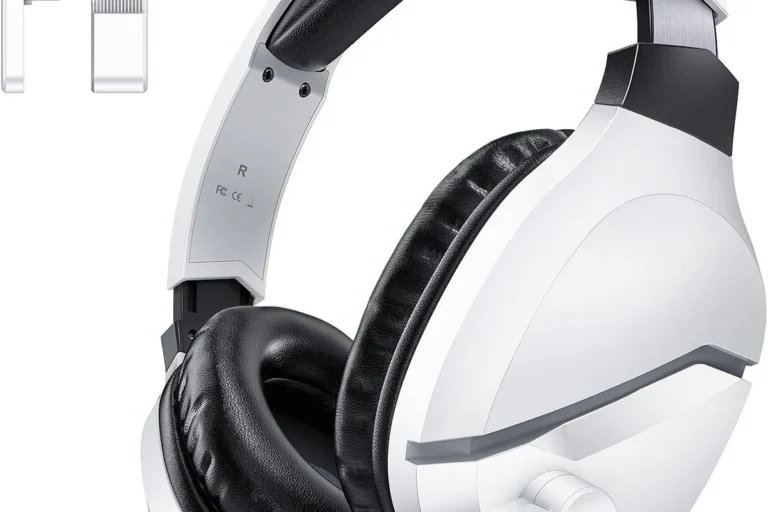
Can You Connect Bluetooth Headphones to Xbox Series X Easily

No, Xbox Series X does not support standard Bluetooth headphone pairing directly. You can still use Bluetooth headphones with a transmitter or TV workaround, but a wired headset or Xbox Wireless headset is usually the easiest option.
If you are asking can you connect bluetooth headphones to xbox series x, the short answer is no, not directly through the console’s built-in Bluetooth. Xbox Series X uses its own wireless audio system, so you need a workaround such as a wired headset, Xbox Wireless headset, or a Bluetooth transmitter.
- Direct pairing: Xbox Series X does not connect to standard Bluetooth headphones.
- Best simple option: A wired 3.5mm headset through the controller is the easiest setup.
- Best wireless option: Xbox Wireless headsets are usually more reliable than Bluetooth workarounds.
- Casual workaround: Bluetooth transmitters can work, but lag and mic quality may vary.
Can You Connect Bluetooth Headphones to Xbox Series X? What the Console Actually Supports
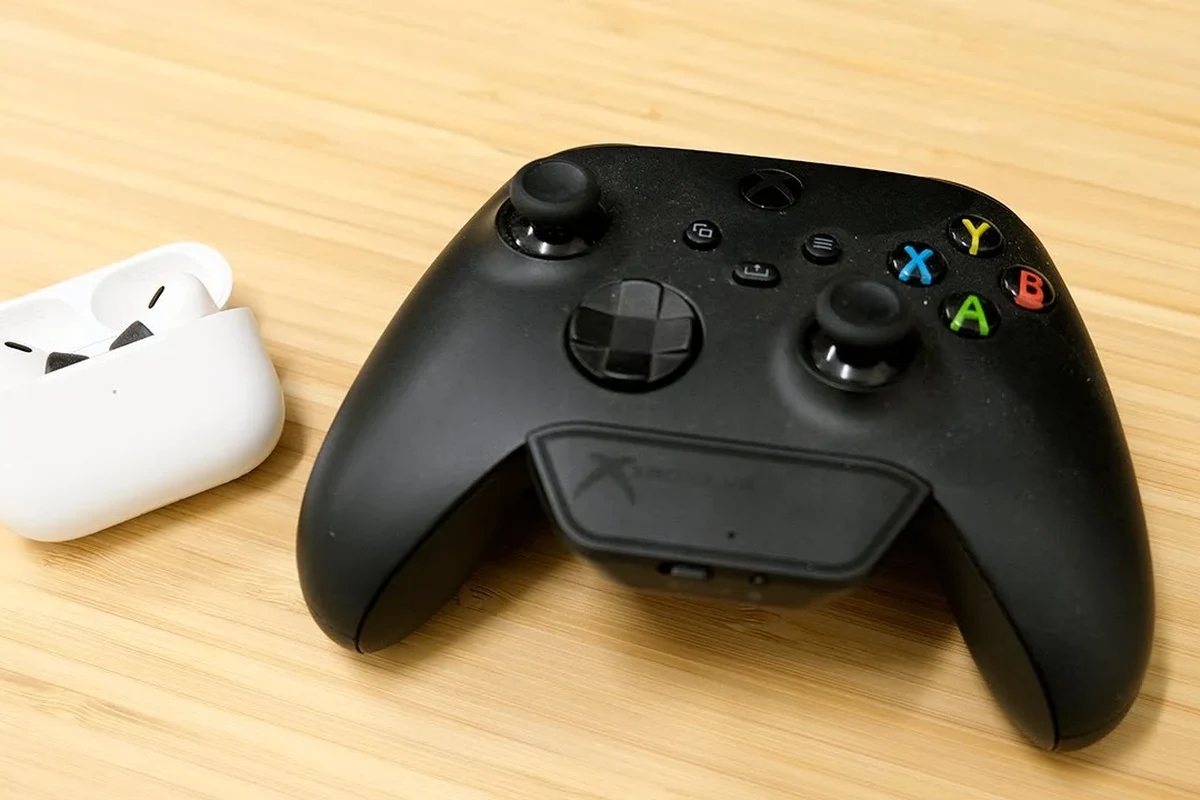
Xbox Series X does not work like a phone, tablet, or laptop when it comes to wireless audio. You cannot simply put your headphones in pairing mode and expect the console to show up in the Bluetooth menu.
Instead, Xbox Series X supports audio through the controller’s 3.5mm jack, Xbox Wireless headsets, and a few external solutions. That means the answer is not “Bluetooth never works,” but rather “Bluetooth does not connect directly to the console.”
Some TVs, monitors, and adapters can send Xbox audio to Bluetooth headphones, but the setup depends on your display, headset, and transmitter quality.
Why Xbox Series X Does Not Support Standard Bluetooth Audio
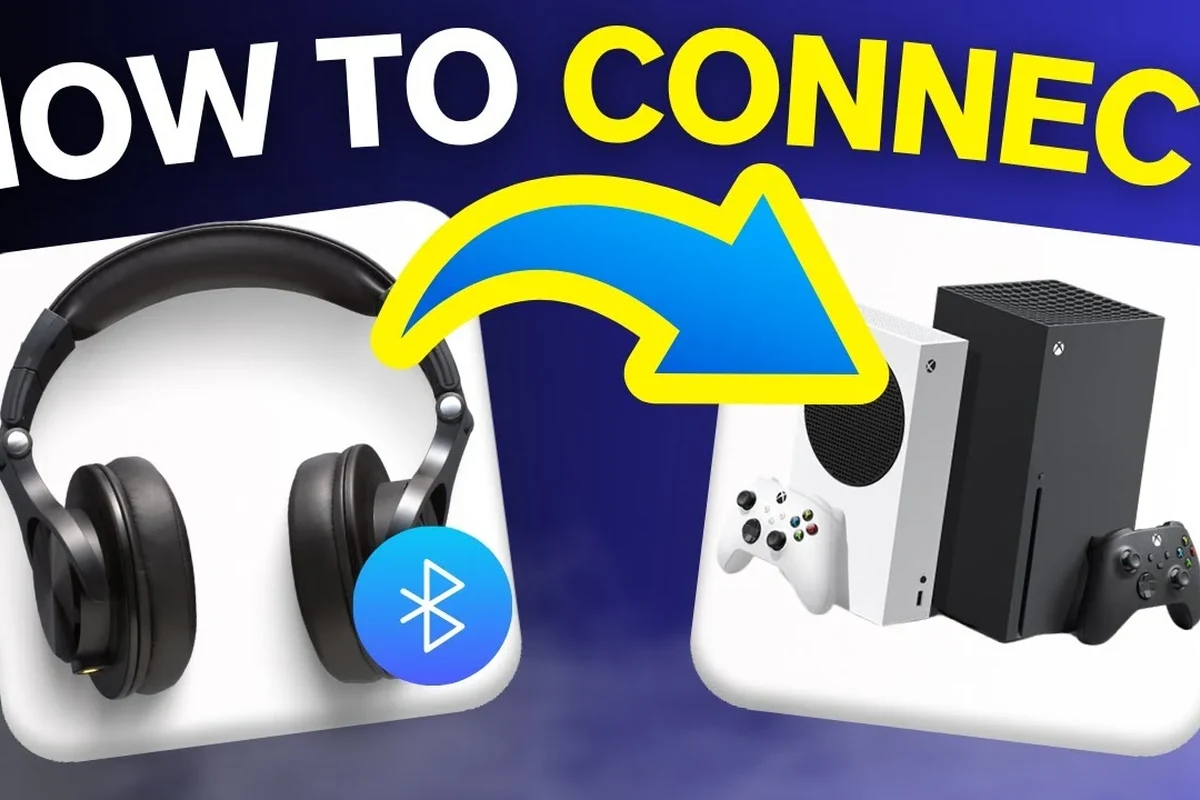
Microsoft built Xbox wireless audio around its own low-latency system instead of standard Bluetooth. The goal was to reduce delay and keep voice chat more stable during games.
How Microsoft’s wireless design differs from Bluetooth headphones
Bluetooth is common for everyday listening, but it is not always ideal for console gaming. It can add delay, and some Bluetooth devices also switch into lower-quality voice modes when a microphone is active.
Xbox Wireless headsets use a separate connection method that is designed for gaming audio and chat. If you want a deeper look at how standard wireless audio works, our guide on Bluetooth headphones explained covers the basics in simple terms.
What this means for latency, game audio, and chat quality
Latency matters more in games than in music or podcasts. Even a small audio delay can make gunfire, footsteps, or dialogue feel out of sync with the action on screen.
Chat quality can also suffer when a Bluetooth headset tries to handle both listening and microphone input. For competitive gaming, that can be frustrating, especially if you rely on party chat or fast reaction timing.
Bluetooth workarounds may reduce audio lag, but they can still cause mic limitations, lower chat quality, or occasional sync issues depending on the adapter and headset.
Best Ways to Use Headphones with Xbox Series X in 2026
There are several practical ways to get headphone audio on Xbox Series X, and the best one depends on how you play. Some options are simple and reliable, while others are better for casual listening than for serious gaming.
Wired 3.5mm headset connection through the Xbox controller
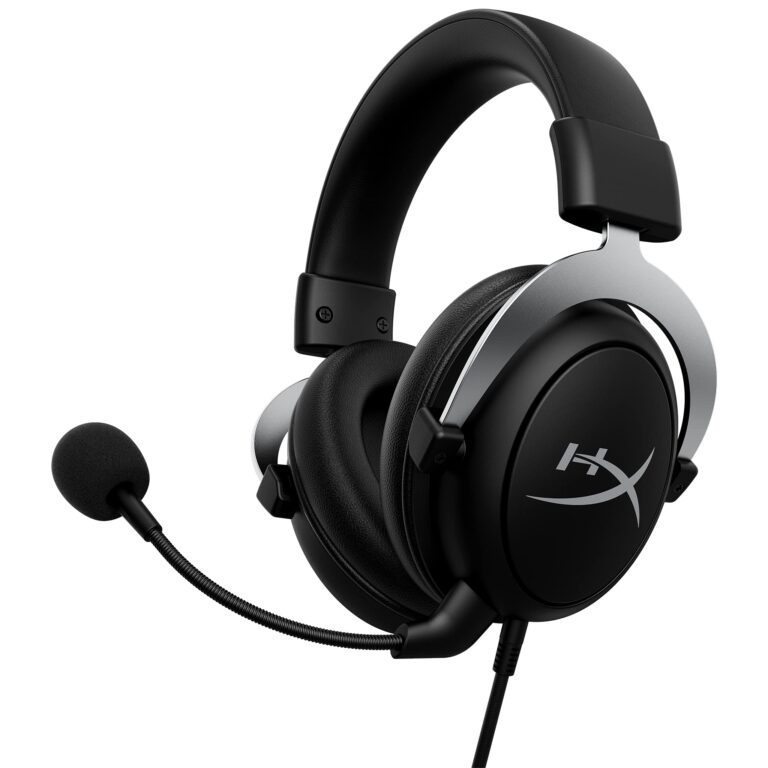
The simplest option is a wired headset with a 3.5mm plug connected directly to the Xbox controller. This setup is easy, stable, and usually gives the least trouble with game audio and voice chat.
If you already own a good wired headset, this is often the most budget-friendly answer. It also avoids pairing issues and battery concerns, which is helpful for long sessions.
If your wired headset sounds too quiet, check the controller volume settings first before assuming the headset is the problem.
Xbox Wireless headsets and proprietary wireless adapters
Xbox Wireless headsets are the most seamless wireless choice for this console. They are designed to connect without the usual Bluetooth compromise, so they are often the easiest premium option for gaming and chat.
Some third-party headsets also support Xbox-compatible wireless dongles or adapters. Just make sure the product explicitly supports Xbox Series X, because not every wireless headset works across all consoles.
TV, monitor, or audio extractor workarounds for Bluetooth listening
If your TV or monitor has Bluetooth audio output, you may be able to route Xbox sound through the display and then pair your Bluetooth headphones to that device. Another option is using an HDMI audio extractor or Bluetooth transmitter.
These methods can work well for casual play, but they depend heavily on your TV, monitor, and transmitter. If you want a general pairing refresher, our guide on how to connect Bluetooth headphones explains the standard process on Bluetooth-capable devices.
Practical Setup Examples for Popular Headphone Types
Different headphone styles need different workarounds. The right setup for AirPods is not always the same as the right setup for over-ear gaming headphones.
Using AirPods or other true wireless earbuds with a Bluetooth transmitter
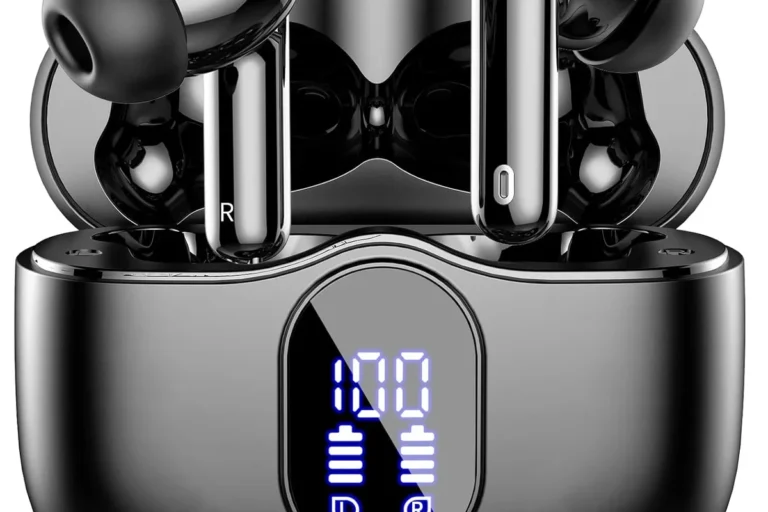
AirPods and other true wireless earbuds do not pair directly with Xbox Series X, so you need a Bluetooth transmitter connected to the controller, TV, monitor, or extractor. This can be a decent choice for solo gaming, streaming, or watching casual content.
Keep in mind that earbuds may not give you the same mic flexibility as a true gaming headset. If chat matters, test the setup before relying on it for multiplayer.
Connecting over-ear Bluetooth headphones through a low-latency dongle
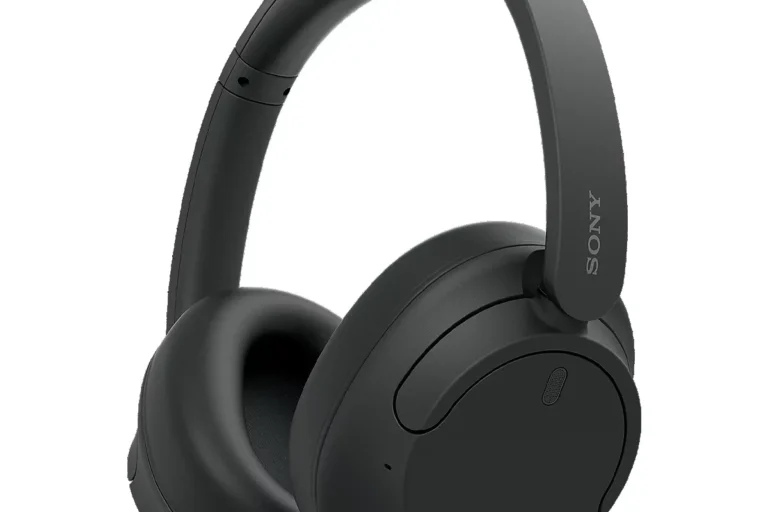
Over-ear Bluetooth headphones can work better with a low-latency transmitter than with a basic cheap adapter. A better dongle may reduce delay and improve the listening experience for story games and media.
The results still vary by model, codec support, and how the audio is routed. For best results, look for a transmitter that is designed for gaming or low-latency use rather than a generic budget dongle.
Using a headset with both Xbox Wireless and Bluetooth modes
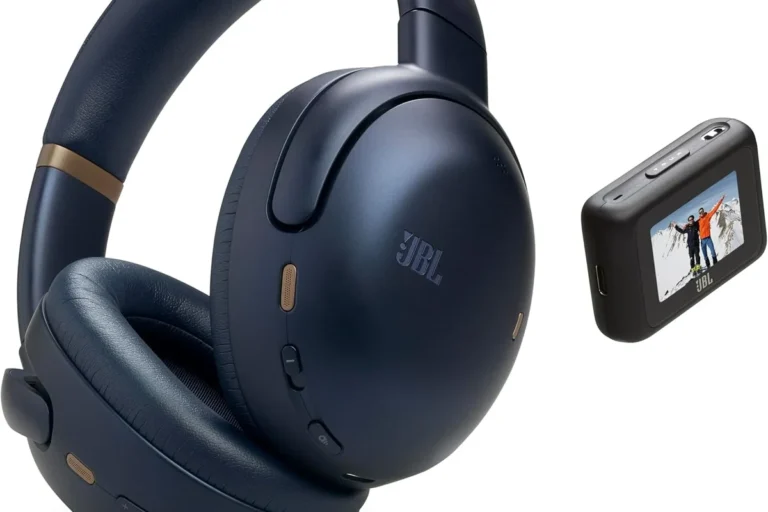
Some headsets support both Xbox Wireless and Bluetooth, which is one of the most flexible options available. You can use the Xbox connection for gameplay and switch to Bluetooth for phone audio or music when needed.
This hybrid approach is convenient, but it is still important to confirm that the headset supports Xbox Series X specifically. A headset that works on Bluetooth alone may not be enough for console gaming.
Many gaming headsets sound fine over Bluetooth for music, but their gaming mode or Xbox Wireless mode is what usually improves timing and chat performance.
Common Mistakes When Trying to Pair Bluetooth Headphones to Xbox Series X
Most connection problems happen because people expect Xbox to behave like a phone. A little planning can save time and frustration.
Assuming the console will appear in Bluetooth device lists
One of the most common mistakes is searching for Xbox Series X in your headphone’s Bluetooth menu. The console will not appear like a normal Bluetooth device because it does not support standard Bluetooth audio pairing.
If your headphones only support Bluetooth, you will need a transmitter, TV workaround, or another compatible path. Otherwise, direct pairing will fail no matter how many times you try.
Ignoring audio lag and mic limitations
Even when Bluetooth audio works through a workaround, lag can still be noticeable. That delay may be fine for movies or slower games, but it can be distracting in fast shooters or rhythm games.
Mic support is another common issue. Some adapters only send audio one way, while others reduce voice quality when you try to use the headset microphone at the same time.
Choosing cheap transmitters that hurt sound quality
Low-cost transmitters can introduce hiss, dropouts, or weak volume. They may also struggle with stable pairing, especially if you move around the room.
That does not mean every budget adapter is bad, but it does mean you should read compatibility notes carefully. If you want a broader comparison of wireless and wired listening tradeoffs, see our article on Bluetooth vs wired headphones sound quality.
Expert Advice: When a Bluetooth Workaround Is Worth It and When It Is Not
Bluetooth can be a perfectly reasonable workaround in the right situation. The key is matching your expectations to the use case.
Best use cases for casual single-player gaming and streaming
If you mostly play single-player games, watch streaming apps, or use headphones late at night, a Bluetooth transmitter can be a convenient solution. In those cases, small delays are often less noticeable.
This is also a good choice if you already own expensive Bluetooth headphones and do not want to buy a separate gaming headset right away.
Situations where Xbox Wireless headsets are the better choice
If you play multiplayer games often, use party chat, or care about the cleanest setup, Xbox Wireless headsets are usually the smarter pick. They are built for the console and tend to offer fewer connection headaches.
They also make sense if you want one headset that stays ready for gaming without extra dongles, TV settings, or transmitter troubleshooting.
Warning about chat, party audio, and competitive gaming performance
For competitive play, voice chat and timing matter more than convenience. Bluetooth workarounds can be acceptable, but they are not always the best choice if every millisecond counts.
If you notice persistent audio delay, weak mic pickup, or discomfort from long sessions, consider a dedicated Xbox-compatible headset or ask an audiologist if hearing fatigue may be contributing to your listening issues.
Cost Comparison: Bluetooth Adapters vs Xbox-Compatible Headsets
Price is often the deciding factor. In many cases, the cheapest option is not the best value once you factor in convenience, sound quality, and mic support.
Typical price ranges for transmitters, adapters, and Xbox Wireless headsets
Bluetooth transmitters and adapters usually come in a wide range of prices depending on features, low-latency support, and build quality. Xbox-compatible wireless headsets also vary a lot by brand, materials, battery life, and microphone performance.
Key audio insight: the cheapest adapter may save money up front, but a better headset often gives you a cleaner long-term experience.Value depends on how often you game and whether you need chat support.
Which option gives the best value for different budgets
If you already own good Bluetooth headphones, a transmitter may be the lowest-cost path for casual use. If you want the easiest all-around Xbox setup, a dedicated Xbox Wireless headset can be better value over time.
For players who want both gaming and everyday wireless listening, a dual-mode headset may be the most flexible choice. The best option depends on your budget, how often you play, and whether you need microphone support.
Final Verdict: The Easiest Way to Get Headphone Audio on Xbox Series X
So, can you connect bluetooth headphones to xbox series x? Not directly, but you can still use Bluetooth headphones with workarounds such as a transmitter, TV audio output, or an adapter. The easiest and most reliable path is usually a wired 3.5mm headset or an Xbox Wireless headset.
Quick recap of what works, what does not, and the smartest choice in 2026
Direct Bluetooth pairing does not work on Xbox Series X. Bluetooth workarounds can be fine for casual listening, but Xbox Wireless or wired audio is usually the smarter choice for low lag, better chat, and fewer setup problems.
If you want the simplest answer for most gamers in 2026, choose a headset that is explicitly made for Xbox Series X or use the controller’s wired jack. That gives you the most dependable experience without extra troubleshooting.
Frequently Asked Questions
Wired headphones usually give the most stable connection and the least lag. Wireless can still sound excellent, but performance depends on the headset type and connection method.
They can be good if you want to block room noise during long sessions. Just remember that active noise cancelling may affect how some players hear footsteps or ambient game details.
Closed-back headphones are usually better for most console gamers because they isolate sound and reduce leakage. Open-back models can feel wider and more natural, but they are less private and let in more outside noise.
Look at connection type, comfort, microphone quality, and whether the headset supports low-latency gaming audio. Driver type, tuning, and EQ options also affect bass, clarity, and soundstage.
Start with compatibility, comfort, and mic support before chasing extra features. A solid wired headset or an Xbox-compatible wireless model often gives better value than a cheap adapter and random Bluetooth pair.
Check weight, ear cushion material, headband pressure, and build quality. For long sessions, a lighter headset with soft pads and a stable fit is usually more comfortable.