Can I Connect Bluetooth Headphones to Xbox Series X Easily

No, Xbox Series X does not support standard Bluetooth headphones directly. The easiest reliable options are a wired 3.5mm headset or an Xbox Wireless-compatible headset.
If you’re asking can i connect bluetooth headphones to xbox series x, the short answer is usually no, not directly. Xbox Series X does not support standard Bluetooth audio for headphones, so you’ll need an Xbox-friendly wireless headset, a wired connection, or an indirect workaround.
- Direct support: Standard Bluetooth audio does not work natively on Xbox Series X.
- Best simple option: Wired headphones through the controller are the easiest fix.
- Best wireless option: Choose an Xbox Wireless-compatible headset.
- Workarounds: TV Bluetooth and transmitters can work, but delay may be an issue.
Can I Connect Bluetooth Headphones to Xbox Series X? The Short Answer and Why It Matters
Contents
- 1 Can I Connect Bluetooth Headphones to Xbox Series X? The Short Answer and Why It Matters
- 2 Why Xbox Series X Does Not Support Standard Bluetooth Audio
- 3 Best Ways to Use Headphones with Xbox Series X in 2026
- 4 How to Use Bluetooth Headphones with Xbox Series X Indirectly
- 5 Real-World Performance: Sound Quality, Delay, and Mic Limitations
- 6 Common Mistakes Gamers Make When Trying to Connect Bluetooth Headphones
- 7 Expert Advice: The Best Headphone Setup for Xbox Series X by Budget
- 8 Final Verdict: The Easiest and Most Reliable Way to Use Headphones on Xbox Series X
- 9 Frequently Asked Questions
- 10 Author
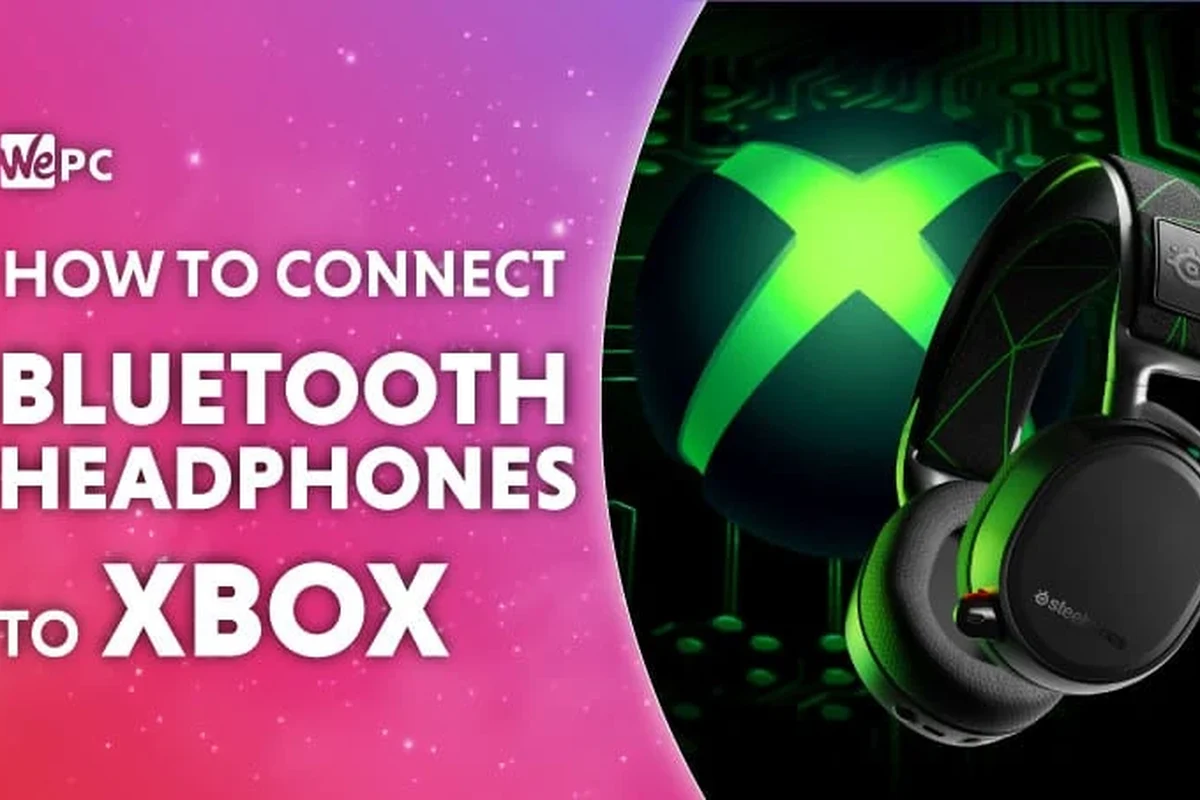
Many gamers assume “wireless” means Bluetooth, but Xbox handles wireless audio differently. That matters because the wrong setup can lead to no sound, delayed sound, or a mic that doesn’t work in game chat.
If your goal is simple game audio, chat, and low delay, it helps to choose the right connection method from the start. For a broader look at pairing basics, our guide on how to connect Bluetooth headphones explains the usual Bluetooth process on devices that do support it.
Why Xbox Series X Does Not Support Standard Bluetooth Audio
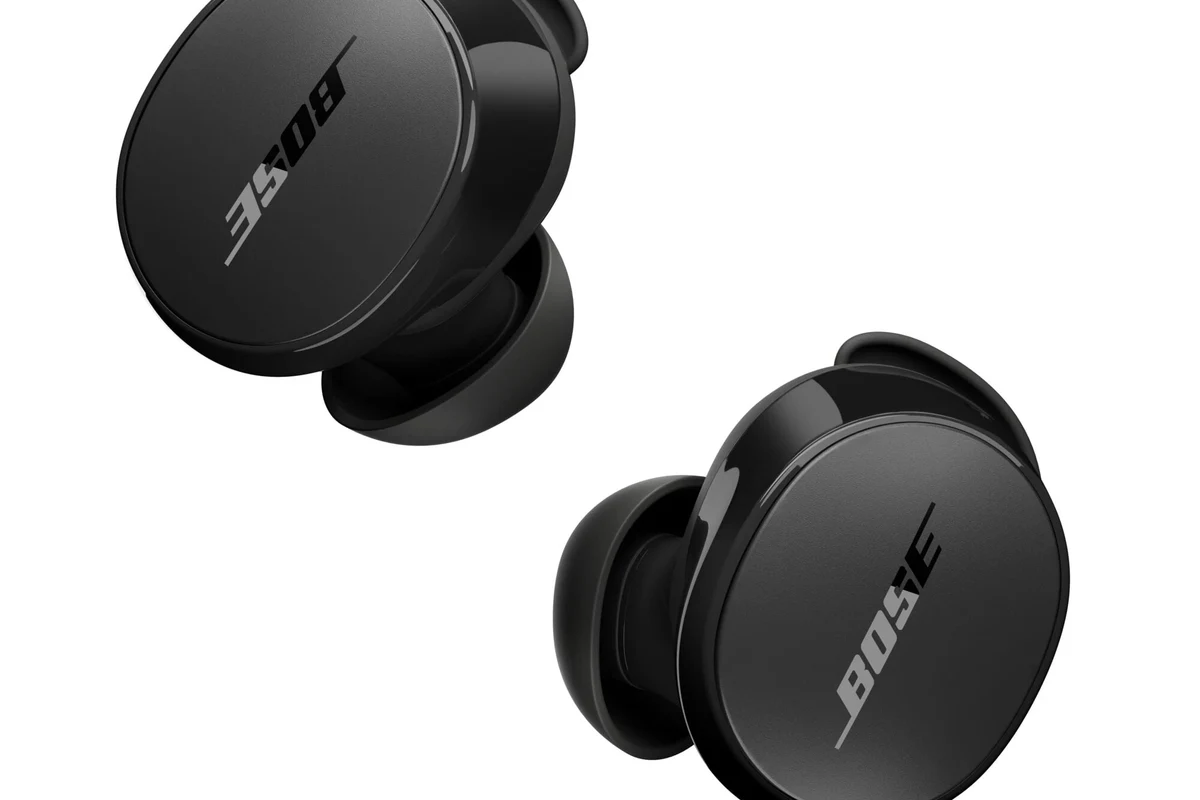
Xbox consoles use Microsoft’s own wireless system for many accessories, including compatible controllers and headsets. That system is designed to keep game audio responsive and stable, especially during fast-paced play.
How Microsoft’s wireless system differs from regular Bluetooth
Bluetooth is widely used for phones, tablets, laptops, and many headphones, but Xbox Series X does not accept standard Bluetooth headphone connections for game sound. Instead, Xbox supports its own wireless headset ecosystem and other approved audio paths.
This difference is important because Bluetooth audio can introduce extra delay. For movies or music that may be fine, but for gaming, even a small delay can make footsteps, gunfire, or dialogue feel out of sync.
What this means for latency, pairing, and game audio
Latency is the biggest reason Xbox avoids standard Bluetooth audio. When you press a button and hear the effect late, the experience feels less precise, especially in shooters, fighting games, and rhythm games.
Pairing can also be confusing. Some headphones may connect to a TV, phone, or transmitter, but not directly to the Xbox console itself. If you want to understand the sound-quality tradeoffs between wireless and cabled listening, see our guide on Bluetooth vs wired headphones sound quality.
Not every wireless headphone is Xbox-compatible. Always check whether the headset supports Xbox Wireless, a 3.5mm cable, or a confirmed USB audio mode before buying.
Best Ways to Use Headphones with Xbox Series X in 2026
In 2026, the most reliable Xbox Series X headphone setups are still the same: Xbox Wireless headsets, wired headphones through the controller, and a few approved USB or dongle-based options. The best choice depends on whether you care most about convenience, sound quality, or chat support.
Wireless Xbox-compatible headsets with Xbox Wireless technology
If you want the easiest wireless experience, look for headsets made specifically for Xbox Wireless. These connect to the console without standard Bluetooth, which usually means lower delay and better game integration.
These headsets are often the best fit for players who want simple pairing, stable audio, and microphone support in one package. They can be more expensive than basic Bluetooth headphones, but they are usually far less frustrating on Xbox.
If you play competitive games, prioritize low-latency wireless or a wired connection over Bluetooth-style convenience.
Wired headphones through the controller’s 3.5mm jack
Wired headphones remain one of the most dependable options for Xbox Series X. If your headset has a 3.5mm plug, you can connect it directly to the controller and skip wireless pairing issues completely.
This is often the simplest path for beginners, and it usually gives you instant audio with no noticeable delay. It also works well for players who already own a good pair of wired headphones and do not want to buy a separate gaming headset.
Sound quality and comfort still depend on the headphone model, the controller connection, and how sensitive your ears are to bass, treble, and volume levels.
USB and dongle-based headset options: what works and what does not
Some gaming headsets use a USB wireless dongle, but Xbox support can be limited depending on the brand and model. A USB plug does not automatically mean the headset will work with Xbox Series X.
Before buying, check the product page for explicit Xbox compatibility. This is one of the most common mistakes buyers make, especially when a headset works on PC or PlayStation but not on Xbox.
- Xbox compatibility listed on the box or product page
- Whether the mic works for party chat
- Whether the headset uses Xbox Wireless, 3.5mm, or confirmed USB support
How to Use Bluetooth Headphones with Xbox Series X Indirectly
Even though the console does not support standard Bluetooth audio directly, there are a few indirect ways to listen with Bluetooth headphones. These methods can work, but they come with tradeoffs in delay, chat support, or convenience.
Connecting through your TV or monitor’s Bluetooth output
If your TV or monitor has Bluetooth audio, you may be able to send Xbox sound to the display and then to your headphones. This is the easiest indirect method, but it depends heavily on your display’s audio features.
The downside is that TV Bluetooth can add delay, and some displays handle audio better than others. That makes this option better for casual play, solo gaming, or slower-paced titles than for competitive action games.
Using a Bluetooth transmitter with the Xbox controller or console
A Bluetooth transmitter can sometimes be connected through the controller’s 3.5mm jack or through another audio output path, then paired with your headphones. This can make non-Bluetooth devices act more like Bluetooth sources.
However, transmitter quality matters a lot. Cheap adapters may create lag, reduce sound quality, or cause pairing headaches, so this is not always the best value if you want a reliable setup.
Low-cost Bluetooth adapters can cause noticeable audio delay, weak microphone support, or connection drops. If gaming performance matters, choose carefully.
Pairing through a phone, PC, or companion device for chat and media
Some players use a phone or PC for party chat, Discord, or media while keeping Xbox audio separate. This can be useful if you already have Bluetooth headphones that work well with another device.
It is not the cleanest full-console solution, but it can help for streaming, social chat, or watching guides while you play. For Bluetooth behavior in general, our article on Bluetooth headphones explained simply is a helpful refresher.
Real-World Performance: Sound Quality, Delay, and Mic Limitations
In real use, the biggest difference between Bluetooth and Xbox-friendly audio is responsiveness. Sound quality may be acceptable either way, but delay and microphone support are where Bluetooth workarounds often fall short.
Gaming examples where latency becomes a problem
Latency is easiest to notice in games that rely on timing. In shooters, delayed footsteps can make positioning harder, and in rhythm games, even a small delay can throw off your timing.
For story games or turn-based titles, the delay may be less distracting. That is why some gamers accept Bluetooth workarounds for casual play but switch to wired or Xbox Wireless for competitive sessions.
Many “wireless headset” labels hide very different connection types. Xbox Wireless, Bluetooth, and USB dongles are not interchangeable.
Voice chat and microphone support concerns
Mic support is another common limitation. A pair of Bluetooth headphones may play audio through a TV or transmitter, but the microphone may not route properly back to the Xbox party chat system.
If voice chat matters to you, choose a headset with confirmed Xbox mic support. That is usually safer than trying to make a general-purpose Bluetooth headset do everything.
If you regularly get headaches, ringing ears, or trouble hearing dialogue after gaming, consider lowering volume and speaking with an audiologist or hearing professional.
Listening at high volumes for long periods can cause hearing damage. Keep volume at 60% or below for extended sessions.
Common Mistakes Gamers Make When Trying to Connect Bluetooth Headphones
Most connection problems come from simple assumptions. The biggest one is thinking that any Bluetooth headphone should work just because it pairs easily with a phone.
Assuming all wireless headphones work with Xbox
That assumption causes a lot of frustration. Xbox Series X is more selective than a phone or laptop, so a headset that works everywhere else may still fail on the console.
Always verify compatibility before you buy. If a product page does not explicitly mention Xbox support, treat it as a warning sign rather than a guarantee.
Buying low-cost adapters that add delay or poor audio
Cheap adapters are tempting, but they often create more problems than they solve. You may end up with lag, lower volume, or unstable pairing that makes gaming less enjoyable.
For casual listening they may be acceptable, but for gaming they are often a compromise. If you want to learn more about common lag issues, our Bluetooth headphone lag fix guide covers why delay happens and how to reduce it.
Ignoring battery, codec, and compatibility issues
Battery life matters more than many people expect, especially in long sessions. If a headset dies mid-match, the convenience of wireless disappears fast.
Codec and compatibility details also matter, but they are often overlooked by casual buyers. A headset can sound great on one device and perform poorly on another, depending on how it is designed to connect.
Expert Advice: The Best Headphone Setup for Xbox Series X by Budget
The best setup depends on how you play and how much you want to spend. In general, wired is the easiest budget route, Xbox Wireless is the most convenient wireless route, and premium low-latency headsets are best for players who want the smoothest experience.
Budget-friendly options under a typical entry-level price point
If you are trying to save money, a good wired headset with a 3.5mm plug is usually the safest choice. It avoids compatibility issues and usually gives you solid voice chat and game audio without extra adapters.
This route also works well if you already own comfortable headphones. In many cases, that is better value than buying a cheap wireless set that does not fully support Xbox.
Mid-range picks for balanced audio and comfort
Mid-range gaming headsets are often the sweet spot for Xbox Series X players. They usually offer better comfort, more reliable mic performance, and easier wireless features than budget models.
Look for soft ear cushions, a manageable weight, and a connection type that clearly supports Xbox. If you prefer a more general headphone buying guide, our article on types of headphones explained can help you compare over-ear, on-ear, and in-ear designs.
Premium choices for low-latency wireless gaming
Premium headsets are worth considering if you want the cleanest wireless experience and strong comfort over long sessions. They may cost more, but they often reduce hassle and deliver a more polished Xbox setup.
At this level, it becomes especially important to compare fit, battery behavior, mic quality, and Xbox support. A premium headset should feel easier to use, not just more expensive.
Final Verdict: The Easiest and Most Reliable Way to Use Headphones on Xbox Series X
If you want the simplest answer, Bluetooth headphones are not the easiest direct solution for Xbox Series X. The most reliable choices are Xbox-compatible wireless headsets, wired headphones through the controller, or carefully chosen indirect workarounds.
For most gamers, wired is the cheapest and most dependable option, while Xbox Wireless is the best wireless experience. If you care about low delay, clear chat, and fewer setup problems, those are the paths that make the most sense.
- Xbox Series X does not support standard Bluetooth headphone audio directly.
- Wired 3.5mm headphones are the simplest reliable option.
- Xbox Wireless headsets are the best direct wireless choice.
- Bluetooth workarounds can add delay and limit mic support.
Frequently Asked Questions
No, Xbox Series X does not support standard Bluetooth headphone audio directly. You will need an Xbox Wireless headset, a wired connection, or an indirect workaround.
For most players, a wired 3.5mm headset or an Xbox Wireless headset is the best choice. These options usually give lower delay and better chat support than Bluetooth workarounds.
Sometimes, but results vary by transmitter quality and setup. Cheap adapters can add delay, reduce sound quality, or cause microphone issues.
Closed-back headphones are usually better for Xbox gaming because they block more outside noise and keep game sound focused. Open-back models can sound more spacious, but they leak sound and offer less isolation.
Check connection type, Xbox compatibility, microphone support, comfort, weight, and battery life if it is wireless. If sound balance matters to you, also look at driver type, bass response, and whether the headset supports EQ adjustments.
Choose a lightweight model with soft ear cushions and an adjustable headband. Take breaks, keep volume at safe levels, and if you have ear pain or hearing concerns, speak with an audiologist.