Can You Connect Bluetooth Headphones to TV Easily

Yes, you can connect Bluetooth headphones to many TVs, but some models need a Bluetooth transmitter or another workaround. The best method depends on whether your TV supports Bluetooth audio output and how much delay you can tolerate.
If you’re asking can you connect bluetooth headphones to tv, the short answer is yes for many modern TVs, but not all of them do it the same way. Some models pair directly in the TV settings, while others need a Bluetooth transmitter or another audio workaround.
If your TV has Bluetooth audio output, pair the headphones from the TV menu first before buying extra gear. That’s the simplest and cleanest setup for most viewers.
- Built-in Bluetooth: Many smart TVs can pair directly with headphones.
- Older TVs: Often need a Bluetooth transmitter or bridge device.
- Big issue: Audio delay can affect movies, sports, and gaming.
- Best first check: Confirm your TV supports Bluetooth audio output, not just accessories.
Can You Connect Bluetooth Headphones to TV in 2025? What Most Viewers Need to Know
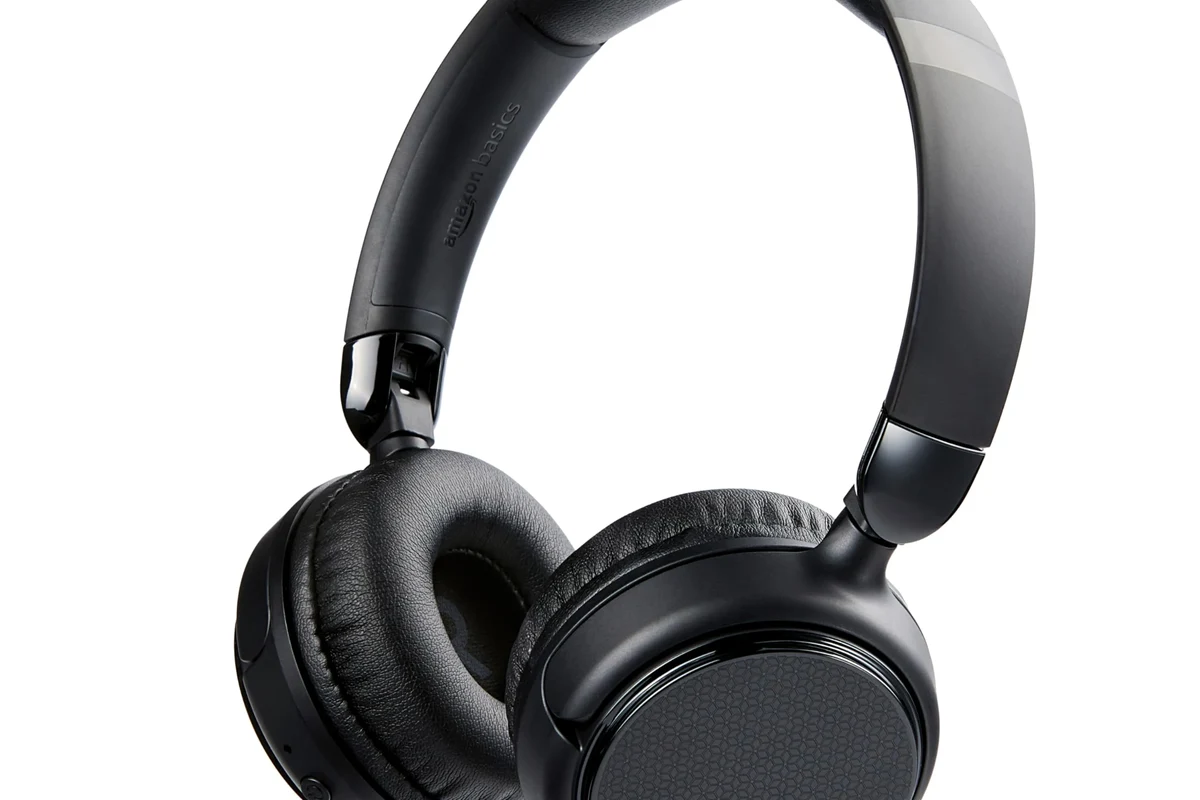
In 2025, Bluetooth headphones are still one of the easiest ways to watch TV privately without running a long cable across the room. The catch is that TV Bluetooth support is not universal, and even when it exists, it may be limited to remotes, keyboards, or game controllers rather than headphones.
For a lot of households, the real question is not whether wireless listening is possible, but whether the TV can send audio to headphones reliably. If you want a broader primer on pairing and device setup, our guide on how to connect Bluetooth headphones explains the basics in a simple way.
It also helps to remember that Bluetooth is convenient, but not always perfect for fast-moving content. Sports, gaming, and action scenes can expose latency, so the best setup depends on what you watch most.
Which TVs Support Bluetooth Headphones and Which Ones Need a Workaround
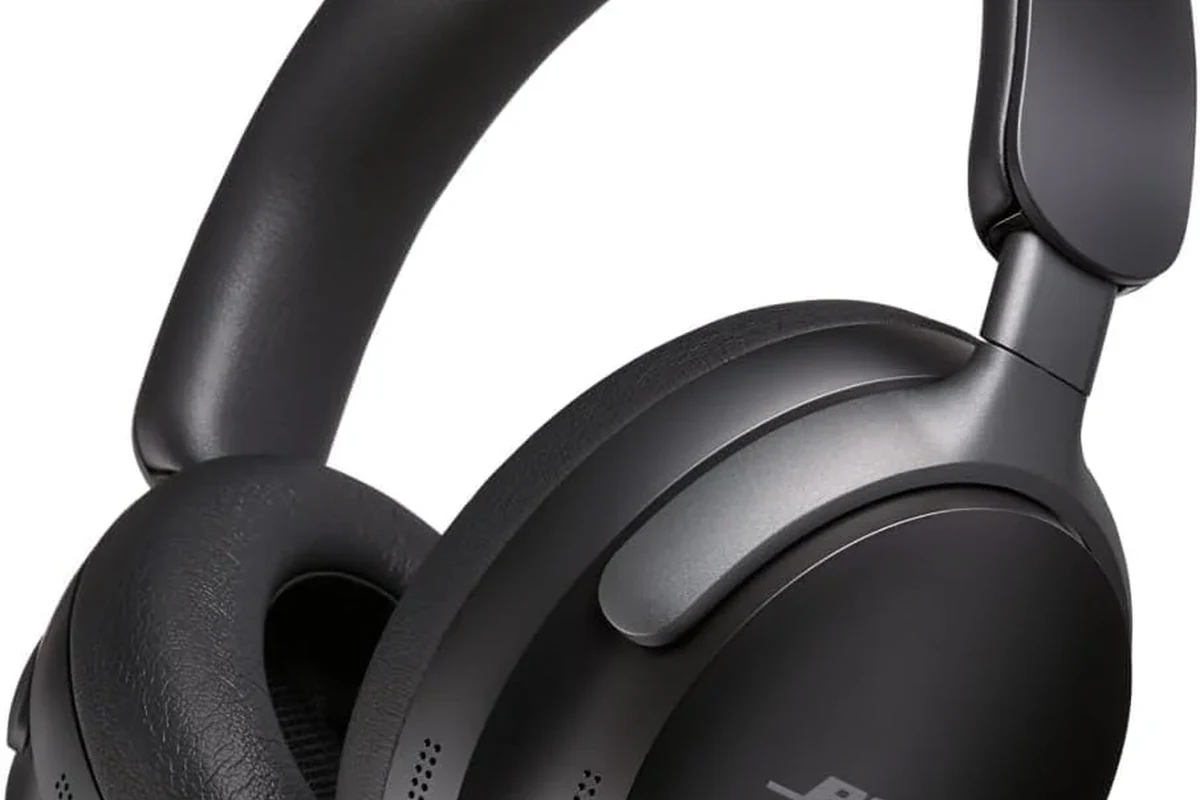
Some TVs support Bluetooth headphones out of the box, while others only support Bluetooth for accessories. The difference is important because a TV can have Bluetooth hardware and still not allow audio output to headphones.
Built-in Bluetooth on Smart TVs, OLEDs, and QLEDs
Many Smart TVs, OLEDs, and QLED models include Bluetooth audio support in the sound settings. In those cases, you can usually put the headphones into pairing mode, open the TV’s Bluetooth menu, and connect directly.
This is the easiest route because it avoids extra boxes and extra cables. It also keeps your setup cleaner, which matters if you only want a simple late-night viewing solution.
Even on Bluetooth-capable TVs, the exact menu labels may differ. Look for Sound Output, Audio Device, or Bluetooth Speaker List rather than assuming every TV uses the same wording.
Older TVs, Budget Models, and Why They Often Lack Audio Support
Older TVs and many budget models often do not include Bluetooth audio output at all. Some may have no Bluetooth hardware, while others may only support Bluetooth for remote controls and not for headphones.
That is why two TVs from the same brand can behave very differently. If your TV does not offer headphone pairing in the sound menu, you will likely need a Bluetooth transmitter or another bridge device.
How to Connect Bluetooth Headphones to TV Step by Step
The exact steps vary by brand, but the basic process is usually straightforward. The main goal is to get the TV into pairing mode and the headphones into discoverable mode at the same time.
Open your TV settings and look under Sound, Audio Output, or Connected Devices. If Bluetooth headphones are supported, there should be a pairing option.
Hold the power or Bluetooth button until the indicator light flashes. This tells the TV that the headphones are ready to connect.
Choose the headphone name from the Bluetooth list and wait for confirmation. Once connected, the TV should route audio to the headphones automatically.
Pairing Through the TV Settings Menu
If your TV supports Bluetooth audio, pairing through the settings menu is usually the best first attempt. It is the most direct path, and it avoids the added complexity of extra hardware.
After pairing, test the volume and mute settings on both the TV and the headphones. If the sound is too quiet or delayed, check whether the TV has an audio delay or lip-sync control.
- TV supports Bluetooth audio, not just Bluetooth accessories
- Headphones are in pairing mode
- TV audio output is set to the headphones
- Volume is adjusted on both devices
Connecting with a Bluetooth Transmitter for Non-Bluetooth TVs
If the TV cannot send audio over Bluetooth, a Bluetooth transmitter is the most common workaround. This small adapter connects to the TV’s audio output, then transmits sound to your headphones wirelessly.
Transmitters can use optical, 3.5mm, RCA, or USB connections depending on the TV and adapter. Before buying one, check which audio outputs your TV actually has, because that determines what kind of transmitter will work.
Not every transmitter works well with every TV. A mismatch in ports, codec support, or audio settings can lead to weak sound, connection drops, or noticeable delay.
Using Soundbars, Streaming Devices, or Gaming Consoles as a Bridge
Sometimes the TV itself is not the best place to connect. A soundbar, streaming device, or gaming console may offer better Bluetooth support or a more flexible audio output path.
This can be useful if you already use one of those devices as your main source. Still, it is worth checking whether the bridge device sends audio in a way that keeps lip-sync acceptable, especially for movies and games.
If you are troubleshooting stubborn pairing issues, our Bluetooth setup guide on Bluetooth headphones explained simply can help you understand the basics before you try again.
Best Use Cases for Watching TV with Bluetooth Headphones
Bluetooth headphones are not just a convenience feature. For many viewers, they solve real everyday problems, from late-night volume limits to shared living spaces.
Late-Night Viewing Without Disturbing Others
This is the most obvious benefit. If someone is sleeping nearby, Bluetooth headphones let you keep dialogue clear without turning the TV up for the whole room.
That can be especially helpful in apartments, dorms, or homes with thin walls. It also lets you hear quiet scenes more easily without constantly reaching for the remote.
Gaming, Sports, and Low-Noise Apartment Living
Gamers often want TV audio without distracting others, and sports fans may want a more immersive personal listening setup. Bluetooth headphones can make both experiences more private and focused.
That said, gaming and fast sports action are where latency matters most. If you notice a delay between the picture and the sound, a low-latency transmitter or wired option may be a better fit.
Some TVs let you send audio to both the TV speakers and Bluetooth headphones at the same time, but that feature is not guaranteed.
Accessibility and Hearing Assistance Benefits
For viewers with hearing loss or sensitivity to room noise, headphones can make spoken dialogue easier to follow. They may also reduce the need to raise the TV volume for everyone else in the home.
If you rely on headphones for hearing support, consider comfort, clarity, and volume control as seriously as wireless convenience. For hearing-related concerns, safe listening habits matter, and an audiologist can help if you need personalized advice.
Common Problems When Connecting Bluetooth Headphones to TV
Bluetooth is convenient, but TV audio can still be frustrating when compatibility is weak. Most problems come down to delay, unstable pairing, or limited Bluetooth features on the TV itself.
Audio Delay and Lip-Sync Issues
Audio delay is the most common complaint with Bluetooth TV listening. Even a small delay can make lips look out of sync, which is especially noticeable during dialogue-heavy scenes.
Some TVs and transmitters include lip-sync adjustment or low-latency codec support, which can help. If your setup still feels off, a wired connection may be the more reliable choice for movies and gaming.
Listening at high volumes for long periods can cause hearing damage. Keep volume at 60% or below for extended sessions.
Pairing Failures, Dropouts, and Range Limitations
Bluetooth headphones can fail to pair if the TV is already connected to another device or if the headphones are still linked to a phone or tablet. Dropouts can also happen when the headphones move too far from the TV or when the signal passes through walls and furniture.
For the most stable connection, keep the transmitter or TV close to the seating area and remove old pairings you no longer use. Resetting the headphones can also help if they refuse to reconnect.
If you run into stubborn wireless issues, our troubleshooting guide on Bluetooth headphone lag fix covers common delay and connection problems.
Why Some TVs Only Support Bluetooth for Remotes or Controllers
This confuses many buyers. A TV may list Bluetooth in its specs, but that feature may only be intended for remote controls, keyboards, or gamepads rather than audio output.
That is why it is important to check the audio menu, not just the general connectivity page. If the TV cannot output sound to headphones, you will need a transmitter or another compatible audio source.
Bluetooth vs Wired Headphones for TV: Which Is Better in 2025?
There is no single best answer for everyone. Bluetooth wins on convenience, while wired headphones usually win on simplicity and consistency.
Latency, Sound Quality, and Convenience Compared
Bluetooth headphones are easier to use because they remove the cable between you and the TV. That makes them ideal for casual viewing, shared rooms, and anyone who wants to move around a little while watching.
Wired headphones usually have less latency and can feel more dependable for gaming or lip-sync-sensitive content. Sound quality also depends on the headphone model, the TV output, and the adapter chain, so the result can vary widely.
If you want a deeper comparison of connection types, our article on Bluetooth vs wired headphones sound quality breaks down the tradeoffs in plain language.
Price Differences Between TV Bluetooth Adapters and Wired Solutions
Wired setups are often cheaper because you may already have the cable or the TV output you need. Bluetooth transmitters add extra cost, but they can be worth it if you want a cleaner, cable-free setup.
Prices vary by brand, codec support, build quality, and whether the adapter includes better latency handling. For most buyers, the real value is not just the price tag, but whether the gear matches the TV and the way you watch.
Expert Advice: What to Check Before Buying Headphones or a Transmitter
Before you buy anything, think about compatibility first and features second. A good-looking spec sheet does not help if the TV cannot use the device the way you expect.
Low-Latency Codec Support and TV Compatibility
If you care about movies or gaming, look for low-latency support where possible. Codec support can affect delay, but only if both the transmitter and headphones support the same format.
Also check whether the TV’s audio output is optical, 3.5mm, HDMI ARC, or something else. The right connection depends on the TV model, and some adapters are much easier to use than others.
If you have ongoing hearing difficulty, tinnitus, or need very clear dialogue at low volume, speak with an audiologist or hearing professional. They can help you choose a safer listening setup for long sessions.
Battery Life, Multipoint Pairing, and Comfort for Long Viewing Sessions
Battery life matters if you watch long movies or binge TV shows. Comfort matters just as much, because heavy clamping force or warm ear pads can make even good headphones annoying after an hour or two.
Multipoint pairing can be handy if you want to switch between your TV and phone, but it is not essential for everyone. For TV use, stable fit, clear speech, and easy volume control usually matter more than extra features.
Warning Signs of Cheap Adapters and Incompatible Gear
Be cautious with very cheap adapters that promise universal compatibility without much detail. Missing codec information, vague port descriptions, and no mention of latency are common red flags.
Also watch for headphone models that are uncomfortable for long sessions or have weak battery performance. The best choice is usually the one that matches your room, your TV, and your listening habits—not just the lowest price.
Final Recap: The Easiest Way to Connect Bluetooth Headphones to TV
The easiest method is to use your TV’s built-in Bluetooth audio if it supports headphone pairing. If it does not, a Bluetooth transmitter is the most practical workaround for most homes.
For the smoothest experience, check compatibility first, keep an eye on audio delay, and choose headphones that stay comfortable during long viewing sessions. That way, you get private TV listening without sacrificing clarity or convenience.
Frequently Asked Questions
Wireless headphones are more convenient, but wired headphones usually have less delay. For gaming or lip-sync-sensitive viewing, wired can be the safer choice.
Over-ear headphones are often the most comfortable for long TV sessions, while in-ear models are lighter and easier to store. The best choice depends on fit, comfort, and how much outside noise you want to block.
Yes, noise cancelling can make dialogue easier to hear in noisy rooms. It will not fix audio delay, but it can improve comfort and reduce distractions.
Closed-back headphones usually isolate sound better and work well in shared spaces. Open-back headphones can sound more open and natural, but they leak sound and are less private.
Check Bluetooth version, latency support, battery life, comfort, and whether the headphones match your TV or transmitter. For wired use, confirm the correct cable and audio output type.
Look for lightweight designs, soft ear cushions, and a headband that does not clamp too tightly. If you listen for long periods, take breaks and keep volume at safe levels.