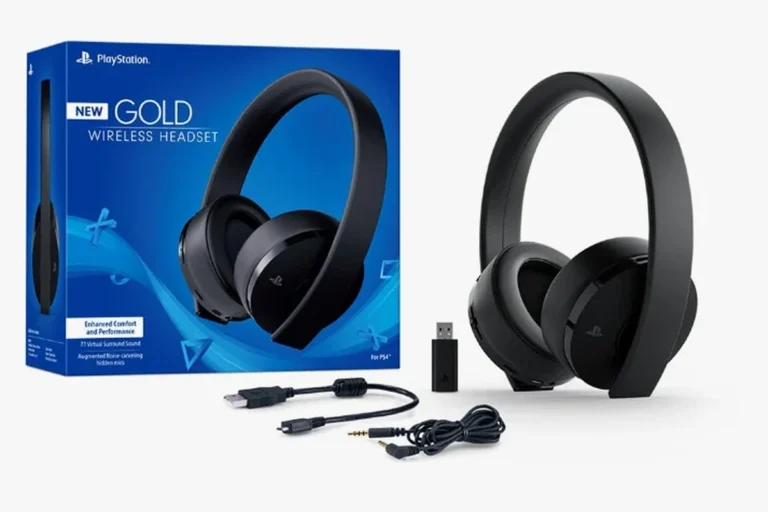
Can You Connect Wireless Headphones to Xbox Easily

Yes, but the easiest method is usually an Xbox Wireless headset rather than standard Bluetooth headphones. If you use regular Bluetooth headphones, you’ll likely need a TV, transmitter, or remote play workaround.
If you’re asking can you connect wireless headphones to Xbox, the short answer is yes, but not always in the way people expect. Xbox consoles do not support standard Bluetooth headphones the same way phones, tablets, and many PCs do, so the easiest setup usually depends on the type of headset or adapter you use.
In this guide, the Top Headphone Reviews Editorial Team breaks down what works in 2025, what does not, and which wireless options make the most sense for gaming, party chat, and everyday TV audio. If you want a broader look at connection basics, our guide on how to connect Bluetooth headphones is also a useful starting point.
- Best option: Xbox Wireless headsets are the most reliable choice.
- Bluetooth limit: Standard Bluetooth headphones usually do not pair directly.
- Workarounds: TV audio, transmitters, and remote play can help.
- Big tradeoff: Latency and mic support may be weaker with adapters.
- Safe listening: Keep volume moderate during long gaming sessions.
Can You Connect Wireless Headphones to Xbox? What Works in 2025
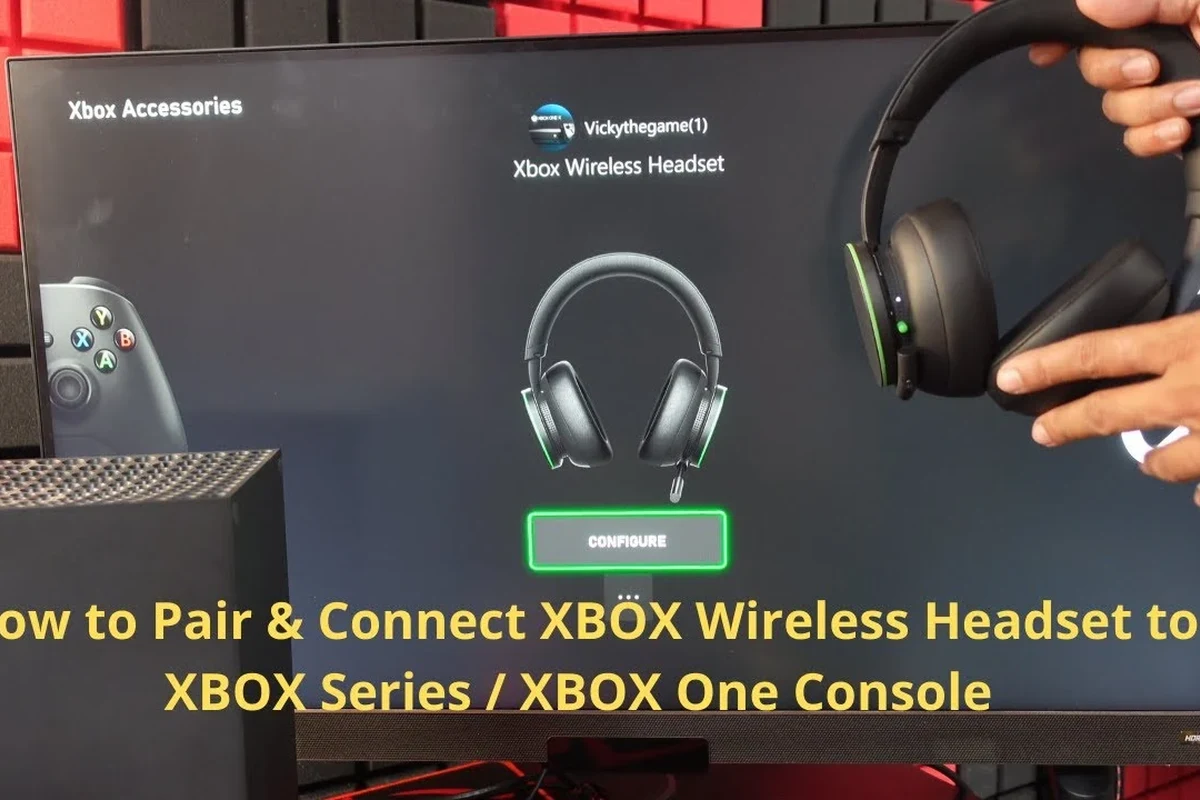
Yes, you can connect wireless headphones to Xbox, but the method matters. The most reliable choice is an Xbox Wireless headset, while standard Bluetooth headphones usually need a workaround such as a TV connection, transmitter, or remote play setup.
For most players, the best result comes from choosing a headset built for Xbox instead of trying to force a phone-style Bluetooth connection. That is especially true if you care about low latency, clear chat audio, and stable game sound during fast-paced play.
Wireless audio support can vary by console model, headset brand, TV features, and adapter quality. Always check compatibility before buying.
Xbox Wireless vs Bluetooth: Why Most Headphones Don’t Pair Directly
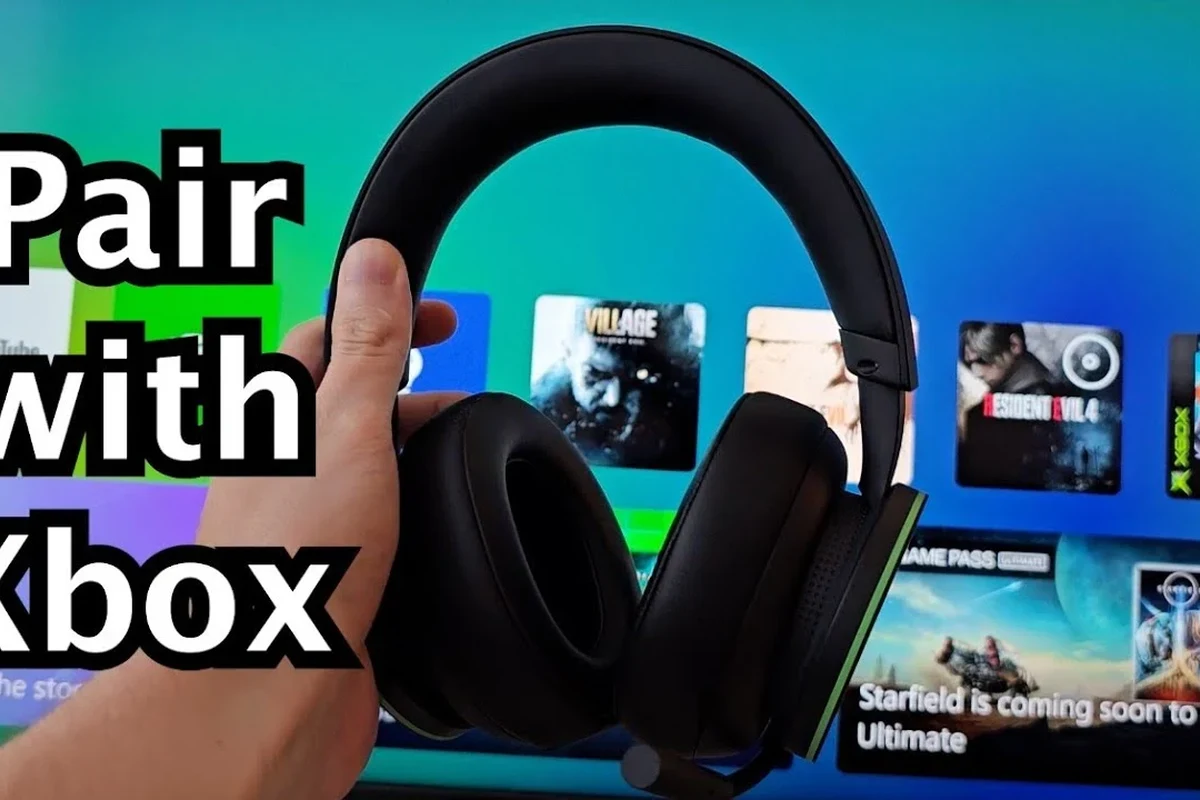
Xbox uses its own wireless audio system for many accessories, and that is why a lot of regular Bluetooth headphones do not show up as pairing options. This can be confusing if you are used to connecting headphones to a phone in seconds.
How Xbox handles wireless audio differently from PlayStation, Switch, and phones
Phones and many portable devices are designed around standard Bluetooth audio. Xbox, on the other hand, prioritizes its own wireless accessory ecosystem for lower latency and better chat integration.
That design helps reduce delay between what you see on screen and what you hear, which matters in shooters, racing games, and competitive play. It also helps party chat stay more stable than many generic Bluetooth setups.
Which Xbox consoles support wireless headphone connections natively
Xbox One, Xbox Series X, and Xbox Series S all support wireless audio through Xbox-compatible headsets, but not every wireless headphone will pair directly. In practice, “native support” usually means Xbox Wireless headsets or accessories designed specifically for the console.
Standard Bluetooth headphones still typically need an external solution. If you are shopping for a headset and want the least hassle, a model that explicitly supports Xbox is the safest route.
Some wireless gaming headsets support multiple platforms, but Xbox compatibility can still be limited by the wireless standard used, not just the brand name.
Best Ways to Use Wireless Headphones with Xbox Today
There are three main ways to get wireless audio on Xbox: use an Xbox Wireless headset, use a Bluetooth transmitter or TV-based workaround, or stream audio through the Xbox app and remote play. The right choice depends on whether you want simplicity, low latency, or maximum flexibility.
Xbox Wireless headsets for the most reliable low-latency setup
This is usually the easiest and best-performing option. Xbox Wireless headsets are designed to connect directly to the console without needing a dongle in most cases, which keeps setup simple and reduces lag.
For gaming, that low latency matters more than many buyers realize. Even a small delay can make dialogue, footsteps, and gunfire feel less precise, especially in fast online games.
Bluetooth transmitters and TV-based workarounds for standard headphones
If you already own Bluetooth headphones, a transmitter can sometimes help. These devices usually plug into a TV, monitor, or audio output and send sound to your headphones wirelessly.
This can work well for casual play, but it is not perfect. Latency, mic support, and volume control can vary a lot, and some setups are better for movies than for competitive gaming.
Not every Bluetooth transmitter supports voice chat, and some can add enough delay to make action games feel off. Check compatibility carefully before relying on one for multiplayer gaming.
Using the Xbox app or remote play for game audio on mobile-connected headphones
Another workaround is to stream Xbox audio through a phone or tablet using remote play or the Xbox app, then connect your headphones to that mobile device. This is not the most direct solution, but it can be useful if you already use wireless earbuds with your phone.
The tradeoff is that the audio path becomes longer and more dependent on your network quality. For that reason, it is usually better for casual play than for competitive sessions.
If you are using a workaround, test it with a game you know well. Footstep timing, menu clicks, and dialogue sync can help you judge whether the delay is acceptable.
Step-by-Step: How to Connect Wireless Headphones to Xbox the Right Way
The exact setup depends on what kind of headphones you own. If you have an Xbox Wireless headset, pairing is straightforward. If you are using standard Bluetooth headphones, you will need a TV, transmitter, or app-based workaround instead.
Pairing an Xbox Wireless headset to Xbox Series X, Series S, or Xbox One
Start by turning on the headset and putting it into pairing mode. Then press the pairing button on the Xbox console and wait for the connection to complete.
Once paired, check the Xbox audio settings to make sure game sound and chat audio are routed correctly. Some headsets also have their own app or firmware tools, which can improve performance and fix connection issues.
Make sure the headset is charged and in pairing mode before you touch the console.
Use the console’s wireless pairing button and wait for the headset light to confirm connection.
Confirm that game audio, party chat, and microphone input are all set the way you want.
Connecting through a TV, monitor, or audio extractor when Xbox won’t pair directly
If your headphones do not support Xbox Wireless, connect them to the TV or monitor instead of the console. Some TVs support Bluetooth audio natively, while others may need an external transmitter or audio extractor.
This route is convenient for watching shows and casual gaming, but it can introduce delay. If the TV has a noticeable audio lag setting, try to reduce it or enable any game mode options available.
- Does the TV support Bluetooth audio output?
- Does the transmitter support low-latency modes?
- Can you still use the microphone for party chat?
- Is there any lip-sync delay in game mode?
Setting up audio, chat, and mic settings for gaming and party chat
After connecting, open the Xbox audio settings and test both game sound and voice chat. Some wireless setups carry audio well but do not support the microphone in the way you expect.
If your headset includes a mic, make sure the console recognizes it as an input device. If not, you may need to use a separate mic solution or switch to a headset designed for Xbox chat support.
Best Headphone Types for Xbox Gaming: Performance, Price, and Tradeoffs
Not every wireless headphone type is a good fit for Xbox. The best choice depends on whether you care most about latency, comfort, microphone quality, or budget.
Xbox Wireless headsets vs Bluetooth gaming headphones vs wired alternatives
Xbox Wireless headsets are usually the easiest and most dependable. Bluetooth gaming headphones are more flexible across devices, but they often need extra hardware on Xbox and may add lag.
Wired headsets still have a strong place in gaming because they are simple, stable, and usually free from battery concerns. If you want the least complicated setup possible, wired is still hard to beat.
- Xbox Wireless: low latency and easy pairing
- Bluetooth headphones: flexible for phones and tablets
- Wired headsets: reliable and no battery needed
- Xbox Wireless: fewer universal uses
- Bluetooth headphones: possible lag and adapter needs
- Wired headsets: cable limits movement
Budget, mid-range, and premium options: what you get for the price
Budget options may get you basic wireless sound, but they often compromise on mic quality, build quality, or comfort. Mid-range models usually improve battery life, controls, and voice clarity.
Premium headsets tend to offer better materials, stronger app support, and more refined tuning, though results still vary by brand and hearing preference. If you want a rough starting point, our guide to headphones under a typical budget range can help you think through value before you buy.
Common Mistakes When Trying to Connect Wireless Headphones to Xbox
Most connection problems come from unrealistic expectations, not broken hardware. The biggest issues are usually Bluetooth compatibility, audio delay, or missing mic support.
Assuming standard Bluetooth headphones will work with every Xbox console
This is the most common mistake. Many people assume that because a headset works on a phone or laptop, it will also pair directly with Xbox, but that is often not true.
Before buying, check whether the headset explicitly supports Xbox Wireless or whether you will need an adapter. That small step can save a lot of frustration later.
Ignoring latency, mic support, and TV audio delay issues
Even if you get sound working, delay can still ruin the experience. Some setups are fine for single-player games or streaming video, but not ideal for competitive gaming.
Mic support is another common miss. A headset may play audio perfectly while still failing to provide party chat in a useful way.
Listening at high volumes for long periods can cause hearing damage. Keep volume at 60% or below for extended sessions.
Overlooking firmware updates, dongle compatibility, and battery limits
Wireless headsets often improve with firmware updates, so it is worth checking the manufacturer’s app or support page. A headset that seems unstable at first may work better after an update.
Also watch battery life and charging habits. If your headset dies mid-match, the convenience of wireless quickly disappears.
If you notice persistent crackling, dropouts, or one-sided audio after checking settings and updates, contact the headset maker or an audio specialist. If you experience ringing, discomfort, or fatigue from gaming audio, an audiologist can help assess safe listening habits.
Expert Advice: When a Wireless Workaround Is Worth It and When It Isn’t
A workaround is worth it if you already own good headphones and only need occasional wireless convenience. It is less worthwhile if you want the smoothest possible gaming setup with the fewest points of failure.
Warning signs that a Bluetooth transmitter will hurt gaming performance
If your transmitter adds noticeable lip-sync delay, cuts out during gameplay, or makes chat unreliable, it may be the wrong solution. That is especially important in fast games where timing matters.
If you also need to switch between console, TV, and phone often, a transmitter can become more annoying than helpful. In that case, a headset made for Xbox may be the better long-term choice.
When to choose a dedicated Xbox headset instead of an adapter-based setup
Choose a dedicated Xbox headset if you play often, use party chat regularly, or care about low-latency sound. It is also the better option if you want a simple setup that family members can use without troubleshooting.
If you are building a more flexible home audio setup, it may make sense to compare gaming needs with broader headphone advice, including wired versus wireless headphones and how different connection methods affect daily use. For readers who want a deeper Bluetooth overview, our Bluetooth headphones explained simply guide can also help.
Final Verdict: The Easiest and Most Reliable Way to Use Wireless Headphones on Xbox
If you want the easiest answer to can you connect wireless headphones to Xbox, the most reliable path is an Xbox Wireless headset. That gives you the best mix of simple pairing, low latency, and chat support.
Standard Bluetooth headphones can still work with Xbox, but usually through a TV, transmitter, or remote play workaround. Those methods are fine for some players, yet they are less consistent than a headset made for Xbox from the start.
For most buyers, the decision comes down to this: if you want convenience and performance, buy an Xbox-compatible wireless headset; if you want flexibility with devices you already own, be prepared to use an adapter or alternate audio route.
Frequently Asked Questions
Not always. Wired headphones usually offer the most stable connection, while wireless headphones are better for convenience and freedom of movement.
They can be, especially for blocking room noise during long sessions. Just remember that active noise cancellation can affect battery life and may feel different from passive isolation.
Closed-back headphones are usually better for gaming because they block more outside noise and keep sound from leaking. Open-back models can sound wider, but they are less private and less immersive in noisy rooms.
Over-ear headphones are usually the most comfortable for long sessions because they spread pressure more evenly. In-ear options can be portable, but comfort depends more on the ear tip fit.
Look at latency, wireless compatibility, microphone support, battery life, and comfort first. Driver type, frequency response, and EQ options can matter too, but they vary by model and personal preference.
Focus on Xbox compatibility, stable wireless connection, and a usable mic before chasing extra features. A lower-cost headset can still be a good buy if it handles chat, comfort, and battery life well for your needs.