How To Buy Headphones: Smart Buying Guide

The best way to buy headphones is to match them to how you will use them, then compare fit, sound, connection type, comfort, battery life, microphone quality, and return terms. A good pair for a U.S. commuter may be a poor choice for a gamer, runner, or home listener.
Start with your main use. Then choose between earbuds, on-ear headphones, and over-ear headphones. Check device support, noise control, comfort, repair options, and safety before you pay.
1. Choose the Right Type of Headphones
The headphone type affects comfort, sound, portability, and how well you hear your surroundings. No design is best for every buyer.
Earbuds
Earbuds sit in or near the ear canal. They are small, light, and easy to carry. Many true wireless earbuds come with a charging case and work well with phones, tablets, and laptops.
Choose earbuds if you want:
- A small design for travel
- Easy use with a smartphone
- A secure fit for daily movement
- Wireless listening without a headband
- A charging case that fits in a pocket
In-ear models use silicone or foam tips. The tip size affects both comfort and sound. A poor seal can reduce bass and make outside noise seem louder. That may lead you to raise the volume more than needed.
Open-fit earbuds sit at the ear opening rather than sealing the canal. They can feel more natural and let in more outside sound, but they often provide less bass and less noise isolation.
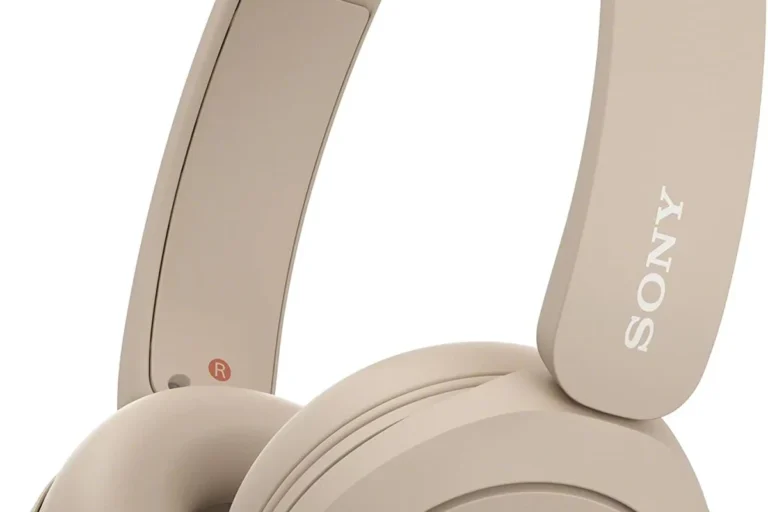
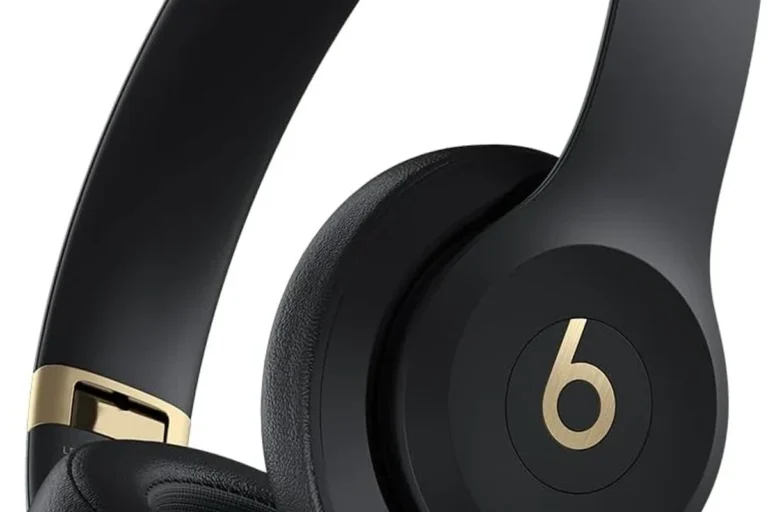
On-ear headphones
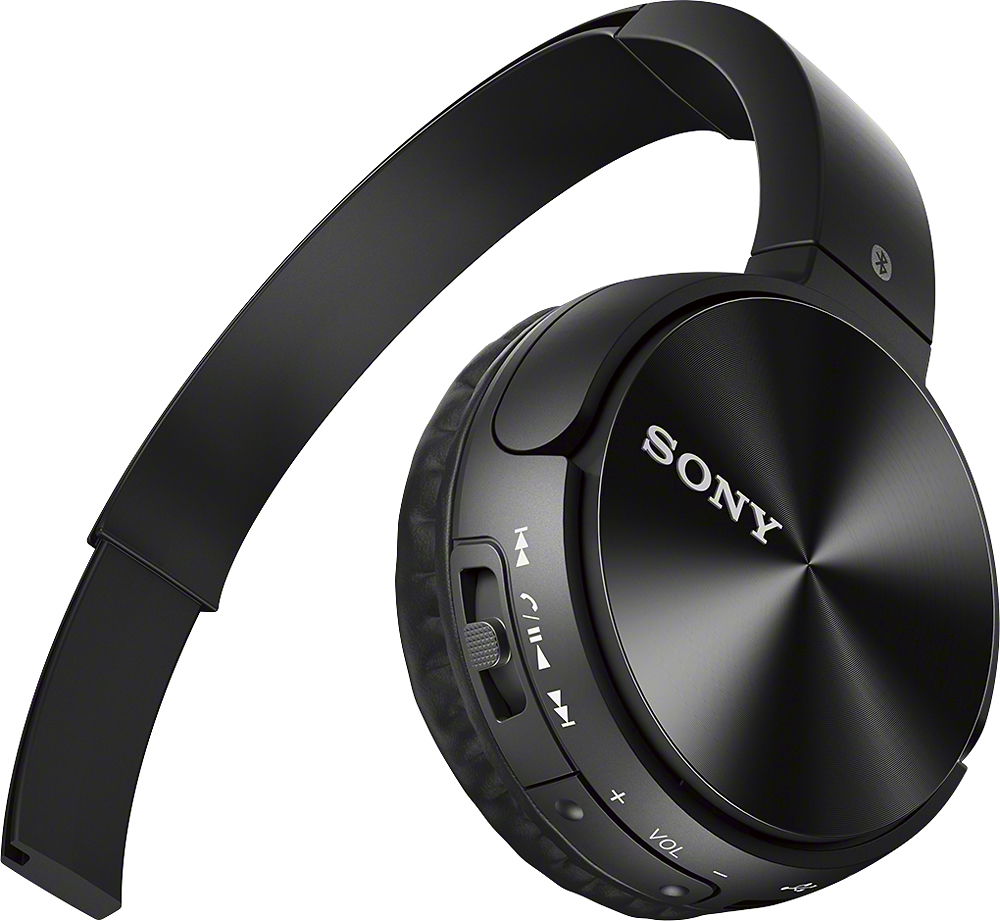
On-ear headphones rest on the outer ear. They are often lighter and smaller than over-ear models. However, the ear pads may press on the ear, which can become uncomfortable during long sessions.
Choose on-ear headphones if you want:
- Less bulk than many over-ear models
- More awareness of your surroundings
- A design that does not enter the ear canal
- A balance between portability and larger drivers
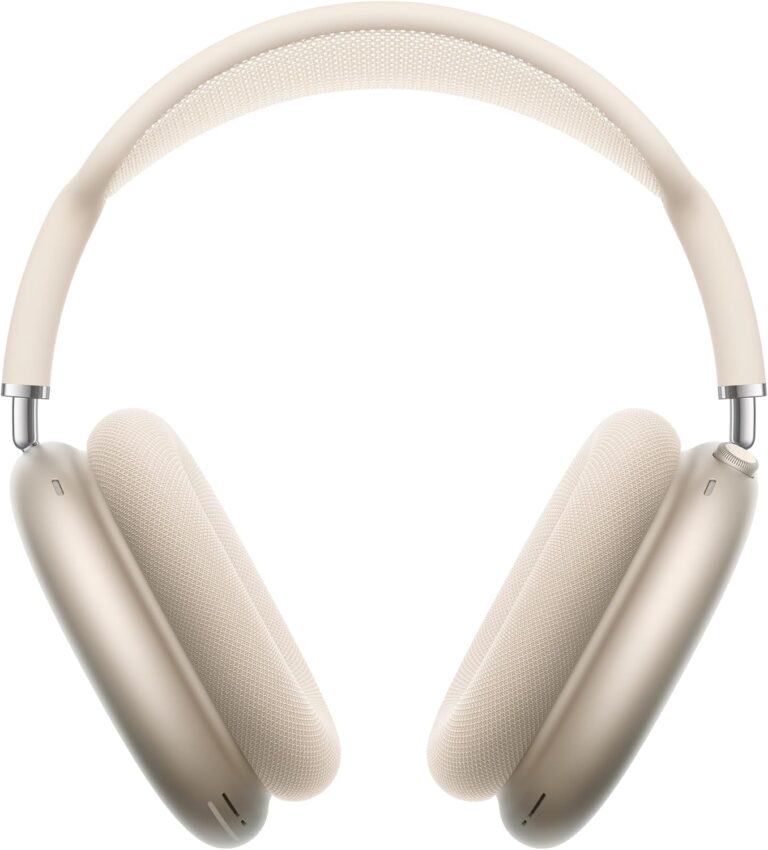
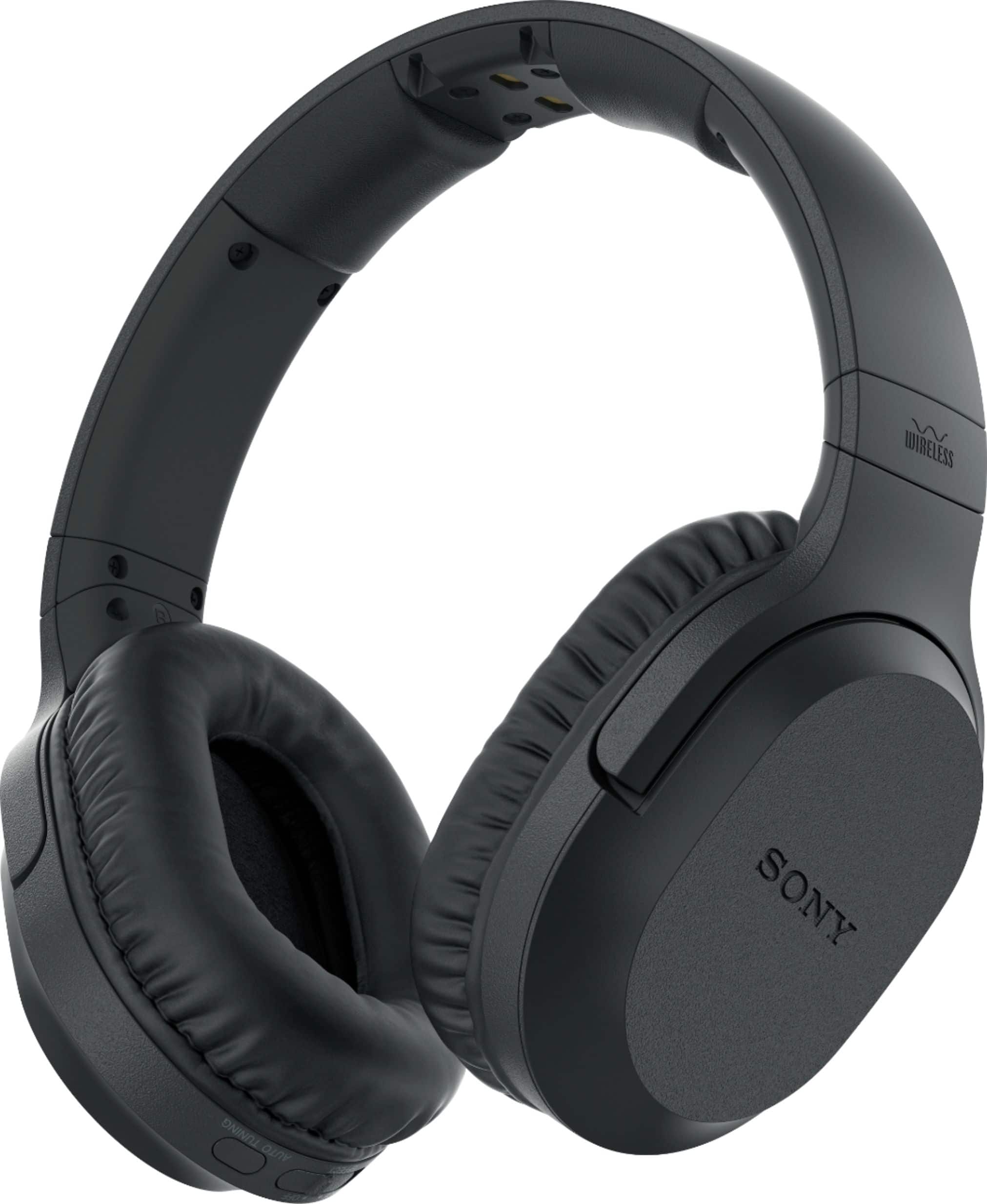
Over-ear headphones
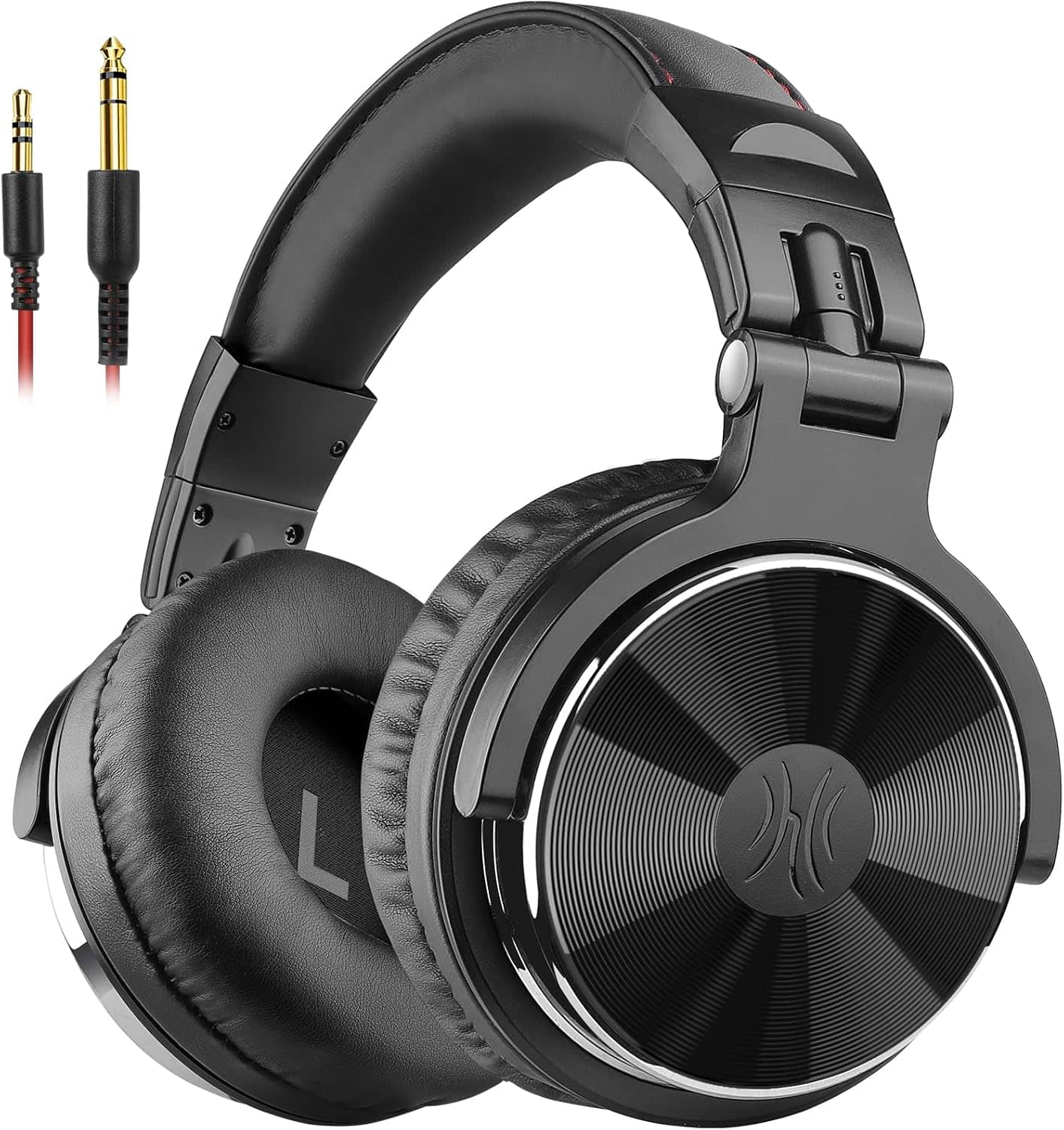
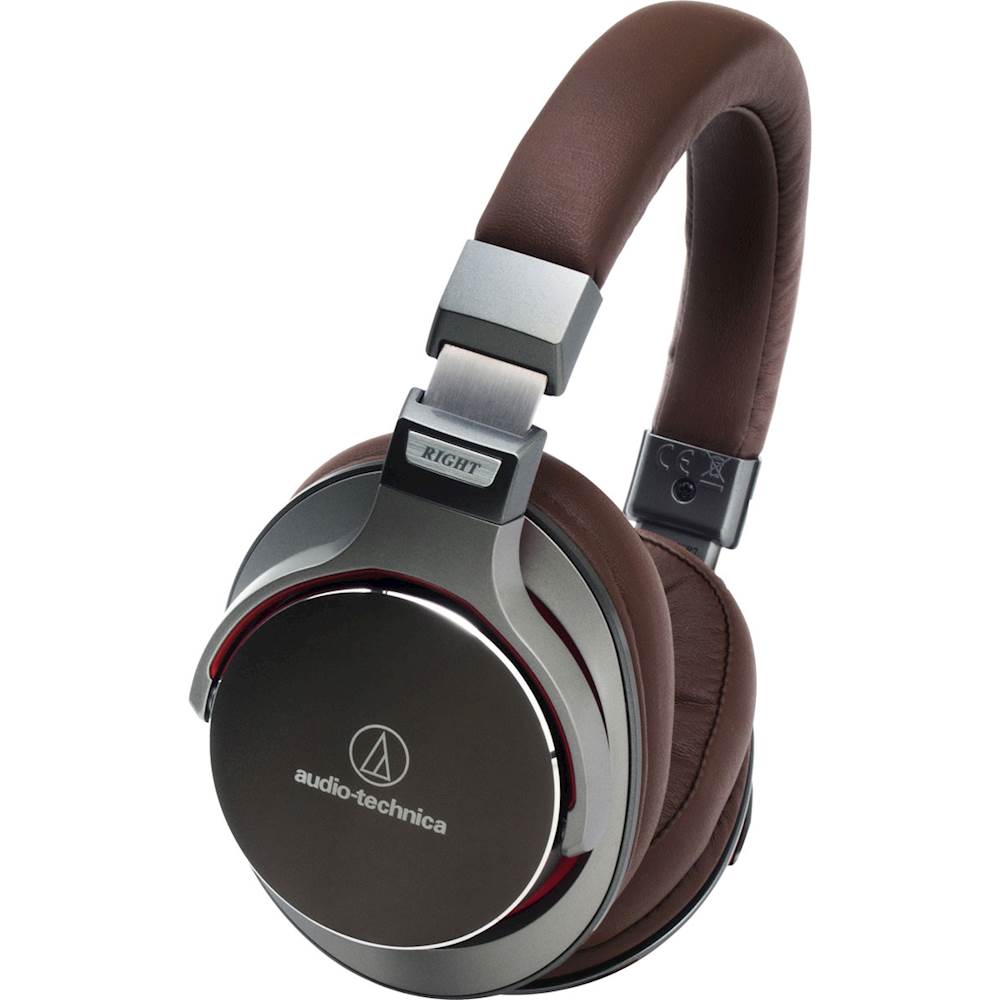
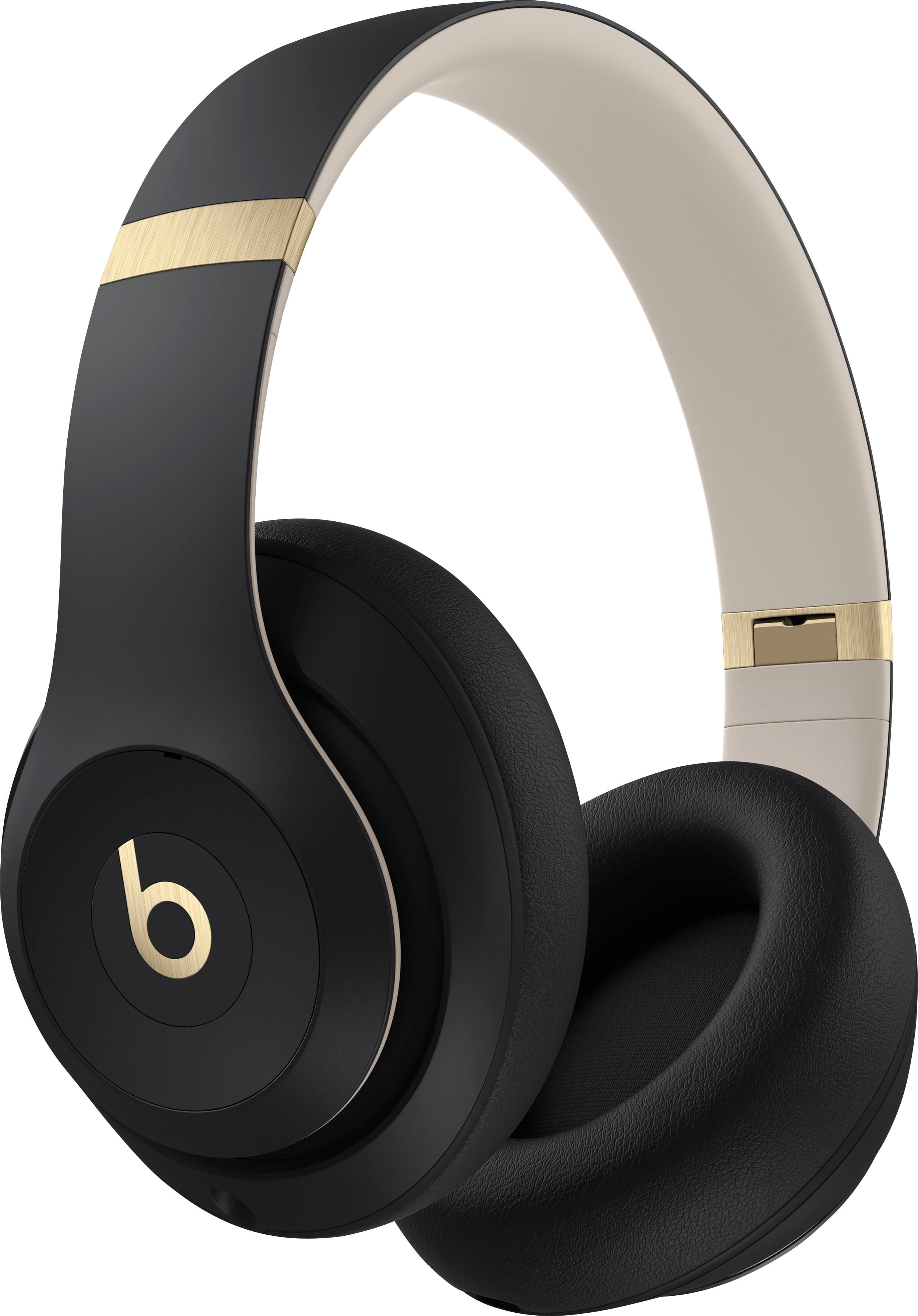
Over-ear headphones surround the ears with larger ear cups. They can offer strong passive isolation, a wide sense of space, and good comfort when the pads fit well.
Choose over-ear headphones if you want:
- Comfort for long listening sessions
- Stronger passive noise blocking
- A larger design for home, office, or studio use
- A wired option for music, gaming, or audio work
Over-ear headphones can feel warm. They also take more space in a bag. Closed-back models block more outside sound, while open-back models let air and sound pass through the ear cups.
Open-back headphones are usually for quiet rooms. Sound leaks out, and outside noise gets in. They are not a good choice for public transit or shared offices.

2. Decide Which Features Matter Most
Do not pay for every feature. Pick the features that solve your actual problem.
Noise cancellation
Active noise cancellation, or ANC, uses microphones and electronic processing to reduce some outside sounds. It often works best with steady, low sounds such as:
- Airplane engine noise
- Bus and train rumble
- Air conditioners
- Office ventilation
ANC is less reliable against sudden sounds, nearby speech, or high-pitched noises. It also does not replace safe awareness near traffic or machinery.
Passive isolation comes from the physical fit of the headphones. Ear tips and ear pads block sound without electronics. A well-sealed pair can reduce noise even when ANC is off.
Choose ANC when you often travel, work in noisy places, or want to listen at a lower level in steady background noise. Skip it if you mainly listen in quiet rooms and prefer a lower price or longer battery life.
Transparency or ambient mode
Transparency mode uses microphones to bring outside sound into the headphones. It can help you hear announcements or speak with another person without removing the headphones.
The effect differs by model. Some transparency modes sound natural, while others sound sharp or delayed. Test this feature if awareness matters to you.
Do not assume transparency mode makes headphones safe near roads or construction equipment. Remove the headphones when you need full awareness.
Wireless and Bluetooth
Bluetooth headphones connect without a cable. They are convenient for phones and many laptops, but they need charging and may have limits with some devices.
Check:
- Bluetooth support on your phone, tablet, computer, or TV
- Whether the headphones support multipoint connection
- Whether they pair with more than one device at once
- The included charging port and cable
- Support for calls on your main device
- Whether a wired mode works when the battery is empty
Bluetooth codec support can affect latency and audio quality, but the phone and headphones must support the same codec. A long list of codecs does not guarantee better sound.
A wired connection avoids battery charging and can reduce delay. Some phones and tablets no longer include a headphone jack, so you may need a USB-C or Lightning adapter. Check the exact device before buying.
Microphone quality
A headphone microphone may sound clear indoors but poor outdoors. Wind, traffic, and crowded rooms can overwhelm small microphones.
If you take work calls, compare:
- Voice clarity in a quiet room
- Wind handling
- Background-noise reduction
- Microphone mute controls
- Compatibility with your meeting app
- Performance in wired and wireless modes
Manufacturer claims about call quality are not the same as independent testing. If calls are central to your work, look for tests that use recorded voice samples in real conditions.
Water and sweat resistance
Water resistance ratings describe tested protection under stated conditions. They do not mean that headphones are safe for every workout, shower, pool, or weather event.
Look for the exact rating and its limits. Sweat, salt, soap, and water pressure can still damage a device. Charging wet earbuds can also create a safety risk. Dry the earbuds and case before charging, and follow the manual.
3. Match Headphones to Your Main Use
Your daily setting should guide the purchase more than a long feature list.
| Main use | Usually suitable | Features to prioritize | Main trade-off |
|---|---|---|---|
| Air travel | Wireless over-ear or sealed earbuds | ANC, comfort, battery life, wired backup | More cost and bulk |
| Public transit | ANC earbuds or over-ear models | Seal, transparency mode, stable fit | Full isolation can reduce awareness |
| Office work | ANC over-ear, earbuds, or on-ear | Microphone, multipoint, comfort | Some models feel warm |
| Exercise | Secure earbuds or light on-ear models | Fit, sweat resistance, controls | Smaller designs may have less battery life |
| Gaming | Wired or low-latency wireless headset | Microphone, platform support, latency | Gaming features may add weight |
| Home music | Wired or wireless over-ear headphones | Comfort, sound balance, repairability | Less portable |
| Studio work | Wired closed-back or open-back headphones | Consistent sound, cable, comfort | Open-back models leak sound |
| Television | Wireless headphones or a TV-compatible set | TV connection, latency, range | TV support varies |
| Hearing outside sounds | Open-fit earbuds or transparency mode | Ambient awareness, stable fit | Less isolation and bass |
Treat this table as a starting point, not a test result. Comfort and fit can change the result more than a specification sheet suggests.
4. Understand the Specifications That Actually Matter
Headphone specifications can help you narrow a choice, but they do not predict the full listening experience.
Frequency response
Frequency response describes the range of frequencies a device may reproduce. A wider stated range does not automatically mean better sound. Human hearing varies, and the measurement method matters.
Use listening reviews and return policies to judge sound. Look for descriptions of bass, vocals, treble, detail, and balance rather than a single frequency number.
Driver size
Drivers convert electrical signals into sound. Larger drivers do not always sound better. Design, tuning, fit, enclosure, and processing also matter.
Do not choose headphones based only on driver diameter.
Impedance and sensitivity
Impedance measures electrical resistance. Sensitivity indicates how loudly headphones may play with a given input. These figures matter most for wired headphones used with computers, audio interfaces, amplifiers, or older equipment.
Many consumer headphones work from a phone or laptop. Some high-impedance models may need more power to reach a useful volume. Check the manufacturer’s requirements before buying a specialized wired model.
Battery life
Battery claims often use specific test conditions. ANC may be on or off, playback volume may be fixed, and some features may be disabled.
Compare battery life under similar conditions. Also check:
- Earbud battery life per charge
- Total life with the case
- Over-ear battery life with ANC on
- Quick-charge time
- Battery replacement options
- Whether the headphones work while charging
A model with a shorter published battery life may still suit you if you charge it each night. A traveler may value longer life more.
Weight and clamp force
Weight is only one part of comfort. Headband pressure, ear-pad depth, heat, glasses, hair, and ear shape also matter.
For earbuds, the main factors are tip size, shape, pressure, and stability. For over-ear models, check whether your ears fit inside the pads. If your ears touch the driver cover, long sessions may become painful.
Sound profiles and equalizers
Many headphones use a bass-heavy sound. Others emphasize vocals or high notes. A companion app may offer an equalizer, or EQ, that lets you adjust these areas.
An EQ can improve a sound profile you already like. It cannot fix every physical problem, such as poor fit, wind noise, or a weak microphone.
5. Check Compatibility Before You Buy
Compatibility problems are common because “wireless” does not mean “works equally well with every device.”
Before checkout, confirm the following:
- Your device connection: Check Bluetooth, USB-C, Lightning, 3.5-millimeter audio, or TV support.
- Your operating system: Some app features require a current version of iOS, iPadOS, Android, Windows, or macOS.
- Your call platform: Confirm that the microphone and controls work with the apps you use.
- Your console: PlayStation, Xbox, Nintendo Switch, PC, and mobile devices may use different wireless systems.
- Your TV: Many TVs support Bluetooth audio, but some do not. Audio delay can also vary.
- Your ecosystem needs: Certain features may work best within one brand’s devices. Do not assume they work the same way across platforms.
- Your wireless limits: Bluetooth range depends on the device, walls, interference, and body position.
If you need headphones for an airplane seat, TV, or game console, check the connection method before buying. A standard Bluetooth model may not connect directly to every source.

6. Set a Realistic Budget
A higher price can buy better comfort, stronger materials, better microphones, more useful apps, or improved noise control. It does not guarantee that the sound will suit you.
Think about total ownership cost:
- Headphone price
- Charging case or replacement cable
- Optional adapters
- Replacement ear tips or pads
- Extended warranty
- Battery service or replacement
- Shipping and return costs
A low-cost pair may be sensible for occasional use. A more expensive model may make sense when you use it for hours each day and value comfort or call quality.
Do not treat a sale price as proof of value. Compare the current price with the warranty, return window, support policy, and replacement options.
In the United States, review the seller’s return policy and warranty terms before purchase. The Federal Trade Commission explains that warranty coverage can differ by product and seller, and that written warranty terms should state important conditions and limits.
7. Use This Headphone Buying Process
A simple process can prevent most poor purchases.
Step 1: Write down your main use
Choose one main use, such as commuting, office calls, exercise, gaming, or home listening. If you choose five main uses, rank them. A product that tries to do everything may have compromises in each area.
Step 2: Choose the form factor
Pick earbuds, on-ear, or over-ear headphones. Consider glasses, hearing aids, piercings, hairstyle, and whether you dislike pressure inside or around your ears.
Step 3: Choose wired, wireless, or both
Wireless is convenient. Wired models avoid charging and may work better for gaming or audio work. A pair with both Bluetooth and a cable can cover more situations, but it may cost more.
Step 4: Select only useful features
Choose ANC for steady noise. Choose transparency mode for regular conversations or announcements. Choose multipoint if you switch between a phone and computer often.
Step 5: Check fit and return terms
Buy from a seller with a clear return policy. Do not keep headphones that cause pain, pressure, skin irritation, or repeated slipping.
Step 6: Verify the connection
Pair the headphones with every important device. Test music, video, calls, controls, and charging. For gaming or TV use, check delay and connection stability.
Step 7: Test them in your real setting
Try them at home, in the office, or during your normal commute. Test ANC, transparency, the microphone, and comfort. Keep the packaging until you decide to keep the product.
Signs you made a good choice
Your headphones should:
- Stay in place without constant adjustment
- Feel comfortable for your normal listening time
- Connect reliably to your main devices
- Make voices clear on calls
- Provide the sound balance you enjoy
- Last through your typical day or offer easy charging
- Let you hear the environment when you need to
8. Avoid These Common Buying Mistakes
Choosing by brand alone
A trusted brand can still make models with different fits, microphones, sound profiles, and warranties. Compare the exact model.
Treating more bass as better sound
Strong bass can be fun, but too much may cover vocals and detail. Look for a sound profile that fits your music and podcast habits.
Ignoring comfort
A pair can sound good for five minutes and feel painful after an hour. Long-term comfort should be a core buying factor.
Buying a poor fit and raising the volume
A loose fit lets outside sound in. Raising the volume may make listening more tiring and can increase hearing risk. Try different ear tips or a different design instead.
Assuming water resistance means waterproof
Follow the stated rating and care instructions. Keep headphones away from showers, pools, and charging while wet unless the manufacturer clearly supports that use.
Forgetting the microphone
A headphone microphone is often an afterthought during shopping. If you work from home or take calls, treat it as a primary feature.
Ignoring battery aging
Rechargeable batteries lose capacity over time. Check whether the manufacturer offers service or replacement. For long-term use, a wired mode can extend the useful life of wireless headphones.
Buying without a return plan
Fit and sound are personal. A return window gives you a safer way to test the product in normal conditions.
9. Use Headphones Safely
Listening volume and listening time both affect hearing risk. The National Institute on Deafness and Other Communication Disorders advises reducing exposure to loud sound and using hearing protection in loud settings.
Practical habits include:
- Keep the volume low enough to hear nearby sounds when appropriate.
- Take breaks during long listening sessions.
- Avoid raising the volume to overcome poor fit or loud surroundings.
- Use hearing protection around loud tools, concerts, firearms, and machinery.
- Remove headphones when walking near traffic if you need full awareness.
- Stop using them if you notice pain, ringing, muffled hearing, or dizziness.
Noise-canceling headphones may help you listen at a lower volume in steady background noise. They do not make loud listening harmless, and they do not replace hearing protection designed for hazardous noise.
If ringing, muffled hearing, pain, or hearing changes continue after exposure, contact a qualified health professional. Sudden hearing loss needs prompt medical attention.
Key Takeaways
- Choose headphones based on your main use, not the longest feature list.
- Earbuds offer portability; on-ear models balance size and awareness; over-ear models often provide comfort and isolation.
- ANC helps with steady background noise, while fit provides passive isolation.
- Check device, app, console, and TV compatibility before buying.
- Test comfort, microphone quality, controls, battery life, and connection stability.
- Use a clear return policy as part of your buying plan.
- Keep volume moderate and take breaks during long listening sessions.
Frequently Asked Questions
Are expensive headphones worth it?
They can be worth the cost when they provide comfort, reliable calls, useful noise control, stronger materials, or better support. Price alone does not prove better sound. Compare the exact benefits with how often you will use them.
Should I buy earbuds or over-ear headphones?
Buy earbuds for portability, exercise, and phone use. Choose over-ear headphones for long sessions, home listening, and stronger passive isolation. Your ear shape, glasses, heat tolerance, and comfort preference may change the answer.
Is noise cancellation bad for your ears?
Noise cancellation itself is not known to damage hearing when used as directed. The main risk comes from excessive volume and long exposure. Some users may dislike the pressure sensation from ANC; turning ANC off can help.
Can I use Bluetooth headphones with a TV?
You can if the TV supports Bluetooth audio and uses a compatible connection. Some TVs have delay, limited controls, or no Bluetooth audio support. A dedicated transmitter may be needed.
How long should headphones last?
The answer depends on build quality, battery wear, sweat, drops, cable stress, and care. Wired headphones can remain useful for many years if the cable and pads are replaceable. Wireless headphones may become less useful when the battery loses capacity or software support ends.
Should I buy headphones with a headphone jack?
A wired jack can be useful for airplanes, gaming, audio equipment, low delay, and listening when the battery is empty. If your main device lacks a 3.5-millimeter port, you may need an adapter.
Conclusion: Buy for Your Real Listening Habits
To buy the right headphones, start with your daily setting and comfort needs. Pick the form factor, connection, and features that solve those needs. Then confirm compatibility, review the return policy, and test the headphones in real use.
The best choice is not always the most expensive or most feature-packed model. It is the pair that fits well, connects to your devices, sounds right to you, supports your calls or activities, and remains comfortable and safe to use.