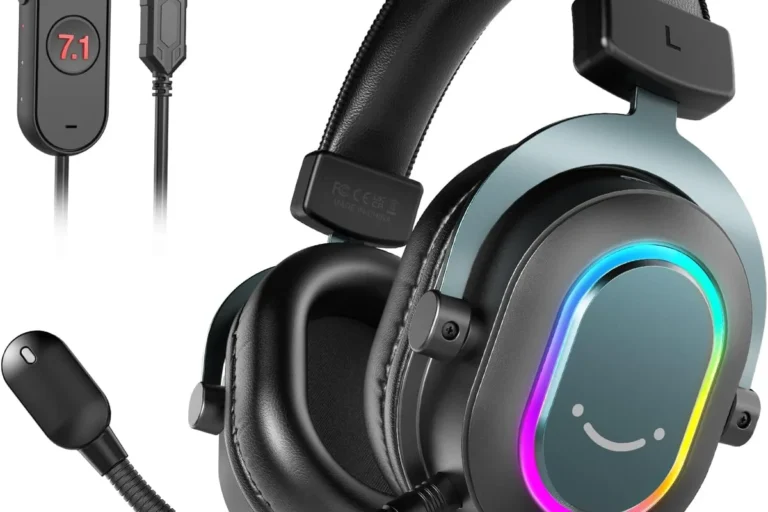
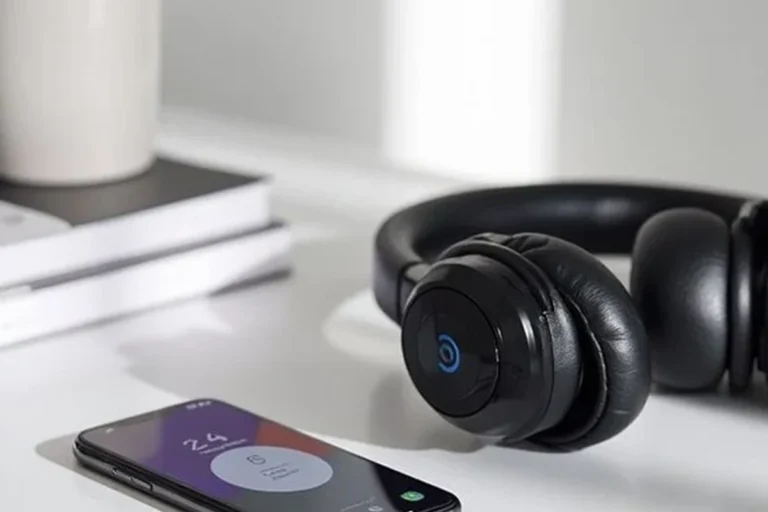
How to Use Bluetooth Headphones on Xbox Easily

Bluetooth headphones do not connect directly to most Xbox consoles, so you usually need a workaround. The easiest options are a Bluetooth transmitter, the Xbox app for chat, or an Xbox Wireless headset.
If you’re trying to figure out how Bluetooth headphones work with Xbox, the short answer is that standard Bluetooth audio does not connect directly to most Xbox consoles. In 2025, the easiest practical options are a Bluetooth transmitter, the Xbox app for chat, or an Xbox Wireless headset.
- Direct pairing: Standard Bluetooth audio usually does not work natively on Xbox.
- Best workaround: A Bluetooth transmitter can send game audio to your headphones.
- Simplest option: Xbox Wireless headsets are usually easier and more reliable.
- Biggest issue: Latency can make Bluetooth feel delayed in fast games.
How to Use Bluetooth Headphones on Xbox: What Works in 2025 and What Doesn’t
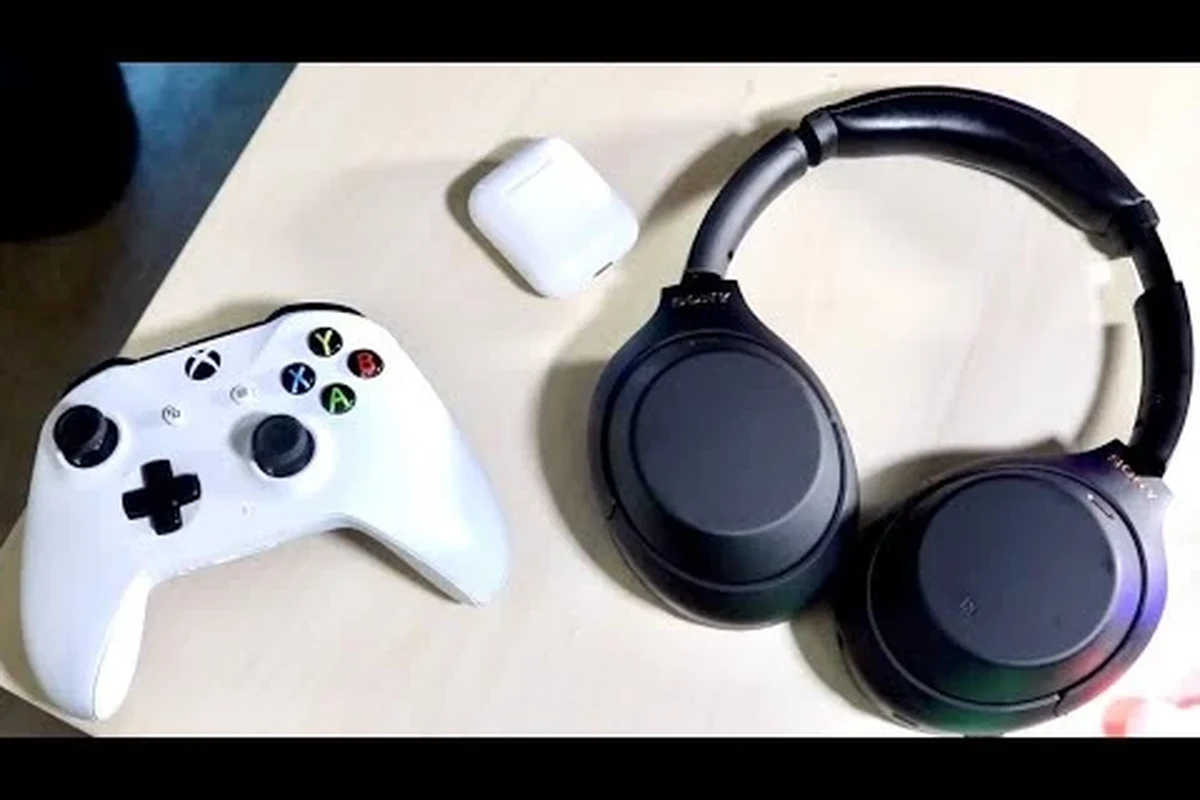
Xbox still does not offer the same simple Bluetooth pairing you may be used to on phones, tablets, or laptops. That means you cannot usually go into the console menu, tap “pair,” and expect regular Bluetooth headphones to work.
What does work is a workaround. You can send audio through a Bluetooth transmitter, use the Xbox mobile app for voice chat, or skip Bluetooth entirely and choose a headset built for Xbox Wireless.
Compatibility can vary by headset, TV, controller, and transmitter. Always check the exact model before buying, especially if you need a microphone for party chat.
Why Xbox Doesn’t Support Standard Bluetooth Audio Directly
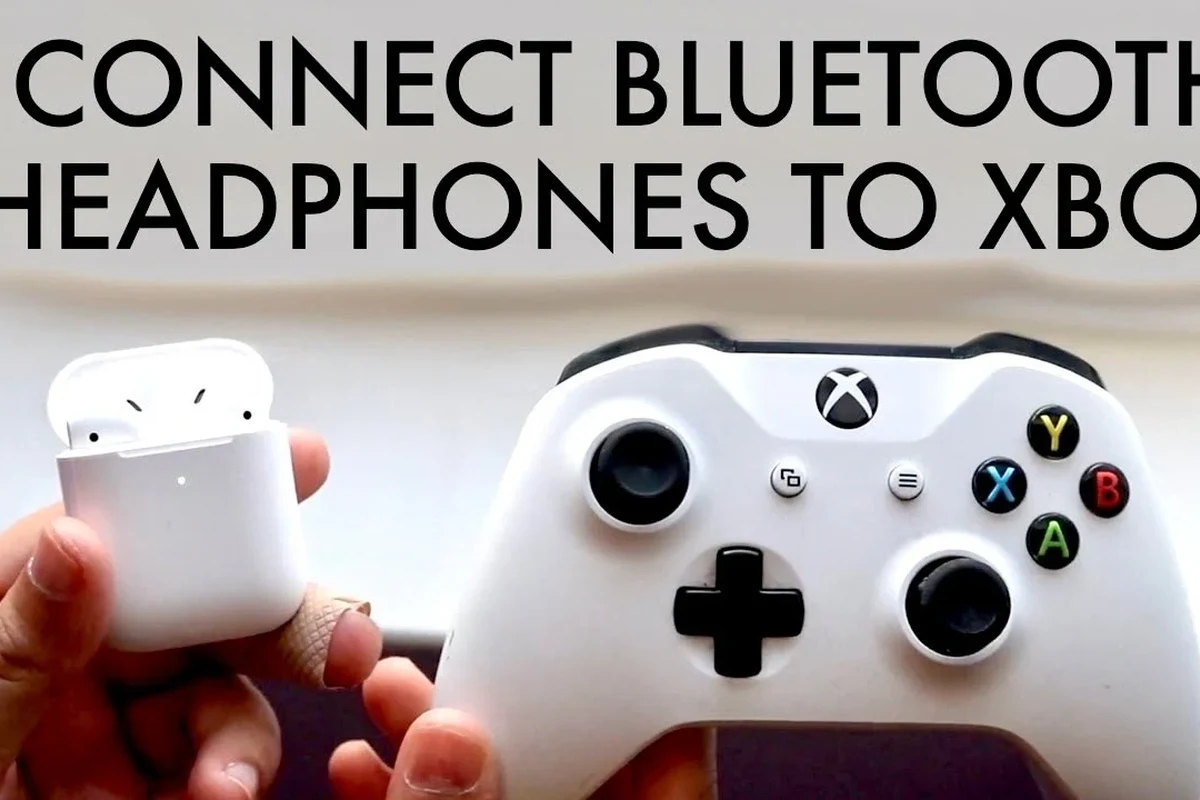
The main reason is that Xbox uses its own wireless audio system instead of standard Bluetooth for headset connections. This helps the console support lower-latency gaming audio and more consistent voice-chat performance.
Bluetooth is great for music and casual listening, but gaming is more demanding. Even a small delay can make footsteps, gunfire, and voice cues feel out of sync.
Xbox wireless protocol vs. Bluetooth: the key difference
Xbox Wireless is designed specifically for Xbox consoles and compatible headsets. Bluetooth is a universal standard, but it is not always ideal for real-time gaming because it can add noticeable lag.
That difference matters most in fast games. If you are playing story games or watching streamed content, Bluetooth may be acceptable through a workaround, but competitive play is a different story.
What this means for gamers searching for a quick setup
If you want the fastest setup possible, standard Bluetooth headphones are usually not the best first choice for Xbox. You will likely need an adapter, a second device, or a headset made for the platform.
For many readers, the simplest path is choosing an Xbox Wireless headset or a wired headset instead of trying to force a normal Bluetooth-only model to behave like an Xbox headset.
Best Ways to Connect Bluetooth Headphones to Xbox
There are a few practical ways to get audio into Bluetooth headphones while gaming on Xbox. The best method depends on whether you care most about game sound, party chat, microphone use, or budget.
Using the Xbox app for party chat on mobile devices
One common workaround is to use the Xbox app on a phone with Bluetooth headphones connected to that phone. This can be useful for party chat or voice communication while the game audio comes from another source.
This method is not perfect, but it can help if you already own Bluetooth headphones and mainly need a way to talk with friends.
Pairing via a Bluetooth transmitter connected to the controller or TV
A Bluetooth transmitter is often the most direct workaround for game audio. Depending on the model, it can connect to the console, controller, TV, monitor, or AV receiver, then send sound to your Bluetooth headphones.
This option is popular because it keeps your existing headphones in the setup. Still, audio delay, microphone support, and volume control depend heavily on the transmitter you buy.
Using Xbox Wireless headsets as the simplest alternative
If you want the least frustrating setup, an Xbox Wireless headset is usually the cleanest answer. It connects without a Bluetooth workaround and is built for the console’s audio system.
For most gamers, this is the best balance of convenience and reliability. It is especially useful if you want game audio and chat to work together without juggling extra devices.
Step-by-Step Setup for Each Practical Method
Below are the most realistic setup paths for Xbox owners. Use the one that matches your gear and how much lag you can tolerate.
How to use a Bluetooth transmitter with Xbox Series X|S or Xbox One
Decide whether the transmitter will plug into the TV, monitor, controller, or console output. TV or monitor audio is often the simplest for full game sound.
Use the correct port or adapter for your setup. Some transmitters use USB power and a 3.5 mm or optical audio input, while others are made for specific devices.
Put the transmitter into pairing mode, then pair your Bluetooth headphones as instructed by the manufacturer. Keep in mind that pairing steps vary by brand.
Play a game and listen for delay or dropouts. If audio feels late, the transmitter may not be suitable for gaming.
Not every Bluetooth transmitter supports voice chat or low-latency gaming modes. If you need a microphone, confirm that the transmitter and headset can handle it before you buy.
How to route audio through your TV, monitor, or AV receiver
Many Xbox players send console audio to the TV first, then connect a transmitter to the TV’s headphone output, optical output, or audio-out port. This can be convenient if your display already manages the sound output well.
Some monitors and AV receivers also work as pass-through points. The exact result depends on the display’s audio settings and the ports available on your gear.
- Does your TV or monitor have an audio-out port?
- Can it pass game sound without heavy delay?
- Does it support the volume level you need?
- Will your headphones stay connected reliably?
How to combine Xbox chat on one device and game audio on another
If you want Bluetooth headphones for chat but not for game audio, you can split the job between devices. For example, you might use the Xbox app on a phone for party chat while game sound comes through the TV or another headset.
This is a practical compromise for casual play. It is not the cleanest setup, but it can work if you already own the gear and do not want to buy a new headset right away.
If you notice delay, try lowering extra processing on your TV or transmitter first. Game mode on the TV can sometimes help more than changing the headset.
Common Mistakes That Cause Audio Delay, Low Volume, or No Sound
Most Xbox Bluetooth problems come from mismatched expectations. The console is not the issue every time; often it is the adapter, audio settings, or headset type.
Buying a headset that only supports standard Bluetooth
A normal Bluetooth-only headset may work for phones and laptops but still fail to connect directly to Xbox. That is why so many buyers end up frustrated after assuming all wireless headphones behave the same way.
Before buying, check whether the headset supports Xbox Wireless, a transmitter-based connection, or a wired fallback.
Ignoring latency and codec limitations for gaming
Latency is the biggest reason Bluetooth can feel off in games. Some headphones and transmitters perform better than others, but Bluetooth is still more limited than a dedicated gaming wireless system.
Codec support and low-latency modes can help, but they do not guarantee perfect sync. Results vary by brand, model, and the rest of your setup.
Overlooking controller, TV, and console audio settings
Sometimes the fix is in the settings menu, not the headset. Check Xbox volume, chat mixer settings, TV audio output, and any mute options on the transmitter or controller.
Low volume can also happen when the audio path is routed through too many devices. Simplifying the chain often improves both sound and stability.
Many “Bluetooth gaming” problems are really TV or transmitter issues. A good audio path matters just as much as the headphones themselves.
What to Look for in a Bluetooth Headphone Setup for Xbox
If you are building a workaround setup, focus on the whole chain: headset, transmitter, audio source, and chat method. That is the only way to avoid buying something that looks right on paper but feels awkward in real use.
Latency, microphone support, battery life, and comfort
Latency should be your first concern for gaming. After that, check whether your headset supports microphone input the way you need it, since many Bluetooth setups handle audio better than chat.
Battery life and comfort matter too, especially for long sessions. Fit, ear cushion material, clamp force, and weight can make a bigger difference than flashy features.
- Lower latency matters more than fancy Bluetooth features for Xbox.
- Microphone support is not guaranteed with every transmitter or headset.
- Comfort and battery life matter for longer gaming sessions.
When a transmitter is worth the extra cost
A transmitter makes sense if you already own good Bluetooth headphones and want to keep using them. It can also be useful if you mainly play single-player games or casual multiplayer and can tolerate a little delay.
If you play competitive shooters or rely on chat quality, the extra cost may still be worth it only if the transmitter has strong low-latency support and clear compatibility details.
Price comparison: budget workaround vs. Xbox Wireless headset
A budget workaround usually means using a transmitter or a second device you already own. That can be cheaper up front, but it may take more setup time and deliver less consistent results.
An Xbox Wireless headset often costs more, but it is simpler and usually better aligned with the console. For many gamers, paying more once is easier than troubleshooting a workaround every time they play.
Expert Advice: When Not to Rely on Bluetooth for Xbox Gaming
Bluetooth is fine for some situations, but it is not the best answer for every player. If your games depend on timing, precision, or clear voice communication, choose your setup carefully.
Warning signs for competitive shooters and fast-paced multiplayer
If you play competitive shooters, rhythm games, or fast online matches, even a small delay can be distracting. Footsteps, reload sounds, and enemy movement cues need to arrive quickly.
That is where Bluetooth workarounds often fall short. The setup may be usable, but it is rarely the best option for serious competitive play.
Better alternatives for voice chat, spatial audio, and zero-lag play
For the cleanest experience, look at Xbox Wireless headsets or a wired headset with a reliable connection. These options are usually easier for voice chat and less likely to introduce delay.
If you want more immersive sound, compare spatial audio support, comfort, and mic quality rather than focusing only on Bluetooth branding. The best gaming headset is the one that fits your play style, not just your device list.
If you have tinnitus, hearing sensitivity, or frequent ear fatigue, consider speaking with an audiologist about safe listening levels and comfortable headset choices.
Listening at high volumes for long periods can cause hearing damage. Keep volume at 60% or below for extended sessions.
Final Takeaway: The Easiest Way to Use Bluetooth Headphones on Xbox
The easiest way to use Bluetooth headphones on Xbox is usually not direct pairing, because Xbox does not support standard Bluetooth audio the way phones do. Instead, use a Bluetooth transmitter, the Xbox app for chat, or switch to an Xbox Wireless headset for the smoothest setup.
Quick recap of the best method by budget and gaming style
If you want the cheapest workaround, try a transmitter or use a second device for chat. If you want the simplest and most reliable experience, an Xbox Wireless headset is usually the best choice.
For competitive gaming, avoid relying on Bluetooth alone whenever possible. For casual play, movie nights, and single-player sessions, a well-matched workaround can be perfectly usable.
Frequently Asked Questions
Wired headphones usually offer lower latency and simpler setup on Xbox. Bluetooth can work through workarounds, but it is often less reliable for fast-paced gaming.
Check whether the headset supports Xbox Wireless, Bluetooth, or a wired connection. Also look at microphone support, comfort, battery life, and any latency claims.
They can work well for blocking outside noise, especially for casual gaming. Just remember that active noise cancelling may affect battery life and fit, and results vary by model.
Open-back headphones can create a wider, more natural soundstage, which some gamers like. They also leak sound and block less outside noise, so they are usually better for quiet rooms.
Start with the headset fit and EQ settings before changing anything else. A small EQ adjustment can improve bass or clarity, but the best results depend on the headphone model and your hearing preference.
Look for manageable weight, soft ear cushions, and a fit that does not clamp too tightly. Comfort is personal, so what works best can vary from one player to another.