Do the PS5 Headphones Work on PS4 Compatibility Guide

Yes, many PS5 headphones work on PS4, especially wired 3.5mm headsets and some USB wireless models. However, features like mic support, EQ, and 3D audio may be limited depending on the exact headset.
If you’re asking, do the ps5 headphones work on ps4, the short answer is: often yes, but not always with every feature. In most cases, wired 3.5mm headsets and many USB wireless headsets will work on a PS4, while some PS5-specific features may be limited or unavailable.
- Best connection: 3.5mm wired headsets are usually the most reliable on PS4.
- Wireless caveat: USB dongles may work, but support varies by model.
- Feature limits: PS5-only audio features may not transfer fully.
- Buy smart: Check the exact model’s PS4 compatibility before purchasing.
Do the PS5 Headphones Work on PS4? Quick Answer and What It Really Means in 2025
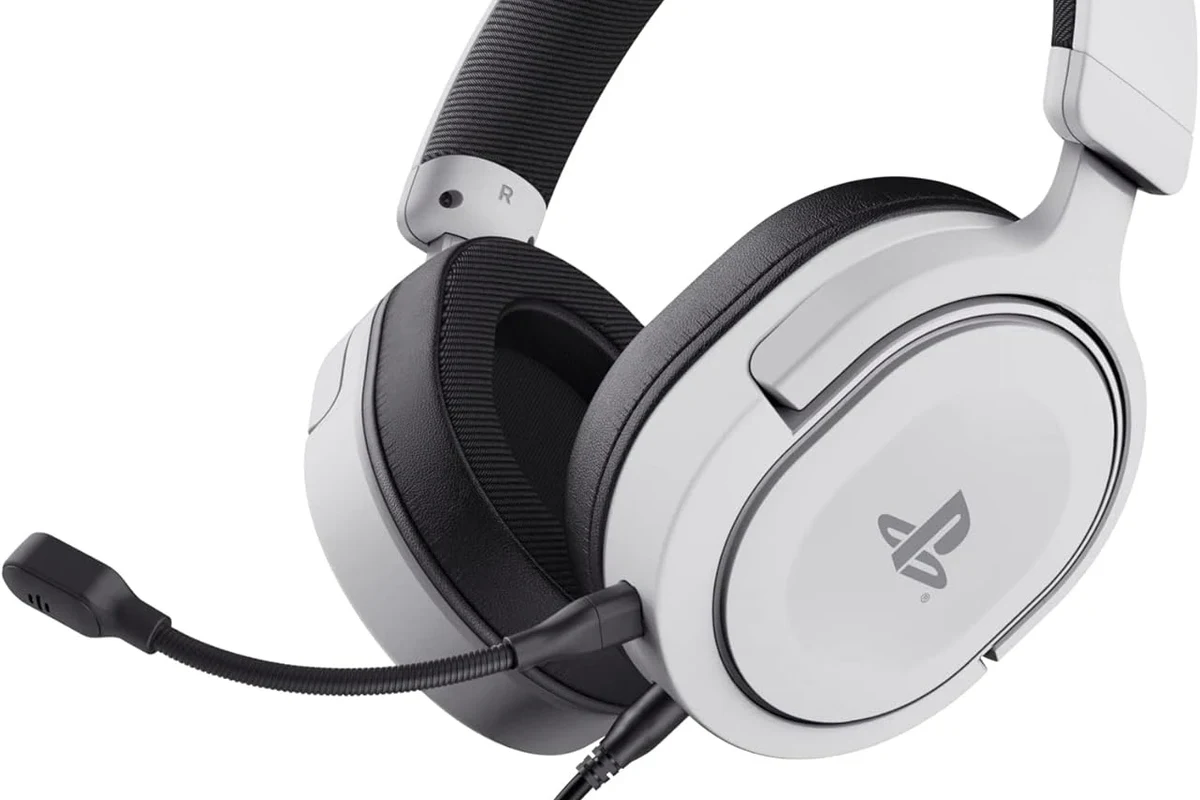
For most gamers, PS5 headphones can be used on PS4 if the headset connects in a supported way. The biggest difference is that “working” does not always mean “working fully.”
A headset may pass game audio, chat audio, or both, but advanced features like platform-specific sound processing, companion app settings, or console-tuned audio modes may not carry over. That’s why it helps to think in terms of connection type first, then features second.
- Many PS5 headsets work on PS4 through USB or 3.5mm.
- Some wireless models need a dongle or extra setup.
- PS5-only features may not transfer to PS4.
- Always check the exact headset model before buying.
PS5 Headphones Compatibility with PS4: USB, Wireless, and 3.5mm Options Explained
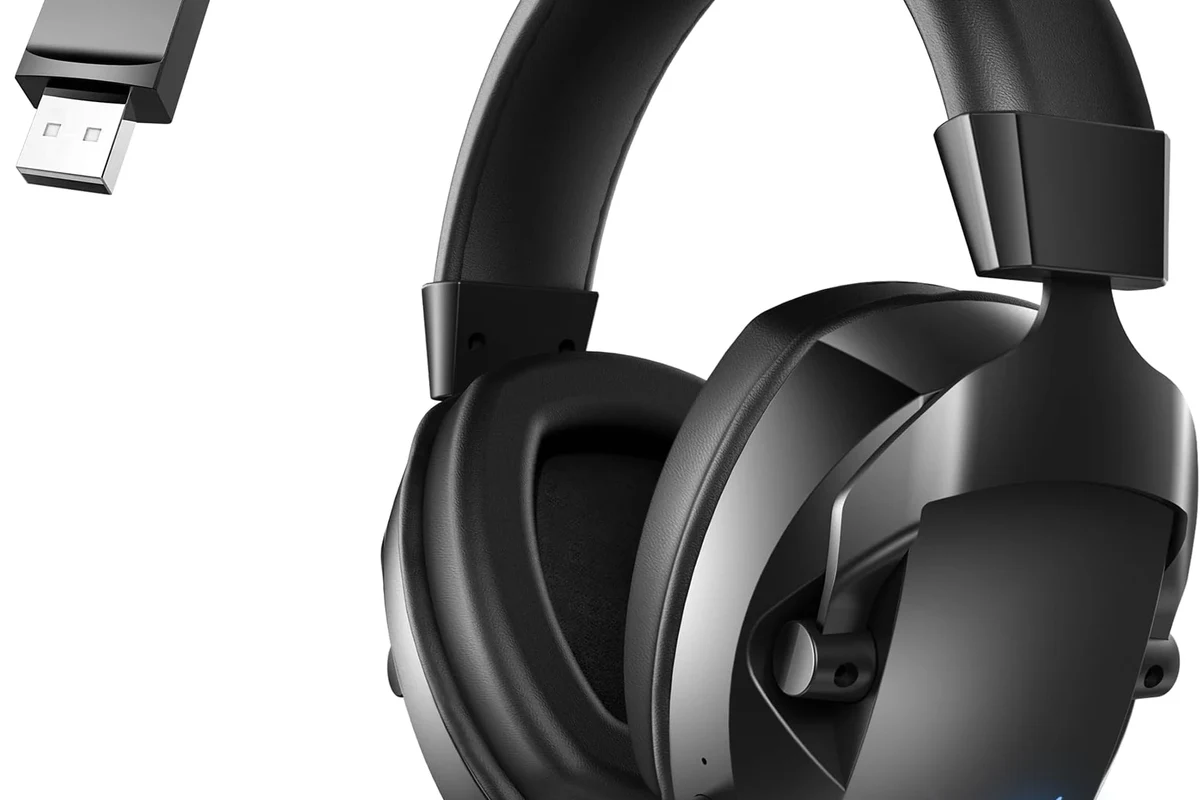
Compatibility depends on how the headset connects. If your PS5 headphones use a standard wired jack or a USB receiver that the PS4 recognizes, you often have a simple path to use them.
For readers who want a broader look at headset types, our guide to types of headphones explained can help you compare wired, wireless, and gaming-focused designs before you buy.
When a PS5 headset works automatically on PS4
Some headsets work as soon as you plug them in. A 3.5mm headset connected to the DualShock 4 controller is usually the easiest example, because the PS4 treats it like a standard analog audio device.
Many USB wireless gaming headsets also work automatically if their wireless dongle is supported by the PS4. In these cases, the console may detect the headset without extra software, though menu names and audio options can still vary by brand.
If a headset has both USB and 3.5mm options, test the wired connection first. It is often the fastest way to confirm basic audio and mic support on PS4.
When a dongle or adapter is required
Some PS5 headphones rely on a USB wireless transmitter, and that transmitter may be essential for the headset to function. If the headset does not support direct Bluetooth audio on PS4, the dongle is usually the bridge that makes it work.
In other cases, you may need a simple adapter if the headset expects a different port or connection style. That said, adapters can solve only the connection problem, not every feature problem.
Bluetooth support on PlayStation consoles can be limited, and many gaming headsets use proprietary wireless dongles instead of standard Bluetooth pairing.
When features work partially, not fully
This is where many buyers get confused. A headset might deliver game audio on PS4, but the microphone, sidetone, EQ presets, or virtual surround mode may not behave exactly as they do on PS5.
That partial support is still useful, but it changes the value of the headset. If you mainly want clear chat and dependable game sound, partial compatibility may be enough. If you want every feature, you need to confirm support before purchase.
What PS4 Users Need to Check Before Buying or Using PS5 Headphones
Before assuming a headset will work, check the console port, the headset’s connection method, and the manufacturer’s compatibility notes. Those three details usually tell you most of what you need to know.
Console connection type and port availability
The original PS4, PS4 Slim, and PS4 Pro all support wired headsets through the controller’s 3.5mm jack. USB support is also common, but the experience can vary depending on the headset and whether the console recognizes the dongle properly.
If your headset needs a USB-A port, make sure you have one available on the console. If it requires USB-C, you may need an adapter, but that does not guarantee full functionality.
- Does the headset use 3.5mm, USB, or wireless dongle connection?
- Does the PS4 model you own have the needed port?
- Does the manufacturer list PS4 support specifically?
- Will the microphone work for chat, not just audio playback?
Headset model support and manufacturer limitations
Brand names can be misleading. Just because a headset is sold as “PlayStation” or “PS5-ready” does not automatically mean it supports every older console in the same way.
Manufacturers often publish a compatibility list, and that list matters more than marketing language. If the product page mentions PS4 support, that is a strong sign; if it only mentions PS5, you should assume some limitations until proven otherwise.
Audio and mic compatibility differences
Game audio is usually easier to get working than the microphone. A headset may play sound perfectly while the mic remains silent, or the mic may work only through one connection mode.
Volume control, chat balance, and mute buttons can also behave differently on PS4. If you rely on party chat or multiplayer voice, verify mic support before you commit to a headset.
Practical Setup Examples: How Common PS5 Headphones Perform on PS4
Real-world setup is usually simpler than the spec sheet suggests. Still, the exact result depends on whether you are using wireless USB, a wired jack, or a PlayStation-branded gaming headset.
Wireless USB headsets on PS4 Slim, PS4 Pro, and original PS4
USB wireless headsets are often the most convenient option if they are officially supported. Plug in the dongle, power on the headset, and the PS4 may switch audio output automatically.
That said, some headsets need manual selection in the PS4 sound settings. If audio comes through the TV instead of the headset, check the output device menu and make sure the headset is chosen for both input and output where needed.
Some gaming headsets use a proprietary wireless signal, not standard Bluetooth. That is one reason a headset can work on PS4 even when regular Bluetooth headphones do not.
Wired 3.5mm headsets through the DualShock 4 controller
This is usually the most reliable setup. If your PS5 headphones include a 3.5mm cable, plug them into the DualShock 4 controller and then set the PS4 audio output to the controller or headset option.
Wired use also avoids pairing problems and wireless latency concerns. For many players, especially casual gamers, this is the easiest way to get stable sound without extra accessories.
Pulse 3D-style headsets and similar gaming models
Headsets in the Pulse 3D style often work on PS4 for basic audio, but the full experience may be more limited than on PS5. You may still get solid game sound and chat, but not every console-specific feature will be available.
If you are considering a model like this, focus on the core basics: comfort, mic clarity, and whether the headset is officially listed as PS4 compatible. That matters more than the logo on the box.
Do not assume a headset’s PS5 marketing page guarantees PS4 support. Always check the exact model number, because small revisions can change compatibility.
Common Mistakes Gamers Make When Trying to Use PS5 Headphones on PS4
Most compatibility problems come from assumptions, not broken hardware. A quick model check can save you from a lot of setup frustration.
Assuming all PlayStation-branded headsets are fully cross-compatible
PlayStation branding helps, but it does not guarantee perfect cross-generation support. Some headsets are designed to work across both consoles, while others are tuned more heavily for one platform.
If you want fewer surprises, look for explicit PS4 compatibility in the product description, manual, or support page.
Overlooking firmware updates and pairing steps
Wireless headsets sometimes need firmware updates, and those updates may only be available through a PC or the manufacturer’s app. Skipping that step can make a headset seem incompatible when it is only outdated.
Pairing order can matter too. If the dongle is not recognized right away, unplug it, restart the console, and try again before assuming the headset is faulty.
Expecting PS5-only features like 3D audio to behave the same on PS4
PS5 features do not always translate directly to PS4. Audio modes, spatial tuning, and enhanced sound profiles may be reduced or unavailable on the older console.
That does not mean the headset sounds bad on PS4. It just means the experience may be more basic, with fewer software-driven extras.
Expert Advice: Audio Quality, Mic Performance, and Feature Trade-Offs
When a headset moves from PS5 to PS4, the main question is not just “does it connect?” It is whether the sound, voice chat, and comfort still meet your needs once the newer features are removed.
What you lose when moving from PS5 to PS4
You may lose platform-tuned audio features, advanced app controls, and some convenience functions. In practical terms, that can mean fewer EQ options, less refined surround processing, or reduced customization.
For some players, that trade-off is minor. For others, especially those who care about game immersion or voice chat tuning, it can be a deal-breaker.
Latency, chat balance, and voice monitoring considerations
Wireless headsets can add a little delay depending on the model, the dongle, and the game setup. Many gaming headsets keep latency low enough for casual play, but not every model performs the same.
Chat balance and sidetone are also worth checking. If you cannot hear your own voice clearly, or if game audio drowns out party chat, the headset may feel less comfortable during long sessions.
If you notice persistent distortion, one-sided audio, or microphone issues across multiple devices, consult the headset manufacturer first. If you are also experiencing ringing, pain, or hearing changes, speak with an audiologist or hearing professional.
Warning signs that a headset may not be worth the hassle
If a headset needs multiple adapters, unofficial drivers, or complicated workarounds just to get basic sound, it may not be the best PS4 choice. A simpler headset often gives a better everyday experience.
Also be cautious if the product page is vague about console support. Clear compatibility information is usually a sign of a more reliable purchase.
Listening at high volumes for long periods can cause hearing damage. Keep volume at 60% or below for extended sessions.
Price and Value: Is It Better to Use PS5 Headphones on PS4 or Buy a PS4-Specific Headset?
The best value depends on what you already own. If your PS5 headset works well on PS4, reusing it may be the smartest option. If it creates setup headaches, a PS4-friendly headset may save time and frustration.
Budget-friendly compatibility options
Wired 3.5mm headsets are often the cheapest and most dependable path. They do not need charging, they avoid wireless pairing issues, and they usually work with the DualShock 4 controller.
If you already own a compatible wireless headset, the budget-friendly move is to use it first and only buy something else if the mic or audio quality falls short.
When an adapter is cheaper than a new headset
An adapter can make sense when the headset is otherwise a good fit and only the connection is the problem. That is especially true if you like the sound, comfort, and mic quality already.
Still, adapters are not magic. If the headset lacks native PS4 support, an adapter may fix one issue while leaving others unresolved.
When upgrading to a new headset makes more sense
If you game on PS4 regularly and your current PS5 headset only works partially, a PS4-specific headset may be the better long-term choice. This is especially true for players who rely on party chat, stream commentary, or long comfort sessions.
For a broader buying mindset, it can also help to compare headset styles the same way you would compare headphones vs earphones for comfort, isolation, and daily use. The best gaming headset is the one that fits your setup without extra friction.
Final Recap: The Best Way to Tell If Your PS5 Headphones Will Work on PS4
The safest answer is to check the exact connection type, the headset’s official compatibility notes, and which features you actually need. In many cases, PS5 headphones do work on PS4, but sometimes only as a basic audio device rather than a fully featured gaming headset.
If you want the least hassle, start with a wired 3.5mm connection or a headset whose manufacturer clearly lists PS4 support. If you want more wireless convenience, confirm dongle support and be ready for some feature trade-offs.
For readers comparing headset comfort and fit across different devices, our guide to how noise cancelling headphones work can also help you understand why some models feel better for long sessions than others.
Frequently Asked Questions
Often yes, if the headset’s USB receiver is supported by the PS4. Some models need setup or firmware updates before they work properly.
Yes, a 3.5mm wired connection is usually the easiest option. Plug it into the DualShock 4 controller and check the PS4 audio settings.
That usually means partial compatibility. The headset may support audio playback but not microphone input on that console.
Wireless headsets are more convenient, but wired models are often simpler and more reliable. Wired connections also avoid charging and pairing issues.
Check the connection type, official PS4 support, microphone compatibility, and whether the headset needs a dongle. Comfort and weight also matter for long sessions.
Keep volume moderate and take regular breaks. If you notice ringing or discomfort, lower the volume and consider speaking with a hearing professional.