Can I Connect Wireless Headphones to PS5 Easily

Yes, you can connect wireless headphones to PS5, but standard Bluetooth headphones usually need an adapter or workaround. The easiest and most reliable option is a PS5-compatible wireless headset with a USB dongle.
If you’re asking can i connect wireless headphones to ps5, the short answer is yes—but usually not with standard Bluetooth headphones straight out of the box. The easiest setup is a PS5-compatible wireless headset with a USB dongle, while Bluetooth headphones often need an adapter or another workaround.
- Best method: Use a PS5-ready wireless headset with a USB transmitter.
- Bluetooth limits: Standard Bluetooth headphones are not the easiest direct option.
- Latency matters: Low lag is important for gaming and voice chat.
- Compatibility first: Check mic support, pairing method, and adapter needs.
Can I Connect Wireless Headphones to PS5? Quick Answer for 2025 Gamers
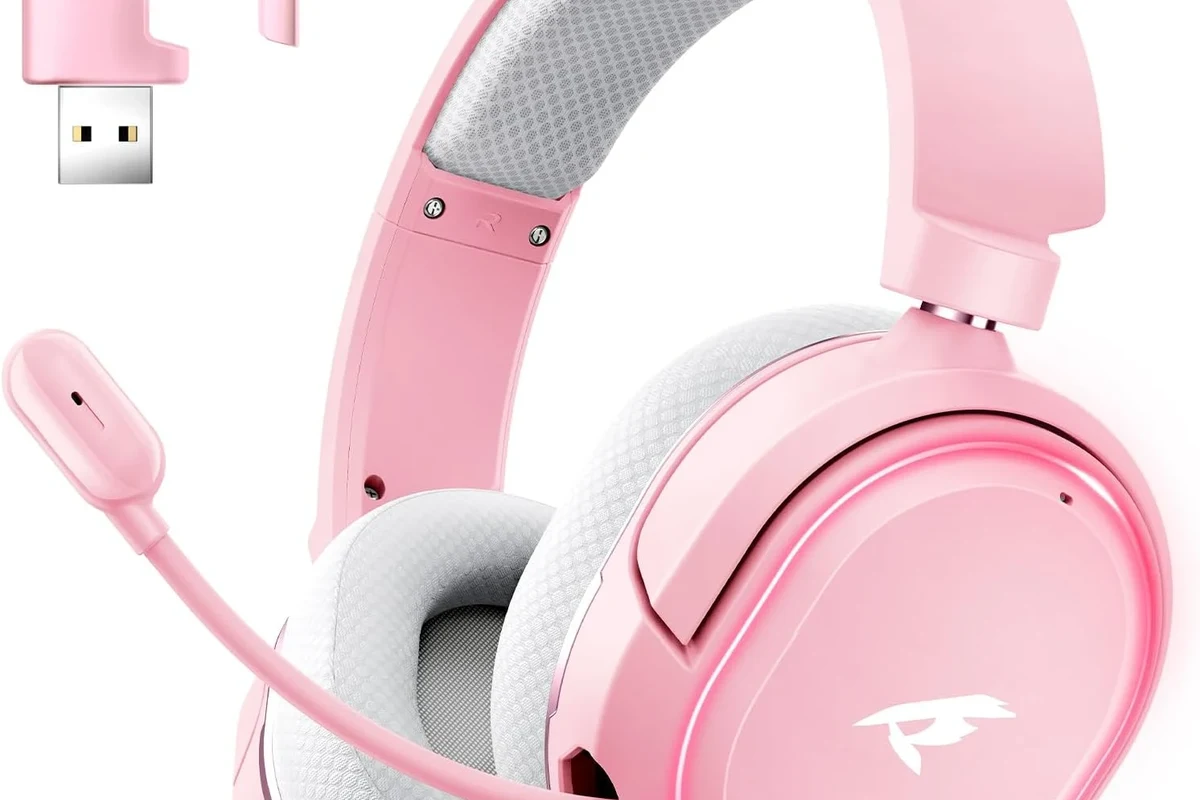
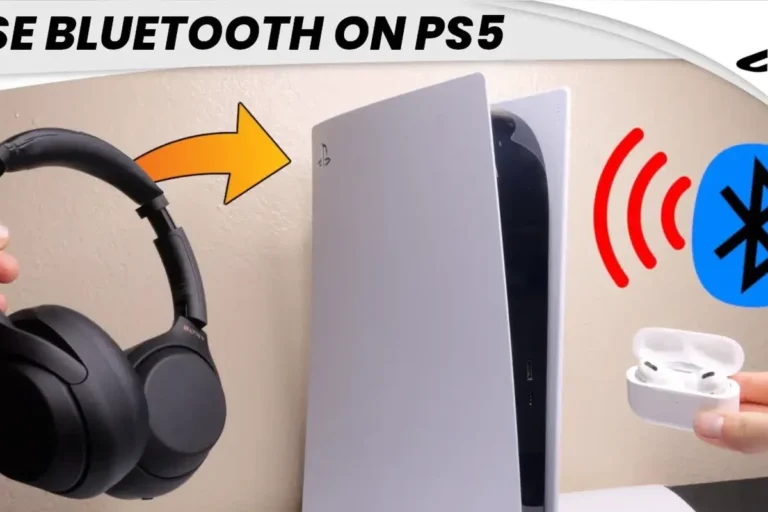
Yes, you can use wireless headphones with a PS5, but the console is picky about how that wireless connection happens. In most cases, Sony’s console works best with wireless gaming headsets that include a USB transmitter or are officially designed for PlayStation use.
Standard Bluetooth headphones are where many people run into trouble. The PS5 does not offer broad native Bluetooth headphone support for audio, so a simple pairing attempt often fails or creates lag, unstable sound, or mic problems.
How PS5 Wireless Audio Actually Works: Bluetooth, USB, and Dongles
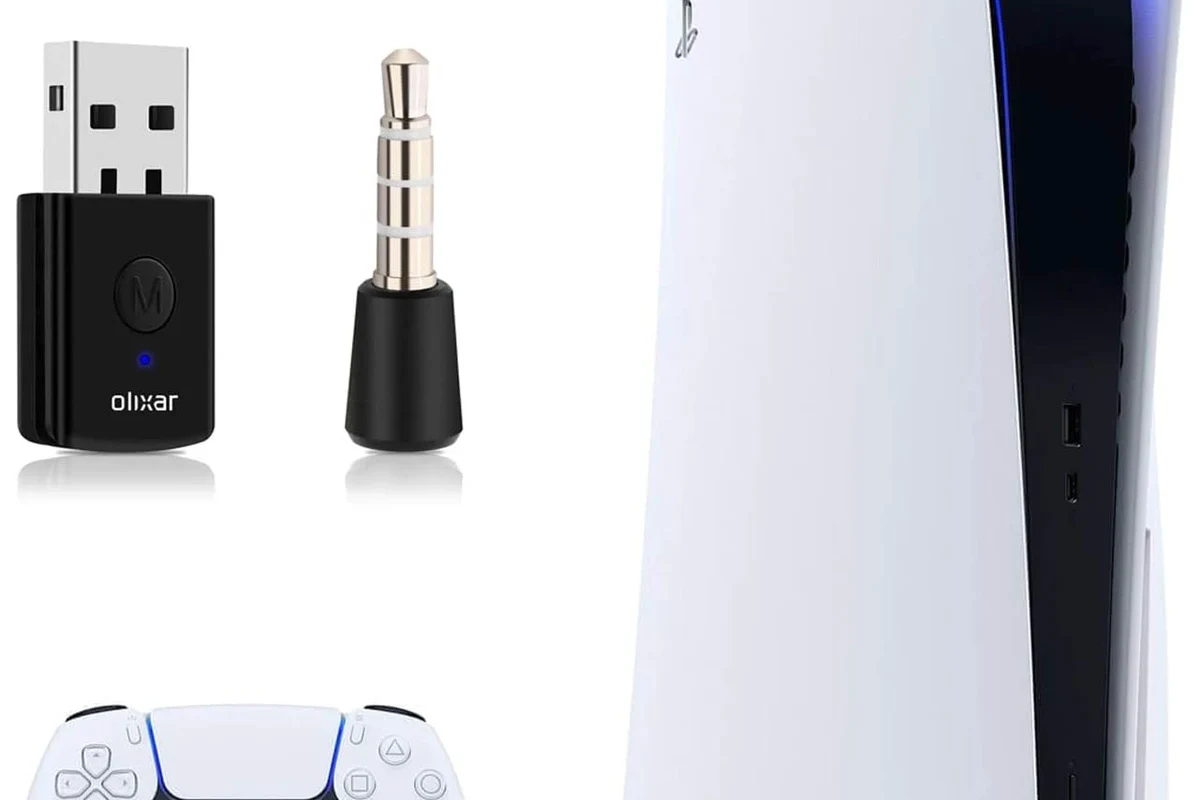
The PS5 handles wireless audio through a few different paths, and not all of them behave the same. The most reliable route is a USB wireless transmitter that communicates directly with a compatible headset.
If you are comparing options, it helps to understand the difference between wireless audio for gaming and wireless audio for music or phone calls. Gaming needs lower latency, stable connection quality, and sometimes microphone support, which is why wired vs wireless headphones is not just a comfort question—it is also a performance question.
Why the PS5 does not support standard Bluetooth headphones directly
The PS5 is not built to pair with every Bluetooth headphone the way a phone or laptop can. That limitation helps reduce lag and connection issues, but it also means many regular wireless headphones will not connect cleanly.
Even when a Bluetooth adapter is used, performance depends on the adapter quality, the headphone codec support, and how much interference is around your console. Cheap adapters can work in a pinch, but they are not always the smoothest option.
Not every Bluetooth dongle is suitable for gaming. If a product promises “zero lag” without explaining how it works, be cautious.
What “wireless” really means on PlayStation 5
On PS5, “wireless” usually means one of three things: a headset with a USB transmitter, a headset that pairs through an approved adapter, or a workaround that sends audio from another device like a TV. The console itself is not acting like a universal Bluetooth hub.
That is why some headsets work instantly while others need extra gear. If you already own Bluetooth headphones, you may still be able to use them, but the path is usually less direct than with a purpose-built gaming headset.
Compatibility can vary by headset model, adapter, firmware version, and even the TV or monitor you use in your setup.
Best Ways to Use Wireless Headphones on PS5 Without Headache
If you want the least frustrating experience, start with a wireless headset made for consoles. These are usually easier to set up, more stable during gameplay, and less likely to create audio delay.
For readers who want simple audio education before buying, our guide to Bluetooth headphones explained simply is a helpful place to understand the basics of pairing, codecs, and wireless limitations.
Using a USB wireless headset with a compatible dongle
This is the most common and usually the best option. You plug the included USB transmitter into the PS5, turn on the headset, and wait for the devices to pair automatically.
Once connected, audio and mic support are typically handled through the same wireless link. That makes it a strong choice for multiplayer games, party chat, and long sessions where you want fewer interruptions.
If your headset has a USB-C transmitter, use the PS5’s front USB-C port when possible for a clean setup and easy access.
Connecting through the DualSense controller with a wired workaround
This is not fully wireless, but it is a practical fallback. Some people use a wireless headset in Bluetooth mode for one device, then switch to a wired connection through the controller for PS5 use.
It is not the most elegant solution, but it can be useful if you already own a headset you like. The tradeoff is that you lose some of the convenience that made wireless appealing in the first place.
Using a TV or monitor audio output as an alternate route
Another option is sending PS5 audio to your TV or monitor, then connecting headphones to that display if it supports Bluetooth or a headphone output. This can work well in living room setups, especially when the TV already manages sound output well.
The downside is that the TV or monitor becomes part of the signal chain, and that can introduce delay on some models. If you care about fast reaction time in shooters or rhythm games, test the setup carefully before relying on it.
Step-by-Step Setup Examples for Popular Wireless Headphone Types
Different headphone types need different setup steps, and the right method depends on what you already own. A headset with a dongle is usually simple, while a Bluetooth-only model often needs more patience.
Gaming headsets with included USB transmitters
Plug the dongle into the PS5’s USB port or USB-C port, depending on the headset design.
Power on the headset and wait for it to pair automatically with the transmitter.
Go to PS5 sound settings and confirm that the headset is selected for output and microphone use.
This method is usually the smoothest because the headset and dongle are designed to work together. If you want a broader look at wireless headset behavior across devices, our guide on how to connect Bluetooth headphones can help you understand pairing basics.
Bluetooth headphones with a PS5-compatible adapter
- Adapter supports PS5 audio use
- Headphones pair correctly with the adapter
- Latency is acceptable for gaming
- Mic support works if you need chat
Start by plugging the adapter into the console, then pair your headphones to the adapter rather than to the PS5 itself. That distinction matters because the adapter is doing the Bluetooth translation.
After pairing, test game audio, voice chat, and menu sounds. If the sound feels delayed or the mic does not register, the adapter may not be a good match for your headset.
Headsets that work with both PS5 and other devices
Some wireless headsets are designed for multi-device use, which is convenient if you game on PS5 and also use the same headset for a phone or PC. These models often switch between Bluetooth and USB wireless modes.
The main thing to watch is whether the headset’s best performance requires the USB dongle. In many cases, Bluetooth is fine for casual use, while the dongle is the better choice for gaming.
Many gaming headsets use a 2.4GHz wireless link instead of standard Bluetooth because it can reduce lag and improve stability for game audio.
Common Problems People Run Into When Connecting Wireless Headphones to PS5
Most PS5 wireless headphone problems come down to latency, compatibility, or setup mistakes. The good news is that many of them are easy to diagnose once you know what to look for.
Audio lag, lip-sync delay, and dropouts
Lag is the most common complaint when using Bluetooth headphones with PS5. You may notice that gunshots, voices, or menu sounds arrive a little late, which can be distracting in fast games.
Dropouts can happen when the signal is weak or crowded. Nearby wireless devices, walls, and even the placement of the console can affect stability.
Listening at high volumes for long periods can cause hearing damage. Keep volume at 60% or below for extended sessions.
Mic not working, low volume, or no sound at all
Sometimes the headset plays audio but the microphone does not work, or the volume is much lower than expected. This often happens when the headset is paired in a mode that supports listening but not chat.
Check PS5 input and output settings, and make sure the headset is selected as the active device. If the headset has its own app or firmware update process, that can also affect performance.
Why does my headset connect but still sound bad?
That usually means the connection is technically working, but the adapter, codec, or wireless mode is not ideal for gaming. A different dongle or a PS5-ready headset often solves it faster than repeated pairing attempts.
Pairing mistakes and compatibility confusion
A very common mistake is trying to pair Bluetooth headphones directly to the PS5 when they were never designed for that kind of connection. Another is buying a headset that works well on phones but not necessarily on consoles.
If you are unsure, look for clear PS5 compatibility on the packaging or product page. When that is missing, assume you may need an adapter or a different headset type.
What to Buy in 2025: Price Ranges, Value Picks, and What Matters Most
In 2025, the best value depends less on chasing the lowest price and more on choosing the right connection method. A cheap adapter may save money upfront, but a better headset can save time and frustration later.
Budget adapters vs premium gaming headsets
Budget adapters can be tempting if you already own Bluetooth headphones. They may work for casual listening, but they are more likely to have latency, weaker mic support, or pairing quirks.
Premium gaming headsets usually cost more because they bundle the wireless transmitter, better comfort, and more reliable PS5 compatibility. For many gamers, that extra stability is worth it.
| Model | Best For | Price Range |
|---|---|---|
| USB wireless gaming headset | Low-latency PS5 play | Varies by brand |
| Bluetooth headset + adapter | Using existing headphones | Usually lower upfront cost |
| TV audio output setup | Living room convenience | Depends on your display |
When spending more actually improves PS5 performance
Spending more makes sense when you care about voice chat, low delay, comfort, and dependable battery life. It can also help if you play competitive titles where audio timing matters.
If your main use is casual single-player gaming, a simpler setup may be enough. But if you hate troubleshooting, a well-supported headset often ends up being the better value.
Expert Advice: Mistakes to Avoid Before You Spend Money
Before buying anything, think about how you actually play. The best PS5 headphone choice is the one that balances sound, comfort, and connection reliability for your setup.
Warning about cheap Bluetooth dongles and latency claims
Many inexpensive adapters sound appealing because they promise easy wireless PS5 audio. In practice, some of them introduce delay, reduce volume, or create unstable connections that are annoying in real gameplay.
That does not mean every adapter is bad. It means you should be careful with vague marketing and look for clear PS5 compatibility, supported codecs, and honest user feedback.
If you have persistent audio issues, hearing discomfort, or one-sided sound problems, consider speaking with an audiologist or a qualified audio specialist.
Why comfort, battery life, and codec support matter for PS5 use
Comfort matters more than many buyers expect, especially for long gaming sessions. Ear cushion material, clamp force, and headset weight can affect whether you enjoy the headset after an hour or after four.
Battery life is also important, but it should not be the only spec you care about. Codec support and wireless mode quality often have a bigger impact on actual PS5 listening than a long battery claim on the box.
- Better comfort for long sessions
- More reliable wireless performance
- Usually better chat support
- Can cost more than simple Bluetooth options
- May require a USB dongle
- Compatibility still varies by model
Final Verdict: The Easiest Way to Connect Wireless Headphones to PS5
The easiest way to connect wireless headphones to PS5 is to use a PS5-compatible wireless gaming headset with a USB dongle. That approach usually gives you the best mix of audio stability, low lag, and microphone support.
If you already own Bluetooth headphones, you may still be able to use them with an adapter or TV-based workaround, but the experience is less predictable. For most gamers, the safest choice is a headset built for console wireless use from the start.
- PS5 supports wireless headphones best through USB dongles or compatible headsets.
- Standard Bluetooth headphones often need an adapter and may add lag.
- Gaming-focused wireless headsets are usually the most reliable choice.
- Comfort, mic support, and low latency matter more than marketing claims.
Frequently Asked Questions
Not always. Wired headphones can be more consistent, while wireless gaming headsets may offer better convenience and features.
Yes, noise cancelling can reduce background distractions. For more on how it works, see our guide to noise cancelling headphones.
Open-back headphones can create a wider soundstage, but they leak sound and block less noise. Closed-back models are often better for shared spaces and focused gaming.
Over-ear headsets are usually the most comfortable for long sessions. In-ear options can be portable, but they may not feel as immersive for console gaming.
Look at wireless connection type, latency, mic support, comfort, and how the headset handles bass and clarity. Frequency response can help, but real-world tuning matters more than numbers alone.
Start with compatibility first, then compare comfort, battery life, and connection stability. If you already own headphones, a good adapter may be cheaper, but a PS5-ready headset is often easier to live with.