How to Turn Apple Headphones Off Fast and Easily

AirPods usually turn off by going back in the case, AirPods Max enter low power mode, wired EarPods turn off when unplugged, and Beats depends on the model. If you only need a quick stop, disconnect Bluetooth first, then store the headphones properly.
If you want to know how to turn Apple headphones off, the short answer is that it depends on the model. AirPods, AirPods Pro, AirPods Max, wired EarPods, and Beats made by Apple all handle “off” differently, so the right method is not always a power button.
- AirPods rule: The case is the closest thing to an off switch.
- AirPods Max: They use low power mode, not a normal shutdown.
- Wired EarPods: Unplugging stops them immediately.
- Beats models: Check for a power button or auto-off behavior.
- Best fix: Disconnect Bluetooth if you only need a temporary stop.
How to Turn Apple Headphones Off: What “Off” Really Means for AirPods, EarPods, and Beats
With Apple audio gear, “off” can mean several things: fully powered down, disconnected from your device, or simply idle in a low-power state. That matters because many Apple headphones are designed to stay ready for quick use instead of switching off like older wired headphones.
For example, AirPods usually do not have a manual power button. They rely on the charging case, Bluetooth behavior, and automatic sleep features. If you are trying to stop sound, save battery, or prevent auto-reconnect, the fix depends on whether you are using AirPods, AirPods Pro, AirPods Max, wired EarPods, or Beats.
Why People Search for How to Turn Apple Headphones Off in 2026
In 2026, more people are mixing Apple headphones with iPhone, iPad, Mac, Windows, and Android devices. That makes it easy to confuse a Bluetooth disconnect with a true power-off state, especially when audio keeps jumping back to the wrong device.
Another common reason is battery control. If your earbuds keep waking up in your pocket, your over-ear headphones stay connected longer than expected, or your wired EarPods keep playing through the wrong output, you may want a fast and simple way to stop them.
It also helps when you are switching between work calls, travel, and gym sessions. If you use Bluetooth headphones explained simply style basics, Apple’s auto-connect behavior becomes easier to understand and manage.
Quick Answer: The Fastest Way to Stop Apple Headphones from Playing or Staying Connected
The fastest way to turn Apple headphones off is to use the method built for your model: put AirPods back in the case, let AirPods Max enter low power mode, unplug wired EarPods, or press the power button on supported Beats models. If you only need a temporary stop, disconnecting Bluetooth is usually enough.
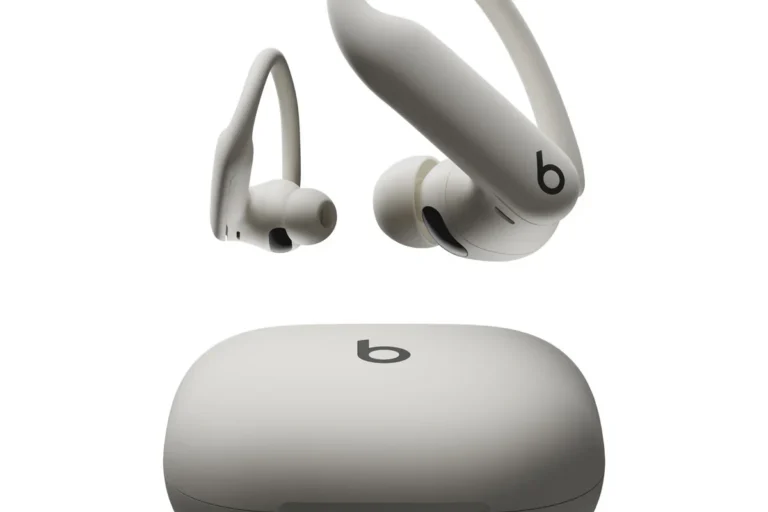
AirPods and AirPods Pro: Put Them in the Case to Power Down
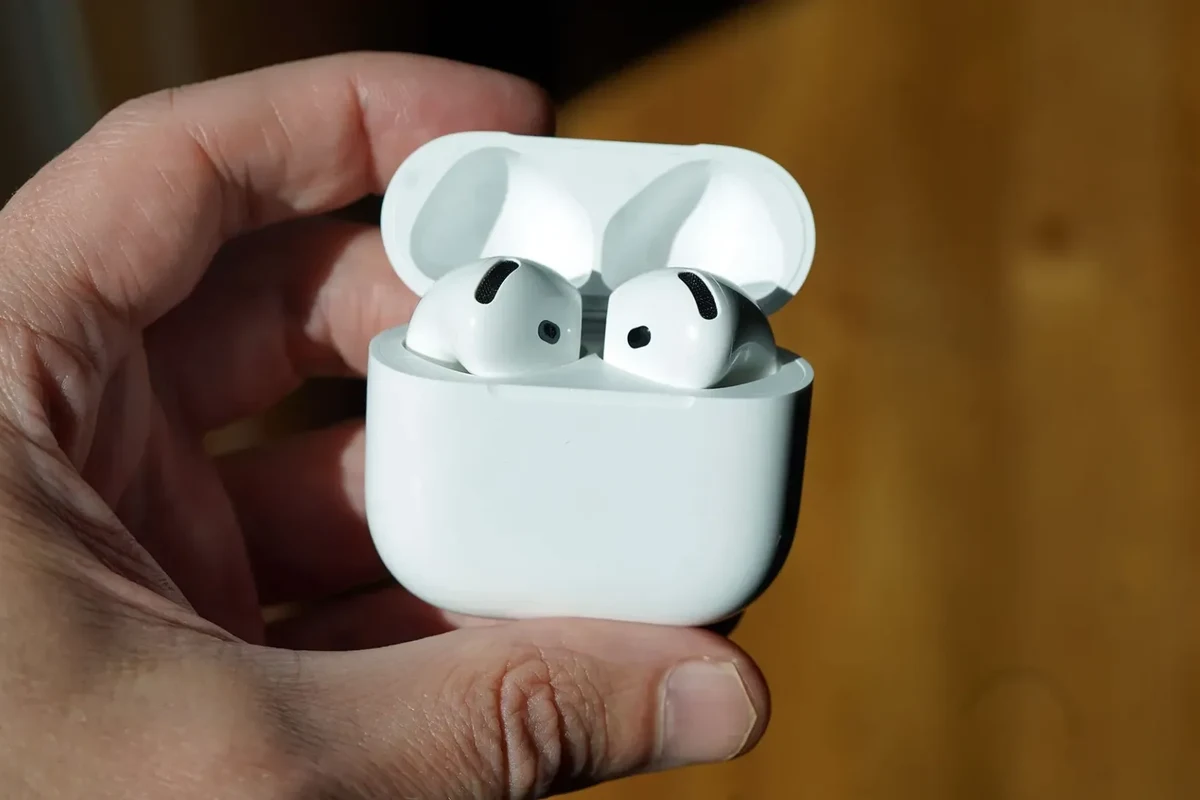
For AirPods and AirPods Pro, the case is the main “off” switch. Once the earbuds are placed inside and the lid is closed, they stop actively playing and begin conserving battery.
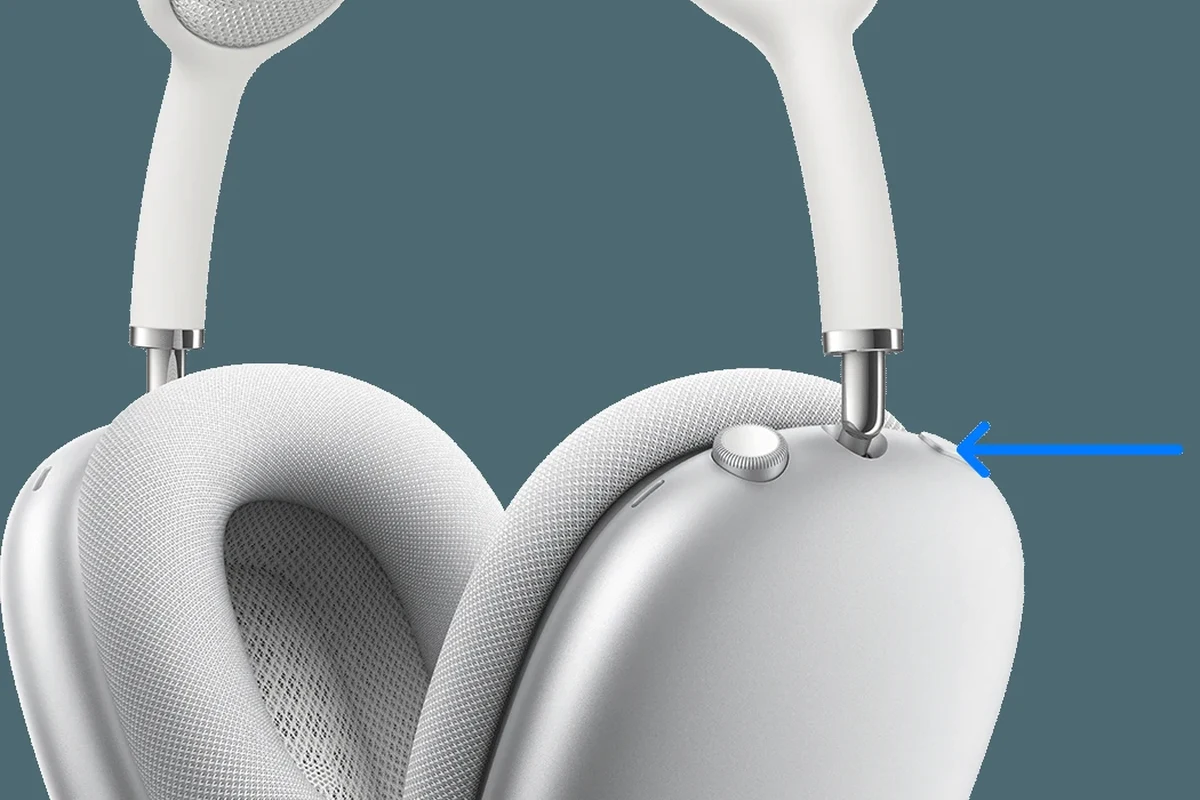
AirPods Max: Use the Smart Case or Leave Them Idle to Enter Low Power Mode
AirPods Max do not use a traditional power button in the same way many headphones do. They enter a low power state when stored properly, which helps preserve battery between listens.
Wired Apple EarPods: Unplugging Is the Only “Off” Switch
Wired EarPods do not power on in the same sense as wireless models. If they are connected, unplugging them is what stops audio from routing through the headphones.
Beats by Apple: Model-Specific Power Buttons and Auto-Off Behavior
Beats headphones and earbuds made by Apple vary by model, so some use a power button while others rely on auto-off or case-based charging. If you are unsure, check the model-specific controls before forcing a reset.
Step-by-Step Methods for Turning Off Different Apple Headphone Models
If you want the most reliable approach, start by identifying the exact model. That saves time and avoids the common mistake of trying to “turn off” headphones that are really just waiting to reconnect.
Apple audio products often prioritize convenience and automatic switching. That means “off” may look different from one model to the next, and some behavior can vary by firmware version, device type, and settings.
How to Turn Off AirPods Without the Case When You Need a Temporary Disconnect
AirPods do not have a true manual off button. If you do not have the case nearby, the best temporary option is to disconnect them from Bluetooth on your phone, tablet, or computer.
Go to your device’s Bluetooth menu and find your AirPods in the paired list.
Tap or click disconnect to stop the active audio link without removing the pairing.
AirPods may still wake if worn again, so remove them and place them somewhere safe until you have the case.
This is helpful if you are moving between devices or need to pause playback quickly. For more device-switching context, see our guide on how to connect Bluetooth headphones and how pairing behavior can affect reconnecting.
How to Turn Off AirPods Pro and Prevent Auto-Reconnect
AirPods Pro follow the same basic rule: the charging case is the proper place to stop them from staying active. Once they are back in the case and the lid is closed, they should settle into their low-power state.
- Make sure both earbuds are seated correctly in the case.
- Close the lid fully.
- Confirm Bluetooth is not forcing them to reconnect on another device.
If your AirPods Pro keep reconnecting, the issue is often not power but device switching. You may need to disconnect them from the active device or adjust automatic switching settings if your setup supports it.
If your AirPods reconnect too quickly, turn Bluetooth off on the device you are not using. That is often the fastest way to stop unwanted playback without changing any deeper settings.
How to Turn Off AirPods Max Properly to Save Battery
AirPods Max are different from earbuds because they use a sleep and low power system instead of a simple on/off switch. To save battery, store them in their case or follow Apple’s idle-power behavior as intended by the design.
Pause your music, video, or call before putting the headphones away.
Place them in the Smart Case or leave them idle in a way that lets the headphones enter low power mode.
If battery drain seems unusually fast, review Bluetooth connections and charging habits before assuming the headphones are faulty.
For users comparing Apple’s wireless behavior with other models, our article on how noise cancelling headphones work can help explain why some premium headphones keep active features running even when they seem idle.
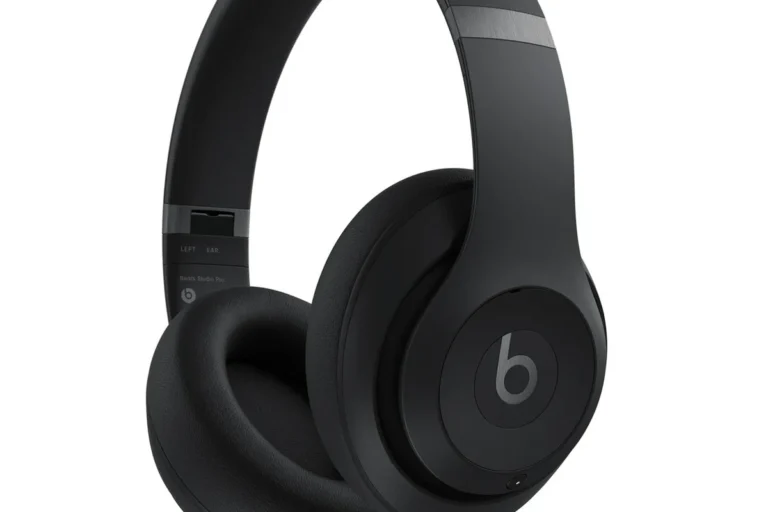
How to Turn Off Beats Headphones and Earbuds Made by Apple
Beats products can be easier to power down because many include a dedicated button or a more obvious auto-off system. Still, the exact method depends on whether you have over-ear headphones, on-ear headphones, or earbuds.
In general, press and hold the power button for the model’s normal shutdown method, then wait for any indicator light or voice prompt if your product uses one. If your Beats model charges in a case, placing it in the case may also help it sleep or power down.
Do not force buttons or repeatedly reset a headset unless you know the model’s controls. A wrong reset can make pairing more confusing and may not solve battery drain or reconnect issues.
Common Mistakes That Keep Apple Headphones from Turning Off
Most “my Apple headphones won’t turn off” problems are really setup issues. The headphones are usually doing exactly what Apple designed them to do, but the user expects a manual power switch that is not there.
Leaving AirPods Out of the Case Too Long
AirPods are meant to be stored in their case. If you leave them on a desk, in a bag, or in your ears after pausing playback, they may stay ready to reconnect and continue using battery.
This is one reason people think the headphones are still “on” even when sound has stopped. The earbuds are often just waiting for the next device connection.
Confusing Bluetooth Disconnect with True Power Off
Disconnecting Bluetooth stops the current audio session, but it does not always mean the headphones are fully off. Some Apple headphones remain available for quick reconnection unless they are stored properly or powered down by design.
Using the Wrong Charging Case or Not Closing the Lid Fully
If you use the wrong case, or if the lid is not closed all the way, the earbuds may not enter their intended low-power behavior. That can lead to battery loss and random reconnects.
Many wireless earbuds are designed to stay partially active for fast pairing. That convenience can make them seem “on” even when you are not listening.
Expert Advice: When You Should Not Force Apple Headphones Off
It is tempting to keep pressing buttons, removing and reinserting the earbuds, or resetting everything at once. But if the headphones are acting strangely, the better fix may be to check battery health, firmware, or connection settings first.
Battery Health, Firmware Updates, and Sleep Mode Considerations
Unusual drain or delayed shutdown can sometimes be tied to battery wear, outdated firmware, or a device that keeps waking the headphones. If the issue happens often, update your devices and test the headphones with another phone or computer.
If your Apple headphones stay hot, lose charge very quickly, or refuse to behave normally across multiple devices, consider speaking with Apple support or a qualified audio repair specialist. For hearing discomfort, tinnitus, or volume concerns, consult an audiologist.
Warning Signs That Point to a Reset Instead of a Power-Off Fix
If your headphones won’t pair correctly, keep switching devices on their own, or show charging problems, a reset may be more useful than trying to turn them off repeatedly. Resetting is not the same as powering down, but it can clear connection glitches.
If you need that route, our guide on how to reset Bluetooth headphones is a good next step for troubleshooting.
Apple Headphones Off vs. Disconnected vs. Reset: What’s the Difference?
These three states are easy to mix up. Off usually means the headphones are no longer actively running or listening for immediate use, disconnected means they are no longer linked to your device, and reset means the pairing data or stored settings have been cleared.
For AirPods, “off” often means they are back in the case. For AirPods Max, it usually means they have entered low power mode. For wired EarPods, the simple answer is that unplugging removes the connection entirely.
A reset is the most dramatic option and should be reserved for troubleshooting. If your main goal is battery savings or stopping playback, disconnecting or storing the headphones correctly is usually enough.
Best Practical Tips to Save Battery and Avoid Unwanted Playback
If your goal is not just turning Apple headphones off but also preventing them from waking up too often, a few simple habits help a lot. Most of them are about reducing accidental connections and keeping the headphones stored correctly.
Use Bluetooth Settings, Auto-Detection, and Device Switching Wisely
Turn off Bluetooth on devices you are not using, especially if you own multiple Apple products. Automatic switching is convenient, but it can also make headphones seem unstable when they are actually following the last active device.
If your headphones support ear detection or auto-play features, test how those settings behave in daily use. Depending on the model, they may improve convenience or create more unexpected playback.
Travel, Work, and Gym Use Cases for Faster Shutdown
On the move, the easiest shutdown method is usually the one that takes the fewest steps. For AirPods, that means the case. For Beats, that means the power button if your model has one. For wired EarPods, that means unplugging.
If you travel often, a good habit is to stop audio, disconnect the active device, and store the headphones immediately. That reduces battery drain and avoids the frustration of music starting again in your pocket or bag.
- AirPods usually “turn off” by going back in the case.
- AirPods Max use low power behavior instead of a classic off switch.
- Wired EarPods stop when unplugged.
- Beats models may use a power button or auto-off.
Final Recap: The Fastest Way to Turn Apple Headphones Off Without Confusion
If you are trying to figure out how to turn Apple headphones off, the most important thing is to match the method to the model. AirPods and AirPods Pro usually rely on the charging case, AirPods Max use low power behavior, wired EarPods are off when unplugged, and Beats depends on the exact design.
For most readers, the fastest fix is not a reset or a complicated menu path. It is simply stopping playback, disconnecting Bluetooth if needed, and storing the headphones the way the model was designed to be stored.
If you still have trouble, check for auto-connect settings, battery issues, or pairing glitches before assuming the headphones are broken. And if you listen for long periods, keep volume at safe levels to protect your hearing.
Listening at high volumes for long periods can cause hearing damage. Keep volume at 60% or below for extended sessions.
Frequently Asked Questions
Most Apple headphones do not need an amp for normal listening. An amp may help some wired models or higher-impedance headphones, but results vary by model and use case.
Wireless Apple headphones are usually more convenient for commuting because they avoid cable tangles and pair quickly with Apple devices. Wired models can still be useful if you want a simple connection and no battery charging.
Check latency, comfort, microphone quality, and whether the headphones are wired or wireless. For studio work, clarity and a reliable wired connection often matter more than extra features.
Over-ear headphones usually offer more comfort and better passive isolation, while in-ear models are more portable. On-ear designs are lighter, but fit and sound preference can vary from person to person.
No, frequency response is only one part of sound quality. Driver tuning, fit, seal, bass response, clarity, and your own hearing preferences all affect the final result.
Look for lighter weight, soft ear cushions, and a headband that does not clamp too tightly. If you feel discomfort or hearing fatigue, take breaks and lower the volume.