Can You Use Wireless Headphones on Switch Easily

Yes, you can use wireless headphones on Switch through Bluetooth or a wireless adapter. Bluetooth is the easiest option, while adapters usually offer better gaming performance and lower delay.
If you’re wondering whether you can use wireless headphones on Switch, the short answer is yes. The Nintendo Switch supports Bluetooth audio, and you can also use wireless adapters for a more gaming-friendly setup.
The best option depends on how you play. Handheld gamers often do fine with direct Bluetooth pairing, while players who want lower lag or better consistency usually prefer a USB dongle or dock-connected transmitter.
- Bluetooth works: Simple for casual handheld and travel play.
- Adapters help: Better choice for lower-latency gaming audio.
- Mic support varies: Voice chat may be limited with Bluetooth setups.
- Dock mode matters: TV play can work better with USB dongles or transmitters.
- Comfort counts: Pick the headset style that fits your sessions.
Can You Use Wireless Headphones on Switch? Quick Answer for 2026
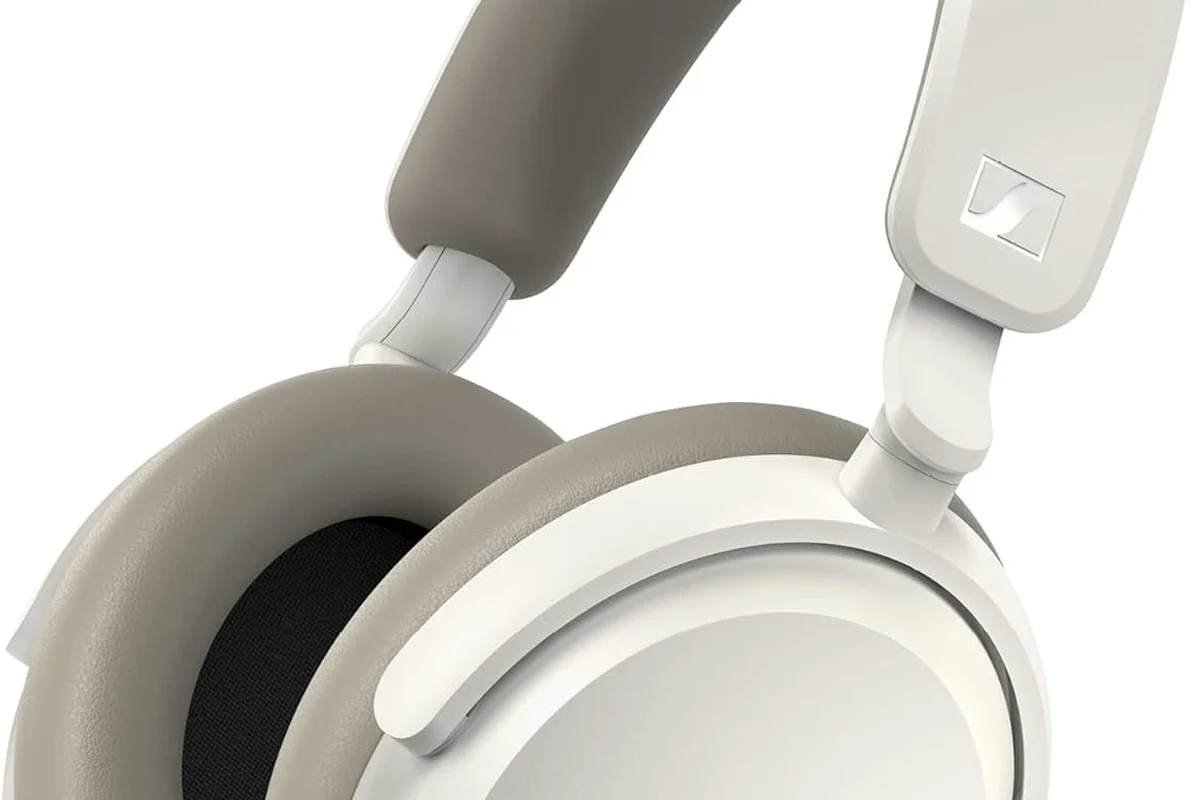
Yes, you can use wireless headphones on Switch in several ways, including built-in Bluetooth audio and external wireless adapters. The easiest method is usually direct Bluetooth pairing, but it is not always the best choice for every game or every player.
For most casual use, the Switch handles wireless audio well enough for solo play, travel, and relaxed sessions. If you care about tighter timing in action games or competitive titles, the connection method matters a lot more.
- Wireless headphones work on Switch through Bluetooth or adapters.
- Bluetooth is easiest, but adapters can reduce lag.
- Mic support and voice chat can be limited depending on setup.
- Docked play may open up better wireless audio options.
How Nintendo Switch Wireless Audio Works: Bluetooth, USB-C, and Dock Mode
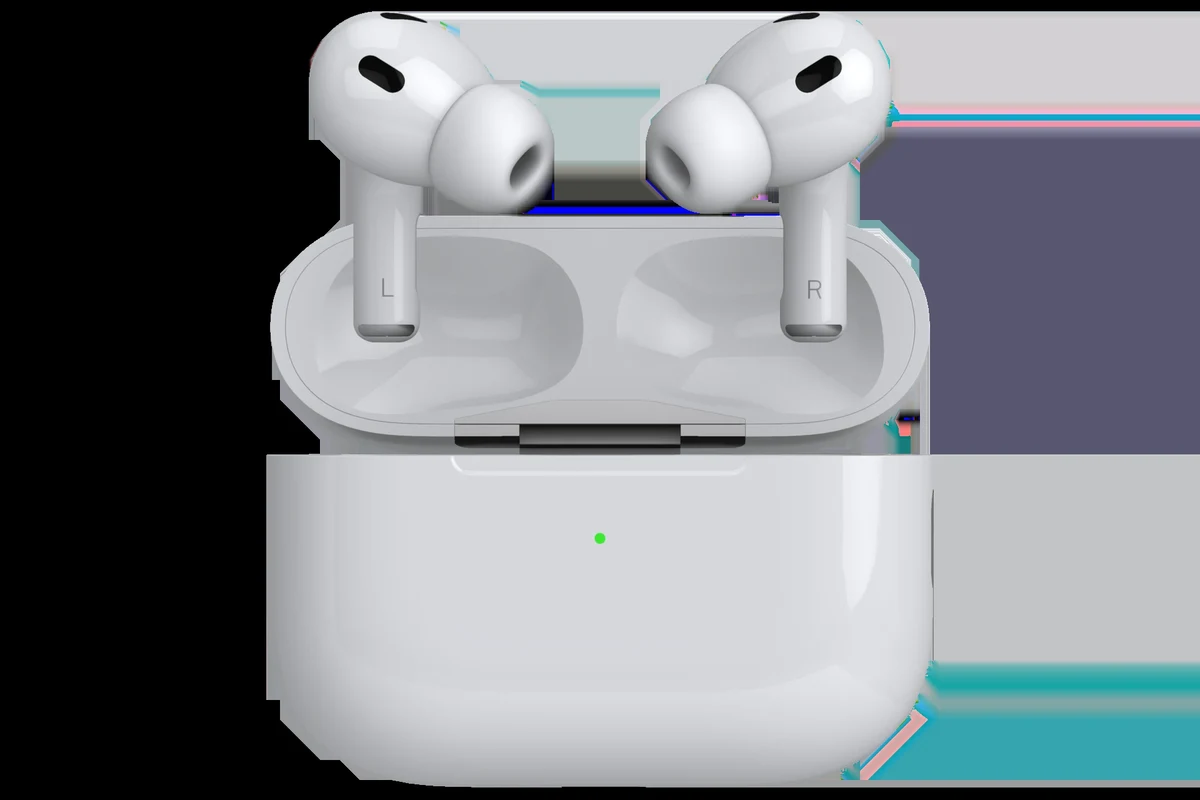
The Nintendo Switch family includes the standard Switch, Switch OLED, and Switch Lite, and all of them can use Bluetooth audio. That means you can pair many wireless headphones directly without buying extra hardware.
Still, “supported” does not always mean “perfect.” Bluetooth audio on a game console is designed for convenience first, so you may notice delay, feature limits, or occasional connection quirks depending on the headset.
Wireless audio behavior can vary by headphone brand, firmware version, and the game you are playing.
Where Bluetooth support fits in on the standard Switch, Switch OLED, and Switch Lite
On the standard Switch and Switch OLED, Bluetooth headphones can be used in handheld mode and docked mode. The Switch Lite also supports Bluetooth audio, which is useful because it is built for portable play only.
In practice, Bluetooth is the simplest answer for players who want to avoid cables. Pairing is usually straightforward, and once connected, the headset can work for game audio without extra accessories.
If you want a deeper look at wireless audio basics, our guide to Bluetooth headphones explained simply can help make the connection terms easier to understand.
Why docked play can change your headphone setup
When the Switch is docked, you are no longer limited to the console alone. That opens the door to USB-A accessories through the dock, including some wireless dongles and transmitters that may offer a more stable audio experience.
This matters because docked play is often used with a TV, longer sessions, and more competitive games. In those cases, a low-latency wireless headset or adapter can feel better than standard Bluetooth.
Best Ways to Connect Wireless Headphones to a Switch
There is no single “best” way to use wireless headphones on Switch. The right choice depends on whether you want convenience, lower latency, or the cleanest setup for TV gaming.
Before you buy anything extra, it helps to decide how you use the console most often. Solo handheld play, family TV use, and competitive gaming all point to different headphone setups.
Direct Bluetooth pairing for casual gaming and handheld use
Direct Bluetooth pairing is the easiest method. You put your headphones in pairing mode, open the Switch Bluetooth audio menu, and connect the headset like you would with a phone or laptop.
This is a good choice if you mainly play story games, indie titles, or relaxed single-player sessions. It is also the most travel-friendly option because you do not need a dongle or dock accessory.
Using a USB-C or USB-A wireless adapter for lower-latency audio
A wireless adapter can be a smart upgrade if you want less delay. Many gaming headsets use a 2.4GHz USB dongle, which can feel more responsive than standard Bluetooth in fast-paced games.
USB-C adapters may work in handheld mode, while USB-A dongles often make more sense through the dock. Compatibility is the key detail here, because not every adapter works with every headset or every Switch setup.
- Whether the adapter is compatible with Switch
- Whether it works in handheld mode, docked mode, or both
- Whether the headset supports low-latency wireless audio
If you are comparing wireless to wired options, our wired vs wireless headphones guide is a helpful place to weigh convenience against performance.
Connecting through the dock with a dongle or transmitter
For TV gaming, connecting through the dock can be the cleanest approach. A dongle or transmitter can stay plugged in, which keeps the setup tidy and reduces the need to re-pair devices.
This method is especially useful if you share the console with other people or switch between devices often. Just make sure the transmitter supports the audio format and connection type you need.
If your headset offers both Bluetooth and a 2.4GHz dongle, the dongle usually gives a more gaming-focused experience on Switch.
What to Expect: Sound Delay, Voice Chat Limits, and Battery Trade-Offs
Wireless audio on Switch is convenient, but it comes with trade-offs. The biggest ones are latency, mic limitations, and battery use on both the console and the headphones.
Those trade-offs do not make wireless a bad choice. They just mean you should match the setup to the type of game and the way you like to play.
Latency in action games, rhythm games, and competitive play
Latency is the small delay between what happens on screen and when you hear it. In slower games, that delay may be easy to ignore, but in rhythm games, shooters, or fighting games, it can be distracting.
If you play mostly casually, Bluetooth may be good enough. If you are sensitive to timing or want the most responsive feel, a low-latency adapter is usually the safer pick.
Wireless audio delay can be more noticeable in fast games, and that can affect timing, reaction feel, and rhythm accuracy.
Why Switch Bluetooth audio can affect in-game chat and mic use
One common surprise is that Bluetooth headphone microphones are not always used the way people expect on Switch. Voice chat support can depend on the game, app, or accessory, and some setups may not handle mic input cleanly.
If voice chat matters to you, check the headset and adapter compatibility before buying. Many players end up using a separate mic solution or a headset designed specifically for gaming chat.
Some wireless gaming headsets support game audio well but still rely on a different path for chat audio, so “wireless” does not always mean full-featured voice support.
Battery drain on the console and headphones during long sessions
Bluetooth and wireless adapters both use power, so long sessions can drain your Switch faster than wired play. Your headphones also need their own battery, which means one more device to keep charged.
That is not a dealbreaker, but it is worth planning for. If you game on the go, a charging cable or power bank can be just as important as the headset itself.
Listening at high volumes for long periods can cause hearing damage. Keep volume at 60% or below for extended sessions.
Best Wireless Headphone Types for Nintendo Switch Players
Not every wireless headphone style is equally good for Switch. Comfort, latency, and fit all matter, especially if you play for hours at a time.
The best option is usually the one that matches your setup, not the one with the longest spec sheet. A simple, comfortable headset can be better than a feature-heavy model that is awkward to use.
Bluetooth over-ear headphones for comfort and travel
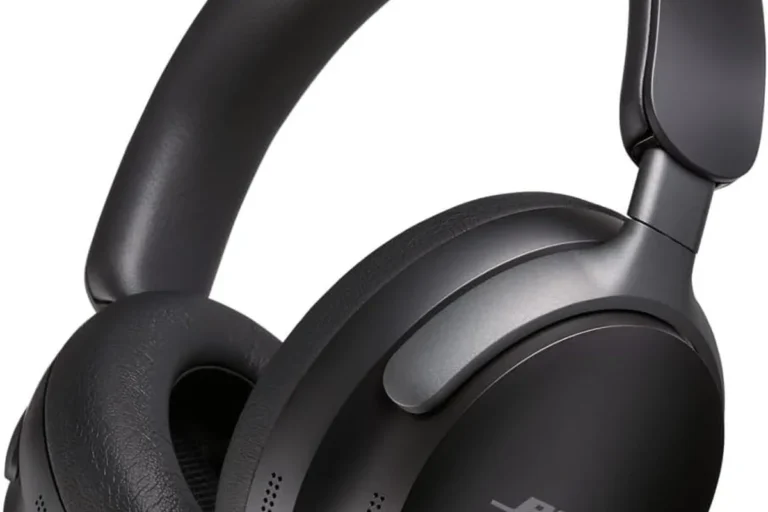
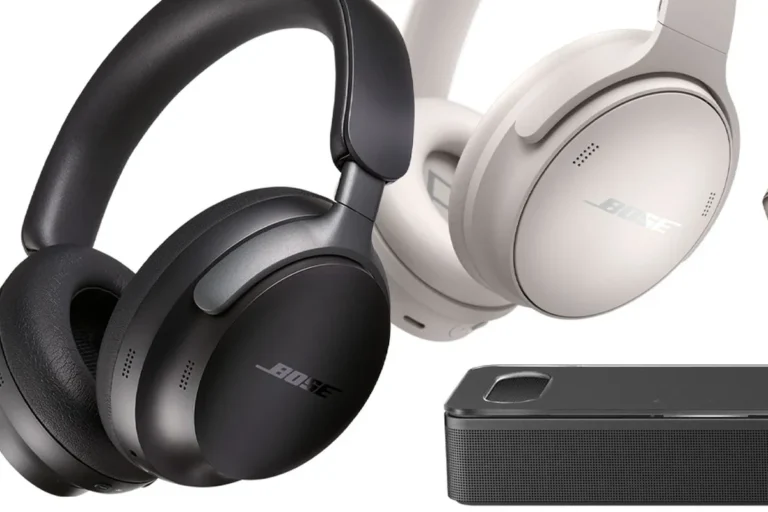
Over-ear Bluetooth headphones are a strong choice for players who want comfort and easy portability. They often feel better for long sessions than small earbuds, especially if you wear glasses or play in a quiet room.
They are also a good fit for casual handheld gaming and travel. Many players like them because they can move from Switch to phone or tablet without changing gear.
Low-latency gaming headsets with 2.4GHz dongles
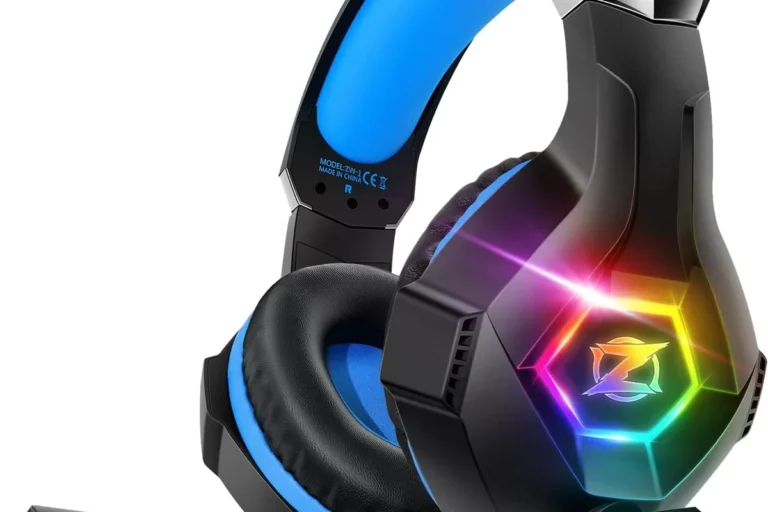
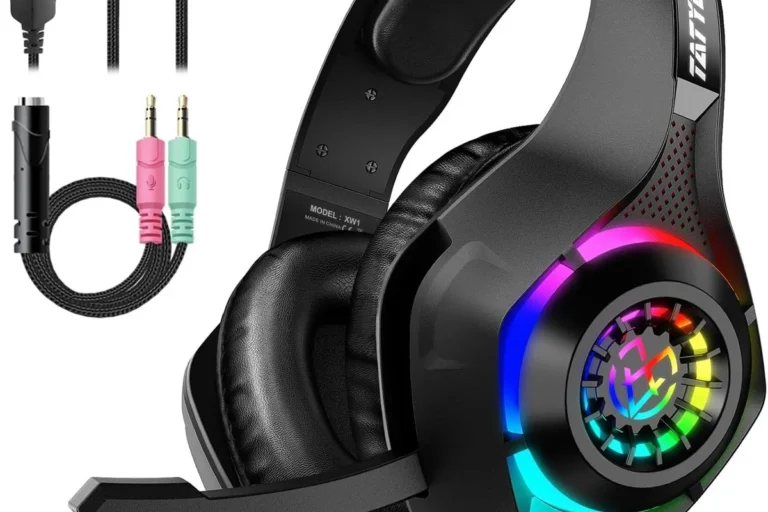
If your main goal is more responsive game audio, a 2.4GHz wireless gaming headset is often the better pick. These headsets usually use a USB dongle instead of standard Bluetooth, which can help keep sound timing tighter.
They are especially appealing for docked play and TV setups. The trade-off is that they may be less universal than regular Bluetooth headphones, so compatibility should be checked carefully before you buy.
- Lower latency than typical Bluetooth
- Often better for gaming chat and timing
- Good for TV and docked play
- Requires a dongle or adapter
- May not work with every device
- Can be less convenient for travel
Budget-friendly options vs premium headset picks in 2026
Budget wireless headphones can be perfectly fine for Switch if you mainly want convenience and decent sound. Premium models may offer better comfort, stronger build quality, or more polished wireless performance, but they are not always necessary.
When comparing options, focus on comfort, battery life, connection type, and whether the headset works the way you play. For many buyers, the best value is a reliable mid-range model rather than the most expensive one.
Common Mistakes When Using Wireless Headphones on Switch
Most wireless headphone problems on Switch come from setup mistakes, not broken hardware. A few small checks can save a lot of frustration.
If your headset is not behaving as expected, it is usually worth reviewing the connection type, firmware, and Switch audio settings before assuming the headset is faulty.
Pairing the wrong device or forgetting adapter compatibility
One of the most common issues is pairing a headset that is not meant for the connection method you are using. A Bluetooth headset may not behave like a 2.4GHz gaming headset, and a dongle may need a specific port or mode.
Always check whether the headset, adapter, and console mode are meant to work together. That simple step avoids a lot of “why is this not connecting?” moments.
Expecting perfect mic support from Bluetooth headphones
Many people assume Bluetooth headphones will give them full game audio and mic support at the same time. On Switch, that is not always how it works.
If chat is important, look for a headset or adapter that explicitly supports the use case you need. Otherwise, you may get great sound but limited communication options.
If you have persistent audio dropouts, hearing imbalance, or discomfort from long sessions, consider speaking with an audiologist or a qualified audio specialist.
Overlooking firmware updates and audio settings
Some wireless headsets and adapters improve with firmware updates, so it is worth checking the manufacturer’s support page. The Switch itself may also need updated settings or a fresh pairing after a major change.
Small settings such as volume balance, EQ, and headset mode can make a noticeable difference. If your audio sounds weak or delayed, do not skip the basics.
Expert Advice: When Wireless Is Worth It and When Wired Still Wins
Wireless is worth it when convenience matters most. If you want to move freely, avoid cable clutter, or keep a simple handheld setup, wireless headphones can be a great fit for Switch.
Wired still wins when you want the most predictable audio path. It is usually the safer choice for players who care most about zero-fuss connection, very low delay, or consistent voice-chat behavior.
If you are also comparing comfort styles, our types of headphones explained guide can help you decide between over-ear, on-ear, and in-ear designs for long gaming sessions.
Best use cases for solo play, handheld gaming, and TV setups
Wireless headphones make the most sense for solo gaming, portable play, and casual TV sessions. They are especially handy when you want to sit back on the couch or move around without snagging a cable.
For handheld use, Bluetooth is often enough. For docked play, a low-latency dongle or transmitter may give you a better overall experience.
Warning signs that you should choose wired or wired-adapter audio instead
If you play rhythm games often, rely on voice chat, or notice sound delay easily, a wired or wired-adapter setup may be the better pick. The same is true if you hate charging another device or want the simplest possible connection.
Some players also prefer wired headphones because they are easier to troubleshoot. If that sounds like you, wireless may still be convenient, but it may not be the best long-term fit.
Final Recap: The Easiest Way to Use Wireless Headphones on Switch
So, can you use wireless headphones on Switch? Yes, and the easiest option is direct Bluetooth pairing for casual play. If you want better timing or a more gaming-focused setup, a wireless adapter or dock-connected transmitter is often the smarter choice.
For most players, the best answer is to match the headphone type to the way you use the console. Casual handheld gamers can keep it simple, while competitive or TV-focused players may want low-latency wireless gear instead.
Frequently Asked Questions
Not always. Wired headphones usually give the most reliable timing, while wireless headphones win on convenience and freedom of movement.
Yes, they can be very comfortable for travel or quiet play. Noise cancelling does not improve game audio quality by itself, but it can help block outside distractions.
Over-ear headphones are usually best for long comfort, while in-ear models are easier to carry. On-ear designs can be lightweight, but fit and comfort vary a lot by brand.
Focus on connection type, latency, battery life, comfort, and compatibility. Driver type, EQ options, and build quality can also affect how the headset feels in daily use.
Use the headphone app or Switch audio settings if available, and try small EQ changes first. Comfort and fit also affect perceived bass and clarity more than many buyers expect.
Check the headband build, hinge strength, ear cushion materials, and overall weight. A comfortable fit matters just as much as durability because heavy headsets can become tiring over time.