Can Switch Connect to Bluetooth Headphones Easily

Yes, the Nintendo Switch can connect to Bluetooth headphones directly. It works well for casual play, but latency and voice chat limits can make a gaming headset or adapter a better choice for some players.
If you’re wondering whether can switch connect to bluetooth headphones, the short answer is yes. Nintendo Switch systems with updated software can pair with Bluetooth audio directly, but there are a few limits that matter for gaming, voice chat, and overall latency.
That means the feature is convenient for casual play, TV listening, and handheld sessions, but it is not always the best choice for every gamer. If you want the cleanest setup for wireless audio, it helps to understand how the Switch handles Bluetooth and when a dedicated adapter may still be the smarter move.
- Direct support: Switch can pair with Bluetooth headphones in system settings.
- Main trade-off: Wireless convenience can come with audio delay.
- Best use: Casual gaming, handheld play, and TV listening.
- Better for competition: Low-latency headset or adapter may feel more responsive.
Can Switch Connect to Bluetooth Headphones in 2026? The Short Answer and What Changed
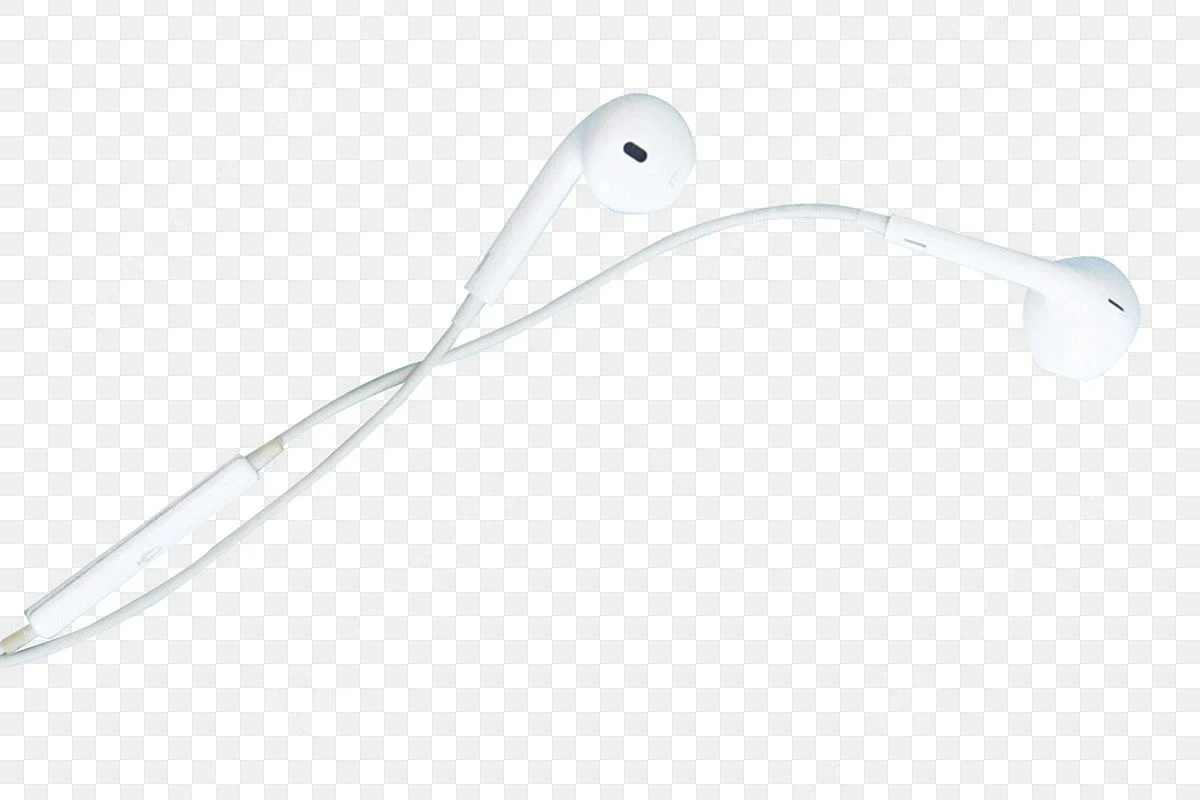
Yes, the Nintendo Switch can connect to Bluetooth headphones through its built-in Bluetooth audio support. This applies to the Switch family, including the original model and Switch OLED, as long as the system software is up to date.
The biggest change is that Bluetooth audio is now part of the console itself, so you do not always need a separate dongle just to listen wirelessly. Still, the feature comes with practical limits, especially if you care about low latency, multiplayer chat, or using multiple wireless controllers at the same time.
Bluetooth audio support on Switch is designed for convenience first. It is useful for many players, but it may not feel as fast or flexible as a wired headset or a gaming-focused wireless setup.
How Nintendo Switch Bluetooth Audio Works: Built-In Support, Limits, and Pairing Basics
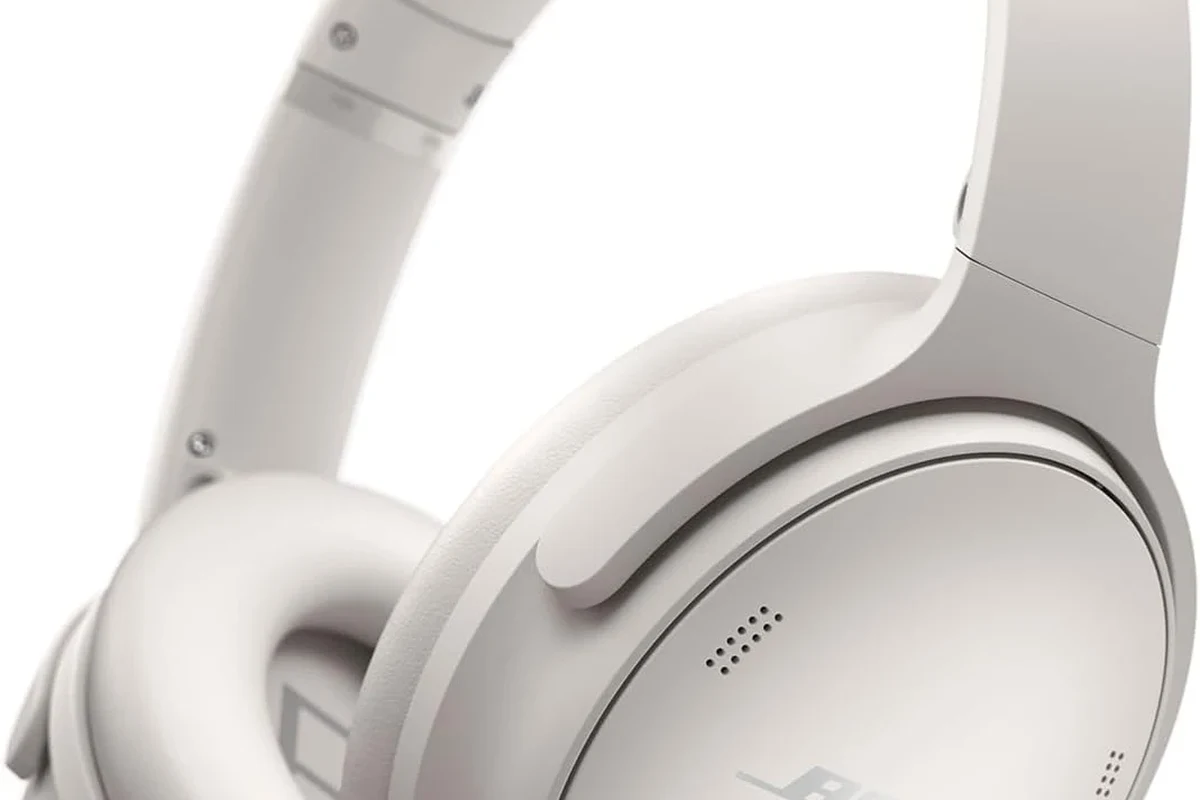
The Switch sends game audio over Bluetooth once a headset is paired in the system settings. It is a simple feature on paper, but Bluetooth audio still has the usual wireless trade-offs: possible delay, occasional interference, and device-specific behavior.
If you already use how to connect Bluetooth headphones on phones or tablets, the process will feel familiar. The difference is that the Switch can be more sensitive to signal congestion, especially when you are playing in a busy wireless environment.
Step-by-Step: Pairing Bluetooth Headphones on Nintendo Switch and Switch OLED
Pairing is straightforward, but it helps to follow the steps in order so the console can find your headphones cleanly.
From the Switch home screen, go to System Settings and find the Bluetooth Audio section.
Put your Bluetooth headphones or earbuds into pairing mode according to the manufacturer’s instructions.
Choose your device from the available list and confirm the connection once it appears.
Launch a game or menu sound to confirm the audio plays correctly and the volume is comfortable.
If pairing fails, turn Bluetooth off on nearby devices first. Headphones often connect faster when they are not trying to remember a phone, tablet, or laptop at the same time.
What Happens to Controllers, Microphones, and In-Game Audio During Bluetooth Use
When Bluetooth headphones are active, the Switch may limit how many wireless controllers can be used at once. That is one reason some players notice fewer available wireless accessories during Bluetooth audio sessions.
Microphone behavior is also important. Many Bluetooth headphones do not provide full voice-chat support on the Switch, and built-in mic features can be limited by the console’s audio handling rather than the headset itself.
In-game audio still plays normally, but the experience can feel slightly delayed depending on the headset codec and the game you are playing. For casual titles, that is usually fine. For competitive play, the delay can become more noticeable.
Best Bluetooth Headphones for Switch: What Features Matter Most for Gaming and TV Use
For Switch gaming, the best Bluetooth headphones are not always the most expensive ones. The most useful features are low latency, stable wireless range, comfortable fit, and enough battery life for long sessions.
If you want a broader overview of headset styles, our guide to types of headphones explained can help you compare over-ear, on-ear, and in-ear options before buying.
Low Latency, Battery Life, Comfort, and Multi-Device Support
Low latency matters because even a small delay can make button presses and on-screen sound feel disconnected. Some headphones are better tuned for gaming than others, but the exact result depends on the headset, the Switch, and the game.
Battery life matters too, especially if you play handheld mode often. Comfort is just as important, because a headset that sounds good but feels heavy or clamps too hard will be frustrating during longer sessions.
- Latency-friendly Bluetooth support
- Comfort for long sessions
- Battery life that matches your play style
- Easy device switching if you also use a phone or TV
Some Bluetooth headphones are great for music but only average for gaming because audio timing matters more in games than it does in everyday listening.
When a Gaming Headset Beats Standard Bluetooth Headphones
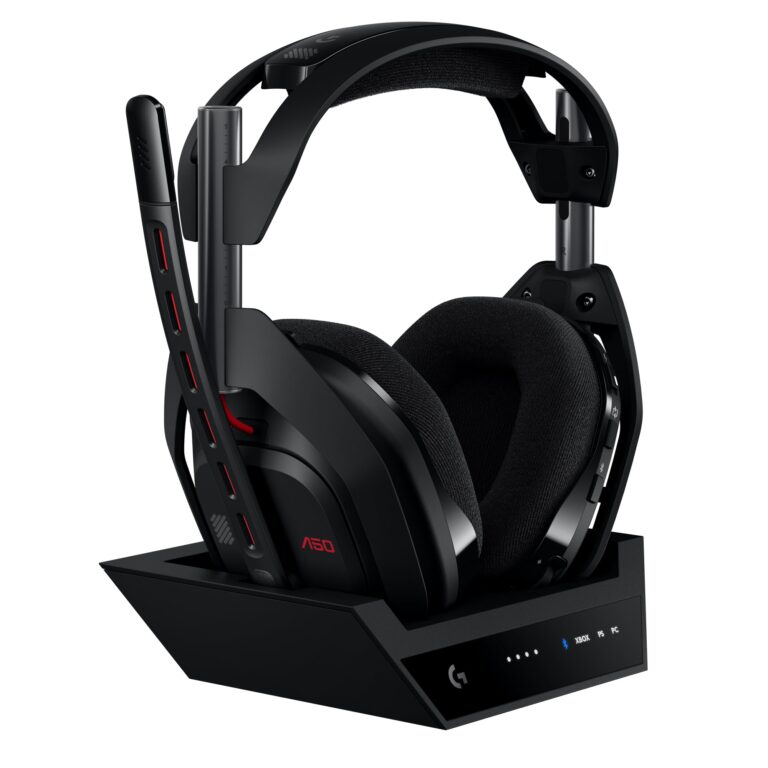
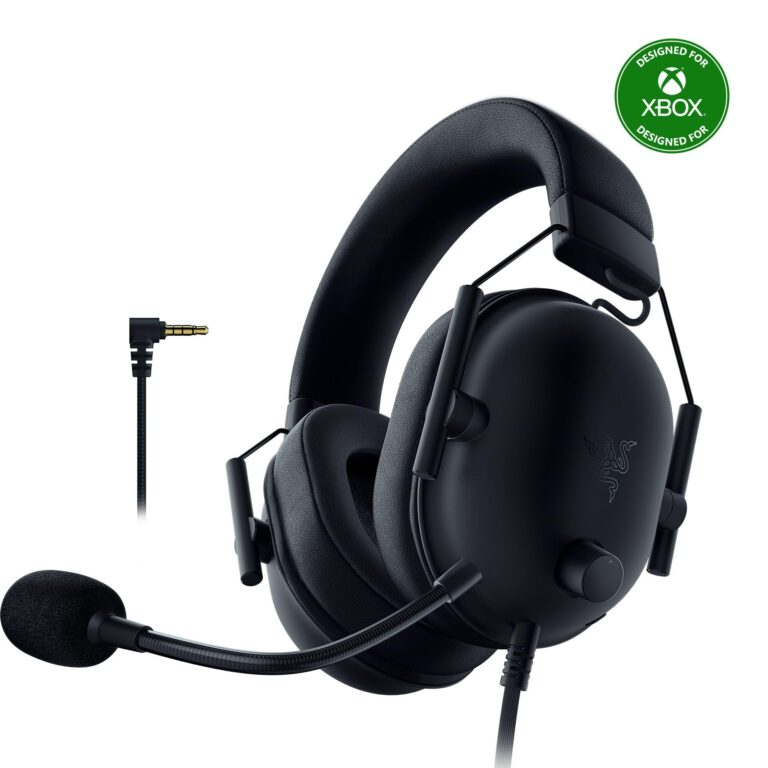
A gaming headset can be the better choice when you want more consistent latency, easier voice-chat support, and a feature set built around play sessions rather than general listening. That is especially true if you split time between Switch, PC, and TV setups.
Standard Bluetooth headphones may still be the better buy if you value versatility, noise cancellation, or everyday use across multiple devices. If you are comparing wireless and wired options, our Bluetooth vs wired headphones sound quality guide explains the main trade-offs in plain language.
Real-World Performance: Sound Delay, Voice Chat Limits, and Gameplay Experience
In real use, Switch Bluetooth audio is usually good enough for relaxed gaming, menus, story games, and TV watching. The main complaints tend to be sound delay, occasional audio cutouts, and the fact that voice chat is not as smooth as many players expect.
For some people, the delay is barely noticeable. For others, especially in rhythm or competitive games, it is distracting enough to justify a different setup.
Examples for Handheld Mode, Docked Mode, and Playing on the TV
In handheld mode, Bluetooth headphones are often the most convenient because you can play anywhere without extra cables. The experience is usually best when you are sitting close to the console and not surrounded by too many competing wireless signals.
In docked mode, the TV can add another layer of audio delay if your display or sound system already has processing enabled. If you are using a TV, game mode on the display can help keep the picture and sound more closely aligned.
For casual couch gaming, Bluetooth is often fine. For fast multiplayer games, many players prefer a wired connection or a dedicated adapter because responsiveness matters more than convenience.
Listening at high volumes for long periods can cause hearing damage. Keep volume at 60% or below for extended sessions.
Common Mistakes People Make When Trying to Connect Switch to Bluetooth Headphones
Most connection problems come from simple setup issues rather than a broken headset. The Switch may fail to pair if the headphones are still connected to another device, the battery is too low, or the headset is not actually in pairing mode.
Some users also expect Bluetooth audio to behave exactly like wired audio. That is where disappointment starts, because wireless convenience and zero-lag performance rarely go together.
Why Pairing Fails, Audio Cuts Out, or the Connection Feels Laggy
Pairing can fail when the headset is already linked to a phone or laptop. Audio cutouts can happen when the headset is too far from the console, the battery is weak, or the wireless environment is crowded.
If the connection feels laggy, the issue may be normal Bluetooth delay rather than a defect. In that case, resetting the headset, moving closer to the Switch, or using a different model may help, but it will not eliminate Bluetooth latency entirely.
If you have persistent Bluetooth dropouts, severe audio delay, or hearing discomfort, consider speaking with an audiologist or a qualified audio specialist. They can help if the issue is hearing-related or if you need a better fit for long listening sessions.
Expert Advice: When to Use Bluetooth Directly vs. a USB-C or Docked Bluetooth Adapter
Use Bluetooth directly when convenience matters most and you are okay with a little delay. That is the simplest option for casual play, travel, and quick listening sessions.
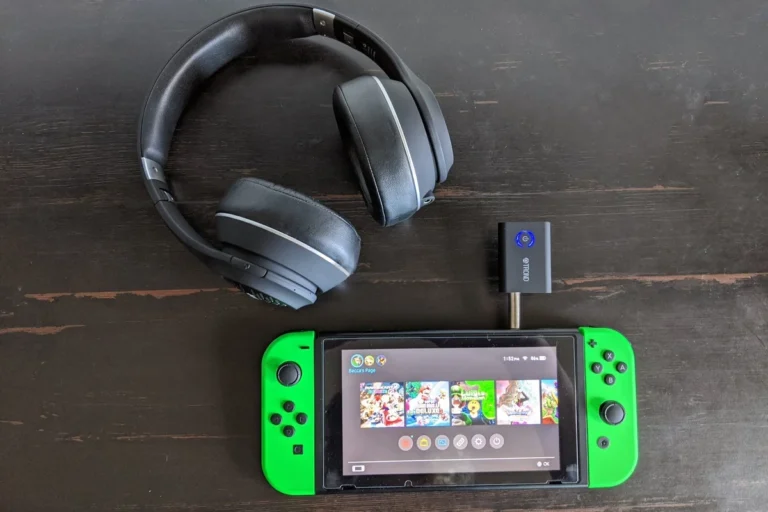
A USB-C or docked Bluetooth adapter can make more sense if you want a more stable wireless link or if your current headphones do not pair cleanly with the Switch. Some adapters may also help reduce the frustration of re-pairing across multiple devices, though results vary by brand and model.
Warning Signs That You Need a Dedicated Adapter for Better Latency
If you notice that sound and action are out of sync in most games, a dedicated adapter may be worth considering. The same is true if Bluetooth audio keeps dropping whenever you use wireless controllers or sit farther from the console.
Another warning sign is when you mainly play competitive titles or rhythm games. In those cases, even a small delay can affect timing, so a lower-latency solution often feels much better.
Not every adapter is equal. Compatibility, battery drain, sound quality, and latency may vary, so check the product details carefully before buying.
Cost and Value Comparison: Built-In Bluetooth vs. Budget Adapters vs. Premium Headphones
Built-in Bluetooth is the cheapest path because it is already part of the console. The trade-off is that you are working within Nintendo’s built-in limits, including possible latency and reduced flexibility.
Budget adapters can be a sensible middle ground if you want better convenience or a more consistent connection without buying a whole new headset. Premium Bluetooth headphones may cost more, but they can also give you better comfort, battery life, and day-to-day versatility outside gaming.
- Switch can connect to Bluetooth headphones directly.
- Built-in support is convenient, but latency and voice chat limits can matter.
- Dedicated adapters or gaming headsets may be better for competitive play.
- Comfort, battery life, and stable pairing matter as much as sound quality.
Final Recap: The Easiest Way to Get Wireless Audio on Switch Without Ruining Gameplay
So, can Switch connect to Bluetooth headphones? Yes, and for many players it is the easiest way to get wireless audio without extra accessories. The experience is best when you want simple, casual listening and do not need perfect timing.
If you care most about low latency, reliable voice chat, or competitive gameplay, a gaming headset or adapter may be the better investment. For everyone else, built-in Bluetooth is a practical and beginner-friendly solution that makes Switch audio much more flexible than it used to be.
If you want more help choosing the right headset style, our readers often compare wireless comfort, wired reliability, and noise control before buying. That approach usually leads to a better match than focusing on Bluetooth alone.
Frequently Asked Questions
Wired headphones usually offer lower latency and more consistent audio. Bluetooth is more convenient, but the timing can feel slightly behind in fast games.
Yes, if you want extra comfort and less background noise. Just remember that noise cancelling does not fix Bluetooth delay or voice-chat limits.
Over-ear models are usually best for comfort and long sessions, while in-ear options are more portable. On-ear models can work too, but fit and pressure vary a lot by brand.
Look for stable wireless performance, comfortable fit, and sound tuning that keeps voices and effects clear. Driver type, bass balance, and EQ options can also affect how the game feels.
Focus on comfort, durability, and reliable connection before chasing extra features. A simple headset with good fit often beats a flashy model that feels heavy or unstable.
Check ear cushion material, headband padding, weight, and build quality. If you play for long sessions, comfort matters as much as sound because fatigue can ruin the experience.