Can Sony Headphones Connect to PS5 Find Out Now

Yes, many Sony headphones can connect to PS5, but the easiest methods are USB wireless or a 3.5mm cable. Standard Bluetooth is often less reliable for gaming because it can add lag or limit microphone support.
If you’re asking can Sony headphones connect to PS5, the short answer is yes in many cases, but not always in the same way. Some Sony models work smoothly over USB or a wired connection, while standard Bluetooth support on PS5 is more limited than many gamers expect.
- Best connection: USB dongle or wired 3.5mm is usually easiest.
- Bluetooth limits: May work, but lag and mic issues can happen.
- Model matters: Gaming Sony headsets are usually more PS5-friendly.
- Buy smart: Match the headset to gaming, chat, or all-day comfort.
Can Sony Headphones Connect to PS5? Quick Answer for 2026 Gamers
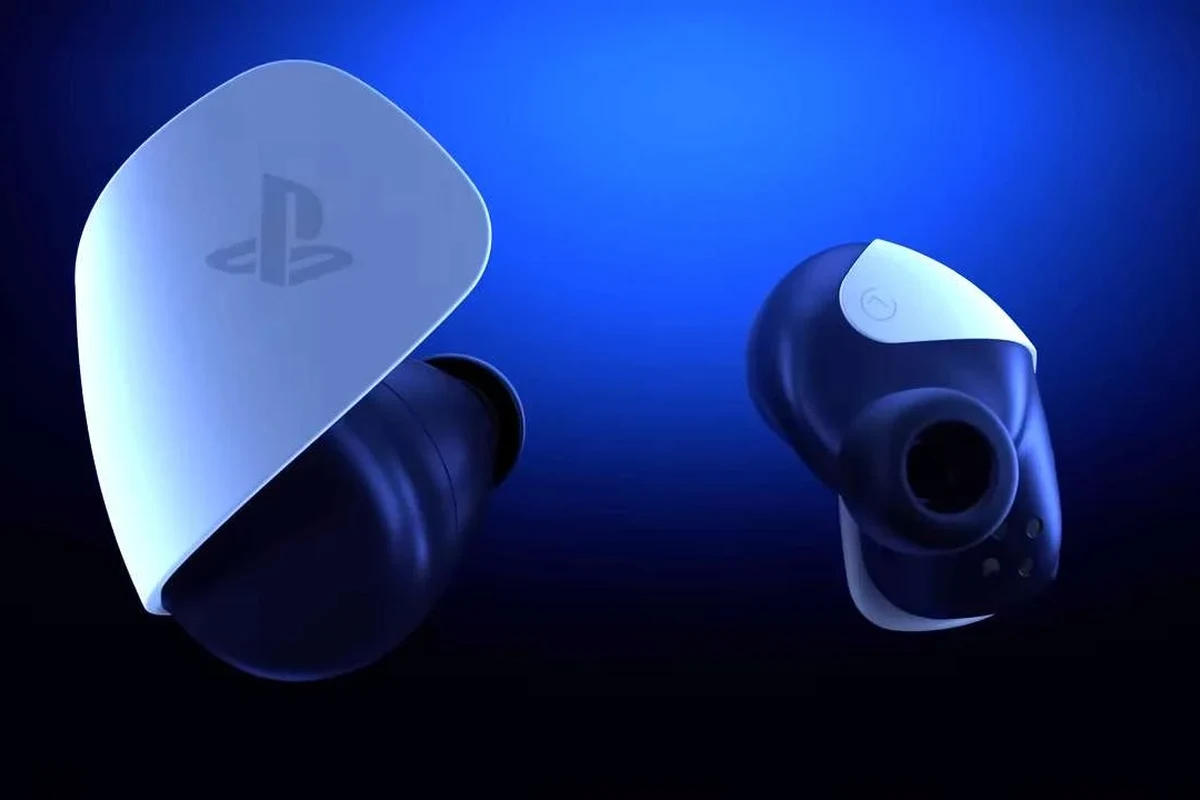
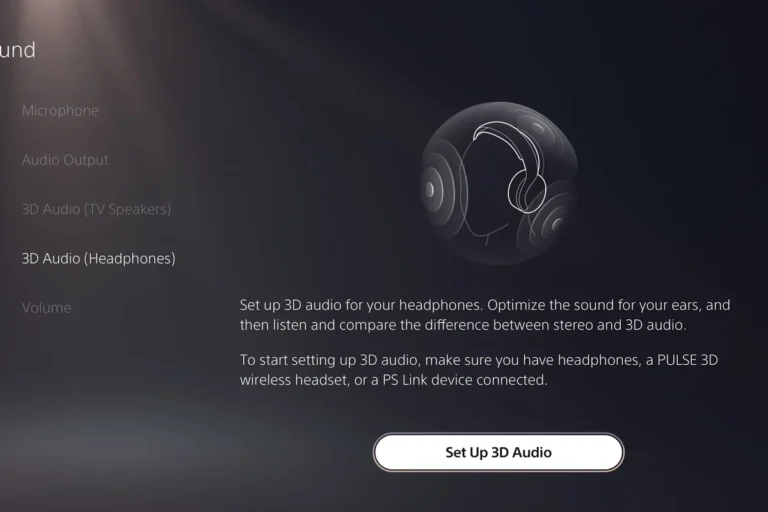
Yes, many Sony headphones can connect to a PS5, but the connection method matters more than the brand name. The PS5 is happiest with supported wireless dongles, USB audio devices, or a wired 3.5mm cable through the DualSense controller.
That means a pair of Sony wireless headphones may work perfectly, work with a workaround, or not support PS5 gaming audio the way you hoped. If you want the simplest path, look for Sony headphones made for gaming or models that include a USB wireless adapter.
How PS5 Supports Sony Headphones: Bluetooth, USB, and 3.5mm Options
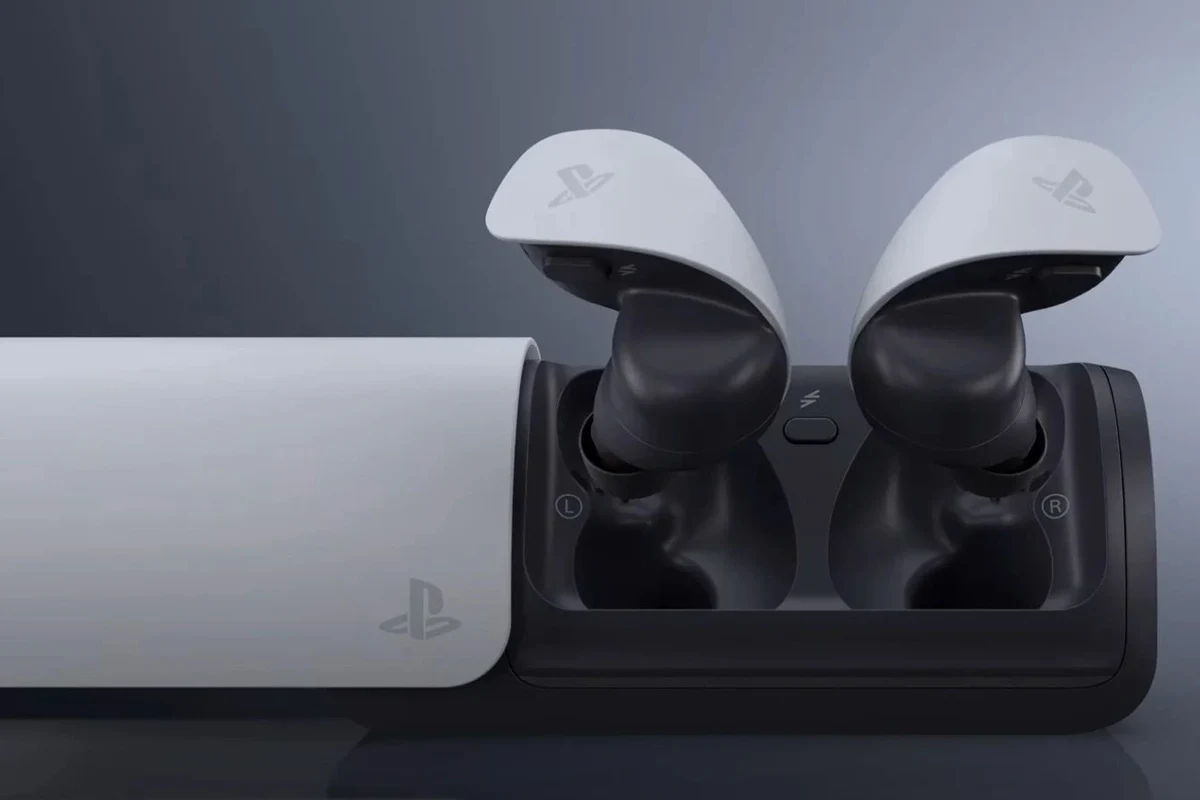
The PS5 supports several audio routes, but they do not all behave the same. Sony headphones may connect through Bluetooth accessories, USB dongles, or the controller’s headphone jack, depending on the model and how you want to use them.
For readers who want a broader look at wireless audio basics, our guide on Bluetooth headphones explained simply can help make the setup process less confusing. It’s useful if you’re comparing wireless convenience against gaming performance.
Why some Sony headphones pair easily while others do not
Some Sony headphones are designed with gaming compatibility in mind, so they include a USB transmitter or a low-latency wireless mode. Others, especially premium noise-cancelling headphones, are built mainly for music, travel, and calls.
That difference matters because PS5 does not work like a phone or laptop in every case. A headphone may connect to your phone instantly but still need an adapter, a cable, or a different pairing method for the console.
Compatibility can vary by Sony model, console settings, firmware, and whether the headset uses a gaming-focused USB receiver.
What the PS5 audio system allows in real-world use
In practical use, PS5 audio is easiest when the headset appears as a USB audio device or is plugged into the controller. That usually gives you stable sound with fewer dropouts and less setup frustration.
Standard Bluetooth audio is where many players run into trouble. Even when a Bluetooth adapter works, you may notice latency, weaker microphone support, or extra configuration steps that make gaming less smooth.
Many gaming headsets avoid Bluetooth for the main audio link because wired or 2.4GHz wireless connections usually keep game sound more in sync with the action.
Best Ways to Use Sony Headphones with PS5 Without Frustration
If you want the least stressful setup, choose the connection path that matches your headphone type. For most Sony owners, the best options are a USB dongle, a 3.5mm cable, or a compatible adapter made for console use.
If you’re also trying to understand how different headphone models behave across devices, our article on how to connect Bluetooth headphones is a good general reference. It won’t solve every PS5 issue, but it helps with the basics.
Direct USB wireless dongle setup for supported Sony models
If your Sony headset includes a USB wireless transmitter, this is often the cleanest PS5 setup. You plug the dongle into the console, power on the headset, and let the devices pair.
This route is usually preferred because it reduces lag and avoids the limitations of ordinary Bluetooth. It is also easier for voice chat when the headset was designed with gaming in mind.
Insert the transmitter into an available PS5 USB port and wait for the console to recognize it.
Follow the headset’s pairing instructions so it can link with the dongle instead of your phone or other devices.
Using the DualSense controller’s 3.5mm jack for wired listening
A wired connection through the DualSense controller is the most universal option. If your Sony headphones have a 3.5mm cable, you can usually plug in and start listening right away.
This is especially helpful if you want reliable game audio, simple chat support, and no battery worries. It may not be as luxurious as wireless listening, but it is often the most dependable choice for PS5 players.
If your Sony headphones support both wired and wireless use, keep a 3.5mm cable nearby as a backup for gaming sessions and troubleshooting.
Bluetooth adapters and when they make sense
Bluetooth adapters can help when you want to use Sony headphones that do not include a PS5-friendly wireless dongle. They can be a practical workaround, especially for casual play or TV audio.
Still, adapters are not always the best choice for fast-paced gaming. They may add delay, and microphone support can be inconsistent depending on the adapter and headset combination.
Bluetooth adapters can introduce lag or microphone limitations. If you play competitive games, test carefully before relying on one for daily use.
Which Sony Headphones Work Best with PS5 in 2026
The best Sony option depends on how you play. Some models are better for gaming chat and low latency, while others shine for all-day comfort, music, or TV watching after the console is off.
For readers comparing different headphone styles, our guide to types of headphones explained can help you decide between over-ear, on-ear, and in-ear designs before spending money.
Pulse 3D, INZONE, WH-1000XM series, and older Sony models compared
Gaming-focused Sony headsets like the Pulse 3D line or INZONE models are usually the most straightforward choices for PS5. They are built with console use in mind, so setup tends to be simpler and voice chat support is usually better aligned with gaming needs.
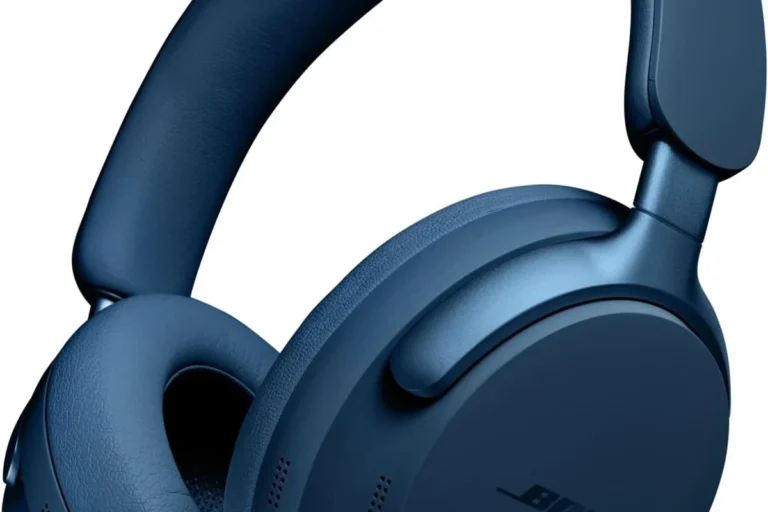
The WH-1000XM series is a different story. These headphones are excellent for travel, noise cancellation, and everyday listening, but they are not always the easiest PS5 choice if you want plug-and-play gaming audio with a microphone.
Older Sony wireless or wired models may still work, but compatibility depends heavily on the connection type. If they rely on a standard Bluetooth-only approach, you may need an adapter or a cable to make them useful on PS5.
| Model | Best For | Price Range |
|---|---|---|
| Pulse 3D | Simple PS5 gaming setup | Varies |
| INZONE series | Gaming, chat, low-friction connectivity | Varies by model |
| WH-1000XM series | Music, ANC, TV audio, casual gaming | Varies by brand |
| Older Sony models | Wired fallback or adapter-based use | Varies |
Best use case: gaming, chat, TV audio, or all-day comfort
If your priority is gaming, choose a Sony headset with low-latency wireless or a reliable wired option. If you care more about comfort and listening to music between matches, a premium ANC model may be more appealing.
For TV audio, Sony headphones with strong comfort and battery life can be excellent, especially if you are not worried about mic performance. For long sessions, weight, clamp force, and ear cushion material matter just as much as sound quality.
- Many Sony models offer strong comfort and good sound
- USB or wired setups can work very reliably on PS5
- Gaming-focused Sony headsets are often easy to use
- Not every Sony headphone supports direct PS5 Bluetooth use
- Adapters can add lag or microphone quirks
- Music-first models may not be ideal for competitive gaming
Common PS5 Connection Problems with Sony Headphones and How to Avoid Them
Most PS5 headphone problems are not about sound quality. They are about pairing mode, firmware, or using the wrong connection method for the headset you bought.
Bluetooth lag, mic issues, and audio dropouts
Bluetooth lag is one of the most common complaints when people try to use Sony headphones with a PS5. Even if the sound works, the delay can make action games feel off, especially in fast multiplayer matches.
Microphone issues are another common problem. Some setups carry audio well but do not pass voice chat cleanly, so you may hear the game perfectly while teammates struggle to hear you.
Listening at high volumes for long periods can cause hearing damage. Keep volume at 60% or below for extended sessions.
Wrong pairing mode, outdated firmware, and controller settings mistakes
A surprising number of problems come from the headset not being in the correct pairing mode. If the headset is still linked to a phone, tablet, or PC, it may not connect to the PS5 as expected.
Firmware updates can also matter, especially for gaming headsets with USB transmitters. If you keep having trouble, check the headset settings, the PS5 audio output menu, and the controller connection before assuming the product is broken.
- Use USB or wired connections first for the most reliable PS5 audio.
- Bluetooth can work with adapters, but lag and mic support may be limited.
Expert Advice: What Sony Headphone Buyers Should Watch Before Spending
Before buying, think about what you actually want from the headphones. A premium Sony ANC model can be fantastic for daily listening, but a dedicated gaming headset may be the smarter PS5 purchase.
Compatibility warnings for non-gaming Sony headphones
Non-gaming Sony headphones often focus on sound quality, noise cancellation, and comfort. That is great for travel or work, but it does not always translate into the easiest console experience.
If a model does not include a USB wireless receiver and you do not plan to use the 3.5mm jack, double-check compatibility before buying. That small step can save you from frustration later.
If you have ongoing hearing fatigue, ringing, or discomfort after gaming sessions, consult an audiologist or hearing professional. A good fit and safe volume matter as much as headset features.
Price vs performance: premium ANC headphones vs dedicated gaming headsets
Premium ANC headphones often cost more because of features like active noise cancellation, multipoint use, and general listening quality. Those features are useful, but they are not always the best value for PS5 gaming.
Dedicated gaming headsets may offer a better balance of chat support, console-friendly connectivity, and lower-latency performance. If your main goal is PS5 play, that tradeoff often makes more sense than paying extra for travel features you will not use much.
Final Verdict: The Easiest Sony Headphone Setup for Your PS5
So, can Sony headphones connect to PS5? Yes, but the easiest setup is usually not standard Bluetooth. For most players, a Sony headset with a USB wireless dongle or a simple 3.5mm wired connection is the least frustrating route.
Best choice by budget and gaming style
If you want the simplest budget-friendly setup, use a wired Sony headset or headphones with a controller cable. If you want a cleaner wireless experience, choose a Sony gaming model made for console use.
If you prefer premium sound and noise cancellation for mixed use, a WH-1000XM-style headphone can still be a good buy, but expect more compromises on PS5 gaming convenience. For many readers, that means the best choice is the one that matches your main use case, not just the most expensive model.
Key takeaways for a smooth PS5 audio experience
Check the connection type first, then decide whether you need gaming chat, low latency, or all-day comfort. If you are careful about compatibility, Sony headphones can be a very good match for PS5.
For readers who want a broader buying perspective, our headphone compatibility guides and wireless setup articles can help you compare options before you spend. The right choice is the one that gives you stable sound, comfortable wear, and fewer setup headaches.
Frequently Asked Questions
Often yes, if they use a PS5-friendly USB dongle. Wired 3.5mm is still the most universal and reliable option.
Yes, many ANC Sony headphones can work with PS5. Just remember that noise cancelling does not guarantee low-latency gaming or microphone support.
Closed-back models usually isolate game audio better and help with immersion. Open-back styles can sound wider, but they may leak sound and feel less private.
Driver type and tuning influence bass, clarity, and positional detail. For gaming, many players prefer balanced sound with clear mids and controlled bass.
Check the connection method, microphone support, comfort, and whether the headset needs a USB dongle. Also consider battery life, weight, and whether you want gaming or all-day listening.
Look for soft ear cushions, moderate clamp force, and a lighter build. Taking breaks and keeping volume at a safe level also helps during long sessions.