Can I Connect Bluetooth Headphones to Xbox Easily

No, you usually cannot connect standard Bluetooth headphones directly to Xbox. The easiest alternatives are Xbox Wireless headsets, wired controller connections, or a Bluetooth transmitter workaround.
If you’re asking can i connect bluetooth headphones to xbox, the short answer is usually no, not directly. Xbox consoles do not support standard Bluetooth audio pairing the way many phones, tablets, and PCs do, so you need a different connection method or a compatible headset.
The good news is that you still have several practical ways to use wireless headphones with Xbox. Some are simple and affordable, while others give you better audio quality, lower delay, or easier chat support depending on how you play.
- Direct pairing: Standard Bluetooth headphones usually do not connect directly to Xbox.
- Best native option: Xbox Wireless headsets are the cleanest wireless solution.
- Cheapest workaround: A transmitter or TV audio route can work for casual use.
- Competitive play: Wired or Xbox-compatible wireless headsets are more reliable.
Can I Connect Bluetooth Headphones to Xbox? What You Need to Know in 2025
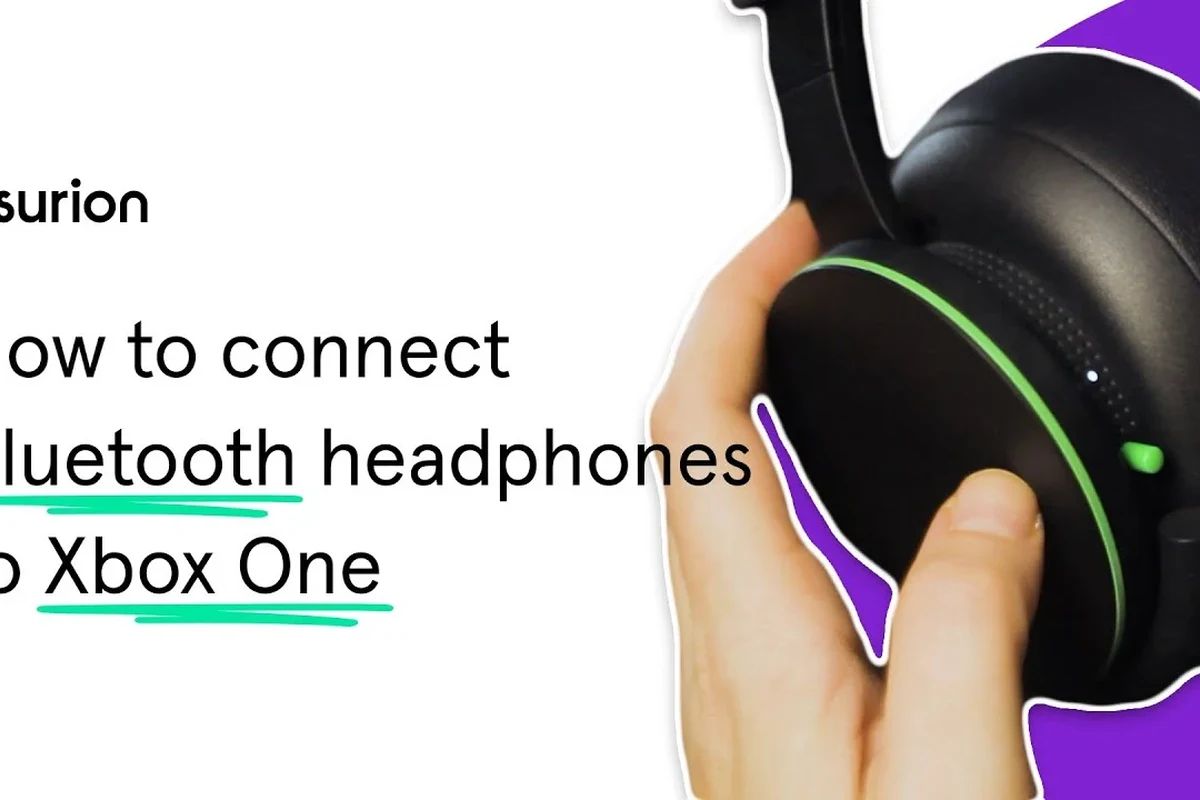
In 2025, the basic rule is still the same: most Xbox consoles do not allow standard Bluetooth headphones to connect directly for game audio. That means you generally cannot open the Xbox settings, tap “pair,” and listen through regular Bluetooth earbuds or headphones like you would on a phone.
Instead, Xbox relies on its own wireless audio system and supported accessories. If you want a clean, low-latency setup, it helps to understand the difference between Xbox Wireless and Bluetooth before buying anything.
Compatibility can vary by headset model, controller version, TV setup, and whether you want game audio, chat audio, or both.
Why Xbox Does Not Support Standard Bluetooth Audio
Xbox was designed around a dedicated wireless ecosystem rather than generic Bluetooth audio. That choice helps the console prioritize game performance, voice chat, and lower delay for supported headsets.
Bluetooth is convenient, but it often adds latency. In gaming, even a small delay can make footsteps, gunfire, or dialogue feel out of sync with what’s on screen.
How Xbox wireless audio differs from Bluetooth
Bluetooth is a universal standard used by phones, laptops, and many TVs. Xbox Wireless is Microsoft’s own connection method for compatible headsets and accessories, and it is built specifically for Xbox use.
That usually means more stable pairing and better timing for gameplay than standard Bluetooth. It also avoids some of the audio lag and chat issues that can happen with generic Bluetooth adapters.
Which Xbox models are affected: Xbox Series X|S, Xbox One, and older consoles
This limitation affects Xbox Series X, Xbox Series S, Xbox One, and most older Xbox consoles as well. In other words, it is not just a new-console issue.
If you own an older Xbox and hoped Bluetooth support would be different, the answer is still generally the same. You’ll need a supported headset, a workaround, or a wired connection path.
Best Ways to Use Wireless Headphones with Xbox
If your goal is comfortable, cable-free gaming, there are better options than trying to force a standard Bluetooth connection. The best setup depends on whether you care most about simplicity, chat quality, or sound latency.
Xbox Wireless Headphones and compatible headsets
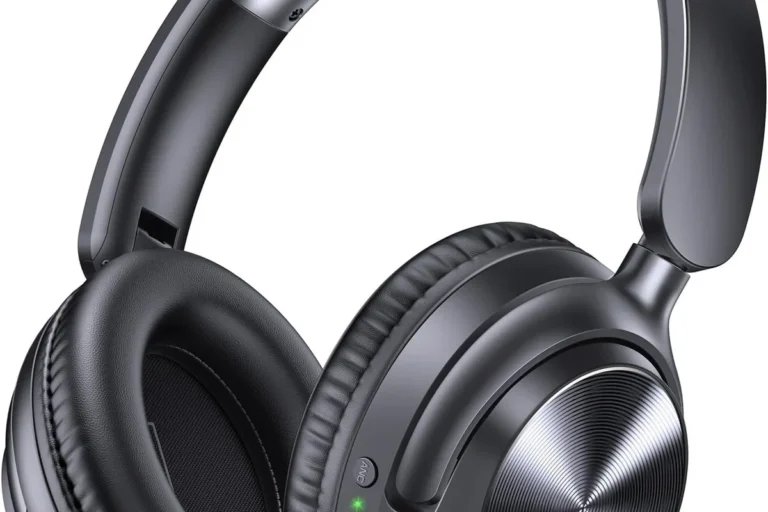
The easiest route is to buy a headset that supports Xbox Wireless. These headsets are made to work with the console without needing a separate transmitter or awkward pairing process.
This is usually the most straightforward choice for players who want reliable game audio and voice chat. If you are shopping for a new headset, checking console compatibility first saves a lot of frustration later.
If you want the least hassle, look for “Xbox Wireless” support on the box or product page before checking anything else.
Using a controller headphone jack with wired or wireless options
Most Xbox controllers include a 3.5 mm headphone jack, which opens the door to wired headphones and some wireless headset setups that use a dongle. This can be a simple fallback if you already own a good pair of wired headphones.
Wired audio is often more dependable than Bluetooth for gaming. It also avoids battery concerns and usually gives you the most predictable sound timing.
Many gaming headsets sound “better” not because they are more expensive, but because they are tuned to reduce delay and improve chat clarity on consoles.
Connecting through a TV, monitor, or soundbar as a workaround
Another workaround is to route audio through your TV, monitor, or soundbar if that device supports Bluetooth output. In that case, the Xbox sends sound to the display, and the display sends it to your headphones.
This can work well for casual play, but it depends heavily on the TV or monitor’s audio settings. Some setups introduce delay, and some only support certain audio formats.
Bluetooth Headphones on Xbox: Workarounds That Actually Work
There are a few real-world ways to use Bluetooth headphones with Xbox, but they are workarounds rather than native support. Some are better for chat, while others are better for listening to game audio.
Using a Bluetooth transmitter with your controller or TV
A Bluetooth transmitter can sometimes send audio from the controller, TV, or monitor to your headphones. This is one of the most common solutions for people who already own Bluetooth headphones and do not want to buy a new headset.
Be careful, though: not every transmitter is a good fit for gaming. The wrong one can create noticeable lag, limit volume control, or make microphone use awkward.
Not every Bluetooth transmitter supports low-latency gaming, and many do not handle microphone input the way Xbox chat needs it.
Pairing headphones to the Xbox app on mobile for party chat
You can also use the Xbox mobile app for certain party chat functions while wearing Bluetooth headphones connected to your phone. This is useful if you mainly want to talk to friends rather than route all game audio through Bluetooth.
It is not the same as full console headphone support, but it can be a practical workaround for social play. Just remember that your game audio and chat audio may end up split across different devices.
Using remote play or cloud gaming as a Bluetooth-friendly option
Remote play and cloud gaming can be more Bluetooth-friendly because the audio often comes through the device you are using, such as a phone, tablet, or PC. In that setup, your Bluetooth headphones connect to the device rather than the console itself.
This can be convenient if you already game on multiple screens. Still, it is not always the best choice for competitive play because network quality and device latency can affect the experience.
Common Mistakes When Trying to Pair Bluetooth Headphones to Xbox
Most Xbox Bluetooth frustration comes from expecting the console to behave like a phone or PC. Once you know the common mistakes, it becomes much easier to choose the right setup the first time.
Expecting direct console pairing like on PlayStation or PC
The biggest mistake is assuming Xbox has standard Bluetooth pairing built in. If your headphones pair instantly with a laptop or smartphone, that does not mean they will pair with Xbox.
This is where many buyers get stuck and think their headphones are broken. In most cases, the headphones are fine; the console simply is not designed for that connection type.
Buying the wrong adapter or transmitter
Not all adapters are equal. Some only work for audio playback, some are made for phones rather than consoles, and some add too much delay for gaming.
Before buying, check whether the adapter supports the connection path you actually need, such as controller audio, TV audio, or low-latency mode. If you want more background on Bluetooth setup basics, our guide on how to connect Bluetooth headphones can help you understand the pairing process on devices that do support it.
Confusing game audio, chat audio, and TV audio routing
Xbox audio can be split across different paths, and that creates confusion. You may get game sound through the TV, chat through a phone app, and microphone input through something else entirely.
That is why many users think a setup “doesn’t work” when it is really just routing audio in an unexpected way. Always decide whether you need game sound, voice chat, or both before choosing a solution.
Cost Comparison: Cheapest vs Best Bluetooth-Friendly Xbox Audio Setup
There is no single best answer for every player because budget and expectations matter. A cheap workaround can be fine for casual use, while a better headset is usually worth it for frequent gaming.
Budget transmitter setup versus dedicated Xbox Wireless headset
A budget Bluetooth transmitter is often the lowest-cost path if you already own headphones. The tradeoff is that performance can vary, and you may still deal with delay or limited chat support.
A dedicated Xbox Wireless headset usually costs more, but it is much simpler to live with. For many players, paying extra once is better than troubleshooting a half-working adapter setup over and over.
When a premium headset is worth the extra cost
A premium headset makes more sense if you play often, use voice chat regularly, or care about clean timing in shooters and competitive games. It can also be worth it if you want better comfort for long sessions.
If you mainly play single-player games, a budget workaround may be enough. If you care about consistency, though, a native Xbox-compatible headset is usually the safer purchase.
Expert Advice: Latency, Mic Quality, and Audio Sync Warnings
For gaming audio, the biggest issues are usually delay, microphone quality, and whether the sound stays in sync with the action. These are the areas where Bluetooth workarounds can fall short.
Why Bluetooth delay can hurt fast-paced gaming
Bluetooth delay is one of the main reasons Xbox does not rely on it for native audio. Even if the delay is small, it can make action games feel less responsive.
That matters most in competitive shooters, rhythm games, and any title where split-second timing is important. For story games or casual play, the delay may be less noticeable.
Microphone limitations and chat quality concerns
Some Bluetooth headphones are great for listening but weaker for voice chat. Mic quality can drop when the headset switches modes, and some transmitters do not support mic input well at all.
If chat matters to you, check whether the headset or adapter supports both audio and microphone use on Xbox. A good-sounding headphone is not always a good gaming headset.
If you have persistent audio delay, hearing discomfort, or trouble understanding chat at normal volume, consider checking with an audiologist or a qualified audio specialist.
What the Top Headphone Reviews team recommends for competitive play
For competitive gaming, the best choice is usually a headset made for Xbox or a wired headset through the controller. Those options are more predictable and less likely to introduce lag.
If you already own Bluetooth headphones, use them for casual listening or chat workarounds rather than assuming they will be ideal for ranked play. For readers comparing wireless and wired performance, our article on Bluetooth vs wired headphones sound quality is a useful next read.
Listening at high volumes for long periods can cause hearing damage. Keep volume at 60% or below for extended sessions.
Final Verdict: The Easiest Way to Get Headphones Working with Xbox
If you want the simplest answer, standard Bluetooth headphones are not the easiest way to listen to Xbox audio. Xbox Wireless headsets, wired controller connections, and carefully chosen workarounds are usually more reliable.
Best choice for casual players
Casual players are often best served by a Bluetooth transmitter, TV audio workaround, or a headset that supports both Xbox and other devices. That gives you flexibility without forcing you to replace gear you already own.
Best choice for competitive gamers
Competitive gamers should strongly consider a dedicated Xbox Wireless headset or a wired headset through the controller. Those setups usually offer better timing, fewer connection headaches, and more dependable chat performance.
Quick recap of what works and what does not
Direct Bluetooth pairing to Xbox generally does not work. What does work is Xbox Wireless, controller-based wired audio, TV or monitor routing, selected transmitters, and app-based or remote-play workarounds.
So, if you were wondering can i connect bluetooth headphones to xbox, the answer is no for direct pairing, but yes for several indirect methods. The best option depends on whether you want convenience, lowest latency, or the best overall gaming experience.
Frequently Asked Questions
Not always. Wired headsets usually offer more predictable timing, while wireless headsets can be more convenient if they are made for Xbox.
They can be, especially for reducing outside noise during long sessions. Just make sure the headset still supports low-latency audio and clear voice chat if that matters to you.
Closed-back headphones are usually better for Xbox gaming because they block more outside noise and keep game sound from leaking out. Open-back models can sound wider, but they are less private and less isolated.
Look at comfort, latency, mic support, and whether the headset is tuned for clear mids and controlled bass. Driver type and frequency response can matter too, but real-world tuning is often more important than numbers alone.
A simple EQ adjustment can help, especially if the headset sounds muddy or too bright. Small changes are usually better than extreme boosts, since too much bass can hide footsteps and dialogue.
Check weight, ear cushion material, clamping force, battery life if wireless, and whether the headset works with your preferred audio setup. Comfort matters a lot for long sessions, so try to match the fit to your head shape and use case.