Can You Bluetooth Headphones to PS4 Easy Guide

Yes, but usually not directly with standard Bluetooth headphones. Most PS4 users need a compatible USB adapter, a transmitter, or a PS4-ready wireless headset for reliable audio.
If you’re asking can you bluetooth headphones to ps4, the short answer is yes, but usually not directly with standard Bluetooth headphones. The PS4 has limited Bluetooth audio support, so most people need a workaround like a USB wireless adapter, a controller-based transmitter, or TV audio routing.
- Direct support: Standard Bluetooth headphones often do not work well on PS4.
- Best workaround: Use a PS4-compatible USB wireless adapter or gaming headset.
- Main issue: Latency and mic support matter more than simple pairing.
- Buying tip: Check compatibility before spending on an adapter.
Can You Bluetooth Headphones to PS4? What Actually Works in 2025
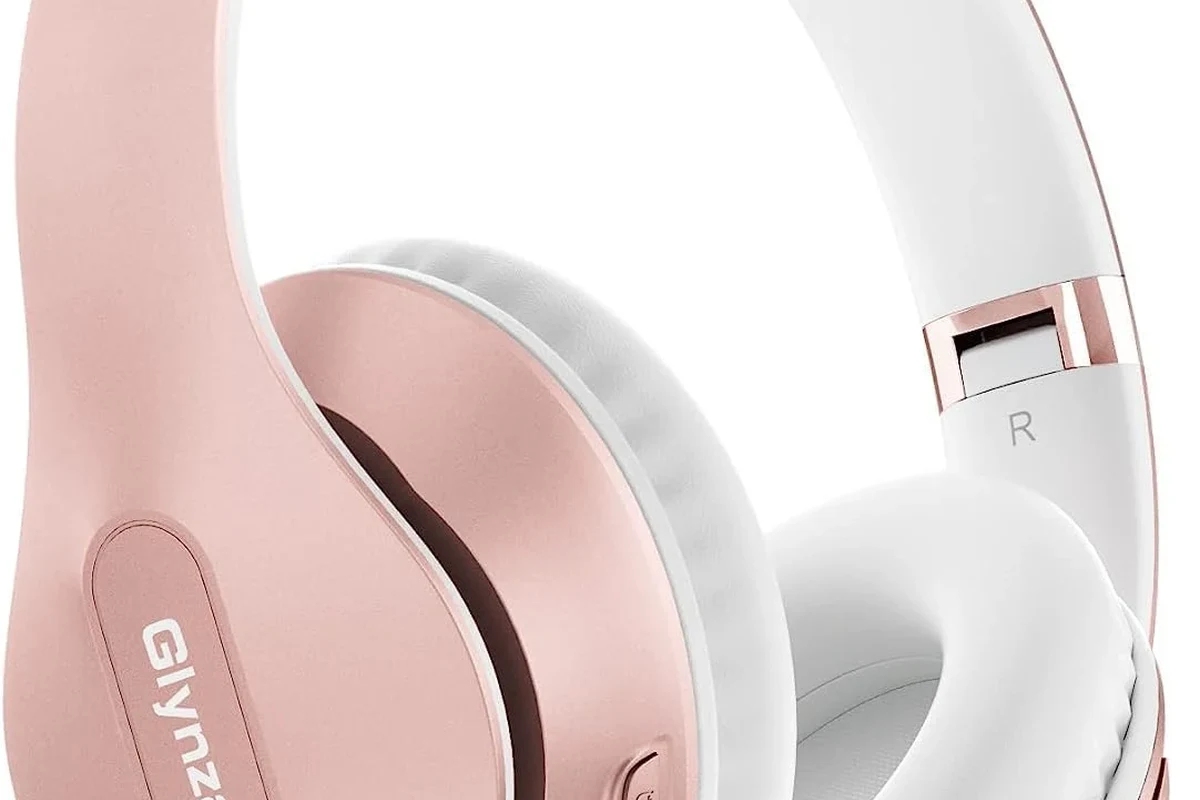
In 2025, the PS4 still isn’t as flexible as a phone or laptop when it comes to Bluetooth audio. Some headphones may pair in the system menu, but that does not always mean you’ll get full game sound, voice chat, and low-lag performance.
The practical answer is this: if you want wireless audio on PS4, you’ll usually have a better experience using a PS4-compatible dongle or a headset designed for console gaming. If you’re still deciding between wireless and wired options, our guide to Bluetooth vs wired headphones sound quality can help you weigh the trade-offs.
Why PS4 Bluetooth Audio Is Limited: Built-In Support, Codec Issues, and Sony Restrictions
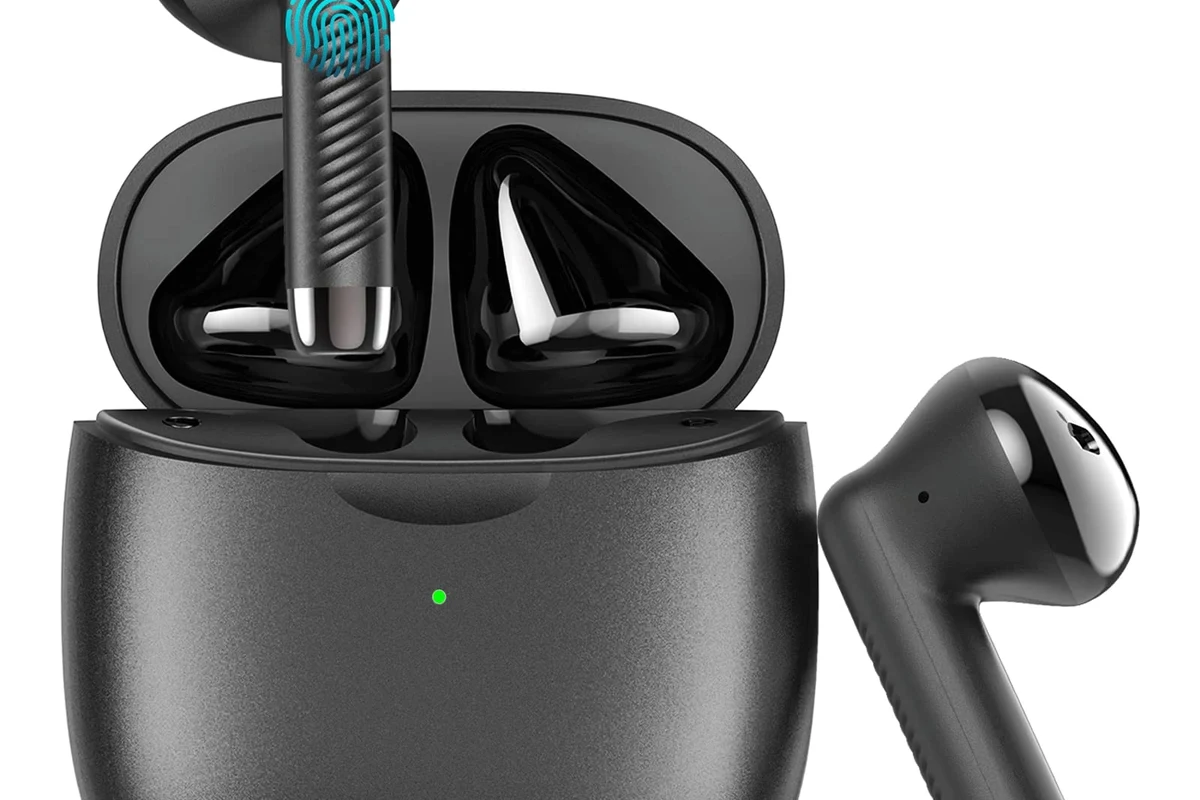
The PS4 was not built to support every Bluetooth headphone the way modern smartphones do. Sony’s system is selective about audio devices, and that creates compatibility problems for many popular wireless headphones and earbuds.
Another issue is codec support. Bluetooth audio depends on how the device compresses and sends sound, and the PS4 does not handle every codec or profile that headphones use for music playback on other devices.
How the PS4 handles Bluetooth devices differently from phones and PCs
Phones and PCs often support a wide range of Bluetooth audio profiles, so pairing is usually simple. The PS4 is more restrictive and may recognize a device for controller use or basic pairing without offering proper audio output.
That means a headset that works perfectly with your phone may still fail on PS4, or it may connect but only deliver partial functionality. This is one reason many gamers prefer dedicated gaming audio gear over general-purpose Bluetooth headphones.
Why most Bluetooth headphones won’t connect directly
Most standard Bluetooth headphones are not officially supported for direct PS4 audio. Even when they appear in the device list, the console may block them, fail to route sound, or refuse microphone access.
The result is frustrating: you may spend time pairing and re-pairing with no clear fix. If you want a better understanding of how Bluetooth behavior differs across devices, see our guide to Bluetooth headphones explained simply.
Best Ways to Use Wireless Headphones on PS4 Without Frustration
If your goal is reliable wireless audio, there are a few methods that work better than trying to pair regular Bluetooth headphones directly. The best choice depends on whether you care most about game audio, party chat, microphone support, or convenience.
Using a PS4-compatible USB wireless dongle
A USB wireless dongle is often the easiest workaround. These adapters usually connect to the PS4’s USB port and create a direct wireless link with a compatible headset or transmitter.
This option is popular because it can reduce setup headaches and often provides better stability than standard Bluetooth pairing. Still, compatibility varies by brand and model, so check that the dongle explicitly supports PS4 use before buying.
Connecting through the controller’s 3.5mm jack with a wireless transmitter
Another workaround is using a small wireless transmitter that plugs into the DualShock 4 controller’s 3.5mm audio jack. This can let you send console audio to a Bluetooth headset through an external adapter.
It’s a clever solution, but it may add latency and may not support microphone chat the way a true gaming headset does. For many players, it works best for casual single-player gaming rather than competitive play.
Using a TV or monitor’s audio output with Bluetooth headphones
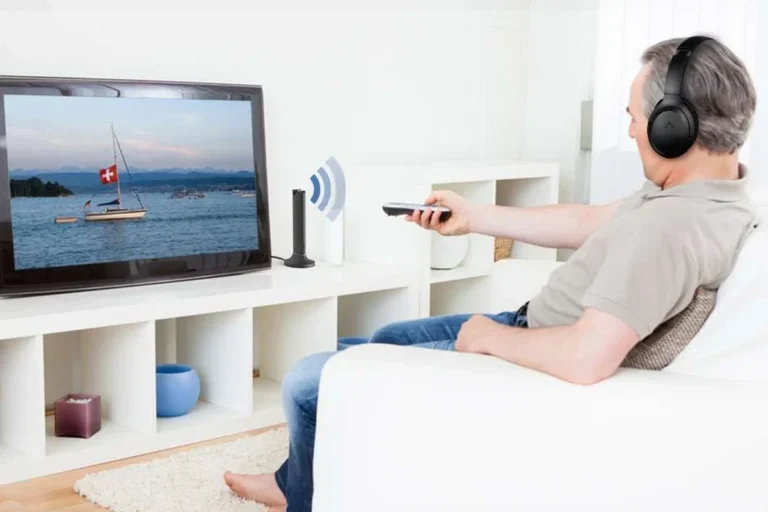
If your TV or monitor supports Bluetooth audio, you can sometimes pair your headphones directly to the display instead of the PS4. This can be the simplest setup if your screen has good audio routing options.
Just keep in mind that TV Bluetooth can introduce delay, and lip-sync may be noticeable in fast games or action scenes. If low lag matters to you, a dedicated console headset is usually the safer choice.
Step-by-Step: How to Connect Bluetooth Headphones to PS4 Using Workarounds
The exact setup depends on the workaround you choose, but the process is usually straightforward once you have the right adapter. Before you start, make sure your headphones are charged and your adapter is actually designed for console audio.
For gaming, prioritize a stable connection and low latency over flashy features. A simple, reliable adapter often sounds better in practice than a cheap “all-in-one” Bluetooth gadget.
Pairing with a supported USB adapter
Plug the adapter into the PS4’s USB port and put your headphones or headset into pairing mode. Follow the adapter’s instructions, since some units pair automatically while others need a button press or app-based setup.
Once paired, test whether the PS4 recognizes the device as an audio output. If the adapter is designed for gaming, it may also support voice chat or separate microphone routing.
Setting audio output and mic options in PS4 settings
After pairing, open the PS4 sound settings and confirm that audio output is set to the correct device. You may also need to choose whether all audio goes to the headset or only chat audio.
If your headset includes a microphone, check the input device settings too. Some setups pass game audio but not mic audio, so it’s worth verifying before you jump into a party or online match.
Testing latency, chat audio, and game audio balance
Play a game with clear sound cues and listen for delay between action and audio. If you notice lag, the connection may be fine for movies or casual play but not ideal for fast-paced gaming.
Also test voice chat and volume balance. A good setup should let you hear both game sound and teammates clearly without one overpowering the other.
Audio performance can vary by headset, adapter, TV, and room setup. Two devices with the same Bluetooth label may still behave very differently on PS4.
Common Problems When Trying to Pair Bluetooth Headphones to PS4
Most PS4 Bluetooth issues fall into a few familiar categories. Knowing the likely cause can save you time and help you decide whether a workaround is worth it.
Headphones detected but no sound
This usually means the PS4 sees the device but is not routing audio to it properly. It can happen when the headset is not officially supported or when the adapter is not fully compatible.
Check output settings first, then re-pair the device. If that fails, the headset may simply not be a good match for direct PS4 use.
Audio delay and lip-sync issues in games
Bluetooth delay is one of the biggest complaints in gaming. Even a small delay can make dialogue feel off or make action games less responsive.
If you notice lip-sync problems, try a lower-latency adapter or switch to a wired connection through the controller. In many cases, that is the fastest way to improve the experience.
Microphone not working for party chat
Some Bluetooth headphones only handle audio playback and do not pass microphone input correctly on PS4. That means you may hear the game fine but still be unable to talk in party chat.
If chat matters to you, look for a headset or adapter that clearly supports both audio and mic input. Otherwise, you may need a separate mic solution.
Cheap adapters can be unstable, and unstable audio is especially frustrating in multiplayer games. Always confirm PS4 compatibility and microphone support before you buy.
Expert Advice: What to Avoid Before Buying a Bluetooth Adapter or Headset
The cheapest option is not always the best value. For PS4 audio, the real goal is dependable sound, acceptable latency, and clear chat support, not just “wireless” on the box.
Warning about cheap adapters, unstable connections, and unsupported codecs
Very cheap adapters often cut corners on connection quality and codec support. That can lead to dropouts, distorted audio, or a pairing process that works once and then becomes unreliable.
Also, a headset may support a Bluetooth codec that sounds great on your phone but still fails to behave well on PS4. Compatibility matters more than feature lists.
Why low-latency gaming matters more than Bluetooth range
For gaming, a strong low-latency connection is usually more important than long wireless range. Most players sit close enough to the console that range is not the limiting factor.
What matters more is whether the sound stays synced and stable during gameplay. If you’re choosing between “farther range” and “less delay,” pick less delay.
If you have hearing loss, tinnitus, or ongoing ear discomfort, consider speaking with an audiologist before long gaming sessions. They can help you choose safer listening habits and better-fit headphones for extended use.
Price Comparison: Bluetooth Workarounds vs PS4 Gaming Headsets
Price is often the deciding factor. Bluetooth workarounds can seem cheaper at first, but a dedicated gaming headset may offer better value if you want fewer compatibility problems.
Budget adapter options vs mid-range wireless headset bundles
Budget adapters may cost less upfront, but results vary widely. Some are fine for casual use, while others create more problems than they solve.
Mid-range wireless gaming headset bundles often cost more, but they can be easier to set up and more dependable for both game audio and chat. Pricing varies by brand, features, and sales.
When it is smarter to buy a PS4-ready headset instead
If you play often, use party chat, or care about low latency, a PS4-ready headset is usually the smarter buy. It removes much of the guesswork and reduces the chance of compatibility problems.
For occasional gaming, a workaround may be enough. But if you want a smoother setup from the start, a console-focused headset is usually the better long-term choice.
Final Recap: The Easiest Answer to Can You Bluetooth Headphones to PS4
So, can you bluetooth headphones to ps4? Yes, but usually not directly in the simple way most people expect. The most reliable solutions are a PS4-compatible USB adapter, a controller-based wireless transmitter, or a TV with Bluetooth audio output.
If you want the least frustration, buy a headset or adapter that clearly supports PS4, low latency, and microphone use. That will usually give you a better gaming experience than trying to force a standard Bluetooth headphone connection to work.
- Direct PS4 Bluetooth headphone support is limited.
- USB adapters and gaming headsets work more reliably.
- Latency and mic support matter most for gaming.
- Check compatibility before buying any adapter.
Frequently Asked Questions
Often yes, especially if the wireless headset uses a USB dongle made for gaming. Standard Bluetooth can be less reliable and may add more delay.
Check compatibility, microphone support, latency, comfort, and connection type. Also make sure the headset fits your use case, whether that is gaming, chat, or casual listening.
Over-ear headphones are often more comfortable for long sessions and can provide better isolation. In-ear models can be portable, but fit and comfort vary more from person to person.
Yes, active noise cancelling can help reduce background noise and improve focus. Just remember that ANC performance and sound tuning can vary by model.
Both matter, but EQ can make a bigger practical difference for many users. Driver design affects the base sound, while EQ helps you adjust bass, clarity, and overall balance.
Choose a comfortable fit, soft ear cushions, and a headset that is not too heavy. Take breaks and keep volume at a safe level to reduce listening fatigue.