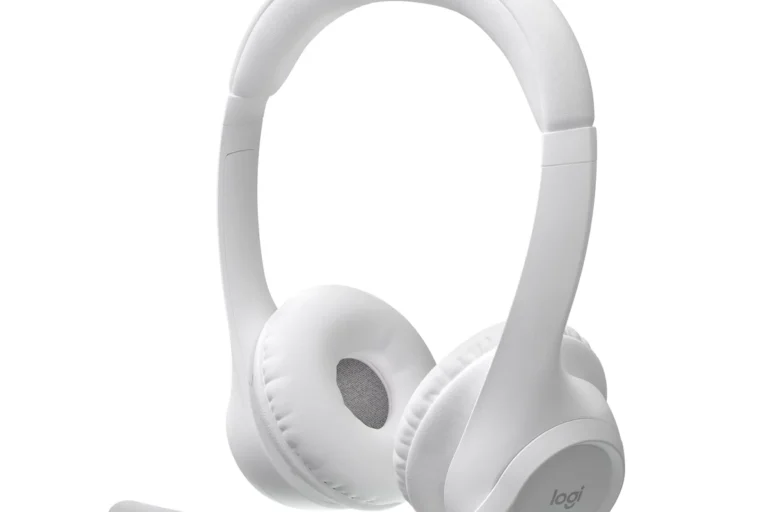
Can Bluetooth Headphones Connect to Xbox Easily

No, standard Bluetooth headphones usually cannot connect directly to Xbox for game audio. You’ll get a better result with an Xbox-compatible wireless headset, wired headphones, or a supported adapter setup.
Many Xbox owners ask the same thing: can bluetooth headphones connect to xbox? In most cases, the answer is no for direct wireless audio, but there are several practical workarounds that can still give you a good gaming experience.
If you want the simplest path, Xbox Wireless headsets, wired headphones, or a compatible adapter usually make more sense than standard Bluetooth. For readers comparing headphone setups more broadly, our guide on bluetooth vs wired headphones is a useful place to start.
- Direct support: Standard Bluetooth is not natively supported for Xbox audio.
- Best alternatives: Wired headsets and Xbox Wireless models are the most reliable.
- Adapter caution: Bluetooth transmitters may add lag and limit mic use.
- Gaming performance: Low latency matters more than convenience in fast games.
Can Bluetooth Headphones Connect to Xbox in 2025? The Short Answer and Why It Matters
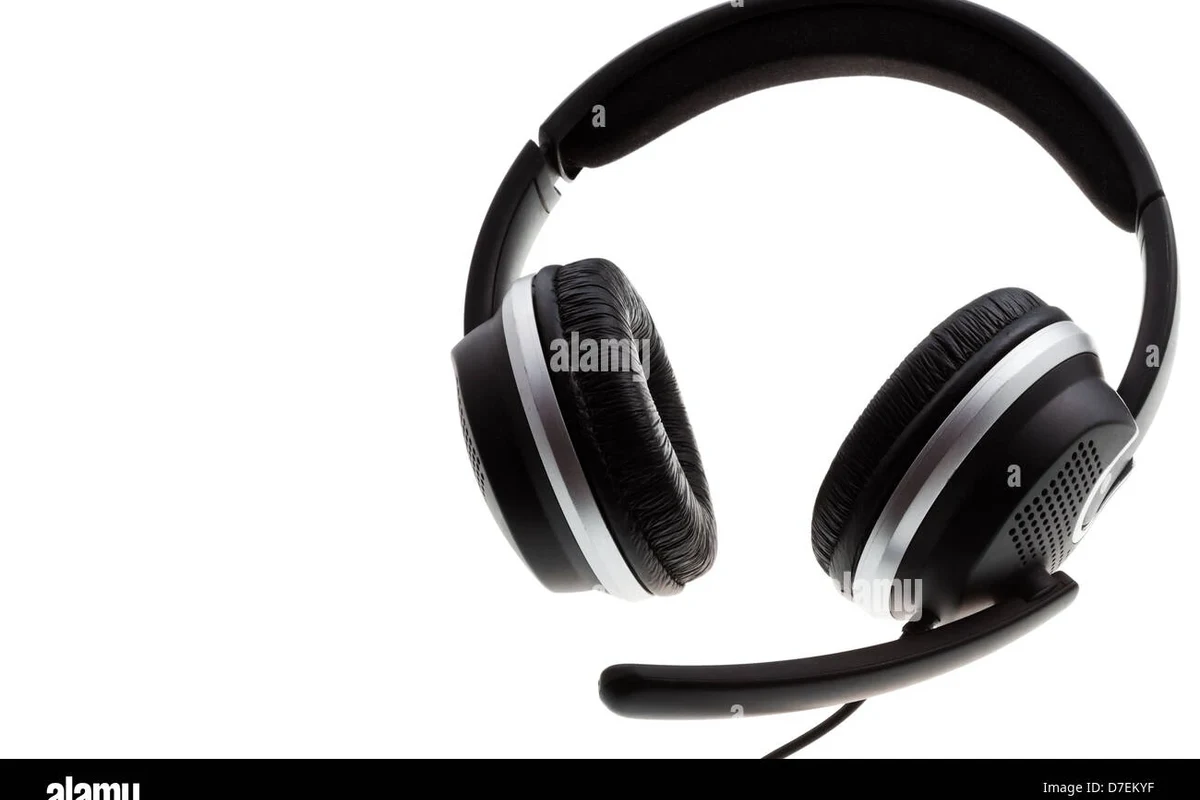
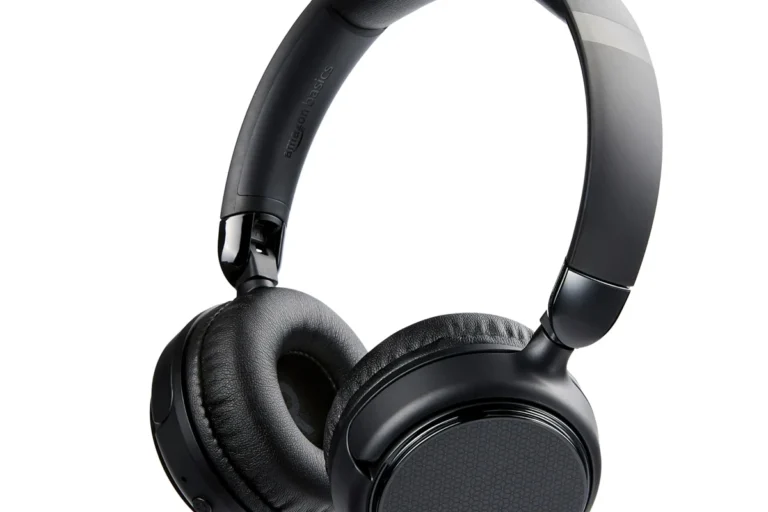
The short answer is that standard Bluetooth headphones do not connect directly to Xbox consoles for game audio. That limitation matters because many people buy a headset expecting the same easy pairing they get on phones, tablets, and laptops.
Xbox uses its own wireless audio system instead of standard Bluetooth for most headset connections. That means your headphones may still work in certain indirect setups, but not as a normal Bluetooth pairing to the console itself.
Why Xbox Consoles Don’t Support Standard Bluetooth Audio
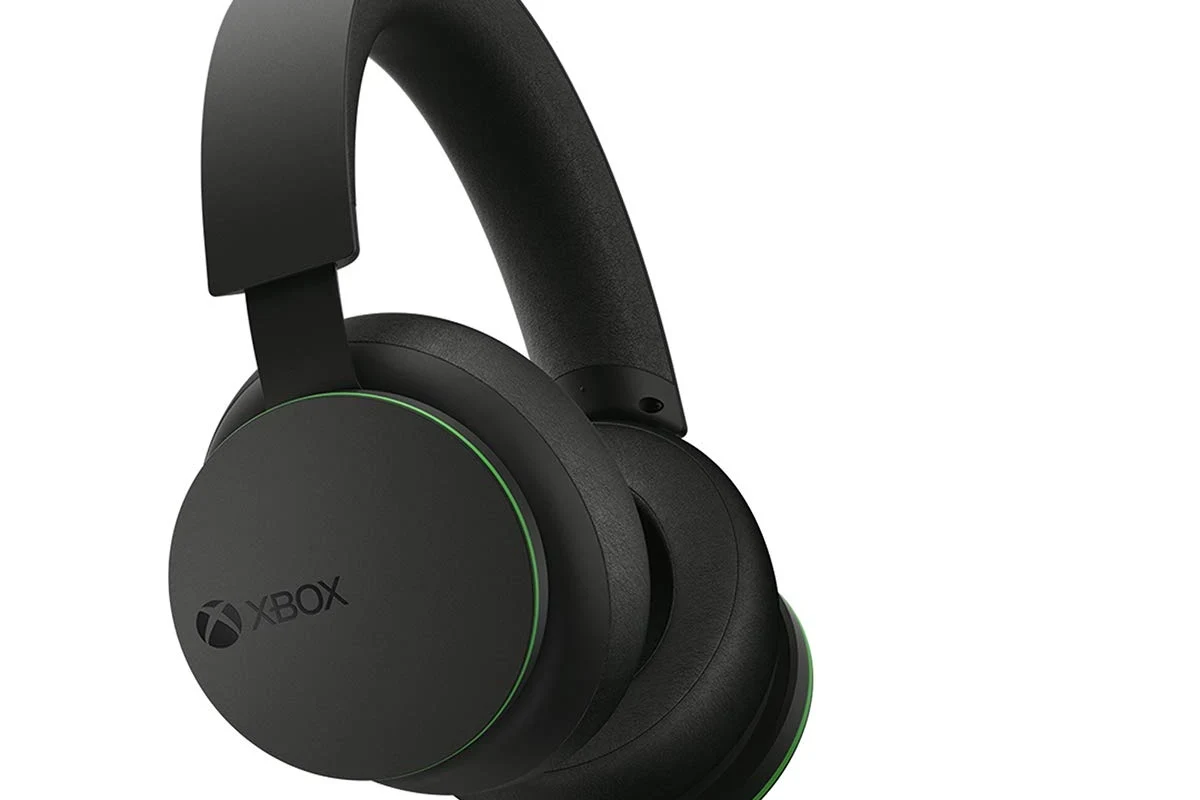
Xbox consoles are designed around a proprietary wireless approach that prioritizes controller and headset communication within the Xbox ecosystem. This helps reduce confusion between controller pairing and audio pairing, but it also means common Bluetooth headphones are not a native match.
In practical terms, Xbox is not “broken” here. It simply uses a different wireless standard, so the console does not treat regular Bluetooth headphones the same way a phone or PC would.
How Xbox Wireless Differs from Bluetooth
Bluetooth is a general-purpose wireless audio standard used by many headphones, earbuds, laptops, and phones. Xbox Wireless is built specifically for Xbox accessories, so it is optimized for console compatibility rather than universal device support.
That difference affects pairing, latency, and microphone behavior. Even when a Bluetooth transmitter is added, the audio path may not feel as tight or reliable as a headset made for Xbox.
Which Xbox Models Have the Same Limitation
This limitation applies across the modern Xbox family, including current-generation consoles and older models that rely on the same accessory strategy. In other words, you should not expect a standard Bluetooth headset to pair directly just because you upgraded to a newer Xbox.
If you are planning a headset purchase, it is best to check compatibility before buying. That is especially important if you want both game audio and voice chat to work smoothly.
What Happens When You Try to Pair Bluetooth Headphones with Xbox
When you try to connect regular Bluetooth headphones, the Xbox usually will not show them as a valid audio device. In some cases, you may see pairing confusion with the controller or a transmitter, but not true native headset support.
That can be frustrating if you are used to quick pairing on mobile devices. It also leads many people to think their headphones are defective when the real issue is console compatibility.
Common Connection Failures and Audio Delay Issues
The most common problem is simple failure to pair. Another common issue is delay, where the sound arrives slightly after the action on screen, which can be distracting in shooters, rhythm games, and competitive play.
Latency can vary by headphone model, transmitter type, and the way the audio is routed. If you care about timing, especially in fast-paced games, this is one of the biggest reasons Bluetooth is not the first choice for Xbox.
Why Some Headphones Seem to “Work” but Don’t Deliver Game Audio
Some setups appear to work because the headphones connect to a TV, monitor, phone app, or Bluetooth adapter rather than directly to the Xbox. In those cases, the headphones are receiving audio from the external device, not from the console itself.
That can be fine for casual use, but it may create missing chat audio, lag, or limited volume control. If you want to understand Bluetooth basics more clearly, our article on bluetooth headphones explained breaks down how wireless audio usually behaves.
Best Ways to Use Headphones with Xbox Without Native Bluetooth
The good news is that you still have several workable options. The best choice depends on whether you care most about convenience, chat support, latency, or budget.
For many gamers, the right solution is not forcing Bluetooth to work directly. It is choosing the connection method that best fits the way you play.
Xbox Wireless Headsets and Official Wireless Adapters
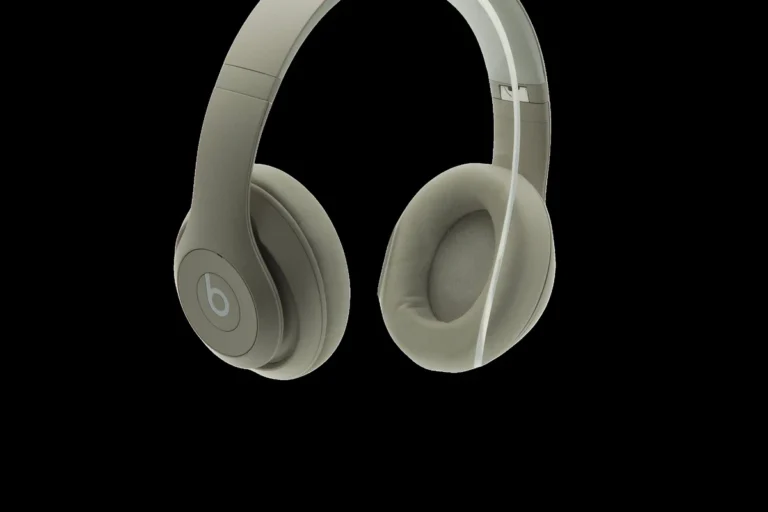
Xbox Wireless headsets are the most straightforward wireless choice because they are built to communicate with the console’s native system. That usually gives you a cleaner setup than relying on a random Bluetooth workaround.
Some third-party headsets and adapters may also support Xbox-compatible wireless connections, but compatibility can vary by brand and model. Always verify that the product specifically lists Xbox support, not just Bluetooth support.
If you want fewer setup headaches, look for a headset that explicitly says “Xbox compatible” rather than “Bluetooth wireless” only.
TV, Monitor, or Controller Workarounds for Audio Output
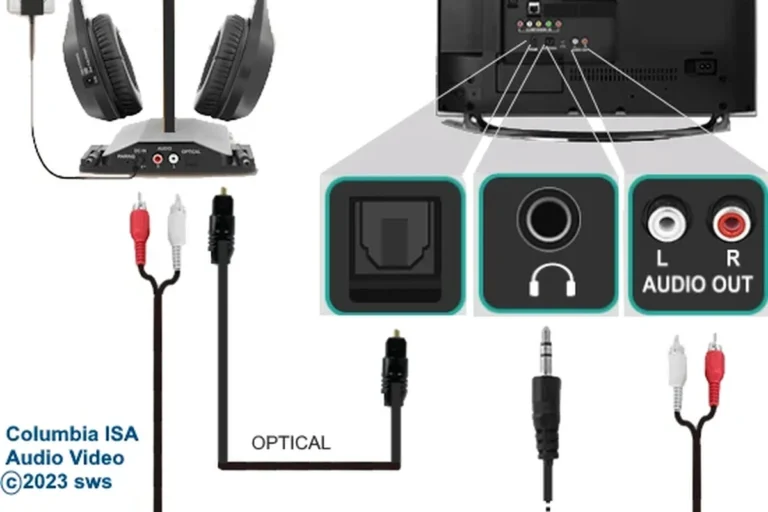
Another option is to route audio through your TV or monitor and then connect headphones to that device. This can work well for single-player gaming or casual sessions, especially if your display already supports headphone output.
You can also use a wired connection through the controller if your headset supports a 3.5 mm cable. For many players, this is the easiest plug-and-play solution and avoids the pairing issues common with wireless setups.
TV and monitor audio paths can introduce their own delay or volume limits, so results may vary by display model and settings.
Using Bluetooth Transmitters: When They Help and When They Don’t
Bluetooth transmitters can be useful if you want to send Xbox audio to Bluetooth headphones through a TV, monitor, or controller-based setup. They are most helpful when you already own a good pair of Bluetooth headphones and do not want to buy a new headset yet.
However, transmitters are not a perfect fix. They may add latency, may not support microphone input well, and may require extra cables or power. For more on connection troubleshooting, see our guide on how to connect bluetooth headphones for general pairing logic that still helps in adapter-based setups.
Bluetooth transmitters can improve convenience, but they do not guarantee low-latency gaming or full chat support. Check compatibility before buying.
Practical Examples: Which Headphone Setups Actually Work with Xbox
There is no single best answer for every gamer. A setup that works beautifully for story games may be a poor fit for competitive multiplayer or party chat.
The right choice depends on whether you want simplicity, wireless freedom, or the lowest possible delay.
Wired Headphones for Plug-and-Play Simplicity
Wired headphones remain one of the easiest Xbox options because they skip the wireless compatibility issue entirely. If your headset has a 3.5 mm plug and your controller supports it, setup is usually fast and reliable.
This is often the best route for players who want stable game audio, easy chat access, and no battery concerns. It is also a smart choice for budget-conscious buyers who do not need extra wireless features.
Wireless Gaming Headsets Built for Xbox Compatibility
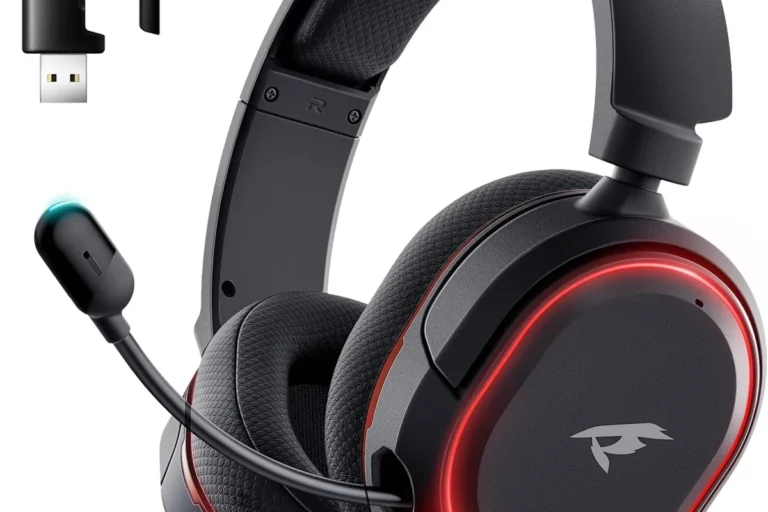
If you want a cable-free experience, an Xbox-compatible wireless gaming headset is usually the cleanest solution. These headsets are designed to work with the console’s own wireless system, which often makes setup simpler than using general Bluetooth.
For readers comparing headphone styles, our types of headphones explained guide can help you decide whether over-ear, on-ear, or in-ear designs fit your comfort needs best.
Budget Bluetooth-to-Xbox Adapter Setups
Budget adapter setups can work if you already own Bluetooth headphones and only need a basic audio workaround. They are usually best for casual gaming, single-player titles, or situations where slight delay is not a dealbreaker.
Still, this is the most compromise-heavy option. You may need to accept weaker microphone support, extra cables, or lower convenience compared with a headset made for Xbox.
- Reuses headphones you already own
- Can be cheaper than buying a new headset
- Works for casual listening setups
- May add latency
- Mic support can be limited
- Compatibility varies by adapter and display
Common Mistakes Gamers Make When Trying to Use Bluetooth Headphones on Xbox
Many connection problems come from expectations, not hardware failure. Once you know the common mistakes, it becomes easier to choose the right setup the first time.
Confusing Chat Audio with Game Audio
Some users think their headphones are working because they hear menu sounds, app audio, or chat through another device. But that does not always mean the Xbox is sending full game audio to the headset.
It is important to confirm whether you are hearing the actual console audio path or just a partial workaround. This distinction matters a lot when you are trying to play online with friends.
Ignoring Latency, Mic Support, and Battery Tradeoffs
Bluetooth convenience can hide practical problems. Even if the connection works, latency may affect gameplay, microphone support may be incomplete, and battery life will eventually become part of the routine.
If you are sensitive to timing or voice quality, those tradeoffs matter more than wireless convenience. For competitive players, a lower-latency headset or wired option is often the safer buy.
Listening at high volumes for long periods can cause hearing damage. Keep volume at 60% or below for extended sessions.
Expert Advice: What to Buy in 2025 Based on Budget and Use Case
In 2025, the smartest Xbox headphone purchase is the one that matches your actual gaming habits. A casual player, a competitive player, and a couch co-op player do not need the same headset.
Before you buy, think about whether you value simplicity, mic quality, low delay, or the ability to use the same headset across multiple devices.
Best Value Options for Casual Players
For casual use, wired headphones or a budget Xbox-compatible wireless headset usually make the most sense. They are easier to set up and less likely to create surprise compatibility problems.
If you already own Bluetooth headphones, an adapter may be acceptable for relaxed gaming sessions. Just be realistic about audio delay and microphone limitations.
Best Picks for Competitive Gaming and Low Latency
Competitive players should prioritize low latency and stable audio over general wireless convenience. That usually points toward Xbox-compatible wireless headsets or wired headphones rather than standard Bluetooth.
If precise timing matters, avoid setups that route sound through multiple devices unless you have confirmed they stay responsive enough for your games.
If you have hearing concerns, tinnitus, or discomfort during long sessions, consider speaking with an audiologist. A professional can help you choose safer volume habits and a more comfortable headset fit.
When Spending More Is Actually Worth It
Spending more is worth it when you need better comfort, stronger build quality, cleaner microphone performance, or more reliable wireless support. It can also be worth it if you want one headset for both Xbox and other devices.
But paying extra for Bluetooth alone is usually not the best Xbox purchase. The added cost only makes sense if the headset also solves your latency, chat, and compatibility needs.
Many gaming headsets that advertise “wireless” are not using standard Bluetooth for console play. They often rely on a separate wireless protocol to reduce lag and improve compatibility.
Final Verdict: Should You Try Bluetooth Headphones with Xbox or Choose a Better Alternative?
If your goal is direct pairing, standard Bluetooth headphones are not the best answer for Xbox. The console’s wireless system is different, so most users will get a better experience from a wired headset, an Xbox-compatible wireless headset, or a carefully chosen adapter setup.
That does not mean Bluetooth is useless. It just means Bluetooth works better as a workaround than as the main Xbox solution. If you want fewer issues and better gaming performance, choose a headset made for Xbox compatibility first.
- Standard Bluetooth headphones usually do not connect directly to Xbox for game audio.
- Xbox Wireless, wired headsets, and compatible adapters are better options.
- Bluetooth workarounds can add lag and limit mic support.
- For competitive play, low-latency connections matter more than convenience.
Frequently Asked Questions
Wired headphones usually work better for Xbox because they avoid pairing issues and audio delay. Bluetooth can be convenient, but it is often less reliable for game audio and chat.
Check Xbox compatibility, microphone support, latency, comfort, and whether the headset connects through Xbox Wireless, a cable, or Bluetooth. Specs and performance can vary by brand and model.
Noise cancelling can help block outside noise during long sessions, especially in shared spaces. Just make sure the headset still supports the connection type and mic features you need.
Closed-back headphones usually suit Xbox gaming better because they isolate sound and reduce leakage. Open-back models can sound wider, but they are less private and can let in more room noise.
Yes, driver type and frequency response can affect bass, clarity, and overall balance. For gaming, many players prefer clear mids for dialogue and footsteps, plus enough bass for impact without overpowering detail.
Look for lightweight headphones, soft ear cushions, and an adjustable headband. Comfort depends on fit and materials, so what feels good can vary from person to person.