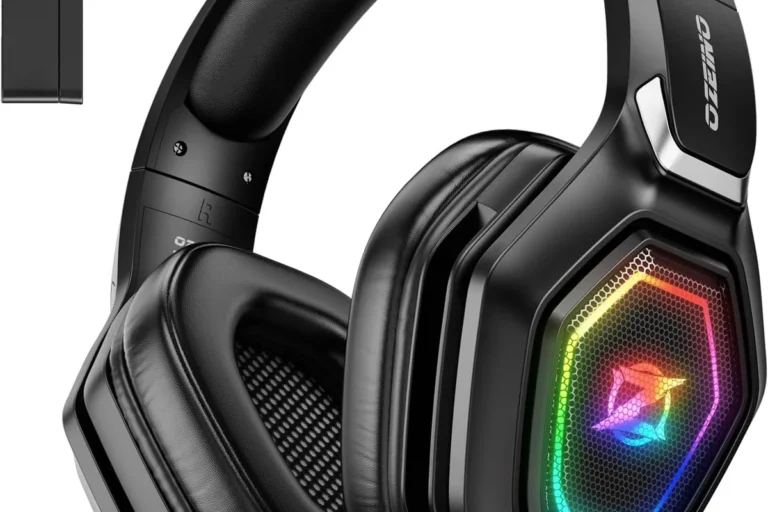
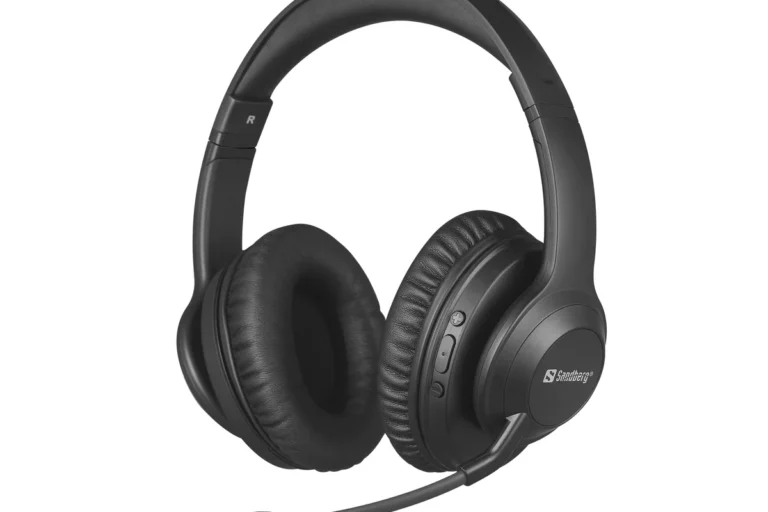
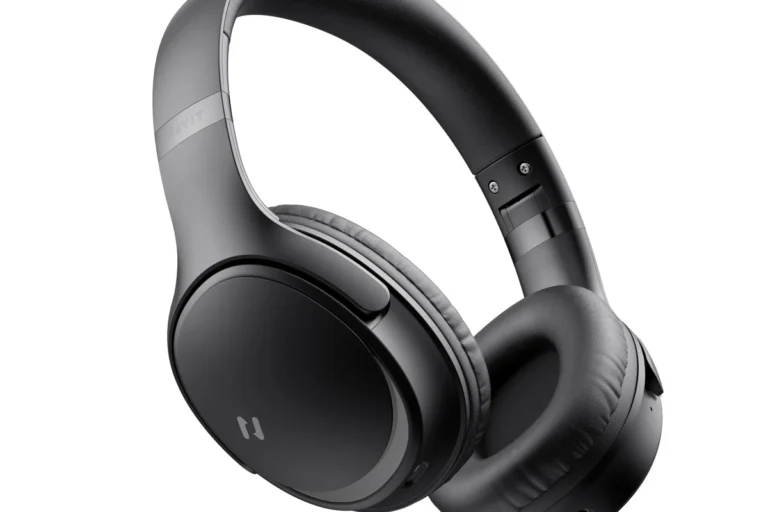
How to Connect Bluetooth Headphones PS4 Easily Today

The easiest way to connect Bluetooth headphones to PS4 is usually with a compatible USB Bluetooth adapter or a headset made for console gaming. Direct pairing often does not work well, so a bridge device is the most reliable option.
If you’re trying to figure out how to connect bluetooth headphones ps4, the short answer is that PS4 support is limited, but there are reliable workarounds. In most cases, the easiest path is using a compatible Bluetooth USB adapter, a TV or receiver audio bridge, or a headset designed for PlayStation use.
- Direct pairing: Often limited or unsupported on PS4.
- Best workaround: Use a compatible USB Bluetooth adapter.
- Lowest delay: Wired or 2.4GHz wireless usually beats standard Bluetooth.
- Chat support: Mic performance varies by adapter and headset.
How to Connect Bluetooth Headphones to PS4: What Works in 2026 and What Doesn’t
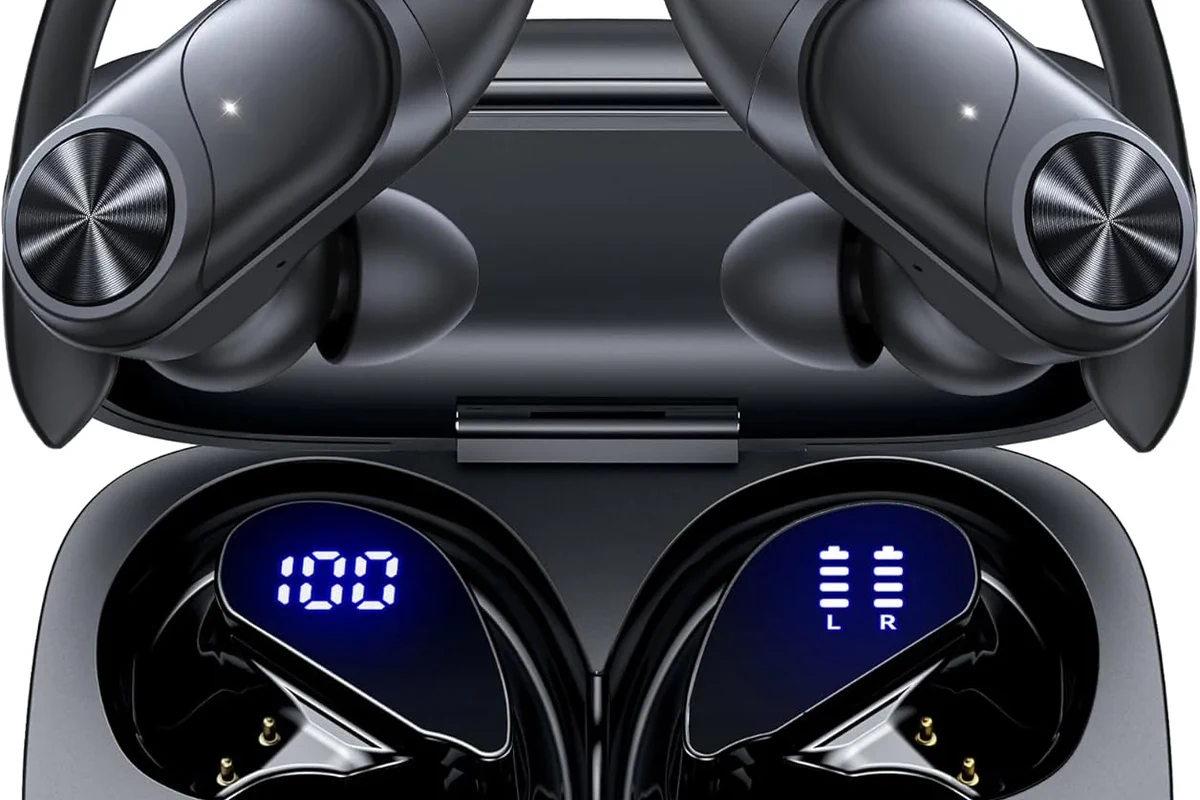
PS4 does not behave like a phone or laptop when it comes to Bluetooth audio. Many standard Bluetooth headphones will not pair directly with the console, even if they work perfectly with your phone or tablet.
That’s why a lot of users search for a simple menu setting that never appears. In reality, PS4 Bluetooth support is narrow, and the console is picky about what it accepts.
Some Bluetooth headphones may connect for chat or limited audio through accessories, but full game audio support is not guaranteed. Compatibility depends on the headset, adapter, and PS4 system behavior.
If you want a broader background on pairing headphones in general, our guide on how to connect Bluetooth headphones covers the basics across devices. For PS4 specifically, though, you need a more careful setup.
Why PS4 Bluetooth Audio Is Limited: Compatibility, Latency, and Sony Restrictions
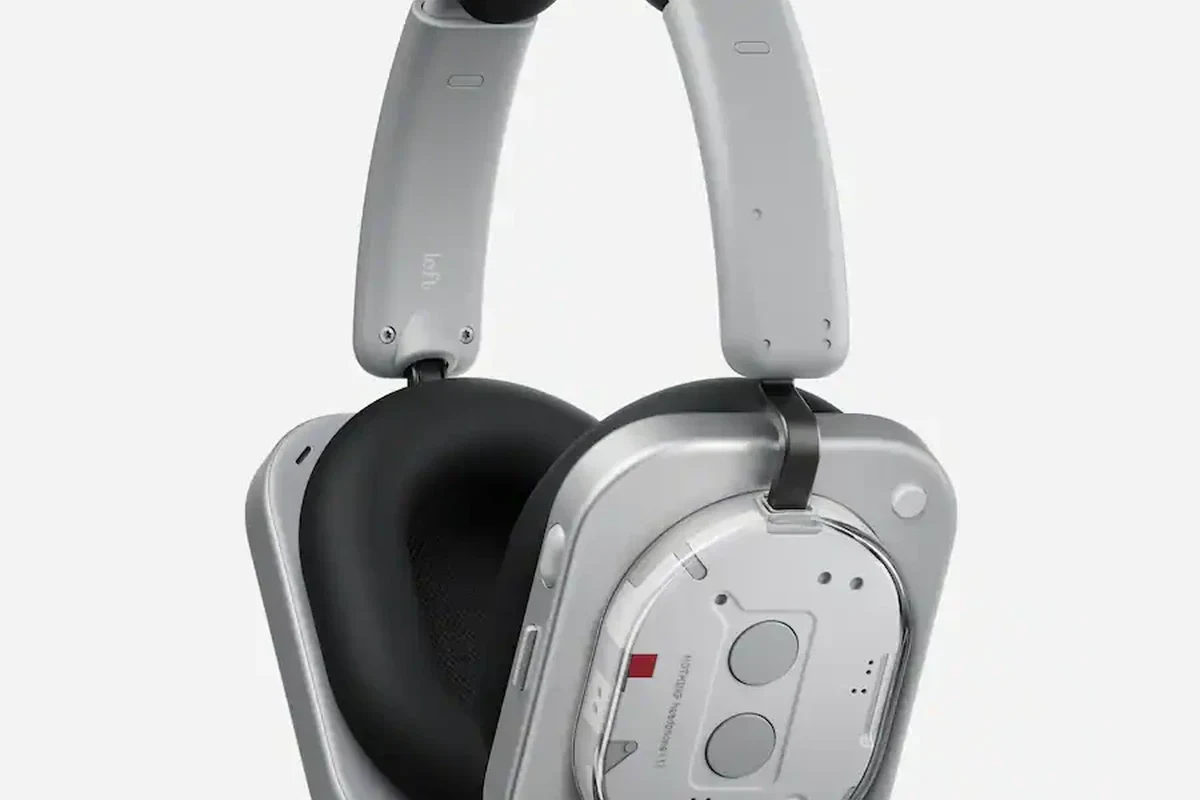
The biggest issue is compatibility. PS4 often blocks generic Bluetooth audio profiles, especially when they are meant for stereo listening rather than gaming chat.
Latency is the second problem. Standard Bluetooth can create a small delay between the action on screen and the sound in your ears, which is noticeable in fast games.
Sony’s own restrictions also matter. The console was designed to work best with wired headsets, USB audio devices, or approved wireless accessories, not every Bluetooth product on the market.
If your goal is competitive gaming, standard Bluetooth may feel delayed or unstable. For shooters, rhythm games, and fast action titles, lower-latency alternatives are usually the better choice.
Best Ways to Use Bluetooth Headphones on PS4 Without Frustration
There are a few practical ways to get audio from PS4 to your headphones without fighting the system. The best option depends on whether you care most about game sound, chat audio, or convenience.
Pairing a Supported Bluetooth Adapter or USB Dongle
This is usually the most direct workaround. A Bluetooth USB dongle can act as a bridge between the PS4 and your headphones, but not all adapters are equally reliable.
Look for a model that clearly supports PS4 or USB audio transmission. Some adapters handle only audio output, while others may support voice chat as well.
When choosing an adapter, focus on PS4 compatibility first and brand promises second. A basic adapter that works consistently is better than a feature-rich one with unstable pairing.
Using a TV, Monitor, or AV Receiver as the Audio Bridge
If your PS4 is connected to a TV or monitor, you may be able to send sound from that display to your Bluetooth headphones. This works best when the TV has built-in Bluetooth audio support.
Some AV receivers and sound systems can also pass audio to wireless headphones. The tradeoff is that this setup depends on your display or receiver, not the PS4 itself.
For readers comparing wireless and wired listening in general, our Bluetooth vs wired headphones sound quality guide explains why wired connections often win on consistency.
Connecting Through the DualShock 4 Controller for Voice Chat Only
The DualShock 4 controller has a 3.5mm headphone jack, which is useful for wired headsets or earbuds. This is one of the most dependable ways to get chat audio without a separate adapter.
However, Bluetooth headphones do not normally connect to the controller by themselves. If you use an adapter or a headset with a wired fallback, the controller can still be part of your setup for voice chat.
Many gamers end up using a wired connection for chat and a separate audio path for game sound because it is more stable than forcing a full Bluetooth link.
Step-by-Step Setup Guide for the Most Reliable PS4 Bluetooth Headphone Method
For most users, the most reliable method is a supported USB Bluetooth adapter. It is not always the cheapest option, but it usually causes the fewest headaches.
How to Put the Headphones Into Pairing Mode
Start by charging your headphones and turning them off. Then hold the pairing button until the indicator light flashes in the pattern described by the manufacturer.
Pairing mode usually means the headset is ready to be discovered by another device. If you are unsure, check the headphone manual before moving on.
- Battery level is sufficient
- Headphones are not already connected to a phone or laptop
- Pairing light is flashing correctly
How to Register the Adapter or Audio Device on PS4
Plug the Bluetooth adapter into an open USB port on the PS4. Wait for the console to recognize it, then open the audio or accessory settings if the adapter requires manual pairing.
Some adapters pair automatically with the headphones once both are in discovery mode. Others need a button press on the dongle before they will connect.
Connect the USB dongle to the PS4 and wait for it to initialize.
Put the headphones in pairing mode and press the adapter’s pairing button if needed.
Wait for the audio connection light or on-screen confirmation from the adapter.
How to Set Output Device and Adjust Chat/Game Audio
Once connected, go into PS4 sound settings and choose the correct output device. Then check whether audio is being sent to headphones only or to both headphones and TV.
If your adapter supports it, adjust the balance between chat and game audio. That balance matters a lot for multiplayer games, where voice clarity can be more important than extra bass.
Common Problems When Connecting Bluetooth Headphones to PS4
Even when the setup looks correct, Bluetooth audio can still be finicky. Most issues come from pairing conflicts, weak signal quality, or unsupported accessories.
Headphones Not Showing Up in the PS4 Menu
If your headphones never appear, the console may not support them directly. Try using a USB adapter, restarting both devices, and making sure the headset is not paired to something else.
Also check whether the headset is in the correct pairing mode. Some models have a separate power-on mode and pairing mode, and they are not the same thing.
Audio Delay, Crackling, or Sudden Disconnects
Delay often means the Bluetooth path is not ideal for gaming. Crackling can point to interference, distance, or an adapter that is not handling the signal well.
Keep the adapter close to the console, avoid blocking it with metal objects, and test the headphones at a shorter range first. If the problem continues, the adapter may simply be the wrong match.
Listening at high volumes for long periods can cause hearing damage. Keep volume at 60% or below for extended sessions.
Mic Not Working in Party Chat or Game Chat
Mic issues are common because some Bluetooth setups only send audio out, not voice back in. In other cases, the PS4 may detect the headphones for sound but not for communication.
Check the in-game chat settings, party settings, and console audio input menu. If the microphone still fails, the headset may need a wired mic path or a different adapter.
If you rely on chat for ranked play, streaming, or accessibility needs, consider a headset with a proven PS4 mic setup or ask an audiologist if you also have hearing comfort concerns during long sessions.
Expert Advice: When Bluetooth Is the Wrong Choice for PS4 Gaming
Bluetooth is convenient, but convenience is not always the same as the best gaming experience. If you care about response time, stable chat, and fewer setup issues, there are better options.
Why Low-Latency Wireless Headsets Often Beat Standard Bluetooth
Low-latency wireless headsets are usually designed with gaming in mind. They often use a dedicated USB transmitter instead of generic Bluetooth, which can reduce delay and improve stability.
That difference is especially noticeable in games where timing matters. Footsteps, reload sounds, and voice chat can feel more immediate on a gaming-focused wireless headset.
When to Choose a Wired, USB, or 2.4GHz Wireless Alternative
Choose wired if you want the simplest and most dependable path. Choose USB or 2.4GHz wireless if you want freedom of movement without the usual Bluetooth compromises.
For many players, that balance is worth more than true Bluetooth convenience. If you want a wider look at headphone types before buying, our types of headphones explained guide is a useful place to start.
Price and Value: What to Expect to Spend on a PS4 Bluetooth Solution
Costs vary a lot because you are not just buying headphones. You may also need an adapter, a TV with Bluetooth, or a better gaming headset altogether.
Budget Adapters vs Mid-Range Audio Transmitters vs Premium Headsets
Budget adapters can be good for simple listening, but quality varies widely. Mid-range transmitters often offer more stable pairing, while premium headsets may include better mic performance and lower latency.
The best value depends on your goal. If you only want casual solo play, a basic adapter may be enough. If you play online often, spending more on a stronger wireless solution may save frustration later.
- PS4 Bluetooth support is limited, so direct pairing often fails.
- A compatible USB adapter or headset is usually the most reliable fix.
- For gaming, lower-latency wireless or wired audio often works better than standard Bluetooth.
Final Recap: The Easiest Way to Connect Bluetooth Headphones to PS4 Today
If you want the simplest answer, use a PS4-compatible Bluetooth USB adapter or choose a headset made for console gaming. Direct Bluetooth pairing is often unreliable, so a bridge device is usually the fastest path to usable audio.
For most players, the best setup is the one that balances sound quality, chat clarity, and low delay. If you are shopping for a new headset, think about whether you value convenience more than stability, because that choice matters more on PS4 than it does on a phone.
Frequently Asked Questions
Wired headphones usually offer more stable sound and less delay on PS4. Wireless can still be convenient, but the best choice depends on your headset, adapter, and how sensitive you are to latency.
Noise cancelling can help block background noise during gaming, especially in shared rooms. Just remember that comfort, mic quality, and connection stability matter just as much as noise reduction.
Over-ear headphones are often the most comfortable for long gaming sessions and usually give a fuller sound. In-ear options can be lighter and more portable, but fit and isolation vary by model.
Look at connection type, latency, driver size, comfort, and whether the headset supports the features you need. Frequency response and bass tuning matter too, but they do not tell the full sound story by themselves.
Focus on reliable connection, clear chat mic performance, and comfortable ear cushions first. Budget headsets can be a good value if they avoid major lag, weak build quality, and poor fit.
Check weight, headband padding, ear cushion material, and how securely the headset fits without squeezing too hard. Build quality matters for long sessions because loose joints and worn pads can make even good-sounding headphones frustrating.