How to Connect Bluetooth Headphones to JetBlue TV Easily

Most JetBlue seatback TVs do not connect directly to Bluetooth headphones, so a small Bluetooth transmitter is usually the easiest solution. If you want the most reliable setup, bring a wired backup in case the seat audio port or battery situation changes.
If you want to know how to connect bluetooth headphones to jetblue tv, the short answer is that most travelers will need a Bluetooth transmitter or a wired adapter for the seatback screen. JetBlue’s in-flight entertainment can vary by aircraft, so the easiest setup depends on the seat and the audio port available.
- Best method: Use a Bluetooth transmitter with the seatback audio jack.
- Direct pairing: Usually not available on most JetBlue seatback systems.
- Backup plan: Pack a 3.5mm cable or airline adapter.
- Travel comfort: Low-latency audio and good battery life matter most.
How to Connect Bluetooth Headphones to JetBlue TV: What Travelers Need to Know in 2025
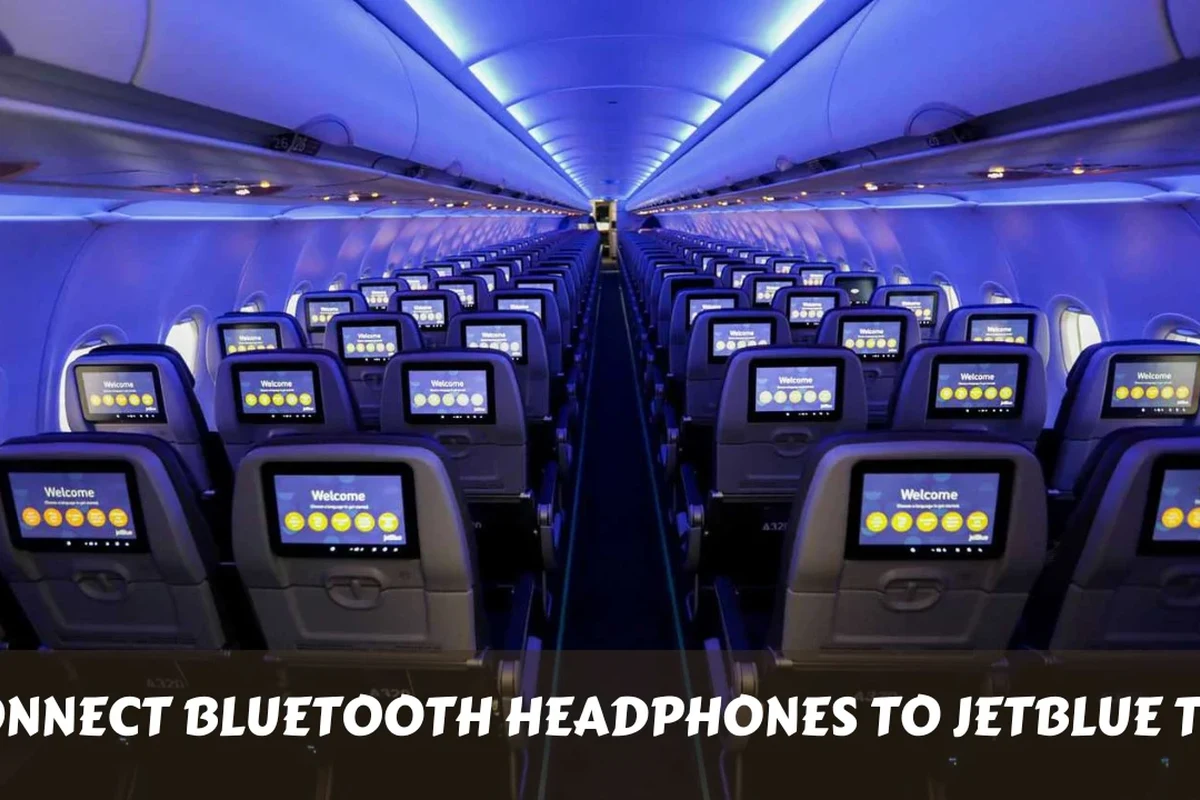
JetBlue’s seatback entertainment is convenient, but it is not always designed for direct Bluetooth headphone pairing. In many cases, the screen gives you video through the built-in display, while audio still needs a physical connection.
That means the “best” way to use wireless headphones on JetBlue TV is usually to bridge the gap with a small travel transmitter. If you already understand the basics of connect Bluetooth headphones to phones and laptops, the in-flight version is similar, but more dependent on the airplane hardware.
Does JetBlue TV Support Bluetooth Headphones? Understanding the In-Flight Setup
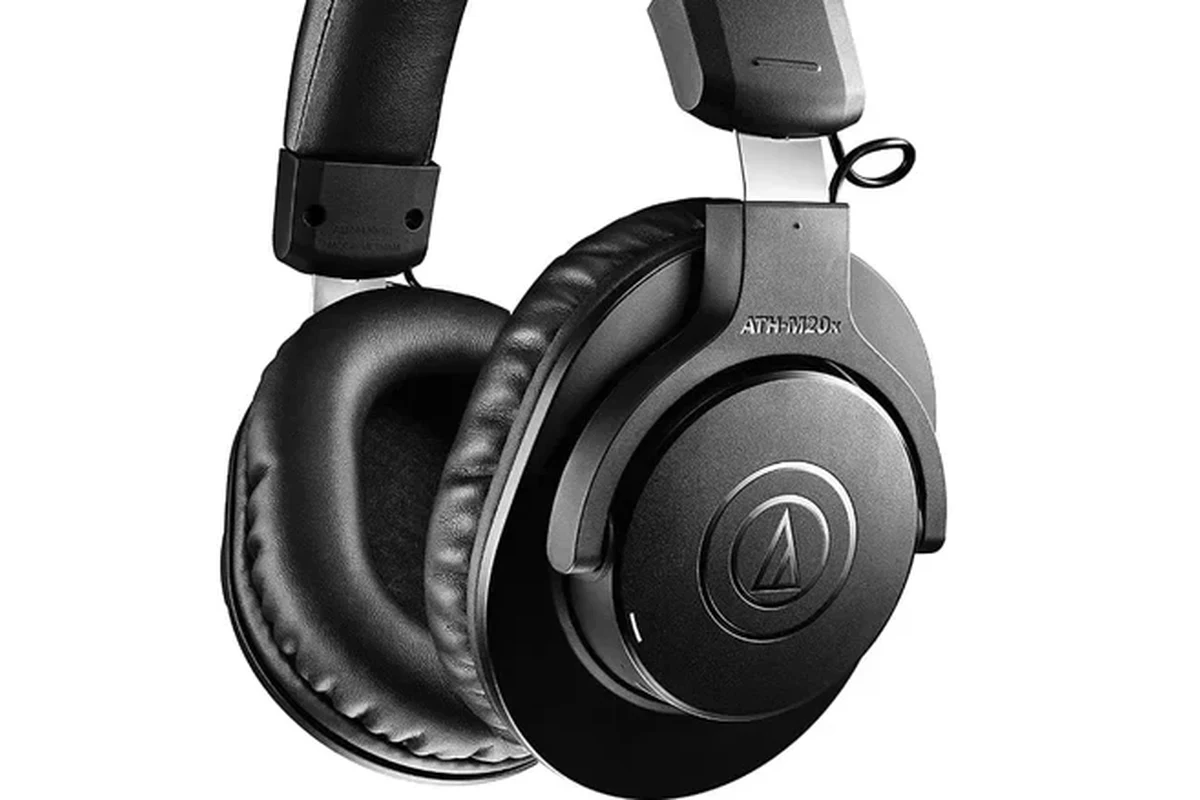
In most cases, JetBlue TV does not work like a phone or tablet that can simply pair with any Bluetooth headset. Airline seatback systems often prioritize simple, reliable audio output over wireless convenience.
So while some newer aircraft or entertainment setups may offer different options, many passengers should expect to use a wired jack, an adapter, or a Bluetooth transmitter. This is especially true on flights where the cabin setup is older or the seat console is more limited.
Why most seatback systems still need a wired connection or adapter
Seatback screens are built to work with standard airline audio ports, which are commonly 3.5mm headphone jacks or dual-prong airline adapters. Bluetooth adds pairing steps, battery dependence, and possible delay, so airlines often leave it out.
That is why a small transmitter can be so useful. It plugs into the audio port and sends sound to your wireless headphones, giving you the convenience of Bluetooth without needing the seatback system to support it directly.
How JetBlue’s entertainment experience differs by aircraft and route
JetBlue’s entertainment setup can vary by aircraft type, seat location, and route length. Some flights may have more modern screens and more consistent audio options, while others may feel more basic.
If you fly JetBlue often, it helps to carry a small travel audio kit instead of assuming every seat will be the same. For readers comparing travel audio setups, our guide on wireless headphones on airplanes explains why airplane compatibility is often the deciding factor.
Best Ways to Use Bluetooth Headphones with JetBlue TV
There are a few practical ways to listen wirelessly on a JetBlue flight. The right one depends on your headphones, your seatback screen, and whether you want the simplest setup or the cleanest sound.
Using a Bluetooth transmitter with the seatback screen
This is usually the most reliable wireless method. Plug the transmitter into the seatback audio jack, put the transmitter into pairing mode, and connect your headphones just like you would with a phone.
For most travelers, this is the closest thing to “Bluetooth TV” on a plane. It keeps your headphones wireless while still using the seat’s audio output.
Connecting directly if your device or seat supports wireless audio
Direct Bluetooth pairing is only possible if the seatback system or another onboard device explicitly supports it. That is less common than people expect, so it is worth checking before you count on it.
Airline entertainment systems change over time, and features can differ even within the same fleet. Always check the seatback instructions or ask a flight attendant if the audio port is unclear.
When to use airline-issued or personal wired adapters instead
If you do not have a transmitter, a wired connection is often the easiest backup. Some flights may require a standard 3.5mm plug, while others may need an airline adapter with two pins.
Wired audio can also be the better choice if you want zero pairing hassle, no battery drain, and no latency. If you are comparing wired and wireless travel audio, our breakdown of Bluetooth vs wired headphones sound quality is a useful companion read.
Step-by-Step: How to Connect Bluetooth Headphones to JetBlue TV on Board
The process is simple once you know what to bring. Think of it as two parts: preparing your headphones before the flight and then linking the transmitter or adapter after you sit down.
Charge your headphones fully and make sure they are working before you leave home. If your model has multipoint pairing or active noise cancelling, test those features first so you are not troubleshooting in the air.
Pack a Bluetooth transmitter, a short 3.5mm cable, and the correct adapter if your seat needs one. A compact kit is easier to manage in economy seating and less likely to get tangled in a carry-on pocket.
Insert the transmitter into the seatback audio jack, turn it on, and put your headphones into pairing mode. Wait for the connection light or audio prompt before assuming it is ready.
Play a short clip and check whether speech matches the on-screen video. If the sound feels delayed, reconnect the transmitter or lower the volume and try again.
Low-latency Bluetooth transmitters are usually better for movies and TV than general-purpose adapters. They can help reduce the lip-sync delay that some travelers notice with standard Bluetooth audio.
Recommended Bluetooth Transmitters and Headphone Features for JetBlue Travelers
You do not need the most expensive gear to make JetBlue TV work well. You just need a transmitter and headphones that are dependable, compact, and easy to pair in a crowded cabin.
What to look for: low latency, dual pairing, battery life, and compact design
Low latency matters because movie dialogue can feel off if the sound is late. Dual pairing is helpful if two people want to listen from the same source, and battery life matters on longer flights.
Compact design is also important because you will likely be handling the transmitter at your seat tray. A small unit with simple controls is easier to use than a bulky adapter with extra cables.
Typical price ranges for travel-friendly transmitters in 2025
Prices can vary by brand, features, and where you buy. Budget transmitters may cover the basics, while higher-end models may add longer battery life, better pairing stability, or dual-device support.
If you are shopping for a full travel setup, it may help to review your headphone type too. Our guide to different headphone types can help you decide whether over-ear, on-ear, or in-ear models are best for flights.
Best use cases: solo travelers, couples, and long-haul flyers
Solo travelers usually want the simplest transmitter possible. Couples may benefit from dual pairing so both headsets can share the same movie or show.
Long-haul flyers should prioritize battery life, comfort, and noise isolation. If you already use noise cancelling headphones, they can make a big difference in cabin comfort, especially when paired with a stable transmitter.
Common Mistakes to Avoid When Using Bluetooth Headphones on JetBlue Flights
Most connection problems are easy to avoid with a little preparation. The biggest issues usually come from missing accessories, wrong assumptions, or forgetting that airplane audio is not the same as home TV audio.
Forgetting a 3.5mm adapter or transmitter
This is the most common mistake. If your headphones are wireless, you still need a way to get sound out of the seatback screen unless the aircraft specifically supports Bluetooth audio.
A tiny adapter can save your flight entertainment, so it is worth keeping one in your personal item. Travelers who rely on wireless gear should also keep a backup plan in mind, especially if they are used to everyday phone listening.
Assuming every seat has the same audio port
Seatback entertainment varies more than most passengers expect. One seat may have a standard audio jack, while another may need a different connector or may be configured differently altogether.
Do not assume a port is Bluetooth-enabled just because the screen looks modern. Check the seat instructions, and if needed, ask before takeoff so you can adjust early.
Ignoring pairing delays, interference, or dead batteries
Bluetooth can take a few seconds to connect, and cabin conditions can make that feel longer. If your headphones are low on battery, they may disconnect at the worst possible time.
Interference is not always a major issue, but it can still affect stability. A quick test before the plane taxis is the easiest way to catch problems before you are settled into a movie.
Listening at high volumes for long periods can cause hearing damage. Keep volume at 60% or below for extended sessions.
Expert Advice: When Bluetooth Is Worth It and When Wired Audio Is Better
Bluetooth is worth it when comfort and convenience matter most. If you hate tangled cables or want to move around your seat more easily, wireless headphones can make the flight feel smoother.
Battery drain, lag, and cabin noise considerations
The tradeoff is that Bluetooth depends on battery power and can introduce a small delay. In a noisy cabin, that delay may not bother you much, but it can still be noticeable in dialogue-heavy scenes.
Battery drain is another real-world issue. If your headphones are already used on the way to the airport, you may need to recharge them before the return flight or use a wired backup.
Why some travelers should keep a backup wired option
Wired audio is still the safest fallback for travelers who want zero setup stress. It is also useful if your transmitter runs out of power or if the seatback system behaves unpredictably.
If you have ongoing hearing concerns, tinnitus, or sensitivity to loud sound, follow safe listening guidelines and consider asking an audiologist for personalized advice. A comfortable fit and moderate volume are more important than chasing maximum loudness.
Final Recap: The Easiest Way to Enjoy JetBlue TV with Your Headphones
The easiest way to connect Bluetooth headphones to JetBlue TV is usually to use a small Bluetooth transmitter with the seatback audio jack. That gives you wireless listening without depending on the airplane’s entertainment system to support direct Bluetooth pairing.
If you want the least stressful trip, pack a transmitter, a short cable, and a wired backup. That simple setup covers most JetBlue flights and keeps your movie or show audio working even when the seat hardware varies.
Frequently Asked Questions
Bluetooth is more convenient, but wired headphones are often more reliable on flights. Wired audio avoids battery drain and usually has no pairing delay.
Look for comfort, good noise isolation, long battery life, and a compact design. Low-latency Bluetooth is helpful if you plan to watch movies or TV.
Over-ear headphones usually block more cabin noise and feel more comfortable on longer flights. Earbuds can be lighter and easier to pack, but fit and noise isolation vary by model.
Closed-back headphones often work better on planes because they block outside noise and keep audio from leaking. That can make dialogue and bass easier to hear in a loud cabin.
Driver size, tuning, comfort, and noise isolation all affect the listening experience. Frequency response numbers can help, but real-world fit and EQ often matter more.
Start with a comfortable pair that fits your use case, then add a simple adapter or transmitter if needed. Budget options can work well if they are reliable and easy to wear for long sessions.