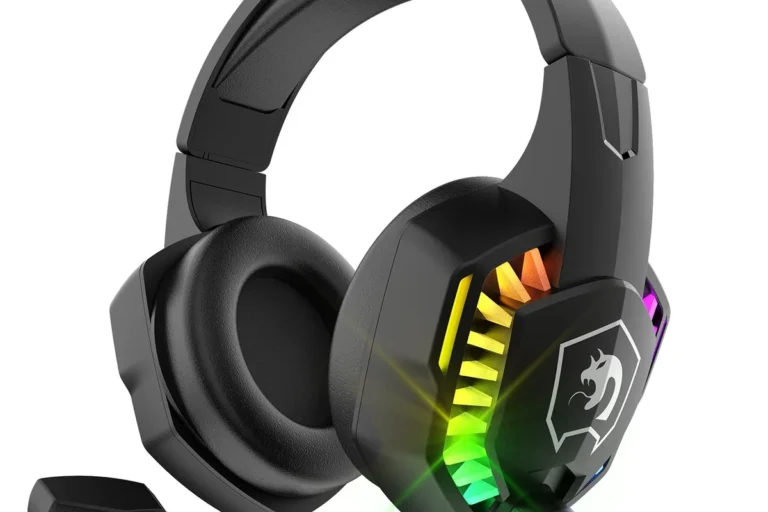
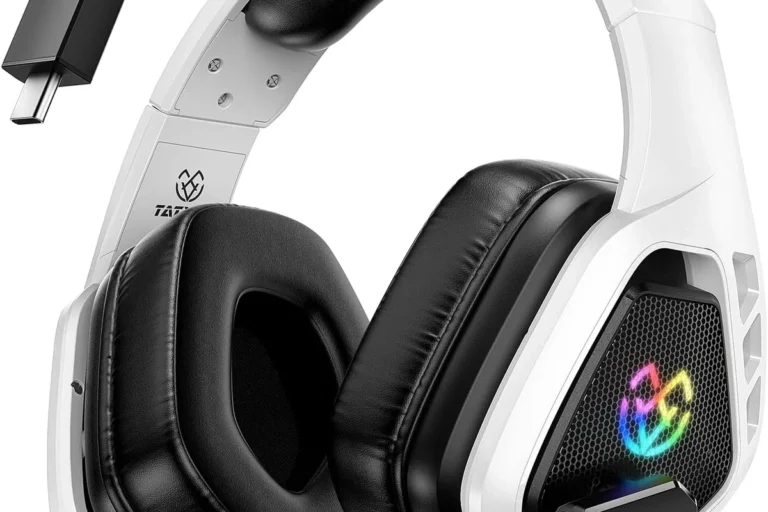
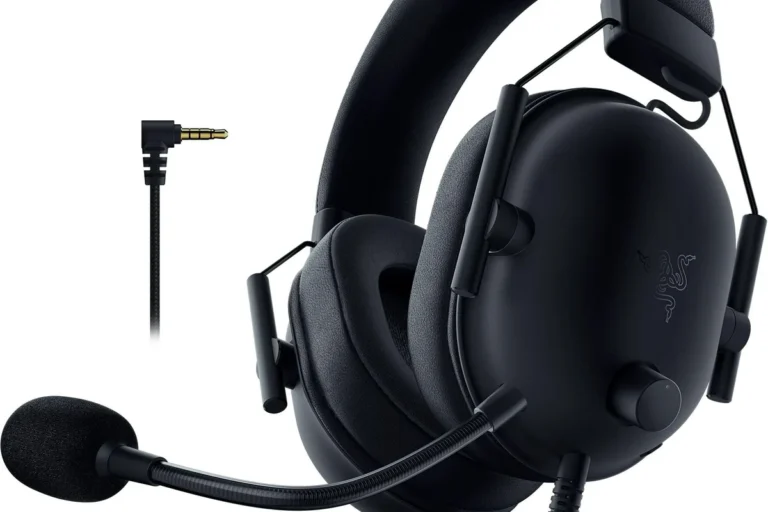
How to Use Headphones on Xbox Easily and Quickly

Use a 3.5mm headset in the Xbox controller for the easiest setup, or pair an Xbox Wireless headset directly to the console. Standard Bluetooth headphones usually need a workaround, not a direct connection.
If you want to know how to use headphones on Xbox, the short answer is that wired headsets, Xbox Wireless headsets, and a few audio workarounds are the main options. The exact method depends on your console, controller, headset type, and whether you need game audio, party chat, or both.
- Fastest setup: Plug a wired headset into the controller.
- Best wireless option: Use an Xbox Wireless headset.
- Common limitation: Standard Bluetooth usually does not connect directly.
- Best sound: Adjust chat mixer, volume, and spatial audio.
- Safety: Keep listening levels moderate during long sessions.
How to Use Headphones on Xbox: What Works on Xbox Series X|S and Xbox One
Contents
- 1 How to Use Headphones on Xbox: What Works on Xbox Series X|S and Xbox One
- 2 Quick Setup Overview: Wired, Wireless, and Bluetooth-Like Options
- 3 Step-by-Step: How to Connect Headphones to Xbox the Right Way
- 4 Best Audio Settings for Clear Game Sound and Chat Balance
- 5 Common Problems When Using Headphones on Xbox and How to Fix Them
- 6 Best Headphone Types for Xbox in 2026: Budget vs. Premium Options
- 7 Expert Advice: Mistakes to Avoid Before Buying or Connecting Headphones
- 8 Final Recap: The Fastest Way to Use Headphones on Xbox Without Hassle
- 9 Frequently Asked Questions
- 10 Author
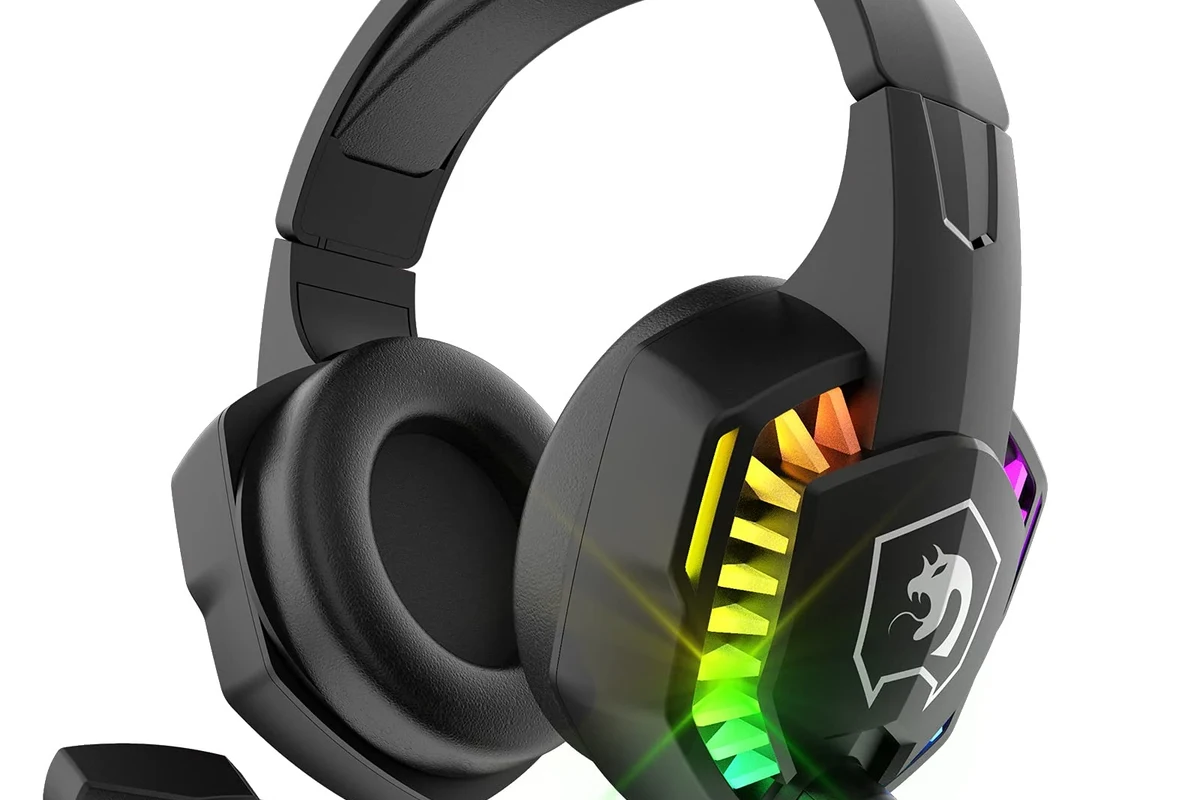
Xbox Series X|S and Xbox One support several headphone setups, but not every headset connects the same way. The easiest path is usually a 3.5mm wired headset plugged into the controller, while Xbox Wireless headsets can pair directly to the console.
Standard Bluetooth headphones are the most common point of confusion. Xbox consoles do not support direct Bluetooth audio for most headphones, so you often need a different connection method or an adapter-based workaround.
Quick Setup Overview: Wired, Wireless, and Bluetooth-Like Options
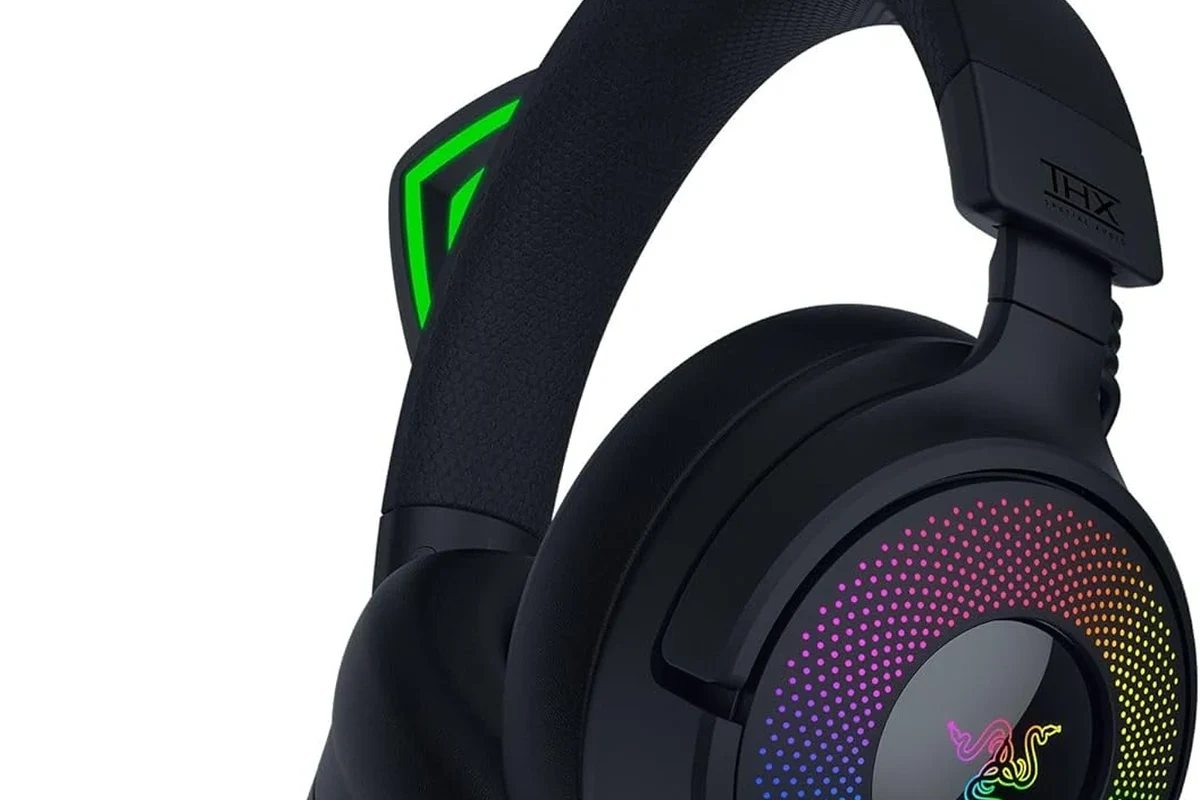
Before you buy anything, it helps to know which connection type fits your setup. Wired is the simplest, wireless is the most convenient, and “Bluetooth-like” solutions usually mean using a TV, monitor, or adapter instead of connecting straight to the console.
Using a 3.5mm wired headset with the Xbox controller
This is the easiest option for most players. If your headset has a 3.5mm plug, connect it to the bottom of the Xbox controller and the console should route game audio and chat through the headset automatically, depending on your settings.
Wired headsets are popular because they are simple, low-latency, and usually more affordable. For readers comparing different headphone types, this is often the most beginner-friendly choice for Xbox gaming.
Connecting Xbox Wireless headsets without a dongle
Xbox Wireless headsets are designed to pair directly with the console using the Xbox Wireless connection, so you do not need a USB dongle for supported models. This can make setup cleaner and reduce cable clutter around your gaming space.
If you want the least hassle, choose a headset made specifically for Xbox Wireless support. That helps avoid compatibility surprises and usually gives you a smoother setup experience.
Why standard Bluetooth headphones do not connect directly
Many people assume any Bluetooth headset will work with Xbox, but that is not how the system is built. Xbox consoles generally do not accept standard Bluetooth audio for gaming headsets, so your phone-style headphones may not pair the way you expect.
If you are trying to understand Bluetooth limitations in general, our guide to Bluetooth headphones explained simply can help make the difference clearer.
Step-by-Step: How to Connect Headphones to Xbox the Right Way
The best setup method depends on whether you are using a wired headset, an Xbox Wireless headset, or a workaround through your TV or monitor. The steps below cover the most reliable options and the common settings that affect sound and chat.
Plugging into the controller’s headphone jack
Connect your headset directly to the controller’s audio jack. Make sure the plug is seated fully, because a loose connection can cause one-sided sound or crackling.
Go to the Xbox sound settings and confirm headset volume, chat mixer, and output options are set correctly. If you only hear chat or only hear game audio, the mixer may need adjustment.
Wired controller connections work well for casual play, party chat, and most everyday gaming sessions. If you prefer a simple setup, this is still the fastest answer to how to use headphones on Xbox.
Pairing an Xbox Wireless headset to the console
Turn on the headset and put it into pairing mode, then use the Xbox pairing button on the console. Once the headset and console recognize each other, the connection should complete without a dongle.
Some headsets also pair with the controller or use companion apps, but those features vary by brand and model. If you are shopping for a gaming headset, check the product page carefully for Xbox Wireless support before you buy.
Not every wireless headset marketed for gaming uses the same connection standard. “Wireless” can mean Xbox Wireless, Bluetooth, or a USB dongle, and those are not interchangeable on Xbox.
Using a TV, monitor, or adapter as an audio workaround
If your headset does not connect directly, you may be able to route sound through your TV or monitor. Some displays support headphone output, while others may need an external audio extractor or adapter to pass sound to your headphones.
This workaround is useful for people who want to keep using a favorite headset, but it is not always the cleanest solution. Audio delay, volume limits, and chat limitations can vary by display and adapter quality.
Best Audio Settings for Clear Game Sound and Chat Balance
Once your headset is connected, the next step is tuning the sound. Good settings can make footsteps, dialogue, and voice chat easier to hear without forcing you to turn the volume too high.
Adjusting headset volume, chat mixer, and mic monitoring
Start with headset volume at a moderate level, then adjust the chat mixer so game audio and party chat feel balanced. If you cannot hear teammates clearly, raise chat volume before increasing the master output too much.
Mic monitoring can also help you hear your own voice, which makes it easier to avoid shouting. The right balance depends on your headset, your room noise, and your personal preference.
Setting up spatial audio for better direction awareness
Spatial audio can improve direction awareness in games where footsteps, gunfire, or vehicles matter. On Xbox, you may see options such as Windows Sonic or Dolby Atmos, depending on your headset and the apps or licenses involved.
Not every game sounds better with the same spatial setting. It is worth testing a few modes in a match or training area so you can hear which one gives you the cleanest positional cues.
Choosing stereo vs. Dolby Atmos or Windows Sonic
Stereo is the simplest option and often sounds natural for general use. Windows Sonic or Dolby Atmos may provide a wider, more directional feel, but the result depends on the game, headset tuning, and your ears.
Some players prefer stereo for music and menu navigation, then switch to spatial audio for competitive games. The “best” mode is often the one that sounds clearest to you, not the one with the biggest label.
Common Problems When Using Headphones on Xbox and How to Fix Them
Most Xbox headphone issues come from connection errors, settings mismatches, or firmware problems. Before replacing your headset, try the basic fixes below.
No sound, low volume, or one ear not working
If you get no sound, first confirm the plug is fully inserted or the headset is properly paired. Then check whether the controller, console, or headset volume is muted, too low, or routed to the wrong output.
For one-ear issues on wired headsets, inspect the cable, jack, and controller port for debris or wear. If the problem only happens with one controller, the controller jack may be the cause rather than the headset itself.
Microphone not detected or party chat issues
If your mic is not working, make sure the headset mute switch is off and the mic boom is positioned correctly. Also check Xbox privacy, party chat, and input settings, because chat problems can come from software permissions as well as hardware.
Chat issues are not always caused by the headset. A controller setting, privacy restriction, or outdated firmware can block voice input even when the headphones still play audio normally.
Controller firmware and headset firmware checks
Updating the controller can solve audio dropouts, jack detection problems, and pairing glitches. If your headset has companion software or a firmware update option, check that too, because wireless stability often improves after updates.
If you regularly use Bluetooth headphones with other devices, keep in mind that Xbox troubleshooting is different. A headset that works on a phone may still need Xbox-specific setup steps.
Best Headphone Types for Xbox in 2026: Budget vs. Premium Options
There is no single best headset for every Xbox player. The right choice depends on your budget, how often you play, whether you need a mic, and how much comfort matters during long sessions.
Affordable wired headphones for casual players
Budget wired headsets are usually the simplest and safest place to start. They are easy to connect, avoid battery charging, and often deliver solid voice chat and game audio without extra setup.
If you mainly play single-player games or casual multiplayer, a good wired model can be enough. For more buying guidance, our general headphone comparison articles can help you think through comfort, sound, and build quality before choosing.
Mid-range wireless gaming headsets for convenience
Mid-range wireless headsets are a strong fit for players who want freedom of movement and fewer cables. They are especially useful if you often sit farther from the screen or like to stand up between matches.
Battery life, wireless range, and microphone quality may vary by model, so it is smart to check user feedback and product details before buying. Wireless convenience is great, but only if the headset stays comfortable and stable during long sessions.
Premium headsets for competitive play and surround sound
Premium gaming headsets can offer better comfort, more refined microphone performance, and stronger spatial audio support. Competitive players often care about clear footsteps, accurate positioning, and a headset that stays comfortable for hours.
That said, expensive does not always mean better for your ears or your gaming style. Fit, clamp force, ear cushion material, and tuning can matter just as much as the feature list.
Expert Advice: Mistakes to Avoid Before Buying or Connecting Headphones
A few common mistakes cause most Xbox headphone frustrations. Avoiding them can save time, money, and a lot of setup confusion.
Assuming any Bluetooth headset will work with Xbox
This is the biggest mistake people make. Xbox is not like a phone or laptop, so standard Bluetooth headphones usually will not connect directly for game audio.
If a headset only says Bluetooth and does not mention Xbox Wireless or a compatible adapter, double-check the connection method before you buy. That small check can prevent a disappointing return later.
Overlooking comfort, latency, and microphone quality
Comfort matters more than many buyers expect, especially for long gaming sessions. A headset that sounds fine for ten minutes may become annoying after two hours if the ear pads, headband, or weight are not right for you.
Latency is also important for competitive play, and microphone quality matters if you use party chat often. If you are sensitive to sound or volume, follow safe listening habits and consider speaking with an audiologist if you have tinnitus or hearing concerns.
If you notice persistent ringing, pain, muffled hearing, or discomfort after gaming, stop using high volume and consult an audiologist or hearing professional. A headset should improve your experience, not make listening feel stressful.
Ignoring TV audio pass-through and console audio settings
Some players blame the headset when the real issue is the TV, monitor, or Xbox audio output setting. If your sound seems delayed, too quiet, or missing chat, check the entire audio chain from console to display to headset.
For readers who also use headphones on other devices, it can help to compare how outputs behave across systems. A setup that works on a PC or phone may need different settings on Xbox.
Final Recap: The Fastest Way to Use Headphones on Xbox Without Hassle
The fastest way to use headphones on Xbox is usually a wired 3.5mm headset plugged into the controller. If you want a cleaner wireless setup, choose an Xbox Wireless headset that pairs directly with the console.
Standard Bluetooth headphones are not a direct match for Xbox, so always check compatibility before you buy. Once connected, fine-tune volume, chat mixer, and spatial audio so your games sound clear without pushing the volume too high.
- Wired headsets are the simplest Xbox option.
- Xbox Wireless headsets pair directly without a dongle.
- Standard Bluetooth headphones usually do not connect directly.
- Audio settings matter for clear chat and directional sound.
Listening at high volumes for long periods can cause hearing damage. Keep volume at 60% or below for extended sessions.
Frequently Asked Questions
Wired headphones are usually simpler and have no battery to charge. Wireless can be more convenient, but compatibility and latency may vary by model.
Yes, if they connect in a supported way such as through the controller, Xbox Wireless, or an adapter setup. Noise cancelling can help block background sound, but it does not replace proper Xbox compatibility.
Closed-back headphones are usually better for gaming because they block more outside noise and keep sound from leaking out. Open-back models can sound wider, but they are less private and less isolating.
Look at connection type, microphone quality, comfort, weight, and whether the headset supports Xbox Wireless or 3.5mm wired use. Sound tuning, latency, and battery life also matter depending on how you play.
Choose a lightweight headset with soft ear cushions and a headband that does not clamp too hard. Taking short breaks also helps reduce ear and head fatigue during long sessions.
Yes, EQ can help reduce harsh highs, boost dialogue, or add a little bass depending on your headset and game. Small adjustments are usually better than extreme changes, since sound quality varies by model and personal preference.