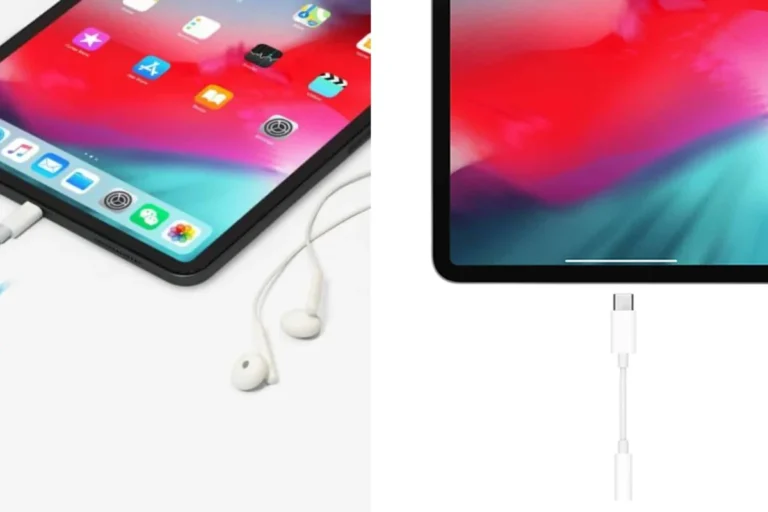
How Do Wireless Headphones Work on TV for Easy Listening

Wireless headphones work on TV by receiving audio through Bluetooth, RF, infrared, or Wi-Fi from the television or an external transmitter. For the easiest setup, choose the connection type your TV supports best and prioritize low latency, comfort, and battery life.
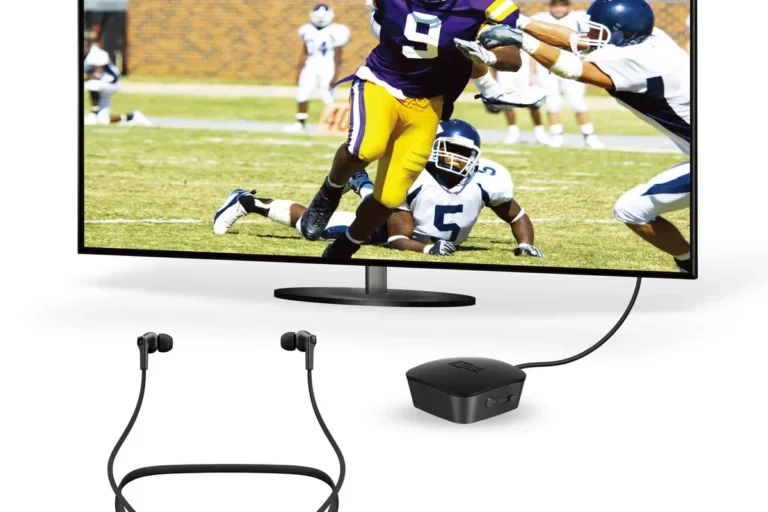
Wireless TV headphones solve a simple problem: you want clear sound without turning up the television for everyone else. The basic idea is that your TV sends audio to a transmitter or directly to a wireless connection, and the headphones receive that signal privately.
That setup can be great for late-night movies, gaming, shared living rooms, or anyone who wants easier listening. The trick is choosing the right wireless type and making sure your TV can send audio in a way your headphones understand.
- Connection matters: Bluetooth is common, but RF often gives smoother TV listening.
- Check compatibility: TV ports, codecs, and audio settings can make or break setup.
- Latency is key: Low delay matters most for movies, dialogue, and gaming.
- Comfort counts: Long sessions need good padding, fit, and battery life.
How Wireless TV Headphones Actually Work: The Core Idea Behind Easy Listening
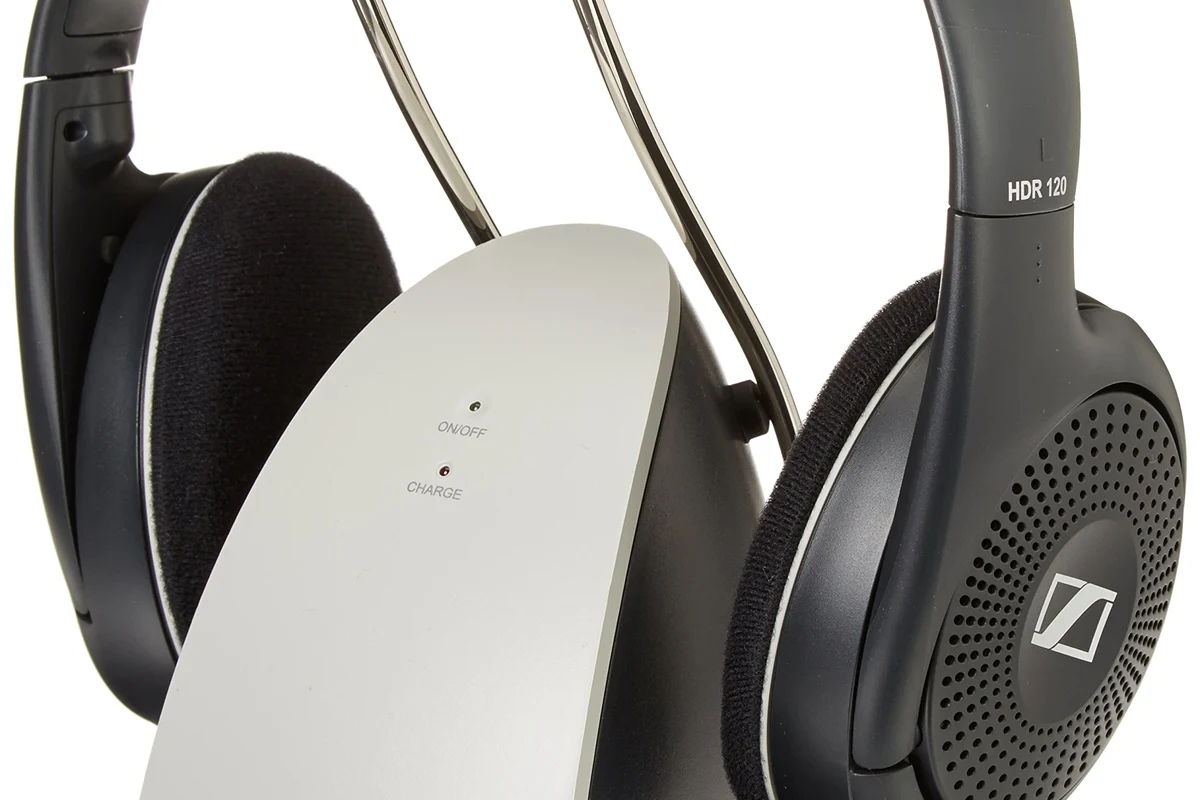
At the simplest level, wireless TV headphones replace the cable between your TV and your ears. Instead of audio traveling through a wire, the sound is encoded, sent through the air, and decoded by the headphones.
Some systems do this through Bluetooth, while others use RF, infrared, or Wi-Fi. The exact path matters because it affects range, delay, setup difficulty, and whether your TV speakers can play at the same time.
For many buyers, the biggest question is not whether wireless headphones work on TV, but which connection method works best. If you already want a broader understanding of wireless audio basics, our guide to wired vs wireless headphones is a helpful place to start.
TV Connection Types Explained: Bluetooth, RF, Infrared, and Wi-Fi Headphones
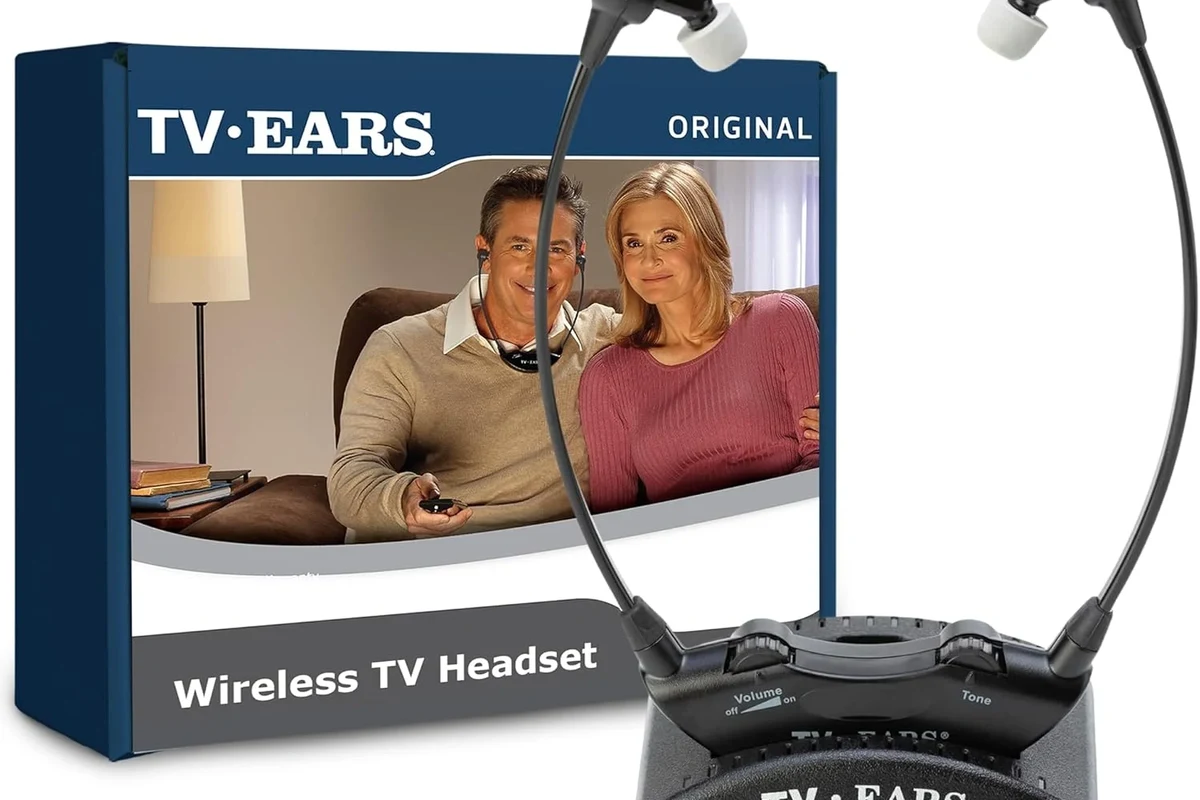
Not all wireless headphones behave the same way on a television. Each transmission method has different strengths, and the right choice depends on how you watch, how far you sit, and whether you care about delay.
How Bluetooth headphones pair with smart TVs and streaming devices
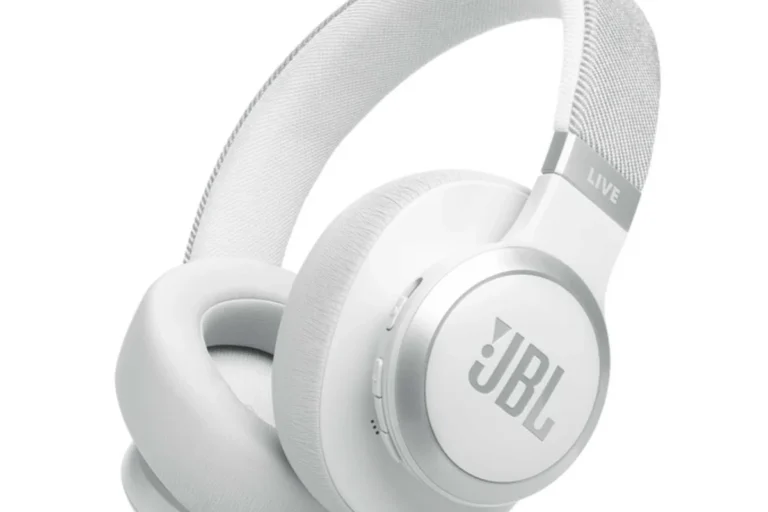
Bluetooth is the most familiar option because many smart TVs, streaming sticks, and soundbars support it. Pairing usually works like it does on a phone: put the headphones in pairing mode, open the TV’s Bluetooth menu, and connect them.
Bluetooth is convenient, but the experience can vary by TV brand and headphone model. Some setups work smoothly, while others may introduce lip-sync delay, especially if the TV and headphones use different codecs or older Bluetooth versions.
Bluetooth compatibility can depend on your TV’s software, audio settings, and codec support. Even two smart TVs from the same brand may behave differently.
Why RF headphones often offer better range and lower lag for TV use
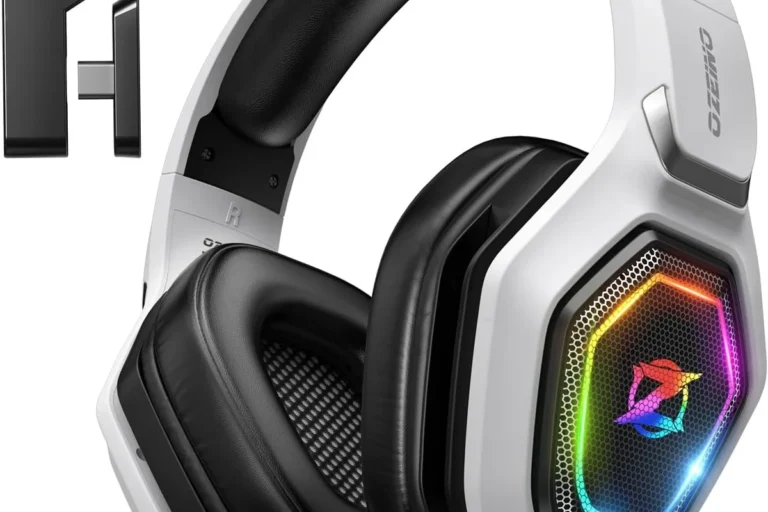
RF, or radio frequency, headphones usually come with a base station that plugs into the TV. The base sends audio directly to the headset, often with more stable range and less noticeable delay than basic Bluetooth.
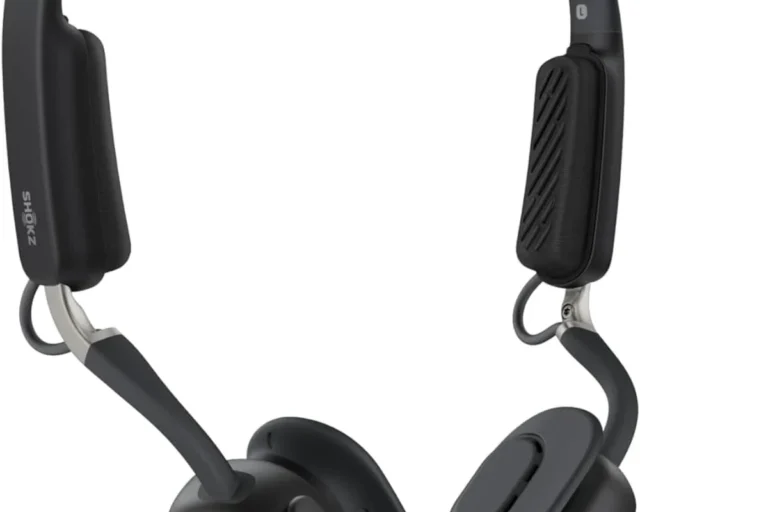
This is one reason RF models remain popular for living rooms and bedrooms. They are often designed for plug-and-play TV listening, with simple charging docks and a connection that can work well through walls or across a larger room.
If you want the easiest “turn it on and listen” setup for TV, RF headphones are often the most forgiving option for beginners.
When infrared still makes sense for simple living room setups
Infrared headphones are less common today, but they still make sense in some straightforward setups. They usually need line of sight between the transmitter and headphones, much like a TV remote.
That limitation can be annoying, but infrared can be a practical choice if you sit directly in front of the TV and want a simple, low-interference system. Just remember that a blanket, cabinet door, or even your hand can interrupt the signal.
What You Need to Set Up Wireless Headphones on a TV in 2025
Before buying anything, check what your TV already supports. Some newer TVs have built-in Bluetooth audio, while others need an external transmitter or a dock-style base station to send sound to the headphones.
Built-in TV audio support vs external transmitters and adapters
If your TV has Bluetooth audio output, setup may be quick. If it does not, you may need a transmitter that connects through optical audio, HDMI ARC, USB, or a 3.5mm analog jack, depending on the TV and headphones.
External transmitters are especially useful when the TV’s built-in wireless support is limited or unreliable. They can also help with older televisions that still have good picture quality but no modern headphone features.
Compatible ports, codecs, and audio output settings to check first
Check the ports on the back of your TV before buying. Optical audio, HDMI ARC/eARC, USB, and 3.5mm outputs all affect which transmitter or headphones you can use.
It also helps to look at codec support if you are using Bluetooth. Some devices handle audio more efficiently than others, and that can influence delay and sound quality. If you are unsure how Bluetooth itself works, our Bluetooth headphones explained guide breaks it down in simple terms.
- Does the TV support Bluetooth audio?
- Which output ports are available?
- Does the headset need a base station or dongle?
- Can the TV send audio to speakers and headphones together?
Step-by-Step: How to Use Wireless Headphones on TV Without Audio Delay
Audio delay is the main complaint people have with wireless TV listening. The good news is that many delays can be reduced by using the right connection type, the right TV settings, and a headset designed for low-latency playback.
Pairing a Bluetooth headset to a smart TV
Go to sound or Bluetooth settings and switch the output to wireless audio if your TV offers that option.
Follow the headset instructions until the TV detects the headphones and completes the pairing process.
Play dialogue-heavy content and watch for any delay between mouths moving and words being heard.
If the delay is small, your TV may have an audio sync adjustment in the settings menu. If it is large, the Bluetooth path itself may be the issue, not the headphones.
Connecting an RF base station for plug-and-play listening
RF systems are usually more straightforward. You connect the base station to the TV’s audio output, power it on, and then turn on the headphones to link with the base.
Many RF kits are designed to be simple for non-technical users. That makes them a strong choice for people who want a dedicated TV headphone setup without digging through menus every night.
Some RF TV headphones can keep working even when the TV is in another room, as long as the signal stays within the model’s usable range.
Fixing lip-sync issues and reducing latency during movies and gaming
To reduce delay, start with the TV’s audio delay or lip-sync setting if it has one. Some TVs let you manually shift audio forward or backward until it matches the picture.
For gaming, latency matters even more than it does for movies. If you play action games, look for low-latency wireless support or a TV/headphone combination that passes audio quickly enough to avoid a distracting mismatch.
Not every Bluetooth headset is ideal for gaming or fast dialogue. If your TV setup shows constant lag, a low-latency RF model may be a better fit than forcing Bluetooth to work.
Wireless TV headphones shine when you need private listening without disturbing other people. They are especially useful in homes where one person wants louder dialogue and another wants a quiet room.
Practical examples for apartment watching, family rooms, and accessibility needs
In apartments, wireless headphones can help keep movie night peaceful for neighbors and roommates. In family rooms, they let one person watch late while others sleep or do something else nearby.
They can also be valuable for accessibility. If you have trouble hearing dialogue clearly, a comfortable headset can make TV content easier to follow without pushing the main speakers to uncomfortable levels.
If you regularly struggle to understand TV dialogue, or if hearing changes are affecting daily listening, consider speaking with an audiologist. A professional can help you choose safe volume habits and identify whether hearing support would improve your setup.
Why gamers should pay attention to latency and passthrough support
Gamers should pay close attention to latency because even a small delay can make gameplay feel less responsive. If your TV supports audio passthrough options through a soundbar or receiver, that can change how wireless headphones fit into the chain.
For consoles and gaming on TV, the best setup is often the one that keeps sound timing stable. In many cases, that means prioritizing low-lag transmission over extra features you may never use.
Common Mistakes People Make When Setting Up Wireless TV Headphones
Most setup problems are avoidable. The same few mistakes show up again and again, especially when people buy headphones first and check compatibility later.
Using the wrong audio output mode or forgetting to disable TV speakers
One common issue is leaving the TV set to the wrong audio output. If the TV is still sending sound to speakers only, the headphones may never receive a proper signal.
Another issue is forgetting to choose whether the TV speakers should stay on. Some people want both outputs active, while others want private listening only. The correct setting depends on your household and your TV model.
Ignoring range limits, interference, and battery life
Wireless does not mean unlimited range. Walls, furniture, other electronics, and distance can all affect Bluetooth, RF, and infrared performance.
Battery life matters too. A headset that sounds fine for one movie may be frustrating if it needs frequent charging during long viewing sessions. Comfort and charging convenience are part of the real-world experience.
Listening at high volumes for long periods can cause hearing damage. Keep volume at 60% or below for extended sessions.
Buying headphones that are not optimized for TV audio
Some wireless headphones are built mainly for phones or commuting, not TV use. They may be comfortable, but they can also have more lag, weaker range, or awkward controls for a living room setup.
TV-focused models often include charging docks, easier pairing, and more stable audio timing. If you also want to compare listening styles, our types of headphones explained guide can help you narrow down the right fit.
What to Buy in 2025: Price Ranges, Feature Comparison, and Expert Advice
In 2025, you will still see a wide spread of options, from basic Bluetooth headsets to premium RF systems with better comfort and easier docking. Prices and features vary a lot by brand, build quality, and support for your specific TV.
Budget vs mid-range vs premium wireless TV headphone options
Budget models can be fine if you only need occasional late-night listening and your TV already supports them well. Mid-range options often strike the best balance between comfort, range, and fewer connection headaches.
Premium systems may be worth it if you watch TV every day, share the room with others, or want a more polished dock-and-charge experience. They can also be more comfortable for long sessions, though exact performance still depends on the model.
Expert warning: avoid ultra-cheap models with poor latency or weak comfort
Ultra-cheap wireless TV headphones can be tempting, but they may cut corners on padding, battery stability, or signal quality. That usually shows up as discomfort, dropouts, or annoying audio delay.
A safer buying approach is to focus on TV compatibility, comfort, and connection type first. Sound quality matters too, but for TV listening, reliable timing and usable comfort usually matter more than flashy marketing claims.
- Private listening without wires
- Useful for movies and shared rooms
- RF can reduce lag for TV use
- Bluetooth can add delay
- Compatibility varies by TV
- Battery charging is always part of the routine
Final Recap: The Easiest Way to Choose the Right Wireless Headphones for TV
If you are wondering how do wireless headphones work on tv, the answer is that your TV sends audio wirelessly through Bluetooth, RF, infrared, or Wi-Fi, and the headphones convert that signal back into sound. The best choice depends on your TV’s outputs, how much delay you can tolerate, and whether you want simple setup or the most stable performance.
For most readers, the easiest path is to match the headphone type to the TV first, then check range, battery life, comfort, and latency before buying. If you keep those priorities in order, you are far more likely to end up with a setup that feels easy, clear, and genuinely useful every day.
- Bluetooth is convenient, but RF is often better for low-lag TV listening.
- Always check your TV’s ports and audio settings before buying.
- Comfort and battery life matter as much as sound quality for long sessions.
- For gaming and dialogue-heavy shows, latency should be a top priority.
Frequently Asked Questions
Wireless headphones are more convenient for TV because they remove the cable and let you move around more freely. Wired headphones can still be better if you want the simplest possible connection and zero wireless delay.
Noise cancelling headphones can make dialogue easier to hear by reducing background noise in the room. They are especially useful in shared spaces, but the effect depends on the headphone model and fit.
Closed-back headphones are usually better for TV because they block more outside noise and keep sound from leaking to others. Open-back headphones can sound more spacious, but they are less private and less practical in a living room.
For TV use, latency, comfort, battery life, and connection type matter more than chasing a huge frequency response number. If you want better clarity or bass, EQ can help, but the overall experience depends on the full system.
For gaming, look for low-latency support, stable connection quality, and a comfortable fit for longer sessions. If your TV setup has noticeable delay, an RF system or a dedicated low-lag solution may work better than standard Bluetooth.
Check ear cushion material, headband padding, weight, and how the headphones feel after extended wear. Build quality and battery charging style also matter because TV headphones are often used for long sessions.