Can You Pair Bluetooth Headphones to Xbox Easily

No, Xbox does not support direct standard Bluetooth headphone pairing. You can still use Bluetooth headphones with a transmitter, TV bridge, or remote play, but Xbox Wireless headsets are usually easier.
If you’re wondering can you pair bluetooth headphones to xbox, the short answer is usually no—not the same way you would with a phone, tablet, or laptop. Xbox consoles do not support standard Bluetooth audio for most headphones, so you’ll need a workaround if you want wireless sound.
That does not mean Bluetooth headphones are useless for Xbox players. In many setups, you can still use them through a TV, a Bluetooth transmitter, remote play, or a headset designed for Xbox Wireless. The best option depends on how you play, whether you need mic support, and how sensitive you are to audio delay.
- Direct pairing: Standard Bluetooth headphones do not connect natively to Xbox.
- Best workaround: Use a Bluetooth transmitter or TV audio bridge.
- Chat warning: Mic support is often the first feature to fail.
- Lowest hassle: Xbox Wireless headsets are usually the simplest choice.
Can You Pair Bluetooth Headphones to Xbox in 2026? What Players Need to Know
In 2026, the answer is still mostly no for direct Bluetooth pairing. Xbox consoles are built differently from phones and PCs, and that matters when you try to connect everyday wireless headphones.
Most Xbox users will not see their Bluetooth headphones appear in the console’s normal pairing menu. Instead, Xbox expects accessories that use Xbox Wireless or another supported audio path. If you want a simple setup, this is the first thing to understand before buying a headset or transmitter.
For readers who want a broader refresher on wireless audio basics, our guide to Bluetooth headphones explained can help make the difference between Bluetooth and console wireless systems easier to understand.
Why Xbox Does Not Support Standard Bluetooth Audio
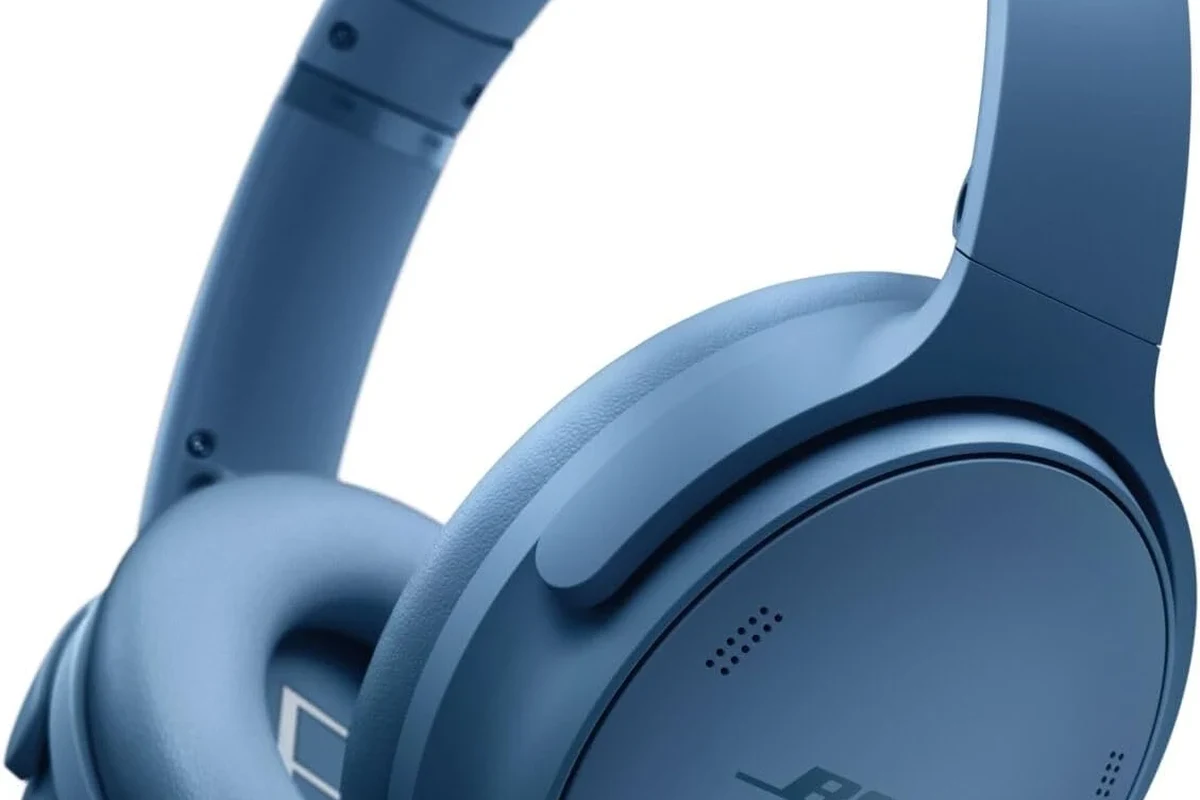
Xbox uses its own wireless audio approach instead of open Bluetooth audio for headsets. That design helps support gaming use cases like lower delay, controller integration, and stable voice chat features.
Standard Bluetooth was originally built for general consumer audio, not always for gaming-first performance. It can work well for music and calls, but gaming adds a demand for tighter lip-sync, more reliable mic handling, and fewer connection hiccups.
How Xbox wireless audio differs from Bluetooth
Bluetooth headphones typically rely on a phone-style pairing process and consumer audio codecs. Xbox Wireless headsets, on the other hand, are made to communicate directly with the console using Microsoft’s own wireless system.
That difference matters most when you play shooters, rhythm games, or anything where audio timing is important. Even when Bluetooth does work through a workaround, there may be a small delay that some players notice more than others.
Some TVs, monitors, and accessories can bridge the audio gap, but results vary by brand, model, and settings. What works smoothly for one setup may feel laggy in another.
Which Xbox models have the same limitation
The limitation affects the main modern Xbox family, including Xbox One, Xbox Series X, and Xbox Series S. If your goal is direct Bluetooth headphone pairing, the rule is essentially the same across these consoles.
That means the issue is not usually the generation of the console, but the audio standard Xbox chose to support. So if you are shopping for headphones today, it is smarter to plan around compatibility rather than assume any Bluetooth headset will work natively.
Best Ways to Use Bluetooth Headphones with Xbox
Even though direct pairing is not supported, there are several practical ways to still use your Bluetooth headphones with Xbox. The best choice depends on whether you care more about convenience, voice chat, or the lowest possible latency.
Using a Bluetooth transmitter with the Xbox controller or TV
A Bluetooth transmitter is one of the most common workarounds. Some people connect the transmitter to the TV’s audio output, while others use a controller or adapter path if the setup supports it.
This method can be convenient for casual gaming because it keeps your headphones wireless. The downside is that latency, codec support, and overall stability depend heavily on the transmitter and the display device.
Connecting through the Xbox app and remote play
Another workaround is using the Xbox app with remote play on a phone, tablet, or PC, then connecting your Bluetooth headphones to that device. In this setup, the audio is handled by the device you are using for remote play, not by the console directly.
This can be useful if you already game through a mobile screen or laptop. It is not always the best choice for competitive play, but it can be a simple solution for single-player sessions or casual gaming on the couch.
If your Bluetooth headphones support a low-latency mode, turn it on before gaming. It may not remove delay completely, but it can help reduce the most noticeable audio lag.
Using a TV, monitor, or soundbar as the audio bridge
Many players route Xbox audio through the TV or monitor first, then send sound to Bluetooth headphones from there. This is often the easiest option if your display already supports Bluetooth output or if you can add a transmitter to the display’s audio out.
Soundbars can also act as a bridge in some living-room setups. Just remember that each extra step in the chain can add delay, and that delay may be more noticeable in fast-paced games.
Some players notice Bluetooth delay more in dialogue-heavy scenes than in music, because lip-sync issues are easier to spot when faces and voices do not line up.
Step-by-Step Setup Examples for Popular Gaming Scenarios
The right setup depends on how you use your Xbox. A casual player watching story games has different needs from someone hopping into online multiplayer every night.
Casual couch gaming with a Bluetooth transmitter
This is the simplest “wireless headphones on Xbox” style setup for many homes. Plug the transmitter into the TV or monitor, pair your headphones, and then route Xbox audio through the display.
Make sure the console audio is going through the display you plan to use as the bridge.
Use the TV’s audio out or another supported output on the display.
Put the headphones in pairing mode and connect them to the transmitter.
If you are comparing wireless and wired listening habits more broadly, our article on Bluetooth vs wired headphones sound quality is a useful companion read.
Party chat and multiplayer gaming with a headset workaround
For multiplayer, the mic question becomes just as important as the audio. Many Bluetooth headphones can play game sound, but the microphone may not work properly with Xbox chat through a basic transmitter setup.
If party chat matters, you may need a headset made for Xbox, or a separate voice-chat solution through the Xbox app or controller-compatible accessory. This is where convenience and compatibility often matter more than using your favorite Bluetooth headphones.
Do not assume a Bluetooth transmitter will also handle microphone input. Many only send audio one way, which means game sound works but chat does not.
Single-player gaming with low-latency wireless audio
Single-player games are the easiest use case for Bluetooth workarounds. If you are mainly listening to story audio, music, and environmental effects, a small amount of delay may be less noticeable.
For the smoothest experience, choose a low-latency transmitter and headphones that feel comfortable over long sessions. If you play for hours, comfort, clamp force, and battery life can matter as much as sound quality.
- TV or monitor audio output options
- Whether your headphones support low-latency mode
- Whether voice chat is required
- How much delay you can personally tolerate
Common Problems and Mistakes When Trying to Pair Bluetooth Headphones to Xbox
Most frustration comes from expecting Bluetooth to behave like a native Xbox headset connection. Once you know the common issues, it becomes easier to avoid wasted time and unnecessary purchases.
Audio lag and lip-sync delay
Latency is the biggest complaint. Even a small delay can make gunshots, footsteps, and dialogue feel slightly off, especially if the audio is routed through multiple devices.
Some players barely notice it, while others find it distracting right away. That is why gaming use case matters so much when deciding whether a Bluetooth workaround is worth it.
Mic not working for chat
Another common mistake is assuming a Bluetooth headphone mic will work the same way it does on a phone. In many Xbox setups, the microphone either does not pass through at all or is not recognized correctly.
If party chat is important, check the exact accessory path before buying. A headset that sounds fine for solo play can still be a poor choice for online multiplayer if the mic path is unreliable.
Codec mismatch and unstable connections
Bluetooth audio performance also depends on codec support, connection quality, and interference in the room. If the transmitter and headphones do not work well together, you may get dropouts, poor sound, or inconsistent pairing.
That is one reason why “Bluetooth” is not one universal experience. The brand, model, firmware, and even your room layout can affect how stable the connection feels.
Listening at high volumes for long periods can cause hearing damage. Keep volume at 60% or below for extended sessions.
Expert Advice: When a Bluetooth Workaround Is Worth It and When It Is Not
A Bluetooth workaround makes sense when convenience matters more than perfect gaming performance. It is less ideal if you want dependable voice chat, near-zero delay, or a setup you can forget about once it is plugged in.
Latency, battery life, and sound quality trade-offs
Bluetooth headphones can sound good, but gaming often exposes their weak points faster than music does. Delay, battery drain, and occasional connection drops are the main trade-offs to keep in mind.
If you play for long sessions, battery life and comfort also matter. Lightweight headphones with soft ear cushions can feel much better than heavier models, especially when you are wearing them for hours.
If you notice ringing, discomfort, or fatigue after gaming, lower the volume and consider speaking with an audiologist. Persistent ear symptoms should not be ignored.
When to choose Xbox Wireless headsets instead
If you want the easiest path, an Xbox Wireless headset is usually the cleaner choice. It is designed to work with the console without extra adapters, and that often means fewer compatibility headaches.
This option is especially appealing for players who want game audio and chat in one headset. If you are shopping mainly for Xbox use, native compatibility is often worth paying attention to before chasing a Bluetooth workaround.
Cost comparison: Bluetooth transmitter vs. native Xbox headset
A transmitter can be a budget-friendly way to reuse headphones you already own. But once you add a transmitter, possible adapters, and maybe a separate mic solution, the total cost can creep up.
A native Xbox headset may cost more upfront, but it can save time and reduce setup frustration. For many players, that simplicity is worth more than squeezing a Bluetooth solution into place.
Final Verdict: The Easiest Way to Use Headphones with Xbox Without Frustration
So, can you pair bluetooth headphones to xbox directly? In most cases, no. But you can still use Bluetooth headphones with Xbox through a transmitter, TV bridge, remote play, or other workaround if you accept the trade-offs.
If you want the smoothest experience for gaming and chat, an Xbox Wireless headset is usually the easiest answer. If you only need casual audio for single-player games, a Bluetooth workaround can be perfectly fine as long as you understand the limits before you buy.
- Xbox does not support standard Bluetooth headphone pairing directly.
- Workarounds like transmitters, TV audio, and remote play can still help.
- Mic support and audio lag are the main limitations to watch.
- Xbox Wireless headsets are usually the simplest option for gamers.
Frequently Asked Questions
Wired headphones usually avoid latency, so they can feel more responsive for gaming. Wireless models can still sound excellent, but performance depends on the connection type and headset design.
Noise cancelling can help block room noise during long sessions. Just make sure the headset is comfortable and works well with your Xbox setup, especially if you need chat support.
Closed-back headphones usually work better for gaming because they isolate outside noise and keep sound from leaking. Open-back models can sound more spacious, but they are less private and less practical in shared rooms.
Check connection type, latency support, mic compatibility, comfort, and battery life if the headset is wireless. Sound quality details like driver type and tuning matter too, but they should fit your gaming needs first.
Look for lightweight designs, soft ear cushions, and a fit that does not clamp too hard. Comfort can matter more than maximum bass or flashy features when you wear headphones for hours.
Yes, a simple EQ can improve clarity, reduce harsh treble, or add a little bass depending on the headset. Small adjustments often work better than extreme boosts, especially for long listening sessions.