How to Use Headphones for TV Easily and Comfortably

The easiest way is to match your TV’s audio output with either wired headphones, Bluetooth, or a wireless transmitter. For the best comfort and clarity, choose a setup with low delay, good fit, and clear dialogue.
If you want to know how to use headphones for TV, the easiest answer is to match your TV’s audio output with the right headphone connection. In most homes, that means choosing between wired plug-in setups, Bluetooth, or a dedicated wireless transmitter for better range and fewer headaches.
- Best simple setup: Wired headphones are usually the easiest plug-and-play option.
- Best wireless choice: RF or low-latency transmitter systems are often more reliable than standard Bluetooth.
- Most important comfort factor: Over-ear, lightweight headphones usually work best for long TV sessions.
- Most common issue: Bluetooth delay can hurt lip-sync during movies and sports.
How to Use Headphones for TV: What Viewers Actually Want in 2025
Most people are not looking for a complicated audio setup. They want private listening, clearer dialogue, and the freedom to watch late at night without waking anyone up.
That is why TV headphone setups have become so popular. A good pair can make speech easier to follow, reduce distractions, and help you enjoy movies, sports, and games at a comfortable volume.
Search intent: private listening, clearer dialogue, and late-night TV without disturbing others
For many viewers, the main goal is simple: hear the TV better without turning the volume up for the whole room. This is especially useful when background music, action scenes, or room noise make dialogue hard to catch.
Headphones also help if you watch TV after others have gone to bed. Instead of relying on subtitles alone, you can listen more closely and keep the sound contained.
Who benefits most: seniors, gamers, apartment dwellers, and families with different schedules
Seniors often benefit from clearer speech and less room noise. Gamers may want lower latency and a more immersive soundstage, especially when using a console connected to the TV.
Apartment dwellers and families with different routines also get a lot of value from TV headphones. If one person wants loud action movies and another wants quiet, headphones can keep everyone happy.
Choose the Right Way to Connect Headphones to Your TV
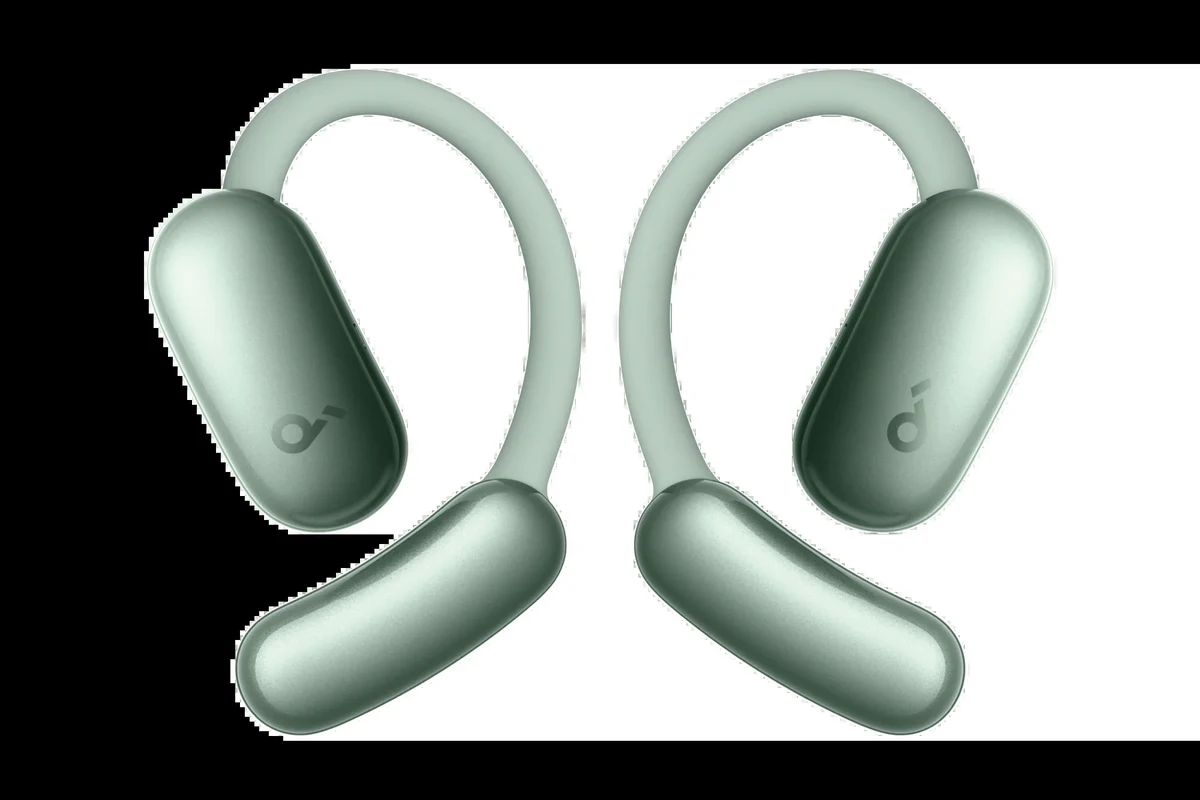
The best connection method depends on your TV model, your headphones, and how much convenience you want. If you already own headphones, start by checking what outputs your TV actually has.
If you are still shopping, it helps to think about whether you want the simplest wired setup or the flexibility of wireless listening. For general headphone basics, our Bluetooth headphones explained simply guide can also help you understand the tradeoffs.
Wired options: 3.5mm jack, RCA output, and optical-to-analog setups
Wired connections are usually the easiest place to start. If your TV has a 3.5mm headphone jack, you can often plug in directly and listen right away.
Some TVs use RCA audio outputs instead. In that case, you may need an RCA-to-3.5mm adapter or a small converter box. If your TV only has optical audio out, an optical-to-analog converter can turn that signal into something headphones can use.
Wireless options: Bluetooth TV support, RF headphones, and TV headphone transmitters
Bluetooth is convenient if your TV supports it natively. You pair the headphones once, then reconnect when needed, which is handy for everyday viewing.
RF headphones and dedicated transmitter systems are often more stable for TV use. They usually come with a base station, which can improve range and reduce the chance of dropouts compared with standard Bluetooth.
How to check your TV ports and audio settings before buying anything
Before you spend money, look at the back or side of your TV and check the labels carefully. Search for headphone, audio out, optical, RCA, USB, or Bluetooth options in the settings menu.
- Does your TV have a headphone jack or only digital audio out?
- Does the audio menu let you switch between speakers and external output?
- Does your TV support Bluetooth audio, and if so, what devices can it pair with?
Step-by-Step: How to Set Up Headphones for TV the Right Way
Once you know your connection type, setup is usually straightforward. The key is to match the TV’s output settings with the headphones or transmitter you plan to use.
If you run into pairing problems, it often helps to restart both devices and check whether the TV is sending audio to the right output. For more pairing basics, see our how to connect Bluetooth headphones guide.
Connecting wired headphones for the simplest plug-and-play setup
For wired headphones, plug the cable into the correct TV output and raise the headphone volume gradually. If the sound is too quiet, the TV may be sending audio through a different output mode.
Some TVs mute the speakers automatically when headphones are connected, while others let you use both at once. That depends on the model, so check the sound settings if you want shared listening.
Pairing Bluetooth headphones and fixing common pairing delays
Put your headphones into pairing mode, then open the TV’s Bluetooth menu and select the device. If pairing takes too long, move closer to the TV and make sure no other devices are blocking the connection.
Bluetooth can also cause a small audio delay, which matters more for lip-sync in movies and live sports. If that happens often, a low-latency option may work better than basic Bluetooth.
Using a transmitter or base station for better range and stability
A transmitter plugs into your TV and sends audio to your headphones wirelessly. This can be a smart choice if your TV has weak Bluetooth support or if you want more consistent performance across a larger room.
Base stations are especially useful for keeping the connection stable while you move around the house. They are also common in TV headphone systems designed for older viewers or shared family spaces.
Adjusting TV audio output so sound plays only through headphones or through both devices
Some people want the TV speakers off completely, while others want both the TV and headphones active at the same time. The correct setting depends on whether you are watching alone or sharing the room.
TV audio menus vary a lot by brand and model. If you do not see the option you expect, check the sound output, advanced audio, or external speaker settings.
Best Headphone Types for TV Watching: What Works and What Doesn’t
Not every headphone style is equally comfortable or practical for TV use. The best choice depends on how long you watch, how sensitive you are to delay, and whether you want isolation from household noise.
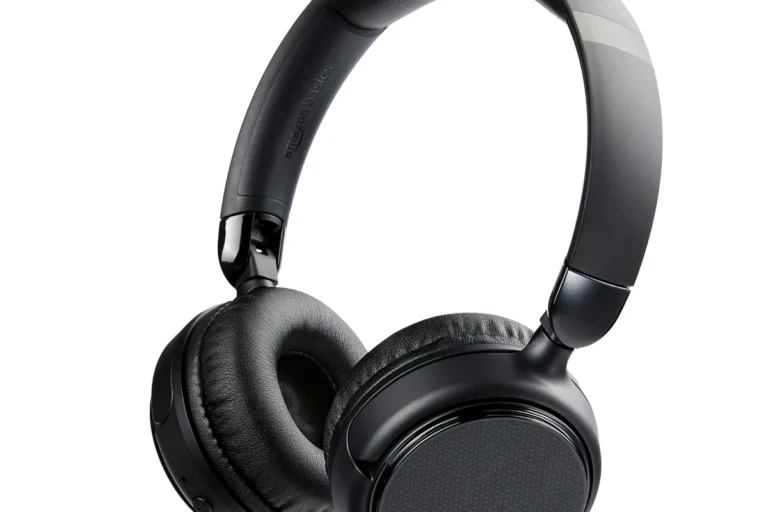
Over-ear vs on-ear comfort for long movie sessions
Over-ear headphones are usually the most comfortable for long viewing because they spread pressure around the ear. They also tend to feel more immersive and may help block outside noise better.
On-ear headphones can be lighter and more compact, but some people find them less comfortable after a couple of hours. For binge-watching, comfort often matters more than tiny differences in size.
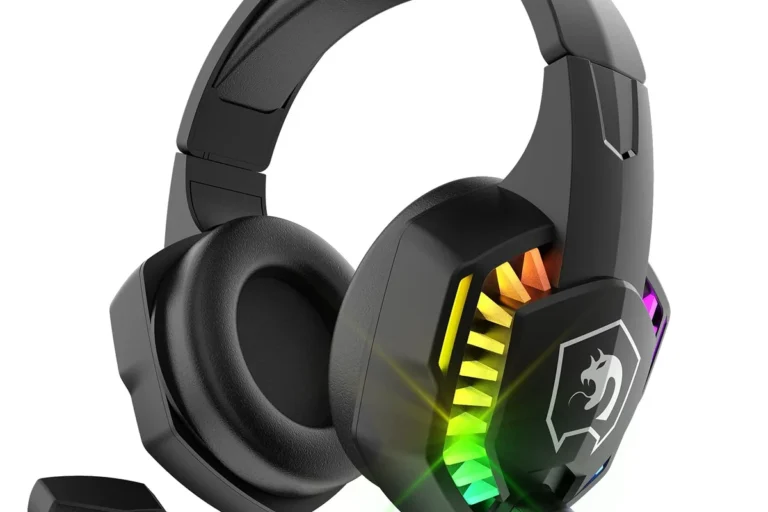
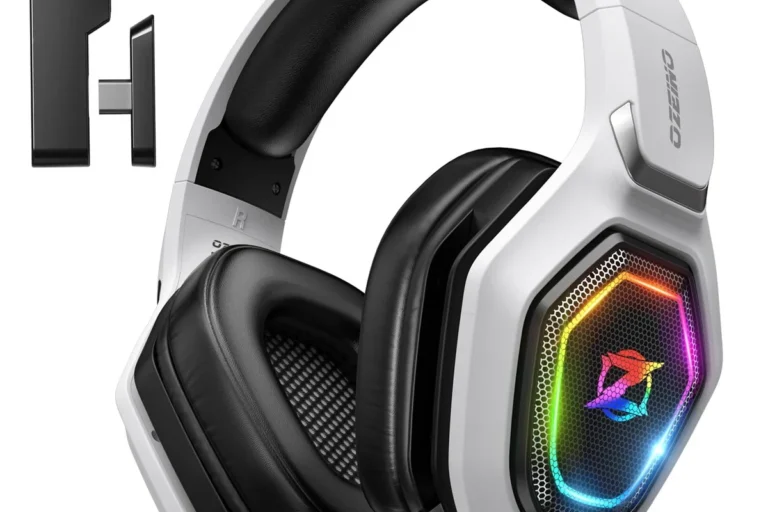
Wireless gaming headphones for TV and console use
Wireless gaming headsets can work well for TV, especially if you also use the same setup for a console. They often include a microphone, strong battery life, and a transmitter option that keeps delay low.
If you game and watch movies on the same screen, this can be a practical all-in-one solution. Just make sure the headset is comfortable enough for longer TV sessions, not only short gaming bursts.
Open-back, closed-back, and noise-isolating designs for home viewing
Closed-back and noise-isolating headphones are usually better for TV because they keep sound in and help reduce room noise. That makes dialogue easier to hear at lower volumes.
Open-back headphones can sound spacious, but they leak sound and let in more outside noise. They are usually less ideal for shared living rooms or late-night viewing.
Why some true wireless earbuds are less ideal for TV audio
True wireless earbuds can be convenient, but they are not always the best TV choice. Battery life, latency, and fit can vary, and some earbuds are less comfortable for long movie sessions.
If you prefer earbuds, look for stable pairing, decent battery performance, and a fit that does not cause ear fatigue. For many people, over-ear headphones still offer the more reliable TV experience.
Common Mistakes When Using Headphones for TV
Most TV headphone problems are not caused by the headphones alone. They usually come from the wrong output setting, a poor connection method, or a comfort choice that looked good on paper but feels bad in real use.
Audio delay and lip-sync problems with Bluetooth
Bluetooth delay is one of the most common complaints. Even a small lag can make dialogue feel off, especially when you are watching lips closely or following fast-paced sports.
Not every Bluetooth TV setup is low-latency enough for movies and live broadcasts. If lip-sync matters to you, consider RF headphones or a transmitter designed to reduce delay.
Low volume caused by the wrong TV output setting
If your headphones sound too quiet, the TV may still be sending audio through a speaker mode or limited output setting. Some TVs also need a separate volume adjustment for headphone output.
Before replacing your headphones, check the sound menu and test another source. A simple setting change can solve a problem that looks like a hardware issue.
Missing dialogue because of poor EQ or surround-sound processing
Many TVs use sound enhancement modes that can make speech less clear. Heavy bass boosts, virtual surround effects, or “cinema” presets can sometimes bury dialogue.
If voices are hard to understand, try a more neutral EQ setting or reduce extra processing. Clear mids often help more than louder bass for TV watching.
Buying headphones that are uncomfortable for long viewing sessions
A headset can sound great and still be the wrong choice if it presses too hard or gets warm after an hour. Comfort is a major part of TV headphone value because most people watch for long stretches.
Listening at high volumes for long periods can cause hearing damage. Keep volume at 60% or below for extended sessions.
Expert Advice: How to Improve Comfort, Sound, and Reliability
The best TV headphone setup balances clarity, comfort, and dependable connection quality. That usually means choosing the right wireless type and tuning the sound for speech, not just bass.
If you have hearing concerns, ringing in the ears, or ongoing trouble understanding dialogue, it is smart to speak with an audiologist or a qualified hearing professional.
Warning: not every Bluetooth TV setup is low-latency enough for movies and sports
Standard Bluetooth can be fine for casual use, but it is not always ideal for fast-moving video. The more sensitive you are to lip-sync, the more likely you are to notice delay.
If speech clarity keeps being a problem even after changing settings and headphone types, consult an audiologist or hearing specialist before assuming the issue is only technical.
When to choose RF or aptX Low Latency over standard Bluetooth
RF headphones are often a strong choice if you want dependable range and less delay. They can be especially useful in larger homes or for viewers who do not want to keep re-pairing devices.
Some Bluetooth systems also support low-latency codecs or TV-specific transmitters, which may improve sync. Availability varies by brand and model, so check compatibility before you buy.
How to reduce ear fatigue during long binge-watching sessions
Choose a lightweight headset with soft ear cushions and a headband that does not clamp too hard. Small comfort details matter a lot when you are watching several episodes in a row.
Take short breaks between episodes and loosen the headband if possible. Even a few minutes off can reduce pressure and help the headphones feel better over time.
Best volume and hearing-safety habits for daily TV use
Keep the volume at a level where dialogue is clear without sounding sharp or tiring. If you need to raise the volume often, it may be worth improving the headphone fit or changing the TV’s sound mode first.
Daily listening should feel comfortable, not intense. If you notice fatigue, ringing, or discomfort, lower the volume and consider professional hearing advice.
Price and Value: What You Should Expect to Spend in 2025
TV headphone budgets can range from very affordable to premium, depending on whether you want a simple adapter or a full wireless system. The right choice depends on how often you watch and how much convenience you want.
In many cases, the best value comes from spending enough to solve your actual problem, not from buying the most expensive option available.
Budget wired solutions vs mid-range Bluetooth headphones vs premium TV headphone systems
Budget wired setups are usually the cheapest and simplest. Mid-range Bluetooth headphones offer more freedom, while premium TV systems may add better range, lower delay, and a more complete listening experience.
What features are worth paying for: latency, battery life, mic support, and range
For TV, latency and comfort usually matter more than flashy extras. Battery life is also important if you watch several hours at a time and do not want to charge constantly.
Mic support is less important for pure TV watching, but it can be useful if the same headphones also handle calls or gaming chat. Range matters most if you move around while listening.
When a cheap adapter is enough and when a full upgrade makes sense
If your TV already has a good output and your headphones fit well, a cheap adapter may be all you need. That is especially true for basic wired listening or occasional late-night use.
A full upgrade makes more sense if you want better sync, more comfort, or a more stable wireless connection. For readers comparing headphone styles more broadly, our types of headphones explained guide can help narrow the choices.
Final Recap: The Easiest Way to Watch TV With Headphones Comfortably
The easiest way to use headphones for TV is to start with your TV’s available outputs and choose the simplest connection that meets your needs. Wired is usually the easiest, Bluetooth is the most convenient, and RF or transmitter-based systems are often the most reliable for serious viewing.
Comfort, latency, and clear dialogue matter more than fancy specs for most people. If you want a setup that works night after night, choose headphones that fit well, match your TV’s audio output, and keep the sound easy on your ears.
Quick summary of the best setup based on your TV, budget, and listening needs
If your TV has a headphone jack, start wired. If you want convenience and your TV supports it well, try Bluetooth. If delay or range becomes a problem, move to RF or a dedicated transmitter.
Practical takeaway for choosing the right headphones for quieter, clearer TV audio
The best TV headphone setup is the one that matches your room, your viewing habits, and your comfort level. Pick the simplest option that gives you clear speech, steady connection quality, and a relaxed listening experience.
Frequently Asked Questions
Wired headphones are usually simpler and can avoid delay, which makes them a strong choice for TV. Wireless is more convenient, but performance can vary by TV and headphone model.
Yes, noise-cancelling headphones can help reduce room noise and make dialogue easier to hear. They are especially useful in shared homes or noisy apartments.
Closed-back headphones are usually better for TV because they block more outside noise and leak less sound. Open-back models can sound spacious, but they are less private and less ideal for shared spaces.
Many people find over-ear headphones more comfortable for long viewing because they spread pressure around the ear. In-ear models can work well too, but fit and comfort vary more from person to person.
For TV, clarity, latency, battery life, and comfort often matter more than big bass or flashy features. EQ settings and TV audio processing can also affect dialogue and overall balance.
Check your TV’s audio outputs, whether it supports Bluetooth, and how the headphones fit for long sessions. Also compare build quality, comfort, and whether you need a transmitter, adapter, or low-latency support.