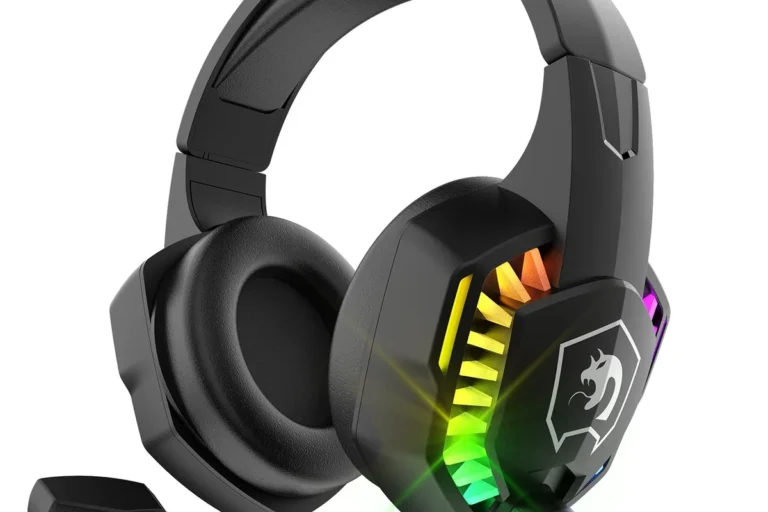
How to Voice Chat in Fortnite Switch Without Headphones

Yes, you can voice chat in Fortnite on Switch without headphones, but you still need a working microphone setup. The easiest approach is to use Fortnite voice chat settings plus a nearby mic, USB accessory, or phone-based workaround.
If you want to know how to voice chat in Fortnite Switch without headphones, the short answer is yes, but the setup is a little less convenient than on some other platforms. You can use Fortnite’s voice chat options with the Switch’s built-in audio, but mic placement, system mode, and account settings all matter a lot.
- Voice input still matters: The Switch speaker can play audio, but it cannot replace a microphone.
- Settings come first: Fortnite voice chat, channel choice, and account permissions are common failure points.
- Echo is the main problem: Speaker-based setups often need lower volume and closer mic placement.
- Docked mode helps: USB mic and accessory options are usually easier to manage when docked.
- Headsets still win for clarity: A lightweight headset is often the best value for regular squad play.
Can You Voice Chat in Fortnite on Nintendo Switch Without Headphones?
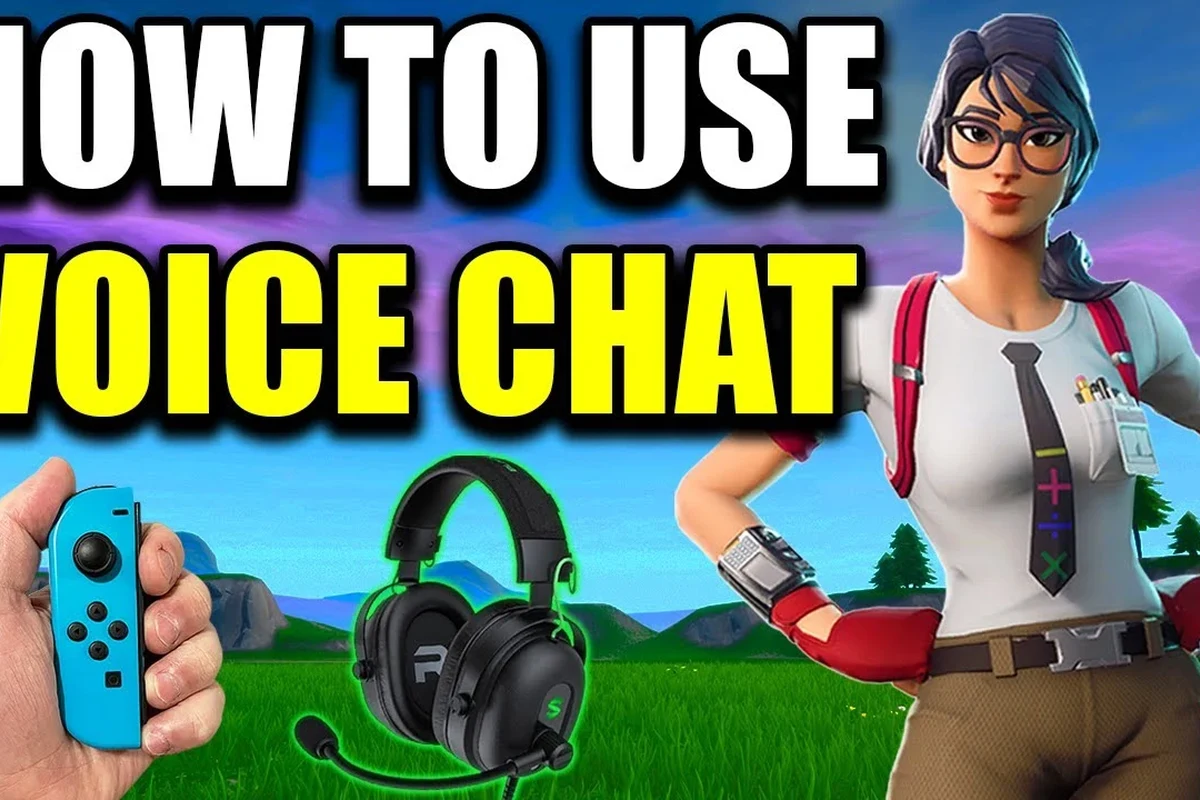
Yes, you can voice chat in Fortnite on Nintendo Switch without wearing headphones, but “without headphones” does not mean “without any mic setup at all.” Fortnite still needs a working microphone input, and the Switch itself does not behave like a full PC or console chat system.
What “without headphones” really means on Switch
For most players, this means they want to hear the game through the console speaker or TV speakers while speaking through another mic source. That could be a built-in mic on an accessory, an external USB mic in docked mode, or even a phone used for voice coordination in a pinch.
The important part is that the Switch speaker only plays sound. It does not replace a microphone, and it cannot send your voice to Fortnite by itself.
What players are trying to achieve: party chat, game chat, or both
Some players only want Fortnite game chat so they can talk to squadmates in the match. Others want a party-style setup where they can coordinate with friends while keeping their ears open to the room around them.
That difference matters because Fortnite voice chat settings, Nintendo account restrictions, and microphone routing can all affect what actually works. If you are also comparing headset options for other devices, it can help to understand basic compatibility first, like in our guides on wired headphone compatibility and Bluetooth connection basics.
How Fortnite Voice Chat Works on Switch in 2026
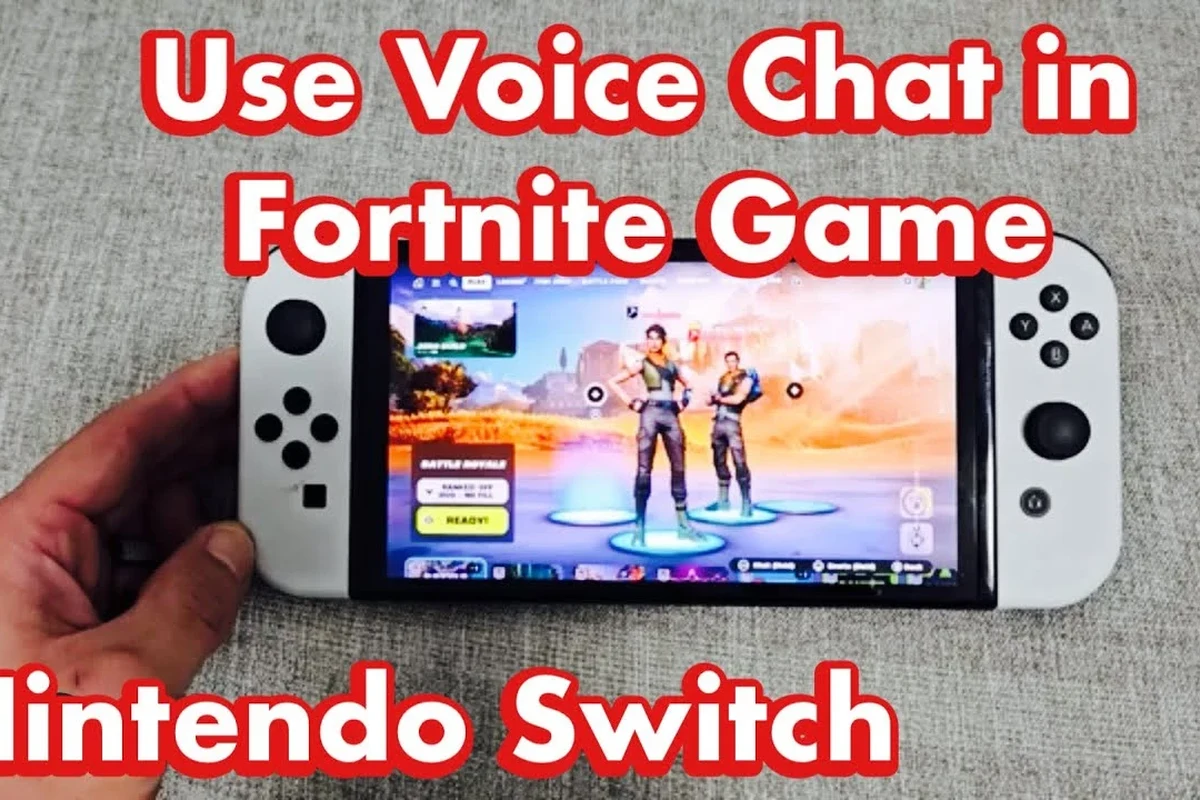
Fortnite voice chat on Switch still depends on the game’s own voice system, plus the console’s audio behavior. In practical terms, that means the game has to detect your microphone correctly, and your audio output has to stay separate enough that voice chat does not create echo or feedback.
Built-in mic support, Nintendo Switch limitations, and Fortnite settings
Unlike some modern devices that make voice routing feel automatic, the Switch can be more limited. Depending on your setup, Fortnite may recognize a microphone through a headset, dock accessory, USB device, or other compatible input, but results can vary by accessory and mode.
Fortnite also has its own voice chat controls. If voice chat is turned off in-game, or if the wrong channel is selected, you may think the mic is broken when the real issue is just a settings mismatch.
Voice chat behavior can change with Fortnite updates, Nintendo system updates, and accessory compatibility. If a setup stops working, recheck both the game settings and the Switch audio mode before buying new gear.
Why audio routing is different from PS, Xbox, and PC
On PC, audio and microphone routing are usually more flexible. On PlayStation and Xbox, headset support is often more straightforward because the consoles are designed around game chat accessories.
The Switch is different because it is commonly used in handheld mode, docked mode, and tabletop mode, and each one can affect what audio input works best. That is why a setup that sounds simple on paper can be a little awkward in real life.
Step-by-Step Setup for Voice Chat Without Headphones
If you want to try voice chat without headphones, start with the simplest possible setup and then add accessories only if needed. The goal is to get your voice detected clearly while keeping game audio usable.
Open Fortnite settings, find the audio or voice chat section, and make sure voice chat is enabled. Check whether you are set to game chat or party chat, and confirm that your input device is not muted in the menu.
Test whether you are in handheld, tabletop, or docked mode, because audio behavior may shift between them. If you are using TV speakers, lower the volume enough that your mic does not pick up too much game sound.
Some players use compatible accessories with inline microphones or USB mic support in docked mode. If your accessory is recognized, keep the mic close enough to your mouth for clear pickup without raising the gain too much.
Join a private lobby or ask a friend to confirm whether they can hear you. If nobody can hear you, check mute icons, parental controls, and whether your account is allowed to use voice chat.
Enable voice chat inside Fortnite
Start by opening Fortnite’s audio settings and turning voice chat on. Then choose the correct voice chat method, because some players accidentally leave the feature disabled or set to a channel they do not use.
If you are in a squad with friends, make sure everyone is in the same chat type. A simple mismatch here is one of the most common reasons voice chat appears “broken.”
Check Nintendo Switch system audio and dock/portable mode behavior
Switch audio output can be fine for hearing the game, but it does not automatically solve microphone input. If you are using the console speakers, keep the volume moderate so the mic does not capture a noisy loop of game audio.
In docked mode, your available accessory options may expand, especially if you are using a USB mic or a compatible audio device. In handheld mode, your options may be more limited and depend heavily on the accessory itself.
Use the Switch’s built-in mic setup alternatives if available
The Switch does not function like a laptop with a standard always-on built-in mic for gaming chat, so many players rely on accessories instead. If your setup includes a mic on a controller accessory, headset cable, or USB device, follow that product’s connection method carefully.
For clearer voice pickup without headphones, keep the microphone 2 to 6 inches from your mouth and avoid pointing it directly at the TV or console speaker.
Test your mic and confirm your voice is being detected
Testing matters because a setup can look correct but still fail in practice. Ask a friend to listen, or use a private chat test if the game version and your account settings allow it.
If your voice is too quiet, move the mic closer. If the audio sounds echoey, lower the speaker volume or move farther from the TV.
Best No-Headphone Voice Chat Workarounds for Fortnite Switch Players
There is no perfect no-headphone solution for every player, but there are a few practical workarounds. The best choice depends on whether you want convenience, clarity, or the lowest possible cost.
Using the console speaker plus a nearby microphone
This is the simplest setup: let the Switch or TV play game audio while a separate mic picks up your voice. It can work for casual play, but it often causes echo if the speaker volume is too high.
For best results, keep the room quiet and place the mic close to your face. This is the closest thing to a no-headphone setup that still feels easy.
Docked mode with an external USB mic or compatible accessory
If your Switch is docked, you may have more room to use a USB microphone or another compatible input device. This can improve voice clarity compared with far-away room mics, especially for squad play.
Still, compatibility can vary by accessory brand and model, so it is smart to check device support before buying anything. For readers who want to compare broader audio gear behavior, our guide on Bluetooth headphones explained simply can help make the wireless side of the decision easier.
Using a phone or secondary device for voice coordination
Many players use a phone app, Discord call, or another device for voice coordination while keeping the Switch audio on speakers. This does not replace Fortnite game chat in every situation, but it is a useful workaround when the console setup is being stubborn.
The trade-off is convenience. You now have two devices to manage, and that can be awkward during fast matches.
When a lightweight headset is still the better value
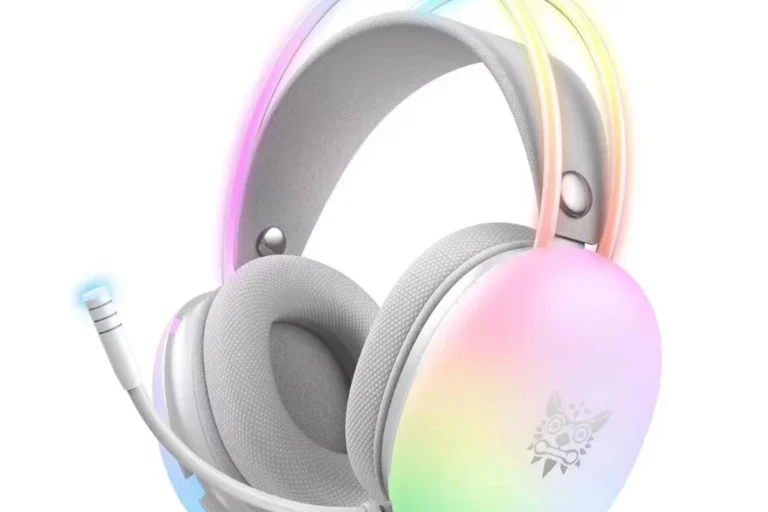
Even if your goal is to avoid headphones, a lightweight headset may still be the easiest fix. A basic gaming headset or simple wired headset often solves echo, mic placement, and voice clarity in one step.
For many players, that is the better value than trying to force a speaker-only setup to behave like a proper chat system.
Common Mistakes That Stop Voice Chat From Working
Most Fortnite Switch voice chat problems come from settings, restrictions, or poor mic placement. Before assuming your gear is defective, check the basics carefully.
Wrong Fortnite voice chat channel settings
If you are in the wrong channel, nobody will hear you even though your microphone is technically working. Double-check whether you are set to game chat, party chat, or a channel that matches your squad.
Also confirm that voice chat is not disabled for your account or lobby. This is one of the easiest mistakes to overlook.
Muted party settings, parental controls, and account restrictions
Some Nintendo and Epic account settings can block voice features, especially for younger players or restricted accounts. If parental controls are enabled, voice chat may be limited even when everything else looks normal.
If voice chat is restricted by account settings, you may need a parent or account owner to adjust permissions before the mic will work in Fortnite.
Mic placement issues, background noise, and low input volume
A microphone that is too far away will sound faint, while one placed too close to a speaker can create feedback. Background noise, fans, and TV volume can also make your voice hard to understand.
Small adjustments often help more than new gear. Move the mic, lower the speaker volume, and test again before troubleshooting anything else.
Assuming the Switch speaker can replace a real mic setup
The console speaker is only for output. It cannot capture your voice for chat, and it cannot make up for missing input hardware.
This is the biggest misconception behind “no headphone” voice chat setups. You can skip headphones, but you still need some kind of microphone solution.
Expert Advice: Audio Quality, Safety, and Competitive Play Warnings
From an audio perspective, open speaker voice chat is almost always less clean than a headset-based setup. That does not mean it is unusable, but it does mean you should expect more echo and less privacy.
Why open-mic play can create echo and feedback
When your mic hears the same game audio that your speaker is playing, it can send that sound back into chat. Teammates may hear themselves, hear the game twice, or hear a distracting room echo.
If you keep getting echo, feedback, or unclear speech even after adjusting mic placement, consider a headset or ask an audiologist if you also struggle to hear chat clearly in general.
Privacy concerns when chatting without headphones in shared spaces
If you play in a living room, dorm, or shared bedroom, other people may hear your squad chat. That can be a privacy issue, especially if you are discussing personal details or speaking late at night.
Open audio can also make it harder to focus. A headset usually gives better separation between game sound, voice chat, and the room around you.
When wireless earbuds or budget gaming headsets are the smarter upgrade
If you want better sound isolation without going all-in on a large headset, wireless earbuds or a budget gaming headset may be the smarter move. These options can reduce echo and make your voice easier to hear, though comfort and battery life may vary by model.
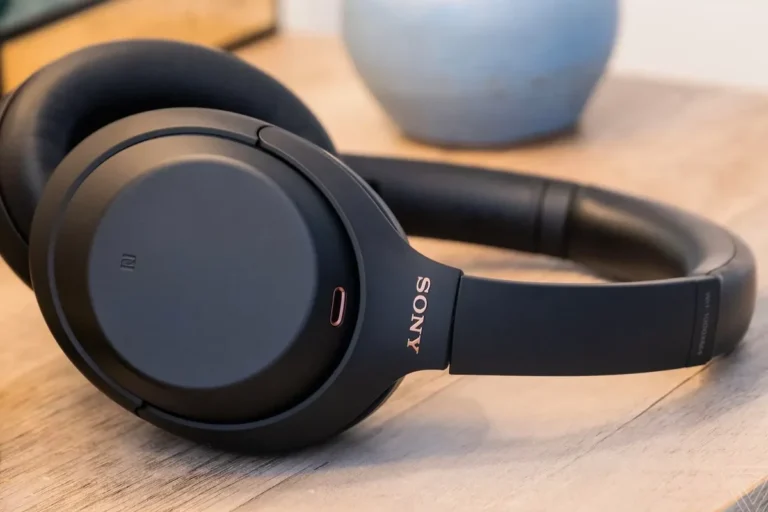
Closed-back headphones usually block more outside sound than open-back models, which can help reduce mic echo during voice chat in noisy rooms.
Cost Comparison: Free Workarounds vs Budget Headset Options
If you are trying to save money, it helps to compare free workarounds with low-cost audio gear. The cheapest option is not always the best if it creates bad chat quality or constant troubleshooting.
No-cost setup options and their trade-offs
Using the Switch speaker plus a nearby mic, or using a phone for voice coordination, costs nothing if you already own the devices. The downside is that these setups usually require more manual adjustment and may sound less clean.
They are fine for casual play, but they are not ideal for long sessions or competitive squads.
Low-cost headset and mic alternatives for better clarity
A basic wired headset, budget gaming headset, or simple plug-in mic can improve clarity quickly. You may give up some freedom of movement, but the trade-off is often worth it for clearer communication.
If you are comparing audio gear for gaming more broadly, remember that comfort, mic quality, and fit matter as much as sound. For background on headset categories, our guide to types of headphones explained is a helpful starting point.
Value comparison for casual players vs squad-focused players
Casual players who only chat occasionally may be fine with a no-headphone workaround. Squad-focused players, however, usually get more value from a lightweight headset because it saves time and reduces frustration.
Final Recap: The Best Way to Voice Chat in Fortnite on Switch Without Headphones
The best way to voice chat in Fortnite on Switch without headphones is to use a separate microphone source, not the console speaker alone. Start with Fortnite voice chat settings, then test your mic in a quiet room with low speaker volume.
Quick summary of what works, what doesn’t, and what to try first
What works: a nearby mic, a docked USB accessory, or a phone-based voice workaround. What does not work: assuming the Switch speaker can handle voice input by itself.
Best recommendation based on convenience, sound quality, and budget
If you want the easiest path, try a simple mic-first setup and keep your speaker volume modest. If you want the best balance of convenience and clarity, a lightweight headset or budget gaming headset is still the most reliable upgrade for most Fortnite Switch players.
Frequently Asked Questions
Sometimes, but compatibility depends on the accessory and connection method. Wired options are often more predictable for chat, while wireless setups may vary by model and Switch mode.
Usually yes, because closed-back headphones block more outside sound and help reduce mic echo. Open-back models can sound spacious, but they are less ideal for shared spaces and voice chat.
Focus on mic quality, comfort, and a stable connection before chasing big sound specs. For game audio, balanced mids and clear dialogue can matter more than heavy bass.
No, many budget gaming headsets can work well for casual play. The best choice depends on comfort, mic clarity, and whether you want wireless freedom or a simple wired setup.
Look for lighter weight, soft ear cushions, and a headband that does not clamp too hard. Comfort can vary a lot by head shape and ear size, so fit matters as much as sound quality.
Check compatibility, connection type, mic support, comfort, and build quality. If you want the simplest setup, a wired headset is often easier than a more complex wireless option.