Does PS5 Support Bluetooth Headphones A Complete Guide

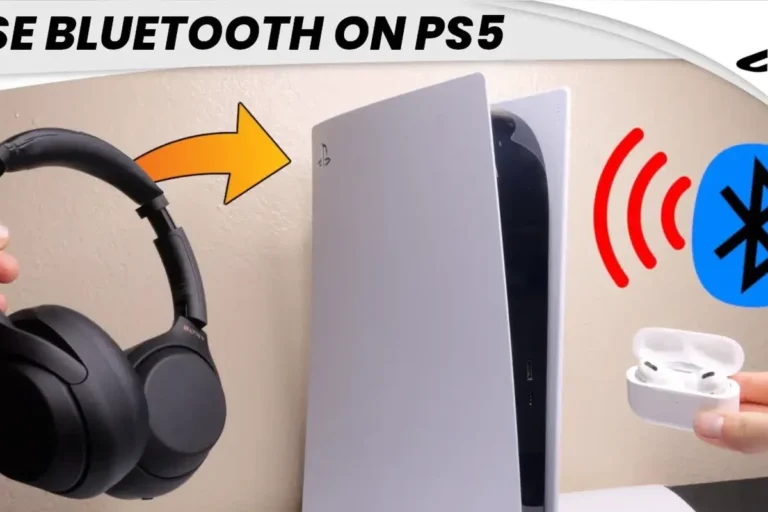
No, the PS5 does not support most Bluetooth headphones directly in the same easy way phones and laptops do. For the best results, use a wired headset, a USB wireless gaming headset, or a compatible Bluetooth transmitter.
If you’re asking does PS5 support Bluetooth headphones, the short answer is: not in the usual direct way most people expect. The PS5 does not reliably support standard Bluetooth headphones for normal wireless audio, so you’ll usually need a USB wireless headset, a wired connection, or a compatible Bluetooth transmitter.
That may sound frustrating, but it’s mainly about keeping game audio low-latency and stable. In this guide, the Top Headphone Reviews Editorial Team breaks down what works, what doesn’t, and the best ways to get wireless sound on PS5 without ruining your gaming experience.
- Direct support: Most standard Bluetooth headphones are not natively supported.
- Best option: USB wireless headsets usually work better for gaming.
- Lowest lag: Wired headphones through the DualSense controller are the safest choice.
- Common issue: Bluetooth workarounds can cause delay and mic problems.
- Buyer tip: Check latency, connection type, and chat support before buying.
Does PS5 Support Bluetooth Headphones? The Short Answer and What It Really Means
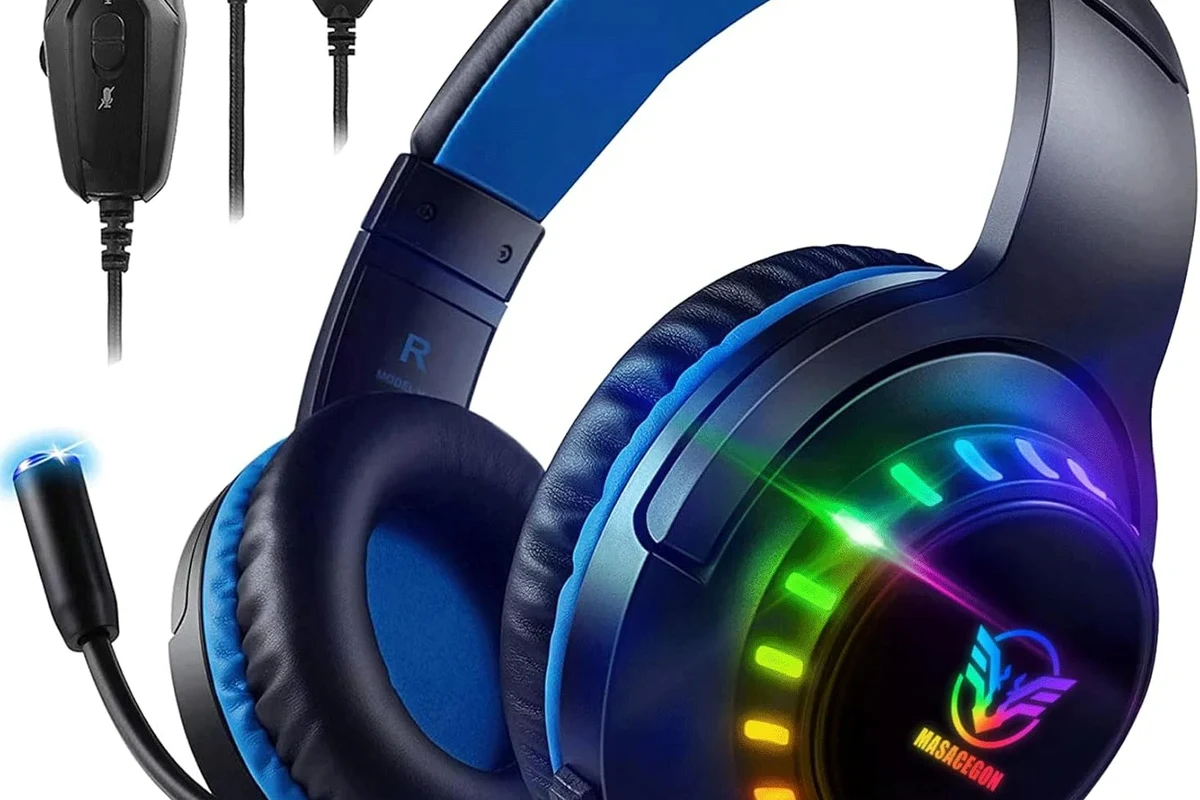
The PS5 is not designed to work like a phone, tablet, or laptop with any Bluetooth headset you pair in settings. Sony limits direct Bluetooth audio support, which means many common Bluetooth headphones will not connect normally or may not work well even if they do pair through a workaround.
In practical terms, PS5 support is better described as selective rather than universal. Some accessories work through USB dongles, some work through the controller’s headphone jack, and some Bluetooth headphones can only be used indirectly through a transmitter or TV audio output.
Why the PS5 Does Not Support Most Bluetooth Headphones Directly
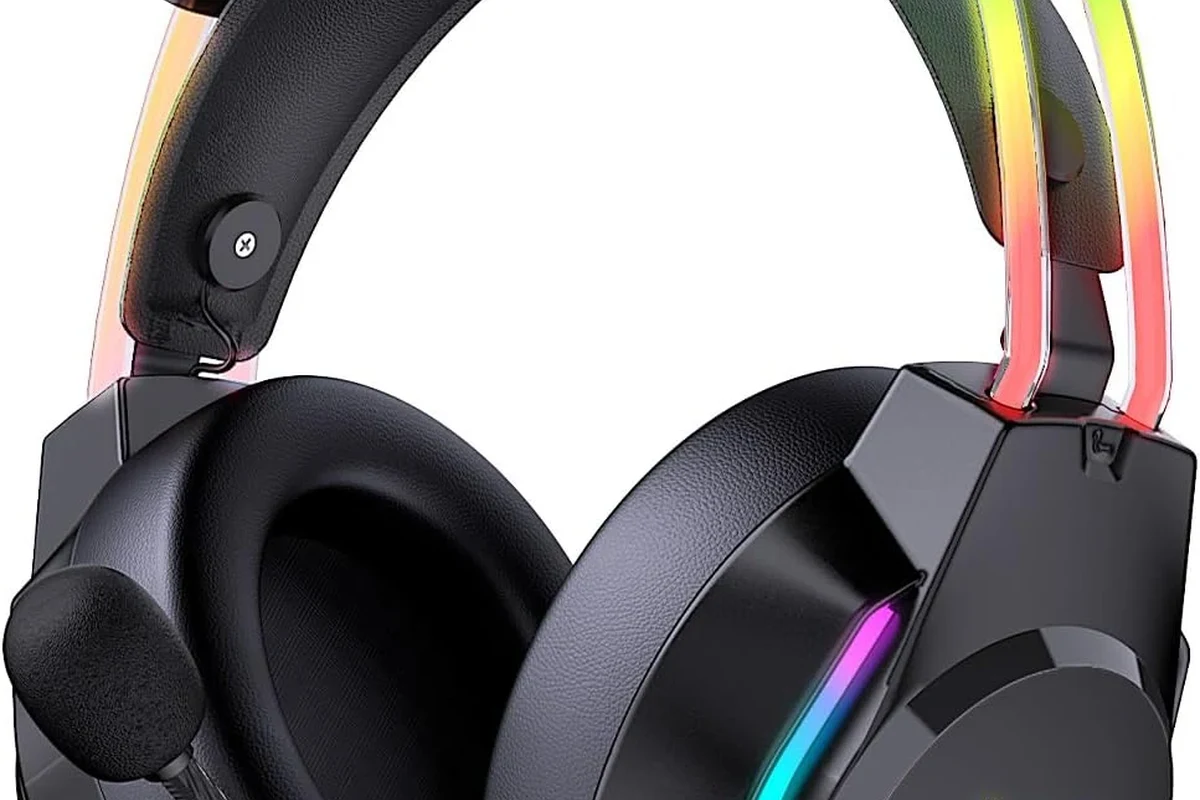
PlayStation systems have long prioritized stable gaming audio over open-ended Bluetooth compatibility. That design choice helps reduce lag, connection drops, and voice chat issues, but it also means many consumer Bluetooth headphones are left out.
Bluetooth audio limitations on PS5 and Sony’s design choices
Standard Bluetooth audio can be inconsistent for gaming because it was not built with real-time console play in mind. Even when a device connects, the PS5 may not support the audio profile, microphone function, or voice chat routing the way you expect.
Bluetooth headphones explained simply helps make sense of why some wireless headphones work on one device but not another. On PS5, the issue is less about the headphones being “bad” and more about the console’s stricter compatibility rules.
How Bluetooth latency affects gaming, chat, and audio sync
Latency is the delay between what happens on screen and what you hear in your headphones. In fast-paced games, even a small delay can make gunfire, footsteps, and dialogue feel slightly off.
That delay also affects voice chat and cutscenes. If audio arrives late, it can break immersion and make multiplayer communication harder, especially in competitive games where timing matters.
Bluetooth latency varies by headset, codec, transmitter quality, and TV or receiver settings. A setup that feels fine for movies may still feel delayed in games.
Which Headphones and Audio Devices Work Best with PS5 in 2025
If your goal is the best overall PS5 audio experience, the safest path is to choose gear designed for low-latency gaming. That usually means USB wireless headsets, wired headphones, or PlayStation-certified wireless options.
USB wireless headsets vs. standard Bluetooth headphones
USB wireless headsets typically use a dongle connection instead of standard Bluetooth. That can improve stability and reduce lag, which is why many gamers prefer them for PS5.
Standard Bluetooth headphones are more convenient if you already own them, but they are less predictable on console. If you want easy setup and better sync, a USB wireless headset is usually the better gaming choice.
Connection quality can vary by brand and model. A headset marketed as “wireless” is not always the same as a standard Bluetooth headset.
Wired 3.5mm headphones through the DualSense controller
One of the simplest PS5 audio solutions is a wired headset or headphones plugged into the DualSense controller. This avoids Bluetooth pairing issues and usually gives you dependable audio with very little delay.
If you already own a good pair of wired headphones, this can be the most budget-friendly option. It is also a smart fallback if you only need game audio and don’t want to manage extra adapters or charging.
For readers comparing wired and wireless sound behavior more broadly, our guide on Bluetooth vs wired headphones sound quality explains the tradeoffs in a simple way. In many gaming setups, wired still wins for consistency.
PlayStation-certified wireless headsets and dongle-based options
PlayStation-certified headsets and dongle-based wireless models are often the easiest “wireless” choice for PS5. They are built with console compatibility in mind, so pairing and voice chat tend to be smoother than with random Bluetooth headphones.
If you want a more complete look at what kinds of headphones exist and how they differ, see types of headphones explained. That can help you decide whether over-ear, on-ear, or in-ear gaming audio fits your setup best.
How to Connect Bluetooth Headphones to PS5: What Actually Works
There are a few ways to use Bluetooth headphones with PS5, but not all of them are equally good. The best method depends on whether you care more about convenience, sound quality, or low latency.
Using a Bluetooth transmitter with the PS5
A Bluetooth transmitter is one of the most common workarounds. It plugs into the PS5 through USB or the controller’s output path and sends audio to your Bluetooth headphones.
This can work well for casual gaming or single-player use, but results depend heavily on the transmitter’s quality. Cheap adapters may add lag, reduce sound quality, or struggle with stable pairing.
Connecting via TV, monitor, or AV receiver Bluetooth output
Another option is to send PS5 audio through your TV, monitor, or AV receiver and then use that device’s Bluetooth output. This is often easier for movie playback than for gaming, especially if your display already supports Bluetooth audio.
Still, the audio path is longer, so delay can be more noticeable. If you mainly play slower games or watch streaming apps on the PS5, this method may be acceptable.
Many people blame the headphones for lag when the real issue is the TV or transmitter adding extra processing delay.
Step-by-step setup examples for casual gaming and movie playback
For casual gaming, the easiest route is usually: plug a Bluetooth transmitter into the PS5, put your headphones in pairing mode, and test audio before starting a game. If the sound feels delayed, switch to a wired option or a gaming headset with a dongle.
Use PS5 USB, the controller jack, or your TV/receiver depending on what your gear supports.
Put the headphones or transmitter into pairing mode and complete the connection.
Check menus, dialogue, and gameplay sounds to see whether the latency is acceptable.
Common Problems When Using Bluetooth Headphones with PS5
Even when Bluetooth headphones do connect, the experience may not be smooth. The most common complaints are lag, unstable pairing, weak microphone support, and inconsistent sound quality.
Audio delay, unstable pairing, and microphone limitations
Audio delay is the biggest issue because it affects gameplay feel immediately. Unstable pairing can be just as annoying, especially if your headphones disconnect during a match or fail to reconnect after sleep mode.
Microphone support is another common limitation. Some Bluetooth headphones may play audio but not pass voice chat correctly, or they may use a mic mode that lowers sound quality during calls.
- Wireless convenience
- No cable from controller
- Useful for casual play
- Possible audio lag
- Mic may not work properly
- Connection stability can vary
Why some Bluetooth adapters cause poor sound or dropouts
Not all adapters are built the same. Some only support basic audio transmission, while others handle better codecs or more stable connections. If the transmitter is low quality, you may hear buzzing, crackling, or dropouts.
That’s why buying the cheapest adapter is often a false economy. A slightly better accessory can make a big difference in sound consistency, especially if you use your PS5 often.
Voice chat issues and why the mic often does not work as expected
Bluetooth headphones often switch into a lower-quality headset mode when the microphone is active. That can reduce audio clarity and make the whole experience feel worse than expected.
If voice chat matters to you, a PS5-compatible gaming headset is usually the cleaner solution. For readers who also care about wireless behavior on other devices, our article on how to connect Bluetooth headphones covers the basics of pairing and troubleshooting.
Best Alternatives for PS5 Players Who Want Wireless Audio
If your real goal is “wireless sound on PS5,” you have better options than standard Bluetooth headphones alone. The best choice depends on whether you want to save money, reduce latency, or maximize comfort.
Budget-friendly options under a mid-range price point
For budget buyers, a wired headset or an entry-level USB wireless model is often the smartest move. You get better compatibility without paying for features you may not need.
If you already own Bluetooth headphones, a decent transmitter may be the cheapest add-on, but it is still a compromise. For many players, a simple wired setup is the most reliable low-cost route.
Premium low-latency headsets for competitive gaming
Competitive players should focus on low-latency wireless headsets built for consoles. These models are usually more dependable for footsteps, positional cues, and chat than a generic Bluetooth headphone setup.
If you want a stronger sense of direction in games, headphone tuning and soundstage matter too. A headset with clearer mids and controlled bass can make dialogue and enemy movement easier to hear.
Choosing between convenience, sound quality, and latency
There is no single best option for everyone. Bluetooth headphones are convenient, wired headphones are dependable, and gaming headsets are often the best balance for PS5.
If you want a better understanding of wireless tradeoffs in general, how noise cancelling headphones work can also help you think about which features matter most for your environment. Features like ANC can be useful, but they should not come at the cost of gaming delay.
If you play competitive games, prioritize low latency first and sound extras second. Clear timing usually matters more than deep bass on PS5.
Expert Advice: What Top Headphone Reviews Recommends Before You Buy
Before you spend money on a “PS5-compatible” Bluetooth product, read the fine print carefully. Many listings use broad wording that sounds compatible even when the device only works through a workaround.
Warning signs to avoid when shopping for “PS5-compatible” Bluetooth gear
Be cautious if a product only says “works with PS5” without explaining how. That can mean it needs a transmitter, only supports audio and not chat, or may not work well in real gaming use.
Also watch for vague claims about “zero lag” or “studio quality” without clear connection details. Real-world performance depends on the full chain: console, adapter, headphones, and sometimes your TV or receiver.
What specs matter most in 2025: latency, codec support, and connection type
In 2025, the most important specs for PS5 audio are connection type and latency behavior. Codec support can matter too, but only if the whole setup actually uses it properly.
For most players, the safest checklist is simple: choose a reliable connection method, confirm mic support if you need chat, and favor low-latency gear over generic Bluetooth convenience.
If you have trouble hearing dialogue, experience ringing after long sessions, or notice one ear hears differently than the other, consider speaking with an audiologist or hearing professional.
Listening at high volumes for long periods can cause hearing damage. Keep volume at 60% or below for extended sessions.
Final Recap: Should You Use Bluetooth Headphones on PS5?
So, does PS5 support Bluetooth headphones? Yes, but only in limited and workaround-based ways, not as a simple direct pairing experience like a phone or laptop. For most gamers, standard Bluetooth headphones are not the best PS5 choice if you care about latency, chat, and stable performance.
If you want the easiest path, use a wired headset or a PS5-friendly wireless headset with a dongle. If you already own Bluetooth headphones, a transmitter may work for casual listening, but it is usually a compromise rather than the ideal solution.
- PS5 does not support most Bluetooth headphones directly.
- USB wireless headsets and wired headphones are usually better.
- Bluetooth workarounds can add lag and mic issues.
- Choose low-latency gear for gaming, especially competitive play.
Frequently Asked Questions
Usually, no. The PS5 does not support most standard Bluetooth headphones directly, so you typically need a USB wireless headset, wired headphones, or a Bluetooth transmitter.
For most players, yes. Wired headphones connected through the DualSense controller usually offer lower latency and fewer connection issues than Bluetooth workarounds.
In many cases, yes. USB dongle-based gaming headsets are designed for lower-latency console audio and often handle chat more reliably than standard Bluetooth headphones.
Look at the headset tuning, driver design, and whether the connection is wired or low-latency wireless. Bass, clarity, and soundstage can vary by model, so EQ settings may help.
Closed-back headphones are usually better for blocking outside noise and keeping game audio contained. Open-back models can sound more spacious, but they leak sound and work best in quiet rooms.
Focus on latency, connection type, mic support, comfort, and build quality. If you play long sessions, also check ear cushion material, weight, and how the headset feels after extended use.