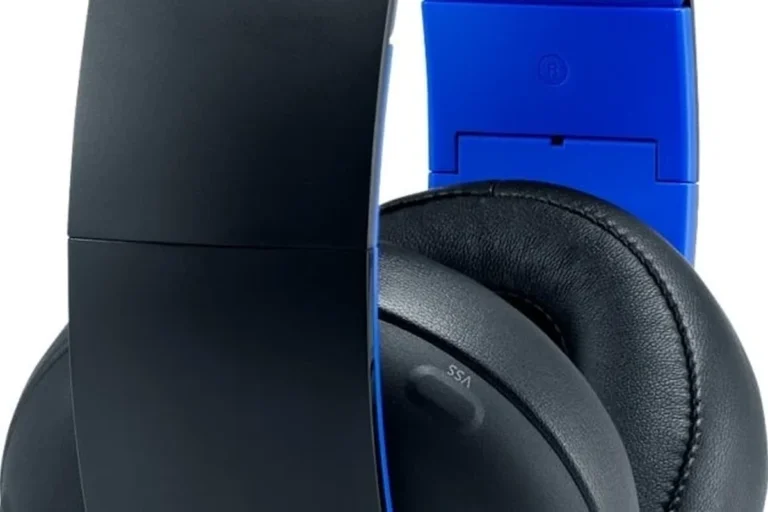
Can I Use Bluetooth Headphones on a PS4 Easily

Yes, but usually not directly through the PS4’s built-in Bluetooth. The easiest options are a Bluetooth transmitter, TV Bluetooth audio, or a wired controller connection.
If you’re asking can i use bluetooth headphones on a ps4, the short answer is yes, but not always directly. In 2025, the easiest setup is usually a Bluetooth audio transmitter, a TV with Bluetooth audio output, or a wired connection when you want the least hassle.
- Direct pairing: Often limited or unreliable on PS4.
- Best workaround: Use a Bluetooth audio transmitter.
- Lowest hassle: Wired controller audio is most dependable.
- Watch for lag: Bluetooth delay can affect fast games.
Can You Use Bluetooth Headphones on a PS4 in 2025? Quick Answer and What Sony Actually Supports
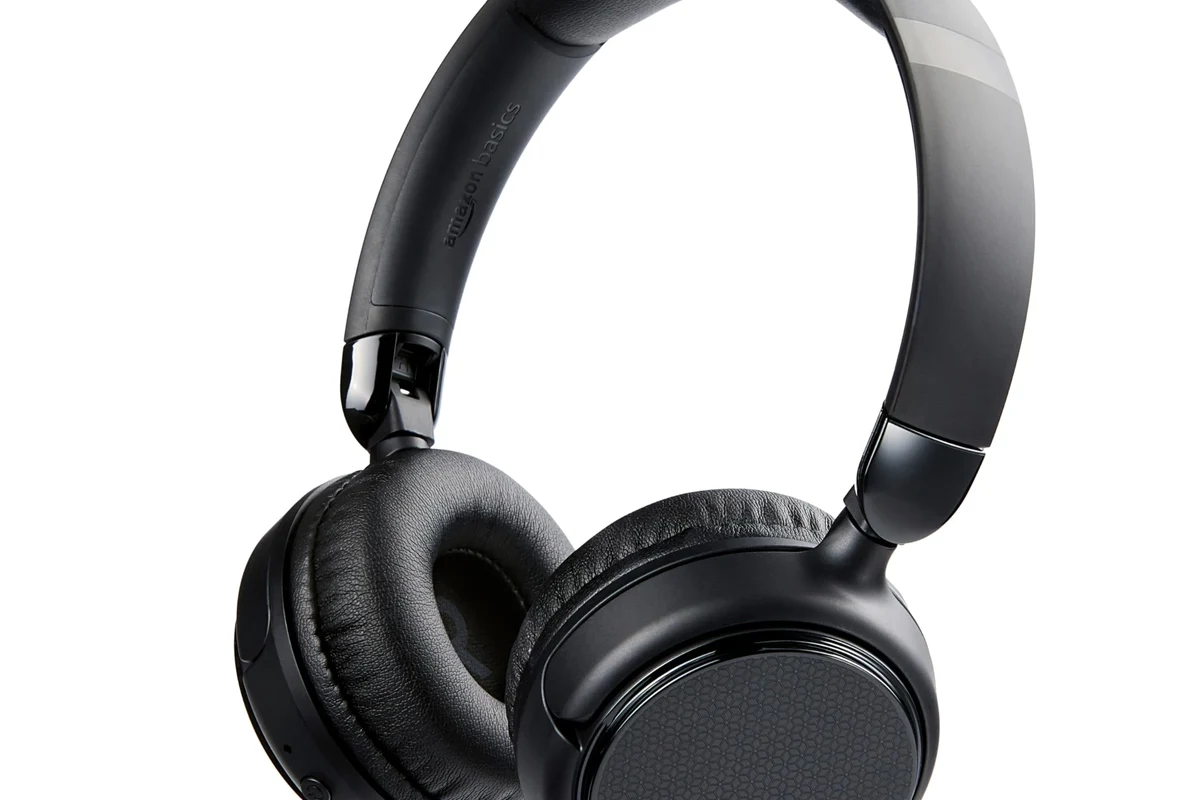
The PS4 does support some Bluetooth accessories, but Sony’s built-in Bluetooth audio support is limited. That means many standard Bluetooth headphones will not connect the way you expect, even if they pair in the menu.
For most players, the practical answer is this: Bluetooth headphones can work with a PS4, but usually through an adapter or another audio route. If you want a deeper breakdown of wireless basics, see our guide on Bluetooth headphones explained simply.
Compatibility depends on the headphone model, the adapter, and whether you need game audio, voice chat, or both.
Why Most Bluetooth Headphones Don’t Work Directly on PS4
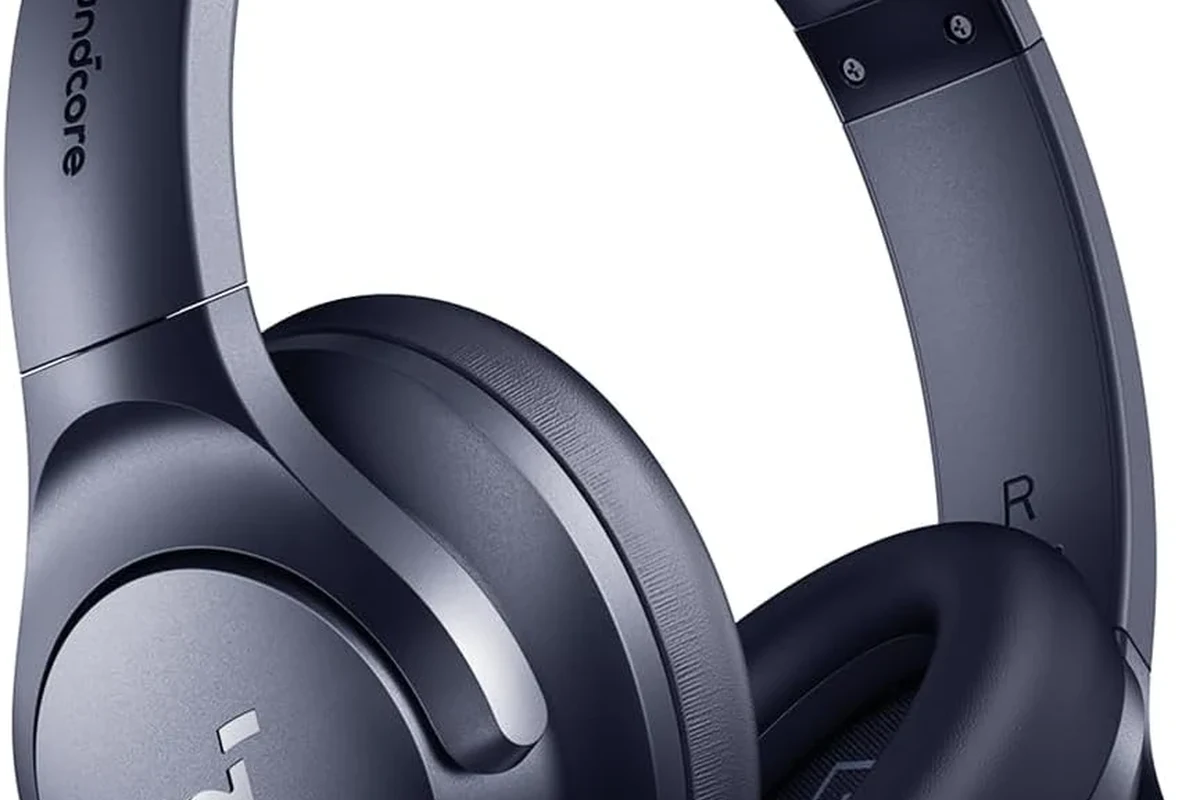
This is one of the most common PS4 audio frustrations. The console’s Bluetooth system is not designed to support every headset profile, especially when low-latency game audio and microphone support are involved.
PS4 Bluetooth limitations and audio compatibility
Many Bluetooth headphones use audio profiles that the PS4 does not fully support for direct use. Even when a device appears in the pairing list, the console may reject it or only allow partial functionality.
That is why a headset may connect for a moment, then stop producing sound, or work only for chat without game audio. It is a compatibility issue, not necessarily a defect in the headphones.
Why pairing succeeds but sound still fails
Pairing and playback are two different things. A PS4 may “see” the device, but the console still may not route audio to it in a usable way.
This is especially common with consumer Bluetooth earbuds and travel headphones. If you are comparing wireless and wired performance, our article on Bluetooth vs wired headphones sound quality explains why wired connections often feel more dependable for gaming.
Best Ways to Connect Bluetooth Headphones to a PS4
If you want the smoothest experience, think in terms of workarounds rather than direct pairing. The right method depends on whether you care most about sound quality, microphone use, or simplicity.
Using a Bluetooth audio transmitter via USB or optical
A Bluetooth transmitter is usually the most flexible fix. It plugs into the PS4 through USB, and in some setups through optical audio on older systems or compatible gear, then sends sound to your headphones wirelessly.
This option is popular because it bypasses the PS4’s limited Bluetooth audio support. If you are shopping for a setup, our guide on how to connect Bluetooth headphones can help you understand the general pairing process before you buy anything.
Look for a transmitter that supports low-latency audio if you play action games, rhythm games, or shooters where timing matters.
Connecting through the TV or monitor’s Bluetooth output
If your TV or monitor supports Bluetooth audio, you may be able to route PS4 sound through the display and then to your headphones. This is often the easiest casual-gaming solution because it avoids extra cables near the console.
The tradeoff is that TV Bluetooth can add delay, and some screens handle audio better than others. It works best for story games, streaming, and relaxed play rather than competitive gaming.
Using a wired controller connection as the simplest fallback
When Bluetooth becomes too finicky, a wired headset connected to the DualShock 4 controller is the most reliable fallback. It gives you direct audio without needing a transmitter, pairing steps, or battery management.
For many PS4 owners, this is still the easiest answer when they just want to play right away. If you want more background on wired compatibility across devices, our article on wired headphones work on MacBook covers why wired audio is often the simplest option.
Step-by-Step Setup Examples for Real PS4 Users
Below are three common ways real users try to solve PS4 Bluetooth audio. Each one has a different balance of convenience, cost, and reliability.
Example: pairing a USB Bluetooth dongle with a PS4 Slim or PS4 Pro
Start by plugging the Bluetooth dongle into a PS4 USB port. Then put the transmitter into pairing mode and switch your headphones into pairing mode as well.
Once the devices connect, go into the PS4 sound settings and confirm that audio output is routed through the correct device. If the dongle supports a mic, test voice chat separately because some setups only handle audio playback well.
Use a USB port on the console and wait for the adapter to power on.
Put both devices into pairing mode and wait for the connection to complete.
Open PS4 sound settings and confirm game audio is being sent to the transmitter.
Example: routing audio through a TV for casual gaming
First, connect the PS4 to your TV with HDMI as usual. Then open the TV’s sound or Bluetooth menu and pair your headphones there instead of pairing them directly to the console.
This is convenient for movies, single-player games, and late-night play. Just remember that audio delay can vary by TV brand and Bluetooth implementation, so results may not be identical from one setup to another.
Some TVs let you switch between speakers and Bluetooth headphones quickly, which can make PS4 gaming much easier for shared living rooms.
Example: using wired mode for chat and game audio with a headset cable
If your headset includes a 3.5mm cable, plug it into the PS4 controller and set the console to send audio through the controller output. This is the most straightforward setup for most users.
You lose wireless freedom, but you gain stability, lower latency, and fewer connection problems. For many gamers, that tradeoff is worth it.
Common Problems and Mistakes to Avoid
Most PS4 Bluetooth issues come from buying the wrong accessory or expecting the console to behave like a phone or laptop. A little planning can save you a lot of frustration.
Buying the wrong Bluetooth adapter for PS4
Not every Bluetooth dongle is made for console audio. Some adapters are designed only for keyboards, mice, or basic data transfer and will not handle headset audio properly.
Before buying, check that the adapter explicitly supports PS4 audio and headset use. If you are unsure, a product that is marketed for gaming audio is usually a safer choice than a generic Bluetooth dongle.
Expecting built-in PS4 Bluetooth to support all headphones
This is the mistake that causes the most confusion. The PS4’s built-in Bluetooth is limited, so a successful pairing screen does not guarantee a working audio connection.
Do not assume every Bluetooth headphone will work directly with PS4 just because it appears in the device list.
Audio lag, mic issues, and unstable connections
Even when Bluetooth works, you may notice delay between the action on screen and the sound in your ears. That delay can be distracting in fast-paced games.
Microphone support is another common weak point. Some setups deliver audio playback but not voice chat, while others may cut out if the signal gets weak or the battery is low.
Listening at high volumes for long periods can cause hearing damage. Keep volume at 60% or below for extended sessions.
What to Look for in a PS4-Compatible Headphone Setup
If you want a smoother experience, focus on the whole setup rather than just the headphones. The adapter, connection path, and comfort all matter during long gaming sessions.
Latency, codec support, and microphone compatibility
Low latency matters because even a small delay can make gameplay feel off. Codec support can also affect how clean and responsive the audio feels, though results vary by brand and model.
If you need voice chat, verify that the headset or adapter supports microphone input as well as playback. Some products are fine for listening but awkward for multiplayer communication.
Battery life versus wired reliability
Wireless headphones are convenient, but battery life can become annoying during long sessions. A dead battery at the wrong time is one reason many players keep a wired backup nearby.
Wired headphones do not need charging and usually avoid pairing problems. If reliability is your top priority, wired still wins for many PS4 users.
Budget vs premium options: when spending more is worth it
Higher-priced options may offer better comfort, stronger build quality, or more stable wireless performance, but not every gamer needs premium gear. Casual players often get better value from a simple wired headset or a basic transmitter setup.
Spending more makes the most sense if you play often, want better mic performance, or need a more polished wireless experience. As always, performance can vary by brand, model, and your room setup.
Expert Advice: When Bluetooth Is Worth It and When It Is Not
Bluetooth is useful when convenience matters more than absolute timing accuracy. It is less appealing when you want the most dependable gaming audio possible.
Best use cases for casual play, media, and single-player gaming
Bluetooth headphones make the most sense for relaxed gaming, streaming, and story-driven titles. They are also handy if you want to sit farther from the screen without a cable across the room.
For casual use, the convenience can outweigh the small delay or setup quirks. That is especially true if you already use your headphones for music or video outside gaming.
When a wireless gaming headset is the better choice
If you want wireless freedom with less guesswork, a dedicated wireless gaming headset is often the better choice than standard Bluetooth headphones. These headsets are usually designed with console use, latency, and chat in mind.
If you have ongoing hearing discomfort, ringing, or pain after gaming, consult an audiologist or hearing professional before continuing long sessions at high volume.
If you are comparing different headphone styles for comfort and fit, our guide to types of headphones explained can help you choose between over-ear, on-ear, and in-ear designs.
Final Verdict: The Easiest Way to Use Bluetooth Headphones on a PS4
Yes, you can use Bluetooth headphones on a PS4, but the easiest method is usually not direct pairing. A Bluetooth transmitter, TV Bluetooth output, or a wired controller connection will give you far fewer headaches than relying on the console alone.
If you want the simplest and most stable setup, go wired. If you want wireless convenience, choose a PS4-compatible transmitter or a dedicated wireless gaming headset instead of assuming all Bluetooth headphones will work out of the box.
Frequently Asked Questions
Not always. Wired headphones usually offer lower latency and fewer connection issues, while wireless models are more convenient for casual play.
They can be helpful if you want to block room noise, especially for story games or late-night sessions. Just make sure the fit is comfortable and the sound delay is acceptable for your play style.
Closed-back headphones are usually better for PS4 gaming because they isolate sound and keep game audio focused. Open-back models can sound wider, but they leak sound and let in more outside noise.
Focus on latency, comfort, microphone support, and overall tuning rather than only driver size or frequency response numbers. EQ can help, but the best results depend on the headphone model and your preferences.
Budget options can work well if you only need basic audio and comfort. Spend more if you want better wireless stability, stronger mic quality, or a more durable headset for frequent gaming.
Look for light weight, soft ear cushions, a secure headband, and sturdy build quality. Comfort can vary a lot by head shape and ear size, so fit matters as much as materials.