How Long Do JBL Headphones Last Battery Life Guide

JBL headphones can last for years, but battery life depends on the model, volume, ANC use, and charging habits. Over-ear models usually last longer per charge, while earbuds trade runtime for portability.
If you’re asking how long do JBL headphones last, the short answer is that the battery life can be very good, but the total lifespan depends on the model, how you use it, and how well you care for it. In 2026, most JBL wireless headphones are built to last through daily commuting, work, and travel, while the battery itself will slowly lose capacity over time like any rechargeable device.
- Per-charge runtime: Over-ear JBL models usually last longer than earbuds.
- Battery aging: Rechargeable batteries slowly lose capacity over time.
- Main drain factors: Loud volume, ANC, and heat shorten runtime.
- Best care habits: Charge before empty and avoid hot storage.
- Long-term value: Replace pads or cables before replacing the whole headset.
How Long Do JBL Headphones Last? What Buyers Really Want to Know in 2026
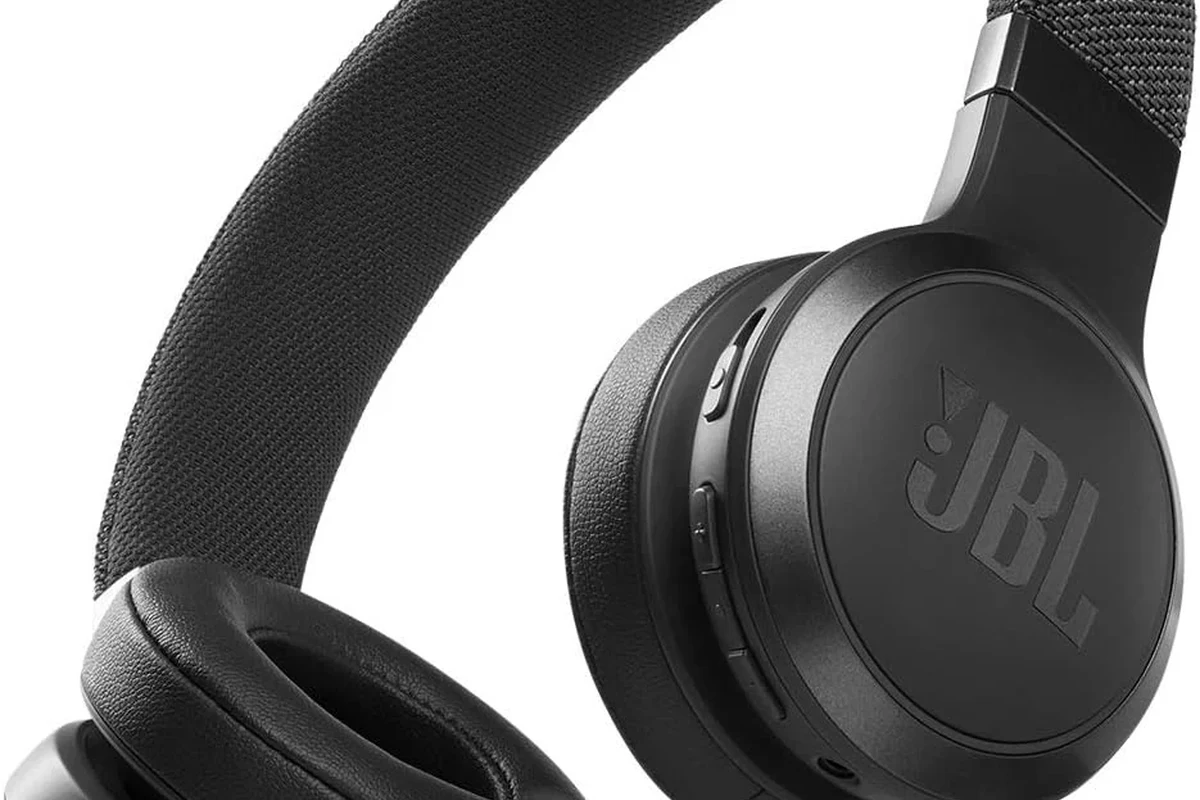
When shoppers ask about JBL headphones, they usually mean two different things: how long a single charge lasts and how many years the headphones stay usable. Those are not the same, and it helps to separate them before you buy.
In everyday terms, JBL wireless headphones are generally designed for long battery sessions, especially in the over-ear and on-ear categories. True wireless earbuds usually last less time per charge, but their charging cases help extend total listening time across the day.
The real lifespan also depends on battery aging, physical wear, and whether the model has replaceable parts like ear cushions or cables. A pair may still work well after years of use, even if the battery no longer holds the same charge it once did.
Battery claims can vary by model, volume level, ANC use, codec support, and smartphone settings. Always check the exact product page for the version you are buying.
JBL Headphone Battery Life by Model Type: Over-Ear, On-Ear, and True Wireless
JBL makes several headphone styles, and battery life changes a lot between them. Over-ear headphones usually offer the longest single-charge runtime, while earbuds trade runtime for a smaller size and charging portability.
Typical battery ranges for JBL Tune, Live, and Tour series
The JBL Tune, Live, and Tour families are often the first place buyers look because they cover a wide range of budgets and features. In general, Tune models tend to focus on value, Live models often balance features and comfort, and Tour models are usually positioned as more feature-rich options.
Battery life across these series can vary by generation and feature set, but the pattern is simple: more advanced features like active noise cancellation, voice assistants, and higher-performance Bluetooth features can reduce runtime compared with a basic wireless headset.
| Model Type | Best For | Battery Expectation |
|---|---|---|
| JBL Tune over-ear/on-ear | Budget-friendly daily listening | Often strong single-charge life, depending on features |
| JBL Live series | Balanced features and comfort | Usually solid runtime with optional ANC trade-offs |
| JBL Tour series | Frequent travel and premium use | Commonly built for longer listening sessions and convenience |
How JBL earbuds compare with JBL over-ear headphones
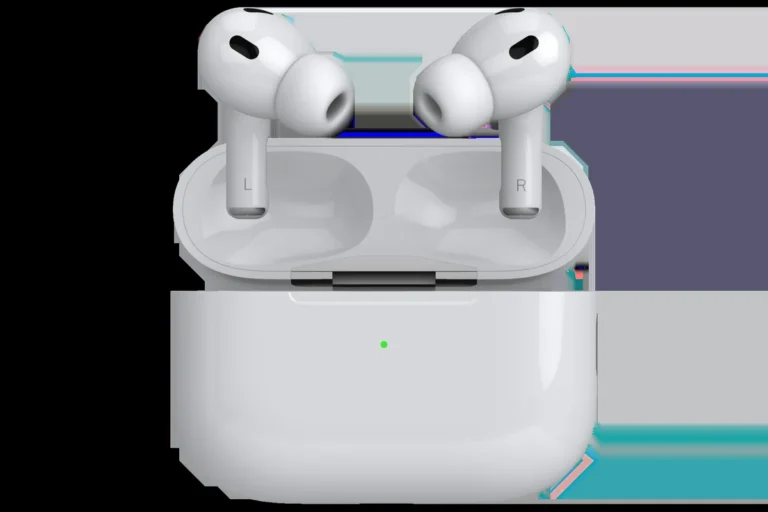
JBL true wireless earbuds are convenient, but they usually cannot match over-ear headphones for nonstop listening time on one battery charge. The case helps a lot, though, so the total daily listening time can still be excellent if you keep the case charged.
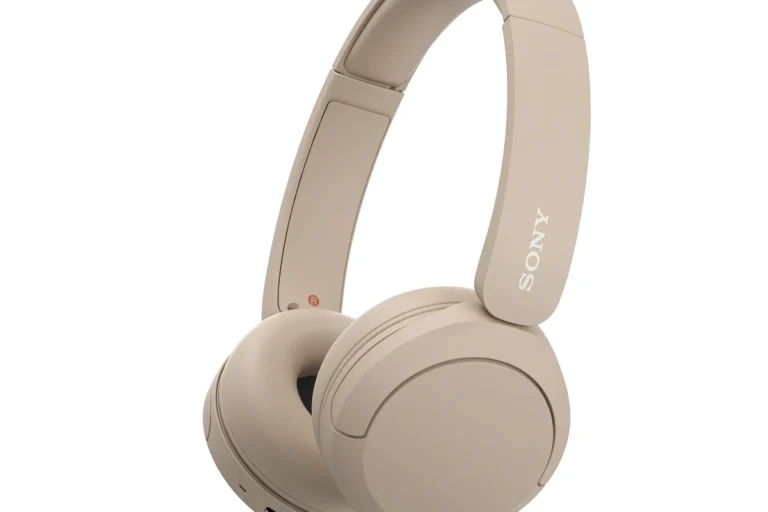
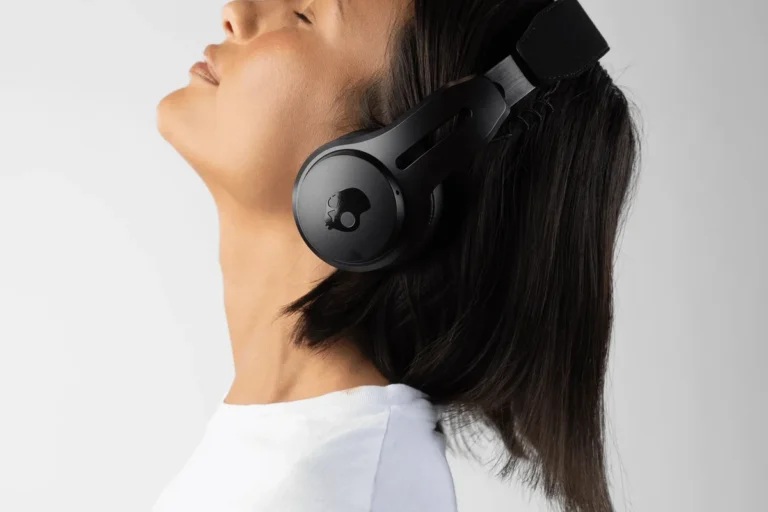
Over-ear headphones are usually the better choice if you want fewer charging interruptions. Earbuds are better if you care more about portability, pocketability, and quick top-ups between uses.
If you are still deciding between styles, it can help to read a broader guide on types of headphones explained before narrowing down the JBL lineup. For buyers comparing wireless options in general, our guide to wired vs wireless headphones is also useful.
What Actually Affects JBL Headphone Lifespan and Battery Performance
Battery life on paper is only part of the story. Real-world performance changes based on how loudly you listen, whether noise cancelling is active, and how often you recharge the headphones.
Listening volume, ANC use, and Bluetooth settings
Higher volume usually means faster battery drain. That is true for almost every wireless headphone, not just JBL, because the drivers need more power to reproduce louder audio.
Active noise cancellation also uses extra battery. If you leave ANC on all day, expect shorter runtime than you would get with ANC off or in a passive listening mode.
Bluetooth settings can matter too. Some phones and apps use features that change power use, and connection quality can influence how efficiently the headphones operate. If you want a deeper look at wireless behavior, see our article on Bluetooth headphones explained.
Charging habits, storage conditions, and daily wear
How you charge JBL headphones can affect battery health over time. Frequent deep drains, long periods sitting unused at zero percent, and repeated exposure to heat can all make the battery age faster.
Storage matters too. Leaving headphones in a hot car, near a sunny window, or packed tightly with heavy gear is not ideal. Daily wear also affects hinges, pads, buttons, and ports, even if the battery itself is still healthy.
Heat is one of the fastest ways to shorten rechargeable battery life. Avoid storing wireless headphones in direct sun, on dashboards, or near other hot electronics.
Real-World Use Cases: How Long JBL Headphones Last in Everyday Scenarios
Most buyers do not use headphones in a lab setting. They use them on the train, at a desk, in the gym, or while packing for a trip, and that is where battery life really matters.
Commuting, work-from-home, gym sessions, and travel
For commuting, JBL headphones with strong battery life can easily cover a daily round trip and still have charge left. If you only listen for an hour or two at a time, even midrange models may last several days before needing a recharge.
For work-from-home use, battery life often depends on whether you use headphones for long calls, music, and meetings throughout the day. ANC can be helpful in a noisy home office, but it will usually shorten runtime compared with passive listening.
Gym sessions are usually easier on the battery because they are shorter. Travel is where long runtime matters most, especially on flights, layovers, and long train rides.
Battery life ratings are often measured under controlled conditions, so real use can be lower if you listen loudly, use ANC, or keep the connection active for long periods.
How long a full charge lasts versus total product lifespan
A full charge tells you how long you can listen before plugging in again. Product lifespan tells you how many months or years the headphones remain comfortable, reliable, and worth using.
Many wireless headphones can stay useful long after the battery starts to weaken, especially if the ear pads, headband, and controls are still in good shape. In other words, the battery may age before the rest of the headphone does.
Common Mistakes That Shorten JBL Headphone Life
Most battery problems come from habits, not from one single mistake. A few small changes can make a noticeable difference over time.
Overcharging myths, heat exposure, and battery drainage habits
Modern wireless headphones usually have charging protection, so the old fear of simple “overcharging” is less of a problem than it used to be. The bigger issue is leaving headphones in harsh conditions or repeatedly letting them sit empty for too long.
Another common habit is draining the battery all the way down every time. That is not always necessary, and regular partial charging is often easier on the battery than deep cycles.
If your headphones sound weak or inconsistent, battery wear may not be the only cause. Sometimes the issue is connection quality, device settings, or audio profile problems. For more troubleshooting help, check why headphones sound muffled.
Ignoring firmware updates and worn-out ear pads
Firmware updates can improve stability, Bluetooth behavior, and feature performance on supported JBL models. Skipping updates may not ruin battery life, but it can leave you with fixable issues that make the headphones feel older than they are.
Worn ear pads are another overlooked problem. They reduce comfort, change the seal, and can make headphones feel less effective even when the electronics still work fine.
Expert Advice: How to Extend JBL Headphone Battery Life and Overall Durability
If you want JBL headphones to last longer, think about both battery health and physical maintenance. The best routine is simple, consistent, and gentle on the hardware.
Best charging practices for 2026 JBL models
Charge the headphones before they reach empty whenever possible, and avoid leaving them in hot places while charging. Use the correct cable and a reputable power source so the battery gets steady, predictable power.
If your model supports USB-C, that usually makes charging more convenient, but the same basic battery-care rules still apply. A tidy charging routine is better than random top-ups from damaged cables or unstable ports.
If your JBL headphones suddenly lose charge very quickly, stop holding a charge, or get unusually warm while charging, contact JBL support or a qualified repair professional. If you notice listening discomfort or ringing after headphone use, consult an audiologist.
When to replace the battery, cable, or ear cushions
Battery replacement is worth considering when the headphones still sound good but the runtime has become frustratingly short. Cable replacement is usually the first fix if charging is inconsistent or the device only charges in one position.
Ear cushions should be replaced when they flatten, crack, peel, or stop sealing well. For many over-ear models, new pads can restore comfort and improve the overall listening experience without replacing the whole headset.
- Battery no longer lasts through a normal day
- Charging cable or port feels loose
- Ear pads are cracked, flattened, or peeling
- Buttons or hinges feel worn out
Are JBL Headphones Worth the Price for Longevity?
For many buyers, JBL sits in a practical middle ground. The brand often makes headphones that are easy to use, widely available, and long-lasting enough for everyday listening without pushing into luxury pricing.
Battery life versus replacement cost and value compared with rivals
Longevity is not just about battery hours. It is also about whether the headphones still feel worth keeping after a few years, and whether replacement parts or a new model make more sense than a full upgrade.
Compared with rivals, JBL can be a strong value choice if you want dependable wireless listening without paying extra for features you may not use. Still, the best value depends on the exact model, your listening habits, and whether you care more about ANC, portability, or sound tuning.
Which JBL models offer the best long-term buy for the money
For long-term value, many buyers should look first at JBL over-ear or on-ear models with solid battery life, comfortable pads, and simple controls. Those are often the easiest to live with every day and the least annoying to recharge.
If you want the smallest and most portable option, JBL earbuds can still be a good buy, but you should expect more frequent charging and more dependence on the case. If your priority is travel or all-day listening, look for a model that balances battery life, comfort, and ANC rather than chasing the highest number on the box.
- Over-ear JBL headphones usually last longer per charge than earbuds.
- ANC, volume, and heat are major battery-life factors.
- Battery lifespan is different from the overall lifespan of the headphones.
- Replace pads, cables, or batteries when wear starts affecting use.
Final Recap: How Long JBL Headphones Last and What to Expect Before You Buy
So, how long do JBL headphones last? In practical terms, many models can deliver strong daily battery life and several years of useful service if you treat them well. The exact answer depends on whether you choose earbuds, on-ear headphones, or over-ear headphones, plus how often you use ANC and how carefully you charge them.
If you want the longest single-charge runtime, over-ear JBL headphones are usually the safest bet. If you want portability and convenience, JBL earbuds can still be a smart choice as long as you are comfortable charging the case regularly.
Before you buy, focus on the full ownership experience, not just the battery number. Comfort, build quality, support, and replaceable parts all matter if you want your headphones to stay useful beyond the first year.
Frequently Asked Questions
Wireless headphones need charging, while wired headphones do not use a battery for playback. Sound quality depends on the model, but wired options can avoid Bluetooth compression and battery limits.
Yes, active noise cancelling usually uses extra power and can shorten runtime. If you want more battery life, turn ANC off when you do not need it.
Over-ear headphones usually feel the most cushioned, on-ear models are lighter but press on the ears, and in-ear earbuds are the most portable. Comfort depends on fit, weight, and how long you listen.
Look at battery life, Bluetooth stability, microphone quality, comfort, and whether the headphones support ANC or low-latency modes. For gaming, also check lag, wired support, and platform compatibility.
Yes, ear cushion material affects both comfort and how well the headphones seal around your ears. Softer cushions can feel better for long sessions, but worn pads should be replaced when they crack or flatten.
EQ settings can help balance bass and clarity, but the driver and headphone design still matter most. If the sound seems muffled or too sharp, small EQ changes are usually safer than extreme boosts.