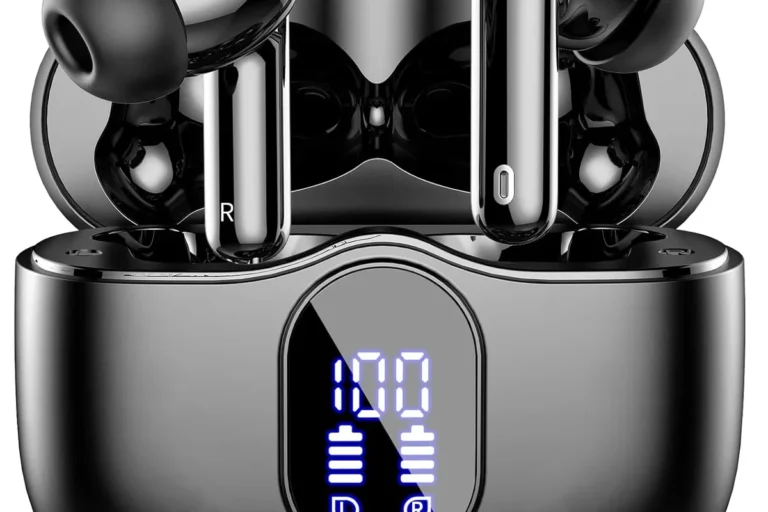
Why Cant PS5 Connect to Bluetooth Headphones Fixes

The PS5 often cannot connect to Bluetooth headphones because it has stricter audio limits than phones and many headsets are not fully compatible. The fastest fix is usually to use a USB dongle, wired connection, or a PS5-friendly wireless headset instead of standard Bluetooth pairing.
If your PS5 won’t connect to Bluetooth headphones, the short answer is that the console does not fully support standard Bluetooth audio the way many people expect. In most cases, the issue is not your headset alone—it is a mix of Sony’s Bluetooth limits, pairing problems, or interference from other devices.
- Compatibility: PS5 Bluetooth audio support is limited and not universal.
- Interference: Nearby wireless devices can block or weaken pairing.
- Workarounds: USB dongles and wired connections are usually more stable.
- Latency: Gaming audio needs low delay more than basic Bluetooth convenience.
Why PS5 Bluetooth Headphone Pairing Fails in 2025: What Users Expect vs. What the Console Actually Supports
Many players assume a PS5 should work like a phone, laptop, or tablet: turn on Bluetooth, find the headset, and connect. That expectation makes sense, but the console’s audio setup is more restricted than most users realize.
The PS5 is designed to prioritize stable gaming audio, low delay, and controller compatibility. That means direct Bluetooth headphone pairing is often blocked, limited, or unreliable depending on the headset model and connection method.
If you are trying to use everyday wireless headphones, true wireless earbuds, or even a gaming headset with Bluetooth support, the console may still refuse the connection. In many cases, the PS5 is not “broken”; it is simply not built to handle Bluetooth audio the same way other devices do.
PS5 Bluetooth Audio Limits Explained: Codec Support, Latency, and Sony’s Built-In Restrictions

The biggest reason for connection trouble is that Bluetooth audio can add delay. In gaming, even a small delay can make footsteps, dialogue, and gunfire feel out of sync with the screen. That is why console makers often limit Bluetooth audio more aggressively than phone makers do.
Another issue is codec support. Bluetooth headphones may rely on audio codecs that the PS5 does not handle in the same flexible way a phone or PC might. When the headset and console cannot agree on how to communicate, pairing can fail or audio may never route correctly.
There is also Sony’s built-in restriction on many direct Bluetooth audio connections. The PS5 may support certain Bluetooth accessories, but standard headphone pairing is not guaranteed. For readers comparing wireless and wired options, our guide on Bluetooth vs wired headphones sound quality is a helpful place to understand the trade-offs.
Bluetooth support can vary by headset brand, model, firmware version, and the device you are pairing through. A headset that works on a phone may still fail on a PS5.
Common Reasons Your PS5 Won’t Connect to Bluetooth Headphones
When Bluetooth pairing fails, the cause is usually one of a few common problems. Some are simple setup mistakes, while others come from hardware limitations that no amount of re-trying will fix.
Unsupported headset or codec mismatch
Some headphones are simply not compatible with the PS5’s Bluetooth audio behavior. Even if the headset is listed as Bluetooth, that does not mean it will connect cleanly to a console.
Codec mismatch can also create a situation where the PS5 sees the device but cannot complete pairing. This is especially common with headphones designed mainly for phones, travel, or general listening rather than gaming.
Controller, TV, or soundbar Bluetooth interference
Nearby wireless devices can interfere with the pairing process. DualSense controllers, smart TVs, soundbars, streaming boxes, and even other headphones can create enough signal clutter to cause connection errors.
This is more likely in a living room setup where several wireless products are active at once. If the PS5 is near a TV with Bluetooth audio enabled, the console may struggle to complete a clean connection.
Pairing mode errors and outdated firmware
Many connection failures happen because the headset is not in true pairing mode. A blinking light does not always mean the device is discoverable, and some headphones require a long press or a reset before they will appear properly.
Outdated PS5 software or old headphone firmware can also cause pairing problems. If either side is behind on updates, the connection may fail even when the headset is otherwise working.
Multiple devices already connected to the headset
Some Bluetooth headphones automatically reconnect to the last phone, tablet, or laptop they were paired with. If the headset is already linked to another device, the PS5 may not be able to take over the connection.
This is common with multipoint headphones and earbuds. Disconnecting the headset from other devices first often makes a big difference.
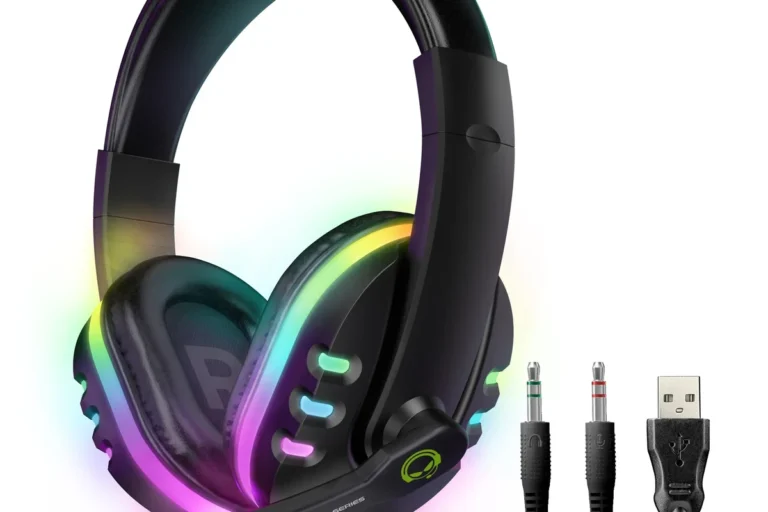
Many gaming headsets use a USB wireless dongle instead of standard Bluetooth because dongles can offer lower latency and more stable voice chat.
Step-by-Step Fixes to Get Bluetooth Headphones Working With PS5
Not every connection issue has the same cause, so it helps to troubleshoot in a simple order. Start with the easiest fixes first before buying any extra adapter or replacing the headset.
Restart and re-pair the headset the right way
Turn off the headset completely, remove it from the PS5’s saved devices list if it appears there, and then place it back into pairing mode. If possible, forget the connection on any phone or tablet that may still be linked.
After that, restart the PS5 and try again. A clean re-pair often solves temporary glitches that look like a bigger hardware problem.
Shut down the headset and restart the PS5 to clear temporary wireless errors.
Forget the headset on your phone, tablet, or laptop if it keeps reconnecting there.
Use the headset’s real pairing mode and try the PS5 connection again from scratch.
Update PS5 system software and headphone firmware
Software updates can fix wireless bugs and improve accessory compatibility. Check the PS5 system software first, then look at the headphone maker’s app or support page for firmware updates.
If your headphones have a companion app, it may also let you reset Bluetooth settings or switch audio profiles. That can help if the headset is stuck in a phone-focused mode rather than a console-friendly one.
If your headset has both Bluetooth and a USB wireless mode, test the USB mode first. It is often more stable for gaming and usually has less delay.
Move to a low-interference setup and reset nearby wireless devices
Try pairing in a quieter wireless environment. Move closer to the console, turn off extra Bluetooth devices nearby, and temporarily disable Bluetooth on the TV or soundbar if they are active.
If the room is crowded with wireless gear, even a good headset can struggle. A simple reset of nearby devices may be enough to clear the path for pairing.
Test Bluetooth through the TV first to isolate the problem
If your TV supports Bluetooth audio, test the headset there before blaming the PS5. If the headset also fails to connect to the TV, the issue may be with the headphones rather than the console.
If the headset works with the TV but not the PS5, that points more strongly to Sony’s Bluetooth limits or a PS5-specific compatibility issue.
- Is the headset actually in pairing mode?
- Is it already connected to another device?
- Is the PS5 system software up to date?
- Are nearby wireless devices causing interference?
Best Workarounds for PS5 Audio: USB Dongles, USB-C Adapters, and TV Bluetooth
If direct Bluetooth pairing keeps failing, the best fix may be a workaround rather than repeated troubleshooting. For many players, a dongle or wired solution is the fastest way to get usable game audio.
When a Bluetooth transmitter is the cheapest fix
A Bluetooth transmitter can add wireless headphone support to a device that does not handle it well on its own. This can be a budget-friendly answer if you already own headphones you like and only need basic audio output.
That said, not all transmitters are equal. Cheap models may introduce extra lag, weak range, or microphone limitations, so the final experience may vary by brand and setup.
When a wired controller connection is better than wireless
For players who care most about simplicity, a wired connection to the controller can be easier than chasing Bluetooth compatibility. It removes pairing issues and avoids many wireless delay problems.
This may not be the most elegant option, but it is often the most reliable. If you mainly want chat and game sound without troubleshooting, wired can be the practical choice.
Comparing budget vs. premium solutions for gaming latency
Budget solutions usually cost less but may trade away latency performance, mic quality, or ease of use. Premium adapters and gaming-focused wireless systems often cost more, but they are usually designed to reduce delay and keep audio more stable.
Key audio insight: for PS5 gaming, stable low-latency audio matters more than “Bluetooth” on the box.That is why many gaming headsets use USB wireless instead of standard Bluetooth.
If you are comparing wireless options in general, our overview of Bluetooth headphones explained simply can help you understand why some models behave better than others.
Expert Advice: Mistakes That Cause Bad Audio, Delay, or No Connection at All
Many PS5 Bluetooth complaints are not about total failure—they are about poor sound, lag, or unstable voice chat. Those problems often come from choosing the wrong accessory for gaming rather than from the headset alone.
Why cheap adapters can create lag and mic issues
A low-cost adapter may technically connect your headphones, but that does not mean it will sound good. Some adapters add noticeable delay, reduce audio quality, or create microphone problems in chat.
If you are buying an accessory for gaming, check whether it supports both listening and voice use in a way that matches your needs. The cheapest option is not always the best value.
Why “Bluetooth headphones” often means different things for gaming use
Not all Bluetooth headphones are built for the same job. Some are designed for commuting, some for calls, and some for gaming, and those use cases can lead to very different results on PS5.
Over-ear, on-ear, and in-ear Bluetooth models can all behave differently too. Comfort, battery life, mic quality, and noise isolation may matter more than raw wireless convenience during long gaming sessions.
When to stop troubleshooting and replace the headset
If the headset will not pair with multiple devices, loses connection often, or sounds broken even after resets and updates, replacement may be the smarter move. At that point, the headset itself could be the limiting factor.
Protect Your Hearing
Listening at high volumes for long periods can cause hearing damage. Keep volume at 60% or below for extended sessions.
If you suspect a hearing issue, unusual ear fatigue, or ringing after gaming, follow safe listening habits and consider speaking with an audiologist.
If you regularly get distortion, one-sided audio, or repeated wireless dropouts across multiple devices, it may be worth asking a professional audio specialist or audiologist whether the issue is the headset, your setup, or your hearing preferences.
Final Recap: The Fastest Way to Solve PS5 Bluetooth Headphone Connection Problems
The fastest answer to why can t ps5 connect to bluetooth headphones is usually that the PS5 does not support standard Bluetooth audio as freely as a phone or laptop does. In many cases, the fix is not a deeper pairing trick—it is using a compatible dongle, a wired connection, or a gaming headset built for low-latency use.
Start by re-pairing the headset, updating firmware, and removing interference from other devices. If that still fails, switch to a PS5-friendly workaround instead of wasting time on repeated pairing attempts.
- PS5 Bluetooth audio is limited compared with phones and PCs.
- Pairing failures often come from compatibility, interference, or outdated firmware.
- USB dongles and wired options are usually more reliable for gaming.
- Cheap adapters can add lag, weak audio, and mic problems.
Frequently Asked Questions
Wired headphones are usually more reliable and lower-latency on PS5. Wireless can be convenient, but performance depends on the headset, adapter, and setup.
Noise cancelling can help block background noise, especially in loud rooms. It may not improve game audio quality itself, and sound results vary by model.
Closed-back headphones usually isolate better and are more practical for shared spaces. Open-back models can feel wider and more natural, but they leak sound and offer less isolation.
Driver type, tuning, and fit matter a lot, and frequency response only tells part of the story. For gaming, clarity and positional detail often matter more than heavy bass.
Budget options can work well if you mainly need basic listening, while higher-priced models may offer better comfort, mic quality, and wireless stability. The best choice depends on your use case and preferences.
Look for weight, clamp force, ear cushion material, and headband padding. For long sessions, comfort often matters more than small sound differences.