How Long Should Beats Headphones Last for Best Value

Beats headphones usually last several years of normal use, but battery aging, cushion wear, and physical stress determine the real lifespan. With careful charging, cleaning, and storage, many users can stretch their value well beyond the first signs of battery decline.
Beats headphones can last a surprisingly long time, but the real answer depends on the model, how often you use them, and how well you treat the battery and physical parts. For most buyers, the best way to think about headphone lifespan is in years of usable performance, not just whether they still power on.
In this guide from the Top Headphone Reviews Editorial Team, we break down what Beats owners can realistically expect in 2026, which parts usually wear out first, and how to get the best value before replacing or repairing a pair.
- Battery first: Wireless Beats often age first through reduced runtime.
- Wear parts matter: Cushions, hinges, and cables can fail before sound quality does.
- Care helps: Heat, sweat, and rough storage shorten lifespan fast.
- Repair vs. replace: Battery issues may be fixable, but cracked frames often are not.
How Long Should Beats Headphones Last: What Buyers Can Realistically Expect in 2026
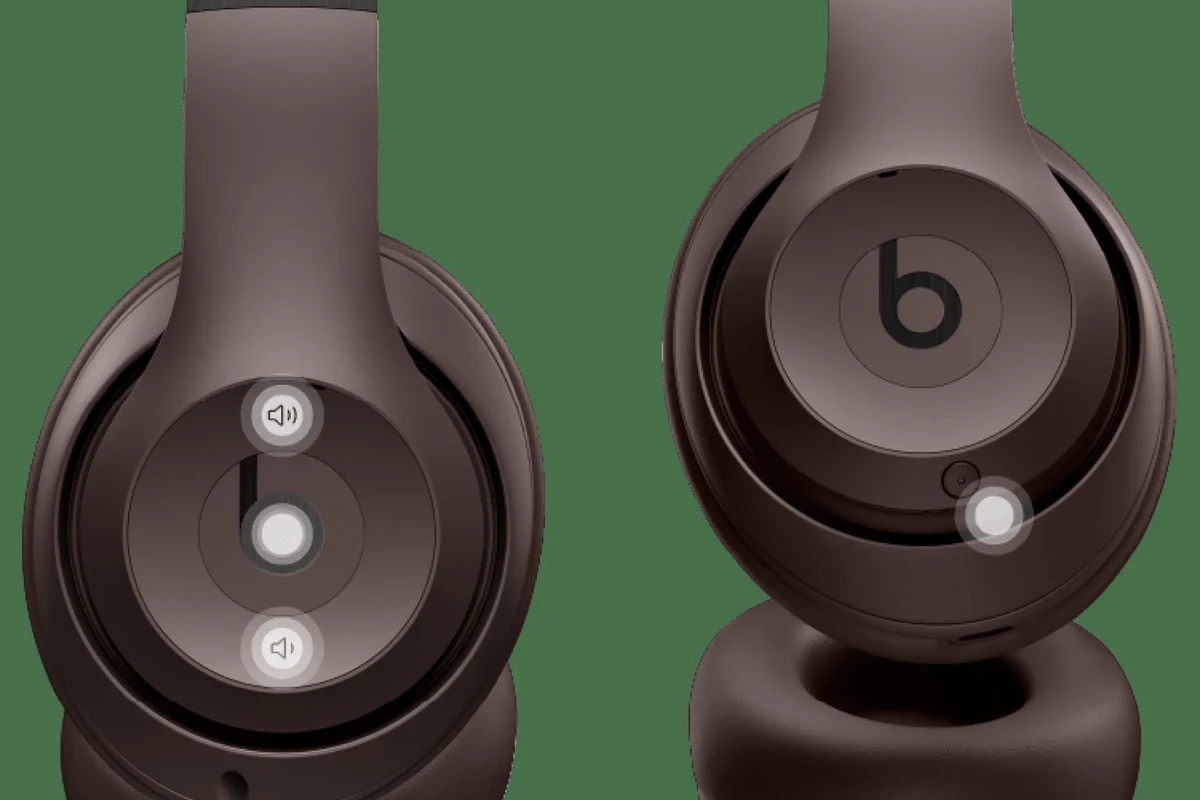
In normal use, Beats headphones and earbuds often last several years, but the battery, cushions, cables, and hinges usually age at different speeds. That means a pair may still sound fine even after the battery life starts to shrink.
For wireless models, the battery is usually the first major limitation. Even if the drivers and Bluetooth connection remain solid, rechargeable batteries naturally lose capacity over time, especially with frequent charging and heat exposure.
For many buyers, a realistic expectation is that Beats can stay useful for a few years of daily use and longer with careful storage and moderate use. If you use them only part-time, keep them clean, and avoid abuse, they may stay comfortable and functional well beyond the period when many people would normally replace them.
Battery aging is normal in all wireless headphones. A shorter runtime does not always mean the headphones are failing completely.
Average Beats Headphones Lifespan by Model: Studio Pro, Solo, Fit Pro, and Beats Flex
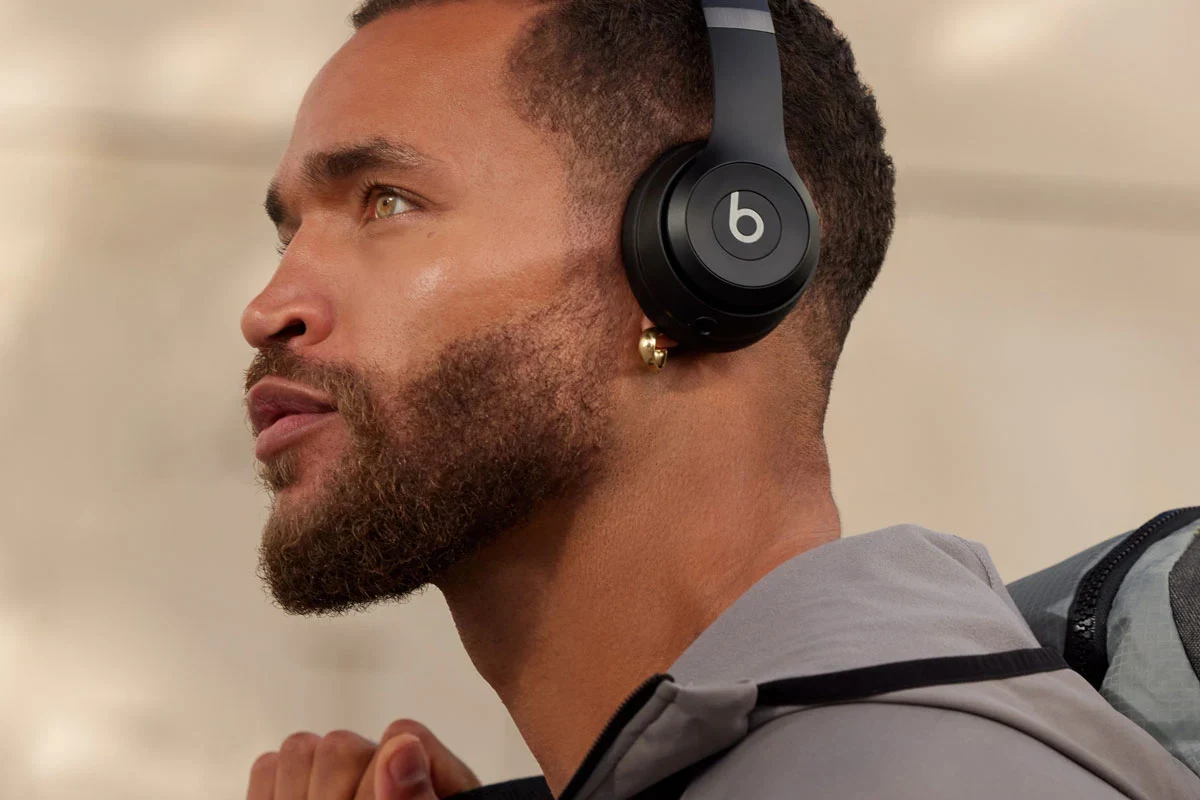
Different Beats models age in different ways because over-ear headphones, on-ear headphones, earbuds, and neckband-style wireless designs all have unique weak points. The battery may be the main concern in one model, while ear pad wear or cable stress may matter more in another.
Studio Pro and Solo-style headphones are more likely to show wear in the headband, hinges, and ear cushions. Fit Pro earbuds usually depend more on battery health, ear tip condition, and charging case performance. Beats Flex can be more dependent on cable condition and battery aging in the neckband area.
Typical battery life, ear pad wear, hinge durability, and cable longevity
Battery life typically declines first in wireless Beats models, especially if they are charged daily or left in warm environments. Ear pads and cushions also wear down over time, particularly on over-ear and on-ear designs where skin oils, sweat, and friction are constant.
Hinges and foldable joints can loosen if the headphones are tossed into bags, twisted repeatedly, or handled roughly. On cable-based or neckband-style products, cable longevity depends on how often the cord bends, pulls, or gets caught on clothing and gear.
What Actually Determines How Long Beats Headphones Last
There is no single lifespan number for Beats because durability depends on both design and behavior. Two people can buy the same model and end up with very different results based on charging habits, storage, and daily use.
Build quality matters, but so do small everyday choices. A well-made pair can still wear out early if it is exposed to heat, moisture, or repeated drops, while a carefully used pair can stay comfortable and functional for a long time.
Build quality, battery aging, daily use patterns, storage habits, and sweat exposure
Build quality affects how well the headband, ear cups, and buttons hold up under pressure. Battery aging is unavoidable, but it happens faster when headphones are left at full charge for long periods, drained to zero often, or exposed to high temperatures.
Daily use patterns matter too. If you wear Beats for commuting, workouts, calls, and long listening sessions every day, they will naturally age faster than a pair used only a few times a week.
Storage habits can also make a big difference. Keeping headphones in a case, away from sunlight and moisture, helps protect both the battery and the outer materials. Sweat exposure is especially important for workout users, because moisture can damage cushions, ports, and internal components over time.
If you use Beats for workouts, let them dry fully before charging or storing them. That simple step can help reduce long-term moisture damage.
Signs Your Beats Headphones Are Nearing the End of Their Life
Most Beats headphones do not fail all at once. Instead, they usually show small warning signs that become more noticeable over time.
The most common clue is battery drain. If you used to get a full day of listening and now the headphones die much sooner, the battery has probably aged. That does not always mean the product is unusable, but it does mean the remaining lifespan may be shorter.
Battery drain, Bluetooth dropouts, uneven sound, cracked headbands, and worn cushions
Bluetooth dropouts or unstable pairing can point to a connection issue, a battery problem, or internal wear. Uneven sound, weak bass, or one side sounding quieter than the other may suggest driver damage, debris buildup, or a cable/contact issue depending on the model.
Physical wear matters too. Cracked headbands, loose hinges, peeling finishes, and flattened cushions are all signs that the headphones are aging. Worn cushions do not always kill the sound, but they can reduce comfort and seal quality, which affects the listening experience.
Listening at high volumes for long periods can cause hearing damage. Keep volume at 60% or below for extended sessions.
How to Make Beats Headphones Last Longer Without Sacrificing Performance
The good news is that a lot of Beats lifespan problems are preventable. You do not need special tools or advanced maintenance to get better longevity.
In most cases, the biggest gains come from simple habits: charge sensibly, keep them clean, store them carefully, and avoid heat or moisture whenever possible. These steps help both sound quality and long-term reliability.
Charging habits, cleaning routines, safe carrying, and avoiding heat and moisture damage
Try not to leave wireless Beats plugged in for no reason all day if they are already charged. Occasional top-ups are usually fine, but constant heat and unnecessary charging can add stress over time.
Clean ear cushions, ear tips, and charging contacts regularly with a soft, dry cloth. If your model has removable ear tips or cushions, check them for wear and replace them when they stop sealing or feel uncomfortable.
Use a case or pouch when carrying them in a bag. This helps prevent scratches, pressure damage, and accidental bending. Also avoid leaving them in hot cars, near windows in direct sunlight, or in damp gym bags after a workout.
- Battery runtime after a full charge
- Condition of cushions, tips, and headband padding
- Whether Bluetooth stays stable during normal use
- Any rattling, crackling, or uneven audio
Common Mistakes That Shorten Beats Lifespan
Some habits hurt headphones much faster than people realize. The problem is not always dramatic damage; often it is slow wear that builds up until the headphones feel old long before they should.
Avoiding a few common mistakes can make a real difference in how long Beats stay usable and comfortable. This is especially important if you paid for a premium model and want the best long-term value.
Overcharging myths, rough handling, leaving them in cars, and using damaged accessories
One common myth is that modern wireless headphones must be fully drained before charging. In reality, letting the battery run to zero repeatedly is usually not helpful. More moderate charging habits are generally easier on the battery.
Rough handling is another big issue. Tossing headphones onto desks, yanking cables, folding them too hard, or stuffing them into tight bags can damage joints and ports. Leaving them in a hot car is especially risky because heat can weaken batteries and materials faster.
Using damaged charging cables, worn ear tips, or broken accessories can also shorten lifespan. A poor charging connection can create extra stress, and a bad fit can make the headphones seem worse than they really are.
If a battery swells, overheats, or smells unusual, stop using the headphones and have them checked by the manufacturer or a qualified repair service.
Beats Headphones vs. Other Premium Brands: Is the Price Worth the Lifespan?
When people ask whether Beats are worth it, lifespan is only part of the answer. Sound tuning, comfort, convenience, device compatibility, and style also matter, and those priorities vary by listener.
Compared with other premium brands, Beats often appeal to users who want easy wireless use, strong brand recognition, and a bass-forward sound profile. But if repairability and long-term service life are your top priorities, it is smart to compare replacement parts and support options before buying.
Comparing longevity, repairability, replacement parts, and long-term value
Longevity is not just about how long the product lasts physically. It also includes whether you can replace cushions, tips, batteries, or cables without replacing the entire headset.
Some premium brands may offer better repair paths or more available parts, while others focus more on convenience and compact design. Beats can still offer good value if the model fits your needs and you take care of it, but the best long-term value depends on how much wear and tear you expect.
| Model | Best For | Price Range |
|---|---|---|
| Studio Pro | Over-ear listening and travel | Varies by retailer |
| Solo-style Beats | Portable everyday use | Varies by retailer |
| Fit Pro | Workout-friendly earbuds | Varies by retailer |
| Beats Flex | Light wireless convenience | Varies by retailer |
If you are comparing Beats with other wireless options, it also helps to understand how noise cancelling headphones affect battery use and why some models trade runtime for extra features. For buyers who move between phones and laptops often, compatibility can matter just as much as durability, which is why our guides on Apple headphones on PC and Bluetooth headphones explained simply can be useful too.
Expert Verdict: How Long Should Beats Headphones Last for Best Value?
For best value, Beats headphones should generally last long enough to give you several years of useful listening if you use them normally and care for them well. Wireless battery aging, cushion wear, and physical stress are the main reasons they eventually feel ready for replacement.
If the sound is still good but the battery is fading, repair or battery service may make sense when available. If the headband is cracked, the drivers are failing, or multiple parts are worn out, replacement is often the more practical choice.
Final recap on expected lifespan, when to repair vs. replace, and who gets the most value from Beats
Beats tends to offer the most value for listeners who want easy wireless use, familiar device pairing, and a comfortable everyday listening experience. Users who protect the battery, avoid heat, and keep cushions and tips clean usually get the longest life.
If you are buying Beats for commuting, casual listening, workouts, or travel, they can be a strong match. If you want maximum repairability or the longest possible service life from every part, compare them carefully with other premium headphone brands before deciding.
Frequently Asked Questions
Battery life usually declines gradually over time, especially with daily charging and heat exposure. Many users notice shorter runtime before the headphones fully stop working.
Wireless Beats remove cable wear, but they add battery aging and Bluetooth components. Wired models avoid battery issues, while wireless models are often more convenient for everyday use.
Noise cancelling features can add battery drain, but they do not automatically make headphones wear out faster. The main lifespan factors are still battery health, storage, and physical handling.
Over-ear models usually feel more comfortable for longer sessions, while in-ear models are more compact and portable. Fit and ear cushion comfort matter more than the category alone.
Check battery life, Bluetooth version, comfort, weight, charging type, and whether replacement parts are available. Sound tuning and fit also matter because they affect daily enjoyment.
Yes, EQ can help adjust bass, clarity, and vocal balance to your preference. Small changes often work better than extreme boosts, especially if you want cleaner sound for long listening sessions.