Can You Use Wireless Headphones on Xbox Easily

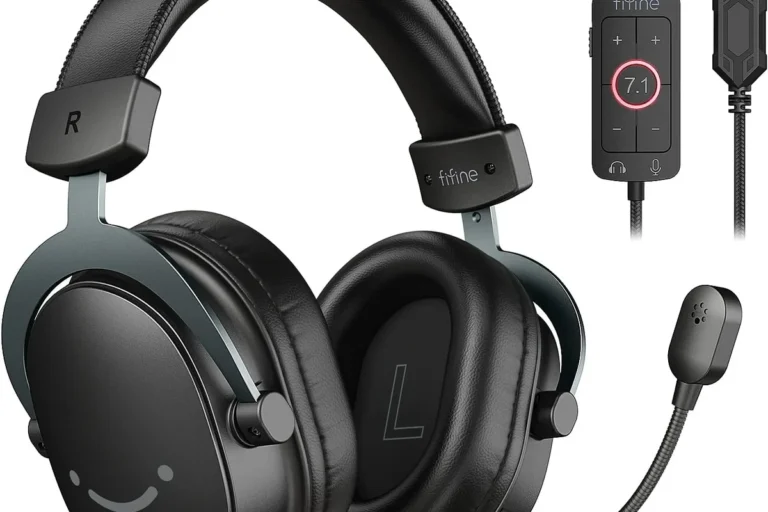
Yes, you can use wireless headphones on Xbox, but standard Bluetooth headphones usually do not connect directly. The easiest option is an Xbox Wireless headset or a compatible USB dongle model.
If you’re asking can you use wireless headphones on xbox, the short answer is yes—but not every wireless headset connects the same way. Xbox supports its own wireless system, plus a few workarounds through USB transmitters, TVs, and controllers, so the easiest setup depends on the headset you already own.
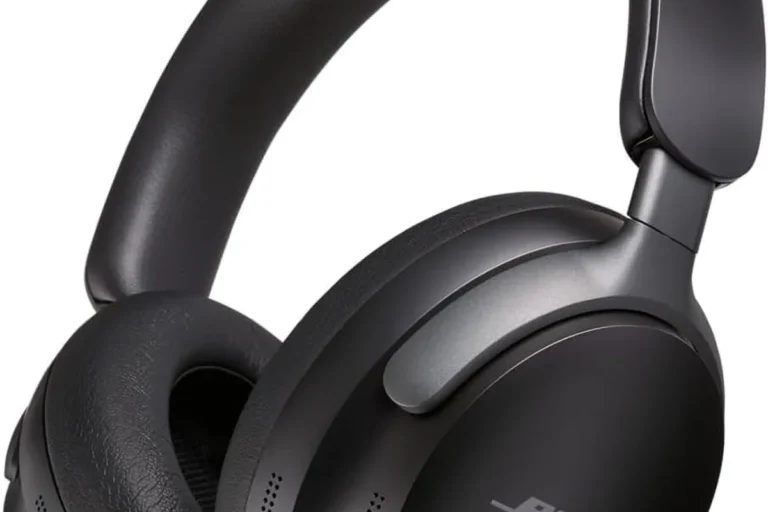
For most players, the main challenge is that Xbox does not work like a phone or laptop with standard Bluetooth audio. That means some popular wireless headphones connect easily, while others need an adapter or another audio path. If you want a broader look at the trade-offs between connection types, our guide on wired vs wireless headphones is a useful place to start.
- Xbox Wireless works best: It is usually the simplest and most reliable choice.
- Bluetooth is limited: Most standard Bluetooth headphones need a workaround.
- Check chat support: Mic and party chat compatibility matter as much as audio.
- Watch for latency: Lower delay is better for competitive gaming.
Can You Use Wireless Headphones on Xbox? What Works in 2025
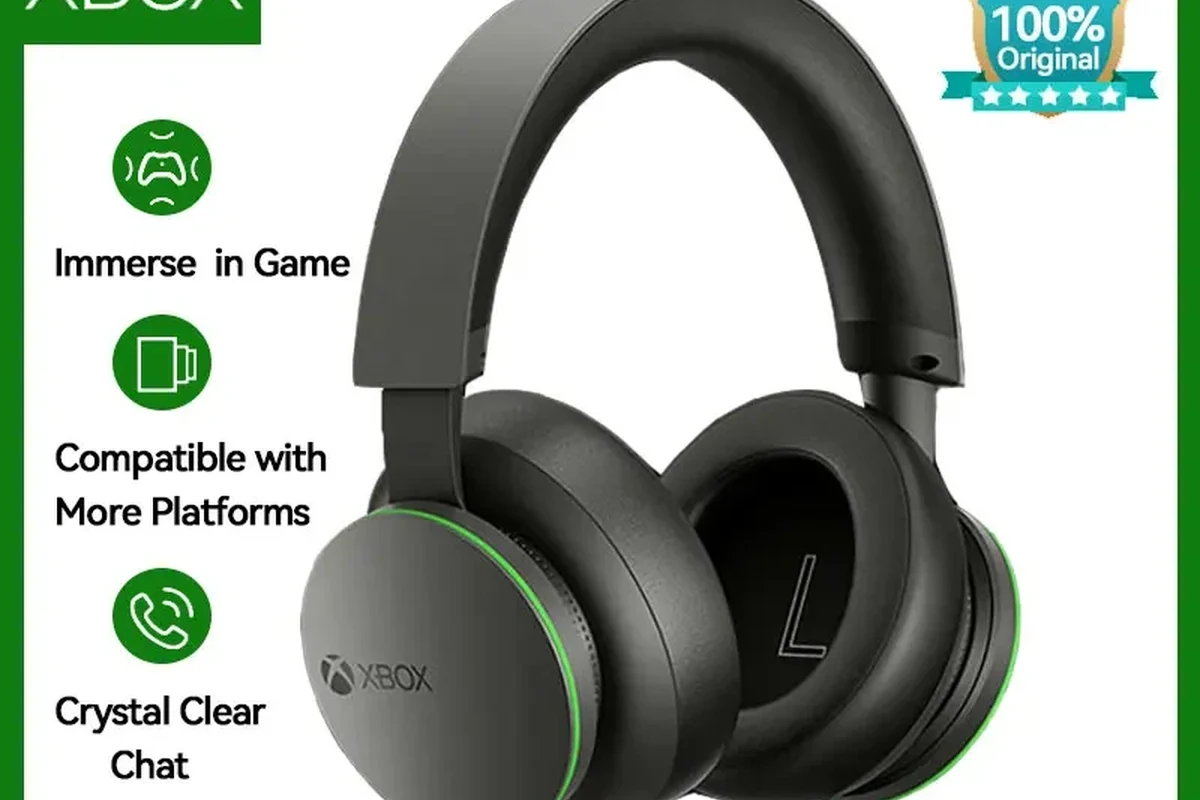
Yes, you can use wireless headphones on Xbox in 2025, but the method matters. The smoothest experience usually comes from Xbox Wireless headsets made for the console, while standard Bluetooth headphones often need a workaround.
That distinction matters because Xbox is built around low-latency gaming audio and chat support. If you pick the wrong headset, you may still hear game sound, but voice chat, mic monitoring, or delay can become frustrating during play.
Many headphones marketed as “wireless” are designed for phones, tablets, or PCs first. Always check Xbox compatibility before buying, because a headset may power on wirelessly but still fail to connect directly to the console.
Xbox Wireless vs Bluetooth: Why Most Headphones Don’t Connect Directly
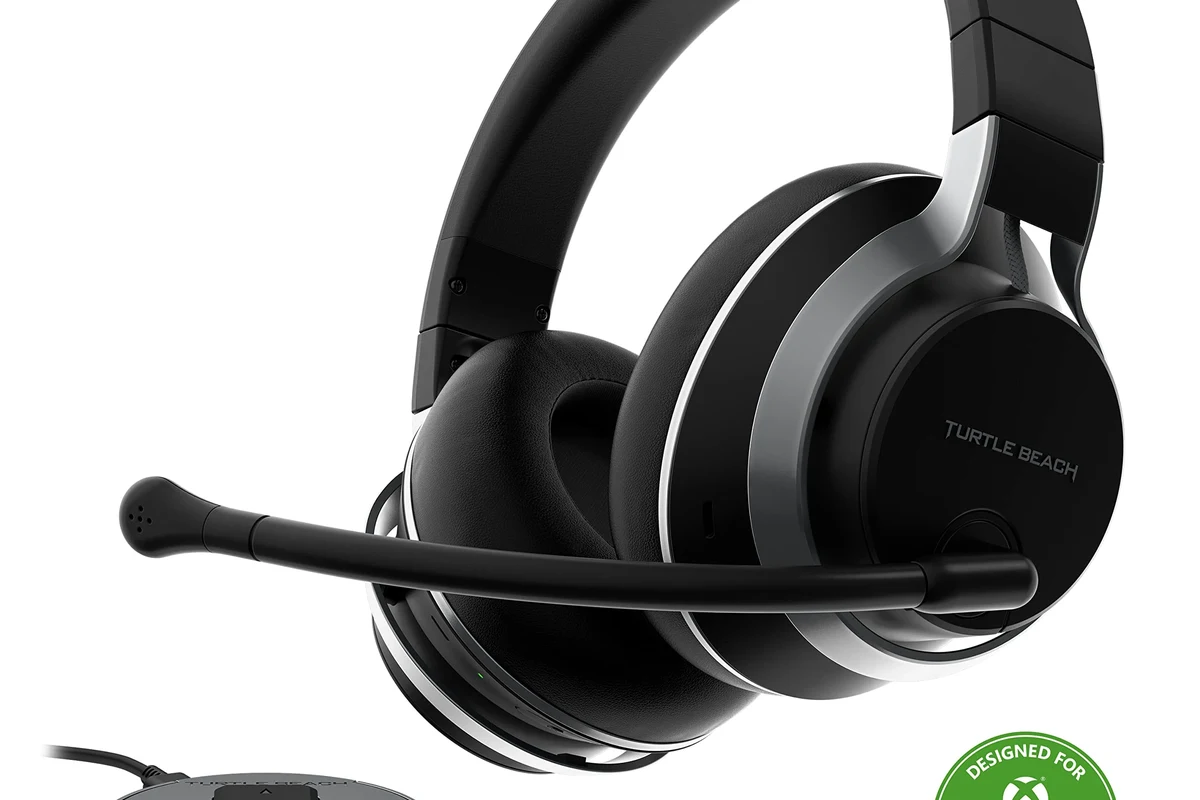
The biggest point of confusion is that Xbox Wireless and Bluetooth are not the same thing. Bluetooth is the standard wireless connection used by most headphones, but Xbox consoles generally do not support Bluetooth audio for headsets in the normal way.
Instead, Xbox uses a separate wireless protocol for compatible headsets. That’s why some models pair instantly while others seem “wireless” but still refuse to show up in the console menu.
How Xbox Wireless audio differs from standard Bluetooth
Xbox Wireless is designed for gaming, so it prioritizes lower latency and better integration with console chat features. Bluetooth is more common and flexible, but it can add delay and may not support microphone input the way Xbox users expect.
In practical terms, Bluetooth headphones may work for TV audio or a connected adapter setup, but they are not usually the simplest choice for direct Xbox use. If you want to understand Bluetooth behavior more clearly, see our guide on Bluetooth headphones explained simply.
Some Xbox-compatible wireless headsets use a dedicated USB-style or console-specific wireless link instead of regular Bluetooth, which helps reduce lag in games.
Which Xbox consoles support wireless audio features
Xbox Series X|S consoles are the easiest to use with wireless gaming headsets because they support modern Xbox wireless accessories. Xbox One models can also support some wireless headset setups, but compatibility varies more by headset and adapter.
For older or mixed setups, the exact console model and headset generation matter a lot. Firmware updates and accessory support can change over time, so checking the headset maker’s Xbox compatibility page is always worth the extra minute.
Best Ways to Use Wireless Headphones on Xbox Without Frustration
If you want the least stressful setup, start with a headset that explicitly says it works with Xbox. That usually gives you the best mix of sound quality, voice chat support, and easy pairing.
Other methods can still work well, especially if you already own a good pair of wireless headphones. The trick is choosing the right path for your budget and how you play.
Xbox Wireless headsets made for direct pairing
These are the easiest option because they are built for Xbox consoles from the start. You typically get simpler setup, more reliable chat support, and fewer connection headaches than with generic Bluetooth models.
If you play multiplayer games often, prioritize headset models that clearly mention Xbox Wireless support and microphone compatibility in the product description.
Direct-pair headsets are especially useful for players who want a clean couch setup. You avoid extra dongles, reduce the chance of audio delay, and usually get a more consistent experience across long gaming sessions.
USB wireless dongle headsets and compatible adapters
Some wireless headsets connect through a USB transmitter or dongle instead of Bluetooth. This can be a strong middle ground if your headset supports it, because the adapter handles the console connection and may offer better gaming performance than standard Bluetooth.
That said, not every USB dongle is Xbox-compatible. Some are made for PC only, so it’s important to verify that the adapter and headset are both supported on Xbox before you buy.
USB wireless adapters can improve convenience, but they are not a universal fix. Compatibility still depends on the headset brand, console model, and the adapter’s intended use.
TV, monitor, and controller-based audio workarounds
If your headset won’t connect directly to Xbox, you may still be able to route sound through your TV or monitor. Some TVs support Bluetooth audio output, and some monitors or sound systems offer their own wireless options.
Another simple workaround is using the controller’s 3.5mm jack with a wired headset, while keeping wireless for other devices. It is not fully wireless, but it can be the most reliable choice for voice chat and low-lag gameplay.
Step-by-Step Setup Examples for Popular Xbox Headphone Options
Setup is usually straightforward once you know which connection type you’re using. The steps below cover the most common wireless headphone paths for Xbox players.
Pairing an Xbox Wireless headset to Xbox Series X|S
First, power on the headset and put it into pairing mode according to the manufacturer’s instructions. Then use the Xbox pairing button on the console and wait for the headset to appear and connect.
Turn on the headset and hold its pairing button until the indicator light shows it is ready.
Press the Xbox pairing button on the console and wait for the wireless connection to complete.
Check game sound, chat audio, and microphone input in the Xbox audio settings before you start playing.
If the headset supports app-based controls, you may also be able to adjust EQ or mic monitoring after pairing. Those features vary by model, so the best results often come from checking the headset companion app or manual.
Using a wireless headset with a USB transmitter on Xbox
Plug the compatible USB transmitter into the console or a supported USB port, then power on the headset. In many cases, the headset and dongle will connect automatically once both are in pairing mode.
After that, test both game audio and chat. If you hear sound but the microphone does not work, the adapter may not support full Xbox chat functionality, which is a common limitation with PC-focused wireless gear.
- Does the dongle explicitly mention Xbox support?
- Does the headset support microphone input on console?
- Is there any firmware update needed before first use?
Connecting through the TV for casual gaming audio
For casual play, you can send Xbox audio to a TV and then use the TV’s Bluetooth output if your TV supports it. This is often the easiest way to keep using headphones you already own, especially for single-player games or relaxed couch gaming.
Keep in mind that TV-based Bluetooth can add delay, and voice chat may not behave the way you want. For competitive games, this workaround is usually less ideal than a true Xbox Wireless headset.
Listening at high volumes for long periods can cause hearing damage. Keep volume at 60% or below for extended sessions.
Common Mistakes Gamers Make When Trying Wireless Headphones on Xbox
Most setup problems come from assuming all wireless audio works the same way. Xbox is a little different from other devices, so small compatibility details can make a big difference.
Assuming all Bluetooth headphones will work
This is the most common mistake. A headset may pair instantly with a phone or laptop, yet still fail to connect properly to Xbox because the console does not use standard Bluetooth audio in the same way.
Before buying, look for wording like “Xbox Wireless,” “Xbox compatible,” or “works with Xbox Series X|S.” If the product page only mentions Bluetooth, treat that as a warning sign unless the brand clearly explains a supported workaround.
Ignoring latency, mic support, and chat compatibility
Even if you can hear game audio, that does not mean the headset is a good Xbox choice. Latency can throw off timing in shooters or rhythm games, while weak mic support can make party chat frustrating.
If you have ongoing hearing discomfort, ringing, or trouble understanding speech in headset audio, consider speaking with an audiologist or hearing professional.
Comfort also matters more than many buyers expect. If you game for long sessions, headset weight, clamp force, and ear cushion material can affect whether the headset feels good after an hour or after a full evening.
Overlooking firmware updates and console settings
Some wireless headset problems are caused by outdated firmware rather than the headset itself. Updating the headset, dongle, or console can fix pairing issues, audio dropouts, or mic recognition problems.
It’s also smart to check Xbox audio settings before blaming the headset. Output mode, chat balance, and mic monitoring can all change how the headset sounds and performs.
Expert Advice: What to Watch Out for Before Buying in 2025
In 2025, the best wireless Xbox headset is not always the one with the longest feature list. The best choice is usually the one that matches your gaming style, your budget, and your tolerance for setup complexity.
Sound delay, voice chat quality, and battery life trade-offs
Low delay is important for competitive gaming, while voice clarity matters more for party chat and co-op play. Battery life is useful too, but a long battery spec does not help much if the headset sounds delayed or the mic is weak.
As always, actual performance can vary by brand, model, room noise, and personal hearing preference. A headset that sounds great to one gamer may feel too bass-heavy or too bright to another.
Why some “wireless” headsets still need a cable on Xbox
Some headsets are wireless for music or phone use but still need a cable for Xbox audio. Others use a USB transmitter for one platform and a wire for another, which can be confusing if you only skim the product page.
That does not automatically make the headset bad. It just means you should know exactly how it connects before you buy, especially if you want a clean living-room setup with no extra cords.
Warning signs of poor compatibility claims
Be cautious if a headset says “wireless” but never mentions Xbox directly. Also watch for vague phrases like “works with most devices,” because that often leaves out the one device you care about most.
If the listing has no clear note about mic support, console support, or adapter requirements, assume more research is needed. A little checking now can save a lot of return hassle later.
Price and Value Comparison: Budget, Mid-Range, and Premium Wireless Options
Wireless Xbox headset pricing can vary a lot by brand, features, and connection method. Rather than focusing on a single number, it helps to think in value tiers based on what you actually need.
Affordable Xbox-compatible headset choices
Budget-friendly options are best for casual players who mainly want simple game audio and occasional chat. At this level, you may need to accept fewer comfort features, simpler controls, or more basic mic performance.
If you are shopping on a tighter budget, focus first on confirmed Xbox compatibility and decent battery life. Then look at comfort and mic quality, since those matter more than flashy extras for everyday use.
Mid-range models with better comfort and mic performance
Mid-range wireless headsets often offer the best overall balance for most Xbox gamers. They may include better padding, stronger wireless stability, and clearer voice chat without jumping into premium pricing.
This is usually the sweet spot for players who game several times a week. You get a more polished experience without paying for features you may never use.
Premium headsets for low-latency gaming and Dolby/Spatial audio
Premium models are worth considering if you want the most refined wireless experience, especially for competitive play or immersive single-player games. They may also include spatial audio support, richer app controls, or more advanced tuning options.
Just remember that premium does not automatically mean perfect. Comfort, battery life, and compatibility still matter more than a long feature list, and some expensive models may still need careful setup on Xbox.
| Model | Best For | Price Range |
|---|---|---|
| Xbox Wireless headset | Easy direct pairing | Varies by brand |
| USB dongle headset | Flexible wireless use | Varies by model |
| TV Bluetooth workaround | Casual couch gaming | Depends on existing gear |
Final Verdict: The Easiest Way to Use Wireless Headphones on Xbox
The easiest way to use wireless headphones on Xbox is to buy a headset that explicitly supports Xbox Wireless. That gives you the simplest pairing, the best chance of working mic support, and the least frustration overall.
Best option by gamer type: casual, competitive, and couch gaming
Casual gamers can often get by with TV Bluetooth or a USB dongle if the headset is compatible. Competitive players should lean toward Xbox Wireless headsets with low latency and reliable chat support, while couch gamers may prefer comfort and battery life above all else.
If you want a quick buying shortcut, choose direct Xbox compatibility first, then compare comfort, battery, and mic quality. That approach is usually more reliable than chasing the highest spec sheet numbers.
Quick recap of what works, what doesn’t, and what to buy
What works best: Xbox Wireless headsets and confirmed Xbox-compatible USB transmitter models. What usually does not work directly: standard Bluetooth headphones without a workaround.
If you already own wireless headphones, check whether your TV, monitor, or adapter can bridge the gap. If you are buying new, choose the headset that clearly lists Xbox support and matches your gaming style.
Frequently Asked Questions
No, not all wireless headphones work directly on Xbox. Many Bluetooth models need a workaround, while Xbox Wireless headsets are the easiest to pair.
Xbox Wireless is a console-specific connection made for gaming and chat support. Bluetooth is more common, but it usually is not the simplest direct connection for Xbox audio.
Wireless is more convenient, but wired headphones can be more reliable and lower-latency. The best choice depends on whether you value freedom of movement or the simplest connection.
They can work well for blocking background noise, especially in noisy rooms. For gaming, check that the headset also supports low latency and microphone input on Xbox.
Closed-back headphones are usually better for Xbox gaming because they isolate outside noise and keep sound from leaking. Open-back models can sound wider, but they are less private and less practical in shared spaces.
Check Xbox compatibility, latency, microphone support, battery life, comfort, and whether the headset needs a dongle or direct pairing. If possible, also look for EQ controls or spatial audio support.