Can I Use Bluetooth Headphones with PS5 Easily

Yes, but usually not directly, and you may need a USB adapter, TV Bluetooth, or a PlayStation-friendly wireless headset. For the best gaming experience, low latency and mic support matter more than basic Bluetooth pairing.
If you’re asking can i use bluetooth headphones with ps5, the short answer is yes, but not always directly. The PS5 has limited native Bluetooth audio support, so most gamers need a workaround such as a USB adapter, a TV connection, or a wireless headset with its own transmitter.
- Direct pairing: PS5 Bluetooth support is limited for most headphones.
- Best workaround: A USB transmitter or low-latency adapter is usually the most practical option.
- Gaming quality: Competitive games benefit more from dedicated wireless headsets.
- Chat support: Always check microphone compatibility before buying.
Can I Use Bluetooth Headphones with PS5? What Works in 2025
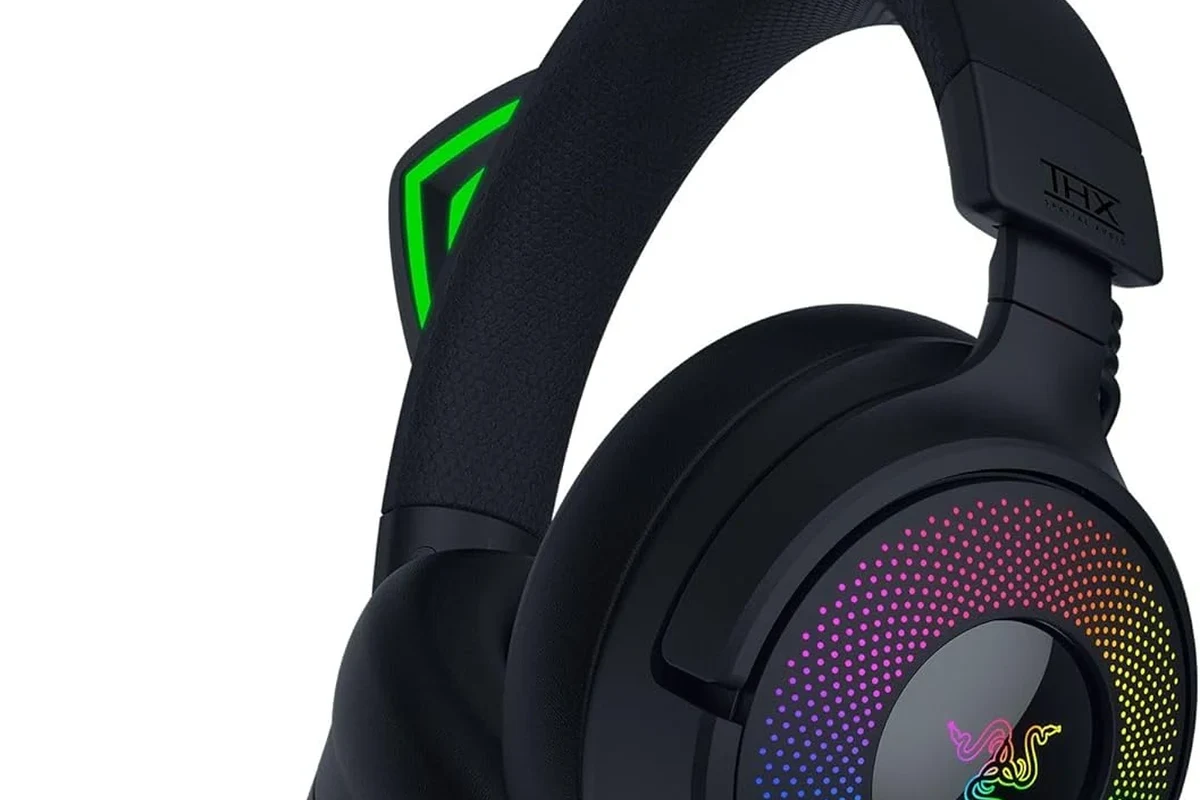
In 2025, Bluetooth headphones can still be used with a PS5, but the console is not designed to pair with most Bluetooth audio devices the same way a phone or laptop does. That means some headphones may connect through a workaround, while others will not connect at all.
For many players, the real question is not whether Bluetooth can work, but whether it will work well enough for gaming. Audio delay, chat support, and connection stability all matter, especially in fast-paced games.
Compatibility can vary by headset, adapter, TV, and even firmware updates. Always check your specific model before buying accessories for PS5.
Why PS5 Bluetooth Audio Is Limited and What That Means for Gamers
Sony limits direct Bluetooth audio on PS5 mainly to reduce lag and connection issues. Standard Bluetooth can introduce delay, and that delay is easier to notice in games than in music or video.
This matters because gameplay audio is often tied to timing. If footsteps, gunfire, or dialogue arrive late, the experience can feel off even if the sound quality itself is fine.
It also means mic support can be inconsistent. Some setups may let you hear game audio but not use the headset microphone for party chat or in-game voice.
Do not assume a headset that works on your phone will work the same way on PS5. Bluetooth audio support on consoles is more limited than on mobile devices.
Best Ways to Connect Bluetooth Headphones to PS5
There are a few practical ways to get Bluetooth headphones working with a PS5. The best option depends on whether you care most about convenience, latency, microphone support, or price.
Using a USB Bluetooth adapter or dongle
A USB Bluetooth adapter is one of the most common workarounds. You plug the adapter into the PS5, pair your headphones to the dongle, and use it as the bridge between the console and your headset.
This can be a simple solution for casual use, but performance may vary. Some adapters handle audio well, while others may add delay or have limited support for voice chat.
If you use a dongle, look for one that is specifically advertised for low-latency audio and console compatibility, not just general Bluetooth pairing.
Connecting through your TV or monitor’s Bluetooth
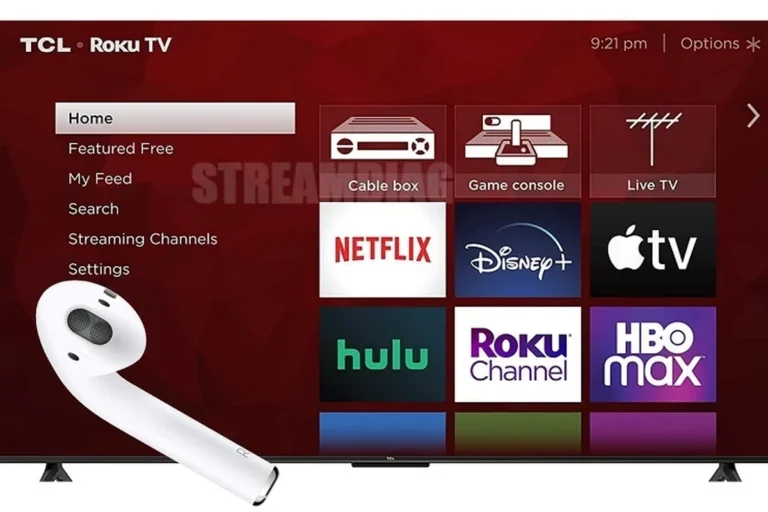
If your TV or gaming monitor has Bluetooth audio output, you may be able to pair your headphones there instead of pairing them to the PS5. This can be an easy couch-gaming workaround because the TV handles the wireless connection.
The downside is that TV Bluetooth often adds more delay than a dedicated gaming wireless setup. It can also be hit-or-miss for chat audio, depending on the TV’s software and audio routing options.
For readers who also use their headphones with other devices, it may help to understand how Bluetooth pairing works in general. Our guide on Bluetooth headphones explained simply covers the basics in an easy way.
Using a wireless headset with a dedicated USB transmitter
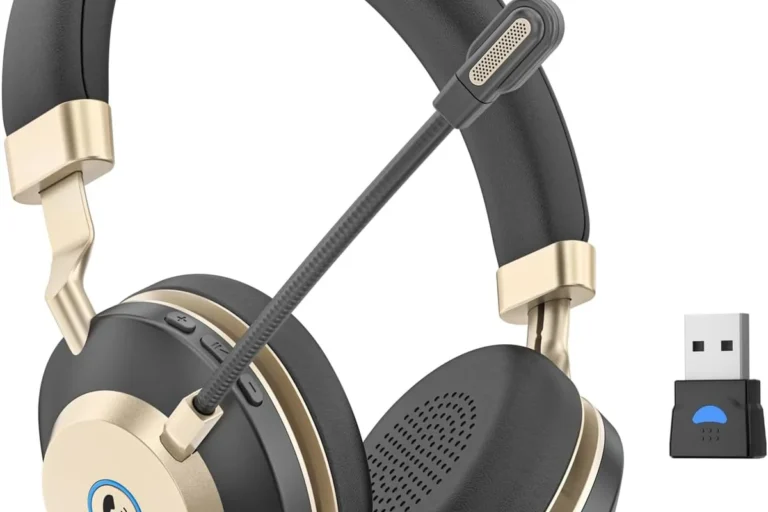
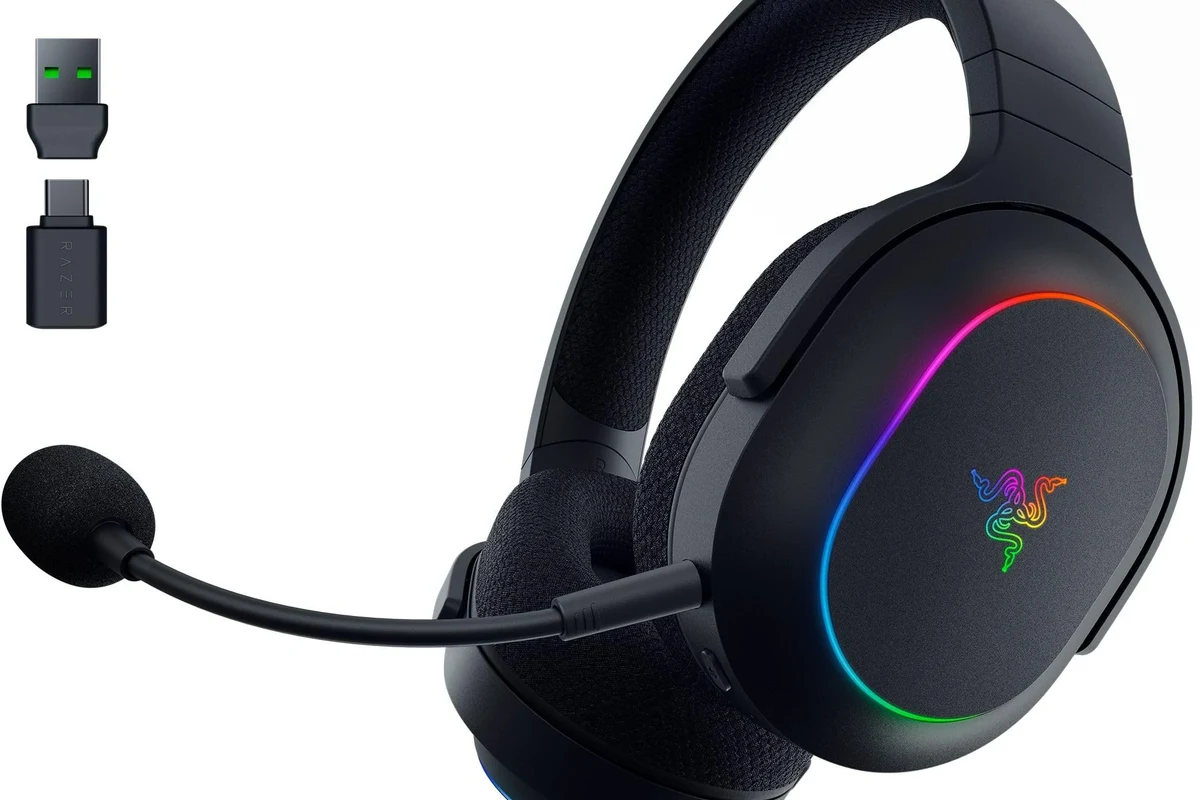
Many PlayStation-friendly wireless headsets use a dedicated USB transmitter instead of standard Bluetooth. This is often the most reliable way to get low-latency wireless audio on PS5.
These headsets usually feel more plug-and-play, with fewer pairing headaches and better game audio sync. Some also support microphone use more consistently than Bluetooth-only options.
If you want a deeper comparison of wireless and wired sound behavior, see our guide on Bluetooth vs wired headphones sound quality.
Pairing a Bluetooth headset through remote play or compatible apps
Another option is to use PS Remote Play on a compatible device, then connect your Bluetooth headphones to that device instead of the PS5 itself. This can work well for portable or secondary-screen gaming.
It is not the cleanest setup for everyone, but it can be useful if you already rely on a phone, tablet, or PC for Remote Play. Just keep in mind that your overall experience depends on both the network connection and the device you use.
Bluetooth delay is often more noticeable in games than in movies because games require tighter audio and visual timing.
Practical Setup Examples for Different Gamer Types
The best setup depends on how you play. A casual player, a competitive gamer, and a budget-conscious user will usually want very different solutions.
Casual couch gaming with a TV-based workaround
If you mostly play single-player games, a TV Bluetooth connection may be enough. It is easy to set up and avoids buying extra gaming accessories right away.
This is the most convenient route for people who value simplicity over perfection. Just be aware that you may notice a slight delay in action scenes or dialogue-heavy cutscenes.
Competitive play with low-latency wireless alternatives
For shooters, fighting games, and other timing-sensitive titles, a dedicated wireless gaming headset is usually the smarter choice. These models are often built to reduce lag and keep audio more responsive.
They may cost more than a basic Bluetooth adapter, but the tradeoff is usually better consistency. That can matter more than raw convenience when every split second counts.
Travel or shared-space gaming on a budget
If you game in a shared room or want something affordable, a USB Bluetooth adapter can be a practical middle ground. It lets you reuse the headphones you already own instead of buying a full headset bundle.
That said, budget setups are more likely to have tradeoffs in microphone quality, latency, and range. If you use headphones in other settings too, you may also want to compare them against other use cases like travel, where wireless behavior can feel different. Our article on do wireless headphones work on a plane explains why connection reliability can change by environment.
Common Mistakes to Avoid When Trying Bluetooth Headphones on PS5
Many PS5 Bluetooth problems come from unrealistic expectations. A setup that works for music streaming may still be frustrating for gaming.
Ignoring latency and audio delay
Latency is the biggest issue with Bluetooth on PS5. Even a small delay can make gameplay feel less responsive, especially in rhythm games, shooters, or anything that depends on precise timing.
If you are sensitive to delay, prioritize low-latency wireless gear or a wired connection instead of assuming all Bluetooth audio will feel the same.
Assuming every Bluetooth headset is compatible
Not every Bluetooth headset will pair cleanly, and not every pairing method supports the same features. Some headsets may connect for audio only, while others may fail during setup or disconnect often.
Before buying, check whether the headset, adapter, or TV supports the exact use case you want. If you are still learning how different headset types behave, our guide to types of headphones explained is a helpful place to start.
Overlooking mic support and chat limitations
Game audio and microphone support are not always bundled together in Bluetooth workarounds. You might hear the game perfectly but still need a separate microphone solution for party chat.
This is why many gamers prefer headsets built specifically for console use. They are usually easier to manage when voice chat matters.
Listening at high volumes for long periods can cause hearing damage. Keep volume at 60% or below for extended sessions.
Expert Advice: When Bluetooth Is Not the Best Choice for PS5
Bluetooth is fine for some players, but it is not the best answer for every gaming situation. In certain genres, the drawbacks outweigh the convenience.
Latency-sensitive games like shooters and fighting games
If you play competitive shooters, fighting games, or rhythm titles, even a small delay can hurt performance. In those cases, wired audio or a dedicated wireless gaming headset is usually the safer pick.
These genres reward tight timing, so audio sync matters more than simply having a wireless connection.
Why PlayStation-approved wireless headsets often perform better
Wireless headsets designed for PlayStation often use a dedicated USB receiver instead of standard Bluetooth. That usually means better stability, lower latency, and fewer pairing problems.
They may also offer better voice chat support and easier setup. For many PS5 owners, that makes them a better long-term value than trying to force a general Bluetooth headset into the job.
If you have hearing concerns, tinnitus, or sensitivity to loud sound, follow safe listening habits and consider speaking with an audiologist before long gaming sessions.
Cost, Convenience, and Sound Quality: Bluetooth vs PS5 Wireless Headsets
When comparing Bluetooth and PS5-focused wireless headsets, the decision usually comes down to value. The cheapest option is not always the best if it creates lag or chat problems.
Budget adapter options versus premium headset bundles
A budget Bluetooth adapter can be appealing because it lets you keep using the headphones you already own. That can save money upfront, especially if you only game occasionally.
Premium headset bundles, however, often deliver a smoother experience. They may include better latency control, more reliable mic support, and fewer setup steps.
Which option gives the best value in 2025
For most PS5 gamers, the best value in 2025 is a headset or adapter that prioritizes low latency and stable audio over raw wireless convenience. If you mainly play story games, a Bluetooth workaround may be enough.
If you play online often, a PlayStation-friendly wireless headset usually offers the better overall experience. It tends to be simpler, more dependable, and less frustrating over time.
Final Verdict: The Easiest Way to Use Bluetooth Headphones with PS5
So, can i use bluetooth headphones with ps5? Yes, but the easiest method depends on your priority. For casual use, a TV Bluetooth connection or USB adapter can work, while competitive gamers are usually better off with a dedicated wireless headset.
If you want the simplest and most reliable setup, choose a PS5-compatible wireless headset with its own USB transmitter. If you only need occasional wireless audio, a Bluetooth workaround may still be a perfectly practical choice.
- Bluetooth can work on PS5, but usually through a workaround.
- Dedicated wireless gaming headsets are often more stable and lower-latency.
- Mic support and audio delay are the biggest tradeoffs to check.
Frequently Asked Questions
Wired headphones usually offer lower latency and more reliable chat support. Bluetooth can be more convenient, but it may add delay depending on the setup.
Over-ear headphones are often the most comfortable for long gaming sessions, while in-ear models can be lighter and more portable. The best choice depends on fit, isolation, and how long you play.
Noise cancelling can help block room noise and improve focus during gameplay. It may slightly change how you hear your surroundings, so comfort and awareness matter too.
Look at latency, driver tuning, bass balance, clarity, and whether the headset supports EQ adjustments. Sound quality varies by model and personal preference, so specs alone do not tell the full story.
Pick a model with solid comfort, durable build quality, and reliable wireless or wired support for your main device. Budget options can be good value if you focus on fit and compatibility first.
Weight, clamp force, and ear cushion material matter a lot over time. Softer pads and a stable fit usually feel better during long gaming sessions, but comfort is still highly personal.