How To Use Headphones With A Turntable: Easy Guide

For listeners in the United States, the easiest way to use headphones with a turntable is to connect the turntable to a phono preamp and headphone amplifier, or to a stereo receiver with a headphone jack. Some turntables have a built-in phono preamp, which allows them to connect directly to a headphone amp. Others need an external phono preamp first.
You cannot usually plug headphones straight into a turntable. Most turntables send a very quiet phono-level signal, while headphones need a stronger signal from a headphone amplifier.
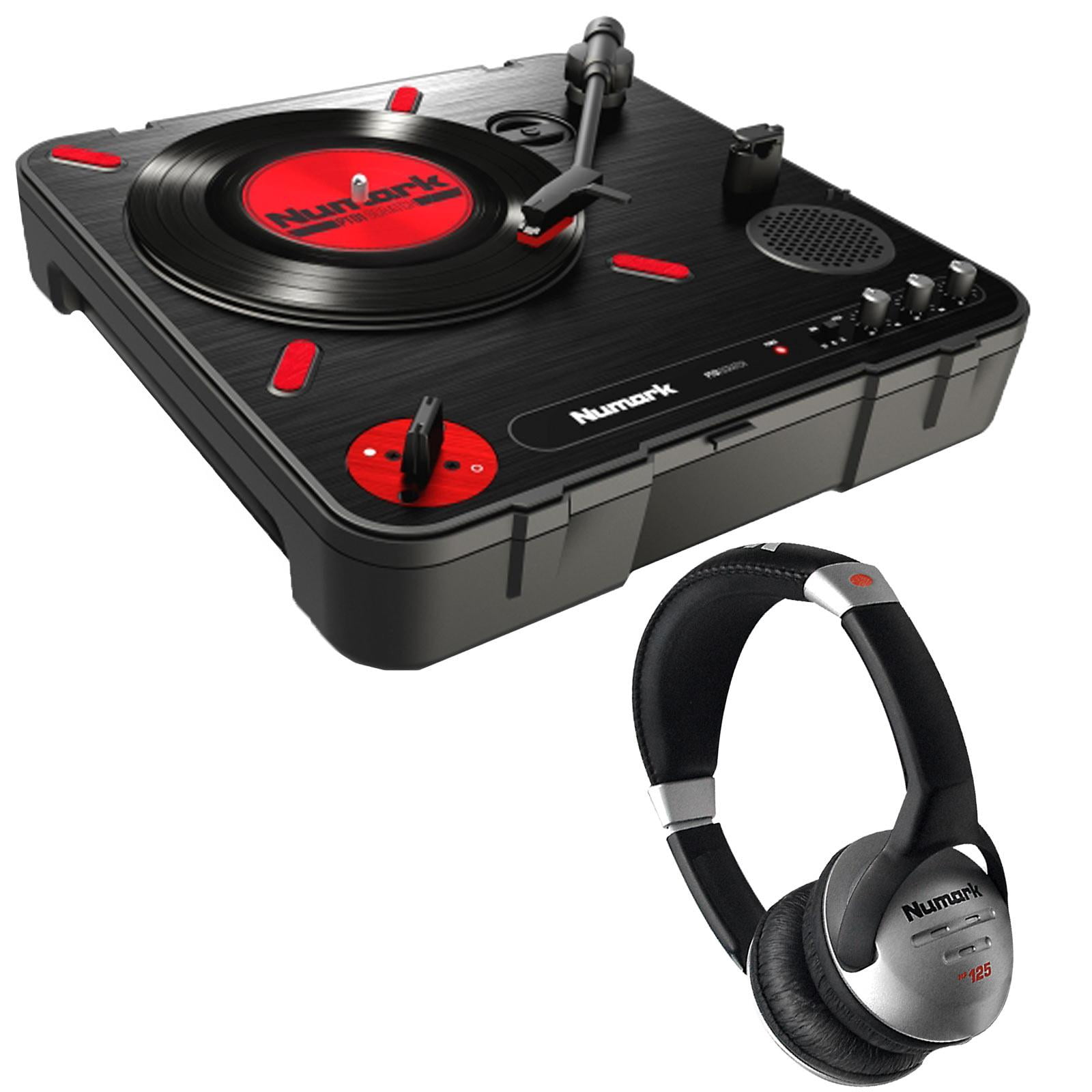
What You Need to Connect Headphones to a Turntable
You need three basic functions:
- A turntable that reads the record.
- A phono preamp that raises and corrects the cartridge signal.
- A headphone amplifier that provides enough power for the headphones.
These functions may exist in one device or in separate components.
Option 1: Turntable with a built-in phono preamp
Many modern turntables include a switch marked:
PHONO / LINEPREAMP ON / OFFBUILT-IN PREAMP
Set the switch to LINE or turn the preamp on. Then connect the turntable’s RCA output to a headphone amplifier with a line input.
Signal path:
Turntable set to LINE → Headphone amplifier → Headphones
This is often the simplest setup for a home listening system.
Option 2: Turntable without a built-in phono preamp
If the turntable only provides a phono-level output, add an external phono preamp.
Signal path:
Turntable → Phono preamp → Headphone amplifier → Headphones
The phono preamp must come before the headphone amplifier. A standard headphone amp usually cannot process the very small, equalized signal from a turntable cartridge by itself.
Option 3: Stereo receiver or integrated amplifier
A stereo receiver or integrated amplifier often includes:
- A phono input
- A built-in phono preamp
- A front-panel headphone jack
Connect the turntable to the receiver’s PHONO input. Then plug your headphones into the receiver’s headphone jack.
Signal path:
Turntable → Receiver PHONO input → Receiver headphone jack
This is useful if you also want to connect speakers later.
Option 4: Turntable with a headphone jack
A few all-in-one record players include a headphone jack. With these models, plug your headphones into the jack and set the volume to a low level before starting playback.
This setup is convenient, but the quality and power of the built-in headphone circuit depend on the design of the record player.
Quick equipment guide
| Your turntable output | Extra equipment needed | Correct connection |
|---|---|---|
| Built-in preamp set to LINE | Headphone amplifier | Turntable to line input |
| Phono output only | Phono preamp and headphone amplifier | Turntable to phono preamp to headphone amp |
| USB output only | USB-compatible computer or audio device | Not a direct headphone connection |
| Built-in headphone jack | None for wired headphones | Headphones to the turntable |
| Bluetooth output | Bluetooth headphones or receiver | Pair the devices wirelessly |
The Difference Between Phono, Line, and Headphone Signals
Understanding signal levels prevents most turntable connection errors.
A phono cartridge produces a low-level signal. It also needs a special form of equalization called RIAA equalization. Records are cut with reduced bass and increased treble. The phono preamp restores the intended tonal balance while increasing the signal level.
A line-level signal is stronger and already equalized. Devices such as headphone amplifiers, powered speakers, and many receivers accept line-level signals through RCA or 3.5-millimeter inputs.
A headphone signal is different again. It must provide enough voltage and current to drive the small speakers inside headphones. A line output may produce music, but it usually cannot power headphones at a useful volume.
Why a turntable cannot usually drive headphones
A turntable’s RCA outputs are not designed to power headphones. They carry an audio signal, not amplified headphone power.
Do not connect headphones to the red and white RCA outputs with a simple adapter. This can result in:
- Very low volume
- Distorted sound
- Poor bass
- Possible stress on the output circuit
- An unsafe or unreliable connection
Use a headphone amplifier or a receiver with a headphone jack instead.
Why a phono preamp matters
If the turntable does not have a built-in preamp, connecting it to a normal line input may produce very quiet, thin sound. The receiver or amplifier may appear to work, but the signal is not being processed correctly.
A phono preamp performs two jobs:
- It increases the cartridge signal.
- It applies the required RIAA equalization.
Some phono preamps also include a ground terminal. Use it when the turntable has a separate ground wire.
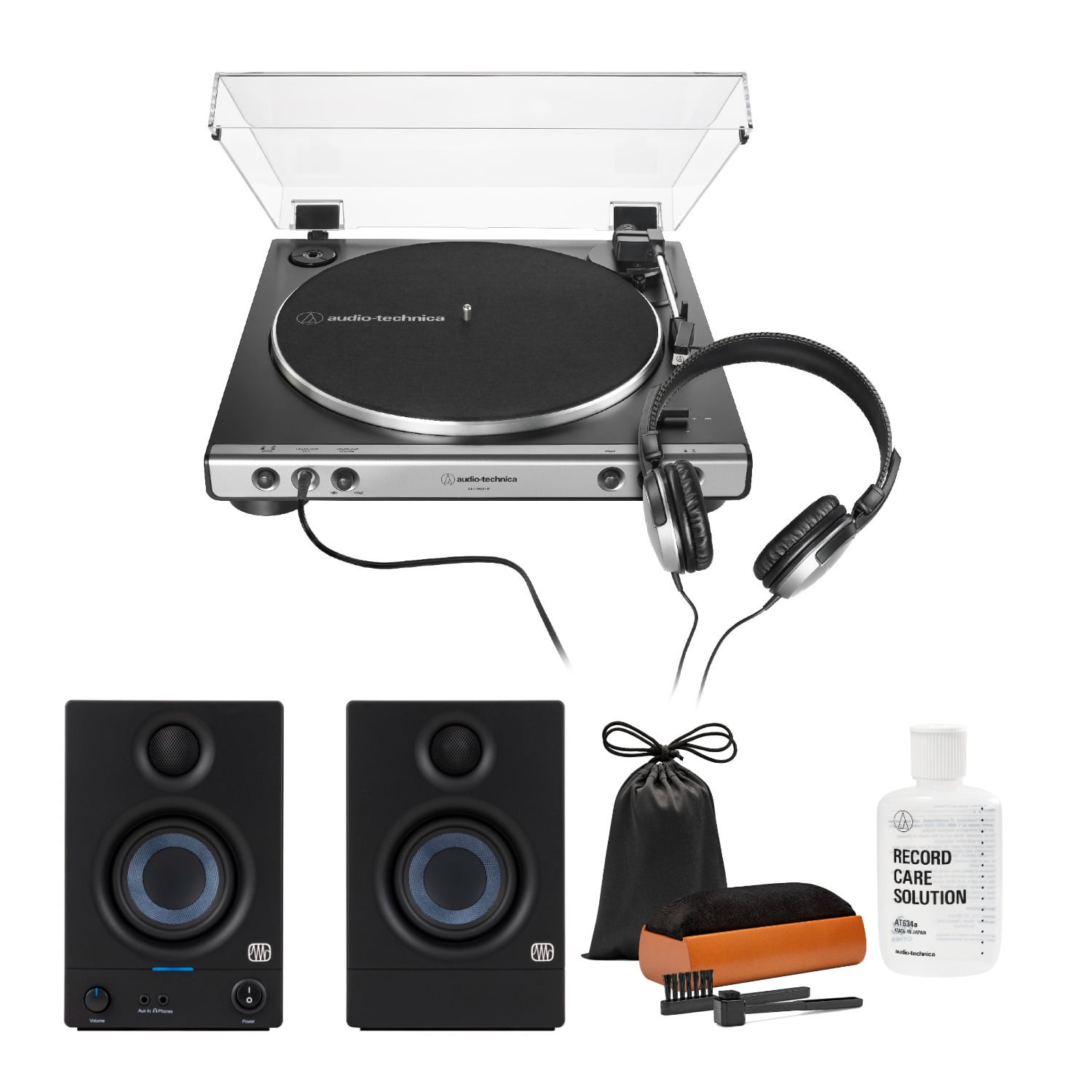
How to Connect a Turntable to Wired Headphones
A wired setup usually gives the lowest delay and the fewest compatibility problems. Follow the steps that match your equipment.
Method 1: Turntable with a built-in preamp and a headphone amplifier
You need:
- Turntable with a switchable built-in preamp
- RCA stereo cable
- Headphone amplifier
- Wired headphones
Steps
- Place the turntable on a stable, level surface.
- Connect the turntable’s red RCA plug to the headphone amplifier’s right input.
- Connect the white RCA plug to the left input.
- Set the turntable’s output switch to LINE.
- Plug the headphones into the headphone amplifier.
- Turn the headphone amplifier’s volume almost all the way down.
- Start the record.
- Raise the volume slowly.
If the sound is clear and reaches a normal listening level, the setup is working.
Method 2: Turntable, external phono preamp, and headphone amplifier
Use this method when the turntable does not have a built-in preamp.
Steps
- Connect the turntable’s RCA cables to the phono preamp’s input.
- Connect the turntable’s ground wire to the phono preamp’s ground terminal, if supplied.
- Connect the phono preamp’s output to the headphone amplifier’s line input.
- Plug the headphones into the headphone amplifier.
- Turn both volume controls down before playback.
- Start the record.
- Increase the headphone volume slowly.
The correct signal path is:
Cartridge → Phono preamp → Headphone amplifier → Headphones
Do not connect the phono preamp output to another phono input. That would apply phono processing twice and may create loud, distorted sound.
Method 3: Turntable and stereo receiver
A receiver is often the most flexible choice.
Steps
- Connect the RCA cables from the turntable to the receiver’s
PHONOinput. - Connect the ground wire to the receiver’s grounding screw.
- Select the
PHONOinput on the receiver. - Turn the receiver volume down.
- Plug your headphones into the receiver’s headphone jack.
- Start the record and raise the volume carefully.
If the turntable has a built-in preamp, use one of these combinations:
- Turntable set to
PHONOor preamp off → receiverPHONOinput - Turntable set to
LINEor preamp on → receiverLINE,AUX, orCDinput
Do not use a turntable’s built-in preamp into a receiver’s phono input unless the receiver supports that arrangement. The signal may be amplified and equalized twice.
Headphone connector types
Common headphone plugs include:
- 3.5-millimeter, or 1/8-inch, plug
- 6.35-millimeter, or 1/4-inch, plug
- Balanced headphone connectors on some dedicated amplifiers
A simple 1/4-inch-to-3.5-millimeter adapter can change the plug size. It does not add amplification or convert a phono signal.
Check that the adapter is made for stereo headphones. Avoid forcing a connector into a jack that does not match it.
Signs of a successful connection
Your setup is working correctly when:
- Music begins after the stylus reaches the record groove.
- Both left and right channels play.
- The volume increases smoothly.
- The sound is not extremely quiet or painfully loud.
- Bass and treble sound balanced.
- There is little hum when the stylus is lifted.

How to Use Bluetooth Headphones With a Turntable
Bluetooth headphones require a Bluetooth transmitter unless the turntable already has Bluetooth output.
The transmitter must receive an analog line-level signal. Therefore, the setup depends on whether the turntable has a built-in preamp.
Turntable with a built-in preamp
Use this signal path:
Turntable set to LINE → Bluetooth transmitter → Bluetooth headphones
Connect the turntable to the transmitter’s analog input. Put the headphones and transmitter into pairing mode, then select the headphones according to the instructions for those devices.
Turntable without a built-in preamp
Use this signal path:
Turntable → Phono preamp → Bluetooth transmitter → Bluetooth headphones
The transmitter must receive a line-level signal. Connecting it directly to a phono-only output may cause very low volume and poor sound.
Using a receiver with Bluetooth transmission
Some receivers can transmit audio to Bluetooth headphones. In that case:
Turntable → Receiver PHONO input → Bluetooth transmitter function → Headphones
Confirm that the receiver supports Bluetooth transmission, not only Bluetooth reception. A receiver that receives music from a phone may not send sound to headphones.
Bluetooth limitations
Bluetooth can add a small delay between the stylus and the sound. This is usually not a problem for ordinary music listening, but it may be noticeable when watching video.
Wireless playback can also introduce:
- Codec-dependent sound processing
- Pairing problems
- Battery limits
- Automatic sleep or reconnection behavior
- Volume differences between devices
For the most direct connection, use wired headphones and a headphone amplifier.

How to Choose the Best Setup
The best setup depends on your equipment, listening habits, and budget.
| Goal | Recommended setup | Main advantage | Main limitation |
|---|---|---|---|
| Lowest cost | Built-in preamp turntable plus headphone amp | Few components | Depends on turntable features |
| Best flexibility | Turntable plus stereo receiver | Supports headphones and speakers | Larger and more complex |
| Separate components | Turntable plus phono preamp plus headphone amp | Easy to upgrade each part | More cables and cost |
| Wireless listening | Turntable plus phono stage and Bluetooth transmitter | No headphone cable | Possible delay and compression |
| Simple personal listening | Turntable with headphone jack | Very easy to use | Often limited upgrade options |
Choosing a headphone amplifier
Look for a headphone amplifier with:
- A line-level RCA input
- A volume control
- A headphone output that matches your plug
- Enough power for your headphones
- A low noise level
Most common consumer headphones are easy to drive. Some high-impedance or low-sensitivity headphones need more amplifier voltage. If your headphones remain quiet even with the volume near its maximum, check the amplifier’s specifications and the headphone requirements.
Choosing between a receiver and separate components
Choose a receiver if you want:
- A phono input
- A headphone jack
- Speaker connections
- One central volume control
- A simple system
Choose separate components if you want:
- Easier upgrades
- More placement flexibility
- A dedicated headphone amplifier
- The ability to compare different phono stages
Separate devices do not automatically sound better. Their value comes from fit, features, noise performance, power, and upgrade flexibility.
Using powered speakers and headphones
If your turntable already connects to powered speakers, you may still be able to add headphones. Use one of these methods:
- Connect the turntable to a headphone amp with a second line output.
- Use a preamp with separate outputs.
- Use a receiver that switches between speakers and headphones.
- Use a source selector designed for line-level audio.
Do not connect two outputs together with a simple Y cable. Outputs should not be tied directly to each other.

Troubleshooting Turntable Headphone Problems
Start with the safest and simplest checks. Keep the volume low until the signal path is confirmed.
No sound
Possible causes include:
- The wrong input is selected.
- The headphone plug is not fully inserted.
- The turntable is set to phono when a line input is being used.
- The turntable is set to line when a phono input is being used.
- The headphone amplifier is not powered.
- The receiver’s speaker or headphone mode is incorrect.
Check the signal path from left to right:
Turntable → Phono stage → Headphone amplifier → Headphones
Make sure every device is powered when required.
Very quiet sound
Very low volume usually means that a phono signal is connected to a line input without a phono preamp.
Check whether:
- The turntable needs an external phono preamp.
- The built-in preamp is turned off.
- The receiver is set to the wrong input.
- The headphone amplifier has a gain switch set too low.
If the turntable has a PHONO/LINE switch, try LINE when connecting to AUX, CD, or a headphone amp’s line input.
Loud, distorted, or harsh sound
This often means that phono processing is being applied twice.
Common examples include:
- Turntable set to
LINEconnected to a receiver’sPHONOinput - Turntable with a built-in preamp connected to an external phono preamp
- A receiver’s phono input used after another phono stage
Use only one phono preamp in the signal chain.
Also check whether the amplifier volume is too high. Reduce the volume before making other changes.
Hum or buzzing
A low-frequency hum often comes from grounding or cable placement.
Try these steps:
- Turn the volume down.
- Confirm that the turntable ground wire is attached to the phono preamp or receiver ground terminal.
- Keep RCA cables away from power adapters and AC cables.
- Make sure all RCA plugs are fully inserted.
- Test the system with the stylus lifted from the record.
- Disconnect other source devices one at a time to identify a ground loop.
Do not remove the safety ground from an AC power plug. If the hum continues or comes with unusual electrical behavior, stop using the equipment and ask a qualified audio technician to inspect it.
Sound in only one ear
Check:
- The red and white RCA plugs
- The headphone plug
- The adapter
- The balance control
- The cartridge connections
- The record itself
Swap left and right RCA connections briefly. If the problem moves to the other ear, the cable or source channel may be involved. If it stays on the same side, inspect the headphone plug, jack, or headphone cable.
Bluetooth headphones will not pair
Confirm that:
- The transmitter is powered.
- The transmitter is in pairing mode.
- The headphones are not already connected to another device.
- The transmitter is connected to a line-level output.
- The headphones and transmitter support a compatible Bluetooth connection.
A Bluetooth receiver is not the same as a Bluetooth transmitter. A receiver takes Bluetooth audio in. A transmitter sends audio out.
Common Mistakes to Avoid
Avoid these errors when setting up headphones with a turntable:
- Plugging headphones directly into RCA outputs
- Connecting a phono output to a line input without a phono preamp
- Sending a line-level signal into a phono input
- Using two phono preamps in one signal path
- Forgetting the turntable ground wire
- Turning the volume up before checking the signal
- Assuming every USB turntable can send audio directly to headphones
- Assuming every Bluetooth turntable works with every wireless headset
- Using a headphone splitter as a substitute for a headphone amplifier
- Connecting amplifier outputs together with a Y cable
A headphone splitter only divides one headphone output between two sets of headphones. It does not convert a turntable signal or add power.

Frequently Asked Questions
Can I plug headphones directly into a turntable?
Only if the turntable has a dedicated headphone jack. Standard RCA outputs are not designed to power headphones. For most turntables, use a headphone amplifier, receiver, or integrated amplifier with a headphone output.
Do I need a phono preamp to use headphones with a turntable?
You need a phono preamp unless the turntable has one built in or the receiver has a phono input with an internal phono stage. The headphone amplifier alone usually does not replace a phono preamp.
Can I use a headphone amp with a turntable?
Yes, but the headphone amplifier must receive a line-level signal. Use a turntable’s built-in preamp, an external phono preamp, or a receiver with a suitable line output before the headphone amp.
Can I use AirPods or other wireless headphones with a turntable?
Yes, if the turntable has Bluetooth transmission or you add a Bluetooth transmitter. A phono preamp may also be necessary. Wireless headphones can add delay and need regular charging.
Why does my turntable sound quiet through my headphones?
The most likely cause is a missing phono preamp. Check whether the turntable is set to LINE, whether its built-in preamp is enabled, or whether an external phono preamp is connected before the headphone amplifier.
Key Takeaways
- A standard turntable usually cannot power headphones by itself.
- The normal wired setup is turntable → phono preamp → headphone amplifier → headphones.
- A turntable with a built-in preamp can connect to a headphone amp through a line input.
- A stereo receiver with a phono input and headphone jack can perform both main functions.
- Use only one phono preamp in the signal chain.
- Bluetooth headphones need a Bluetooth transmitter unless the turntable already supports Bluetooth output.
- Start with low volume and check the phono-versus-line setting before troubleshooting further.
Conclusion
To use headphones with a turntable, make sure the signal passes through both a phono preamp and a headphone amplifier. A receiver with a phono input and headphone jack can provide both in one unit. If the turntable has a built-in preamp, connect it in line mode to a headphone amplifier.
For the next step, check the back of your turntable for a PHONO/LINE switch, a ground wire, and the type of output it provides. That will tell you which connection method to use.