Can I Use Bluetooth Headphones with Xbox Series X Guide

No, Xbox Series X does not support standard Bluetooth headphones directly. You can still use them through workarounds like a Bluetooth transmitter, TV audio output, or an Xbox-compatible wireless headset.
If you are asking, “can i use bluetooth headphones with xbox series x,” the short answer is not directly with standard Bluetooth headphones. Xbox Series X does not support regular Bluetooth audio pairing the way a phone, tablet, or laptop does, so you need a workaround.
The good news is that you still have several practical options, including Xbox Wireless headsets, TV-based audio routing, Bluetooth transmitters, and wired alternatives. The best choice depends on whether you care most about gaming latency, movie watching, voice chat, or simple convenience.
- Direct pairing: Standard Bluetooth headphones do not connect to Xbox Series X natively.
- Best gaming choice: Xbox Wireless or wired headsets usually give lower latency.
- Workarounds: TV output and Bluetooth transmitters can work, but results vary.
- Chat support: Mic compatibility is often the biggest limitation with adapters.
Can You Use Bluetooth Headphones with Xbox Series X in 2026?
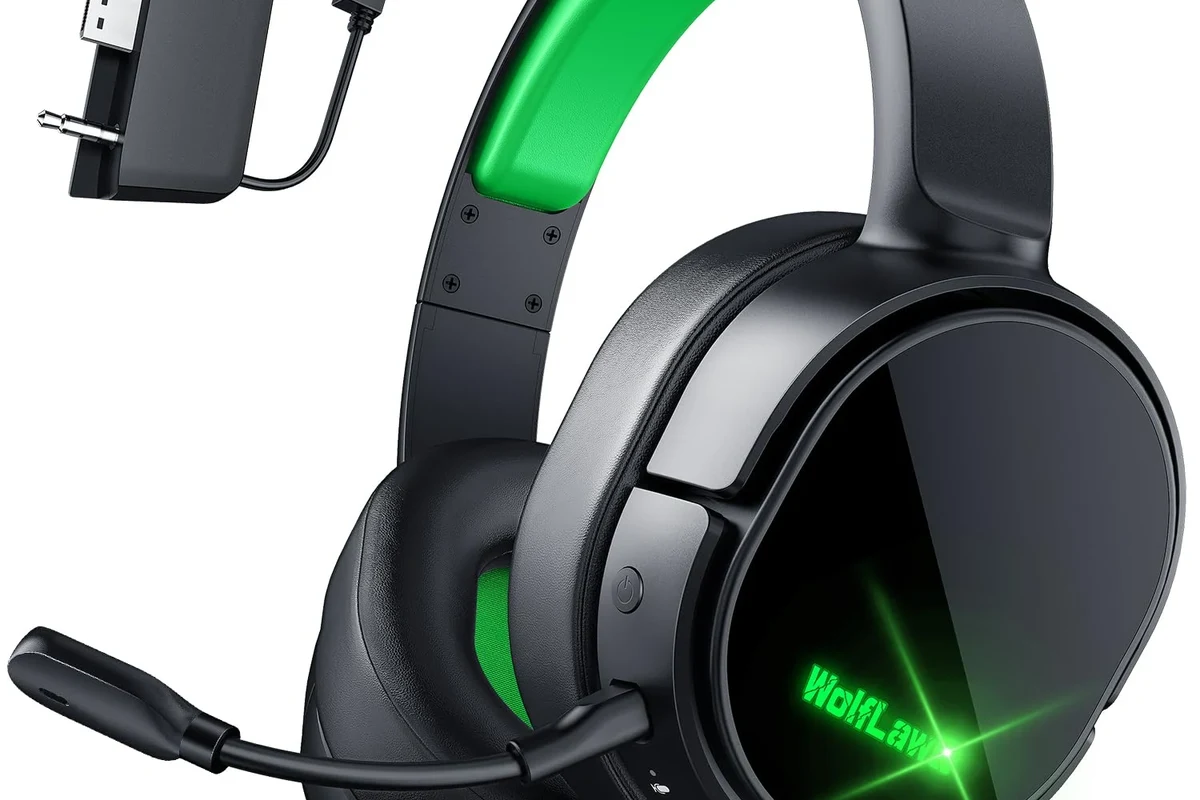
In 2026, the answer is still mostly no for direct Bluetooth pairing. Xbox Series X is designed around Microsoft’s own wireless audio system, not standard Bluetooth headphones.
That means most Bluetooth earbuds and headphones will not show up in the console’s normal pairing flow. If you want wireless audio on Xbox, you usually need either an Xbox-compatible headset or an external device that converts the signal for you.
Compatibility can vary by headset model, TV, monitor, controller accessory, and transmitter. Always check the exact product details before buying.
Why Xbox Series X Does Not Support Standard Bluetooth Audio
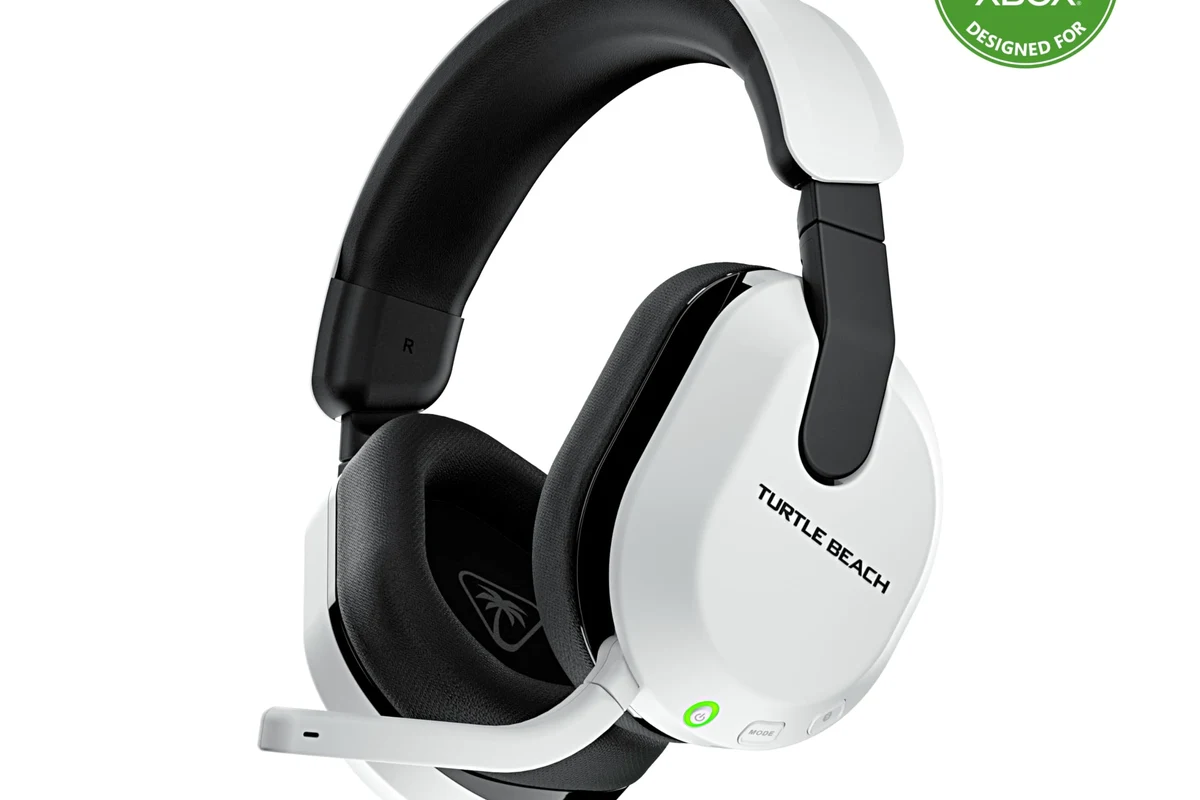
Microsoft made a deliberate choice here. Xbox consoles use the Xbox Wireless protocol for low-latency gaming accessories, while standard Bluetooth is left out for direct headset audio.
This is not just a random limitation. It is mainly about keeping controller and headset connections stable during gameplay, especially when multiple wireless devices are active at the same time.
How Microsoft’s wireless design differs from Bluetooth
Bluetooth is common, but it is not always ideal for gaming. Xbox Wireless is built to support a more console-focused connection with lower delay and tighter integration for voice chat and game audio.
Bluetooth works well for phones and laptops, but console gaming needs more consistent timing. That is why Microsoft favors its own wireless ecosystem instead of a universal Bluetooth pairing menu.
What this means for latency, sync, and gameplay
Latency is the biggest issue. Even a small audio delay can make gunfire, footsteps, rhythm games, and dialogue feel slightly off.
For movies and casual listening, a little delay may be acceptable. For fast-paced gaming, though, lag can be distracting, and lip-sync issues may appear if the audio is routed through extra devices.
Bluetooth workarounds can introduce delay, dropouts, or microphone limitations. If you play competitive games, prioritize a low-latency connection over simple convenience.
Best Workarounds for Connecting Bluetooth Headphones to Xbox Series X
Even though the console does not pair with standard Bluetooth headphones directly, there are still a few practical ways to get sound. Some are better for gaming, while others are better for watching shows or playing single-player titles.
If you want a broader primer on wireless audio basics, our guide to Bluetooth headphones explained can help you understand why these workarounds behave differently from normal console audio.
Using the Xbox Wireless protocol with compatible headsets
The simplest option is to buy a headset made for Xbox Wireless. These headsets are designed to connect directly to the console without needing a separate Bluetooth adapter.
This is usually the best route if you want game audio, chat audio, and easy setup in one package. It is also the most reliable choice for players who care about keeping delay as low as possible.
Connecting headphones through the TV or monitor
If your TV or monitor supports Bluetooth audio output, you may be able to connect your headphones there instead of to the console. In that setup, the Xbox sends video and audio to the display, and the display handles the Bluetooth link.
This can work well for casual use, but it depends heavily on your screen’s audio features. Some displays add noticeable delay, so it is worth checking whether your TV has a game mode or low-latency audio option.
If your TV supports both Bluetooth and a game mode, test both settings. Sometimes the right display setting matters more than the headset itself.
Using a Bluetooth transmitter with the controller or console
Another common workaround is a Bluetooth transmitter. Some plug into the Xbox controller’s 3.5 mm jack, while others connect through USB or optical-style audio paths depending on the setup.
This can be a useful option if you already own a favorite Bluetooth headset. Still, results vary a lot by transmitter quality, codec support, and how much delay you are willing to tolerate.
- Whether the transmitter supports low-latency audio
- Whether your headset supports the same audio mode
- Whether the setup allows microphone use
Pairing through a PC, phone, or streaming device setup
Some players route Xbox audio through a PC capture setup, streaming device, or remote-play environment, then connect Bluetooth headphones to that device. This is more of a workaround for advanced users than a simple plug-and-play fix.
It can make sense if you are already using a desk setup and want to manage everything from one device. For most people, though, it is more complicated than buying a console-compatible headset.
Many “Bluetooth gaming” problems are actually latency problems, not sound-quality problems. The audio may be clear, but it arrives too late for gaming.
Which Headphone Setup Is Best for Gaming, Movies, and Party Chat?
The best setup depends on what you do most. A headset that is great for movies may not be the best for competitive shooters, and a low-latency gaming headset may not be the most comfortable for long listening sessions.
Low-latency gaming: what to prioritize
For gaming, prioritize stable connection, low delay, and clear positional audio. If you play FPS, racing, or rhythm games, the connection method matters as much as the headset sound signature.
Wired headsets and Xbox Wireless headsets are usually the safest picks here. Bluetooth can work in some cases, but it is rarely the first choice for serious gaming.
Casual listening and single-player use cases
If you mostly play story games, watch streaming apps, or use the Xbox as a living-room media device, Bluetooth workarounds become more reasonable. A small amount of delay may not bother you much in these situations.
For this kind of use, comfort and convenience often matter more than absolute precision. Closed-back over-ear headphones can also help reduce outside noise, while open-back models may feel wider but leak more sound.
Voice chat, microphone support, and Discord/Xbox party audio
Microphone support is where many Bluetooth workarounds fall short. Some transmitters handle audio playback but do not properly support headset mics, which can make party chat frustrating.
If voice chat matters, check whether the headset or adapter supports both playback and microphone input. For more general connection troubleshooting, our guide on how to connect Bluetooth headphones can help explain the pairing process on devices that do support it.
If you rely on voice chat for multiplayer games and keep running into connection or hearing issues, consider speaking with an audiologist or audio specialist. They can help if you are also managing hearing sensitivity, tinnitus, or long-session listening fatigue.
Common Mistakes People Make When Trying to Use Bluetooth Headphones on Xbox Series X
Most problems come from expecting Xbox to behave like a phone or laptop. Once you understand the console’s wireless limits, the setup becomes much easier to plan.
Assuming any Bluetooth headset will pair directly
This is the most common mistake. Many people buy a headset, turn on Bluetooth, and expect the Xbox to find it automatically.
That usually does not happen on Xbox Series X. Always verify whether the headset is Xbox Wireless compatible, TV-compatible, or dependent on a separate transmitter.
Ignoring audio delay and lip-sync issues
Even if a Bluetooth workaround connects successfully, delay can still ruin the experience. You may notice footsteps arriving late or dialogue not matching the on-screen mouth movement.
That is why “it connects” is not the same as “it works well.” For gaming, sync matters almost as much as sound quality.
Overlooking mic compatibility and chat limitations
Some setups only send game audio and do not support microphone input. Others may support chat but not game audio in the way you expect.
Before buying anything, check whether the headset, transmitter, or TV setup supports both listening and speaking. If you want to compare wireless and wired behavior more broadly, our article on Bluetooth vs wired headphones sound quality is a useful reference.
Expert Advice: When a Bluetooth Workaround Is Worth It and When It Is Not
Bluetooth workarounds are useful when convenience matters more than perfect sync. They are less useful when you want the cleanest gaming experience possible.
Situations where adapters make sense
An adapter makes sense if you already own good Bluetooth headphones and only need a casual Xbox listening solution. It can also be a reasonable temporary fix if you are not ready to buy a new headset.
Adapters are also helpful for single-player games, streaming apps, or late-night play where you want fewer wires and can tolerate a little delay.
Situations where buying an Xbox-compatible headset is smarter
If you play multiplayer often, use party chat, or care about low-latency audio, an Xbox-compatible headset is usually the better investment. It removes a lot of guesswork and usually gives a more dependable experience.
This is especially true if you want one headset for both gaming and chatting without extra dongles or display settings.
Safety note on cheap transmitters and unstable connections
Very cheap Bluetooth transmitters can be inconsistent. They may cut out, add more delay than expected, or create pairing headaches that make the whole setup more annoying than useful.
It is often better to buy a simple, well-reviewed accessory than the cheapest option available. If you listen for long periods, follow safe listening habits and keep volume at comfortable levels.
Listening at high volumes for long periods can cause hearing damage. Keep volume at 60% or below for extended sessions.
Cost Comparison: Bluetooth Adapters vs Xbox Wireless Headsets vs Wired Alternatives
Price matters, but the cheapest route is not always the best value. The right setup depends on whether you are trying to save money now or avoid frustration later.
Budget-friendly options for under $50
In the budget range, people often look at basic Bluetooth transmitters or wired headsets. These can be fine for casual use, but they may come with trade-offs in mic quality, durability, or connection stability.
If you are mainly listening to game audio and do not need perfect chat support, this can be a workable starting point. Just keep expectations realistic.
Mid-range choices for balanced performance
Mid-range options often deliver the best balance of comfort, sound quality, and wireless convenience. This is where many Xbox-compatible headsets become attractive, especially for players who want fewer setup problems.
For readers comparing everyday headphone types, our guide to types of headphones explained can help narrow down whether over-ear, on-ear, or in-ear makes the most sense for your use case.
Premium setups for the best wireless experience
Premium setups usually focus on lower latency, better build quality, stronger comfort, and more reliable chat features. They may also include better battery life or more polished app support, depending on the brand.
At this level, the case for a dedicated Xbox headset becomes even stronger, because the extra cost often buys a more seamless experience rather than just a wireless workaround.
Final Verdict: The Best Way to Use Bluetooth Headphones with Xbox Series X
You generally cannot use standard Bluetooth headphones with Xbox Series X directly, but you can still get wireless audio through workarounds. The best option depends on whether you want convenience, low latency, or reliable voice chat.
For most gamers, an Xbox Wireless headset or a wired headset is the most dependable solution. Bluetooth adapters and TV-based setups can work, but they are usually better for casual listening than for competitive gaming.
- Xbox Series X does not support direct standard Bluetooth headphone pairing.
- Xbox Wireless headsets and wired options are usually the most reliable.
- Bluetooth transmitters and TV routing can work, but latency and mic support may vary.
- Choose based on gaming, movies, chat, and comfort—not just wireless convenience.
Frequently Asked Questions
Not always. Wired headphones usually offer the most consistent connection, while wireless models add convenience and may vary by latency, battery life, and codec support.
They can be useful for blocking room noise during long sessions. Just remember that active noise cancellation may slightly change how some headphones feel or sound.
Closed-back headphones usually isolate better and are more practical for shared spaces. Open-back models can feel more spacious, but they leak sound and are less private.
Look at comfort, latency, microphone support, and overall tuning before focusing on specs alone. Driver type, frequency response, and EQ options can help, but real-world fit and tuning matter more.
Focus on connection type, comfort, build quality, and mic clarity first. Budget models can be good, but check return policies and reviews because performance can vary by brand.
Check weight, clamping force, ear cushion material, and headband padding. If you plan to wear headphones for hours, comfort and durability matter as much as sound.