Can I Connect Bluetooth Headphones to PS4 Easily

Yes, but usually not directly and not with every headset. A Bluetooth USB adapter, wired connection, or USB gaming headset is usually the most reliable PS4 option.
If you’re asking can i connect bluetooth headphones to ps4, the short answer is yes—but not always directly. The PS4 has limited native Bluetooth audio support, so the easiest solution is often a Bluetooth USB adapter, a wired connection, or a USB gaming headset.
For most players, the real question is not whether Bluetooth headphones can work, but which method gives the least lag and the most reliable chat audio. That matters especially for gaming, where delay, mic support, and compatibility can make a big difference.
- Compatibility: PS4 Bluetooth support is limited, so results vary.
- Best reliability: Wired and USB headsets usually work better than standard Bluetooth.
- Common issues: Lag, pairing failures, and mic problems are the main complaints.
- Buying tip: Check adapter and headset support before you spend money.
- Safety: Keep volume moderate during long gaming sessions.
Can You Connect Bluetooth Headphones to PS4 in 2026? What Actually Works
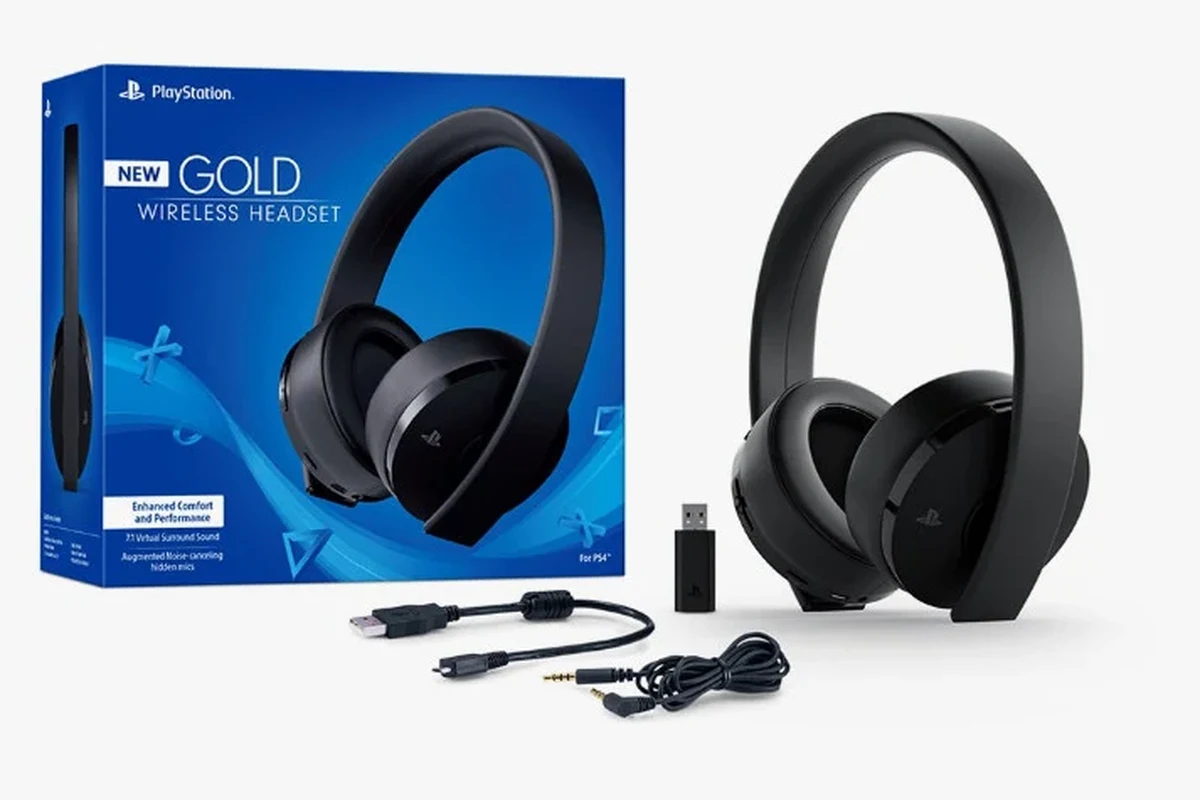
In 2026, Bluetooth headphones can still be used with a PS4, but the console does not treat every headset the same way. Some headphones pair smoothly through an adapter, while others connect poorly or fail to support chat audio at all.
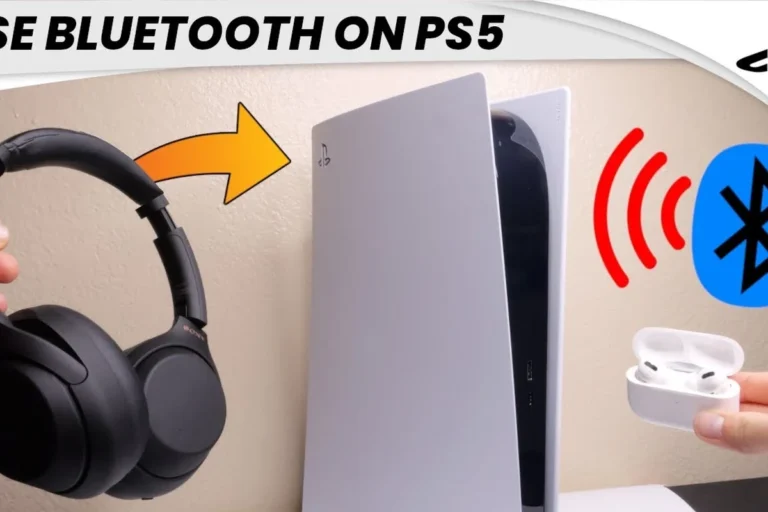
The PS4 is more forgiving with accessories designed for gaming than with standard consumer Bluetooth headphones. If you want a simple experience, a connect Bluetooth headphones guide can help you understand the basic pairing process, but PS4 compatibility has its own limits.
Bluetooth on PS4 is not as open as Bluetooth on phones or laptops. A headset may pair with an adapter and still not support every feature you expect.
Why PS4 Bluetooth Support Is Limited and What That Means for Gamers
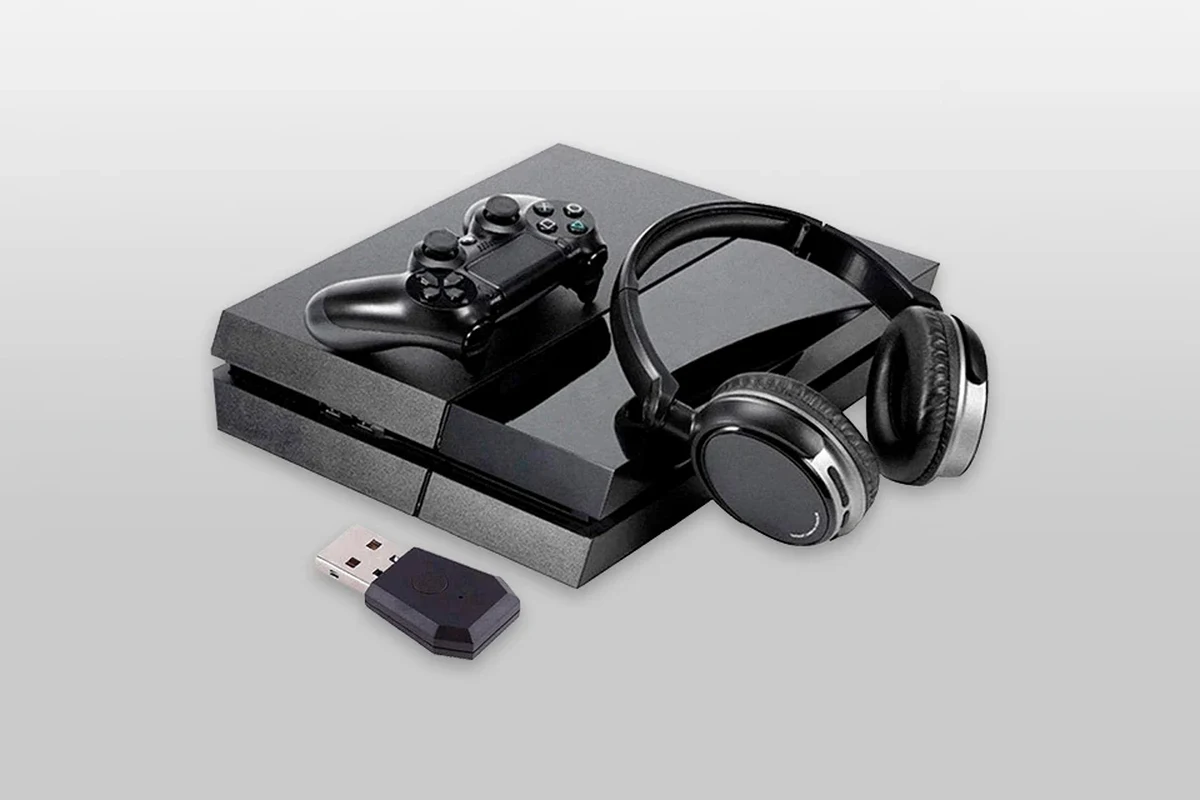
The main issue is that PS4 Bluetooth support is selective. The console was built to work best with official accessories, wired headsets, and certain USB audio devices, not every Bluetooth headphone on the market.
That means a headset may connect for sound but still have trouble with the microphone, voice chat, or stable low-latency playback. For gaming, those missing features can matter more than simple wireless convenience.
Many Bluetooth headphones are tuned for music and calls, not fast-paced gaming, so audio delay can be more noticeable on a console than on a phone.
Best Ways to Use Headphones with PS4: Bluetooth Adapter, USB Dongle, or Wired Connection
If your goal is reliable audio, there are three practical routes: use a Bluetooth USB adapter, plug into the DualShock 4 controller with a cable, or choose a USB headset made for gaming. Each option has trade-offs in convenience, latency, and price.
For readers comparing wireless and wired listening more broadly, our Bluetooth vs wired headphones sound quality guide explains why wired connections often win for consistency, especially in gaming.
Using a Bluetooth USB adapter for wireless audio
A Bluetooth USB adapter is usually the closest thing to “normal” wireless headphone use on a PS4. You plug the adapter into the console, pair your headphones to the adapter, and then route audio through that device.
This can work well for game sound, but results vary by adapter quality and headset model. Cheap adapters may introduce delay, weak range, or unstable connections, so it’s worth choosing carefully.
Not every USB Bluetooth adapter supports voice chat, and some only handle stereo audio. Check compatibility before buying if you want both game sound and microphone support.
Connecting through the DualShock 4 controller with a 3.5mm cable
If your headphones have a detachable cable or you use a wired headset, the DualShock 4 controller is often the simplest path. Plugging into the 3.5mm jack avoids Bluetooth pairing issues and usually gives more dependable audio.
This is also one of the easiest ways to keep chat and game audio together without extra accessories. If you prefer a no-fuss option, wired is still the most dependable choice for many PS4 players.
Choosing a USB headset instead of standard Bluetooth headphones
A USB gaming headset can be a better fit than standard Bluetooth headphones if you want fewer compatibility problems. Many USB headsets are designed for console use, which can make setup easier and chat support more predictable.
For players who want to avoid wireless latency and pairing headaches, USB is often the safer middle ground. It is not as flexible as Bluetooth, but it can be much less frustrating on PS4.
Step-by-Step: How to Pair Bluetooth Headphones to PS4 the Right Way
Pairing Bluetooth headphones to PS4 usually requires an adapter, unless your specific headset is supported in a very limited way. The process is straightforward when everything is compatible, but it helps to check the PS4 audio settings first.
What settings to check in the PS4 audio menu
Go to the PS4 settings and check the audio output options before pairing. Make sure the console is set to send sound to the correct device, and confirm whether output should go to headphones only or all audio.
If the sound is not routed correctly, the headset may appear connected but still stay silent. This is one of the most common setup mistakes, especially for first-time users.
- Audio output device
- Output to headphones setting
- Chat audio versus all audio
- Volume level on the headset and PS4
How to put your headphones and adapter into pairing mode
Turn on the Bluetooth adapter and place it in pairing mode first. Then put your headphones into pairing mode and wait for the devices to find each other.
Some adapters use a button or LED indicator to show when pairing is active. If the connection fails, reset both devices and try again, since pairing order can matter.
How to test chat audio, game audio, and volume balance
Once paired, test both game sound and voice chat separately. Join a party chat or multiplayer lobby, then check whether the microphone is working and whether the audio is balanced.
If game sound is too loud and chat is too quiet, adjust the output mix in PS4 settings or on the headset itself. A small volume change can make a big difference in comfort and clarity.
If your headset sounds delayed, lower expectations for Bluetooth gaming and try a wired test first. That helps you tell whether the issue is the adapter, the headset, or the console setting.
Common Problems When Connecting Bluetooth Headphones to PS4
Even when a Bluetooth headset pairs successfully, the experience may still be imperfect. The most common issues are lag, pairing failures, and microphone problems during chat.
Lag, audio delay, and lip-sync issues
Audio delay is one of the biggest complaints with Bluetooth gaming on PS4. You may notice that gunshots, footsteps, or dialogue arrive slightly after the action on screen.
This is especially noticeable in fast games and cutscenes where lip-sync matters. If you are sensitive to delay, Bluetooth may feel less satisfying than wired audio.
Headphones not showing up or failing to pair
Sometimes the PS4 will not recognize the headset at all, or the adapter may never find the headphones. This can happen because the headset is not compatible, the adapter is low quality, or the devices need a reset.
If you run into repeated pairing trouble, check the headset manual and adapter instructions carefully. For general troubleshooting, our how to reset Bluetooth headphones guide may help if the headphones themselves are stuck in a bad pairing state.
Mic not working during party chat or multiplayer
A headset can play audio without supporting the microphone properly. That is frustrating if you bought it mainly for multiplayer chat.
Some Bluetooth adapters only send stereo sound and do not fully support mic input. If voice chat matters to you, check for headset and adapter compatibility before relying on a wireless setup.
If you have ongoing hearing discomfort, persistent ringing, or trouble understanding game audio even at normal volume, consider speaking with an audiologist or hearing professional.
Expert Advice: Mistakes to Avoid Before Buying an Adapter or Headset
The biggest mistake is assuming all Bluetooth products behave the same on PS4. In reality, adapter quality, codec support, and headset design can completely change the experience.
Why cheap adapters often cause latency and dropouts
Very low-cost adapters may work at first, but they often struggle with stable performance. Common problems include audio dropouts, weak range, and noticeable delay.
If you plan to game regularly, paying a little more for a better adapter can save time and frustration. The cheapest fix is not always the best value.
Compatibility warnings for gaming headsets and codecs
Some headsets advertise Bluetooth support, but that does not guarantee smooth PS4 use. Codec support, adapter support, and console behavior all affect the final result.
Because compatibility can vary by brand and model, it’s smart to read the fine print before buying. A headset that works well on a phone may still be a poor match for PS4 gaming.
When a “Bluetooth” headset is not truly PS4-friendly
Many Bluetooth headphones are built for commuting, workouts, or casual music listening. Those models may prioritize battery life and convenience over low-latency gaming performance.
If your goal is competitive play or reliable party chat, a gaming-focused USB headset or wired headset is often a better fit. That is especially true if you want less setup hassle and more consistent sound.
Listening at high volumes for long periods can cause hearing damage. Keep volume at 60% or below for extended sessions.
Cost Comparison: Cheap Fixes vs Better Long-Term Audio Solutions
Cost matters, but the cheapest option is not always the best one for PS4 audio. It helps to think about reliability, comfort, and how often you actually play.
Budget Bluetooth adapters and what they usually lack
Budget adapters can be tempting because they are simple and often inexpensive. However, they may lack strong mic support, stable range, or low-latency performance.
That means they can work for casual listening but still fall short for serious gaming. If you only play occasionally, a budget adapter may be fine, but expectations should stay realistic.
Mid-range headset options for better PS4 performance
Mid-range gaming headsets often offer a better balance of comfort, mic quality, and console compatibility. They may use USB or wired connections, which can reduce pairing issues.
If you want a cleaner setup without constant troubleshooting, this category is often the sweet spot. The exact value depends on the model, fit, and how sensitive you are to sound delay.
When upgrading to a wired or USB gaming headset makes more sense
If you play often, a wired or USB headset usually makes more sense than chasing Bluetooth workarounds. You get fewer dropouts, less lag, and a more predictable chat experience.
For many PS4 owners, that reliability is worth more than the convenience of wireless freedom. If you also care about comfort for longer sessions, it is worth comparing ear cushion materials, clamping force, and headset weight before buying.
- Bluetooth can work on PS4, but usually through an adapter.
- Wired and USB options are often more reliable for gaming and chat.
- Cheap adapters may cause lag, pairing issues, or mic problems.
- Check compatibility before buying if you want smoother setup.
Final Verdict: The Easiest and Most Reliable Way to Use Headphones on PS4
So, can i connect bluetooth headphones to ps4? Yes, but the easiest path is usually not direct Bluetooth pairing. A Bluetooth USB adapter can work, but wired and USB headset options are often simpler, cheaper in the long run, and more dependable for gaming.
If you want the least hassle, use a wired headset through the DualShock 4 controller or choose a USB gaming headset built for console use. If you want wireless convenience, buy a compatible adapter from a reputable brand and be ready to test audio, chat, and latency before settling in.
For readers who want to keep learning about headphone compatibility across devices, our Bluetooth headphones explained simply article is a helpful next step.
Frequently Asked Questions
Wired headphones usually give more stable audio and less delay on PS4. Wireless can be convenient, but performance depends on the adapter and headset.
Check compatibility, mic support, latency, comfort, and whether the headset uses USB, 3.5mm, or Bluetooth. If you care about sound balance, also look at how easy it is to adjust volume and chat mix.
Noise-cancelling headphones can help block outside noise, which is useful for focused gaming. Just make sure the headset is comfortable for long sessions and works well with your PS4 connection method.
Closed-back headphones are usually better for PS4 because they isolate sound and keep game audio from leaking out. Open-back models can sound more spacious, but they are less private and less ideal in noisy rooms.
Driver size, tuning, and EQ settings all affect bass, clarity, and overall detail. If the sound feels muddy or too sharp, small EQ adjustments can help more than changing volume alone.
Look for lightweight build quality, soft ear cushions, and a secure but not tight fit. Durable hinges, detachable cables, and replaceable pads can also help the headset last longer.