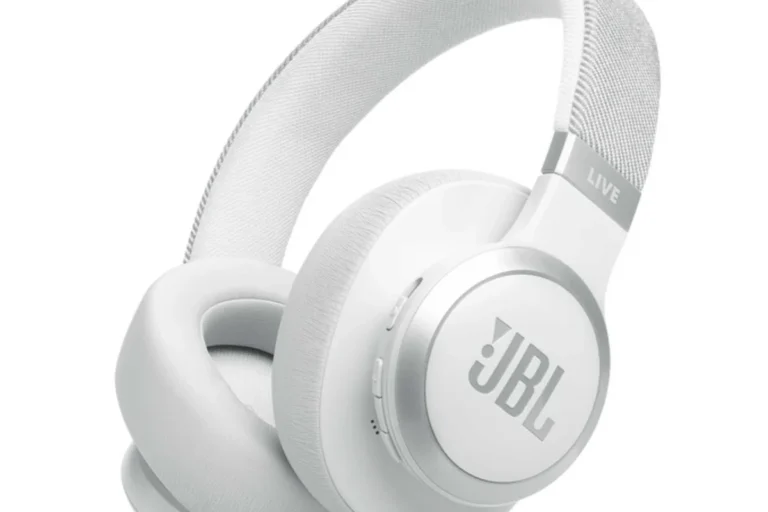
How to Connect Headphones to Nintendo Switch Easily

The easiest way to connect headphones to Nintendo Switch is with a wired 3.5mm headset in handheld mode. Bluetooth and TV-based options also work, but they can add latency or compatibility limits.
If you want to know how to connect headphones to Nintendo Switch, the good news is that the system supports several easy options. The best method depends on whether you play handheld, docked on a TV, or with Bluetooth headphones.
- Fastest setup: Use the Switch headphone jack with wired headphones.
- Wireless trade-off: Bluetooth is convenient, but lag may affect gameplay.
- Docked play: TV audio, a controller jack, or a transmitter can help.
- Buy smart: Check mic support, comfort, and battery life first.
How to Connect Headphones to Nintendo Switch: What You Need to Know in 2026
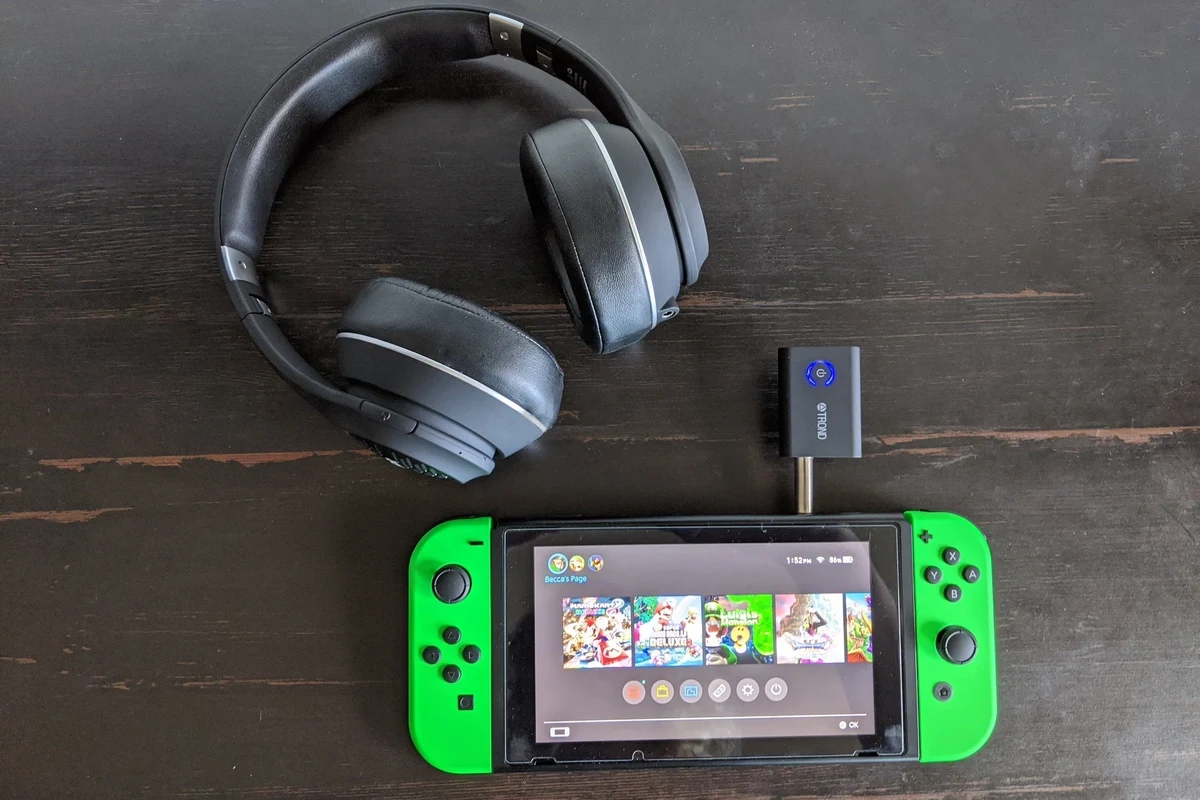
The Nintendo Switch family still keeps things simple for wired audio, but wireless setup depends on the model and connection method. In most cases, you can use the 3.5mm headphone jack, Bluetooth audio, USB-C accessories, or a TV-based workaround when the console is docked.
Before buying new gear, it helps to know the main limitation: not every headset feature works the same way on Switch. For example, some microphones, virtual surround modes, and advanced app-based controls may not be supported, so compatibility matters more than flashy specs.
Switch audio support can vary by console mode, firmware updates, and headphone model. Always check the exact connection type before you buy.
Best Ways to Use Headphones with Nintendo Switch: Wired, Wireless, and USB-C Options
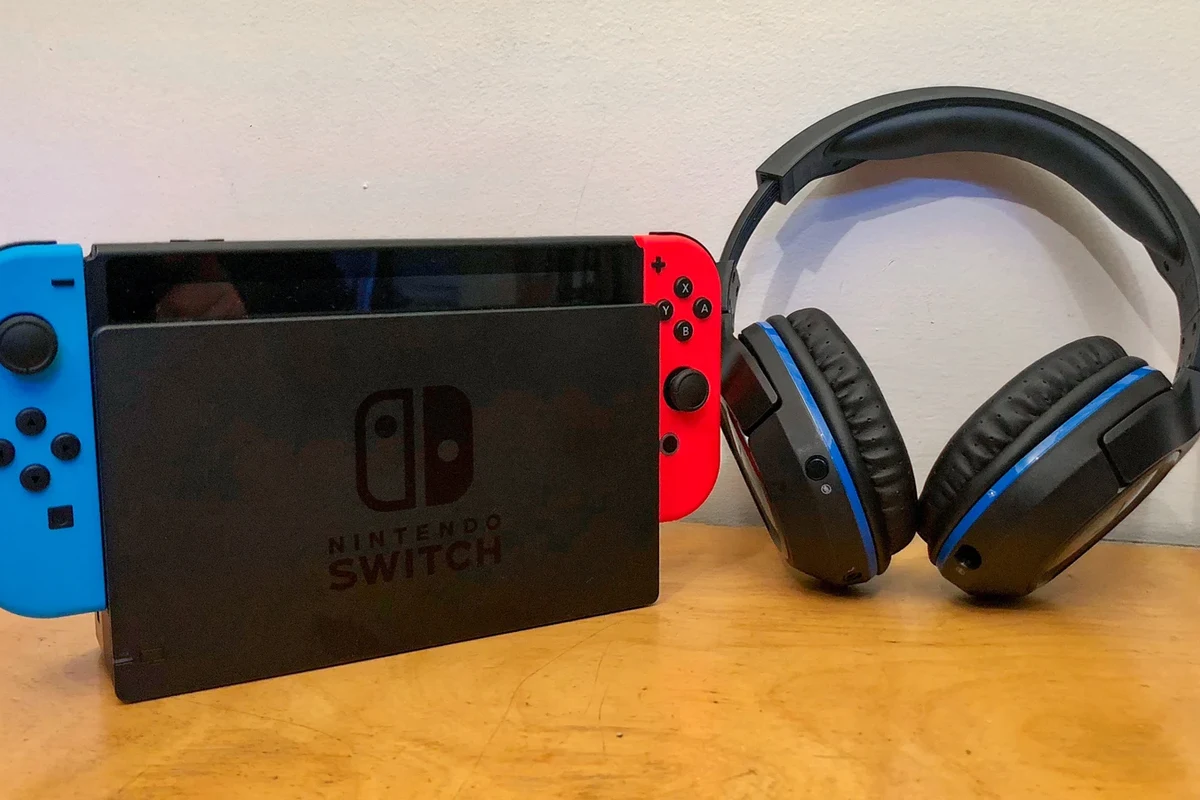
There are three main ways to listen on Switch: wired 3.5mm headphones, Bluetooth headphones, and USB-C audio accessories. Each one has strengths, and the right choice depends on whether you care most about speed, convenience, or lower latency.
If you want the most reliable setup for gaming, wired is usually the safest bet. If you want fewer cables, Bluetooth is convenient, but it can introduce delay depending on the headset and game.
3.5mm Wired Headphones for the Fastest Plug-and-Play Setup
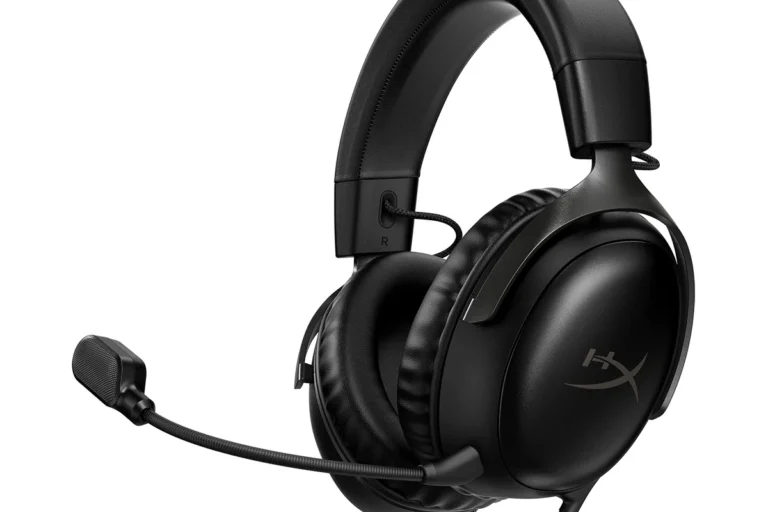
Wired headphones are the easiest option because they plug directly into the Switch headphone jack in handheld mode. You do not need pairing, charging, or extra adapters, which makes them ideal for travel and quick gaming sessions.
This is also the most dependable route for sound stability. If you already own a good gaming headset or a comfortable pair of wired earbuds, they will usually work right away.
Bluetooth Headphones on Switch: What Works and What Doesn’t
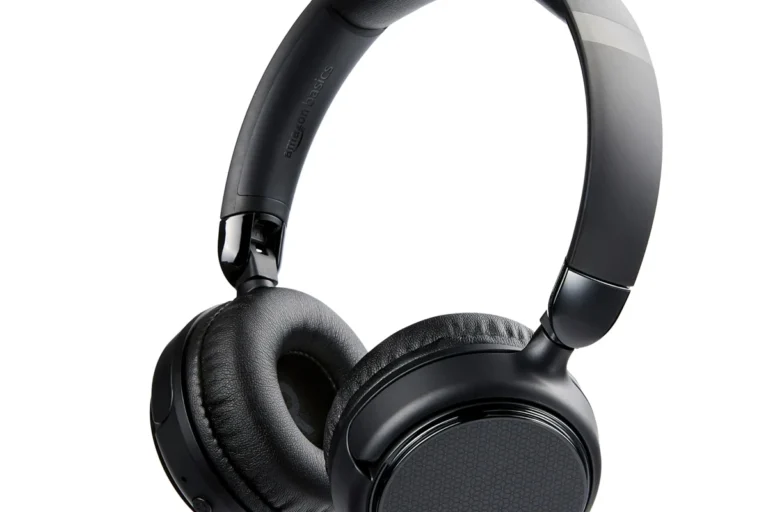
Bluetooth headphones work on Nintendo Switch, but the setup is not as flexible as on a phone or laptop. You can pair them through the system settings, yet some models may have noticeable lag, especially in fast-paced games.
Bluetooth is best for casual play, single-player games, and players who value convenience over absolute responsiveness. If you want a deeper comparison of wireless behavior, our guide on Bluetooth headphones explained can help you understand the trade-offs.
Not all Bluetooth headphones behave the same on Switch. Latency, connection stability, and microphone support can vary a lot by brand and model.
USB-C Headphones and Dongles for Handheld and Docked Play
USB-C headphones and USB-C audio dongles can be a useful option for handheld play, especially if you want a cleaner setup than a standard cable. Some USB-C adapters also let you keep charging while listening, which is helpful during longer sessions.
Docked play is more complicated because support depends on the dock, the accessory, and the TV setup. In many cases, a USB audio dongle or transmitter works better than trying to force a direct connection that the system does not fully support.
Step-by-Step Guide to Connecting Headphones to Nintendo Switch in Handheld Mode
Handheld mode is the easiest place to connect headphones because the console is already in your hands. Whether you choose Bluetooth or wired audio, the process only takes a few steps.
How to Pair Bluetooth Headphones on a Nintendo Switch OLED, Lite, or Original Model
From the home screen, go to System Settings and look for the Bluetooth Audio section.
Follow your headphone manual to start pairing mode. Most models use a long press on the power or Bluetooth button.
Choose the device from the list and wait for the connection to complete. If it fails, turn Bluetooth off and on again, then retry.
If you run into repeated pairing issues, a reset can sometimes help. Our guide on how to reset Bluetooth headphones is useful when a headset refuses to connect properly.
How to Use a Wired Headset with the Switch Headphone Jack
Use the headphone jack on the top of the Switch console in handheld mode.
Insert the connector firmly until it seats fully. Audio should switch automatically.
Set the volume to a comfortable level and check the game’s audio menu if voices or effects seem too quiet.
How to Connect Headphones to Nintendo Switch When Playing on a TV
When the Switch is docked, headphone setup depends on where your audio is coming from. Since the console itself is no longer in your hands, the easiest solution is often to connect at the TV, controller, or transmitter level.
Using the Dock with a Bluetooth Transmitter
A Bluetooth transmitter can be a practical workaround if you want wireless headphones with docked play. You connect the transmitter to the dock or TV audio output, then pair your headphones to the transmitter instead of the Switch itself.
This can reduce clutter, but it may still introduce latency. If you care about fast reaction timing in action games, a wired path is usually safer than a wireless transmitter setup.
Connecting Headphones Directly to the TV or Soundbar
If your TV has a headphone jack, Bluetooth support, or audio-out port, you may be able to connect headphones there directly. This is often the simplest docked solution because the TV handles the audio routing for you.
Some soundbars and home audio systems also support private listening modes or headphone outputs. The exact experience depends on the TV or soundbar model, so check the audio menu before assuming it will work.
Using a Controller with a Headphone Jack
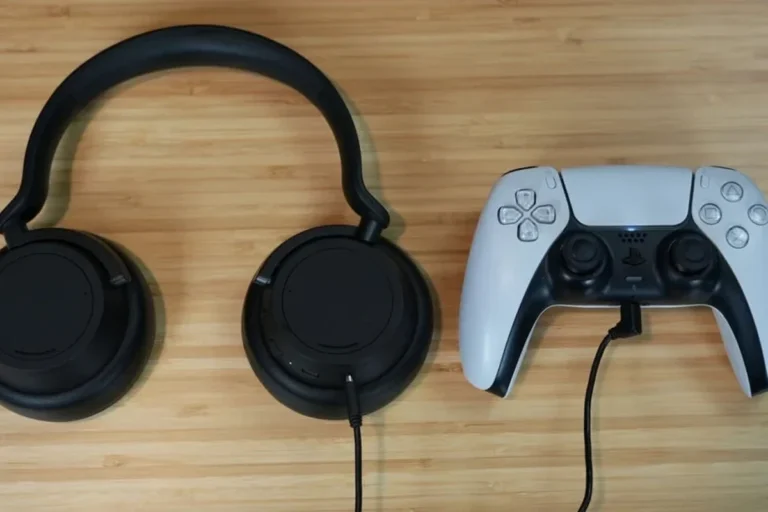
Some controllers include a headphone jack, which can make docked play more convenient. In that setup, the controller becomes your audio point, so you can listen without running a cable all the way to the TV.
For players who split time between handheld and docked modes, this can be a nice middle-ground option. Just make sure your controller model supports audio output before relying on it.
Common Headphone Connection Problems on Nintendo Switch and How to Fix Them
Most Switch headphone problems come down to pairing, volume settings, or unsupported features. The fix is usually simple once you know where to look.
Audio Delay, Pairing Failures, and Low Volume Issues
Audio delay is one of the most common complaints with Bluetooth headphones. If the sound feels late, try wired headphones, move closer to the console or transmitter, or test a different headset with lower latency.
Pairing failures can happen if the headphones are already connected to another device. Low volume may also come from the headphones themselves, the game’s settings, or the Switch volume control.
Listening at high volumes for long periods can cause hearing damage. Keep volume at 60% or below for extended sessions.
Why Some Microphones Don’t Work on Switch
Many players are surprised that a headset microphone may not behave the same way on Switch as it does on PC or phone. In some cases, the game may not support voice chat through the headset, or the console may only support certain voice features through specific apps or accessories.
If microphone use matters to you, check the headset’s compatibility notes carefully before buying. This is one of the biggest reasons some gaming headsets feel “broken” even when the audio itself works fine.
If you have ongoing hearing concerns, persistent tinnitus, or pain from headphone use, consult an audiologist or hearing professional before continuing long sessions.
Expert Advice: What Nintendo Switch Players Should Avoid Before Buying Headphones
Buying headphones for Switch is less about chasing the biggest spec sheet and more about avoiding compatibility mistakes. A model that looks impressive on paper may still be a poor gaming choice if it has delay, weak comfort, or missing audio support.
Compatibility Mistakes That Waste Money
One common mistake is buying headphones that rely on a companion app for basic audio control. That may not matter on a phone, but it can be frustrating on Switch if the app features are unavailable.
Another mistake is assuming every wireless headset will work the same way across handheld, docked, and TV play. If you want broader guidance on headphone types, our article on types of headphones explained is a helpful starting point.
Latency, Battery Life, and Comfort Trade-Offs for Gaming
For gaming, latency matters almost as much as sound quality. Wired headphones usually win for responsiveness, while wireless models offer freedom but need enough battery life to cover your playtime.
Comfort also matters more than many buyers expect. Over-ear headphones may be better for long sessions, while lighter on-ear or in-ear options can be easier to carry, depending on your head shape and preference.
Many gaming headsets sound “better” only after EQ adjustments, and small changes to bass or treble can improve clarity in dialogue-heavy games.
How Much Should You Spend? Budget vs Mid-Range vs Premium Headphones for Switch
The right budget depends on how often you play and what you expect from the sound. Budget headphones can be perfectly fine for casual use, while mid-range and premium models usually bring better comfort, stronger build quality, and more consistent audio performance.
If you mainly play handheld games at home, a simple wired pair may offer the best value. If you want wireless convenience, it can be worth spending a little more for a headset with better battery life and lower lag.
Final Recap: The Easiest and Most Reliable Way to Connect Headphones to Nintendo Switch
The easiest way to connect headphones to Nintendo Switch is usually a wired 3.5mm headset in handheld mode. It is fast, stable, and avoids the pairing and latency issues that can come with wireless audio.
If you want Bluetooth, it works best for convenience and casual play. For docked gaming, the most reliable options are usually the TV, a controller with audio support, or a transmitter that matches your setup and expectations.
- Wired headphones are the simplest and most dependable choice.
- Bluetooth is convenient, but latency and compatibility can vary.
- Docked play usually works best through the TV, controller, or transmitter.
- Check microphone support, comfort, and battery life before buying.
Frequently Asked Questions
Wired headphones are usually better for the lowest latency and simplest setup. Wireless headphones are more convenient, but sound delay and compatibility can vary by model.
Yes, noise cancelling headphones can work well if they connect through 3.5mm, Bluetooth, or USB-C. Just remember that active noise cancelling may slightly change the sound profile, depending on the model.
Closed-back headphones are usually the better pick for Switch because they isolate outside noise and keep game audio more private. Open-back models can sound more spacious, but they leak sound and work best in quiet rooms.
For Switch, focus on comfort, connection type, latency, and overall tuning more than big spec numbers. Driver type, frequency response, and EQ flexibility can matter, but the best choice depends on your game and listening preference.
Try adjusting the game’s audio settings and using a simple EQ if your headphones support it. Too much bass can hide dialogue and effects, so a balanced tuning is often best for gaming.
Look for a lightweight fit, soft ear cushions, and a headband that does not clamp too tightly. Build quality, battery life, and comfort matter more over long sessions than flashy features.