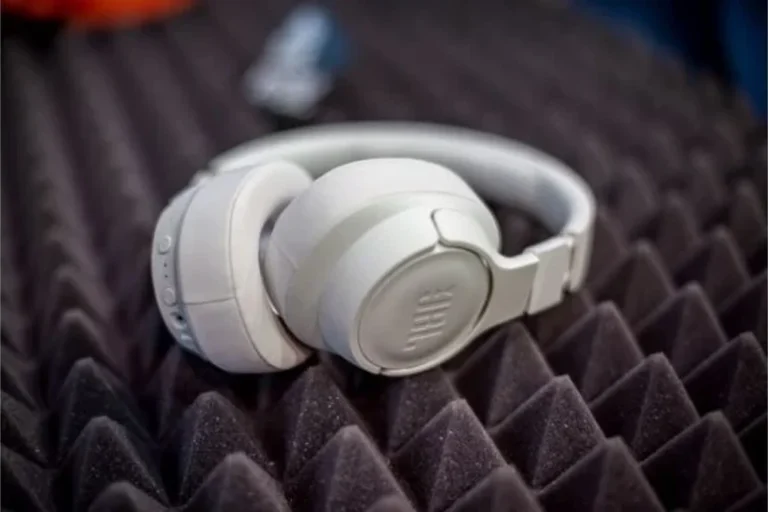
Can Bluetooth Headphones Connect to PS5 Easy Guide

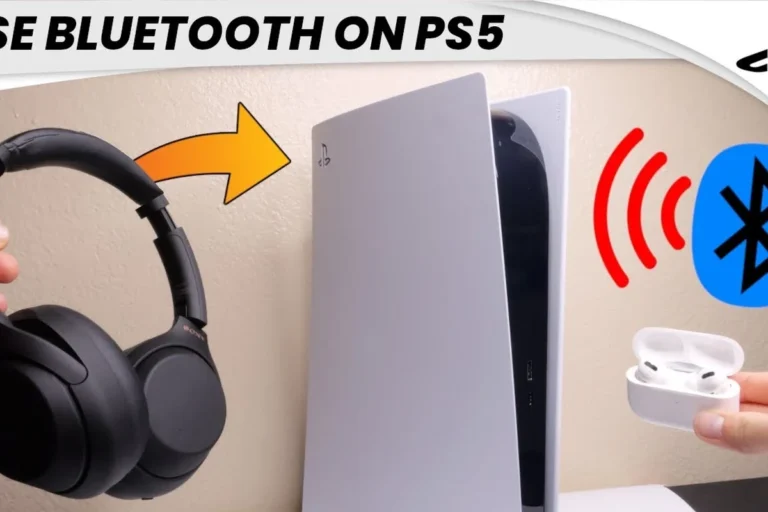
Yes, but not always directly. Most Bluetooth headphones need a workaround like a USB transmitter, a wired controller connection, or a PS5-compatible wireless headset.
If you’re asking can bluetooth headphones connect to ps5, the short answer is: sometimes, but not directly in the way most people expect. The PS5 has limited native Bluetooth audio support, so many standard Bluetooth headphones will not pair the same way they do with a phone or laptop.
That does not mean wireless audio is off the table. It just means PS5 owners usually need a supported USB wireless headset, a Bluetooth transmitter, or a wired fallback like the DualSense controller’s 3.5mm jack.
- Direct pairing: Often limited or blocked on PS5.
- Best wireless choice: USB dongle gaming headsets.
- Best simple fallback: 3.5mm cable through DualSense.
- Bluetooth workaround: Transmitters can help, but delay varies.
Can Bluetooth Headphones Connect to PS5? What Sony Officially Supports in 2025
Contents
- 1 Can Bluetooth Headphones Connect to PS5? What Sony Officially Supports in 2025
- 2 Why PS5 Bluetooth Audio Is Limited: Latency, Codec, and Compatibility Issues
- 3 Best Ways to Use Wireless Headphones with PS5 Instead of Direct Bluetooth
- 4 Step-by-Step: How to Connect Bluetooth Headphones to PS5 If Your Setup Supports It
- 5 Best Bluetooth Workarounds for PS5 Gamers in 2025
- 6 Common Mistakes People Make When Trying to Pair Bluetooth Headphones with PS5
- 7 Expert Advice: When Bluetooth Is the Wrong Choice for PS5 Gaming
- 8 Final Recap: The Smartest Way to Get Wireless Audio on PS5
- 9 Frequently Asked Questions
- 10 Author
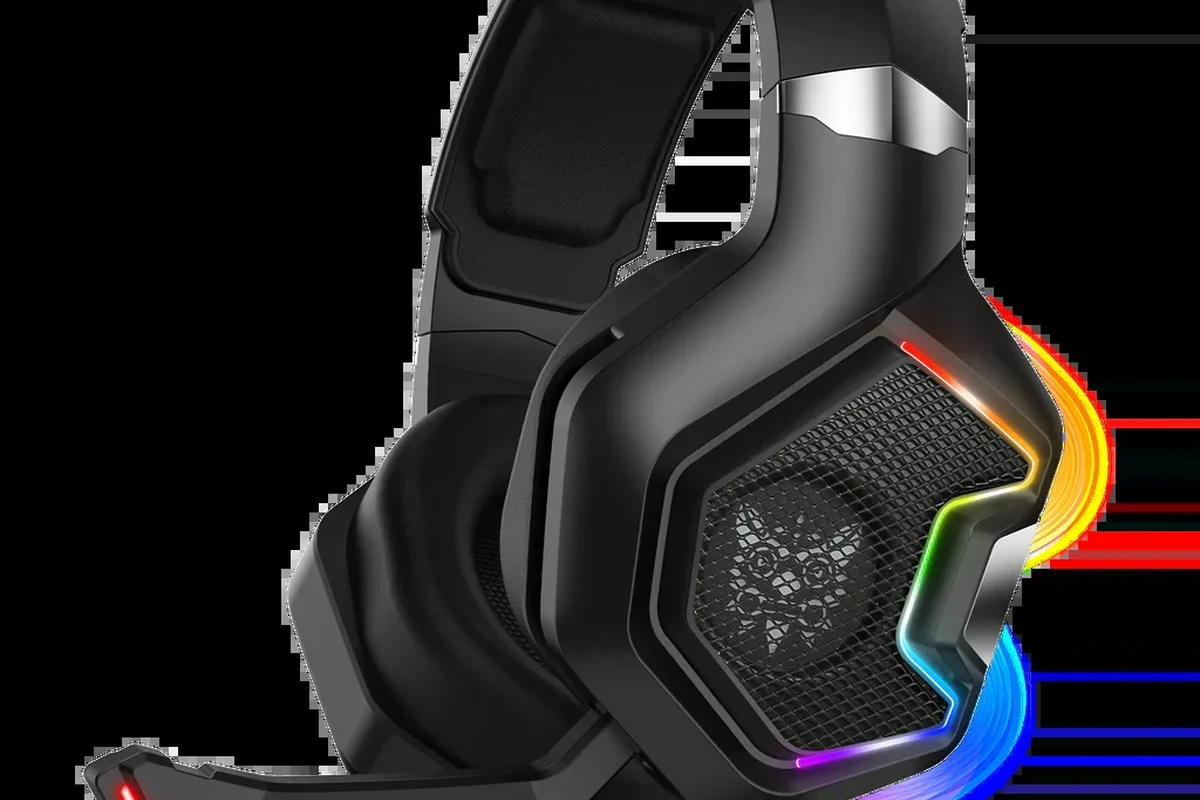
In 2025, Sony still keeps PS5 Bluetooth audio support fairly restricted. The console is designed to work best with licensed wireless headsets, USB dongles, and wired connections rather than generic Bluetooth audio devices.
That approach can feel frustrating, but it is intentional. Sony prioritizes stable game audio, voice chat reliability, and lower latency over broad compatibility with every Bluetooth headphone on the market.
Compatibility can vary by headset model, adapter, firmware version, and even the game you are playing. If a headset works on one setup, that does not guarantee it will work the same way on another.
For readers who want a broader overview of pairing behavior across devices, our guide on how to connect Bluetooth headphones explains the basic connection process and why some devices pair more easily than others.
Why PS5 Bluetooth Audio Is Limited: Latency, Codec, and Compatibility Issues
The biggest reason PS5 Bluetooth audio is limited is latency. Gaming needs sound to arrive almost instantly, especially in shooters, racing games, rhythm games, and competitive titles where timing matters.
Bluetooth can introduce a delay between what happens on screen and what you hear. Even a small delay can make footsteps feel off, dialogue seem slightly out of sync, or gunfire feel less responsive.
How Bluetooth lag affects gaming, chat, and fast-paced titles
Bluetooth lag matters more in gaming than in music or podcasts. In a story game, a little delay may be tolerable, but in fast-paced titles it can make the experience feel less precise.
Voice chat can also suffer when audio and mic handling are not perfectly matched. If the headset is not designed for console gaming, you may get sound without reliable chat, or chat without clean audio timing.
Bluetooth delay is not always obvious at first, but it becomes more noticeable during competitive play, cutscenes with lip-sync, and games that depend on quick reaction time.
Why most standard Bluetooth headphones are blocked or unreliable on PS5
Many regular Bluetooth headphones are blocked because the PS5 does not act like a normal Bluetooth audio source. Some models may connect through workarounds, but the connection can be unstable or incomplete.
Another issue is codec support. Your headphones may support one codec, your transmitter may support another, and the PS5 itself may not handle the combination in a simple plug-and-play way.
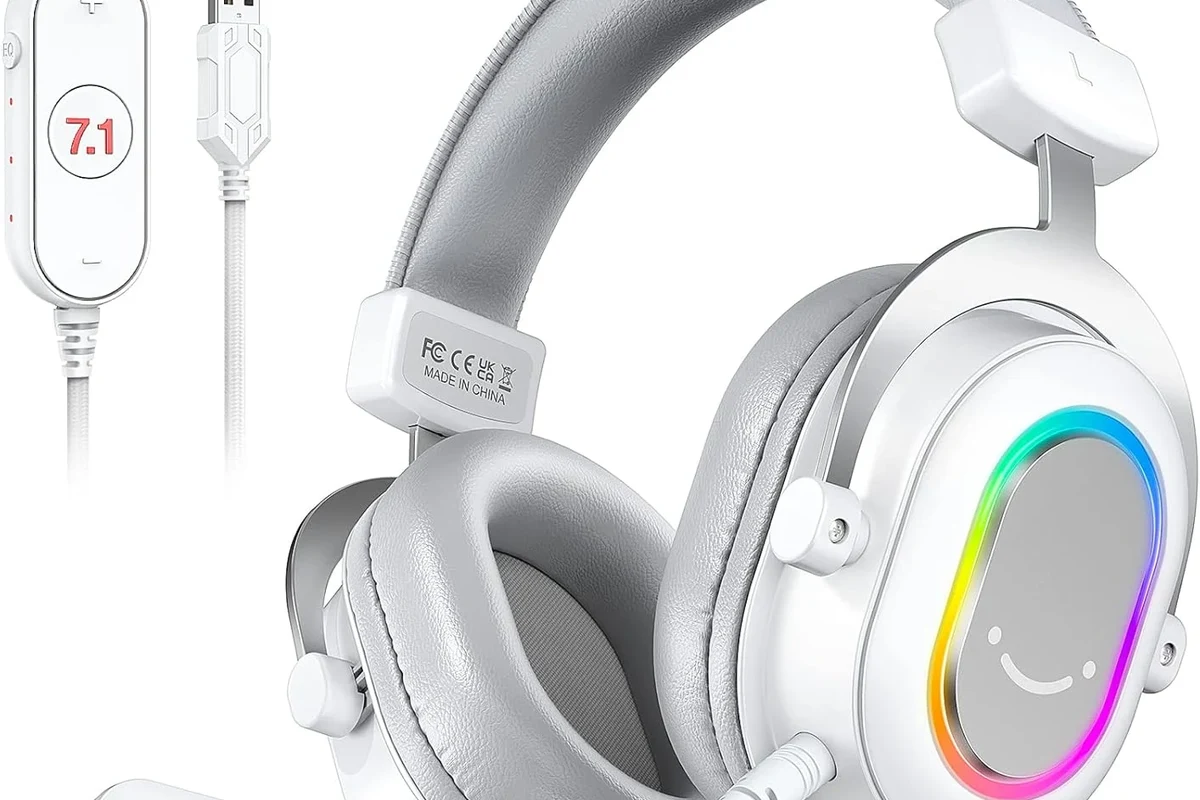
Many gaming headsets use a USB wireless dongle instead of standard Bluetooth because that setup usually offers lower delay and more consistent voice chat performance.
Best Ways to Use Wireless Headphones with PS5 Instead of Direct Bluetooth
If your goal is wireless convenience, there are better PS5 options than trying to force a direct Bluetooth connection. The best choice depends on whether you care most about chat, latency, comfort, or budget.
In many cases, the smartest move is to choose a wireless headset built for gaming, rather than a general-purpose Bluetooth headphone made for phones and travel.
USB wireless dongle headsets and why they usually work better
USB wireless headsets are usually the easiest wireless solution for PS5. They use a dedicated dongle, which often gives you more stable audio and better timing than standard Bluetooth.
These headsets are also more likely to support microphone use, game chat, and quick pairing. For PS5 gaming, that combination is often more useful than raw Bluetooth convenience.
Using a 3.5mm connection through the DualSense controller
If you want the simplest reliable setup, the DualSense controller’s 3.5mm headphone jack is still one of the best options. It gives you a direct connection with no Bluetooth pairing headaches and no dongle management.
This is especially useful if you already own a good wired headset or if you want a stable backup for long sessions. You lose wireless freedom, but you gain consistency.
If you already have a favorite headset, check whether it also includes a detachable cable. That can turn a wireless-only problem into a simple wired PS5 solution.
TV Bluetooth audio as a workaround: when it helps and when it fails
Some gamers route audio through a TV or monitor that supports Bluetooth output. This can work for casual listening, but it is not always ideal for gaming.
The main problem is delay. If the TV adds processing delay on top of Bluetooth delay, the sound can feel even less responsive. It may be fine for slower single-player games, but it is usually not the best choice for competitive play.
Step-by-Step: How to Connect Bluetooth Headphones to PS5 If Your Setup Supports It
If your setup includes a compatible Bluetooth transmitter or adapter, you may be able to use Bluetooth headphones with your PS5 indirectly. The exact steps depend on the adapter and headphone model.
Before you buy anything, check whether the adapter supports low-latency audio and whether it is compatible with the PS5’s USB ports and audio behavior.
Checking PS5 audio settings and pairing requirements
Start by confirming your PS5 audio output settings. Make sure the console is sending audio to the correct device, and check whether your headset or adapter needs a manual pairing mode.
Some devices require you to set the PS5 output to USB audio, while others work through a transmitter that handles the Bluetooth link separately. If the sound does not appear right away, the issue may be the adapter rather than the headset.
- Does the adapter support PS5 use?
- Does the headset support pairing with that adapter?
- Is the mic supported, or only audio playback?
- Is latency acceptable for gaming?
Example setup for Bluetooth transmitters and supported adapters
A common workaround is a USB Bluetooth transmitter plugged into the PS5, paired with compatible headphones. In that setup, the transmitter acts as the bridge between the console and your headset.
That said, not every transmitter supports game chat, and not every headset behaves well with every adapter. If you want to avoid trial and error, choose a transmitter that is clearly marketed for console or gaming use.
Insert the USB adapter into the PS5 and wait for it to power on.
Follow the headphone manual so the headset can discover the transmitter.
Open PS5 sound settings and verify that output is routed through the connected device.
Best Bluetooth Workarounds for PS5 Gamers in 2025
For most PS5 owners, the best Bluetooth workaround is not “Bluetooth headphones directly to console.” It is usually a better adapter, a gaming headset with a dongle, or a wired connection that avoids timing issues.
If you are shopping with value in mind, think about how often you play, whether you use voice chat, and whether low delay matters more than convenience.
Low-latency Bluetooth transmitters for gaming
Low-latency transmitters are the most practical Bluetooth-style solution for casual PS5 use. They are designed to reduce delay as much as possible, though actual performance still varies by headphone model and adapter quality.
They are a better fit for single-player games, streaming, and general entertainment than for highly competitive multiplayer. If you want near-instant response, a dedicated gaming headset is still the safer pick.
Comparing budget adapters vs premium wireless headset bundles
Budget adapters can be tempting because they are cheaper upfront, but they may be less stable and more limited in mic support. Premium wireless headset bundles usually cost more, but they are often easier to live with day to day.
The right choice depends on your priorities. If you only need casual audio, an adapter may be enough. If you want dependable gaming chat and fewer connection issues, a bundle built for PS5 often makes more sense.
| Model | Best For | Price Range |
|---|---|---|
| USB Bluetooth transmitter | Casual wireless audio | Varies |
| Gaming headset with dongle | Chat and low-latency play | Varies by brand |
| Wired 3.5mm headset | Simple reliable setup | Varies |
Cost considerations: cheap fixes, mid-range options, and better long-term value
Cheap fixes can solve a short-term problem, but they may create new ones like lag, dropouts, or missing microphone support. Mid-range options often strike a better balance between price and usability.
For long-term value, a headset designed for console gaming is usually the most sensible investment. It may cost more than a basic adapter, but it often saves time and frustration later.
Common Mistakes People Make When Trying to Pair Bluetooth Headphones with PS5
Most PS5 Bluetooth problems come from mismatched expectations. People assume any Bluetooth headphone should work the same way as it does on a phone, but gaming consoles are more selective.
A little planning can save you from buying the wrong accessory and dealing with avoidable setup headaches.
Buying headphones without checking transmitter support
One of the most common mistakes is buying headphones first and only later discovering the adapter does not support them properly. Headphone pairing is not just about Bluetooth version; it is also about compatibility.
Always check whether the transmitter supports your headset model, whether it handles audio only or audio plus mic, and whether it is known to work well with PS5.
Ignoring audio delay, mic limitations, and chat compatibility
Another mistake is focusing only on sound and ignoring voice chat. Some setups may play game audio fine but fail when you try to use the microphone.
That matters a lot if you play multiplayer games. If chat is important, look for a headset or adapter that clearly supports both listening and speaking on PS5.
Not every wireless setup supports microphone input, party chat, or in-game voice chat. If those features matter to you, verify them before you buy.
Assuming all USB adapters are plug-and-play
Some USB adapters are simple, but many are not truly plug-and-play. They may need pairing steps, firmware updates, or specific output settings before they work correctly.
If you want the least hassle, choose a product with clear PS5 compatibility notes and straightforward setup instructions.
Expert Advice: When Bluetooth Is the Wrong Choice for PS5 Gaming
Bluetooth is not always the wrong choice, but it is often the wrong choice for serious gaming. If you care about timing, chat quality, and stable performance, a gaming headset or wired connection is usually better.
Think of Bluetooth as a convenience feature first and a gaming feature second. That mindset helps you avoid disappointment.
Warning signs that you should choose a dedicated gaming headset instead
If you play shooters, fighting games, rhythm games, or ranked multiplayer, Bluetooth delay can become distracting quickly. If you also use party chat often, a dedicated gaming headset is usually the better fit.
You should also consider a gaming headset if you switch between PS5 and PC, because many models with USB dongles are easier to move between systems than generic Bluetooth headphones.
If you notice persistent audio delay, ear discomfort, or ringing after long sessions, consider lowering volume and speaking with an audiologist or hearing professional.
Best use cases for casual listening, streaming, and single-player games
Bluetooth can still make sense for casual PS5 use. If you mainly play slower single-player games, watch streaming apps, or use your console for relaxed listening, a workaround may be perfectly fine.
It is also useful if you already own good Bluetooth headphones and do not want to buy a second headset right away. Just be realistic about the trade-offs.
- PS5 does not reliably support standard Bluetooth headphones directly.
- USB wireless headsets and wired controller connections are usually better.
- Bluetooth transmitters can work, but latency and mic support vary.
- For competitive gaming, a dedicated gaming headset is the safer choice.
Final Recap: The Smartest Way to Get Wireless Audio on PS5
So, can Bluetooth headphones connect to PS5? Sometimes yes, but direct pairing is limited and often unreliable. The better answer is that PS5 works best with wireless gaming headsets, USB dongles, or a wired controller connection.
If you want the fewest problems, choose the setup that matches how you actually play. Casual users may be fine with a transmitter workaround, while competitive players will usually be happier with a headset designed specifically for console gaming.
Frequently Asked Questions
Wireless headphones are more convenient, but wired headphones usually offer more reliable timing and fewer connection issues. For competitive play, wired or low-latency gaming wireless is often the safer choice.
Closed-back headphones usually block more outside noise and can make game audio feel more immersive. Open-back headphones can sound more spacious, but they leak sound and are less ideal for shared rooms.
For gaming, look at comfort, latency, mic support, and overall tuning more than one spec alone. Driver type, bass balance, and clarity all matter, but the best choice depends on your games and preferences.
A mild EQ adjustment can help balance bass and improve voice clarity. Avoid extreme boosts, since they can distort sound and make long sessions less comfortable.
Check connection type, comfort, battery life, latency, and whether the headset supports your main device. Also make sure the build quality and feature set match how often you plan to use them.
Look for a lightweight fit, soft ear cushions, and a headband that does not clamp too tightly. Comfort varies by head shape and ear size, so personal fit matters as much as specs.