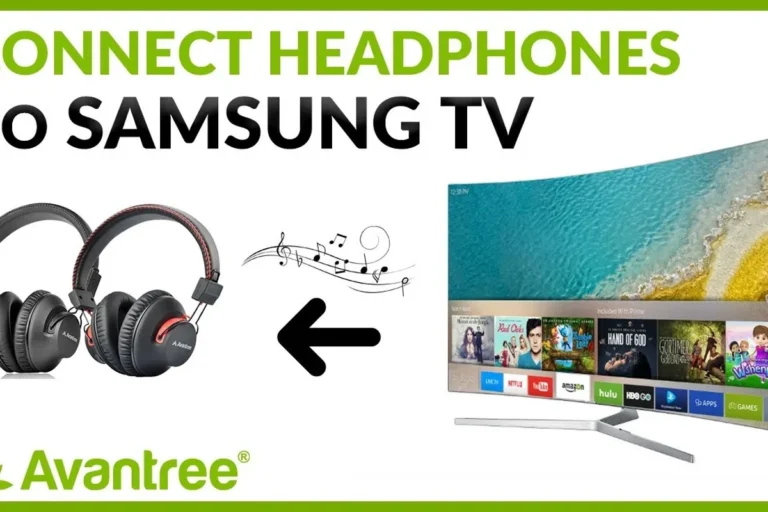
How Can I Listen to TV with Headphones Easily

You can listen to TV with headphones by using Bluetooth, a wired headphone jack, or an adapter/transmitter for older TVs. The best setup depends on your TV’s outputs, how much latency you can tolerate, and whether you want comfort or maximum sound stability.
If you’re wondering how can i listen to tv with headphones, the good news is that there are several easy ways to do it in 2025. The best method depends on your TV’s ports, whether you want wired or wireless audio, and how much you care about comfort, latency, and sound quality.
For most viewers, the simplest setup is either Bluetooth from a smart TV or a wired connection using a headphone jack, RCA output, or an adapter. If you want a cleaner movie experience or better late-night gaming audio, choosing the right headphone type matters just as much as the connection method.
- Fastest setup: Use built-in Bluetooth if your TV supports it well.
- Most reliable sound: Wired connections usually avoid delay and dropouts.
- Best for long sessions: Over-ear headphones are often more comfortable.
- Best for gaming: Low-latency headphones or transmitters matter most.
How Can I Listen to TV with Headphones: What Viewers Need to Know in 2025
TV headphone listening is easier now than it used to be, but not every TV handles audio the same way. Some smart TVs include built-in Bluetooth, while older models may need a transmitter, adapter, or direct cable connection.
The main decision is whether you want convenience or the most reliable sound. Wireless feels more flexible, but wired setups usually avoid delay and keep audio more stable, especially for sports, dialogue-heavy shows, and gaming.
If your TV already supports Bluetooth audio, check its sound menu first before buying extra gear. You may only need to pair your headphones and adjust the output setting.
It also helps to think about where and how you watch. A bedroom TV setup may only need short-range wireless headphones, while a living room system may benefit from a transmitter with better range and a more stable signal.
Compatibility can vary by TV brand, model, and software version. Always check your TV’s audio output options before choosing an adapter or transmitter.
Best Ways to Connect Headphones to a TV Without Losing Sound Quality
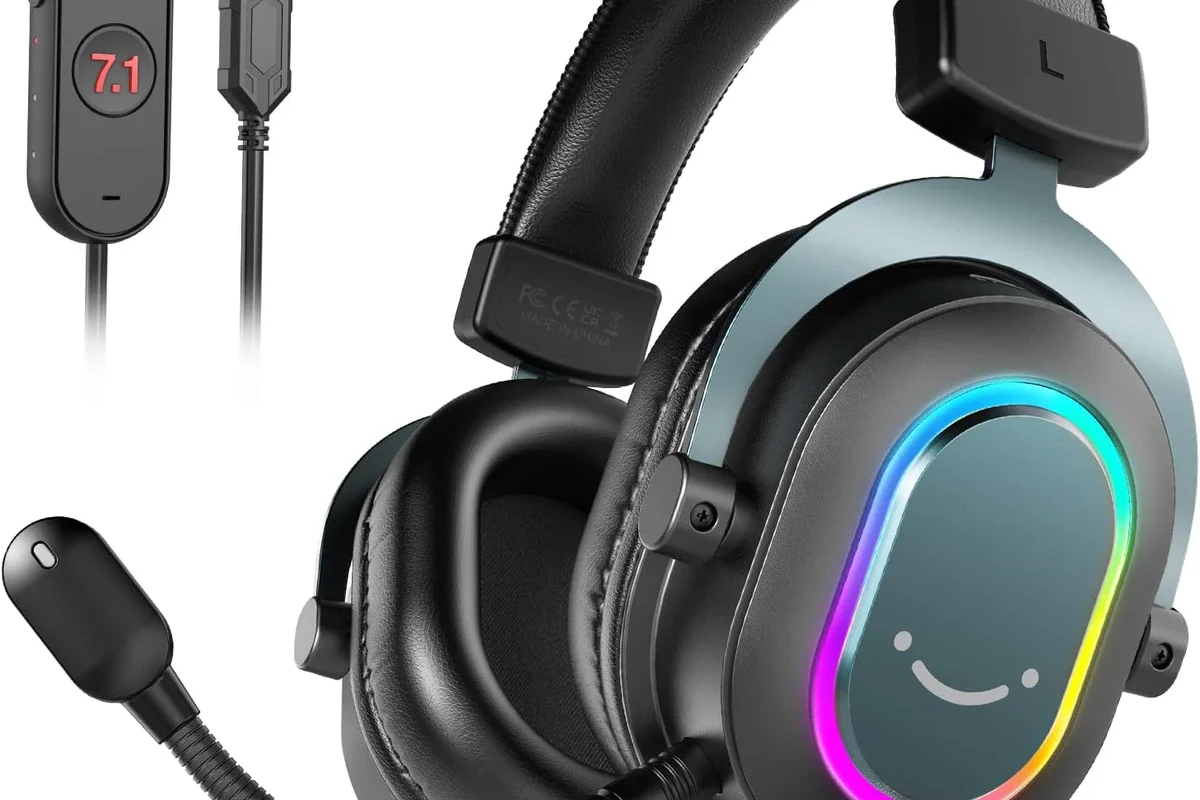
There are three common connection paths: Bluetooth, wired analog, and digital-to-analog conversion. Each one can sound good if it is matched correctly to your TV and headphones.
Bluetooth TV headphones and built-in wireless support
Bluetooth is the easiest option for many people because it removes cables and keeps the setup simple. If your TV supports Bluetooth audio output, you can usually pair headphones directly through the settings menu.
The main tradeoff is latency. Some TVs and headphones handle lip-sync well, while others create a small delay that can be distracting during fast dialogue or gaming. If you’re sensitive to timing, look for low-latency support when possible.
For a deeper look at wireless basics, our guide to Bluetooth headphones explained simply can help you understand pairing, range, and common limitations.
Wired options: 3.5mm jack, RCA, and optical-to-analog setups
Wired connections remain the most dependable choice for many viewers. If your TV has a 3.5mm headphone jack, you can plug in directly and usually get immediate audio with no delay.
Older TVs may offer RCA audio outputs instead. In that case, you can use an RCA-to-3.5mm adapter or a small headphone amplifier, depending on the setup. If your TV only has optical output, you’ll need an optical-to-analog converter before connecting standard wired headphones.
Not every optical converter handles volume the same way. Some require their own power source and may need manual volume control to avoid weak or overly loud output.
Wired setups are often the best choice if you want predictable sound for late-night viewing. They also work well if you do not want to worry about battery life or wireless interference.
Using a headphone amplifier or TV transmitter for better range
A headphone amplifier can help when your TV’s output is too quiet or when you want a little more control over volume. A TV transmitter can also improve convenience by sending audio wirelessly to compatible headphones from a stronger base unit.
This is especially useful in larger rooms or multi-seat setups. Some transmitters support two listeners at once, which is ideal for couples or shared viewing.
Some TV transmitters are designed to reduce delay better than basic Bluetooth pairing, which can make dialogue feel more natural during movies.
Choosing the Right Headphone Type for TV Watching
The best headphones for TV are not always the most expensive ones. Comfort, battery life, and latency can matter more than fancy sound features if you watch for long stretches.
Over-ear vs. earbuds for long viewing sessions
Over-ear headphones are often the most comfortable for movie nights because they spread pressure around the ear and usually feel more immersive. They also tend to provide better passive isolation, which helps keep room noise down.
Earbuds can be great if you want a lighter feel or already use them daily. That said, some viewers find them less comfortable over long sessions, especially if the fit is tight or the ear tips do not seal well.
- Over-ear models usually feel better for long sessions
- Earbuds are compact and easy to store
- Over-ear models can feel warm after hours of use
- Earbuds may not suit every ear shape comfortably
Wireless latency, comfort, and battery life for movies and gaming
For movies, a tiny bit of delay may be acceptable if the sound is clear and the headphones are comfortable. For gaming, latency becomes much more important because even a small lag can affect reaction timing and lip-sync.
Battery life is another practical factor. If you watch TV most evenings, a headset that lasts through multiple sessions without frequent charging will feel much easier to live with.
Why gaming headphones can be a smart TV choice
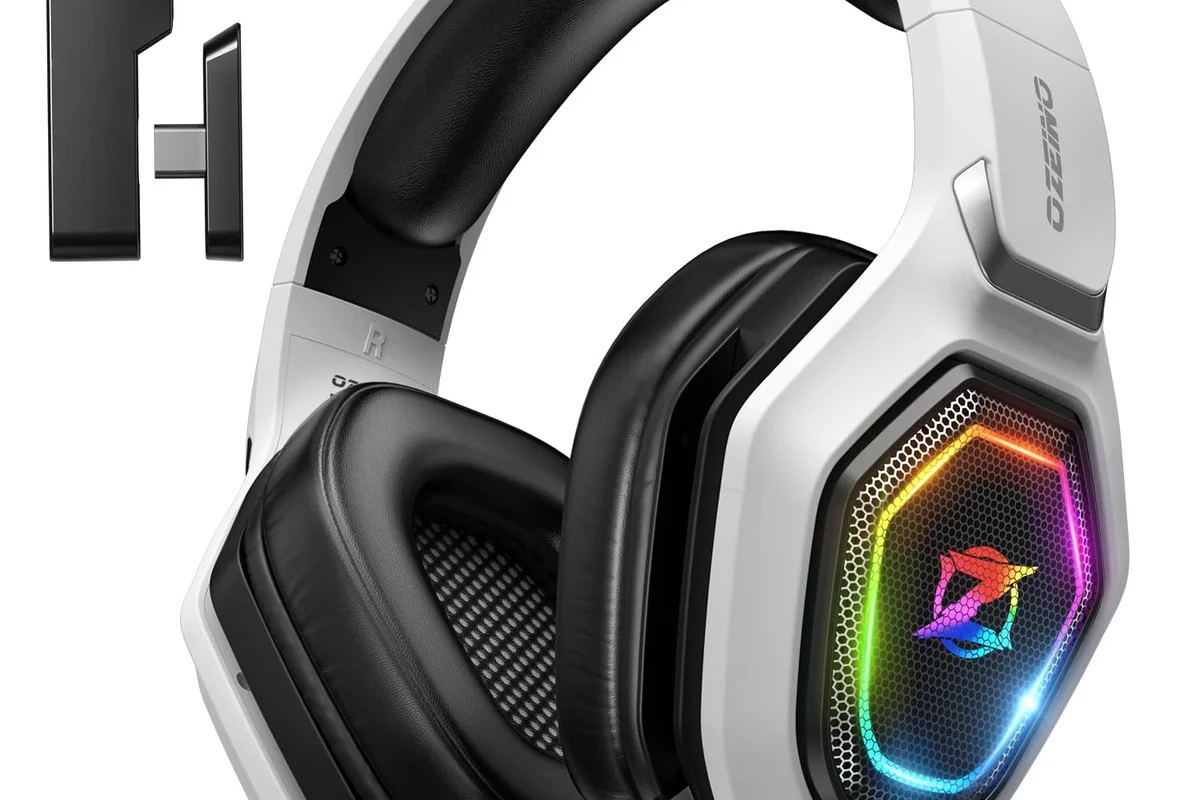
Gaming headphones often make excellent TV headphones because they are designed for long wear, clear dialogue, and flexible connectivity. Many models include a microphone, which can be useful if you also use the headset for chat or voice assistants.
If you want a broader breakdown of headphone styles, our types of headphones explained guide is a helpful place to compare over-ear, on-ear, and in-ear designs before buying.
Some gaming headsets also include wireless dongles or low-latency modes that can be more stable than standard Bluetooth. That can make them a smart pick for viewers who split time between TV, console gaming, and streaming apps.
If you already have hearing concerns, ringing in the ears, or trouble understanding dialogue at normal volume, an audiologist can help you choose a safer listening setup and check whether hearing support features would be useful.
Step-by-Step Setup Examples for Common TV Audio Scenarios
Different TVs need different solutions, so it helps to match the setup to the hardware you already own. The good news is that most common cases are manageable without complex equipment.
How to listen through Bluetooth headphones on smart TVs
Go to your TV’s sound or Bluetooth menu and look for wireless audio output or headphone pairing.
Follow the headphone instructions so the TV can detect them during the search process.
Play a show with dialogue and check whether the sound matches the picture closely enough for comfortable viewing.
If the sound feels delayed, check whether your TV has a lip-sync adjustment or a separate audio delay setting. Some TVs also let you switch between speakers and headphones more easily once paired.
How to connect headphones to older TVs with no headphone jack
Look for RCA, optical, or HDMI ARC-related audio options on the back of the TV.
Use an optical-to-analog converter or RCA-to-3.5mm adapter that matches the TV’s output type.
Plug in the headphones or amplifier, then adjust the source volume and output settings if needed.
Older TVs can still sound great through headphones if the adapter is chosen carefully. If the output is noisy, very quiet, or distorted, the issue is often the converter rather than the headphones themselves.
How to share TV audio with two listeners at once
Dual listening usually requires a transmitter or a headphone system that supports two outputs. Some setups let two wireless headphones connect to the same base unit, while others need a splitter for wired listening.
For shared rooms, this can be a very practical solution because it keeps the TV volume low for everyone else. It is also useful for households where one person wants a louder mix for dialogue and another prefers a softer level.
- Whether the transmitter supports two headphones at once
- Whether both listeners can control their own volume
- Whether lip-sync stays stable on both outputs
Common Mistakes That Cause Poor TV Headphone Sound
Bad sound is often caused by setup issues, not by the headphones themselves. A few small mistakes can make dialogue muddy, bass weak, or wireless audio feel out of sync.
Audio delay and lip-sync problems
Delay is one of the most common complaints with TV headphones, especially over Bluetooth. If the audio arrives late, speech may not match mouth movement, which becomes distracting very quickly.
To reduce this, use low-latency headphones or a TV/transmitter combo that is known for better sync behavior. If your TV has audio delay controls, that can also help fine-tune the timing.
Volume mismatch, low output, and weak bass
Some TV outputs are simply too weak to drive headphones properly without help. This can lead to low volume, thin bass, or a sound that feels flat even when the headphones themselves are good.
A small amplifier, better adapter, or direct digital-to-analog converter may solve the issue. If you use earbuds or small on-ear models, remember that their bass response can also vary by fit and seal.
Wrong adapter choices and compatibility issues
Not every adapter works with every TV. A common mistake is buying a converter that does not match the TV’s output format, which can lead to no sound at all or very poor audio quality.
Before buying, confirm whether the TV output is analog or digital, and whether the adapter needs external power. If you are unsure, check the TV manual or product page before ordering anything.
Listening at high volumes for long periods can cause hearing damage. Keep volume at 60% or below for extended sessions.
Expert Advice: What to Watch Out for Before Buying TV Headphones
When shopping for TV headphones, the best value usually comes from a mix of comfort, stable connection, and the right features for your room. A flashy spec sheet is less important than everyday reliability.
Warning signs of cheap transmitters and unstable Bluetooth
Very low-cost transmitters sometimes introduce hiss, dropouts, or noticeable lag. If a product does not clearly explain compatibility, range, or supported audio formats, that is usually a red flag.
Unstable Bluetooth can also be a problem if the TV and headphones do not communicate smoothly. That matters more in homes with multiple wireless devices, walls, or longer listening distances.
When to prioritize low-latency codecs and TV-specific features
If you watch sports, play console games, or care about lip-sync accuracy, low-latency support should be high on your list. TV-specific features such as dual pairing, audio delay controls, and easy source switching can make daily use much smoother.
For readers who also use their headphones with a computer, our guide on selecting headphones in Windows 11 can be useful if you want a headset that works across multiple devices.
Accessibility and hearing-friendly features worth considering
Some viewers benefit from clear dialogue modes, independent volume control, or hearing enhancement features. These can make TV easier to enjoy without pushing the overall volume too high.
If you already use hearing aids or have trouble with speech clarity, look for headphones and TV settings that support easy balance adjustments. That is often more helpful than chasing extra bass or a stronger wireless signal.
Cost Comparison: Budget, Mid-Range, and Premium TV Headphone Setups
There is no single “best” price point for TV headphones. The right budget depends on whether you want basic wired convenience, everyday wireless comfort, or a more polished multi-room setup.
Affordable wired solutions for casual viewers
Budget setups usually rely on a simple cable, adapter, or low-cost converter. These are often the easiest way to get clean audio without worrying about charging or pairing.
They are a good fit for occasional viewers, spare-room TVs, and anyone who mainly wants a straightforward late-night listening option.
Mid-range wireless systems for everyday use
Mid-range systems are often the sweet spot for most households. They may include better comfort, steadier Bluetooth, longer battery life, and a transmitter or TV-specific base station.
This level makes sense if you watch TV often and want a setup that feels easy to use every day. It is also a strong choice for people who want fewer cables but still care about stable sound.
Premium setups for best range, clarity, and convenience
Premium TV headphone setups usually focus on convenience, lower delay, and better build quality. They may also offer stronger range, more flexible switching, and improved comfort for long sessions.
If you want the cleanest overall experience and plan to use the same headphones for movies, gaming, and music, a higher-end system can be worth considering. Just remember that performance can still vary by brand, model, and room layout.
- Bluetooth is easiest if your TV supports it well.
- Wired connections usually give the most reliable sound.
- Low-latency features matter most for gaming and lip-sync.
- Comfort and battery life matter most for long viewing sessions.
Final Recap: The Easiest Way to Listen to TV with Headphones in 2025
If you want the simplest answer, start by checking whether your TV has Bluetooth audio output or a headphone jack. If it does, that may be all you need for a quick and easy setup.
If not, an adapter or transmitter can still make TV headphone listening very practical, even on older sets. The best choice depends on your TV’s outputs, your comfort preferences, and whether you care more about convenience, sound quality, or zero-delay audio.
For most viewers, the smartest path is this: match the connection method to your TV, choose a comfortable headphone style, and avoid cheap adapters that create delay or weak sound. That approach will usually give you the best balance of ease, clarity, and everyday usability.
Frequently Asked Questions
Wireless headphones are more convenient, but wired headphones usually give more stable sound and less delay. If you watch a lot of movies or play games, low-latency support matters more than the connection type alone.
Over-ear headphones are often best for long sessions because they usually feel more comfortable and immersive. Earbuds can work well too, but fit and ear fatigue vary more from person to person.
Open-back headphones can sound spacious and natural, but they leak sound and do not block room noise well. For shared living rooms, closed-back headphones are usually the more practical choice.
Check connectivity, battery life, latency, comfort, and whether the headphones work with your TV’s audio output. If sound quality matters most, also consider driver size, tuning, and whether the headset supports EQ adjustments.
Make sure the fit is secure, the source volume is set correctly, and the adapter or transmitter is not limiting output. A small EQ adjustment can help dialogue clarity or bass balance, but results vary by model.
Yes, gaming headsets can be a smart TV choice because they are often comfortable, easy to wear for long periods, and may include low-latency wireless options. They are especially useful if you also plan to use the same headset for console gaming.