Can You Use Bluetooth Headphones on PS5 Easily

Yes, but PS5 does not reliably support standard Bluetooth headphones directly. Most players need a USB adapter, TV connection, or a PS5-compatible wireless headset for the best results.
If you’re asking can you use bluetooth headphones on ps5, the short answer is yes, but not always directly. The PS5 has Bluetooth support for accessories, but Sony does not fully support standard Bluetooth audio headphones the way a phone or laptop does.
That means many players need a workaround, such as a USB Bluetooth adapter, TV audio output, or Remote Play. The best option depends on how you play, whether you need a microphone, and how sensitive you are to audio delay.
- Direct support: Standard Bluetooth audio is limited on PS5.
- Best workaround: A USB adapter or TV audio output can help.
- Main drawback: Latency can hurt fast-paced games.
- Mic support: Voice chat may not work well with every headset.
- Best choice: Competitive players should favor PS5-compatible wireless headsets.
Can You Use Bluetooth Headphones on PS5? What Works in 2025
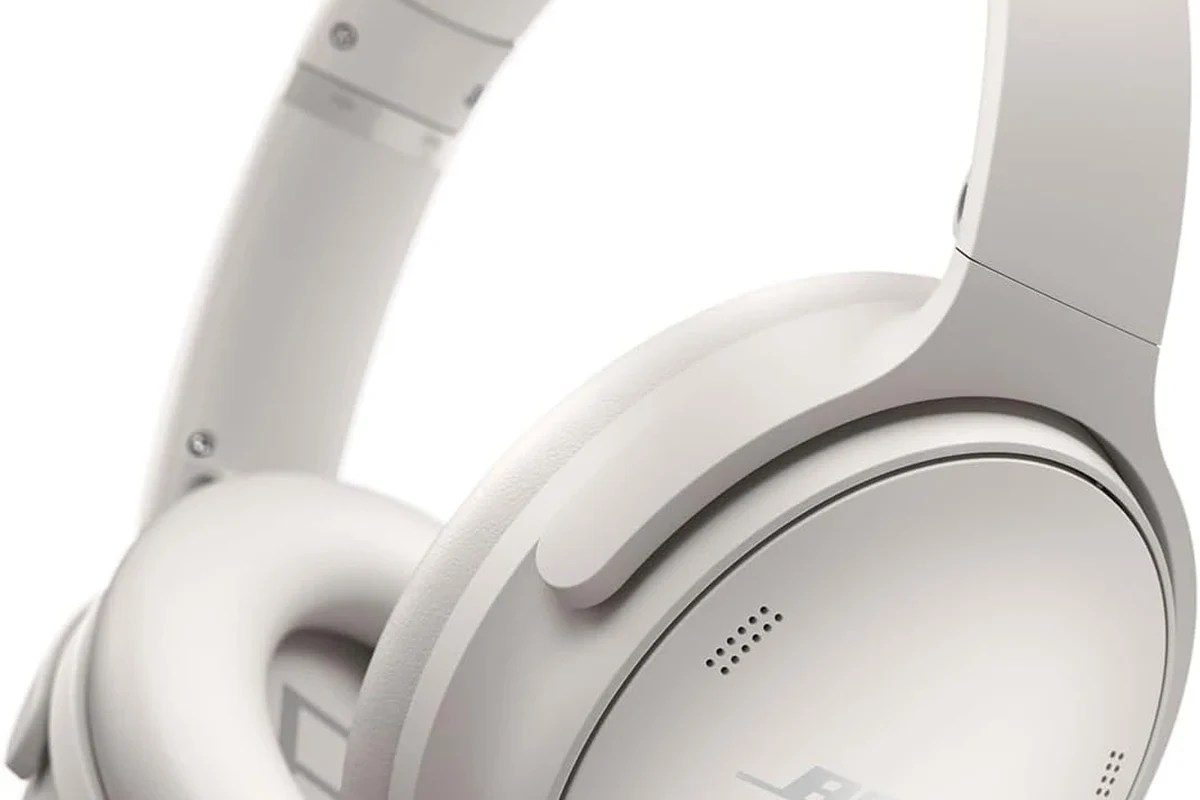
In 2025, Bluetooth headphones can work with PS5, but the console is picky about how they connect. In many cases, the PS5 will not pair with a normal Bluetooth headset as a direct audio device, even if the headset works fine with a phone or tablet.
This is why some players get frustrated when they try to connect and see no audio, unstable pairing, or missing mic support. If you want a simple answer, think of PS5 Bluetooth audio as “possible, but usually indirect.”
Compatibility can vary by headset brand, adapter type, firmware version, and even the TV or monitor you use in your setup.
Why PS5 Bluetooth Audio Is Limited and What Sony Supports
Sony keeps PS5 Bluetooth support limited mainly to reduce latency and connection problems. Gaming audio needs to stay tightly synced with what’s on screen, and standard Bluetooth can introduce delay that becomes noticeable during fast gameplay.
That is why Sony often recommends officially supported wireless headsets and accessories instead of generic Bluetooth audio devices. For players who want a broader look at wireless behavior, our guide on Bluetooth vs wired headphones sound quality can help explain the tradeoffs.
Built-in Bluetooth vs. Bluetooth Audio on the Console
It helps to separate “Bluetooth on the console” from “Bluetooth audio support.” A PS5 may support Bluetooth for certain controllers and accessories, but that does not mean every Bluetooth headphone can stream game sound directly.
In practical terms, the console is more selective than a phone. Some devices may pair but still fail to carry game audio properly, while others may connect only through an adapter or another device in the chain.
Many “wireless gaming headsets” for consoles are not standard Bluetooth at all. They often use a dedicated USB wireless connection designed for lower delay.
Which Headphones Commonly Fail to Pair Properly
Generic Bluetooth earbuds and older wireless headphones are the most common troublemakers. Headsets that rely on phone-focused features, multipoint switching, or unusual codecs may connect inconsistently or not at all.
Even when pairing succeeds, microphone support can be limited or unavailable. If voice chat matters to you, that detail is often more important than the initial pairing step.
Do not assume a successful Bluetooth pairing means full gaming support. Audio, chat, and microphone functions may behave differently from one headset to another.
Best Ways to Connect Bluetooth Headphones to PS5
There are a few practical ways to use Bluetooth headphones with PS5, and each one has different strengths. The right method depends on whether you care most about convenience, latency, microphone use, or sound quality.
Using a USB Bluetooth Adapter for Low-Latency Audio
A USB Bluetooth adapter is one of the most common workarounds. You plug the dongle into the PS5, pair your headphones to the adapter, and let the adapter handle the wireless link instead of the console’s limited Bluetooth behavior.
This can be a good solution for casual play, but not every adapter is equal. Some support better latency handling than others, and some may not pass microphone audio cleanly.
Connecting Through Your TV, Monitor, or Soundbar
Another option is to connect your headphones to the TV, monitor, or soundbar instead of the PS5. This works best when your display already supports Bluetooth audio output or has a headphone jack, optical output, or audio passthrough feature.
This setup can be simple for single-player games and streaming. The downside is that audio delay depends heavily on the display or sound system, and microphone chat usually becomes more complicated.
Pairing via Remote Play or Companion Devices
Remote Play can also be useful if you want to listen through a phone, tablet, or PC that supports your headphones more easily. In that case, the PS5 sends the game feed to another device, and your headphones connect there.
This method is not ideal for everyone, but it can be surprisingly convenient for casual gaming, travel, or situations where your main screen setup is limited. It may also be easier if you already use Bluetooth headphones with other devices regularly.
Real-World Performance: Latency, Mic Support, and Game Audio Quality
Even when Bluetooth headphones work on PS5, performance is not always perfect. The biggest concerns are delay, microphone reliability, and whether the audio still feels clear and natural in games.
How Delay Affects Shooters, Racing Games, and Competitive Play
Latency is the main reason many competitive players avoid standard Bluetooth audio. In shooters, a small delay can make footsteps, reloads, and gunfire feel less immediate. In racing games, the sound of the engine may not line up perfectly with what you see on screen.
For story games, delay is usually less distracting. But if you play ranked matches or fast-response titles, even mild lag can affect timing and reaction speed.
Why Microphone Functionality Can Be a Dealbreaker
Many Bluetooth headphones can play audio but struggle with chat input. That is because microphone support often depends on the headset profile, adapter, or device chain, not just the headphones themselves.
If you play with friends often, check whether the setup supports voice chat before buying anything. A headset that sounds fine but cannot handle the mic properly may be disappointing for multiplayer use.
If you have frequent audio dropouts, persistent one-ear audio, or unusual hearing discomfort, consult the headset maker’s support team or an audiologist if the issue may be related to hearing health.
Step-by-Step Setup Examples for Popular Use Cases
Instead of chasing the “perfect” Bluetooth setup, it helps to match the method to your gaming style. Here are two common examples that show what usually works best.
Casual Gaming Setup for Single-Player and Streaming
If you mainly play story games, open-world titles, or watch streamed content, convenience matters more than ultra-low latency. In that case, connecting Bluetooth headphones through your TV or a USB adapter is often the easiest route.
See whether it supports Bluetooth audio or has an audio output you can use with an adapter.
Put the headphones in pairing mode and connect them through the display or adapter, not necessarily the PS5 itself.
Play a cutscene or menu sound to see whether the audio delay feels acceptable for your preference.
Competitive Setup for Fast Response and Voice Chat
If you play shooters, sports games, or ranked multiplayer, your setup should prioritize responsiveness. A PS5-compatible wireless headset or a quality USB wireless solution is usually a safer choice than standard Bluetooth.
Look for a console-friendly wireless headset or adapter designed for gaming, not just music playback.
Make sure your headset can handle voice chat clearly and consistently before long sessions.
Set game and chat levels so footsteps, dialogue, and teammates stay balanced.
Common Mistakes People Make When Using Bluetooth Headphones on PS5
Most Bluetooth problems on PS5 come from unrealistic expectations, not broken hardware. A little planning can save a lot of time and frustration.
Assuming Any Bluetooth Headset Will Work Instantly
This is the biggest mistake. Many people assume a headset that pairs with their phone will behave the same way on PS5, but gaming consoles are more selective.
Always check whether the headset is known to work with PS5, whether it needs an adapter, and whether it supports the features you care about most.
Ignoring Codec Compatibility, Range, and USB Port Issues
Codec support can affect delay and stability, even if the headset technically connects. Range matters too, because signal quality can drop if you sit far from the console or if other wireless devices are nearby.
USB port placement is another common issue. Some adapters work better in front ports, while others may be more stable when used through a short extension cable away from interference.
- Whether the headset needs a dongle or direct pairing
- Whether mic support works with your chosen setup
- How much audio delay you can tolerate
- Whether your TV or monitor adds extra lag
Best Budget and Premium Options: Adapters, Workarounds, and Value Comparison
If you want the cheapest possible fix, a basic adapter or display-based workaround may be enough. If you want the smoothest gaming experience, a PS5-compatible wireless headset usually makes more sense.
When a Cheap Dongle Is Enough
A low-cost USB Bluetooth adapter can be a good value for casual players who mostly want game audio and do not mind some compromise. It may be enough for solo adventures, menus, media apps, or slower-paced games.
Just remember that cheap does not always mean simple. Some budget adapters are fine for audio playback but less reliable for voice chat, so read the product details carefully before buying.
When It Makes Sense to Buy a PS5-Compatible Wireless Headset
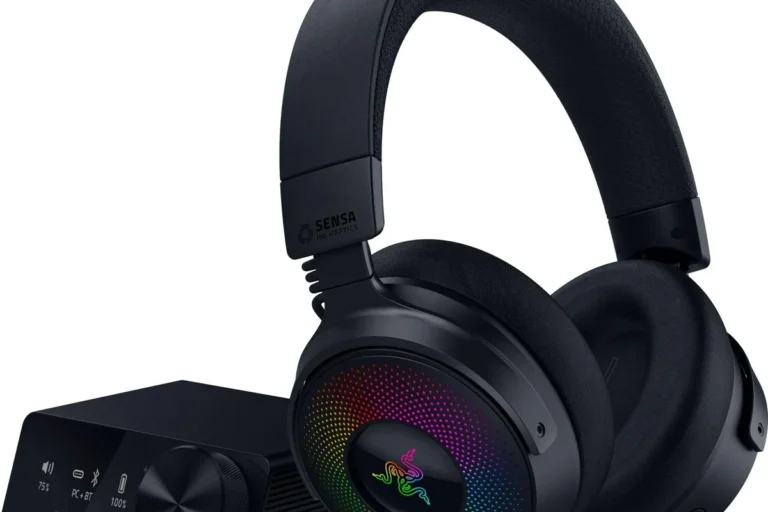
If you play competitive games, use party chat often, or want fewer connection headaches, a PS5-compatible wireless headset is usually the better long-term choice. These headsets are typically built for lower delay and easier console integration.
This is often the best value for serious players because it reduces troubleshooting and gives you more predictable results. For readers comparing wireless options, our general guide on how to connect Bluetooth headphones can also help with the basics of pairing and setup.
- Wireless convenience for casual play
- Can reduce desk clutter
- Works well with the right workaround
- May add latency
- Mic support can be inconsistent
- Not every headset pairs directly
Final Verdict: Is Bluetooth on PS5 Worth It for Most Players?
Bluetooth headphones can be used on PS5, but they are not the easiest or most reliable option for every gamer. If you only play casually, a workaround may be perfectly fine. If you care about fast response and voice chat, a PS5-friendly wireless headset is usually the safer bet.
So, can you use bluetooth headphones on ps5? Yes, but the better question is whether you should rely on them for your type of gaming. For many players, the answer is “only if you accept a few compromises.”
Top Headphone Reviews Editorial Team’s Practical Recommendation for 2025
For 2025, our practical recommendation is simple: use Bluetooth headphones on PS5 only if you are okay with possible delay, limited mic support, and extra setup steps. For story games and relaxed use, a USB adapter or TV connection can be good enough.
For competitive play, we recommend choosing a headset or wireless solution designed specifically for consoles. That approach usually gives you better reliability, cleaner chat, and a more consistent gaming experience overall.
- PS5 does not fully support standard Bluetooth audio directly.
- Adapters, TVs, and Remote Play can work around the limitation.
- Latency and mic support are the biggest tradeoffs.
- Competitive players usually do better with PS5-compatible wireless headsets.
Listening at high volumes for long periods can cause hearing damage. Keep volume at 60% or below for extended sessions.
Frequently Asked Questions
Usually yes, especially for gaming. Dedicated wireless headsets often have lower delay and more reliable mic support than standard Bluetooth headphones.
Over-ear headphones are often more comfortable for long sessions and can offer a wider soundstage. Earbuds can be portable, but fit and latency depend on the model and connection method.
They can reduce background distractions, which helps during quieter games or shared living spaces. Just remember that noise cancelling does not fix Bluetooth latency or microphone issues.
Closed-back headphones usually block more outside noise and are better for focused gaming. Open-back models can sound more spacious, but they leak sound and let in more room noise.
Check connection type, latency, microphone support, comfort, and battery life if the model is wireless. Sound quality, driver tuning, and build quality also matter more than a single spec number.
Look for lightweight designs, soft ear cushions, and an adjustable headband. If you get ear fatigue or pressure, take breaks and consider a different fit or cushion material.