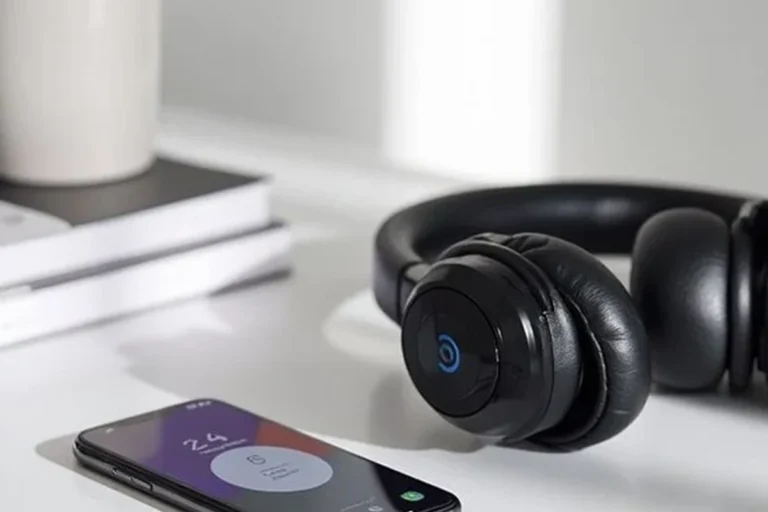
Can You Connect Bluetooth Headphones to PS5 Easily

Yes, but usually not directly through standard PS5 Bluetooth pairing. Most players need a Bluetooth adapter, TV audio workaround, Remote Play, or a PS5-compatible wireless headset for the best results.
If you’re asking can you connect bluetooth headphones to ps5, the short answer is yes, but not directly in the simple way many people expect. The PS5 has limited native Bluetooth audio support, so most standard Bluetooth headphones need a workaround such as a USB adapter, TV connection, or Remote Play.
- Direct support: PS5 Bluetooth audio is limited and not fully open.
- Best workaround: A quality USB adapter can help, but latency may vary.
- Most reliable choice: PS5-compatible wireless headsets are usually easier.
- Mic support: Bluetooth voice chat is not guaranteed on every setup.
Can You Connect Bluetooth Headphones to PS5? The Short Answer for 2025
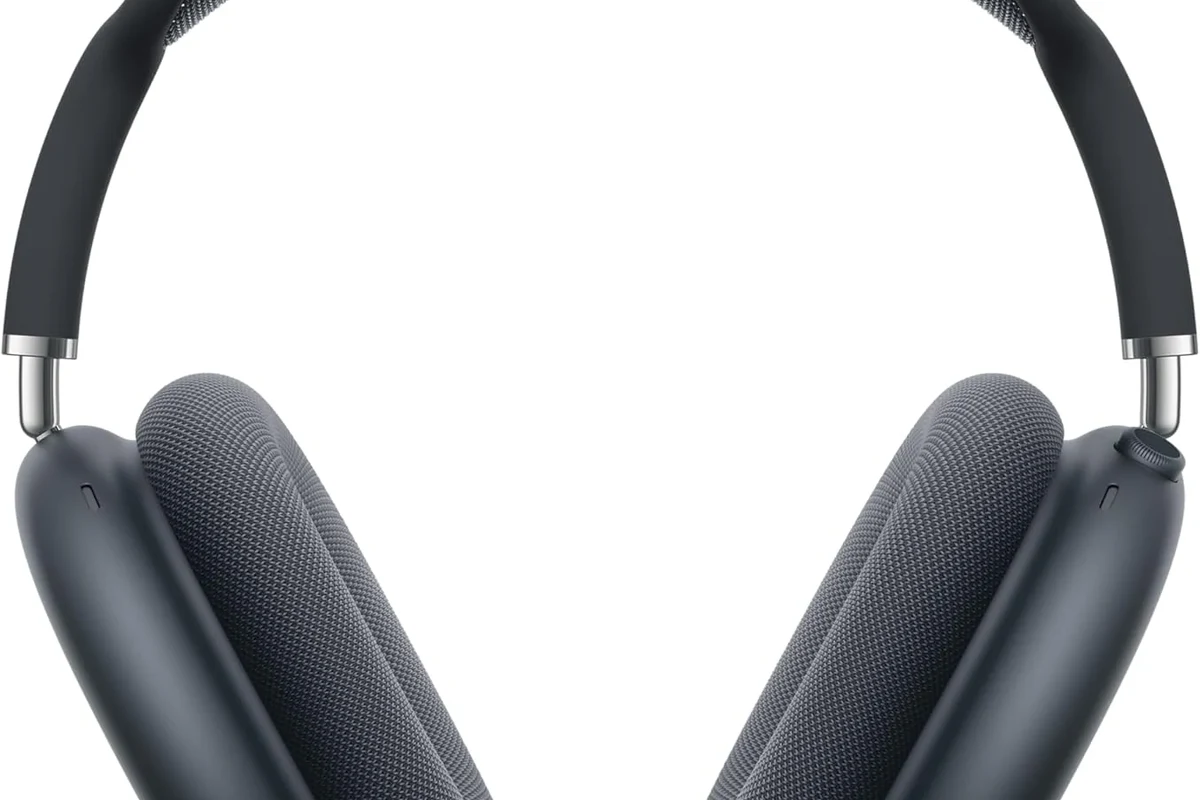
For 2025, the practical answer is still the same: the PS5 does not offer broad, open Bluetooth headphone support for all wireless headsets. Some devices may connect in certain setups, but Sony’s built-in restrictions mean compatibility is often inconsistent.
That means the answer is not just “yes” or “no.” It depends on the headphones, the adapter, and how you want to use voice chat, game audio, and low-latency sound during play.
Why PS5 Bluetooth Audio Is Limited: Sony’s Built-In Restrictions Explained
Sony keeps Bluetooth audio support on PS5 intentionally limited. The main reason is to reduce latency, avoid unstable connections, and protect the quality of game audio and voice chat.
Bluetooth can be convenient, but gaming is less forgiving than music listening. A tiny delay might be fine for podcasts, but it can be annoying in shooters, rhythm games, and cutscenes where lip-sync matters.
What the PS5 supports natively
The PS5 works best with Sony-approved accessories, USB audio devices, and headsets designed for low-latency gaming. In many cases, wired headphones through the controller’s 3.5mm jack are also the simplest option.
Some Bluetooth devices may work through a TV, monitor, or adapter, but that is different from the console directly supporting any Bluetooth headphone you pair in the normal way.
Why most Bluetooth headphones are blocked or unstable
Most consumer Bluetooth headphones are built for phones and laptops, not consoles. They may connect through a workaround, but the audio can cut out, lag behind the picture, or fail to support microphone chat properly.
If you want a broader primer on wireless compatibility, our guide on Bluetooth headphones explained simply covers the basics of how these devices behave across different platforms.
How to Use Bluetooth Headphones with PS5 Anyway
There are still several ways to make Bluetooth headphones usable with a PS5. The best method depends on your budget, your tolerance for delay, and whether you need a microphone for party chat.
Using a Bluetooth USB dongle or adapter
A Bluetooth USB dongle is one of the most common workarounds. You plug the adapter into the PS5, pair your headphones to the dongle, and route audio through that connection instead of using the console’s native Bluetooth.
This can be a decent budget fix, but quality varies a lot. Some adapters are fine for casual play, while others introduce noticeable lag or unreliable pairing. If you’re already troubleshooting wireless devices, our article on how to connect Bluetooth headphones can help you understand the pairing process more clearly.
Adapter performance can vary by brand, codec support, and the distance between your headset and the console.
Connecting through your TV, monitor, or soundbar
Another workaround is to connect your headphones to a TV, monitor, or soundbar that supports Bluetooth audio. In this setup, the PS5 sends sound to the display, and the display sends it to your headphones.
This is convenient for couch gaming and media, but it can create audio delay depending on the TV’s processing and Bluetooth implementation. It is usually better for relaxed single-player use than for competitive gaming.
Using the PlayStation Remote Play app as a workaround
Remote Play can also be used as a workaround because the game audio is streamed to your phone, tablet, or PC, where your Bluetooth headphones connect normally. This is useful if you already use wireless headphones with another device.
The tradeoff is that you are now relying on your network connection, which can affect responsiveness and stability. It is a clever option, but not always the cleanest one for fast-paced gaming.
Many “Bluetooth problems” on consoles are really latency problems, not pairing problems. A headset can connect successfully and still feel bad in games.
Best Real-World Setup Options for Different Players
There is no single best answer for every player. The right setup depends on whether you care most about price, latency, comfort, or convenience.
Casual gaming setup for budget users
If you play story games, sports titles, or slower-paced games, a budget Bluetooth dongle may be enough. This is the easiest way to reuse headphones you already own without buying a full gaming headset.
Just keep expectations realistic. The sound may be acceptable, but mic support and delay can still be hit-or-miss.
Low-latency setup for competitive gamers
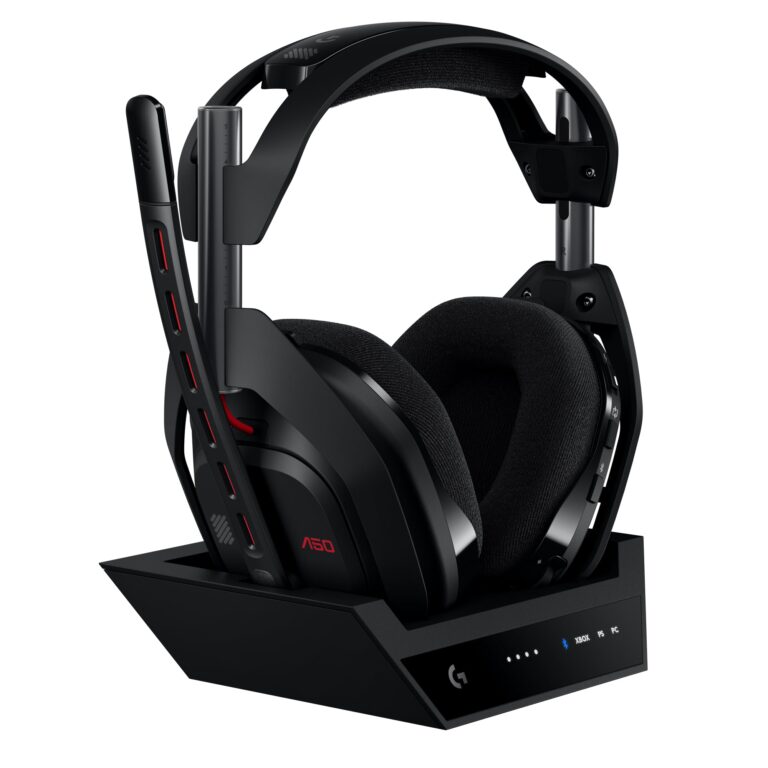
Competitive players should prioritize low latency over convenience. In most cases, a dedicated wireless gaming headset with a USB wireless transmitter will be more reliable than standard Bluetooth headphones.
This kind of setup is usually better for shooters, fighting games, and anything where timing matters. If you want to compare wireless behavior with cable-based audio, our guide on Bluetooth vs wired headphones sound quality is a useful reference.
Wireless convenience setup for couch gaming and media
If your main goal is comfort while watching movies or playing relaxed games, a TV-based Bluetooth setup can be the most convenient. You avoid extra cables and can keep the headphones paired to your TV for easy use.
This option works best when you are not sensitive to a small amount of delay. It is also a good fit for players who mainly use headphones for late-night gaming and casual streaming.
Sound Delay, Mic Issues, and Other Common Problems to Expect
Bluetooth headphones can work on PS5, but there are a few common tradeoffs. The biggest ones are delay, microphone limitations, and occasional connection instability.
Audio lag and lip-sync issues in games and movies
Audio lag is the most common complaint. Even if the delay is small, it can make gunshots, footsteps, and dialogue feel slightly off from what you see on screen.
For movies and cutscenes, lip-sync issues can be especially noticeable. Some TVs offer audio delay settings, which may help, but results vary by device.
Not all Bluetooth adapters or TV Bluetooth features handle latency well. If smooth timing matters to you, look for low-latency gaming solutions instead of assuming any adapter will work.
Microphone limitations with Bluetooth headphones on PS5
Many Bluetooth headphones are fine for listening but less reliable for voice chat. Some adapters only transmit audio and do not properly support microphone input, while others may reduce quality when the mic is active.
That is why many gamers prefer a headset made specifically for console use. If you need clear chat audio, check whether the headset supports PS5 voice features before buying.
Connection drops, pairing failures, and range problems
Bluetooth can also drop out if the headset and adapter are too far apart or if there is interference from other wireless devices. Walls, furniture, and even nearby electronics can affect stability.
If your headset keeps disconnecting, resetting the headphones may help in some cases. Our guide on how to reset Bluetooth headphones can be useful when pairing gets stuck.
What to Buy in 2025: Adapter vs. PS5-Compatible Wireless Headset
If you are shopping in 2025, the real decision is often between a Bluetooth adapter and a headset built for console gaming. Both can work, but they solve different problems.
Price comparison: budget adapters vs. premium headsets
Bluetooth adapters are usually the cheaper entry point, especially if you already own a good pair of headphones. However, a lower upfront cost does not always mean better value if the adapter is laggy or unreliable.
Dedicated wireless gaming headsets typically cost more, but they often include better latency, easier setup, and more dependable voice chat. Prices vary widely by brand and feature set.
When a Bluetooth adapter makes sense
An adapter makes sense if you already own comfortable Bluetooth headphones and only play casually. It can also be a sensible choice if you want a temporary solution without replacing your current gear.
This route is best when you do not need perfect latency or advanced mic support. It is more of a convenience fix than a premium gaming solution.
When it is better to skip Bluetooth and buy a dedicated wireless headset
Skip Bluetooth if you play competitive games, use party chat often, or want the most predictable experience. A PS5-compatible wireless headset is usually easier to live with and less frustrating over time.
For readers comparing headphone types more broadly, our article on types of headphones explained can help you decide whether over-ear, on-ear, or in-ear designs fit your gaming setup best.
Expert Advice: Mistakes to Avoid Before Buying Any Bluetooth Solution
Many PS5 Bluetooth headaches come from buying the wrong accessory, not from the console itself. A little compatibility checking can save you money and frustration.
Choosing low-quality adapters with high latency
Cheap adapters often look similar on paper, but their performance can be very different. If latency matters to you, avoid assuming that any small USB dongle will deliver acceptable game audio.
Look for clear support details, return options, and user feedback that specifically mentions gaming use. That is more useful than chasing the lowest price.
Assuming all Bluetooth headsets support voice chat on PS5
Not every Bluetooth headset will pass microphone audio the way you expect. Some will only handle game audio, while others may require a separate chat method or a different connection path.
If you rely on voice chat for multiplayer games and your headset is not working properly, check the headset manual or contact the manufacturer before buying extra adapters. If you have persistent hearing discomfort, ringing, or sensitivity to sound, consult an audiologist.
Ignoring TV audio passthrough and device compatibility
Some players forget that the TV or monitor becomes part of the audio chain. If the display has weak Bluetooth support or poor audio passthrough, even a good headset can sound delayed or unstable.
Before buying, check how your PS5, TV, and headphones will work together as a system. That small compatibility check can make the difference between a smooth setup and a frustrating one.
Listening at high volumes for long periods can cause hearing damage. Keep volume at 60% or below for extended sessions.
Final Verdict: The Easiest and Most Reliable Way to Use Headphones on PS5
So, can you connect Bluetooth headphones to PS5? Yes, but usually not directly in the simple, universal way people expect. The most reliable options are a PS5-compatible wireless headset, a quality Bluetooth dongle, or a TV-based workaround depending on your needs.
If you want the easiest setup, a dedicated wireless gaming headset is usually the safest buy. If you want to reuse the headphones you already own, a Bluetooth adapter can work well enough for casual gaming, as long as you accept possible lag and mic limitations.
- PS5 Bluetooth audio is limited and often needs a workaround.
- Adapters can work, but latency and mic support vary.
- Dedicated wireless gaming headsets are usually more reliable.
- TV Bluetooth and Remote Play are useful alternatives for casual use.
Frequently Asked Questions
Often, yes. Wireless gaming headsets with a USB transmitter usually have lower latency and more reliable chat support than standard Bluetooth headphones.
Closed-back headphones are usually better for PS5 gaming because they block more outside noise and keep game audio focused. Open-back models can sound more spacious, but they leak sound and are less private.
Check connection type, latency support, microphone compatibility, comfort, and whether the headset is designed for console use. Sound quality details like driver size and frequency response can help, but real-world fit matters too.
Use the PS5 audio settings and any headset EQ controls to fine-tune bass, mids, and treble. Small adjustments often help more than pushing the volume higher.
Over-ear headphones are usually the most comfortable for long sessions because they spread pressure around the ear. In-ear models can be lighter, but comfort depends heavily on ear tip fit.
Look for sturdy hinges, quality ear cushion materials, and a cable or wireless design that matches your routine. Lightweight comfort is important too, especially if you wear headphones for many hours.