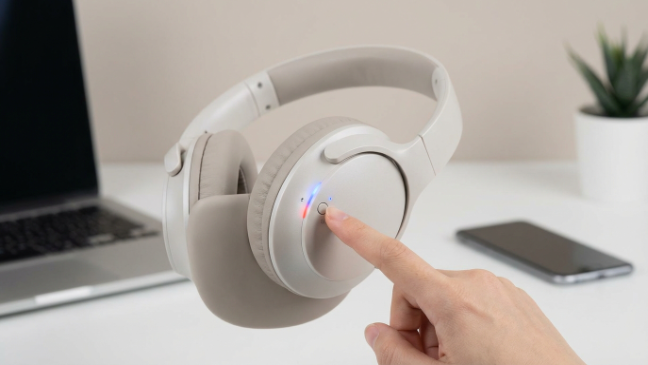
How Do Wireless Headphones Connect to TV Easily

Wireless headphones usually connect to a TV through Bluetooth, an RF base station, or a wireless transmitter plugged into the TV’s audio output. The easiest setup depends on your TV’s compatibility, your need for low latency, and how far you want to move around the room.
If you’ve ever wondered how do wireless headphones connect to TV, the short answer is that they usually connect through Bluetooth, RF, or a wireless adapter tied to your TV’s audio output. The easiest method depends on your TV model, your headphones, and whether you care most about simplicity, range, or low delay.
For casual TV watching, Bluetooth is often the first thing people try. For gaming or long-range listening, RF headphones or a dedicated transmitter can be a better fit. If you want a broader comparison of wireless audio basics, our guide to wired vs wireless headphones is a useful place to start.
- Bluetooth: Easiest when your TV supports audio pairing.
- RF: Often better for range and stable TV listening.
- Transmitters: Great for older TVs without built-in wireless audio.
- Latency: Important for gaming and lip sync.
How Do Wireless Headphones Connect to TV? Understanding the Core Methods
Wireless TV listening is not one single setup. The connection method changes how easy pairing is, how far you can move, and whether audio stays in sync with the picture.
In practice, most people connect headphones to a TV in one of three ways: built-in Bluetooth, an RF base station, or a Wi-Fi/smart TV audio solution. Each option has strengths, and each one has limits depending on your TV and headphones.
Bluetooth, RF, and Wi-Fi: What Each Connection Type Means for TV Listening
Bluetooth is the most familiar option. It pairs directly with compatible TVs or with a small transmitter that plugs into the TV’s audio output.
RF, or radio frequency, usually uses a base station that sits near the TV. It often offers longer range and a more stable connection inside the home, which is why many TV headphone bundles still use it.
Wi-Fi-based audio is less common for standard headphones, but some smart TV ecosystems and app-based setups use it for multi-room or network audio. It can work well in the right system, but it is usually less plug-and-play than Bluetooth or RF.
“Wireless” does not always mean “Bluetooth.” Many TV headphone setups use a separate transmitter, and that transmitter may be the real reason the connection works smoothly.
Why the Best Method Depends on Your TV Model and Headphone Features
Some TVs include Bluetooth audio output in the settings menu, while others do not. Even when Bluetooth is built in, the TV may support only basic pairing and limited codec options.
Headphones matter too. A pair designed for phones may connect easily, but it may not be optimized for low-latency TV use. If the headphones or transmitter support a low-lag mode, that can make dialogue and lip sync noticeably better.
The best method is usually the one that matches your TV’s outputs, your room size, and your listening priorities. If you mainly want comfort and convenience, Bluetooth may be enough. If you want more reliable TV audio over distance, RF may be the smarter buy.
Matching Search Intent: The Easiest Ways to Get Wireless Audio from TV in 2025
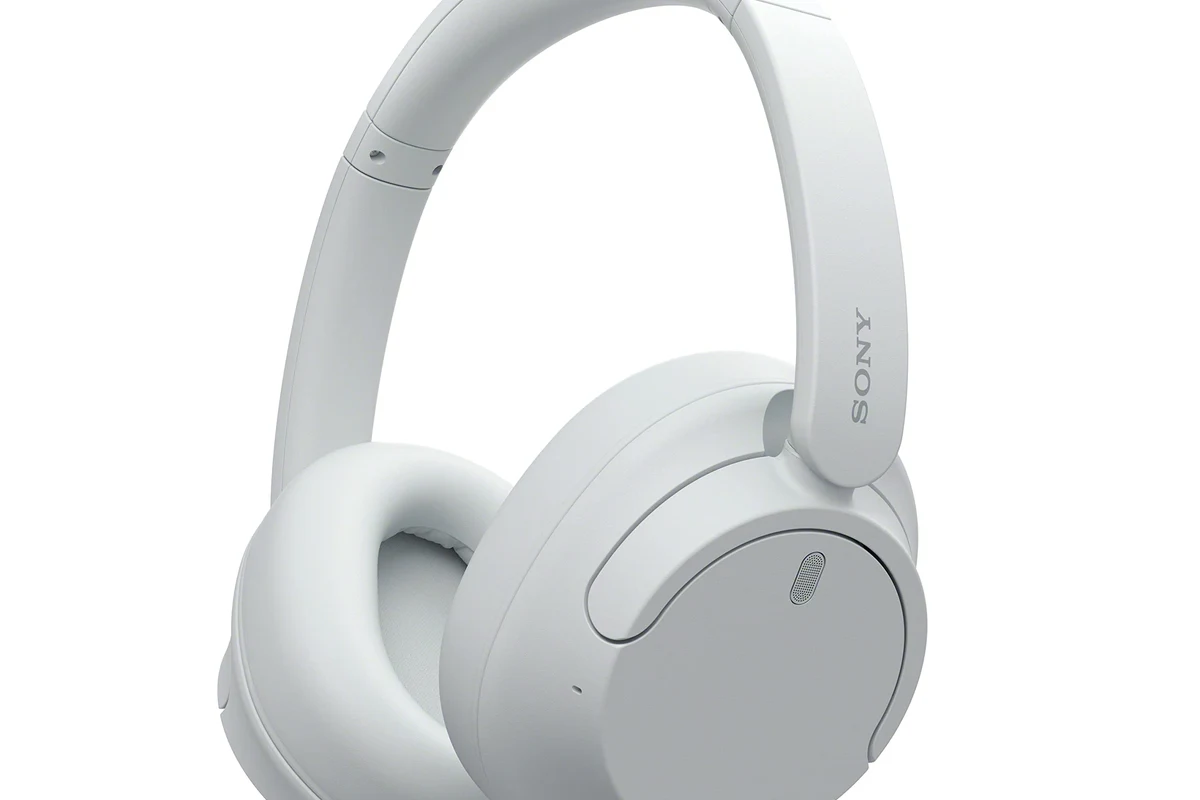
When people search for how do wireless headphones connect to TV, they usually want the simplest working answer. In 2025, that often means either pairing Bluetooth directly or using a transmitter bundle that removes most of the guesswork.
The “easiest” setup is not always the cheapest, but it is usually the one with the fewest compatibility surprises. That is especially true for families, late-night viewers, and gamers who want a quick fix without digging through complicated menus.
Quick Setup for Casual Viewers, Gamers, and Late-Night Watchers
Casual viewers usually want a simple pairing process and enough range to sit comfortably on the couch. Bluetooth is often ideal if the TV supports it and the sound delay is acceptable.
Gamers should pay closer attention to latency. Even a small delay can be distracting during fast action scenes or competitive play, so a low-latency transmitter or RF headset may be a better fit.
Late-night watchers often care about convenience and comfort more than anything else. A lightweight over-ear model with easy charging and a reliable TV connection can make long sessions much more enjoyable.
When “Easy” Means Plug-and-Play vs. App-Based Pairing
Plug-and-play usually means you connect a transmitter to the TV, turn on the headphones, and let them pair automatically. That is the least frustrating path for many households.
App-based pairing can add flexibility, but it also adds steps. If your TV requires an app, account login, or network setup, the process may be more involved than a simple Bluetooth connection.
Step-by-Step: How Wireless Headphones Connect to TV Using Bluetooth
Bluetooth is the most common answer to how do wireless headphones connect to TV, but the exact steps depend on whether your TV already supports it. Before you try pairing, it helps to check the TV’s audio menu and the headphone manual.
Checking TV Bluetooth Compatibility Before You Start
Look in the TV settings for an audio or Bluetooth section. Some TVs support Bluetooth for remotes or keyboards, but not for headphones, so it is worth confirming the exact feature.
If the TV supports Bluetooth audio, you may see an option to add or pair a sound device. If you do not see that option, a Bluetooth transmitter may be the easiest workaround.
- Does the TV support Bluetooth audio output?
- Do the headphones support pairing mode?
- Is there an audio delay setting or low-latency mode?
Pairing Headphones Directly to the TV
Turn on the headphones and put them into pairing mode. Then open the TV’s Bluetooth menu and search for available devices.
Once the headphones appear, select them and wait for confirmation. After pairing, test dialogue and music at a normal volume so you can judge clarity and lip sync.
Put the headphones in pairing mode according to the manufacturer’s instructions.
Use the TV’s Bluetooth audio menu to find and connect the headset.
Play a show or movie and check whether voices stay in sync with the screen.
Using Bluetooth Transmitters When the TV Has No Built-In Support
If your TV has no Bluetooth audio output, a transmitter can solve the problem quickly. These devices usually connect through optical, AUX, or sometimes HDMI ARC-compatible audio paths.
This setup is popular because it can work with older TVs and can also improve compatibility if the built-in Bluetooth is unreliable. For readers who want a broader Bluetooth setup refresher, our guide on how to connect Bluetooth headphones explains the pairing basics in more detail.
If dialogue sounds slightly behind the picture, look for a low-latency transmitter or an audio delay adjustment in the TV menu.
Alternative Connection Options for Better Range, Lower Latency, or Simpler Setup
Bluetooth is convenient, but it is not always the best answer. If you need better range, fewer dropouts, or a setup that feels more “TV-first,” other wireless options may suit you better.
RF Headphones with a Base Station: Best for Long-Range TV Listening
RF headphones usually come with a base station that plugs into the TV. The headphones connect to that base station rather than directly to the television.
This can be a strong choice for viewers who move around the room or want a more dependable signal through walls and furniture. Many users also like RF because it avoids the phone-style pairing steps that Bluetooth sometimes requires.
Some TV headphone bundles are designed so the headphones charge on the same dock that acts as the wireless transmitter, which can make daily use much easier.
Wi-Fi and Smart TV Audio Apps: When They Make Sense
Wi-Fi audio is most useful when you are already inside a smart home or multi-room audio setup. It can be convenient for streaming sound around the house, but it is not usually the simplest path for a beginner.
Because Wi-Fi setups often depend on apps, firmware, and network stability, they are better for users who are comfortable with a little extra setup. For many TV viewers, Bluetooth or RF will still be easier.
Optical Audio, AUX, and HDMI ARC Workarounds with Wireless Adapters
Many transmitters connect through optical audio, AUX, or HDMI ARC-compatible outputs. These ports matter because they let the TV send audio to an external wireless device without changing your whole entertainment system.
Optical is often useful for clean digital audio, while AUX can be the simplest analog option. HDMI ARC can be helpful in newer setups, but compatibility varies by TV and adapter, so check the manual before buying.
Not every adapter works with every TV port. Before you buy, confirm the output type on your TV and whether the transmitter supports that exact connection.
Practical Examples: Best Use Cases for Different Rooms and Viewers
The right wireless headphone setup changes based on how you watch TV. A bedroom setup, a family room setup, and a gaming setup all have different priorities.
Watching Movies Without Disturbing Family Members
For movie nights after everyone else is asleep, comfort and stable audio matter most. Over-ear wireless headphones are often the easiest choice because they can stay comfortable through a full film.
Bluetooth is usually enough if you sit close to the TV and do not mind a small amount of delay. If you want stronger consistency across a larger room, RF can be a better fit.
Gaming on TV with Minimal Audio Delay
Gaming is where latency becomes much more noticeable. If the sound arrives too late, explosions, footsteps, and dialogue can feel disconnected from the action.
For gaming, look for low-latency support, a transmitter designed for TV use, or a headset system that clearly advertises reduced delay. That can matter more than small differences in frequency response or bass emphasis.
Helping Seniors or Hearing-Impaired Users Hear Dialogue Clearly
For seniors or hearing-impaired users, clear voices are usually more important than heavy bass. A comfortable headset with strong dialogue clarity can make TV easier to follow without turning up the speakers for everyone else.
Simple controls also matter. Large buttons, easy charging, and a docked transmitter can reduce frustration and make the headphones more likely to be used every day.
If hearing loss, tinnitus, or speech clarity is a concern, consider consulting an audiologist. They can help you choose a listening approach that supports comfort and safe volume levels.
Common Mistakes That Cause Connection Problems or Poor Sound Quality
Most wireless TV headphone problems come from a few predictable issues. The good news is that many of them are easy to avoid once you know what to check.
Ignoring Latency, Codec Support, and TV Audio Output Settings
Latency is one of the biggest reasons people feel disappointed with Bluetooth TV audio. Even if the connection works, delay can make speech or game audio feel off.
Codec support can also matter, but it depends on both the TV and the headphones. If you are not sure whether your devices support a better audio codec, focus first on connection stability and lip sync, then fine-tune from there.
Pairing Issues Caused by Multiple Devices Already Connected
Some headphones reconnect to the last device they used, which may be a phone, tablet, or computer. That can make TV pairing feel inconsistent if the headset keeps switching away.
Before pairing to the TV, disconnect the headphones from other nearby devices if needed. If the headset keeps acting strange, resetting Bluetooth settings can help in some cases.
Overlooking Range Limits, Interference, and Battery Life
Wireless audio can drop out if the signal has to pass through too many walls, cabinets, or other electronics. RF often handles range better than basic Bluetooth, but no wireless system is immune to interference.
Battery life is another practical issue. If the headphones die halfway through a show, the experience quickly becomes frustrating, so charging convenience matters more than many shoppers expect.
Listening at high volumes for long periods can cause hearing damage. Keep volume at 60% or below for extended sessions.
Expert Advice: What Top Headphone Reviews Recommends Before You Buy
At Top Headphone Reviews, our editorial advice is simple: buy for your actual TV habits, not just for the headline feature list. A good TV headphone setup should be comfortable, easy to connect, and reliable enough that you will use it often.
How to Compare Bluetooth Headphones vs. RF Headphones vs. TV Transmitter Bundles
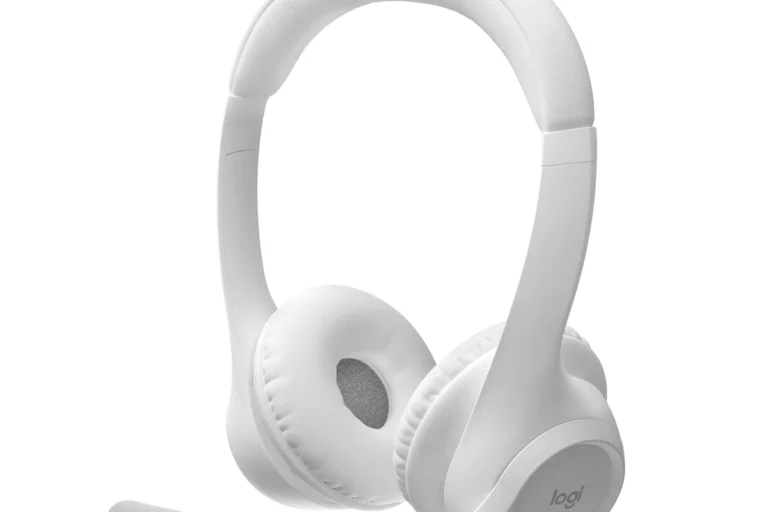
Bluetooth headphones are best when your TV already supports easy pairing and you want a flexible headset that can also work with phones and tablets. They are the most versatile option for many households.
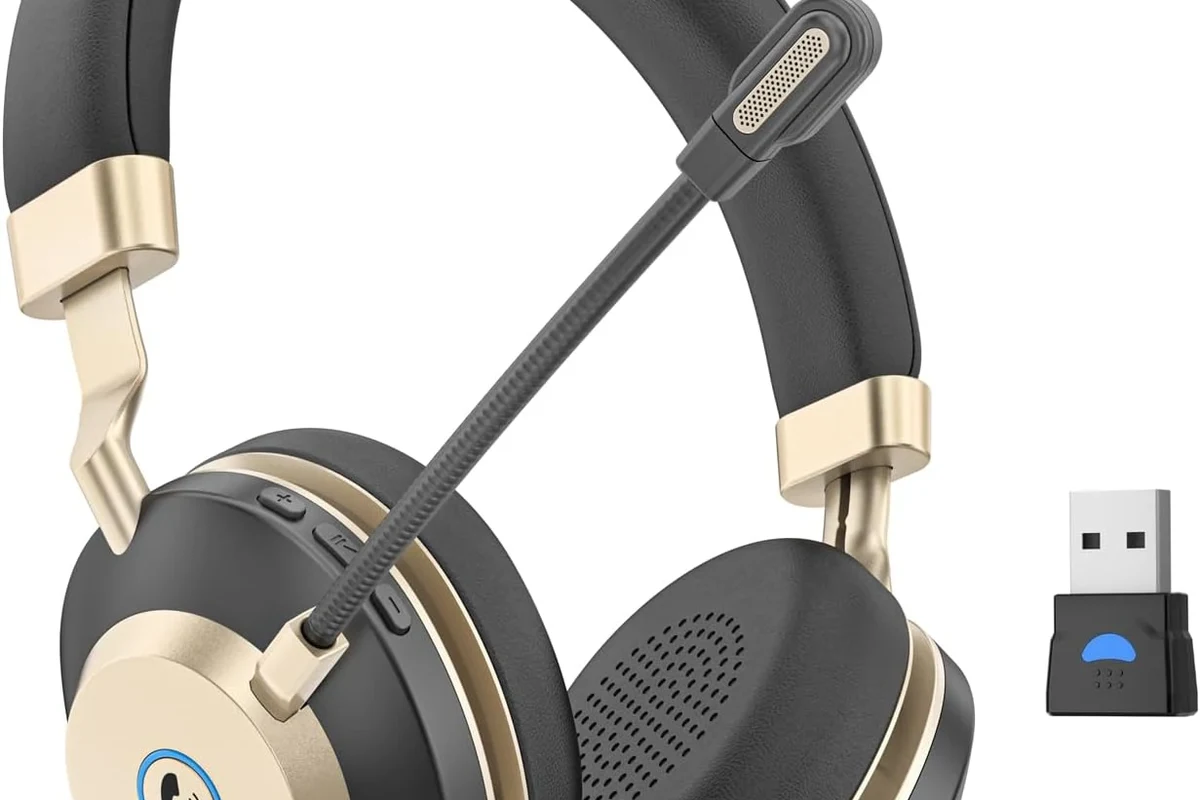
RF headphones are often better when you want a dedicated TV listening experience with strong range and less setup friction. Transmitter bundles can be the most practical choice if your TV lacks built-in Bluetooth or if you want a more complete plug-in solution.
2025 Price Ranges and What You Typically Get at Each Budget Level
Prices vary widely by brand, features, and design. Budget options may give you basic wireless TV listening, while higher-priced models may include better comfort, longer battery life, or a more polished transmitter dock.
Price Estimate
It is often worth spending a little more for a headset that feels comfortable over long sessions. A more expensive model is not automatically better, but stronger build quality and easier charging can improve daily use.
Key Features Worth Paying For: Low Latency, Multipoint, Voice Clarity, and Comfort
Low latency is especially important for TV and gaming. Multipoint can be useful if you want the headphones to switch between devices, though that feature is not essential for everyone.
Voice clarity helps with news, dramas, and dialogue-heavy shows. Comfort matters just as much, especially for over-ear models with softer ear cushions and lighter clamping force.
- Wireless freedom for TV watching
- Better privacy for late-night viewing
- Options for low-latency audio
- Compatibility varies by TV
- Bluetooth can add delay
- Battery charging is always part of the routine
Final Recap: The Easiest Way to Connect Wireless Headphones to a TV
The easiest answer to how do wireless headphones connect to TV is usually Bluetooth if your TV already supports it. If it does not, a transmitter or RF base station can be a more reliable and user-friendly solution.
Best Connection Choice Based on Your TV, Budget, and Listening Needs
Choose Bluetooth for convenience, RF for range and stability, and a transmitter bundle when your TV needs a compatibility boost. If you game often, prioritize low latency; if you watch late at night, prioritize comfort and simple charging.
Quick Summary of What to Check Before You Set Up
Check your TV’s audio outputs, confirm whether Bluetooth audio is supported, and decide whether delay matters for your use case. Once those basics are clear, picking the right wireless headphone setup becomes much easier.
- Bluetooth is the simplest option when the TV supports it.
- RF is often better for range and steady TV listening.
- Transmitters help when the TV has no built-in wireless audio.
- Low latency matters most for gaming and lip sync.
Frequently Asked Questions
Not always. Wired headphones can avoid delay, but wireless models are often more convenient for TV watching and late-night viewing.
Over-ear models are usually the most comfortable for long sessions and can help with dialogue focus. In-ear options are more compact, but comfort and sound quality depend on the fit.
They can help reduce room noise and make dialogue easier to hear. They do not improve the TV signal itself, so sound quality still depends on the connection method.
Check latency, Bluetooth support, battery life, and whether the headphones or transmitter support low-lag audio. For sound, clarity and comfort often matter more than big bass numbers.
No. A mid-range model with stable connection, good comfort, and low delay may be a better TV choice than a pricier headset with features you will not use.
Look for light weight, soft ear cushions, and a headband that does not clamp too tightly. Take breaks during long sessions to reduce ear fatigue.