Can You Connect Bose Headphones to Xbox Easily

Yes, you can connect Bose headphones to Xbox, but wired through the controller is usually the easiest method. Direct Bluetooth pairing usually does not work, so wireless use needs a transmitter or another workaround.
If you’re asking can you connect Bose headphones to Xbox, the short answer is yes, but not usually by direct Bluetooth pairing. In most cases, the easiest setup is wired through the Xbox controller, while wireless use needs a workaround such as a Bluetooth transmitter or TV-based audio routing.
- Best simple method: Use a 3.5mm cable with the Xbox controller.
- Wireless option: A Bluetooth transmitter can work, but lag may vary.
- Chat support: Mic performance depends on the Bose model and setup.
- Most reliable choice: Wired audio is usually the least frustrating.
Can You Connect Bose Headphones to Xbox in 2026? What Works and What Doesn’t
Bose headphones are excellent for comfort, noise cancellation, and everyday listening, but Xbox uses a different wireless audio system than many other devices. That means a Bose model that pairs instantly with your phone or laptop may still struggle to connect directly to an Xbox console.
For readers comparing device behavior across platforms, our guide on how to connect Bluetooth headphones explains why some devices pair easily while others need adapters or cables. The same general rule applies here: Xbox is more restrictive than mobile or PC in how it handles wireless audio.
Why Xbox compatibility is different from PlayStation, PC, and mobile
Xbox consoles do not support standard Bluetooth audio for headphones in the same way phones and tablets do. Instead, Xbox relies on its own wireless ecosystem and controller-based audio options, which is why many Bose users hit a wall during setup.
PC and mobile devices are more flexible because they usually allow direct Bluetooth pairing. PlayStation is also generally easier for simple headset use, while Xbox often needs a cable, transmitter, or another audio path.
What readers are really trying to solve when they search this question
Most people searching this question want one of three things: game audio, party chat, or both. Some want to use their Bose headphones because they already own them, while others are trying to avoid buying a separate gaming headset.
The real goal is usually convenience. If you already have a good Bose model, you want to know the cheapest and least frustrating way to make it work with Xbox without losing too much sound quality or chat functionality.
Which Bose Headphones Can Connect to Xbox: Bluetooth, Wired, and Workaround Options
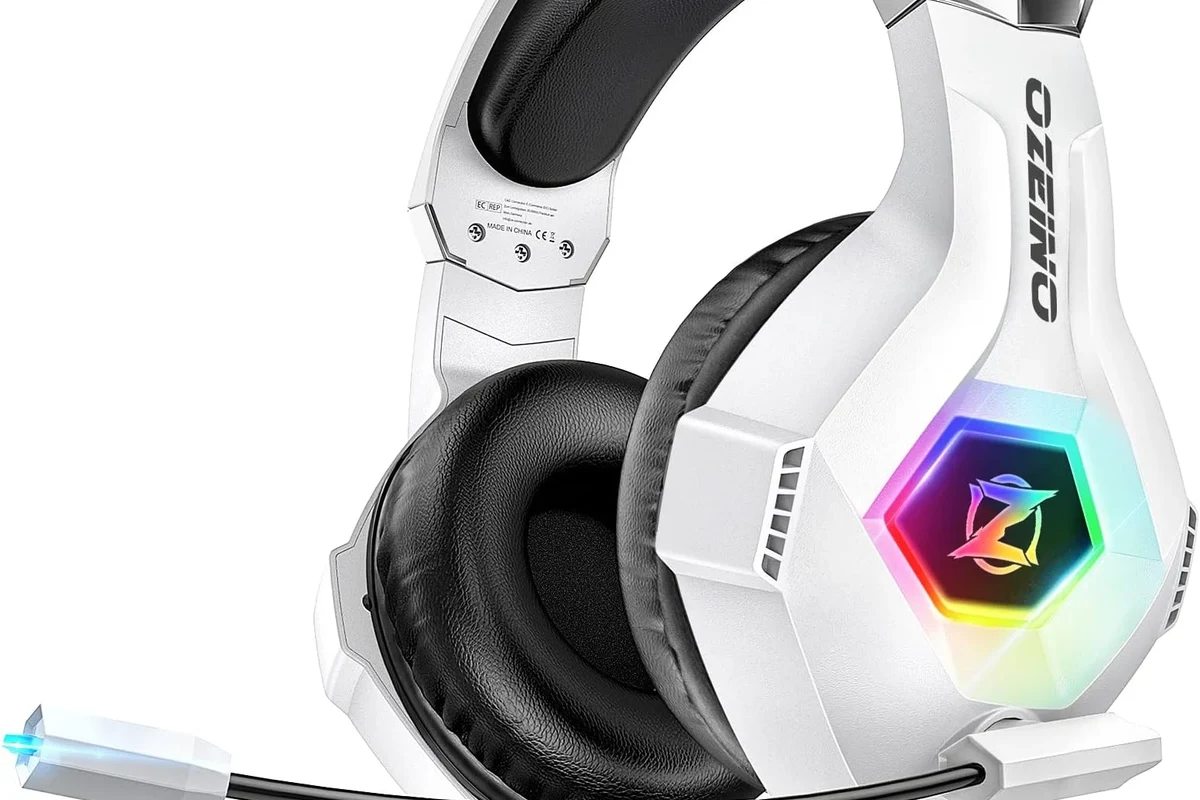
Not every Bose headphone model connects to Xbox in the same way. The important question is not just which model you own, but whether you want wired audio, wireless audio, or microphone support for chat.
Xbox compatibility can vary by console generation, controller model, headset firmware, and whether you need game audio only or also voice chat.
Bose QuietComfort, Bose 700, Ultra, and older models: compatibility snapshot
Most modern Bose over-ear headphones, including QuietComfort, Bose 700, and Ultra models, can work with Xbox only through indirect methods. They are strong choices for comfort and sound, but they are not native Xbox wireless headsets.
Older Bose models may still work well if they have a 3.5mm audio input. If your headset supports a wired connection, that is often the simplest route for Xbox use.
Wired 3.5mm connection on Xbox controllers: when it works best
The wired option is the most reliable choice for most Bose users. If your Bose headphones include a 3.5mm cable and your Xbox controller has a headphone jack, you can usually get stable game audio with minimal fuss.
This is the best path when you want simple plug-and-play playback. It is also the safest option if you care more about dependable audio than full wireless freedom.
Bluetooth limitations on Xbox consoles and why direct pairing usually fails
Direct Bluetooth pairing usually fails because Xbox consoles are not built like phones or PCs. Even if your Bose headphones appear in a scan elsewhere, the console typically will not offer a normal Bluetooth audio pairing menu for them.
That is why many users think their Bose headphones are broken when the real issue is console compatibility. In most cases, the headphones are fine; the Xbox connection method is the limitation.
Best Ways to Use Bose Headphones with Xbox Consoles
There are several practical ways to use Bose headphones with Xbox, and the best one depends on whether you want the simplest setup, the least lag, or the most wireless freedom. For many players, a wired connection still wins on reliability.
Connecting through the Xbox controller with a 3.5mm audio cable
This is the easiest method for most people. Plug the Bose headphone cable into the controller, connect the controller to the console, and adjust volume settings as needed.
If your Bose model supports passive wired listening, this setup often gives the cleanest and most consistent result. It is especially useful for single-player games, casual sessions, and users who do not want extra accessories.
If your controller audio sounds too quiet, check both the headset volume and the Xbox audio settings before assuming the cable is the problem.
Using a Bluetooth transmitter for wireless audio on Xbox
A Bluetooth transmitter can send Xbox audio to Bose headphones wirelessly, but results vary by transmitter quality and latency support. This is the most common workaround for users who want to keep Bose headphones wireless.
For better results, choose a transmitter designed for low-latency audio and make sure it matches your console or TV output. Cheap adapters can introduce delay, which is distracting in fast-paced games.
Connecting Bose headphones through a TV, monitor, or soundbar setup
Another workaround is routing Xbox audio through your TV or monitor, then sending sound to your Bose headphones from that device. This can work well if your display supports Bluetooth audio or has a headphone output.
This method is convenient for living room setups, especially if you already watch TV and game in the same space. It is not always the best choice for voice chat, but it can be a good option for game audio alone.
Using the Xbox app or remote play for voice chat and audio routing
Some players use the Xbox app or remote play on a phone, tablet, or PC to manage voice chat and audio in a different way. This can help in certain setups, especially if you are already using Bose headphones with another device.
Still, this is more of a workaround than a true console headphone connection. It may be useful for some users, but it is not the most straightforward solution for everyday gaming.
Step-by-Step Setup Guide for Bose Headphones on Xbox
If you want the least confusing setup, start with the wired method. If you want wireless audio, move to a transmitter only after confirming your Bose model and Xbox setup support it.
How to connect Bose headphones to an Xbox controller with a cable
Make sure your Bose headphones support wired audio and that the cable is fully inserted into the headset and controller.
Insert the 3.5mm plug into the Xbox controller’s headphone port until it clicks or sits firmly in place.
Open the console sound settings and raise headset volume if needed. Then test a game or menu sound to confirm playback.
How to pair Bose headphones with a Bluetooth transmitter for Xbox gaming
Attach the transmitter to the TV, monitor, or console audio output supported by your setup.
Follow the Bose pairing steps for your model, then wait for the transmitter and headphones to link.
Play a game with speech and action sounds to see whether the audio stays in sync with the picture.
How to test chat audio, game audio, and mic performance after setup
After connecting, test more than just music or menu sounds. Open a game, join a party chat if available, and check whether you can hear voices clearly without distortion or delay.
If your Bose model does not have a usable microphone in the chosen setup, you may still get game audio but lose chat support. That is a common tradeoff with Bose headphones on Xbox.
Listening at high volumes for long periods can cause hearing damage. Keep volume at 60% or below for extended sessions.
Common Problems People Run Into When Trying to Connect Bose Headphones to Xbox
Most Bose-to-Xbox problems are not caused by a defective headset. They usually come from connection type, adapter quality, or trying to use a wireless method the console does not support directly.
No Bluetooth pairing option on the console
This is the most common surprise for first-time users. Xbox generally does not offer normal Bluetooth headphone pairing, so your Bose headset may never appear as an easy direct option.
If that happens, switch to wired audio or use an external transmitter. That is usually the fastest way forward.
Audio delay, lip-sync issues, and low-latency concerns
Wireless workarounds can introduce audio lag, especially with low-cost transmitters. This is most noticeable in shooters, rhythm games, and cutscenes where lips and voices should match.
If latency bothers you, wired audio is usually the safer choice. Wireless can still work, but it depends heavily on the adapter and your display chain.
Mic not working in party chat or game chat
Many Bose headphones are designed primarily for listening and noise cancellation, not console chat. Even if audio works, the microphone may not behave the way an Xbox gaming headset would.
Before buying accessories, check whether your chosen Bose model and connection method actually support voice input on Xbox. If not, you may need a separate mic solution.
Volume imbalance, static, or weak audio from the controller
If the sound is too quiet or unbalanced, the issue may be the controller volume setting, cable quality, or headphone mode. Some setups also sound weaker if the cable is not seated properly.
Try another cable, another controller, or a different audio source before assuming the headphones are damaged. Small connection issues can create big sound problems.
If you have hearing loss, tinnitus, or sensitivity to loud sound, consider speaking with an audiologist before using headphones for long gaming sessions. They can help you choose safer listening habits and volume levels.
Expert Advice: Best Practices and Mistakes to Avoid
The best Bose-on-Xbox setup is the one that matches your priorities. If you want convenience, you may accept some limitations. If you want the best gaming performance, you may need to sacrifice wireless freedom.
Why cheap adapters often create lag or unstable connections
Low-cost adapters can be tempting, but they often cause dropouts, delay, or inconsistent pairing. In gaming, even a small delay can make dialogue, footsteps, and action feel off.
It is usually better to buy one decent adapter than to cycle through several unreliable ones. That saves time and frustration.
When to choose a wired solution instead of wireless
Choose wired if you want the simplest setup, the least lag, and the most predictable sound. Wired is also the better option if you only game occasionally and do not want to manage extra hardware.
Wireless makes more sense if you value comfort and movement more than perfect sync. Just be aware that wireless Bose use on Xbox is still a workaround, not a native feature.
How to avoid buying the wrong Bose model for Xbox use
Do not buy Bose headphones expecting them to function like a dedicated Xbox headset. Look for a model with a reliable 3.5mm cable option if Xbox gaming is a major use case.
Also think about whether you need a microphone, because that is often the missing piece. A great listening headset is not always a great gaming chat headset.
Cost Comparison: Cheapest vs Best Bose-to-Xbox Setup
The cost of using Bose headphones with Xbox ranges from nearly free to fairly expensive, depending on how much convenience and performance you want. The cheapest option is usually wired, while wireless setups add adapter costs and more troubleshooting.
Budget setup using a cable and controller connection
This is the lowest-cost path if your Bose headphones already include a 3.5mm cable. In many cases, you only need the cable and your existing Xbox controller.
It is the best value for users who mainly want game audio and do not need fancy extras. For many households, this is the setup that makes the most sense.
Mid-range wireless setup with a Bluetooth transmitter
A transmitter adds convenience but also adds cost and possible latency. The overall price depends on the quality of the adapter and the audio output you use.
This can be a good middle ground if you already love your Bose headphones and want less cable clutter. Still, audio performance may vary by device and room setup.
Higher-cost alternatives if you want better gaming performance than Bose alone
If you want the best Xbox gaming experience, a dedicated gaming headset may outperform Bose in chat support and console integration. That does not mean Bose sounds bad; it means the product category is different.
Some players also choose separate solutions for different needs, such as Bose for travel and a gaming headset for Xbox. That can be the most practical long-term setup.
Final Verdict: The Easiest Way to Connect Bose Headphones to Xbox Without Frustration
For most people, the easiest way to connect Bose headphones to Xbox is through a wired 3.5mm connection on the controller. It is simple, stable, and usually delivers the least hassle.
Quick recap of the best method for most users
If you only want game audio, wired is the clear winner. If you want wireless, use a Bluetooth transmitter and expect some tradeoffs in delay and chat support.
For readers who want more background on wireless audio behavior, our guide to Bluetooth headphones explained simply is a useful companion read. It helps explain why some wireless devices are effortless on phones but more complicated on consoles.
Who should use wired, wireless, or alternative gaming headsets
Choose wired if you want the easiest and most dependable Bose-to-Xbox setup. Choose wireless only if you are comfortable using extra hardware and possibly dealing with lag or limited mic support.
If you want the best voice chat, lowest latency, and most console-friendly experience, a dedicated Xbox gaming headset may be the better choice. Bose is excellent for comfort and everyday audio, but Xbox gaming often rewards purpose-built gear.
Frequently Asked Questions
Wired usually works better for Xbox because it is simpler and has less lag. Wireless can work with a transmitter, but results vary by adapter and setup.
Check for a 3.5mm cable option, comfort for long sessions, and whether you need a microphone. Also compare wired and wireless use based on your console and audio needs.
Yes, noise-cancelling headphones can help block background sound and improve focus. Just remember that strong noise cancellation may feel different during long sessions, so comfort matters too.
Closed-back headphones are usually better for gaming because they isolate sound and keep audio from leaking out. Open-back models can sound more spacious, but they are less private and less isolating.
Start with the headset fit, then adjust EQ if your device supports it. Small changes to bass and mids can improve clarity, but exact results depend on the model and your hearing preference.
Look for light weight, soft ear cushions, and a secure but not tight fit. Materials, clamping force, and headband padding all affect comfort during long sessions.