Can You Bluetooth Headphones to a TV for Easy Listening

Yes, you can often connect Bluetooth headphones to a TV, but only if the TV supports Bluetooth audio output or you use a Bluetooth transmitter. The best setup depends on your TV model, and latency can still be an issue for gaming or live sports.
If you’re asking can you bluetooth headphones to a tv, the short answer is yes—sometimes directly, and sometimes with a small adapter. The catch is that not every TV supports Bluetooth audio output, and even when it does, delay can affect movies, gaming, and live sports.
- Direct pairing: Works on many newer smart TVs.
- Older TVs: Usually need a Bluetooth transmitter.
- Delay matters: Gaming and sports are most affected.
- Best comfort: Over-ear models suit long viewing sessions.
Can You Bluetooth Headphones to a TV? Understanding the 2025 Answer
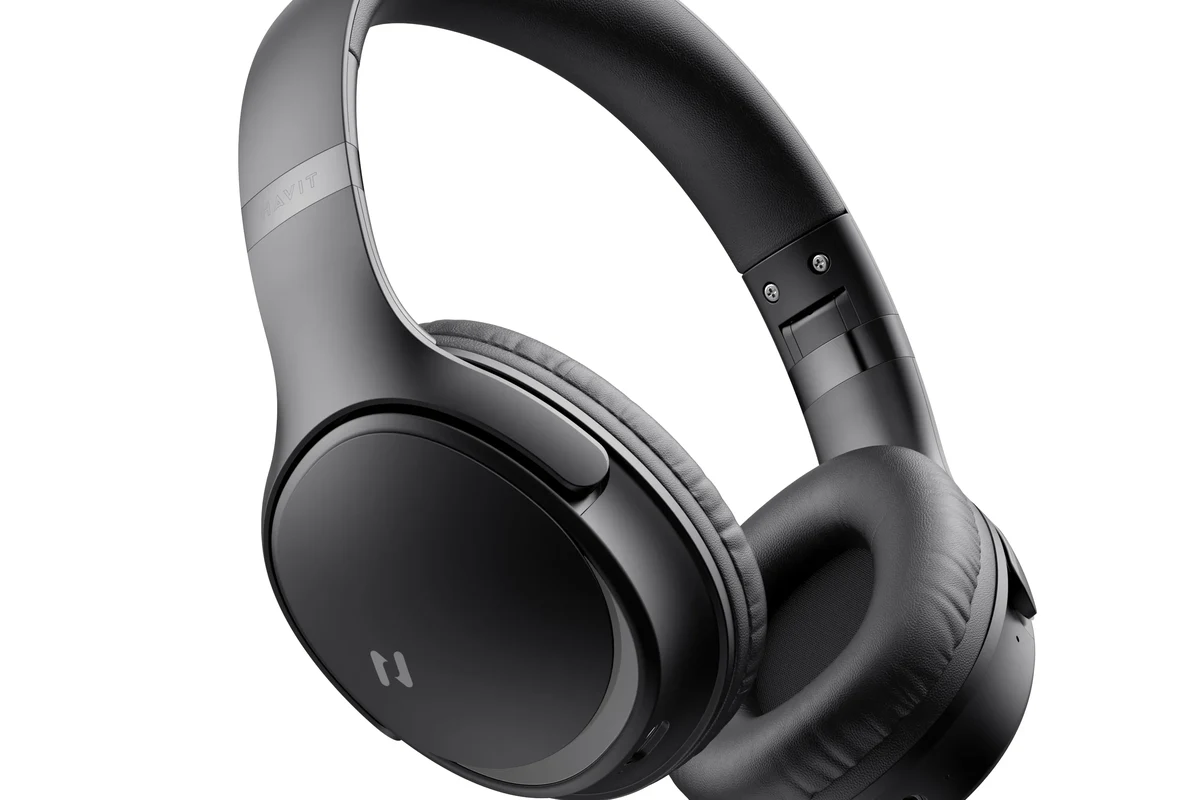
In 2025, Bluetooth headphones can work with many TVs, especially newer smart TVs with built-in wireless audio support. But the real answer depends on whether your TV can send audio to headphones, not just receive a Bluetooth connection from your phone or remote.
That distinction matters because some TVs include Bluetooth for accessories like keyboards or remotes, while others support audio output to headphones. If you want a deeper look at Bluetooth basics, our guide on Bluetooth headphones explained simply covers how the wireless connection works in everyday use.
How Bluetooth TV Audio Works: What Your TV Must Support
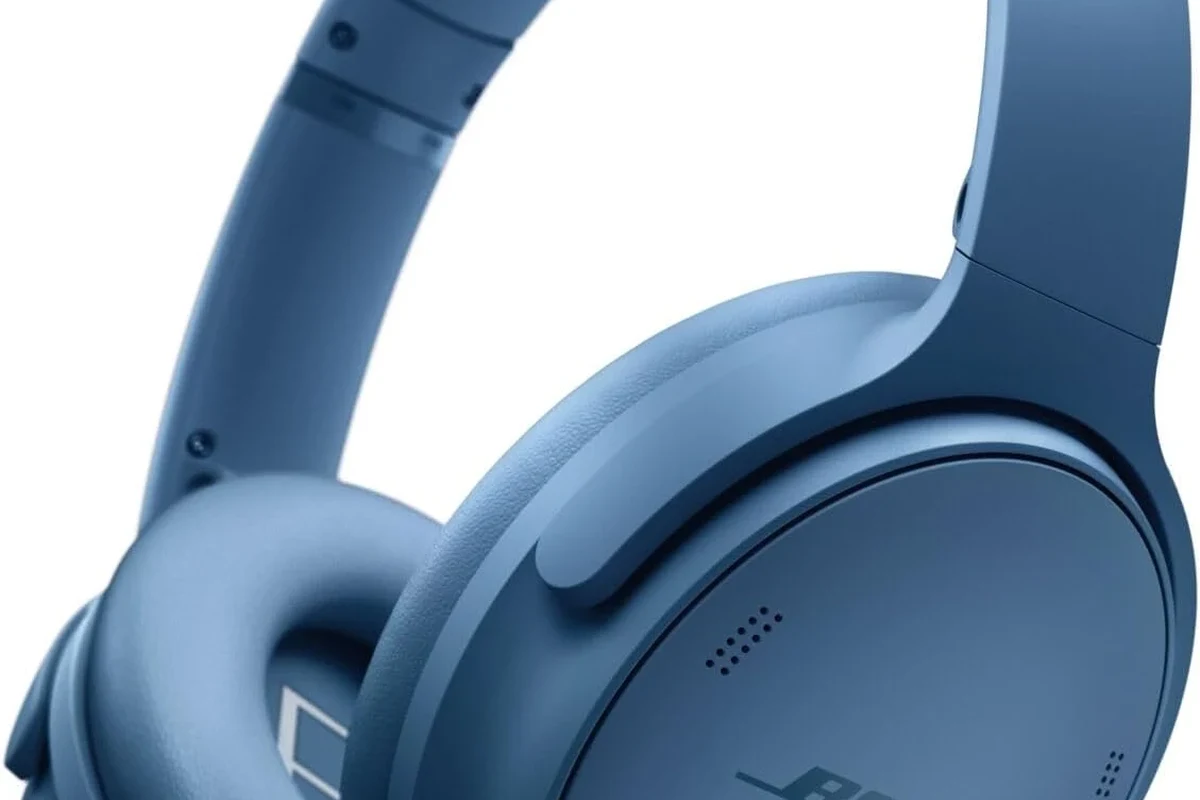
For Bluetooth headphones to work with a TV, the TV must be able to transmit audio over Bluetooth. In other words, the television needs a Bluetooth audio-out feature, not just any Bluetooth menu option.
Some TVs let you pair headphones directly in the sound settings. Others need a separate transmitter plugged into the TV’s optical, 3.5mm, USB, or HDMI ARC/eARC output. The exact path depends on the TV model and the ports it offers.
Built-in Bluetooth on Smart TVs vs. Older TVs
Most newer smart TVs are more likely to support Bluetooth audio output than older sets. Even then, the feature is not guaranteed, and it may be limited to specific headphone profiles or brand ecosystems.
Older TVs often have no Bluetooth at all, so a transmitter becomes the easiest workaround. If you’re checking whether your TV has the right kind of output, think of it the same way you’d check whether a device has a headphone socket: the port or feature must actually be there to use it.
Bluetooth Audio Profiles, Latency, and Codec Limitations
Bluetooth audio is convenient, but it is not always instant. Some TVs and headphones use basic Bluetooth audio profiles that can introduce noticeable delay between the picture and the sound.
That delay is called latency, and it can be more obvious in dialogue-heavy scenes or fast-paced gaming. Codec support also matters, because not every TV and headphone combination supports the same low-latency options.
Bluetooth codec support varies by TV, transmitter, and headphone brand, so the best-sounding setup on one TV may not behave the same on another.
Best Ways to Connect Bluetooth Headphones to a TV
There are three common ways to do it: direct pairing, using a Bluetooth transmitter, or routing audio through another device such as a streaming box, soundbar, or AV receiver. The best method depends on your TV and how sensitive you are to audio delay.
Direct Pairing Through TV Settings
If your TV supports Bluetooth audio output, this is the simplest method. Open the sound or Bluetooth menu, put your headphones in pairing mode, and connect them like any other wireless device.
This works best for casual watching, especially if you mainly care about convenience. It also keeps your setup clean because you do not need extra cables or hardware.
Look for Bluetooth, sound output, or wireless audio options in the TV menu.
Put the headphones in pairing mode and select them from the TV list.
Watch a speaking scene and see whether the audio matches the mouth movement.
Using a Bluetooth Transmitter for Non-Bluetooth TVs
A Bluetooth transmitter is the most practical fix for TVs without built-in audio output. It plugs into the TV’s audio out port and sends the sound to your headphones wirelessly.
This is often the best choice for older TVs, gaming rooms, or households that want a more reliable connection. If you want to compare wireless and cabled listening in general, our article on Bluetooth vs wired headphones sound quality is a useful companion read.
Connecting Through a Streaming Device, Soundbar, or AV Receiver
Sometimes the easiest Bluetooth path is not through the TV itself. A streaming device, soundbar, or AV receiver may already support headphone pairing or offer a better audio output path.
This route can be useful if your TV menu is limited or awkward to navigate. It can also help if you already use home theater gear and want one audio hub for everything.
If your TV has both optical and HDMI ARC/eARC options, check which output stays active when you use Bluetooth. Some TVs disable one output when another is selected.
Real-World Use Cases: Movies, Gaming, Late-Night Viewing, and Family Listening
Bluetooth headphones are especially handy when you want private listening without disturbing other people. That makes them popular for apartments, shared living rooms, and late-night TV sessions.
When Bluetooth Headphones Work Best for TV Watching
They work best for casual movie watching, streaming shows, and quiet nighttime use. They are also a good fit when comfort matters more than perfect timing, especially with over-ear models that can stay comfortable for longer sessions.
If you prefer a quieter background while watching, noise cancelling can help reduce room noise. Our guide on how noise cancelling headphones work explains why that feature can make TV listening feel more focused.
Where Delay Becomes a Problem for Gaming and Live Sports
Latency matters more in gaming and live sports because sound needs to match action in real time. Even a small delay can make gunfire, footsteps, commentary, or crowd reactions feel off.
That is why some gamers prefer wired headsets or low-latency wireless gear instead of standard Bluetooth. If you mainly play on a TV, you may want to compare your options before buying a headset for both gaming and movies.
Bluetooth is convenient, but standard Bluetooth is not always ideal for fast gaming or live broadcasts because audio delay may be noticeable.
Common Problems and Mistakes When Pairing Bluetooth Headphones to a TV
Most Bluetooth TV frustrations come from setup assumptions. People often expect every TV to behave like a phone, but TV audio systems can be more limited and more sensitive to compatibility issues.
Audio Lag and Lip-Sync Issues
Audio lag is the most common complaint. If the sound arrives late, voices may not line up with the picture, and that can be distracting even if the audio quality itself is good.
Some TVs include a lip-sync setting or audio delay adjustment. That can help, but it does not always solve the issue completely if the Bluetooth connection itself is the main source of delay.
Weak Range, Dropouts, and Pairing Conflicts
Bluetooth range can also be affected by walls, furniture, other wireless devices, and the placement of the transmitter. In a busy living room, dropouts may happen more often than people expect.
Pairing conflicts are another common issue when a TV remembers too many devices. If the headphones keep disconnecting, resetting the Bluetooth list or removing old pairings can help.
Some TVs can remember multiple Bluetooth devices, but they may still only connect to one audio device at a time.
Assuming Every TV Supports Headphone Output Over Bluetooth
This is the biggest mistake of all. A TV may have Bluetooth in the settings, but that does not automatically mean it can send audio to headphones.
Before buying anything, check the TV manual or support page for Bluetooth audio-out, headphone mode, or wireless headset support. That small step can save you from buying the wrong transmitter or headset.
Expert Advice: How to Get Better Sound and Less Delay
The best Bluetooth TV setup is the one that matches your use case. A movie viewer, a gamer, and a late-night sports fan may all need different levels of speed, range, and sound quality.
Choosing Low-Latency Headphones and Transmitters
If delay bothers you, look for headphones and transmitters designed for lower latency. In general, both ends of the connection matter, because a fast transmitter paired with a slow headphone can still produce lag.
For TV use, over-ear headphones often provide better comfort for long sessions, while in-ear models can be easier to store and recharge. The right choice depends on your fit preference, not just the wireless spec sheet.
Checking for aptX Low Latency, LE Audio, or TV-Specific Audio Modes
Some devices support low-latency options such as aptX Low Latency or newer Bluetooth audio modes like LE Audio. These features can help, but support is not universal, and compatibility must line up across the TV, transmitter, and headphones.
TV-specific audio modes, game modes, or lip-sync settings may also reduce delay. If you are shopping for a new setup, check the product pages carefully instead of assuming every wireless model includes the same codec support.
When Wired or RF Headphones May Be the Better Choice
Wired headphones are still the simplest way to avoid Bluetooth delay. They are often the most dependable choice if your TV has a usable headphone jack or audio output.
RF headphones are another strong option for TV watching because they are built for longer range and lower delay in many home setups. If you are trying to decide between wireless styles, our guide on types of headphones explained can help you narrow down the best fit.
If you have hearing loss, tinnitus, or discomfort from long listening sessions, consider speaking with an audiologist. They can help you choose a safe listening level and a comfortable headphone type.
Cost Comparison: Free Built-In Bluetooth vs. Budget Transmitters vs. Premium Solutions
Built-in Bluetooth is the cheapest option because it costs nothing extra if your TV already supports it. A budget transmitter usually adds a modest one-time cost, while premium setups can cost more if you want better range, lower delay, or multiple-device support.
Because prices vary by brand and features, it is better to think in categories than exact numbers. A basic transmitter may be enough for casual TV listening, while a higher-end model may make sense for gaming or frequent use.
Final Take: The Easiest Way to Use Bluetooth Headphones with a TV in 2025
So, can you bluetooth headphones to a tv? Yes, in many cases you can—but the easiest method depends on whether your TV supports Bluetooth audio output and how much delay you can tolerate.
For simple movie watching, direct pairing is the cleanest option. For older TVs or better reliability, a Bluetooth transmitter is usually the smartest upgrade, while wired or RF headphones may still be the best pick for gaming and low-lag listening.
- Newer TVs may support direct Bluetooth headphone pairing.
- Older TVs often need a Bluetooth transmitter.
- Latency can affect gaming, sports, and lip-sync.
- Wired or RF headphones may be better for low-delay use.
Frequently Asked Questions
Wireless headphones are more convenient for moving around the room, but wired headphones usually avoid Bluetooth delay. For TV watching, the better choice depends on whether you value freedom of movement or perfect lip-sync.
Yes, noise cancelling headphones can help reduce room noise and make dialogue easier to hear. They are especially useful for late-night viewing or shared living spaces.
Over-ear headphones are often the most comfortable for long TV sessions, while in-ear models are lighter and easier to store. On-ear headphones can work too, but comfort depends on your head shape and clamping force.
Yes, but for TV use clarity and comfort often matter more than chasing extreme specs. A balanced sound profile with clear dialogue is usually more helpful than heavy bass.
Check TV compatibility, latency support, battery life, comfort, and whether you need a transmitter. If you game or watch sports, low-latency support is especially important.
Look for lightweight headphones, soft ear cushions, and a fit that does not clamp too tightly. If you listen for long periods, take breaks and keep volume at a safe level.