Can You Use Beats Headphones on PS5 Easily and Effectively

Yes, you can use Beats headphones on PS5, but they usually work best with a wired connection or a Bluetooth adapter. Direct wireless pairing is limited, so the easiest setup depends on your Beats model and whether you need chat support.
If you’re asking can you use beats headphones on ps5, the short answer is yes, but usually not in the simplest native way. Beats can work on PS5 through a few setup methods, and the best option depends on whether you care most about convenience, chat support, or sound quality.
For many players, Beats are perfectly fine for casual gaming, single-player sessions, and streaming on the PS5. The main catch is that the console has limited direct Bluetooth support for most headphones, so you often need a wired connection or a Bluetooth transmitter to make Beats work smoothly.
- Compatibility: Beats can work on PS5, but usually not through native Bluetooth alone.
- Best setup: Wired connections are typically the most stable and lowest-lag option.
- Wireless use: A USB Bluetooth transmitter can help, but latency may vary.
- Gaming fit: Beats are better for casual play than competitive chat-heavy gaming.
Can You Use Beats Headphones on PS5? Quick Answer for 2026 Gamers
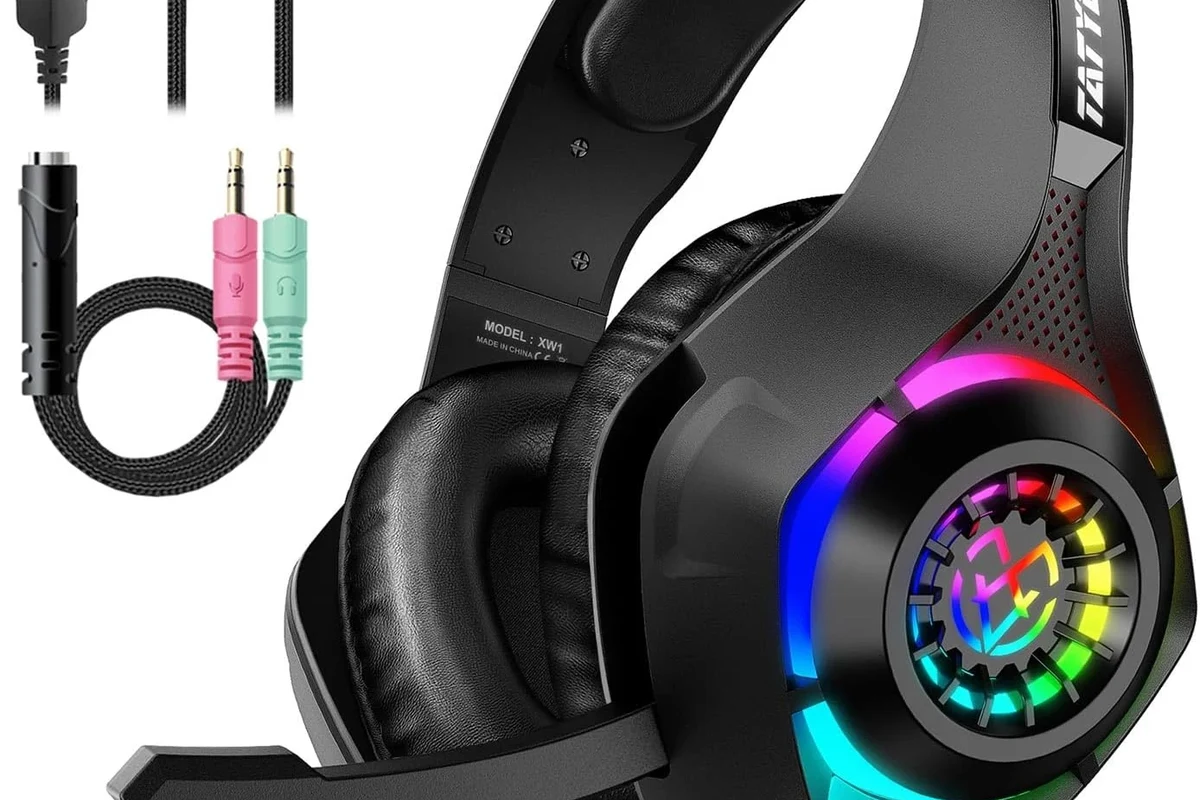
Yes, you can use Beats headphones on PS5, but the experience is not always plug-and-play. In most cases, Beats work best when connected through the DualSense controller, a USB audio adapter, or a Bluetooth transmitter rather than relying on native wireless pairing.
If your goal is simple game audio, Beats can be a solid option. If your goal is low-latency competitive play or reliable voice chat, a PS5-ready gaming headset is usually the easier choice.
How Beats Connect to PS5: Bluetooth, USB, and Controller Workarounds
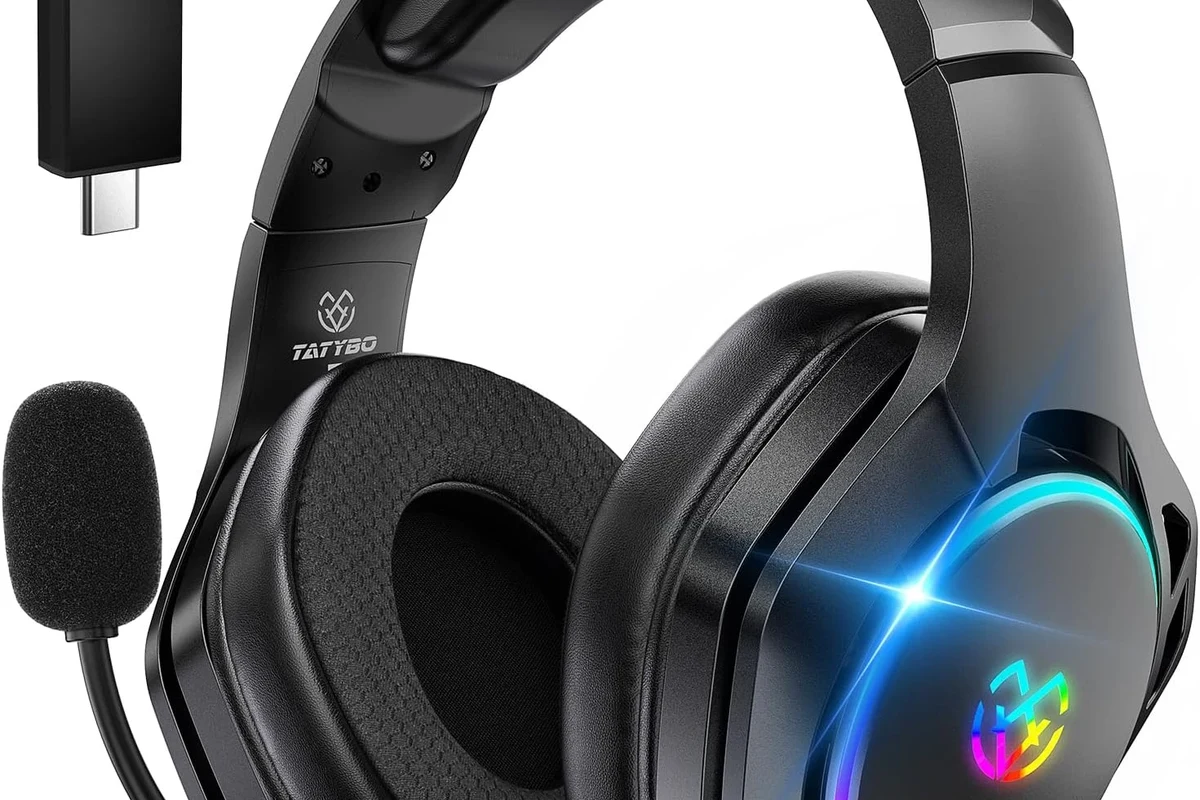
There are three common ways to use Beats with a PS5: Bluetooth transmitter, wired controller connection, or USB-C audio path depending on the model and accessories. Each method has trade-offs in latency, convenience, and microphone support.
Why direct Bluetooth is usually not supported on PS5
PS5 does not offer broad native Bluetooth headphone support for most consumer headphones. That means your Beats may not pair directly to the console the way they do with a phone or laptop.
This limitation is important because it pushes many users toward adapters. If you want a deeper look at wireless audio basics, our guide to Bluetooth headphones explained simply can help make the setup choices easier to understand.
Bluetooth behavior can vary by transmitter, headset model, and PS5 system updates. Even when pairing works, latency and microphone support may still be limited.
Using a USB Bluetooth adapter for Beats headphones
A USB Bluetooth transmitter is one of the most common workarounds for wireless use. You plug the adapter into the PS5, put it into pairing mode, and then pair your Beats headphones to the adapter instead of the console itself.
This can be a practical choice if you want to keep using Beats wirelessly. It is especially useful for listening to game audio from the couch, but the overall quality depends on the adapter you buy and how much delay it introduces.
Not every Bluetooth adapter supports voice chat, low-latency audio, or stable pairing with Beats. Cheap adapters may create lag, dropouts, or poor sound balance.
Wired connection through the DualSense controller or USB-C adapter
For many players, the easiest answer is simply to use a cable. If your Beats model supports a 3.5mm audio cable, you can plug into the DualSense controller and get straightforward game sound without Bluetooth delay.
Some newer Beats models also support USB-C audio or can work with a compatible cable setup. That can be a better option if you want cleaner, more stable audio and less troubleshooting than wireless pairing.
If you already own Beats, try the wired route first. It usually gives the most reliable PS5 experience with the least setup time.
Best Beats Models for PS5 Use: Compatibility and Real-World Performance
Not every Beats model is equally convenient for PS5. Some are better for wired gaming, while others are more comfortable for long sessions but less ideal for chat or low-lag play.
Beats Studio Pro vs. Beats Solo 4 vs. Beats Fit Pro for gaming
Beats Studio Pro is often the most flexible option for gaming because over-ear headphones tend to be more comfortable for longer sessions and may offer multiple connection methods. Beats Solo 4 can be a decent portable option, especially if you prefer a lighter on-ear design.
Beats Fit Pro is more of an earbud-style choice, which can be convenient for quick play sessions but is usually not the first pick for long PS5 gaming nights. Comfort, fit, and battery behavior may vary by user, so personal preference matters a lot here.
| Model | Best For | Price Range |
|---|---|---|
| Beats Studio Pro | Longer gaming sessions and over-ear comfort | Varies |
| Beats Solo 4 | Portable use and casual PS5 gaming | Varies |
| Beats Fit Pro | Short sessions and compact wireless use | Varies |
Latency, mic quality, and comfort differences that matter on PS5
For gaming, latency is one of the biggest concerns. Wired connections usually feel more responsive than Bluetooth, which can matter in rhythm games, shooters, and fast action titles.
Microphone quality is another weak point to watch. Some Beats setups may let you hear game audio well, but voice chat performance can be less consistent than a dedicated gaming headset with a boom mic. If comfort is your top priority, over-ear Beats models generally feel better than in-ear options during longer sessions.
- Good everyday sound for gaming and media
- Comfortable over-ear options for longer play
- Can work wirelessly with the right adapter
- Direct PS5 Bluetooth support is limited
- Mic performance may be weaker than gaming headsets
- Wireless latency can be noticeable
Audio Quality on PS5: What Beats Do Well and Where They Fall Short
Beats are usually tuned for a lively, bass-forward sound, which can make action games, cinematic titles, and music-heavy menus more enjoyable. That sound signature is not necessarily bad for gaming, but it is different from the flatter tuning some players prefer for competitive play.
Sound profile for single-player games, streaming, and casual play
For story-driven games, open-world titles, and streaming content, Beats can sound engaging and full. Explosions, background music, and environmental effects often come through with plenty of energy.
If you mainly play casually, that stronger bass and polished sound can be a plus. It makes Beats a reasonable all-around headset choice if gaming is only one part of how you use your headphones.
Many gaming headsets are tuned to emphasize footsteps and dialogue, while Beats are often tuned more for music and entertainment.
Limitations for competitive gaming, chat balance, and surround sound
Where Beats may fall short is precision. Competitive players often want clearer positional detail, easier chat-to-game balancing, and more predictable latency than Bluetooth setups usually provide.
PS5’s 3D audio can still help with spatial cues, but the headphone itself and the connection method both affect the final result. If you rely heavily on voice chat or need the cleanest directional audio, a dedicated PS5 headset may be the better fit.
Listening at high volumes for long periods can cause hearing damage. Keep volume at 60% or below for extended sessions.
Step-by-Step Setup Guide: How to Get Beats Working on PS5
Setting up Beats on PS5 is usually simple once you choose the right connection type. The main goal is to match the method to your model and your gaming priorities.
Pairing Beats with a Bluetooth transmitter
Start by plugging a compatible Bluetooth transmitter into the PS5’s USB port. Put the transmitter into pairing mode, then place your Beats headphones into pairing mode as well.
Once connected, test game audio and menu sounds before you start playing for real. If the delay feels too high, try a different transmitter or switch to a wired method.
Insert the USB Bluetooth adapter into the PS5 and wait for it to power on.
Put Beats into pairing mode and connect them to the transmitter, not the console.
Launch a game and listen for lag, dropouts, or voice chat issues before settling in.
Connecting via 3.5mm cable or USB-C audio
If your Beats support a 3.5mm cable, plug them into the DualSense controller for a simple wired setup. This is often the fastest way to get stable sound without extra accessories.
For USB-C audio setups, use only compatible accessories that are meant for audio output. A good cable can make a bigger difference than many people expect, especially if you want cleaner sound and fewer connection issues.
Adjusting PS5 audio settings for better results
After connecting, check the PS5 audio output settings and make sure the console is sending sound to the correct device. If your headphones support it, test chat audio and game audio separately to confirm both are working.
You may also want to adjust in-game audio sliders and PS5 3D audio settings to improve clarity. Small changes here can make dialogue easier to hear and reduce the need to raise volume too much.
- Correct audio output device
- Game and chat balance
- Latency or audio delay
- Volume level for safe listening
Common Mistakes When Using Beats on PS5 and How to Avoid Them
Most problems come from expecting Beats to behave like a native gaming headset. Once you know the limits, setup becomes much easier.
Expecting native Bluetooth support without an adapter
This is the most common mistake. If your Beats do not pair directly to the PS5, that does not necessarily mean the headphones are broken.
It usually means the console needs a workaround. A transmitter or wired cable is often the fix, not a replacement headset.
Ignoring input lag and microphone limitations
Bluetooth audio delay can be subtle in menus but distracting in gameplay. If you play fast-paced games, even a small lag can feel off.
Also remember that microphone support can be inconsistent depending on the adapter and Beats model. If party chat matters a lot, test it before assuming everything is ready.
Choosing the wrong cable or low-quality transmitter
Some users buy the cheapest accessory they can find and then blame the headphones when the sound is poor. In reality, the cable or transmitter is often the weak link.
A better accessory can improve stability, reduce dropouts, and make the whole setup feel more polished. This is especially important if you plan to use Beats regularly with your PS5.
Cost Comparison: Beats on PS5 vs. Dedicated Gaming Headsets
Using Beats on PS5 can be cost-effective if you already own the headphones. But if you need to buy accessories just to make them work well, the total cost can start to look less appealing.
Adapter and accessory costs vs. buying a PS5-ready headset
A Bluetooth transmitter, a quality cable, or a USB-C accessory may add extra expense. Depending on what you already own, that could still be cheaper than buying a new headset, but not always by much.
Dedicated gaming headsets often include low-latency wireless, clearer chat support, and console-friendly controls. If those features matter to you, a PS5-ready headset may deliver better value over time.
When using Beats is worth it and when it is not
Beats are worth using on PS5 if you already own them, enjoy their sound, and mainly play casually. They are also a good choice if you want one pair of headphones for both gaming and everyday listening.
They are less attractive if you need perfect voice chat, minimal lag, or the easiest possible console setup. In that case, a headset made specifically for gaming will usually save time and frustration.
Expert Advice: Best Use Cases and Final Verdict for PS5 Players
For most PS5 owners, Beats are usable and often enjoyable, but they are not the most seamless gaming solution. The best results usually come from a wired connection or a decent Bluetooth transmitter rather than hoping for direct wireless pairing.
Who should use Beats on PS5 in 2026
Beats make the most sense for casual players, single-player fans, and anyone who already owns a compatible model. They are also a practical option for gamers who want one headphone pair for console use, music, and phone listening.
If you play competitively, rely heavily on party chat, or want the simplest setup possible, a dedicated gaming headset is still the safer recommendation. For broader headphone buying advice, our guide to types of headphones explained can help you compare over-ear, on-ear, and in-ear options.
If you notice persistent audio imbalance, discomfort, or hearing strain during gaming, consider speaking with an audiologist or hearing professional. Safe listening habits matter just as much as headphone compatibility.
Final recap on ease, effectiveness, and value
So, can you use Beats headphones on PS5? Yes, and they can work well for the right player. The easiest and most effective setup is usually wired, while wireless use depends on adapters and may involve some compromise.
If you want convenience and already own Beats, they are a reasonable PS5 option. If you want the best out-of-the-box gaming experience, a headset designed for PS5 is still the better long-term buy.
Frequently Asked Questions
Wired usually works better because it avoids Bluetooth lag and connection dropouts. Wireless can still work with a transmitter, but results vary by adapter and model.
They can work, but they are not the strongest choice for competitive play. Low-latency audio and clearer chat support are usually better on a dedicated gaming headset.
Over-ear models are usually the most comfortable for longer sessions because they spread pressure more evenly. Fit still depends on your head shape and personal preference.
Look for low latency, stable connection options, and good comfort for long sessions. If you use voice chat, microphone support is also important.
Bass-heavy tuning can make explosions and music sound exciting, but it may reduce clarity in dialogue and footsteps. An EQ can help balance the sound for gaming.
Check connection type, latency, comfort, microphone support, and whether the headphones work with your preferred accessories. Also consider whether you want over-ear, on-ear, or in-ear fit.