Can Bose Headphones Be Used for Phone Calls Easily

Yes, Bose headphones can be used for phone calls, and most modern models handle everyday calling well. Call quality is usually best in quiet places, while noisy streets and wind can reduce clarity.
If you’re wondering whether Bose headphones can be used for phone calls, the short answer is yes. Most modern Bose headphones and earbuds are designed to handle calls through built-in microphones and Bluetooth voice features, though call quality can vary by model, environment, and how you wear them.
For many buyers, the real question is not “can they work?” but “how well do they work for everyday calling?” That depends on whether you use them for quick chats, work meetings, commuting, or long conversations at home. If you also want a broader look at how Bose fits into the wireless audio world, our guide to Bluetooth headphones explained can help with the basics.
- Yes, they work: Bose headphones and earbuds can handle phone calls through built-in microphones.
- Best use case: Over-ear models suit long meetings, while earbuds are better for quick calls.
- Environment matters: Quiet rooms usually sound better than streets, cars, or windy areas.
- Setup helps: Fit, firmware, battery level, and Bluetooth stability can change call quality.
Can Bose Headphones Be Used for Phone Calls? What Buyers Want to Know
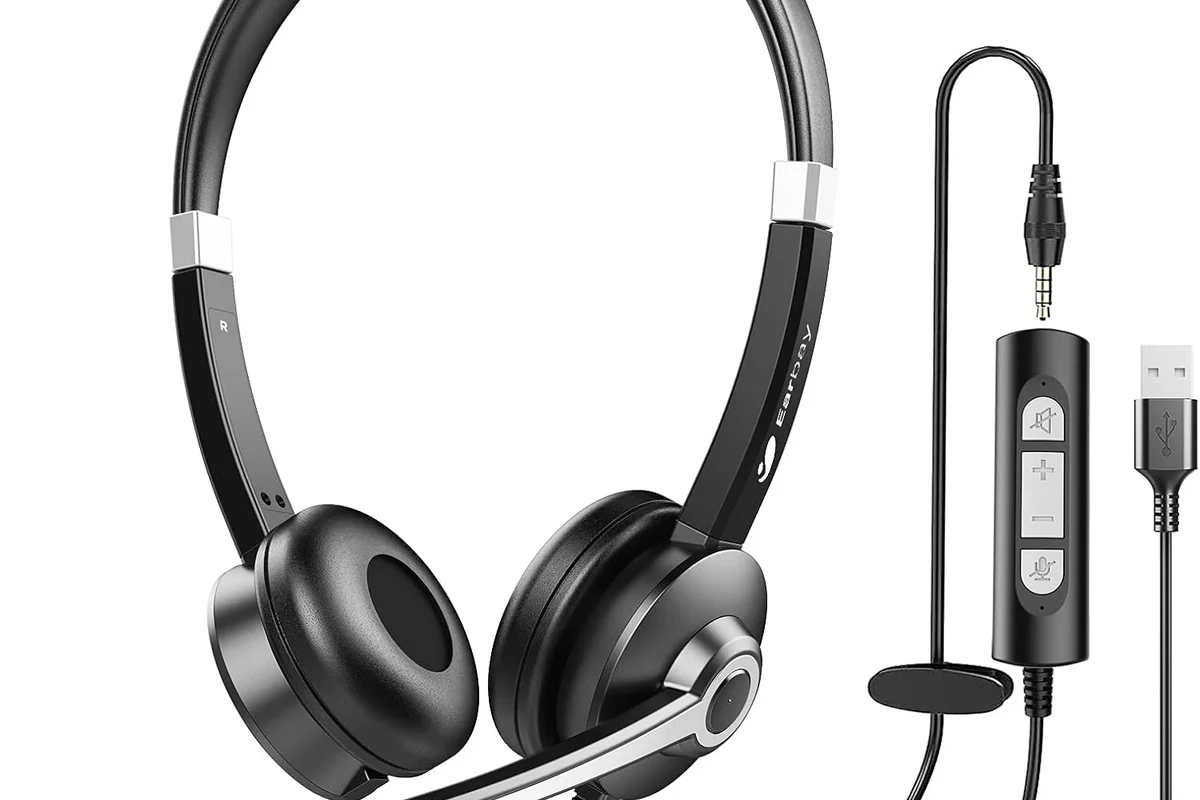
Yes, Bose headphones can generally be used for phone calls on phones, tablets, and many laptops with Bluetooth calling support. In most cases, your phone routes the call audio to the headphones while the built-in microphone handles your voice.
That said, “usable” does not always mean “best-in-class for every situation.” Some Bose models prioritize comfort and noise cancellation first, while others focus more directly on voice pickup. If you are choosing between different headphone styles, it also helps to understand types of headphones explained so you know whether over-ear headphones, earbuds, or on-ear designs fit your calling habits.
Call quality can vary by model, phone compatibility, Bluetooth stability, background noise, and even how much wind is around you.
For most casual users, Bose is a safe and convenient pick for phone calls. For people who spend hours on calls every day, it is worth comparing microphone performance more carefully before buying.
How Bose Handles Call Quality Across Popular Headphone Models
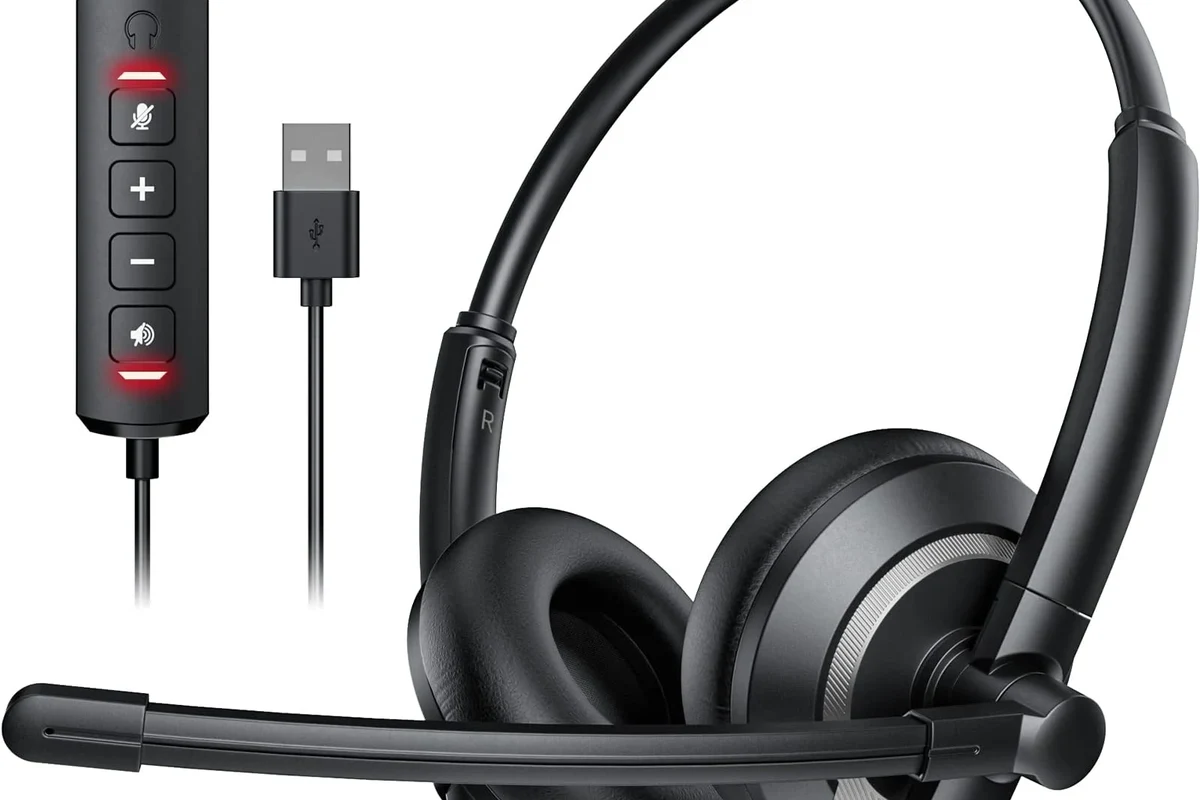
Bose uses Bluetooth microphones and call-processing software to make voices sound clearer during calls. On many models, the system tries to reduce background noise while keeping your speech readable and natural.
Still, different Bose products are tuned differently. Over-ear headphones usually give you a more comfortable all-day calling experience, while earbuds are often better for fast, on-the-go calls. Bose also tends to balance voice clarity with strong noise cancellation, which is great for listening but not always identical to having a dedicated office headset.
Built-in microphones and voice pickup explained
Most Bose headphones include one or more microphones placed around the earcups or earbuds. These mics pick up your voice and send it to your phone during a call.
Higher-end Bose models often use beamforming or noise-reduction processing to focus more on speech and less on surrounding sound. That can help when you’re in a café, walking outside, or sitting near a loud fan, but it still depends on the exact model and the noise around you.
Mic placement matters a lot. Even a good headset can sound worse if the microphones are blocked by hair, clothing, or a poor fit.
Noise cancellation vs. voice clarity during calls
Bose is well known for active noise cancellation, and that feature helps you hear the other person more clearly. It can also make calls feel less tiring because you are not fighting as much background noise.
But noise cancellation for listening is not the same thing as microphone noise suppression for speaking. A headset may block outside sound very well for your ears while still struggling to isolate your voice in a windy or crowded setting. If you want a deeper look at the listening side, our guide on how noise cancelling headphones work explains why that difference matters.
Best Bose Headphones for Phone Calls in 2026
The best Bose option for calls depends on whether you want comfort, portability, or maximum voice clarity. Because product lineups change, it is smarter to shop by use case than by brand name alone.
| Model Type | Best For | Call Experience |
|---|---|---|
| Over-ear Bose headphones | Work calls, long meetings | Comfortable and stable for extended use |
| Wireless Bose earbuds | Quick calls, commuting | Portable and convenient, but fit matters more |
Over-ear options for work calls and long conversations
Over-ear Bose headphones are usually the easiest choice for long calls because they are comfortable and stable. They also tend to offer better passive isolation, which can help you focus in a home office or shared workspace.
If you take frequent meetings, over-ear models are often the better value because comfort becomes just as important as microphone quality. They are also less likely to shift during a call, which helps keep the microphones in a consistent position.
- Comfortable for long sessions
- Good isolation for the listener
- Stable mic position
- Less portable than earbuds
- Can feel warm during long wear
- Usually cost more than basic calling headsets
Wireless earbuds for quick calling on the go
Bose wireless earbuds are a strong option if you want easy call handling while walking, shopping, or commuting. They are lighter, easier to carry, and often more practical for users who switch between music and calls all day.
The main tradeoff is fit. If the earbuds do not seal well or sit securely, voice pickup can suffer, especially outdoors. For readers comparing call-friendly earbuds with other portable options, it can also help to understand the difference between headphones vs earphones before deciding.
Listening at high volumes for long periods can cause hearing damage. Keep volume at 60% or below for extended sessions.
Real-World Call Performance: Office, Street, Car, and Home Use
Real-world performance is where Bose’s strengths and weaknesses become easiest to notice. A headset that sounds excellent in a quiet room may sound only average on a busy street.
That is why buyers should think about where most of their calls happen. The same Bose model can feel impressive in one setting and merely fine in another.
How Bose performs in quiet indoor settings
In a quiet office or home environment, Bose headphones usually do well for phone calls. Your voice is easier for the microphones to capture, and the other person can hear you more clearly because there is less background noise to fight.
This is where Bose often feels most balanced. You get comfort, good voice pickup, and easy Bluetooth convenience without needing a separate wired headset.
Are Bose headphones good for Zoom-style calls too?
Usually yes, as long as your device supports microphone routing over Bluetooth. For frequent work meetings, over-ear Bose models are often more comfortable than small earbuds.
How Bose performs in noisy outdoor environments
Outdoors, Bose can still be useful, but wind and traffic are tougher challenges. Microphones may pick up more unwanted noise, and the person on the other end may hear your surroundings more than you want.
In a car, results are often better than on a windy sidewalk, but road noise can still interfere. If you make many calls in transit, prioritize models known for stronger voice isolation and test them in the exact environment you use most.
If you have trouble understanding speech during calls even with good headphones, or if you notice hearing strain, consider speaking with an audiologist or hearing professional.
How to Improve Phone Call Quality on Bose Headphones
Even good Bose headphones can sound better with a few simple adjustments. Fit, Bluetooth connection quality, and device settings all play a role in call clarity.
Correct fit, mic positioning, and Bluetooth setup
Start with the fit. Over-ear headphones should sit evenly on your head, and earbuds should seal securely without feeling forced.
For earbuds, the microphone often works best when the buds are fully seated and stable. On over-ear models, make sure nothing is blocking the mic area and that your Bluetooth connection is strong and uninterrupted.
Make sure the headphones or earbuds are seated properly before starting a call.
Move away from crowded Bluetooth zones, strong Wi-Fi congestion, or noisy fans if possible.
Device settings that can affect call clarity
Your phone’s Bluetooth settings, calling permissions, and app audio settings can affect how Bose performs. Sometimes a call app may switch to a lower-quality mode or route audio in a way that changes microphone clarity.
If call quality suddenly drops, try reconnecting the headphones, checking battery level, and making sure the Bose app and firmware are up to date. If you use a computer too, our guide on selecting headphones in Windows 11 can help you confirm the right input and output device.
- Battery level before long calls
- Bluetooth connection stability
- App microphone permissions
- Firmware updates in the Bose app
Common Mistakes That Make Bose Call Quality Sound Worse
Many call problems are not caused by the headphones themselves. They come from using the wrong model, skipping updates, or expecting a music-focused headset to behave like a business-grade microphone system.
Using the wrong model for frequent calling
If you make calls all day, the best Bose model for music may not be the best one for voice. A premium listening experience does not always equal the clearest microphone performance.
Frequent callers should pay extra attention to mic design, comfort, and how the headset handles background noise. If your work depends on clear speech, a calling-focused headset may outperform a general-purpose headphone.
Ignoring firmware updates, battery level, or app settings
Outdated firmware can sometimes affect Bluetooth stability and microphone behavior. Low battery may also reduce performance or cause connection issues on some devices.
The Bose companion app, if supported by your model, can also matter more than people expect. It may offer updates or settings that improve day-to-day call reliability.
If your headphones suddenly sound worse on calls, check software settings before assuming the hardware is defective.
Bose vs. Other Headphone Brands for Phone Calls: Cost and Value
Bose often sits in the premium part of the market, so value matters. The brand is usually worth considering if you want comfort, strong noise cancellation, and solid all-around performance in one product.
But if your main goal is only phone calls, a cheaper calling-focused headset may be the smarter purchase. In that case, you may not need premium listening features, advanced noise cancellation, or the higher price that often comes with Bose.
When Bose is worth the higher price
Bose can be worth it if you want one headset for calls, music, travel, and daily wear. The comfort level and noise cancellation can make a big difference for people who spend many hours with headphones on.
It is also a strong choice if you care about a polished overall experience and do not want to juggle multiple devices for different tasks.
When a cheaper calling-focused headset may be the better buy
If your calls are mostly work-related and you sit in one place, a lower-cost headset with a strong microphone may be more practical. You may get better voice pickup for less money, especially if you do not need premium music playback.
This is especially true for users who want a simple office setup instead of a travel-friendly all-purpose headset. The best value depends on whether you prioritize voice clarity, comfort, portability, or sound quality for entertainment.
- Bose can be great for calls, but model choice matters.
- Call quality is usually best indoors and in quiet spaces.
- Frequent callers may prefer a headset built mainly for voice.
Expert Verdict: When Bose Headphones Are a Smart Choice for Phone Calls
Bose headphones are a smart choice for phone calls when you want a comfortable, premium wireless headset that can handle both calls and everyday listening. They are especially appealing for people who value noise cancellation and all-day wear over ultra-specialized microphone performance.
Who should buy Bose for calling, and who should skip it
Buy Bose if you want a flexible headset for work calls, commuting, and music, and you are willing to pay more for comfort and convenience. Skip Bose if your top priority is the absolute best microphone clarity for a low price.
For many readers, Bose lands in the “very good all-rounder” category rather than the “best pure calling headset” category. That is not a weakness if you want one device that does many things well.
Final recap on call quality, comfort, and overall value
So, can Bose headphones be used for phone calls easily? Yes, and in many cases they are easy and pleasant to use. The biggest factors are model choice, environment, and setup.
If you want comfort, strong noise cancellation, and dependable everyday calling, Bose is a solid option. If you want the lowest-cost headset with the clearest voice pickup, a calling-focused alternative may give you better value.
Frequently Asked Questions
Wireless Bose headphones are usually more convenient for calls because they connect easily to phones and laptops. Wired models can be more stable in some setups, but availability depends on the exact Bose product and device support.
Noise cancelling can help you hear the other person more clearly by reducing background sound around you. It does not always make your voice clearer, so microphone design and surroundings still matter.
Over-ear Bose headphones are often better for long calls because they are more comfortable and stable. Bose earbuds are better for quick calls and travel, but fit can affect voice pickup.
Check Bluetooth connection, battery level, fit, app permissions, and firmware updates first. Background noise, wind, and blocked microphones can also make calls sound worse.
Bose headphones can work well for voice chat and meetings if your device supports Bluetooth microphone routing. For competitive gaming or heavy daily conferencing, a dedicated headset may give better voice clarity.
Look for microphone quality, Bluetooth stability, comfort, battery life, and noise cancellation. Sound profile, weight, and ear cushion material also matter for long listening sessions.