Can Beats Headphones Be Tracked What You Need to Know

Yes, some Beats headphones can be tracked through Apple’s Find My network if the model supports it and was paired correctly. Older models may not be trackable, and offline headphones usually only show the last known location.
If you’re asking can Beats headphones be tracked, the short answer is yes for some newer models, but not all of them. Tracking usually depends on Apple’s Find My support, not on full GPS-style location tracking, so the results are helpful but limited.
- Compatibility matters: Only some newer Beats models support tracking.
- Find My is not GPS: It shows location clues, not live satellite tracking.
- Setup is critical: The headphones must be linked to the right Apple ID.
- Offline limits apply: Dead batteries and out-of-range devices reduce accuracy.
Can Beats Headphones Be Tracked? The Short Answer and What It Really Means
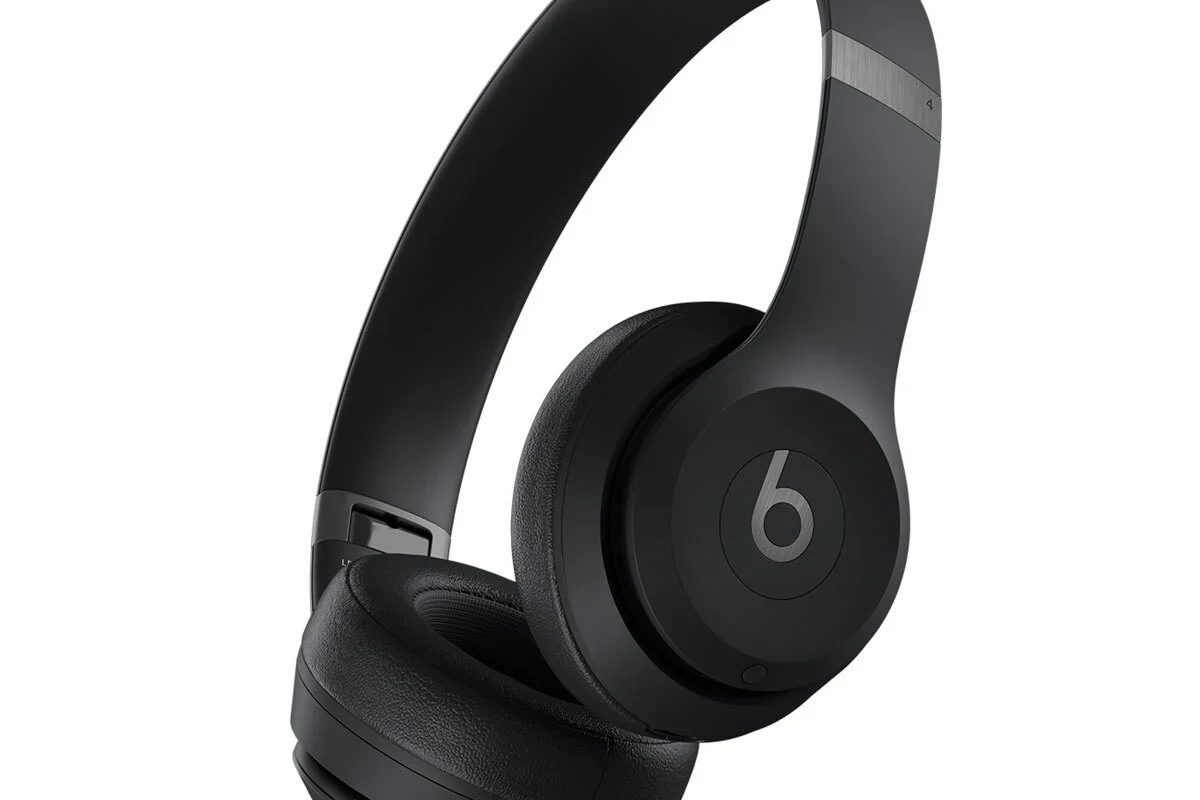
Beats headphones can be tracked only when the model supports Apple’s Find My network and was set up correctly with an Apple ID. That means you may be able to see a last known location, play a sound on nearby compatible earbuds, or get an alert when they’re detected again.
It does not mean your Beats have live GPS inside them. Like most wireless audio gear, they rely on nearby Apple devices, Bluetooth signals, and the Find My network to report location clues rather than constant real-time tracking.
Tracking support can vary by Beats model, firmware version, and how the headphones were originally paired. Always check the specific product’s Apple compatibility before assuming it can be located later.
How Tracking Works on Beats Headphones in 2026
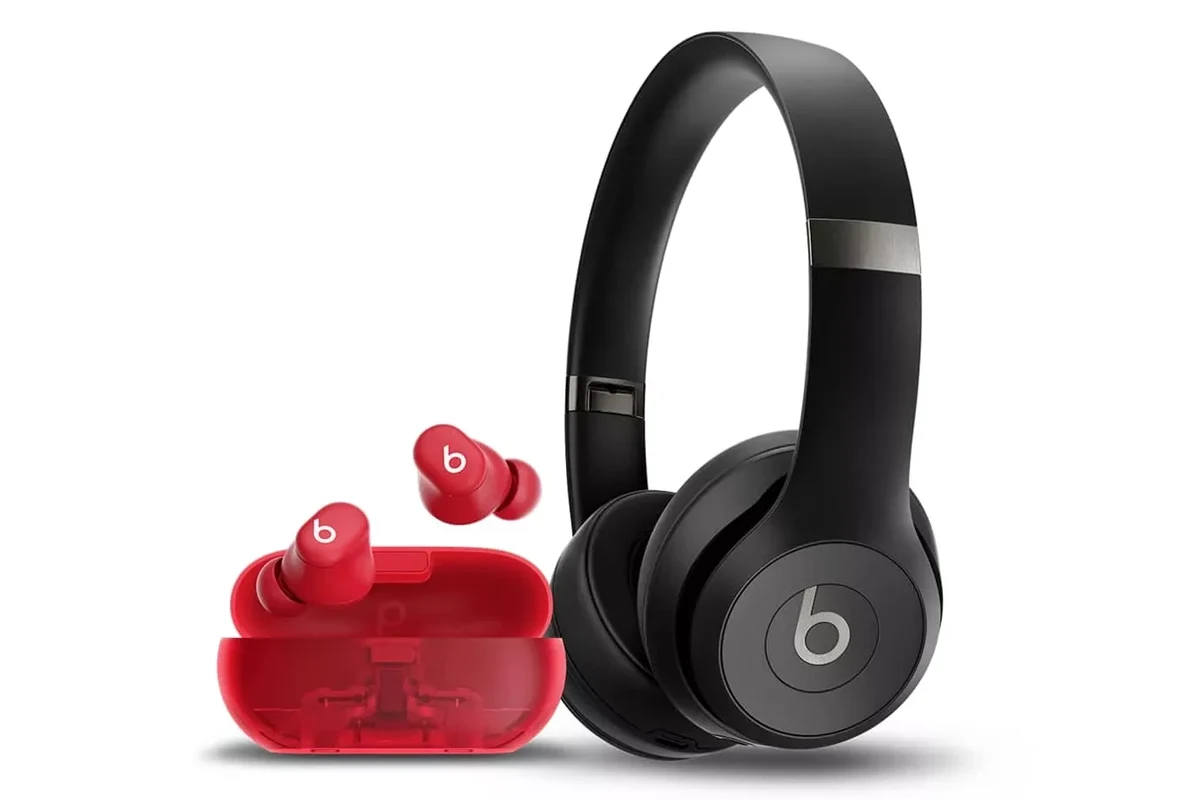
In 2026, the most useful Beats tracking features still come from Apple’s Find My ecosystem. If your Beats model supports it, the headphones can be linked to your Apple ID and shown in the Find My app alongside your other Apple devices.
This is especially useful for small wireless earbuds that slip between couch cushions, get left at the gym, or disappear into a bag. For readers comparing wireless audio gear, this kind of recovery feature can matter almost as much as battery life or sound quality.
Find My network support vs. Bluetooth-only detection
There’s an important difference between Find My network support and simple Bluetooth detection. Bluetooth-only detection means your phone can sometimes see the Beats when they’re nearby, but once they’re out of range, that signal disappears.
Find My network support is stronger because nearby Apple devices can anonymously help update the location of compatible Beats. That gives you a better chance of finding them after they’ve moved away from your phone, but it still depends on being near the network and having enough battery in the headphones.
Which Beats models can be located and which cannot
Newer Beats models are more likely to support Find My tracking, while older headphones may only connect by Bluetooth with no location feature at all. In practice, that means two Beats products can look similar but behave very differently if they go missing.
If you own a newer pair, check whether they appear in the Find My app after pairing. If they do not show up there, they may not support tracking, or they may not have been linked to the correct account.
Using Apple’s Find My App to Locate Compatible Beats Headphones
If your Beats model is compatible, the Find My app is the main tool you’ll use. It can show the last known location, help you narrow down where the headphones were seen, and in some cases help you find them nearby.
For readers who also use Apple gear, this is similar to how other accessories work inside the Apple ecosystem. If you’re still learning how Apple audio products fit together, our guide on how long Apple headphones last may also help you think about battery life and replacement timing.
Step-by-step example: checking last known location
First, open the Find My app on your iPhone, iPad, or Mac and look for your Beats under the Devices or Items section, depending on the model. Tap the device name to see whether it is online, nearby, or showing its last recorded position.
If a map appears, use it as a starting point rather than a perfect answer. The app may show the place where the headphones were last connected, not necessarily the exact spot where they are sitting right now.
Check the device list and confirm that your Beats are linked to your Apple ID.
Look at the last known location and any recent updates shown by the app.
If supported, follow the sound or proximity prompts to narrow down the location.
What happens when the headphones are offline, powered off, or out of range
When Beats are offline, powered off, or fully out of range, tracking becomes much less precise. You may still see the last known location, but you probably will not get live movement updates until the headphones reconnect.
If the battery is dead, the app may only preserve the most recent location it received before shutdown. That’s still useful, but it’s not a guaranteed recovery tool.
Do not assume an offline location is the exact current location. It is often the last place the headphones were detected, which may be different from where they are now.
Beats Model Comparison: Trackable Features, Limitations, and Real-World Use
Not every Beats product offers the same tracking experience. Some models are built for tighter Apple integration, while older generations were designed before Find My support became a common expectation.
If you’re shopping for a new pair and tracking matters to you, it’s worth comparing model support before you buy. That can be just as important as choosing between over-ear, on-ear, or in-ear comfort.
Beats Fit Pro, Studio Buds, and newer models
Models like Beats Fit Pro and Studio Buds are often discussed because they are more likely to support Apple’s location features. For everyday use, that can make a big difference if you misplace one earbud in a backpack or leave the case in a car.
These models are generally better suited to users who want wireless convenience plus recovery tools. They can also be a smarter fit for commuters, travelers, and people who move between home, work, and the gym.
| Model | Best For | Tracking Support |
|---|---|---|
| Beats Fit Pro | Secure fit and portable use | Often compatible with Find My |
| Beats Studio Buds | Compact everyday listening | Often compatible with Find My |
| Older Beats headphones | Basic wireless listening | May not support tracking |
Older Beats headphones and why they may not be trackable
Older Beats headphones may lack the hardware or software support needed for Find My integration. In some cases, they can still pair with your phone and sound great, but that does not automatically give them location tracking.
This is a common misunderstanding with wireless audio products. A headphone can be perfectly usable for music, calls, and gaming, yet still have no meaningful recovery feature once it’s lost.
Common Mistakes That Stop People From Finding Their Beats
Many people think tracking failed when the real issue was setup. If the headphones were not linked correctly, or if the model does not support the feature, the Find My app will not be very helpful.
Before assuming the device is gone forever, it helps to rule out a few common mistakes that block recovery.
Confusing “Find My” tracking with live GPS tracking
One of the biggest mistakes is expecting live GPS-style tracking. Beats headphones do not typically work like a phone, smartwatch, or car tracker with continuous satellite location updates.
Instead, the system gives you location hints based on last detection and nearby Apple devices. That’s useful, but it is not the same as seeing your headphones move on a map in real time.
Not pairing the headphones to the correct Apple ID
If your Beats were paired to the wrong Apple ID, you may not see them in your own Find My app. This can happen if a family member set them up first, or if the headphones were previously used by someone else.
For the best results, make sure the headphones are paired under the account you actually use. If you are setting up Apple audio devices in general, our guide on Apple headphones on PC can also help explain how compatibility changes depending on the device you use.
Assuming every Beats product has the same tracking support
Not all Beats headphones are equal in this area. Some newer earbuds and headphones are designed with Find My support, while older or more basic models may not be trackable at all.
That’s why it’s smart to check the exact model name before relying on location features. A quick compatibility check now can save a lot of frustration later.
Expert Advice: Best Practices to Improve Your Chances of Recovery
If your Beats go missing, speed matters. The sooner you check Find My and retrace your steps, the better your odds of finding them before the battery dies or the location gets stale.
Good habits before and after loss can make recovery much easier, especially for people who use headphones daily for commuting, work, or travel.
What to do immediately after losing Beats headphones
Start by opening Find My and checking the latest location, then search the last place you remember using them. Look in obvious spots first: bags, jacket pockets, car seats, desk drawers, gym lockers, and couch cushions.
If the app shows them nearby, move slowly and listen carefully for any sound prompt or proximity indicator. If they are offline, mark them as lost if your model supports that option and keep checking later in case they reconnect.
If you have hearing loss, tinnitus, or you rely on headphones for long daily sessions, consider speaking with an audiologist about safe listening habits and comfort options that fit your ears and routine.
How to prepare before you lose them: settings, naming, and battery habits
Preparation is the easiest way to improve recovery odds. Make sure your Beats are properly linked to your Apple ID, given a clear device name, and kept charged often enough for the location feature to work when needed.
Setting up Bluetooth headphones correctly is a small step, but it matters. If the pairing process is rushed or skipped, the Find My connection may never work as expected.
If you use your Beats at the gym or while traveling, keep the charging case in the same pocket or bag every day. A simple routine makes it easier to notice when something is missing.
Cost, Replacement, and Repair: What to Do If Your Beats Cannot Be Tracked
Sometimes the honest answer is that tracking won’t help enough. If your Beats model does not support Find My, or if the headphones are gone for good, replacement may be the practical next step.
That decision depends on the model, its age, your budget, and whether the missing item is one earbud, the charging case, or the entire headset.
Tracking limitations vs. replacement pricing and insurance considerations
Tracking can reduce the chance of replacement, but it does not remove the risk entirely. If the headphones are old, heavily used, or already showing battery wear, the cost of repairing or replacing them may be easier to justify than spending days searching.
Some buyers also consider device protection plans, home insurance, or credit card purchase coverage. These options vary widely, so it’s worth checking the policy details before you count on reimbursement.
When it makes more sense to replace than to search
If the headphones have been missing for a long time, the battery is likely dead and the last known location may no longer be useful. At that point, your time may be better spent deciding whether a replacement model with better tracking support is the smarter buy.
For many users, the best upgrade is not just better sound or stronger bass, but a model that fits how they actually live. If you frequently misplace audio gear, tracking support can be worth prioritizing alongside comfort, battery life, and sound quality.
Listening at high volumes for long periods can cause hearing damage. Keep volume at 60% or below for extended sessions.
Final Verdict: Can Beats Headphones Be Tracked and What Users Should Remember
So, can Beats headphones be tracked? Yes, some can, but only if the model supports Apple’s Find My network and was set up correctly. Older Beats products may not offer meaningful tracking at all.
The most important thing to remember is that this is not live GPS. It’s a recovery feature that works best when the headphones are compatible, charged, and linked to the right Apple ID.
- Newer compatible Beats models can often be located with Apple’s Find My app.
- Offline or powered-off headphones usually show only the last known location.
- Older Beats models may not support tracking at all.
- Correct Apple ID pairing is essential for recovery features to work.
Frequently Asked Questions
Wired headphones can offer a more consistent connection, while wireless headphones are more convenient. Sound quality depends on the model, tuning, and codec support more than the connection type alone.
Yes, they can be very helpful on trains, buses, and planes because they reduce steady background noise. They are especially useful if you want lower volume listening in noisy places.
Open-back headphones can feel more spacious, while closed-back headphones usually isolate sound better. Choose open-back for home listening and closed-back for travel, office use, or shared spaces.
Driver type, tuning, and fit all affect bass and clarity. Frequency response can help, but it does not tell the full story, so EQ and comfort matter too.
Check latency, microphone quality, comfort, and whether the headphones are wired or wireless. For studio use, accuracy matters more than heavy bass, while gaming often benefits from low lag and a clear mic.
Look for a lightweight design, soft ear cushions, and a fit that does not clamp too hard. If you listen for hours, comfort and safe volume habits matter as much as sound quality.