How Do I Know Which Bose Headphones I Have Quickly

Check the model name on the headphones, in the Bose app, or on the box first. If that is unclear, use the design, controls, charging port, and accessory fit to identify the exact Bose model.
If you’re asking how do i know which bose headphones i have, the fastest answer is to check the model name on the earcup, in the Bose app, or on the original box. If that’s not enough, the design details, controls, and feature set usually narrow it down very quickly.
- Best first step: Look for the printed model name or serial label.
- Fastest backup: Confirm the device in the Bose app or Bluetooth menu.
- Most useful clues: Button layout, port type, and folding style.
- Be careful: Color alone is not enough to identify a Bose model.
How to Identify Which Bose Headphones You Have in Under 2 Minutes
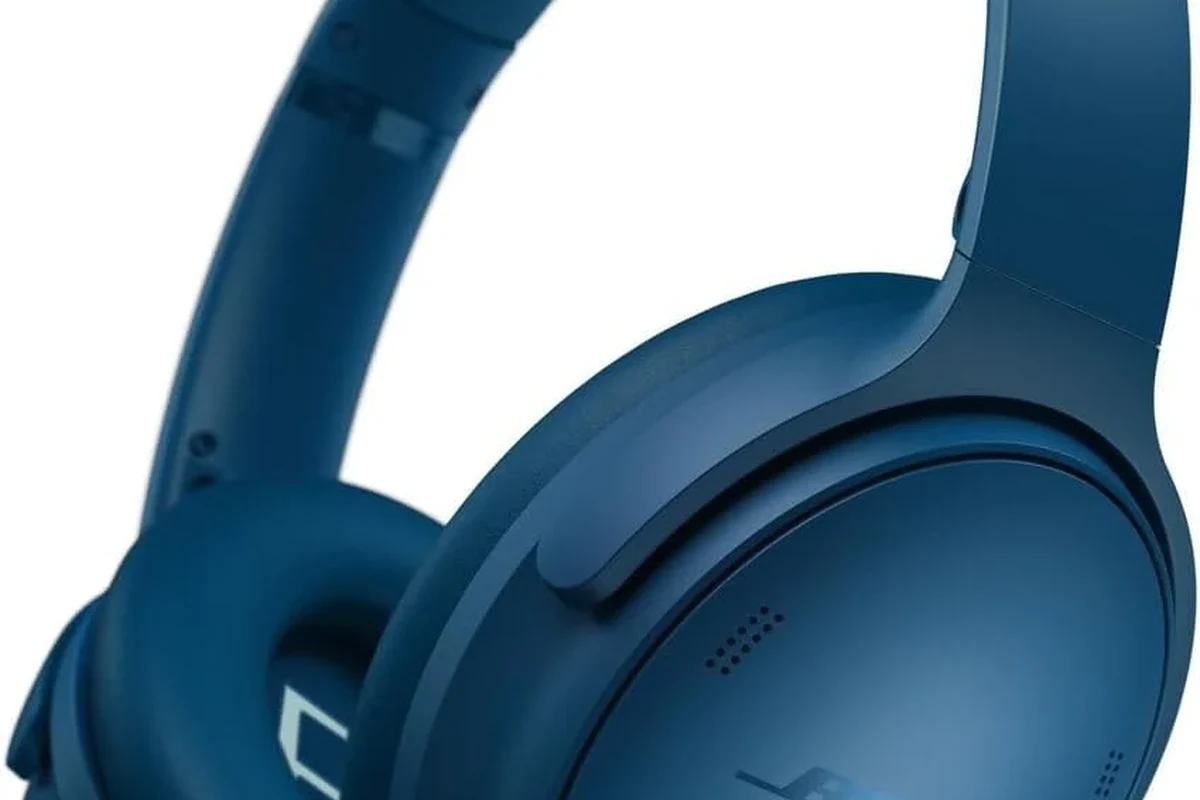
Start with the easiest clues first: look for a printed model name, then check the shape of the earcups, the button layout, and whether the headphones fold. Most Bose models have a very recognizable design once you know what to compare.
If the headphones are connected to your phone or laptop, open the Bluetooth device list and the Bose app, if available. That may show the exact product name or at least a strong hint about the series.
Take a quick photo of the earcup, button side, and charging port. Those three views are often enough to identify a Bose model later without guessing.
Why Knowing Your Bose Model Matters for Support, Repairs, and Accessories
Knowing the exact Bose model helps you buy the right replacement pads, cable, charging accessory, or hard case. It also matters when you need troubleshooting steps, firmware updates, or warranty support.
Many Bose headphones look similar across generations, but small changes in controls or ports can affect compatibility. That’s why a “close enough” guess can lead to the wrong accessory or the wrong reset instructions.
Accessory fit can vary even between similar-looking Bose models, especially across different generations of QuietComfort and Noise Cancelling Headphones.
Check the Physical Design First: Earcup Shape, Buttons, Ports, and Folding Style
The body of the headphone is usually the quickest way to identify it. Look at the earcup shape, whether the headband folds flat or inward, and how many buttons or touch zones are present.
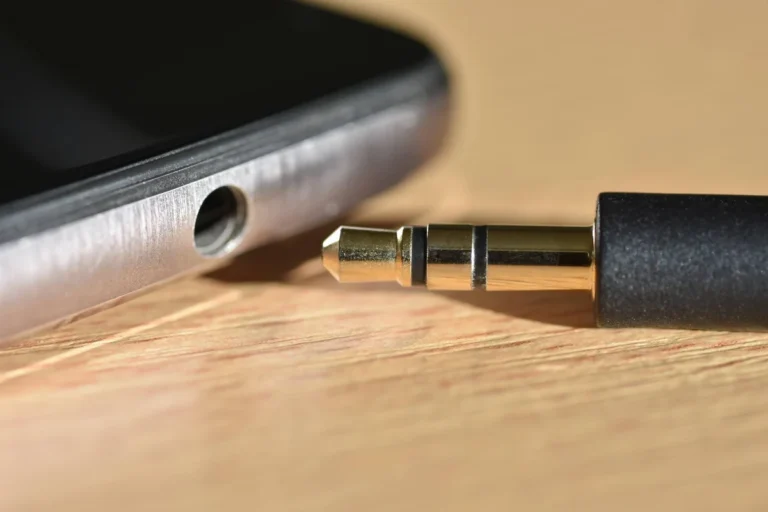
Also check the port type. Some Bose models use older micro-USB charging, while newer ones use USB-C. That single detail can help separate older from newer units fast.
Quick visual cues for QuietComfort, SoundLink, and Noise Cancelling Headphones lines
QuietComfort models are usually over-ear, padded, and built for travel or daily listening. SoundLink models often lean more portable or lifestyle-focused, while Bose Noise Cancelling Headphones models may have a more modern control layout and a sleeker shell.
Do not rely on the line name alone, though. Bose has released multiple versions within each family, and the differences are often in the details rather than the overall shape.
Two Bose headphones can look nearly identical from the front but still differ in controls, charging port, and app support.
Practical example: spotting a QC45 vs. Bose 700 by the control layout
A QC45 and Bose 700 can both be over-ear noise-cancelling headphones, but the control style gives useful clues. One may rely more on physical buttons, while the other may use a different mix of touch controls and a more minimal shell design.
If you are comparing similar Bose models, focus on where the power button sits, whether there is a dedicated ANC or assistant button, and how the earcup surface responds to touch. Those differences are often more reliable than color or packaging style.
Find the Model Name on the Headphones, Box, or Original Documentation
The model name is usually the cleanest answer if you can find it. Bose often prints the product name, serial number, or regulatory information on the inside of the headband, under an earcup, or near the charging port area.
If you still have the box, quick-start guide, or receipt, check those too. Original documentation is often easier to read than tiny text on the headset itself.
Where Bose usually prints the model number and product name
Look under the headband padding, inside the earcup hinge area, or on a small label near the charging port. Some models also have product information printed in very small text that may require good lighting or a phone camera zoom.
The serial number is not always the same thing as the model number, but it can help Bose support identify the product if you need help later.
What to do if the label is faded, missing, or worn off
If the label is faded, use other clues instead of forcing a guess. Compare the controls, app recognition, port type, and folding style against Bose product photos from a trusted source.
You can also check the Bluetooth name on your phone, though that can be generic or renamed by the previous owner. If the headphones were sold used, refurbished, or repaired, the printed label may not tell the full story.
If a label is missing and the headset has been repaired or modified, use multiple clues before buying parts or assuming the exact model.
Use the Bose App and Device Settings to Confirm the Exact Headphone Model
The Bose app can be one of the easiest ways to confirm what you own, especially for newer wireless models. Once paired, the app may show the product name, firmware status, battery level, and available settings.
Your phone or computer’s Bluetooth menu can also help. It may show a recognizable Bose device name, but that name can be changed on some devices or shortened by the operating system.
How Bluetooth device names can help, and where they can mislead you
Bluetooth names are useful because they often include the series or model family. However, a renamed device, a shared household device, or a previous owner’s custom name can make the result less reliable.
If the Bluetooth name looks generic, pair the headphones in the Bose app or compare the device’s available features. That usually gives a more accurate answer than the name alone.
When firmware updates reveal more than the headset name
Firmware screens can sometimes confirm whether your headphones are supported by the current Bose app ecosystem. That is especially helpful when you are deciding between older wireless models and newer ones with more advanced app controls.
If the app offers updates, EQ options, or adjustable noise-cancelling settings, that is another clue about the product family. For readers comparing wireless behavior in general, our guide to Bluetooth headphones explained can help make sense of the connection features.
Compare Sound, Controls, and Features to Narrow Down the Series
Sound and feature behavior can help when the label is gone and the design is not obvious. Look for active noise cancellation, transparency or aware modes, touch controls, voice assistant support, and whether the headphones still work passively with a cable.
These feature differences are especially useful because Bose has released several similar-looking models with different control systems. If you are unsure how the noise control side works, our article on how noise cancelling headphones work is a helpful reference.
Noise cancellation, touch controls, voice assistant support, and wired mode differences
Some Bose headphones are designed around strong ANC and app-based tuning, while others focus on simple physical buttons and straightforward use. Touch-sensitive earcups usually point to a more recent or premium model, though not always.
Wired mode is another clue. Some models keep full functionality over cable, while others behave differently when the battery is low or the cable is attached. That can help separate generations if you test carefully.
- Button count and placement
- Touch controls or physical controls
- USB-C or micro-USB charging
- Noise cancellation and transparency features
- Wired audio behavior
Common mistakes people make when mixing up similar Bose models
One common mistake is assuming all black or silver Bose headphones are the same model. Color is only a cosmetic clue, and Bose often sells multiple models in the same finish.
Another mistake is assuming every over-ear Bose headset with ANC is a QC series model. Newer Bose Noise Cancelling Headphones and older QuietComfort models can overlap in appearance, so feature checks matter.
Can the same Bose headphones look different after replacement parts are swapped?
Yes. Earpads, headbands, and even earcup shells can be replaced, which may make a headset look newer or slightly different than its original design.
Expert Advice: Don’t Rely on Color Alone and Watch for Replacement Parts Mismatches
Color can be helpful, but it should never be your only clue. A refurbished unit, a repaired headset, or a swapped earcup can hide the original model identity.
If the headphones came from a reseller or secondhand marketplace, compare several details at once: port type, control layout, app support, and physical shape. That is much safer than guessing from appearance alone.
Warning signs that a refurbished, repaired, or swapped earcup may hide the real model
Look for mismatched wear patterns, different gloss levels between earcups, or screws and seams that do not match the rest of the headset. Those signs can indicate replacement parts or a repair job.
If one side looks newer than the other, the model may still be original, but the housing may not be. In that case, use the serial label and app pairing first, then compare the remaining hardware clues.
Why the wrong earpads, cables, or charging case can indicate a mismatch
Replacement parts are a strong clue because Bose accessories are often model-specific. If the pads do not fit cleanly or the charging cable style seems wrong for the generation, something may be off.
The same goes for cases. A case that feels too tight, too loose, or shaped for a different fold style can reveal that the headset belongs to another Bose family. For readers comparing fit styles, our guide to over-ear vs on-ear vs in-ear may also help.
Price, Age, and Model Generation Clues That Help Identify Older Bose Headphones
If your Bose headphones are older, launch era and original retail positioning can help narrow them down. Older Bose models often have different charging ports, simpler controls, and less app integration than current versions.
Even without a receipt, the design era can tell you a lot. A more compact Bluetooth headset with older charging hardware is usually easier to place than a current model with modern app support.
How launch era and original retail price can separate legacy Bose models from newer ones
Legacy Bose models tend to show their age in small ways: older port standards, less polished touch controls, or fewer software features. Newer models usually lean more heavily on app customization and updated wireless behavior.
Price history can be a clue, but it should only support your other observations. Retail positioning changes over time, and used-market prices can be misleading.
Comparison cues for budget-friendly older units versus premium current-generation models
Budget-friendly older Bose units may have simpler controls, less advanced ANC tuning, and fewer companion-app features. Premium current-generation models often look cleaner, feel more integrated, and support more software-based adjustments.
If you want to compare how age and feature sets affect listening, it can also help to read about wired vs wireless headphones and how those design choices affect everyday use.
Listening at high volumes for long periods can cause hearing damage. Keep volume at 60% or below for extended sessions.
Final Recap: The Fastest Way to Tell Which Bose Headphones You Have
The fastest method is simple: check the printed model name, then confirm it with the Bose app, Bluetooth settings, and the physical design. If those clues still leave doubt, compare the controls, charging port, folding style, and accessory fit.
For most people, that combination is enough to identify a Bose headset in just a couple of minutes. If the headphones were repaired, refurbished, or heavily used, use several clues together so you do not buy the wrong replacement parts or follow the wrong support guide.
If the headphones seem inconsistent, sound abnormal, or cause discomfort during long listening sessions, consider asking Bose support or an audiologist for guidance. For hearing concerns, especially tinnitus or pain, professional advice is the safest next step.
Frequently Asked Questions
Check for Bluetooth pairing, a battery, and charging port support. Wired-only models usually rely on a cable connection and may not have app features.
Noise cancelling uses electronics to reduce outside sound, while noise isolation depends on the physical seal of the earcups or ear tips. Both can help, but they work differently.
Closed-back headphones are usually better for travel, commuting, and privacy because they block more outside sound. Open-back designs are less common in Bose headphones and are usually better for quiet home listening.
Check the product page or model label for driver information if available. In general, driver specs matter, but tuning, fit, and seal also affect bass, clarity, and overall sound.
Look at the exact model, battery condition, pad wear, and whether the accessories are original. Budget buyers should compare comfort, ANC, and compatibility before focusing on color or cosmetic condition.
For commuting, prioritize ANC and comfort. For gaming or studio work, check latency, wired support, mic quality, and whether the sound profile matches your use case.